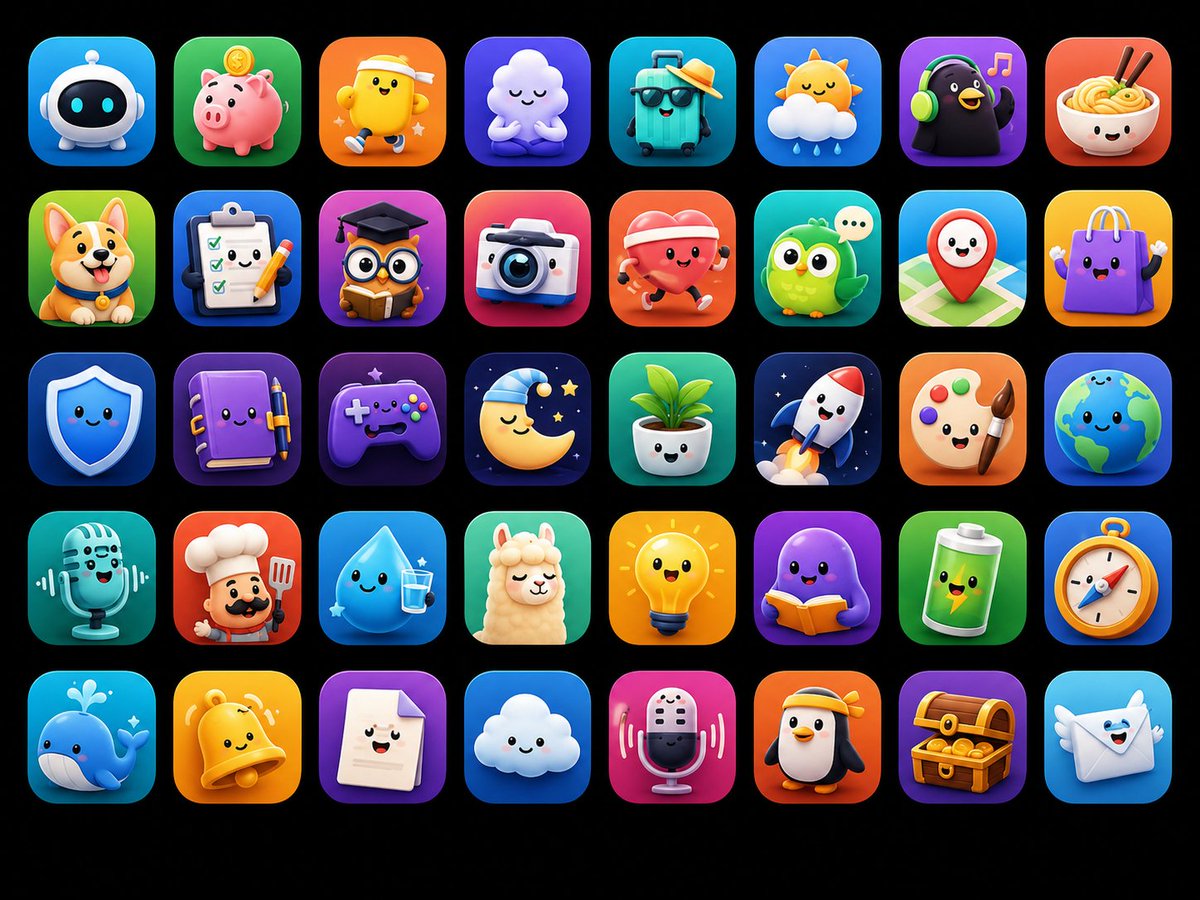
Curated Prompt Pack
App UI Mockup Prompts
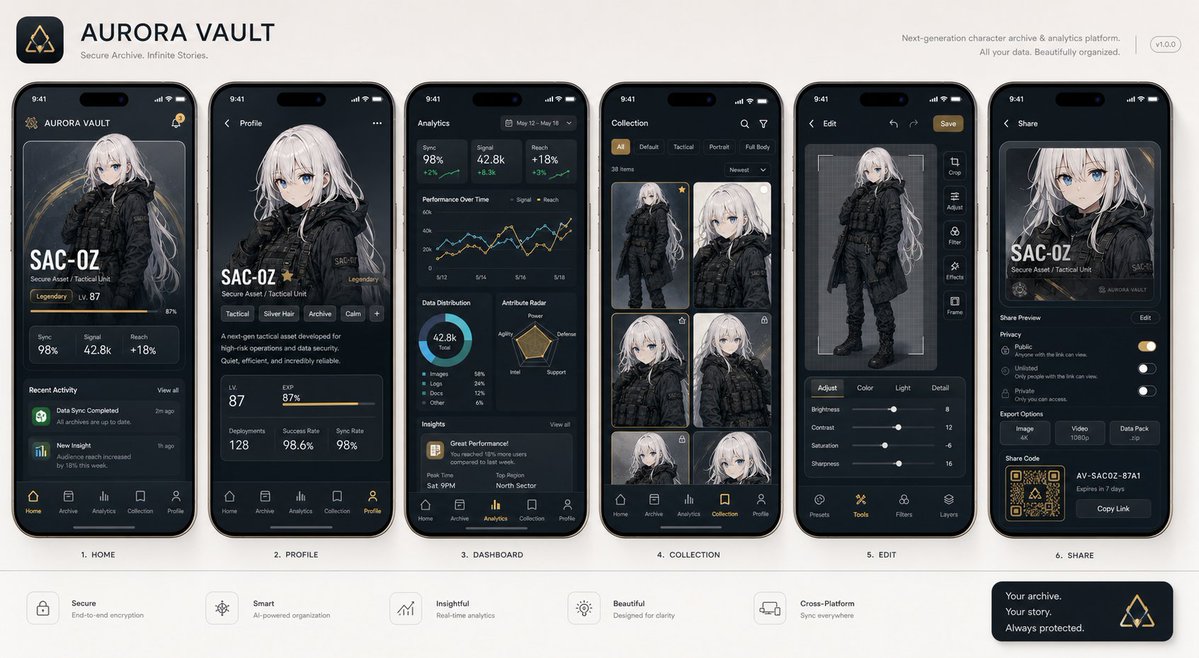
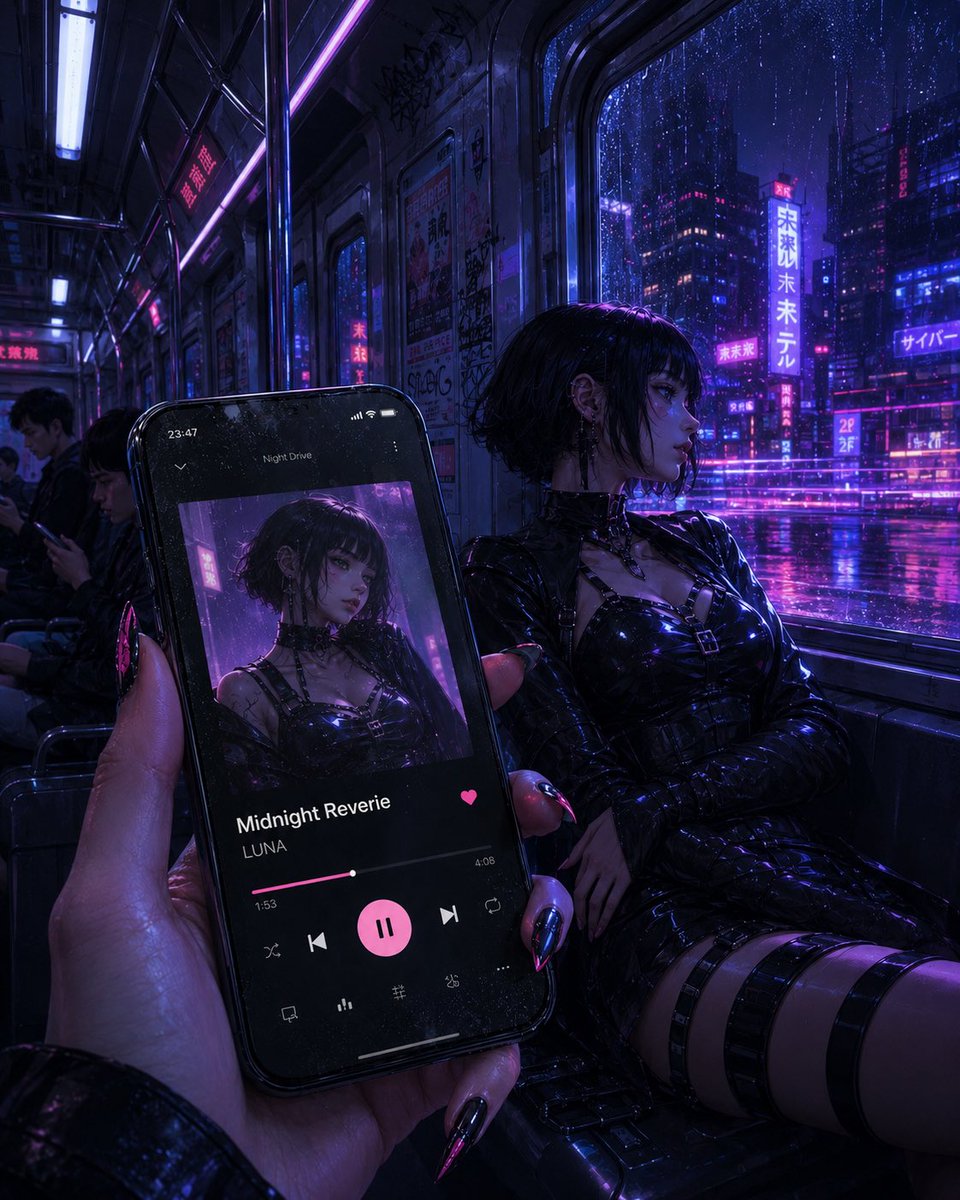
AI app UI mockup prompts for interface concepts, product screens, dashboards, and design-direction thumbnails.
UI mockup prompts are strongest when they define product context, screen purpose, information hierarchy, density, component style, and device framing. They should not replace production design specs.
Use this pack for visual direction, then rebuild the interface in your design system with accessible text, real data, and tested interactions.
Describe one screen and one primary user task at a time. Name the product type, user role, decision being made, most important information, navigation pattern, and expected action. Specify desktop, tablet, or mobile framing; compact or comfortable density; table, form, timeline, map, feed, or dashboard structure; and the desired relationship between content and controls. Ask for realistic hierarchy and component states rather than decorative glass effects or a collage of unrelated screens. This gives the model enough product context to propose a coherent visual direction.
Evaluate a generated mockup as a storyboard. Check whether the main action is discoverable, related data is grouped, destructive actions are distinct, labels are understandable, and empty, loading, error, success, disabled, and overflow states have a place in the system. Use the curated cases to compare navigation and density, then translate promising ideas into your actual component library. Replace invented metrics and placeholder copy with representative data before user review, and test the information architecture independently from the visual polish.
Never treat a rendered interface image as implementation-ready. Generated text may be unreadable, controls may be inconsistent, and interactions cannot be validated from a still image. Rebuild the chosen direction with semantic HTML, keyboard support, focus states, color contrast, localization space, responsive constraints, and analytics requirements. Avoid copying a competitor screen or exposing real customer data in a prompt. Preserve source attribution for the visual reference, document which parts were AI-assisted, and run design, accessibility, security, and product reviews before production use.
Validate the rebuilt flow with representative users before release.
Best use cases
- - Landing app screens
- - Dashboard concepts
- - Mobile flow previews
- - Product direction thumbnails
How to adapt these prompts
- - Replace product type and primary user task.
- - Specify density, navigation, and component style.
- - Rebuild final UI outside the image model.
Common mistakes
- - Treating generated UI text as final.
- - Ignoring accessibility.
- - Mixing too many screens in one image.
Selected prompt examples
App UI Mockup Prompts examples
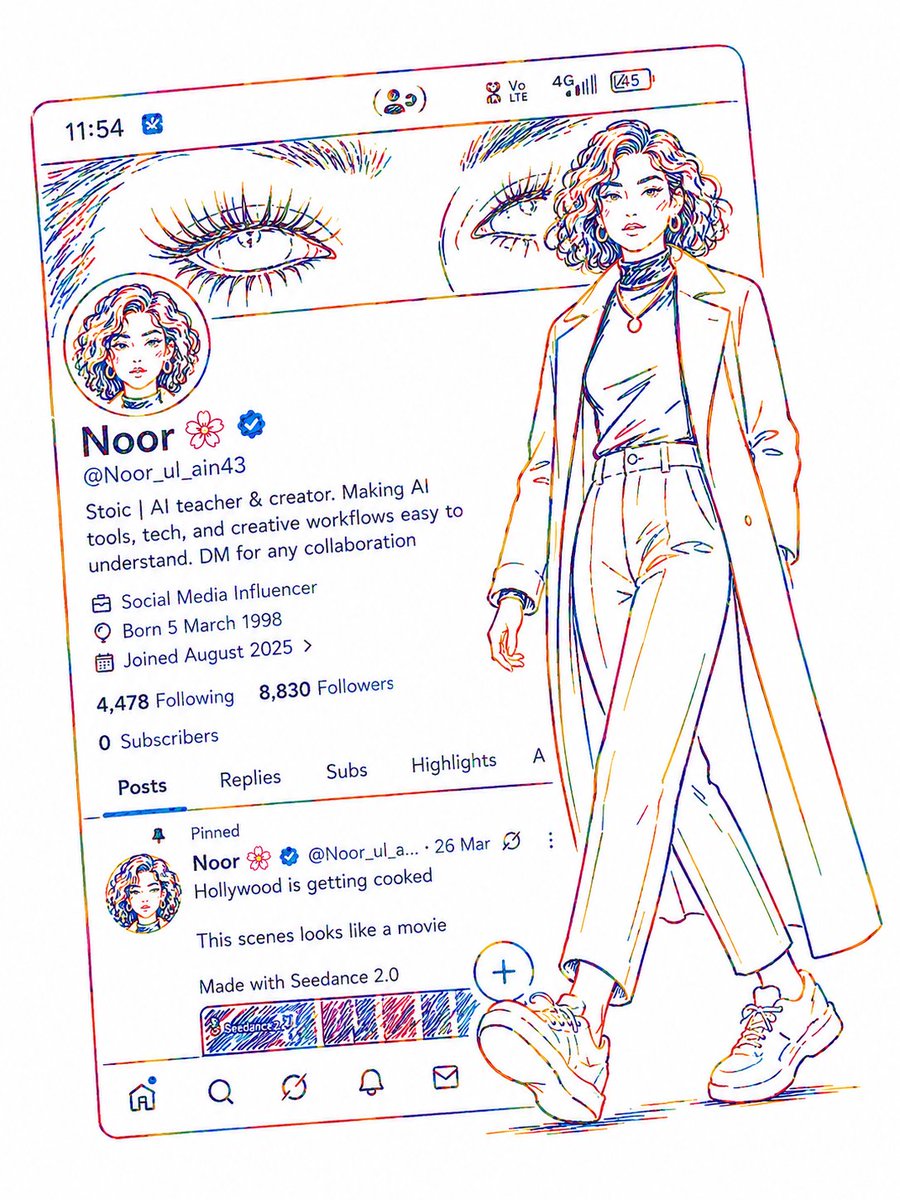
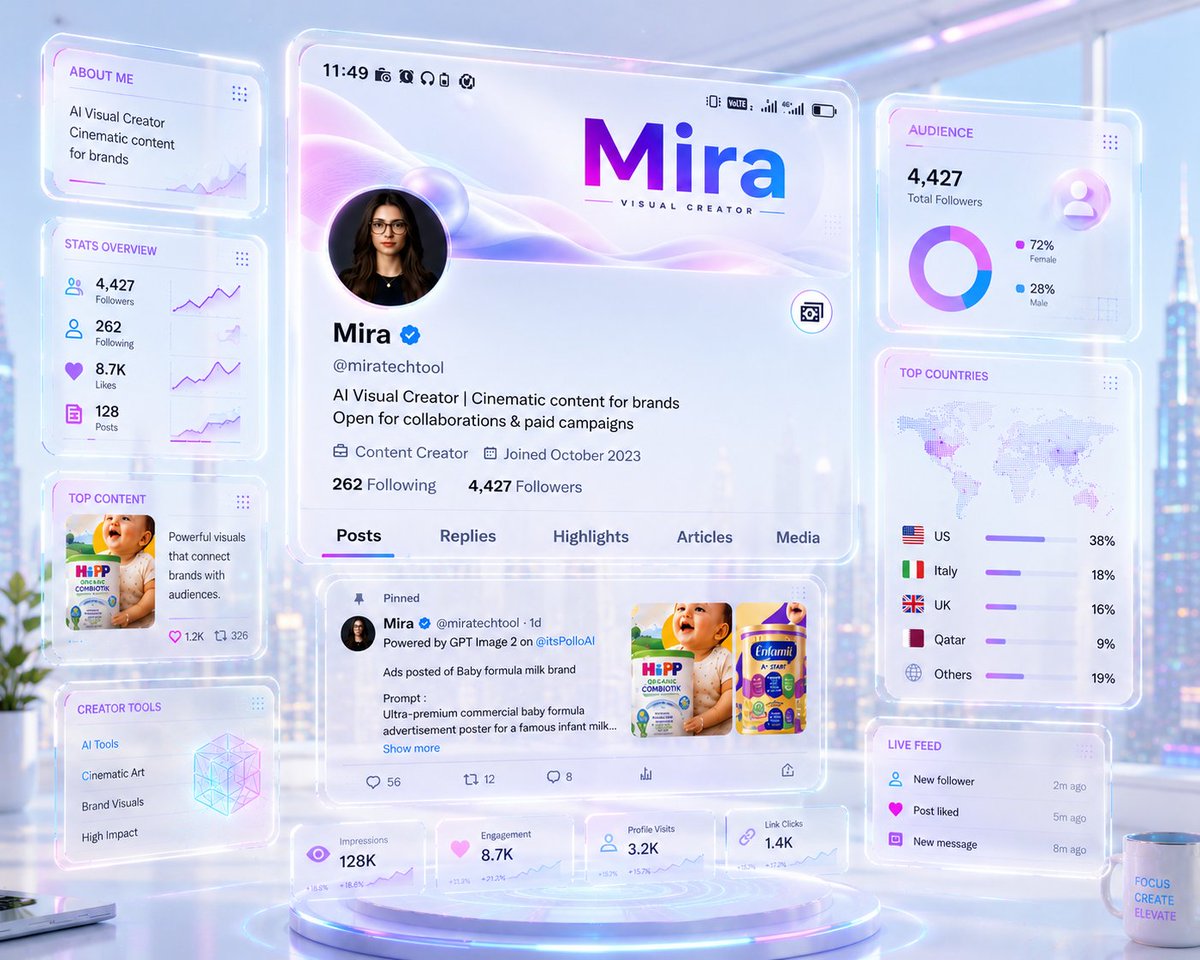
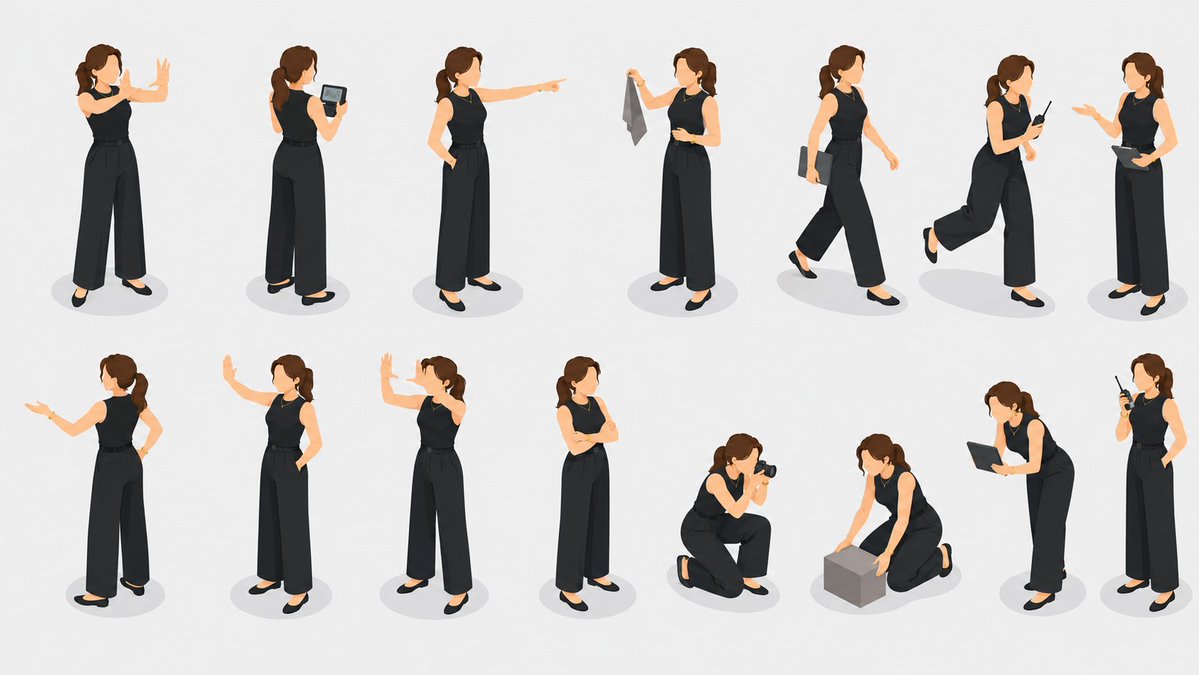
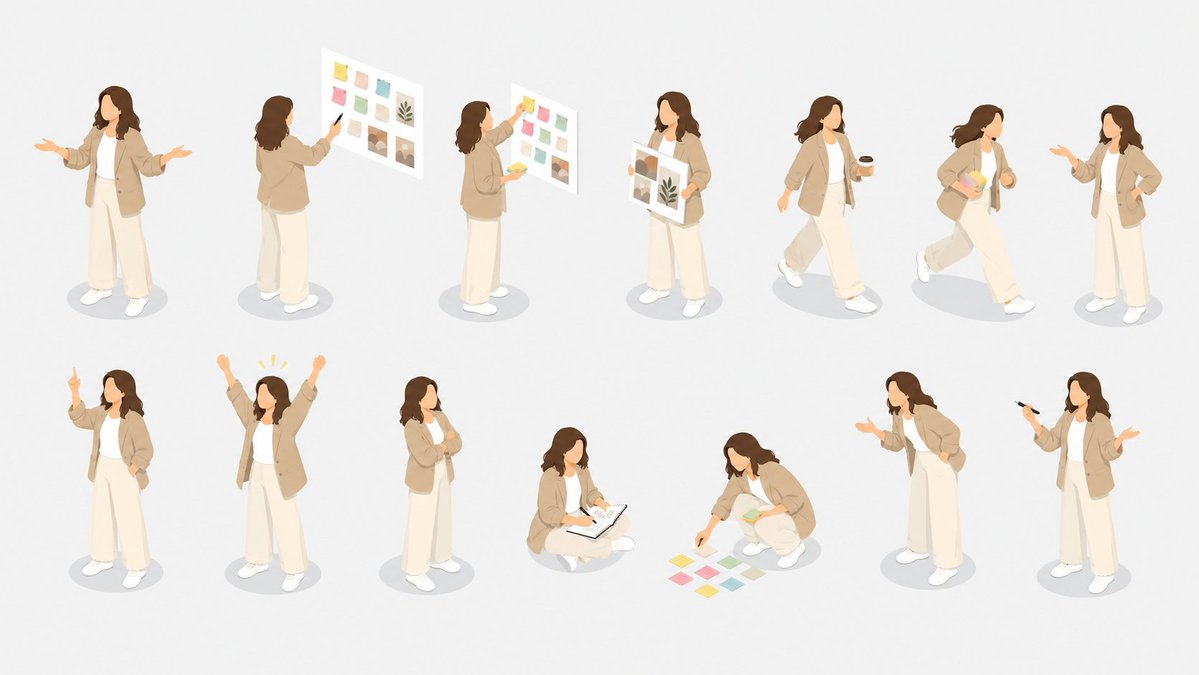
Each case keeps real media, model routing, source attribution, and reuse cautions visible.
All prompts loaded
Prompt pack FAQ
Can I use app ui mockup prompts commercially?
The page keeps source attribution and reuse cautions visible. Review the original source, brands, likenesses, logos, and third-party media before client or paid use.
How do I adapt app ui mockup prompts?
Keep the prompt structure, then replace the subject, scene, aspect ratio, camera, style, and constraints. Re-check source and commercial risk after editing.
Why is this pack curated instead of exhaustive?
The pack only highlights selected cases, so IPG does not create large batches of thin indexed URLs after the spam update.