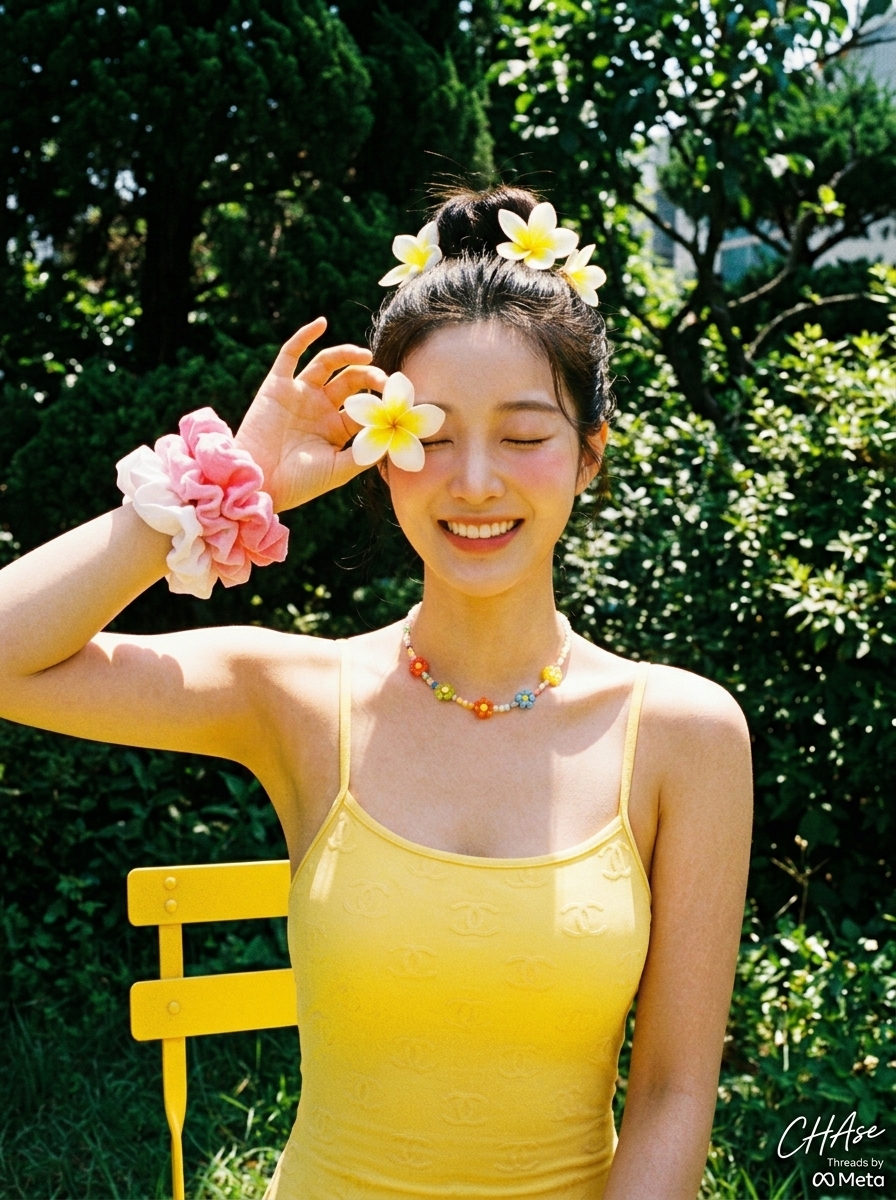
Curated Prompt Pack
Social Media Image Prompts
AI social media image prompts for post backgrounds, creator campaign visuals, story crops, thumbnails, and promotional concepts.
Social prompts must name the platform, crop, visual hook, subject, contrast, and empty space for captions. This pack prioritizes prompts that can become reusable campaign directions.
Generate visual options, then add final text and compliance details in the publishing workflow.
Define the placement before the style. A square feed post, vertical story, short-video cover, wide community banner, and small thumbnail impose different safe areas and reading distances. State the single visual hook, intended audience, subject scale, background complexity, contrast, and where copy or interface overlays will sit. Ask for a composition that survives cropping instead of merely naming a platform aesthetic. If a campaign needs several formats, generate from one stable art direction and deliberately recompose each crop rather than stretching or automatically trimming the first image.
Adapt the curated examples as a system. Keep the hook, palette, lighting, and image treatment while changing subject, product, season, or audience. Produce a small set of variants for testing, but record the hypothesis behind each difference so performance data remains interpretable. Check the result at actual mobile size and with interface elements overlaid. Add final headlines, subtitles, prices, hashtags, and calls to action in the publishing tool, where spelling, localization, contrast, and line breaks can be controlled.
Review social assets for context and rights before scheduling. Remove accidental logos, protected characters, misleading product depictions, unlicensed likenesses, and visual claims that the post copy cannot support. Confirm whether a synthetic-media disclosure, paid-partnership label, accessibility description, or regional legal note is required. Keep source attribution and commercial-use cautions with the working file, and route sensitive topics through brand and policy review. Monitor comments and performance after publication, but do not confuse engagement with factual accuracy or permission to reuse an upstream asset.
Archive the approved crops, copy, alt text, source record, and campaign owner so later variants inherit reviewed material instead of repeating the same compliance work.
Best use cases
- - Post backgrounds
- - Story visuals
- - Creator campaigns
- - Thumbnail ideas
How to adapt these prompts
- - Set platform crop and hook.
- - Reserve space for captions.
- - Check claims, likenesses, and brand rules.
Common mistakes
- - Ignoring crop constraints.
- - Generating final copy inside the image.
- - Overusing copyrighted characters.
Selected prompt examples
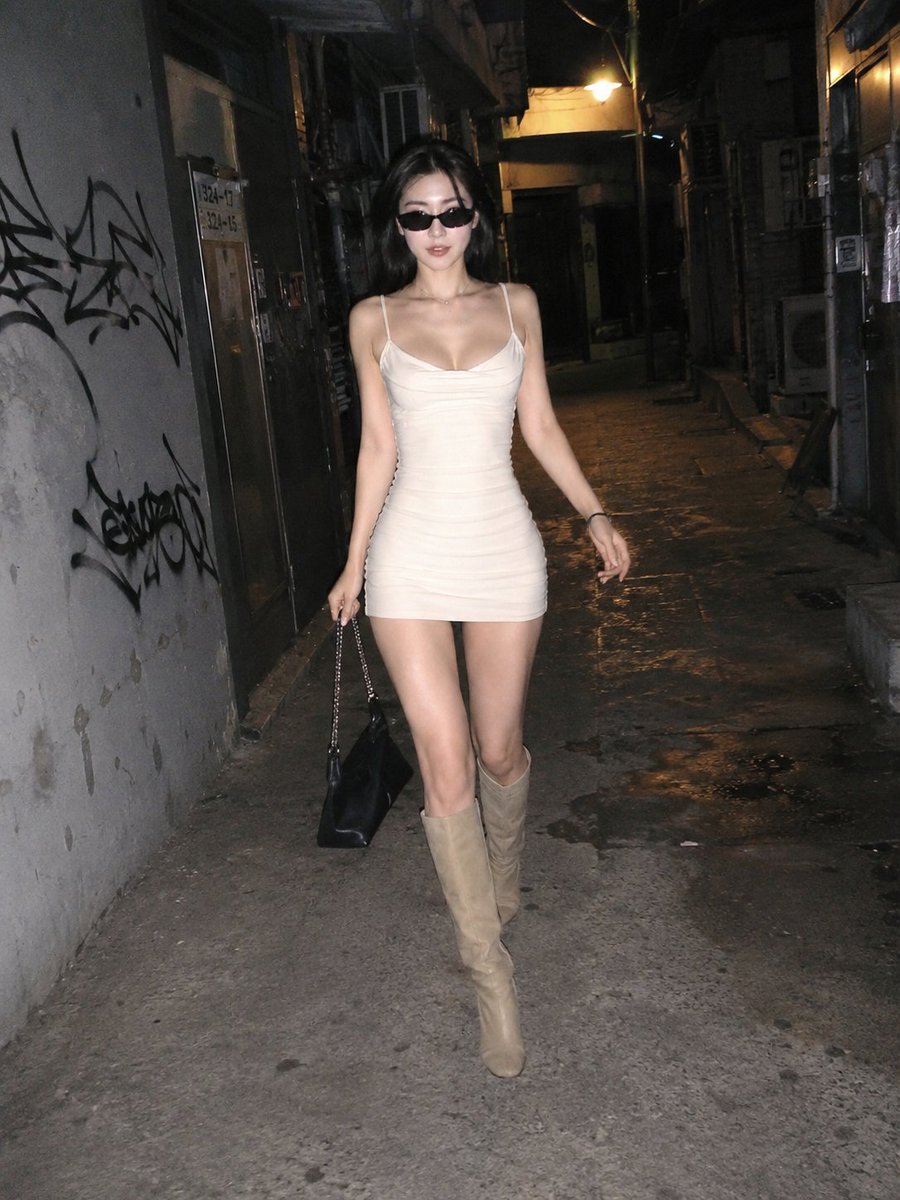
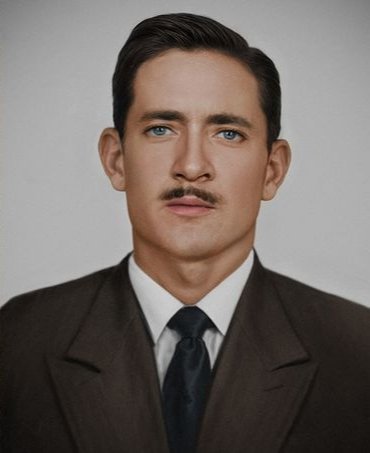
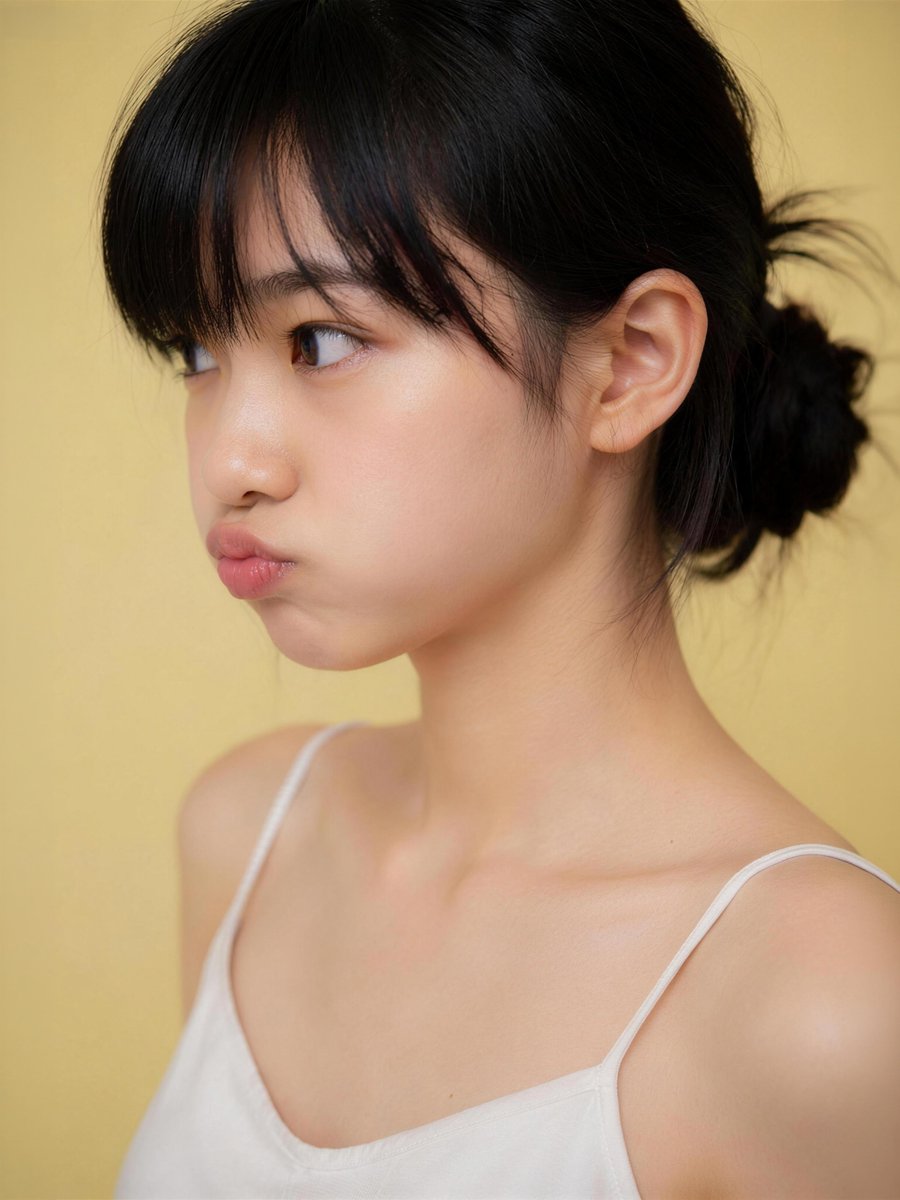
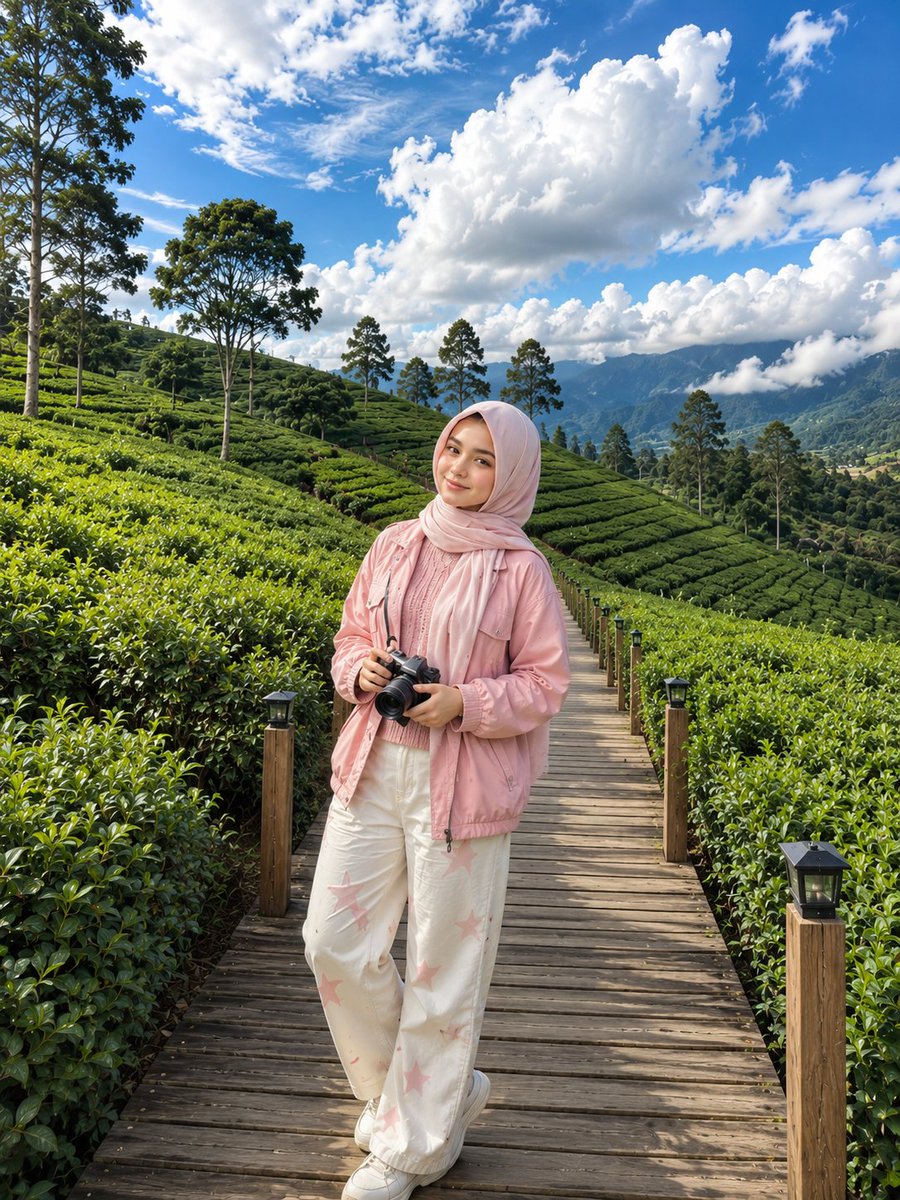
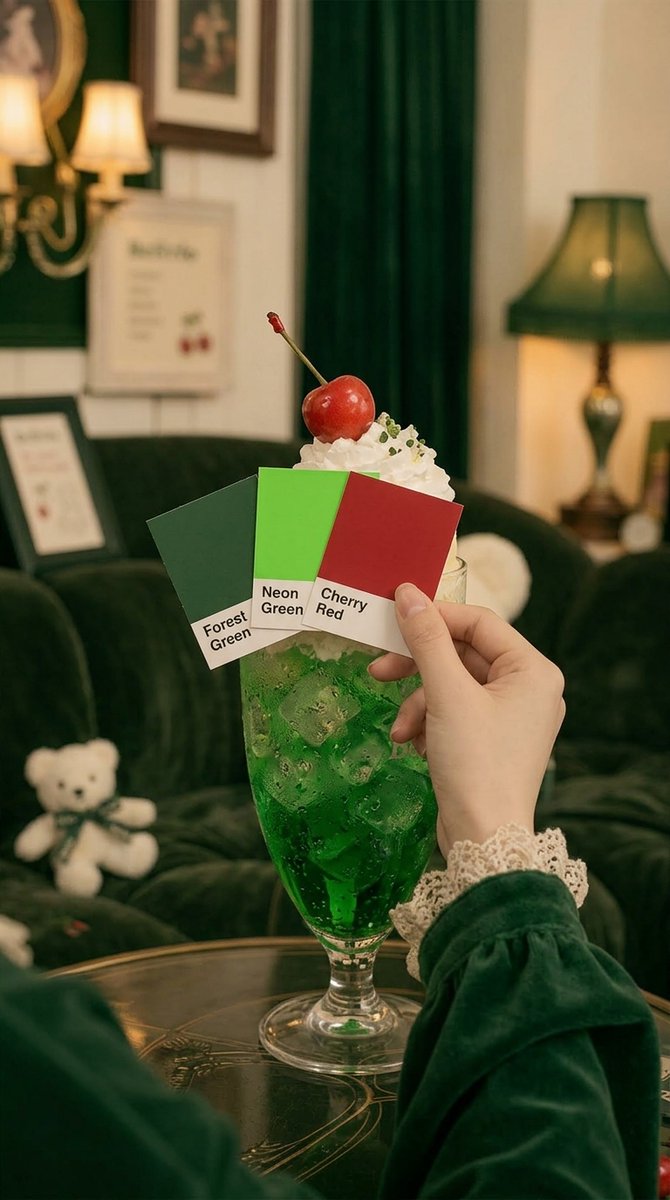
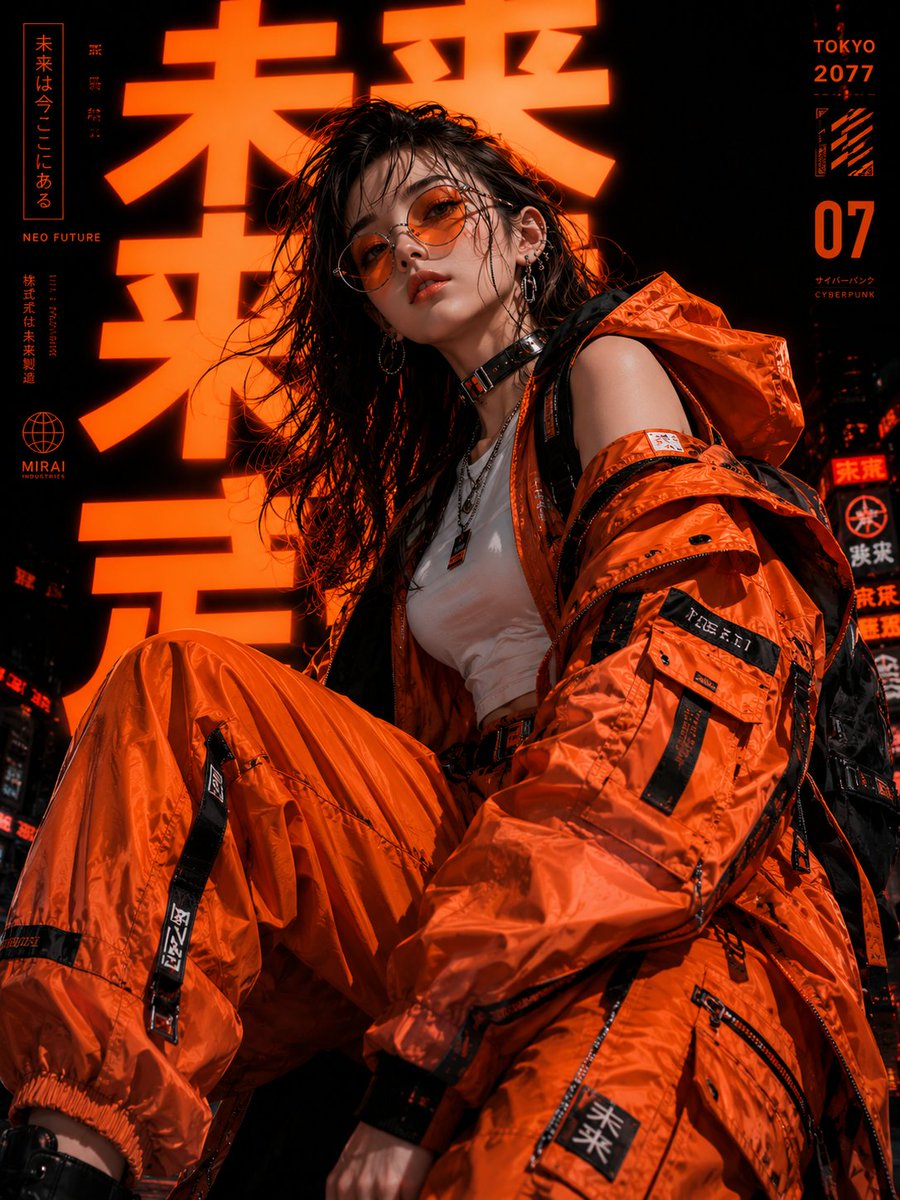
Social Media Image Prompts examples
Each case keeps real media, model routing, source attribution, and reuse cautions visible.

All prompts loaded
Prompt pack FAQ
Can I use social media image prompts commercially?
The page keeps source attribution and reuse cautions visible. Review the original source, brands, likenesses, logos, and third-party media before client or paid use.
How do I adapt social media image prompts?
Keep the prompt structure, then replace the subject, scene, aspect ratio, camera, style, and constraints. Re-check source and commercial risk after editing.
Why is this pack curated instead of exhaustive?
The pack only highlights selected cases, so IPG does not create large batches of thin indexed URLs after the spam update.