
Source attribution
GPT Image 2 Source Attribution
Image Prompt Gallery uses Awesome GPT Image 2 Prompts as the public source for GPT Image 2 prompt examples. Each page keeps the repository link, exact model route, preview media, and commercial-use caution visible before reuse.
Open-source repository
https://github.com/Toolcentral-ai/awesome-gpt-image-2-promptsTarget model
GPT Image 2
gpt-image-2
gpt-image-2
Commercial use
allowed
Published cases
18707
Commercial-use caution
Before using any imported prompt, preview, or visual direction in paid work, review the source, rights holder expectations, brand constraints, likeness risks, and client approval requirements.
Toolcentral-ai
Public repository maintenance notes
Toolcentral-ai repositories explain dataset source, fields, attribution, opt-out, and commercial-review boundaries. Site pages link only to public repositories and public sources; admin review fields, GSC data, private API tokens, and operations fields stay out of the open dataset.
Open public repositoryLooking for GPT Image 2 prompt examples?
Use the GPT Image 2 prompt library as the canonical Image Prompt Gallery hub for reusable examples. This source page supports attribution, rights review, and correction context.
What you can reuse from this source
Prompt structure
Reuse the subject, composition, motion, style, constraint, and output-goal structure as a starting point.
Preview media
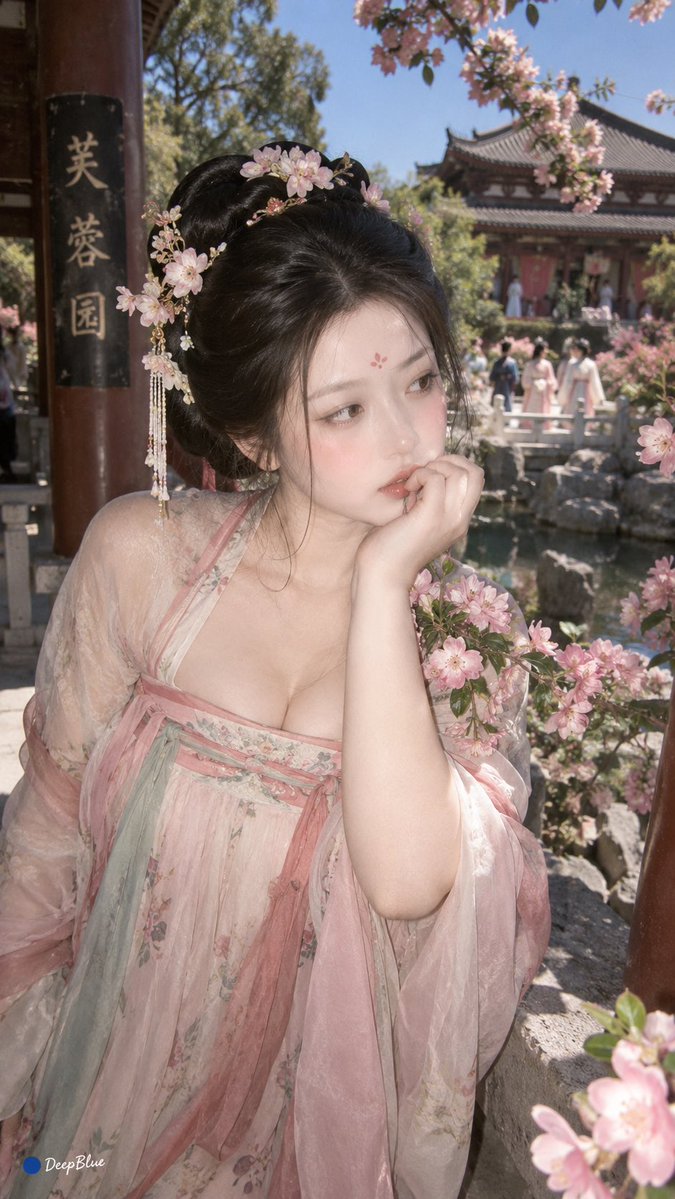
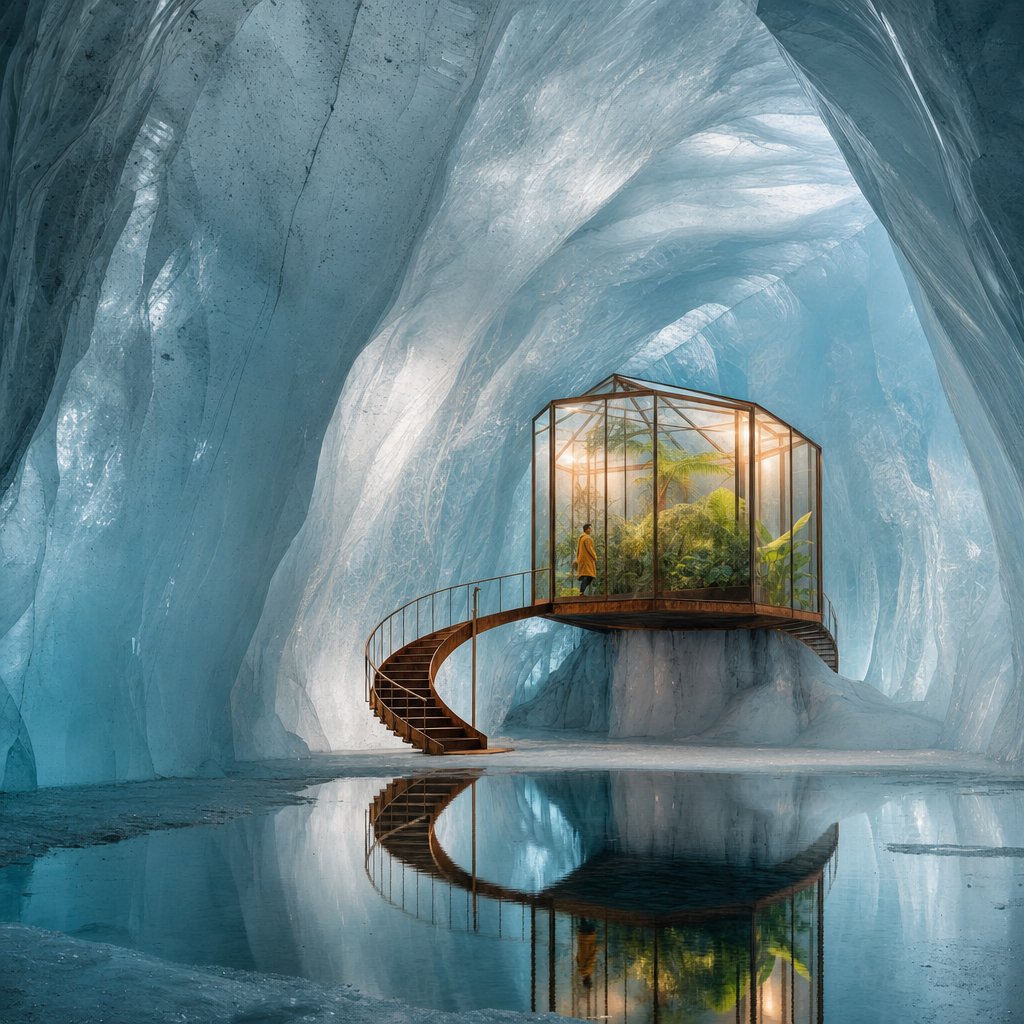
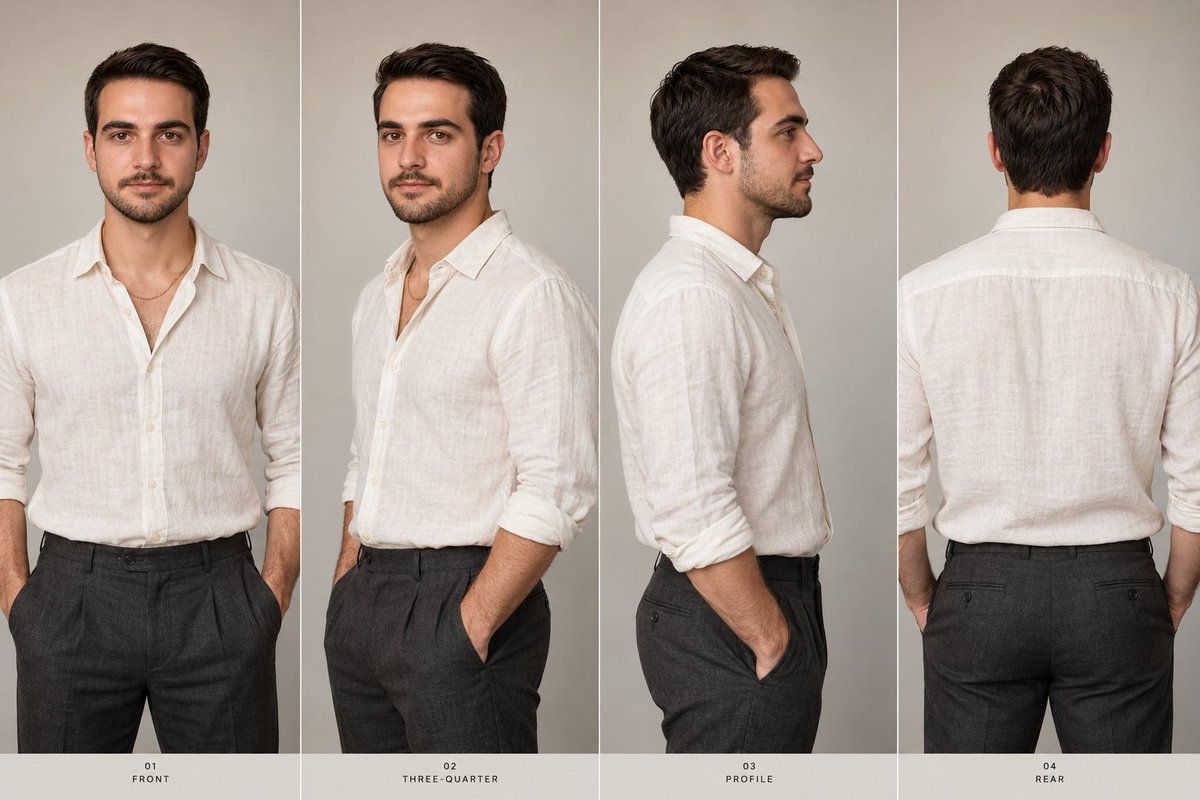
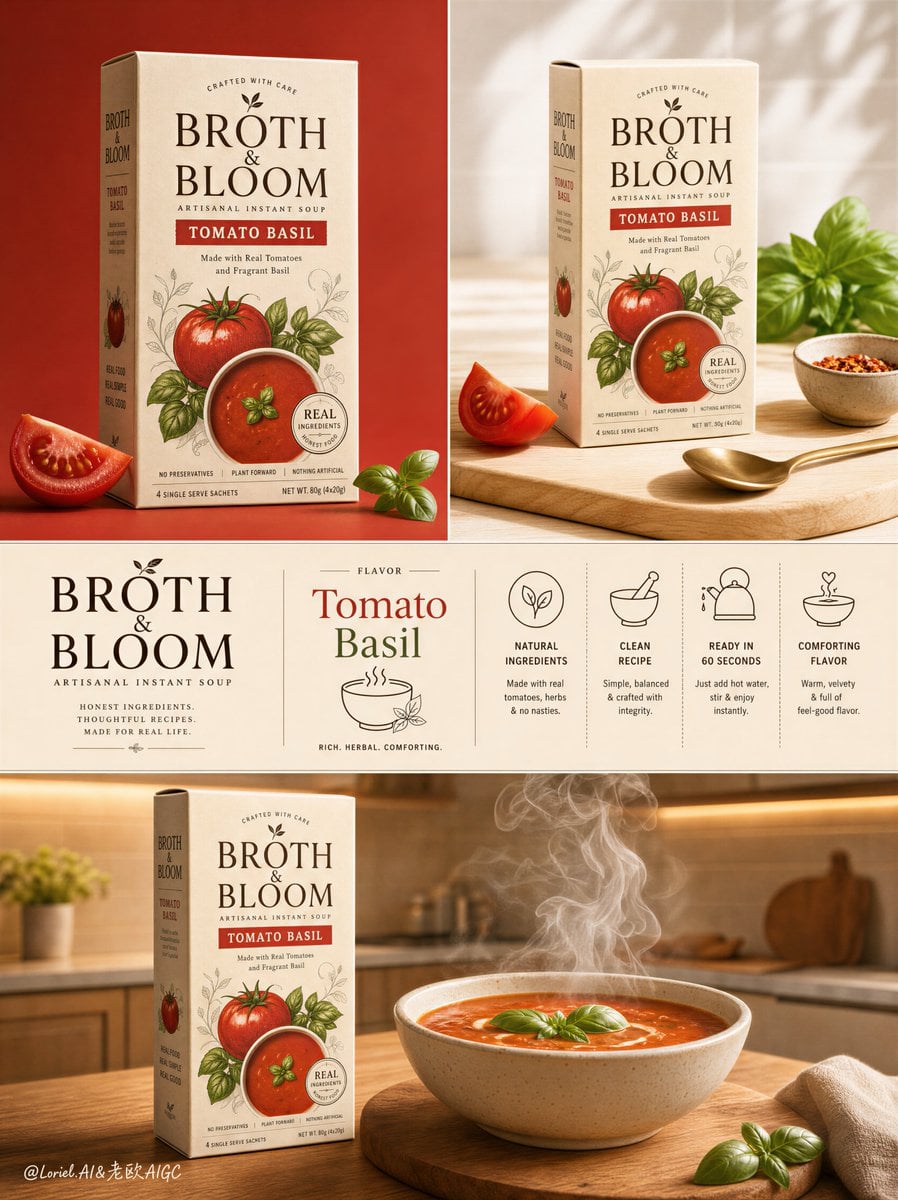
Treat preview images or videos as examples, not as assets automatically cleared for commercial reuse.
Source attribution
Keep the source visible and open the latest source URL when rights, removals, or corrections matter.
Commercial review
Check brand, character, likeness, source-media, and client restrictions before paid usage.
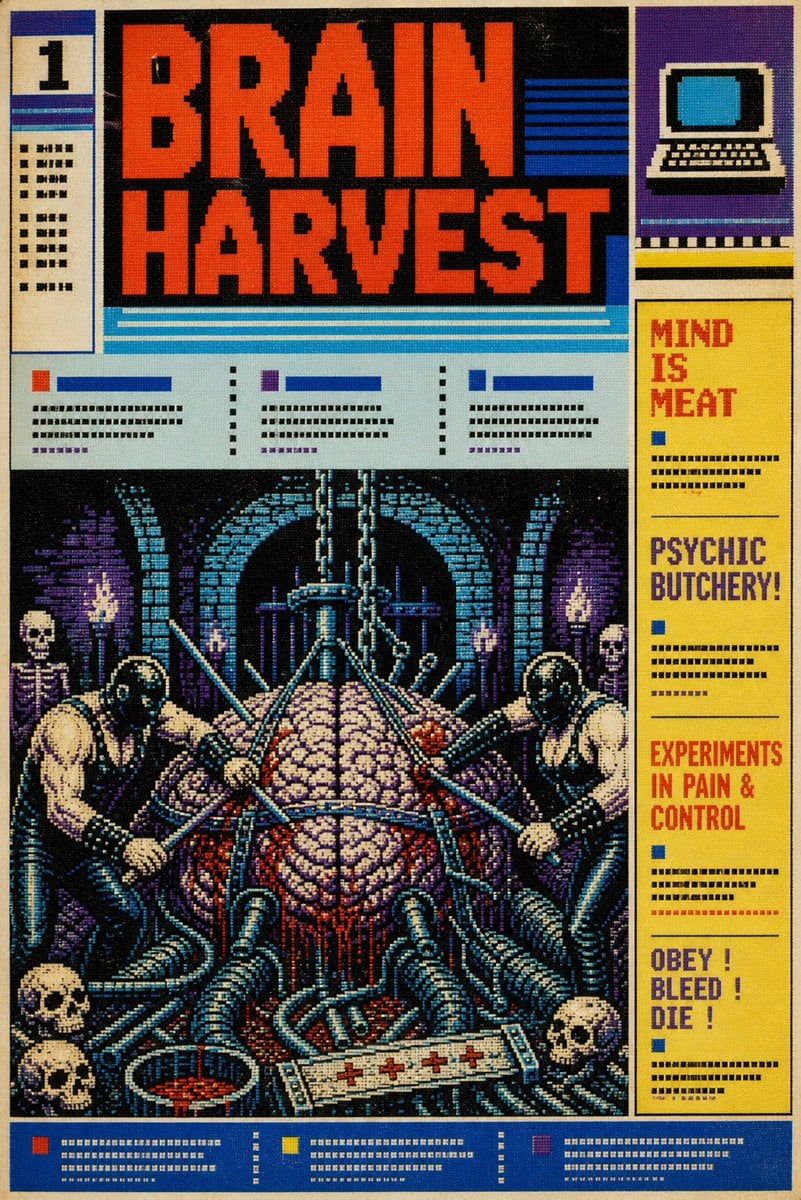
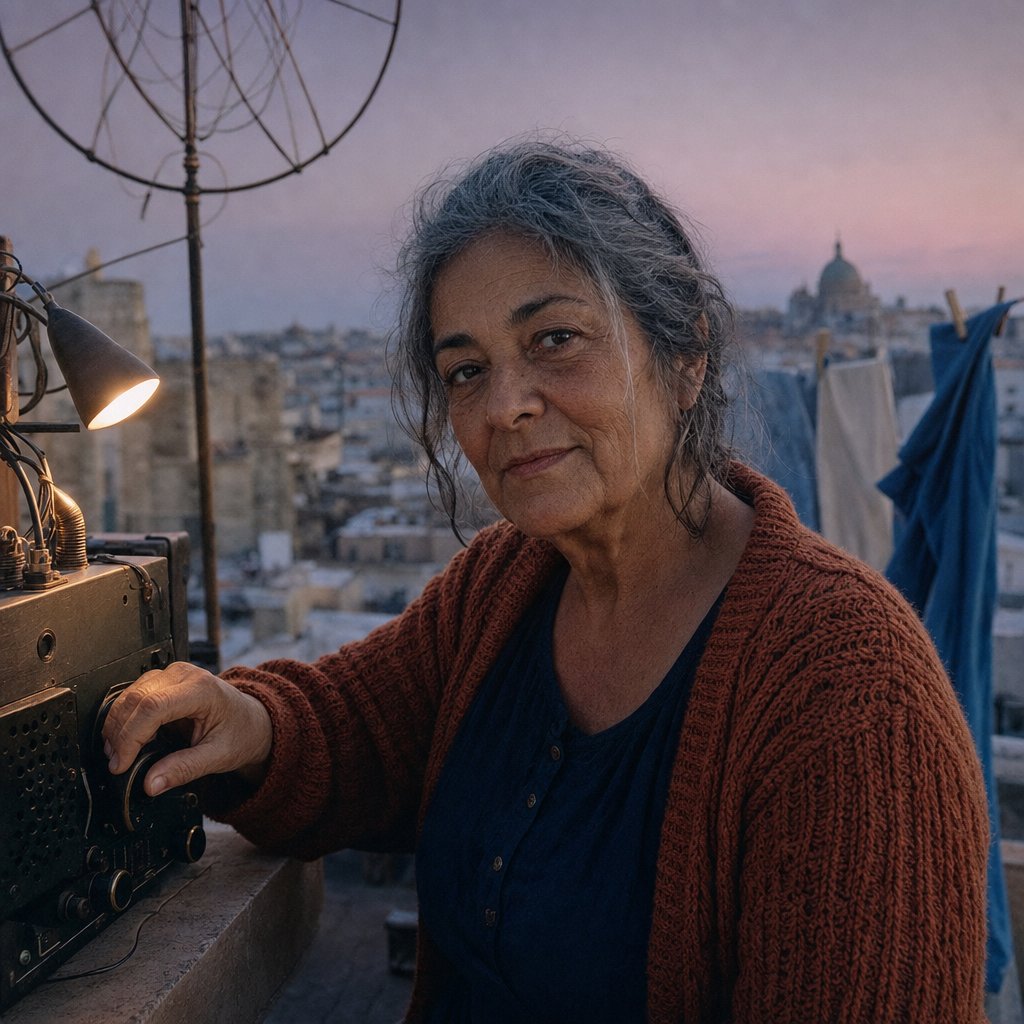
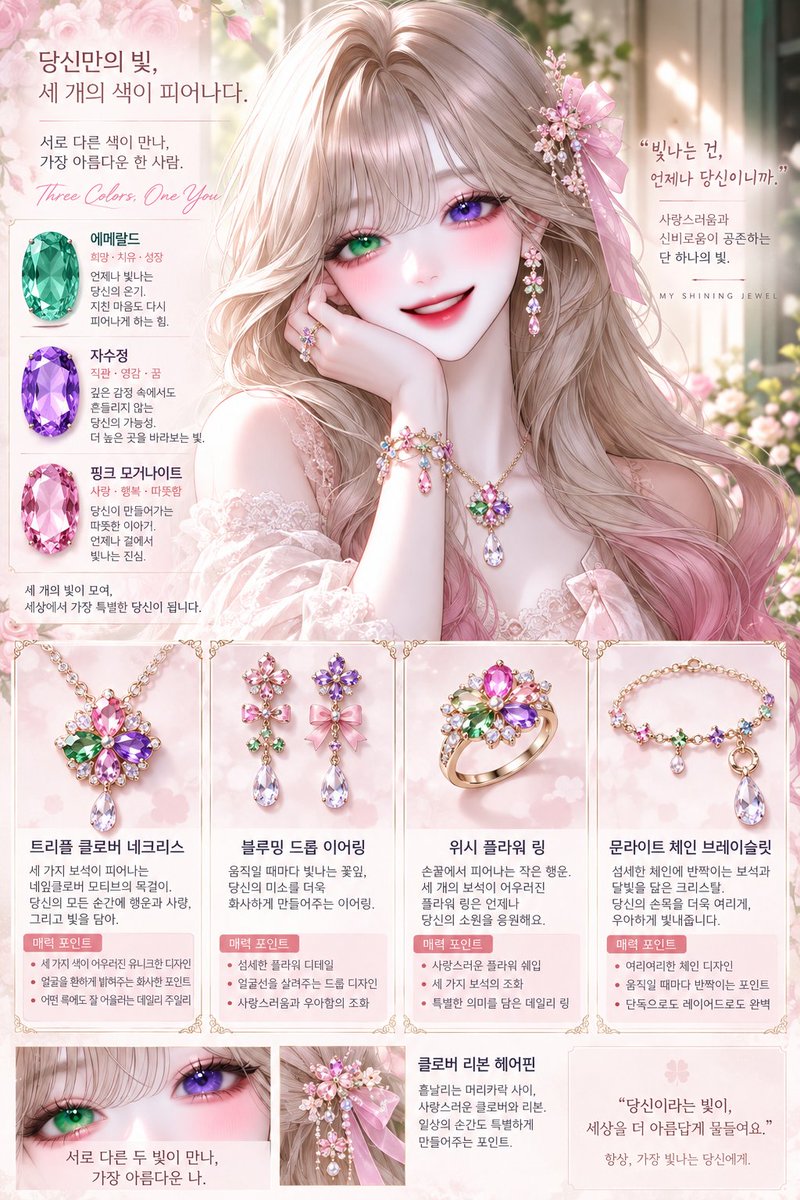
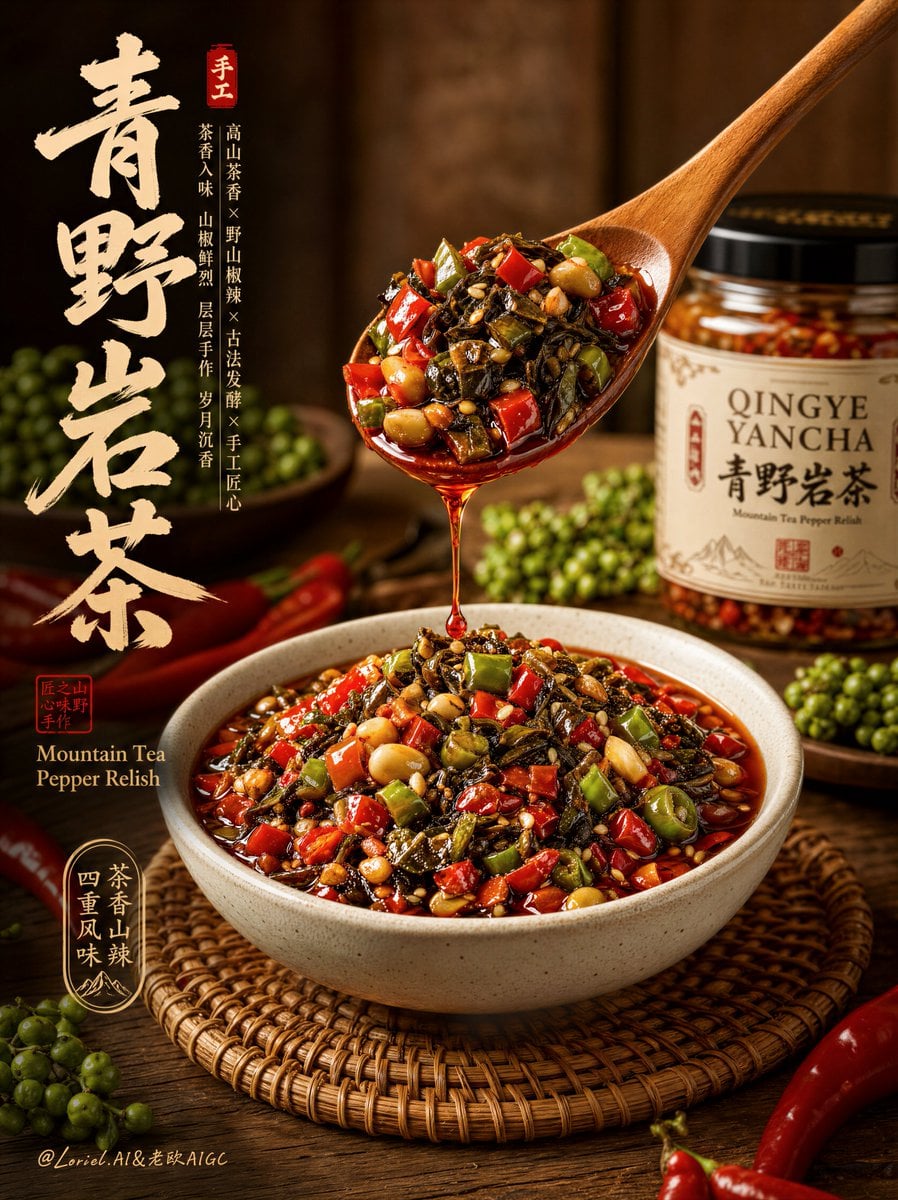
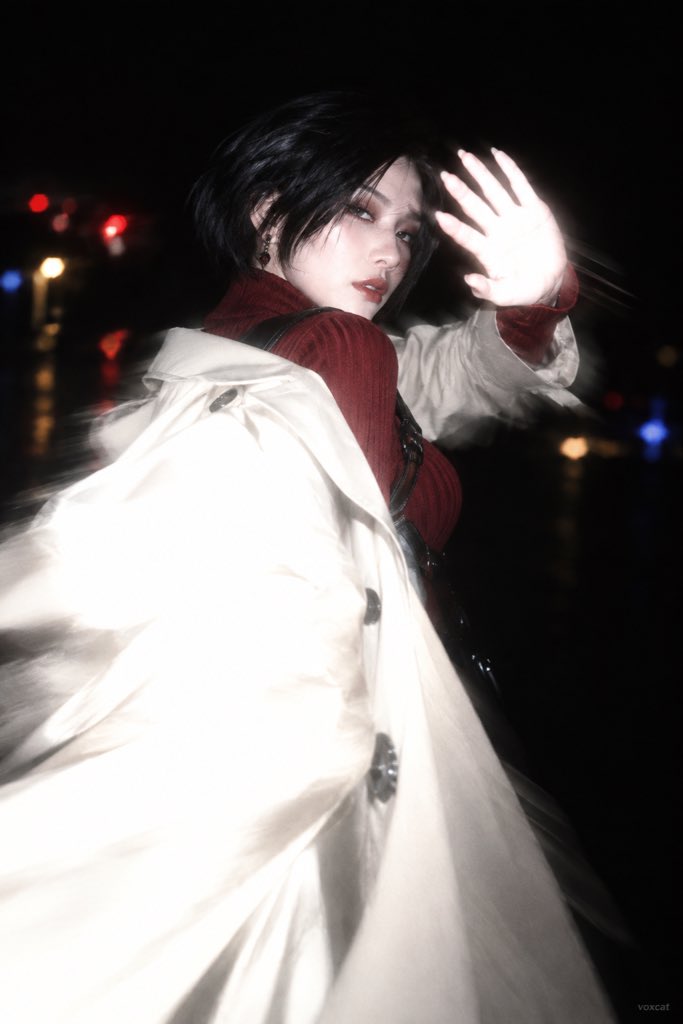
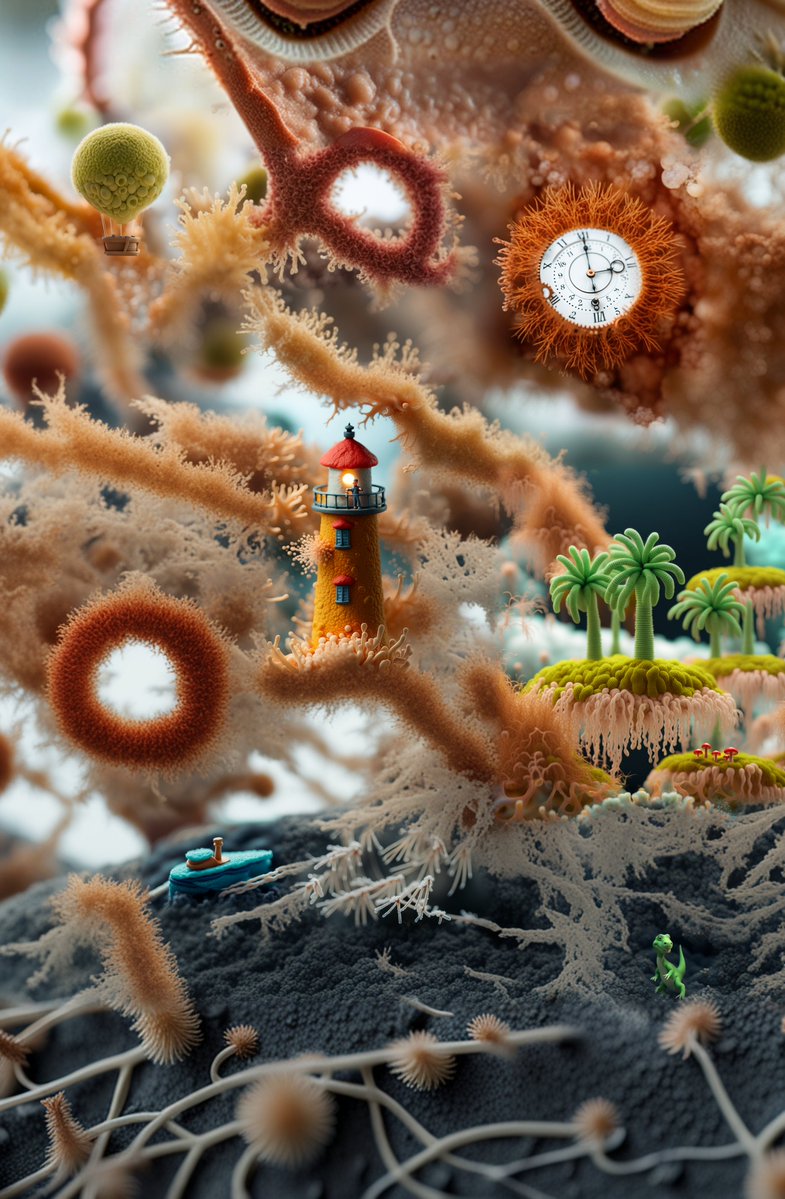
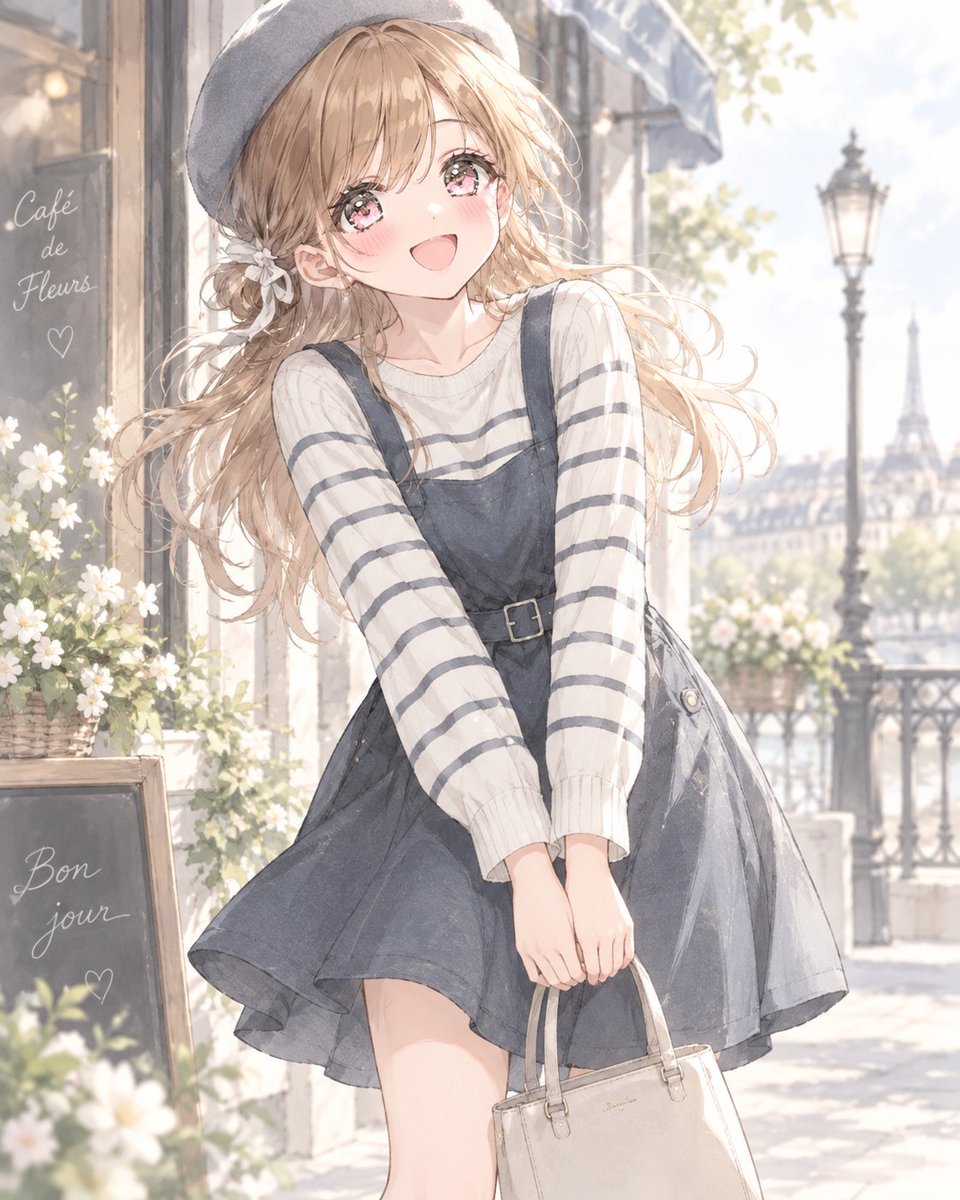
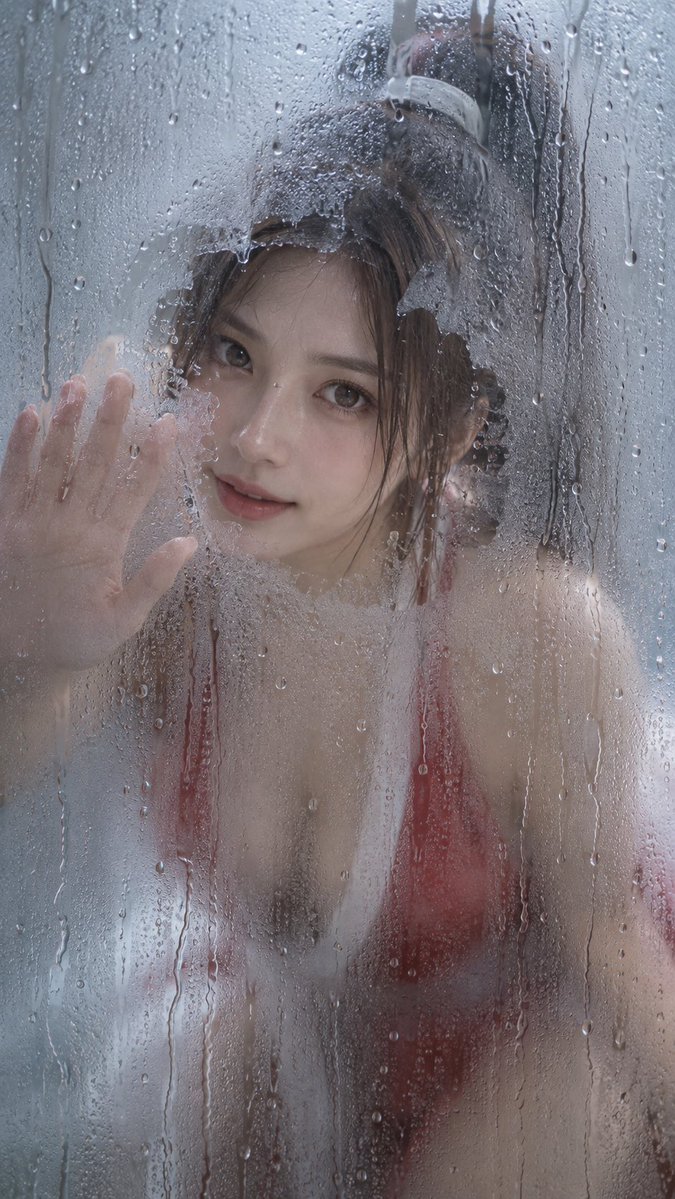
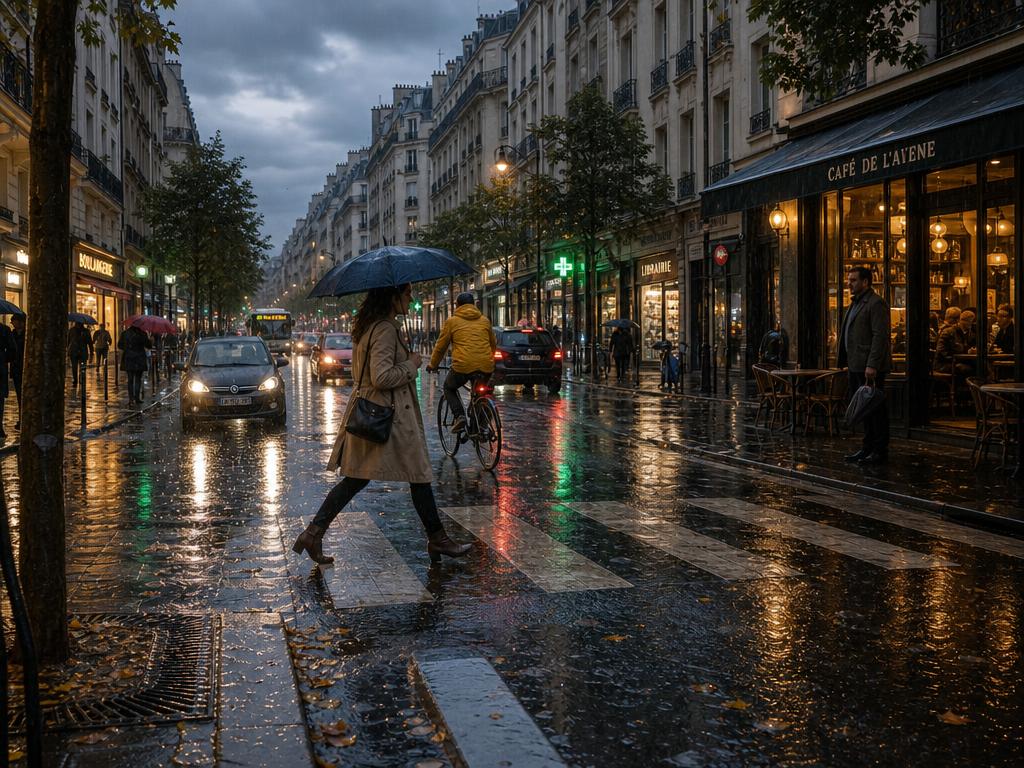
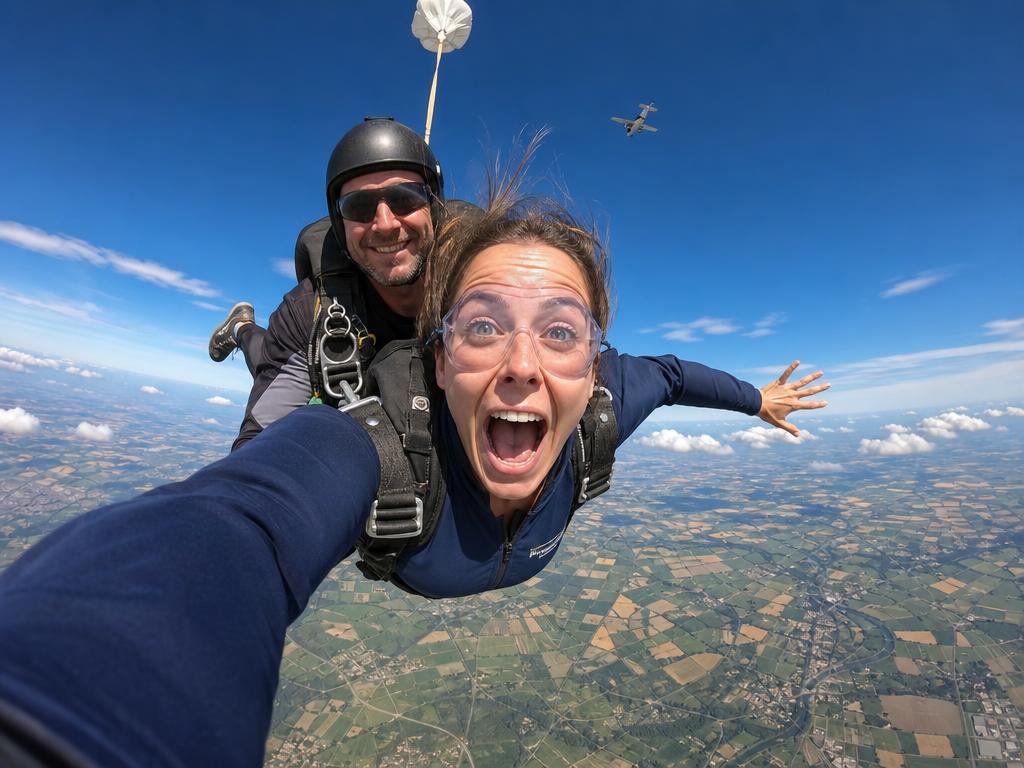
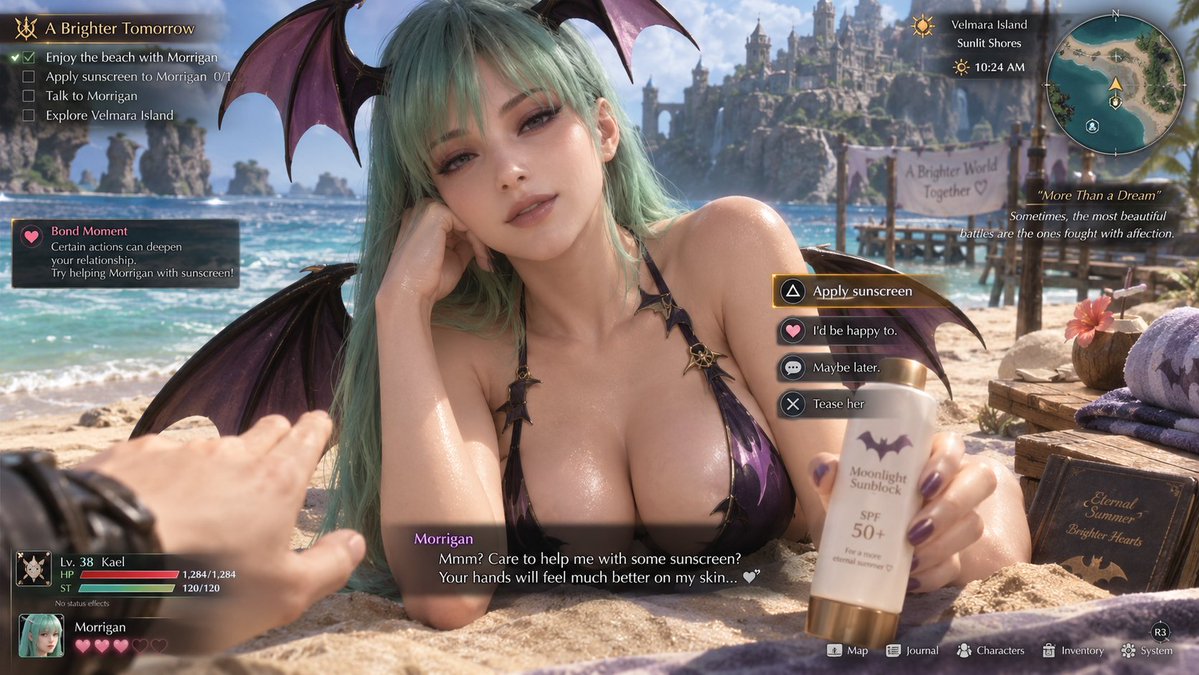
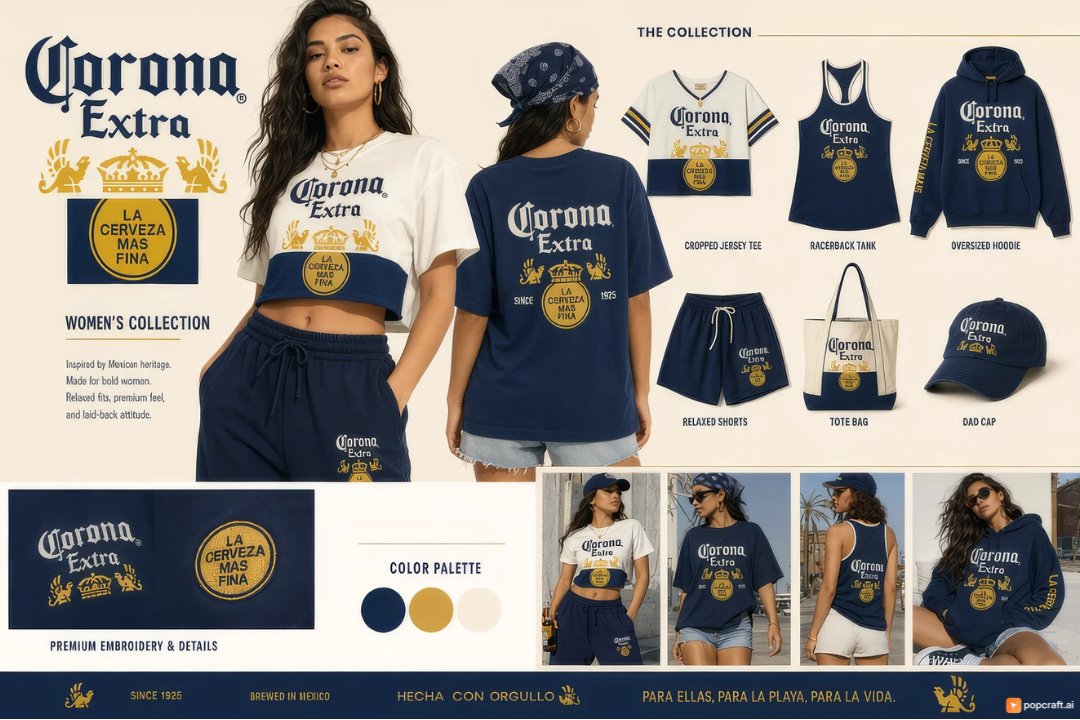
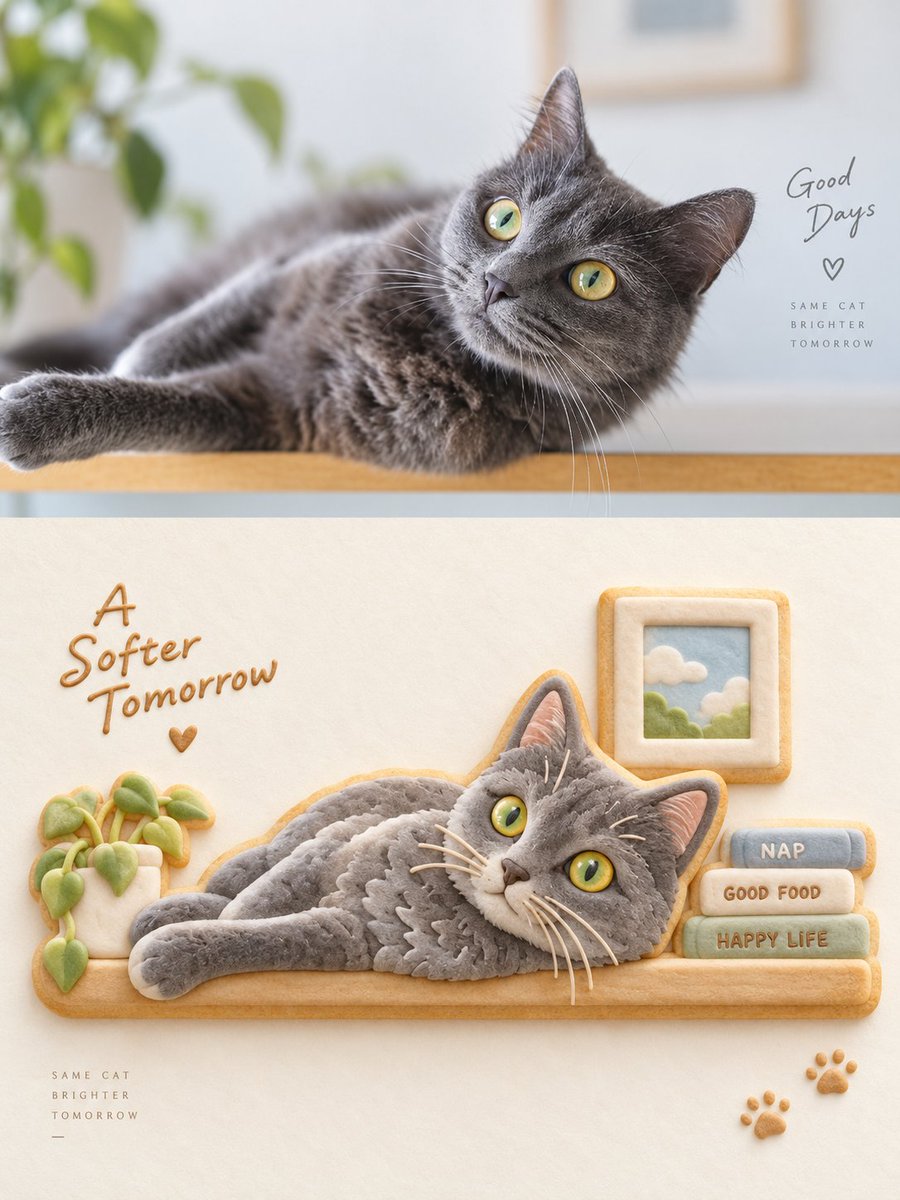
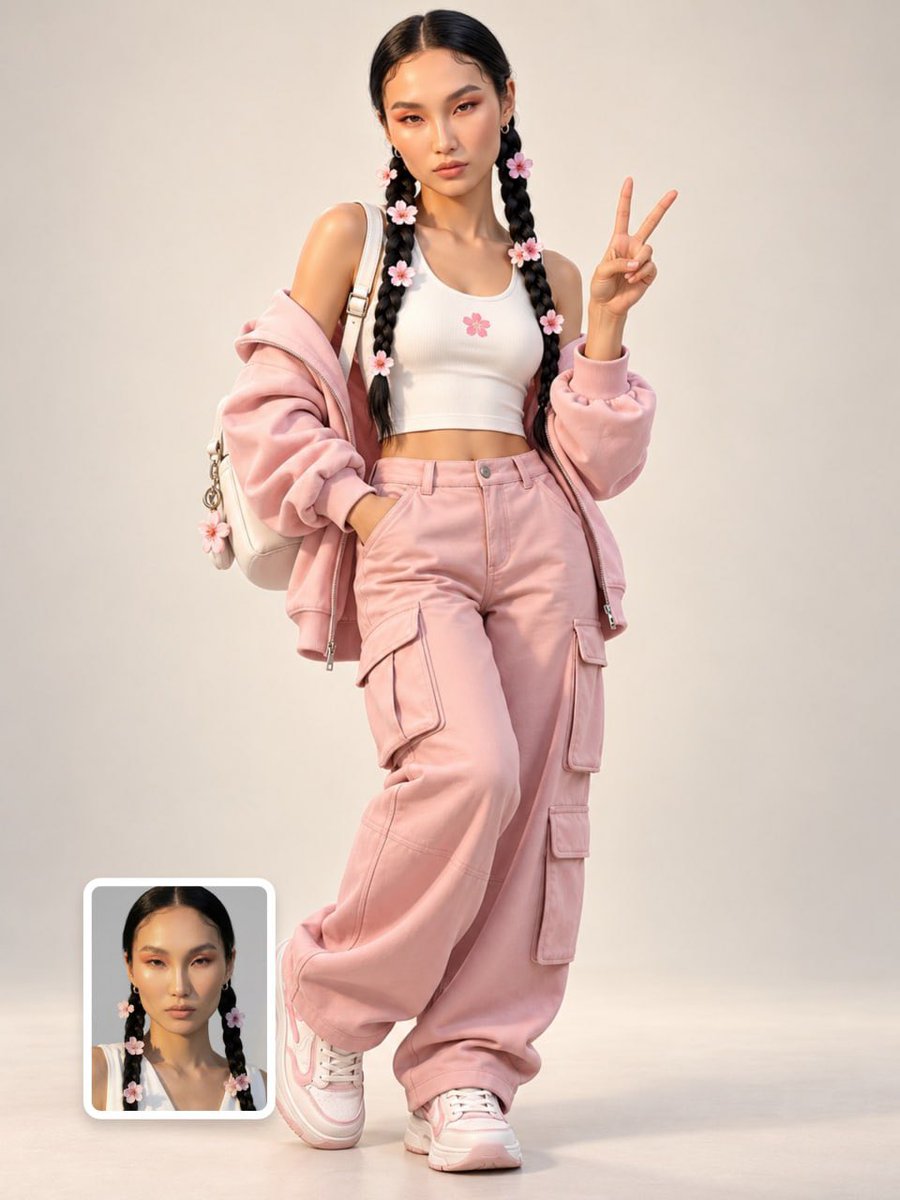
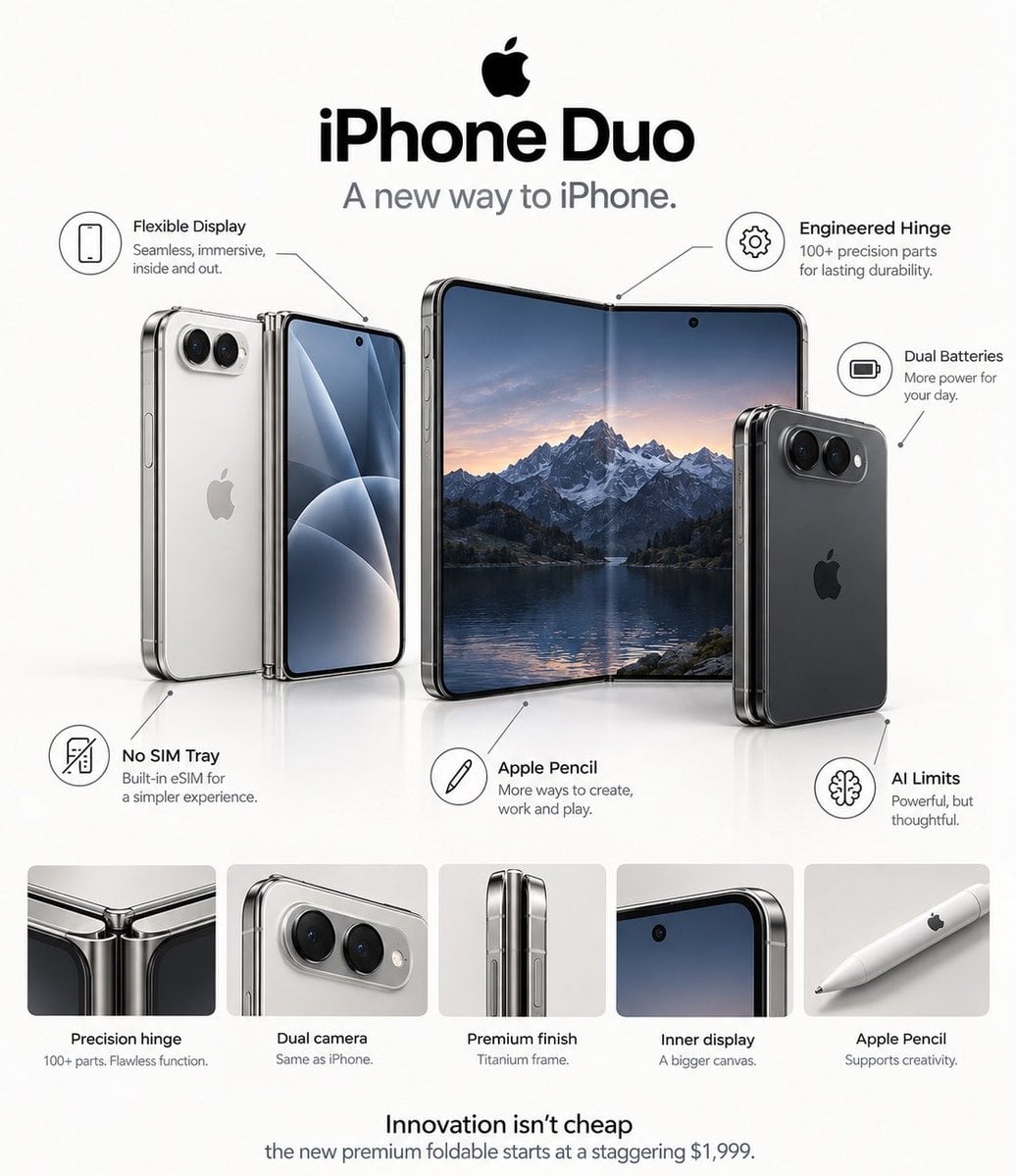
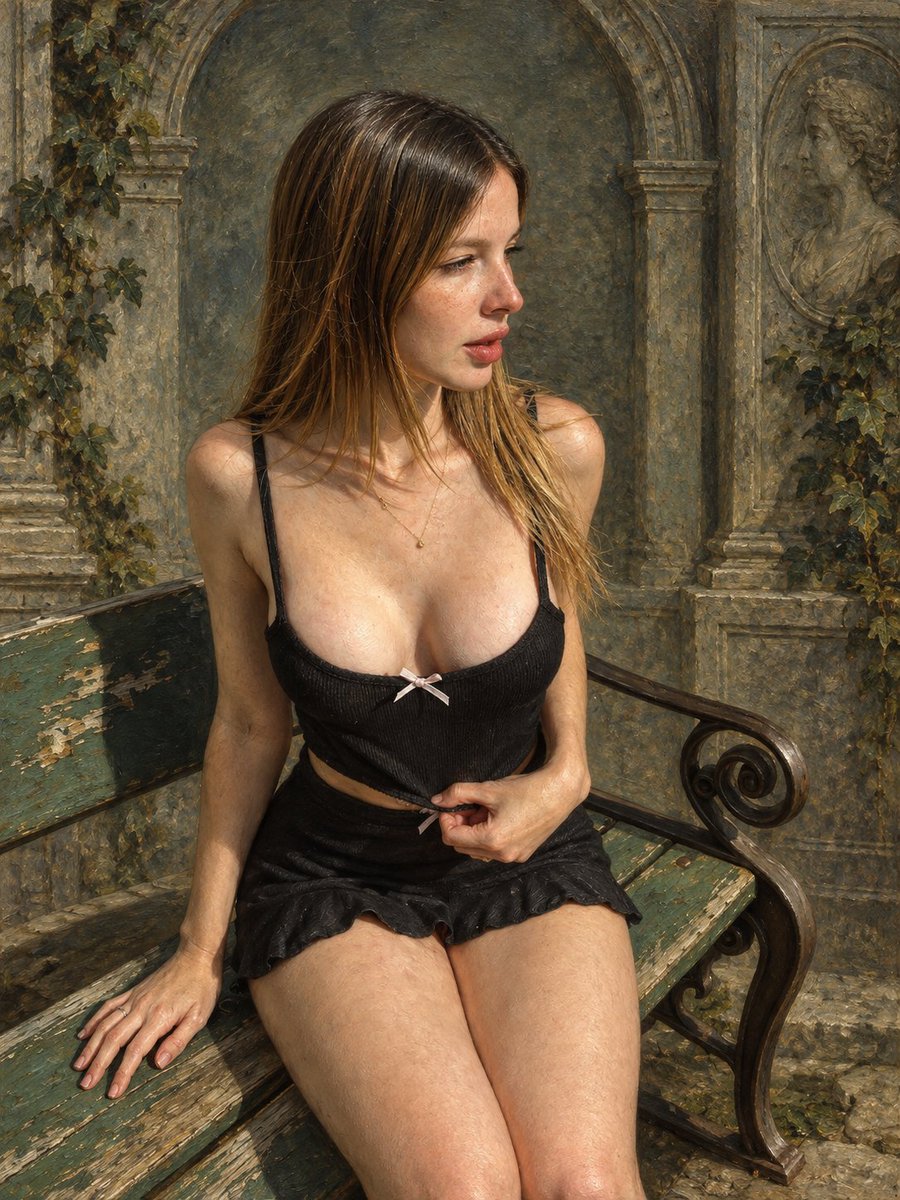
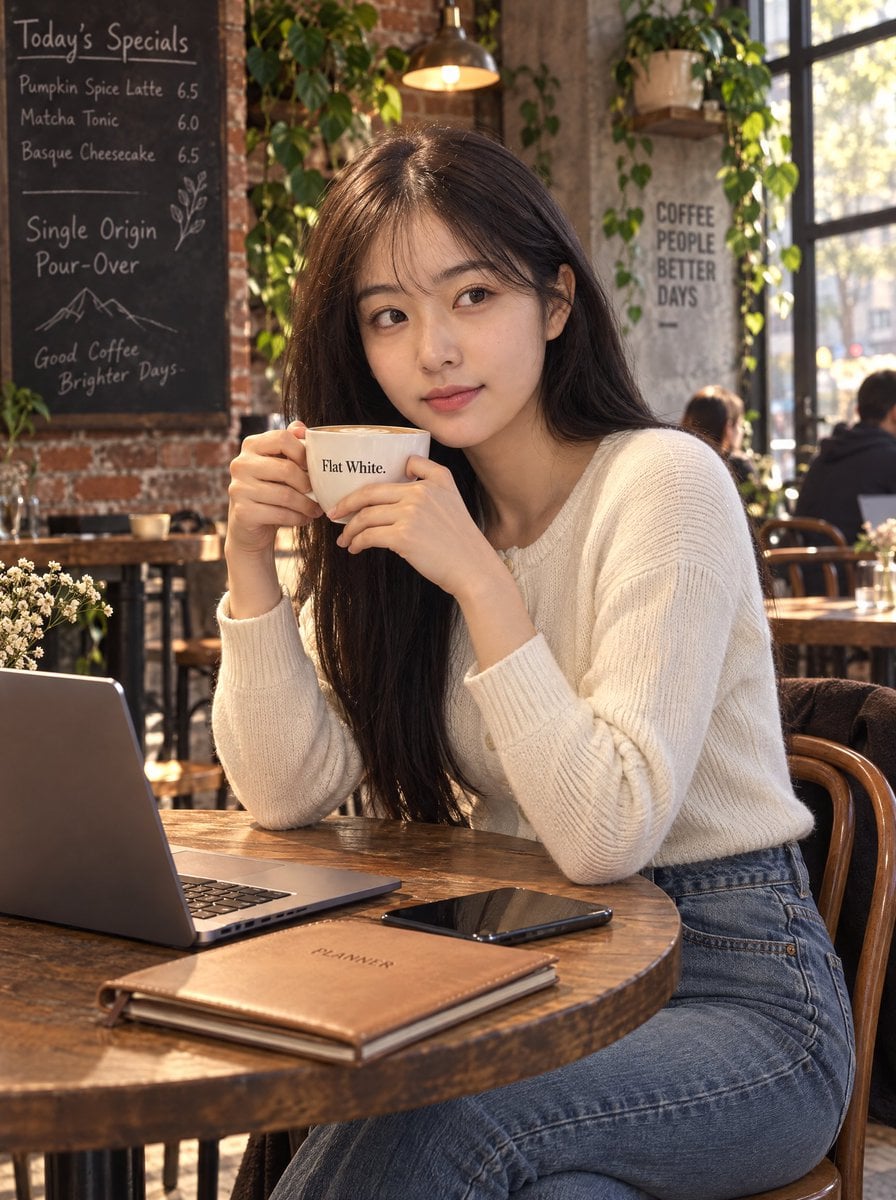
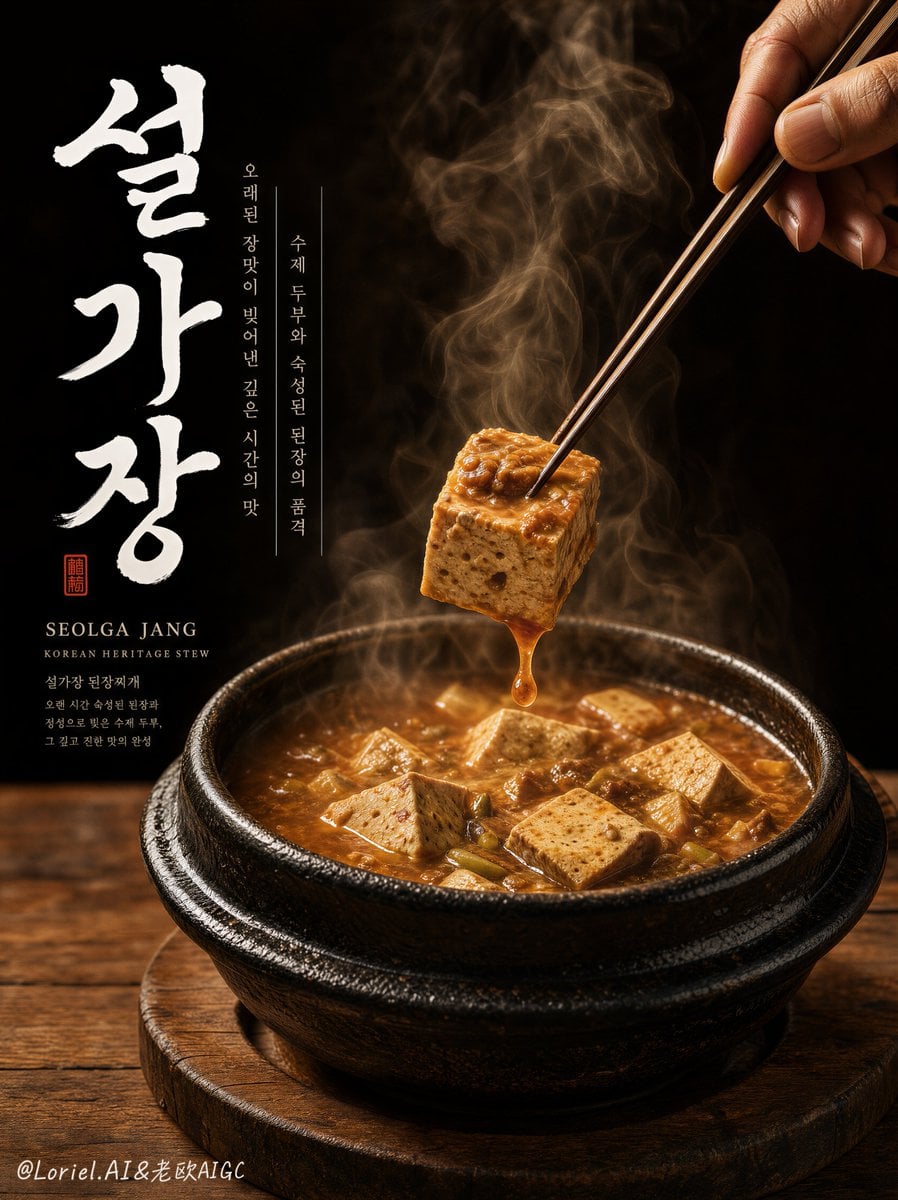
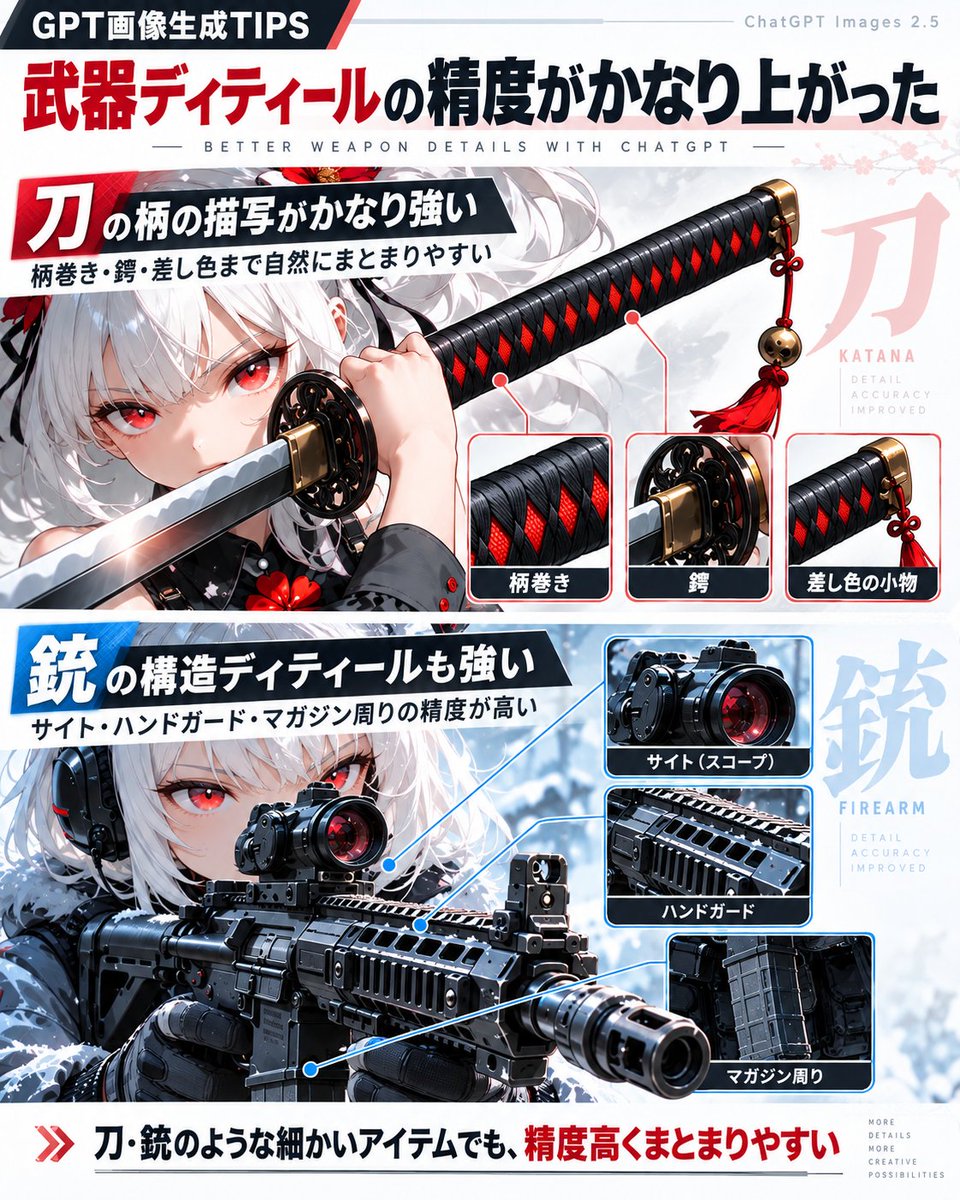
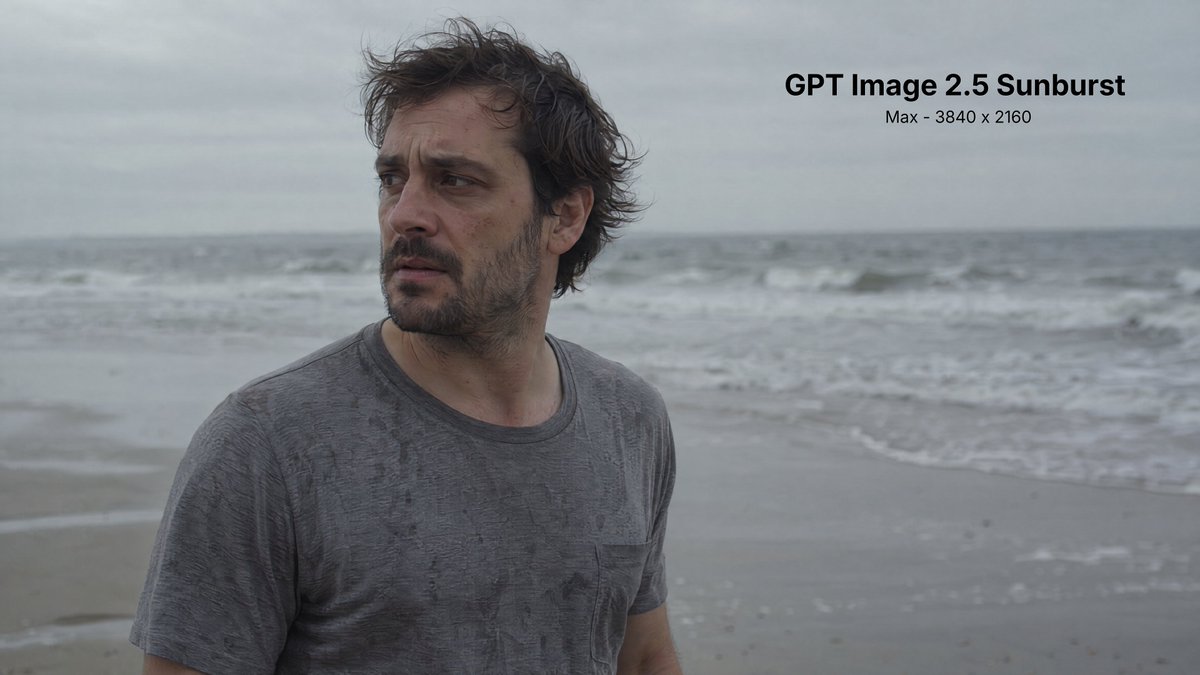
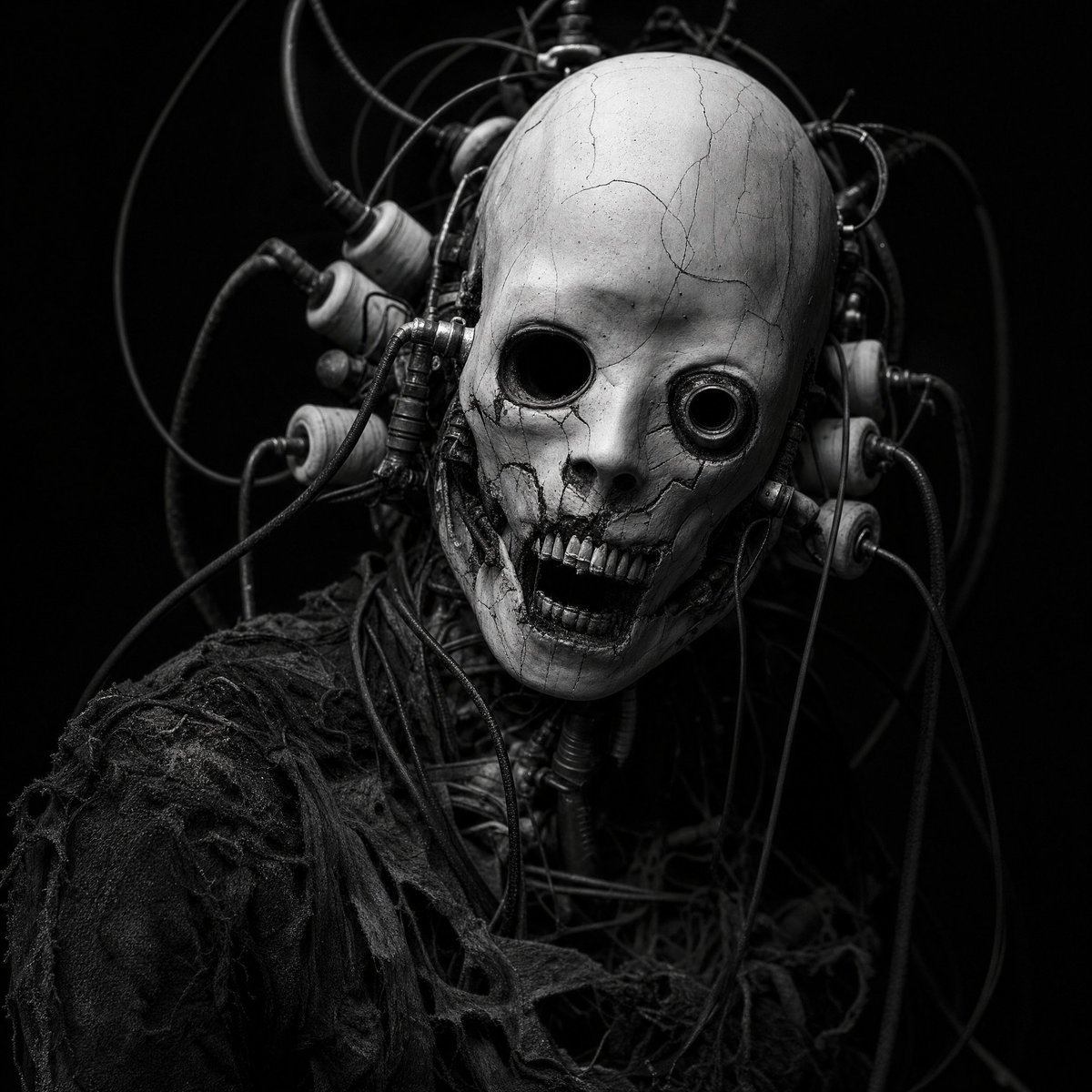
Imported GPT Image 2 examples
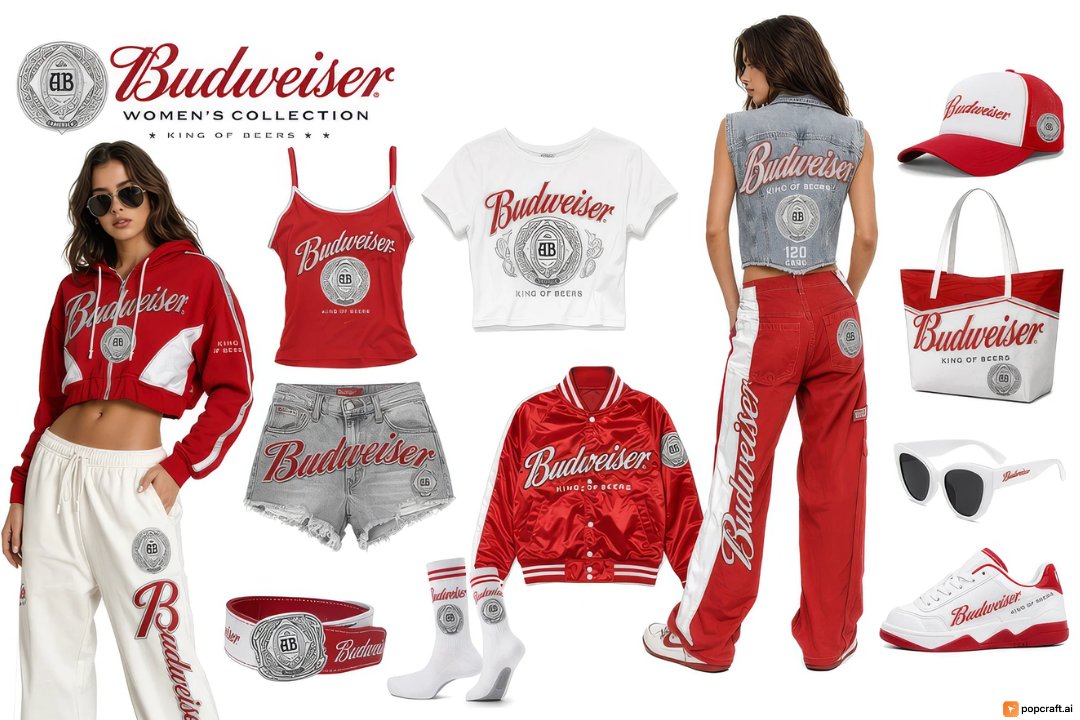
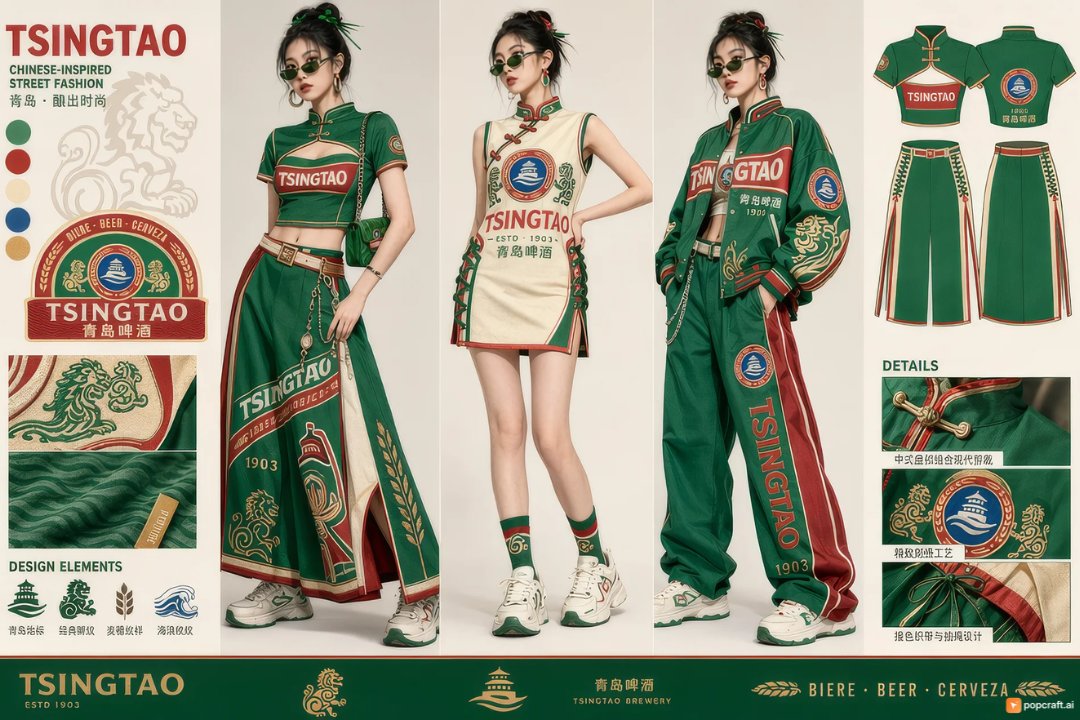
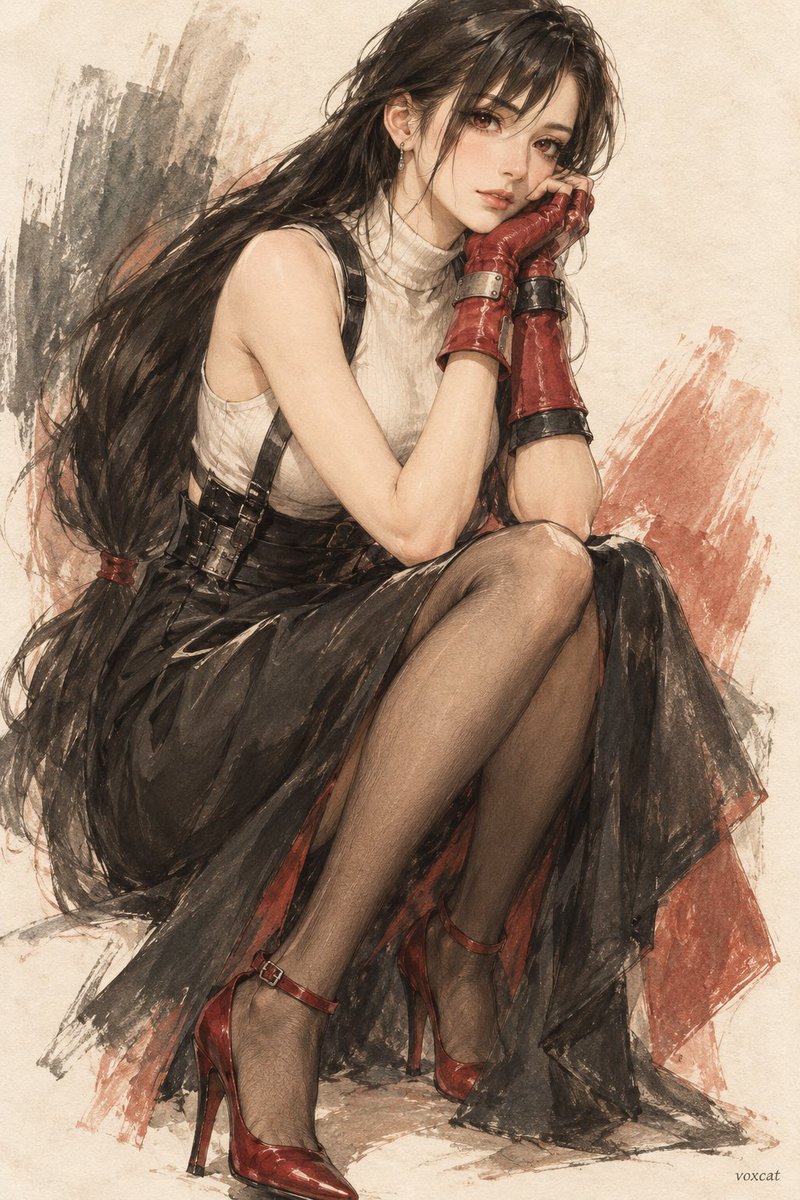
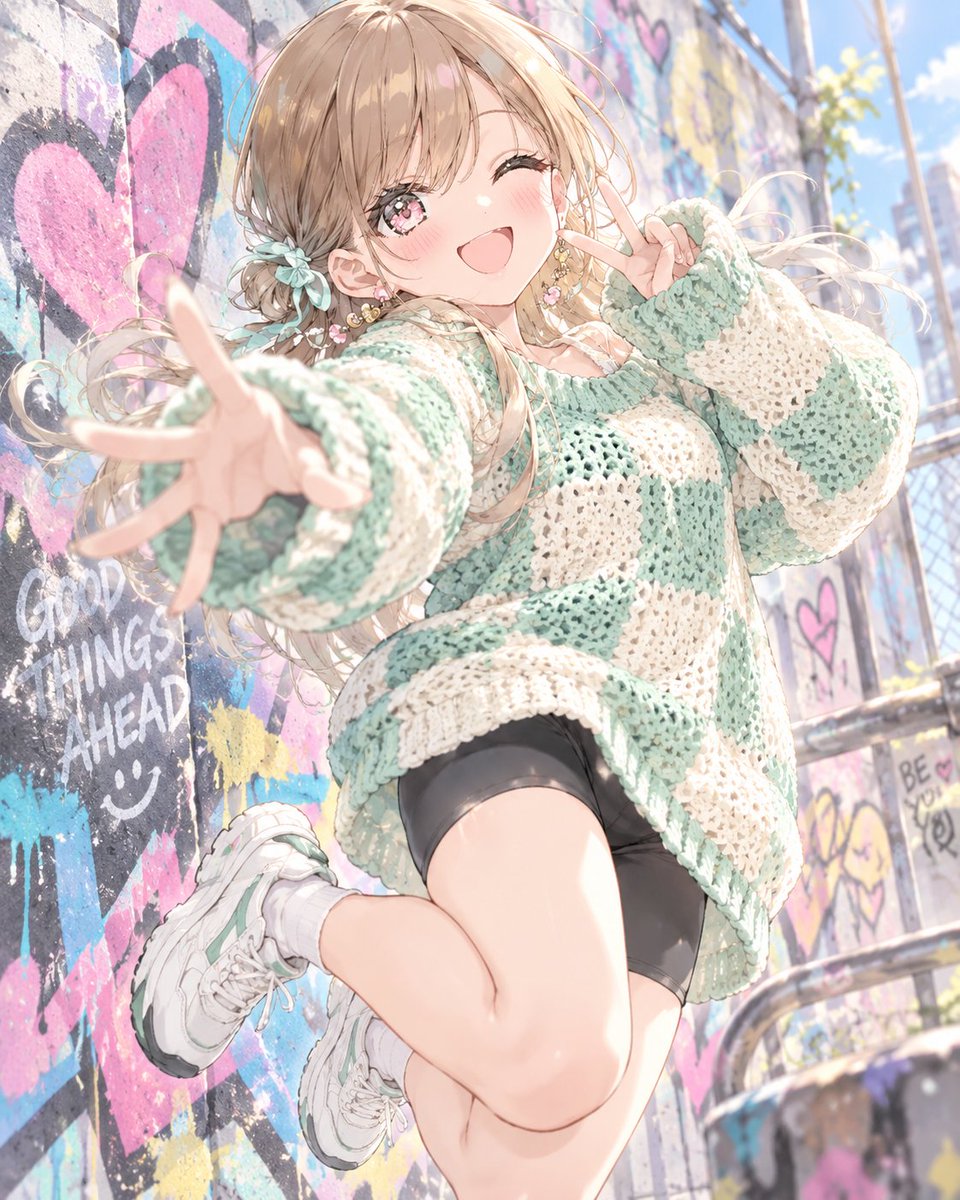
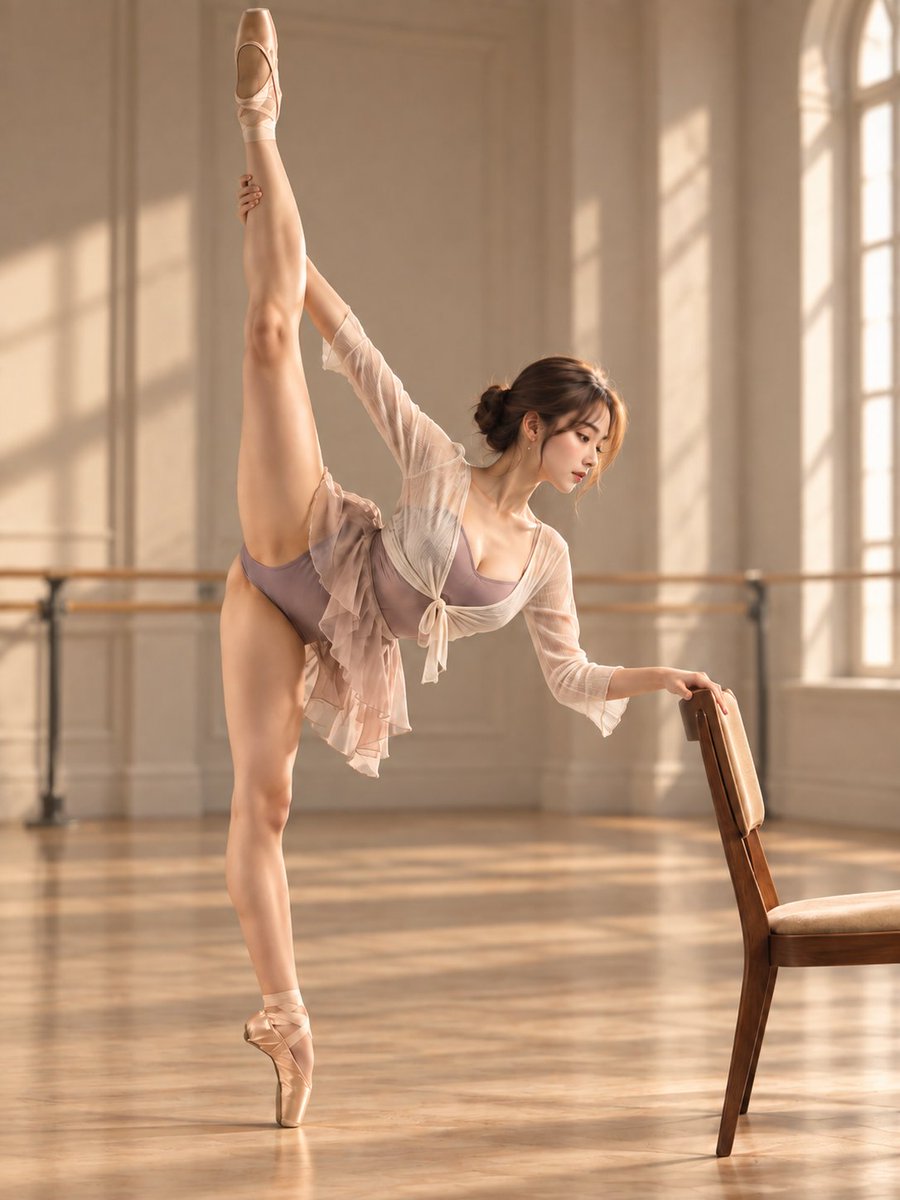
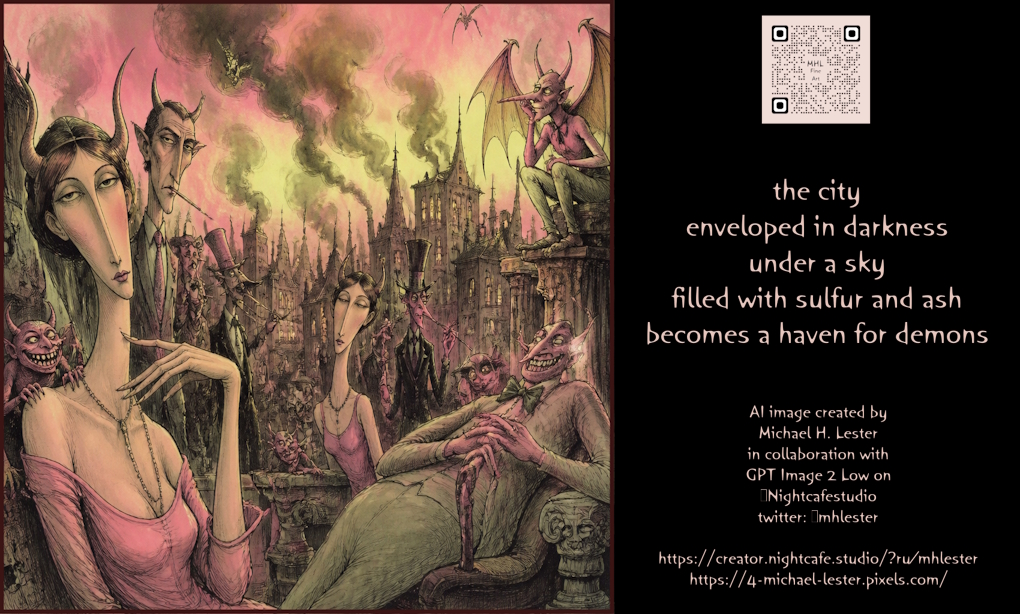
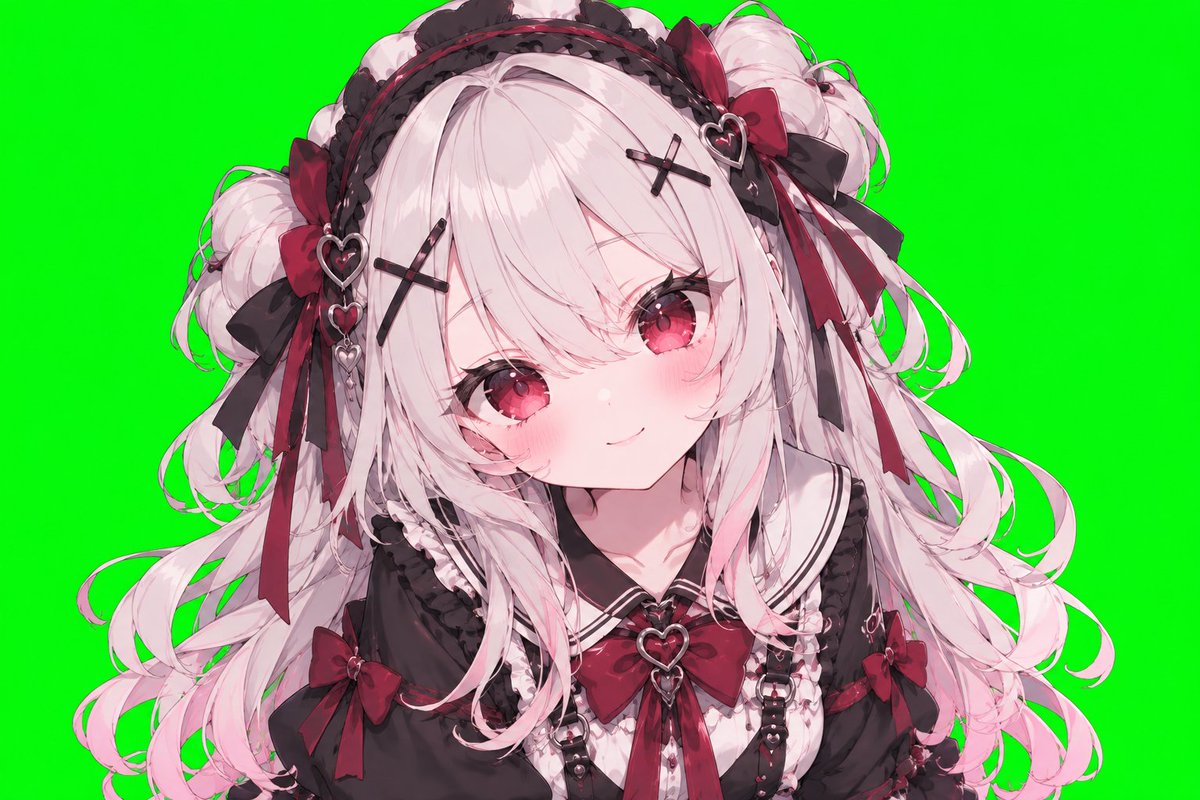







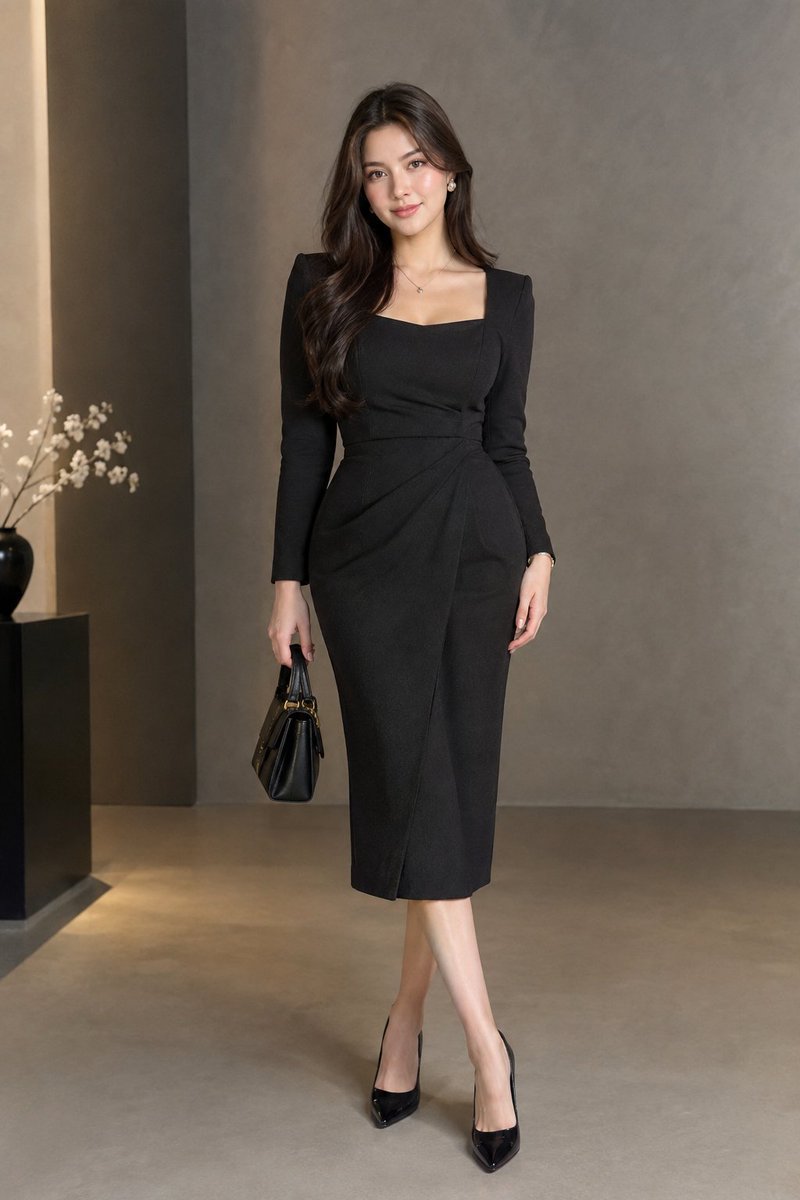


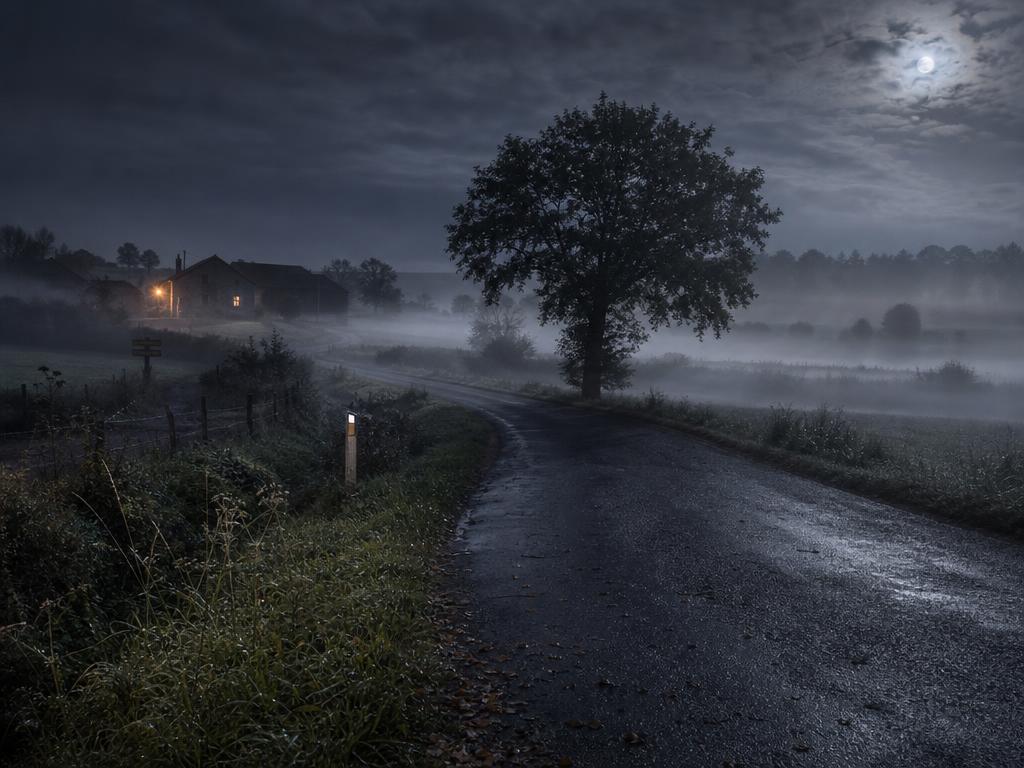
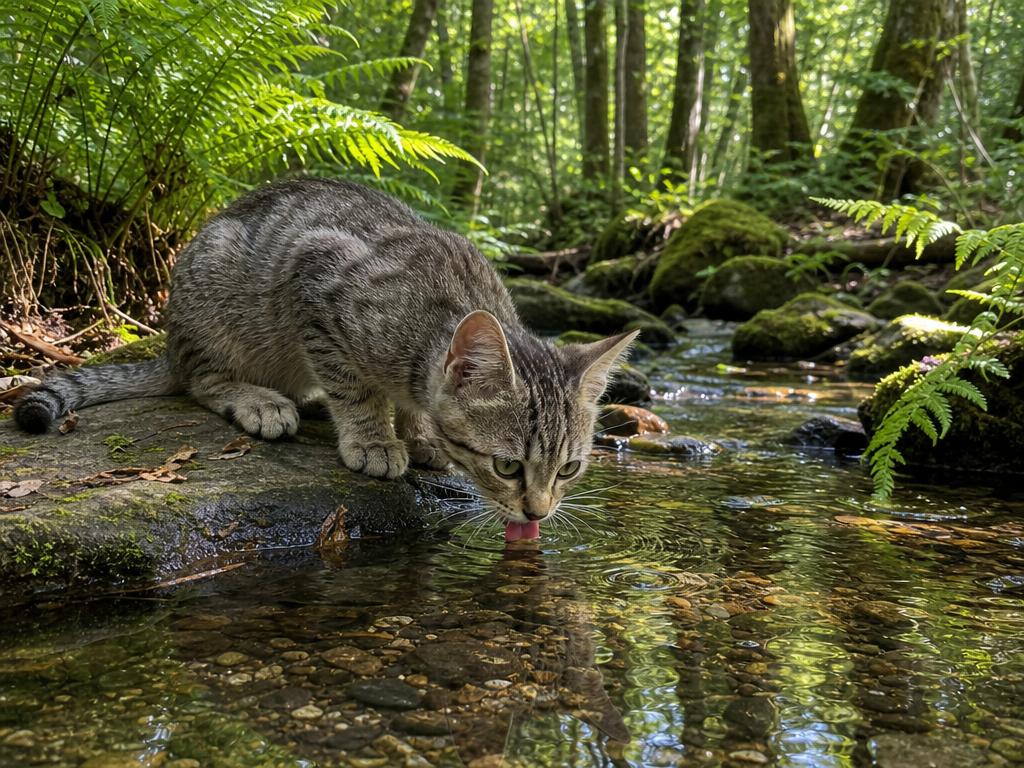
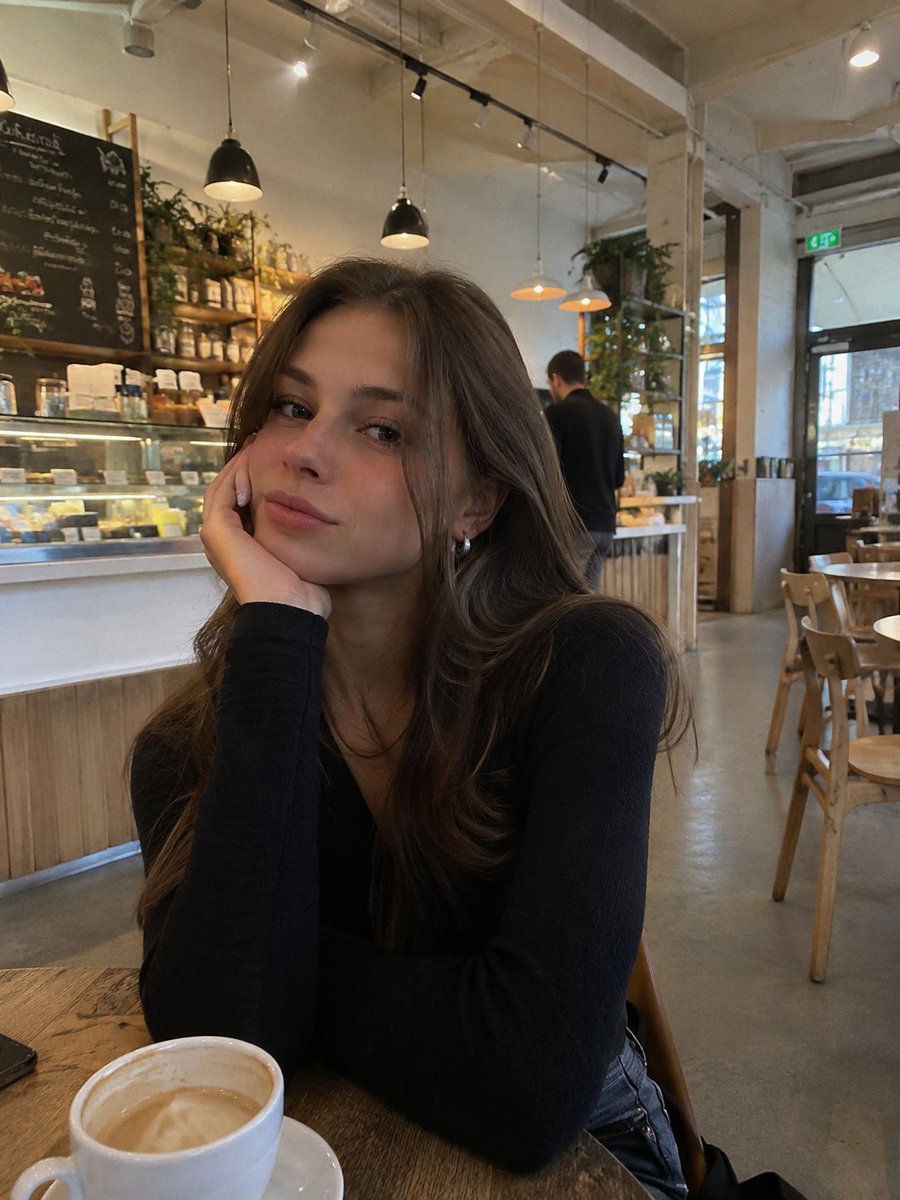
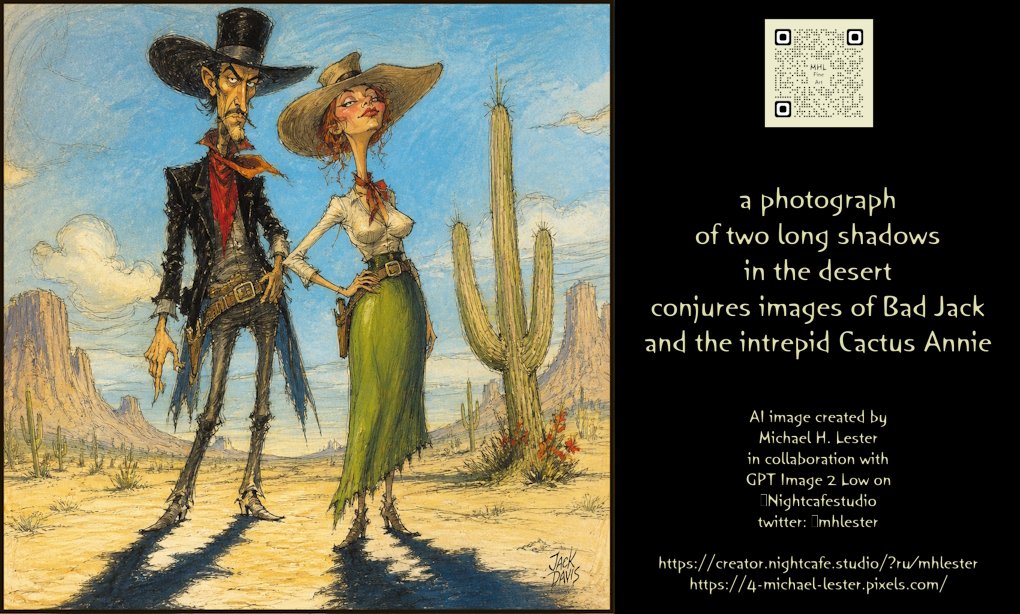









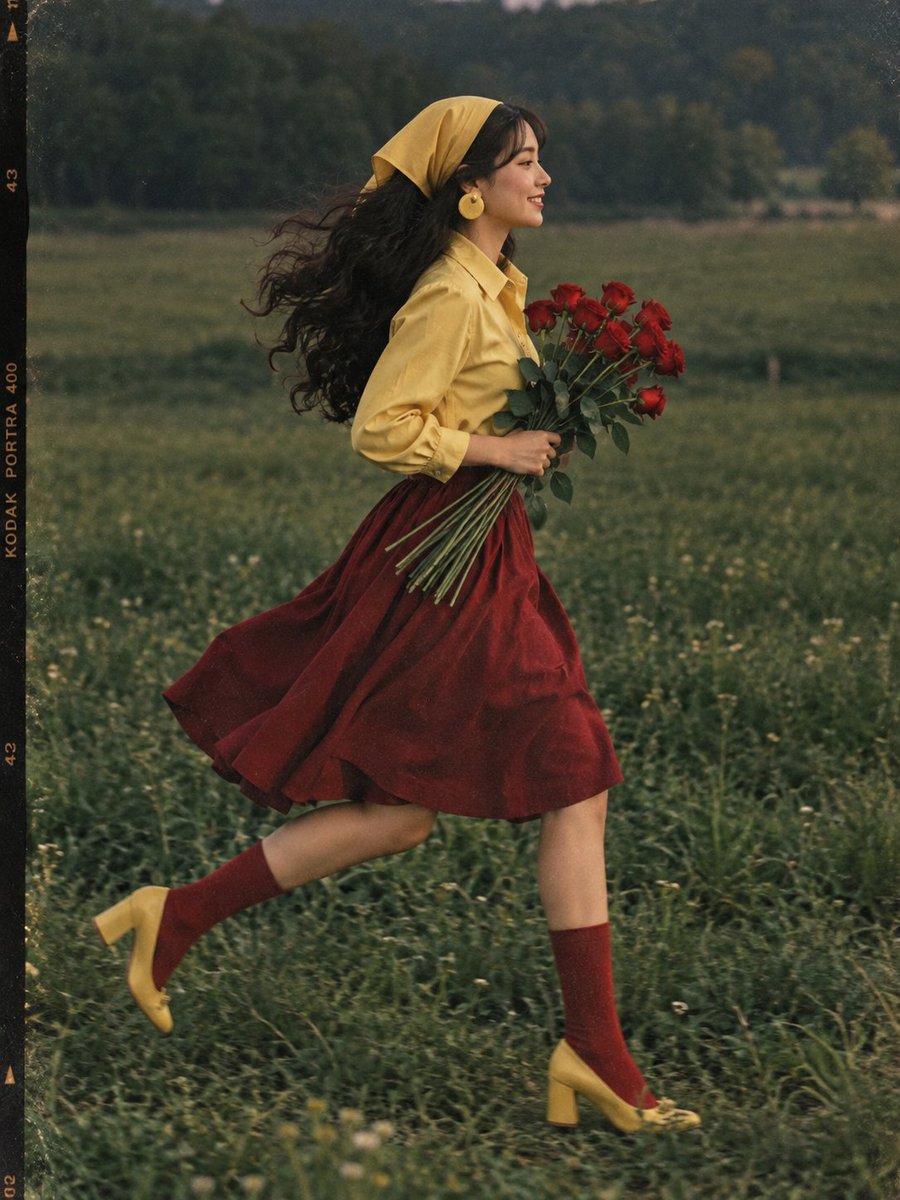
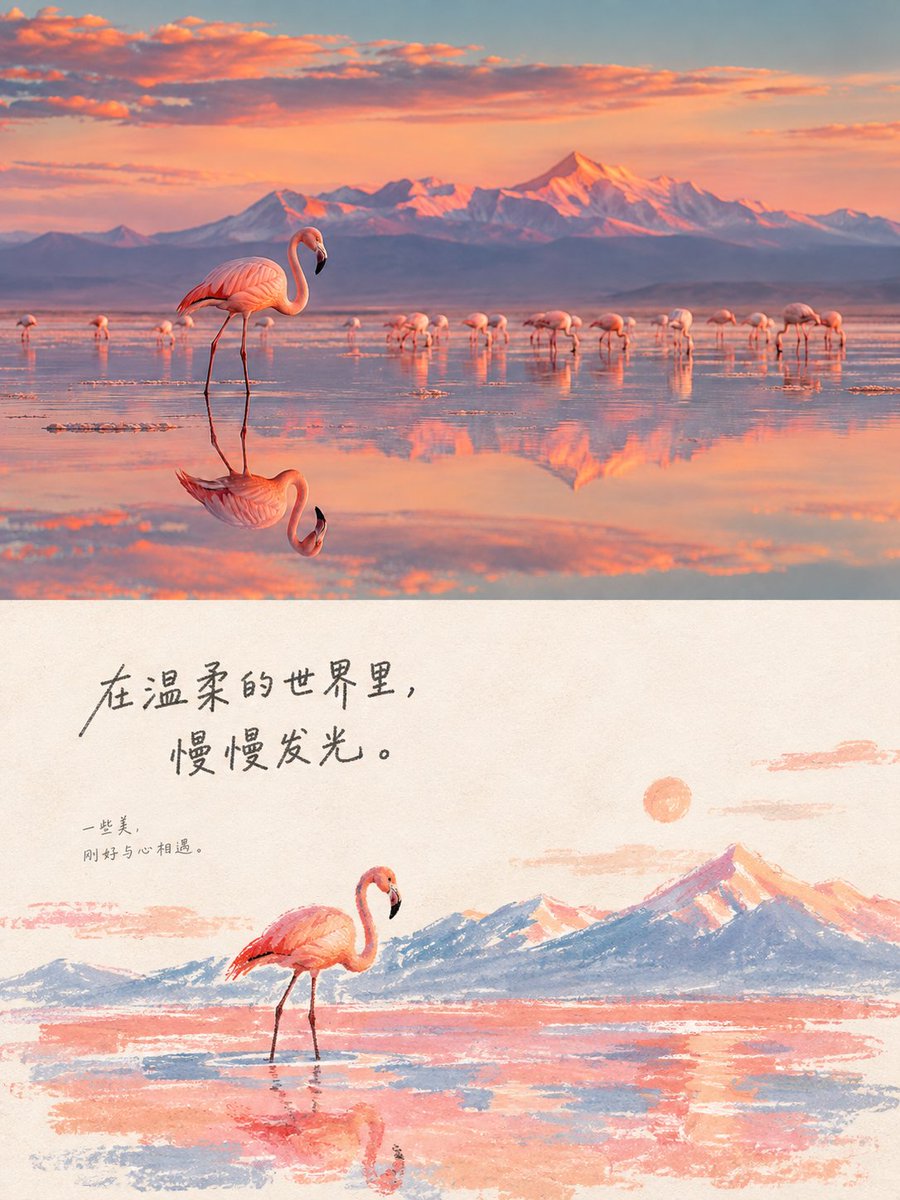
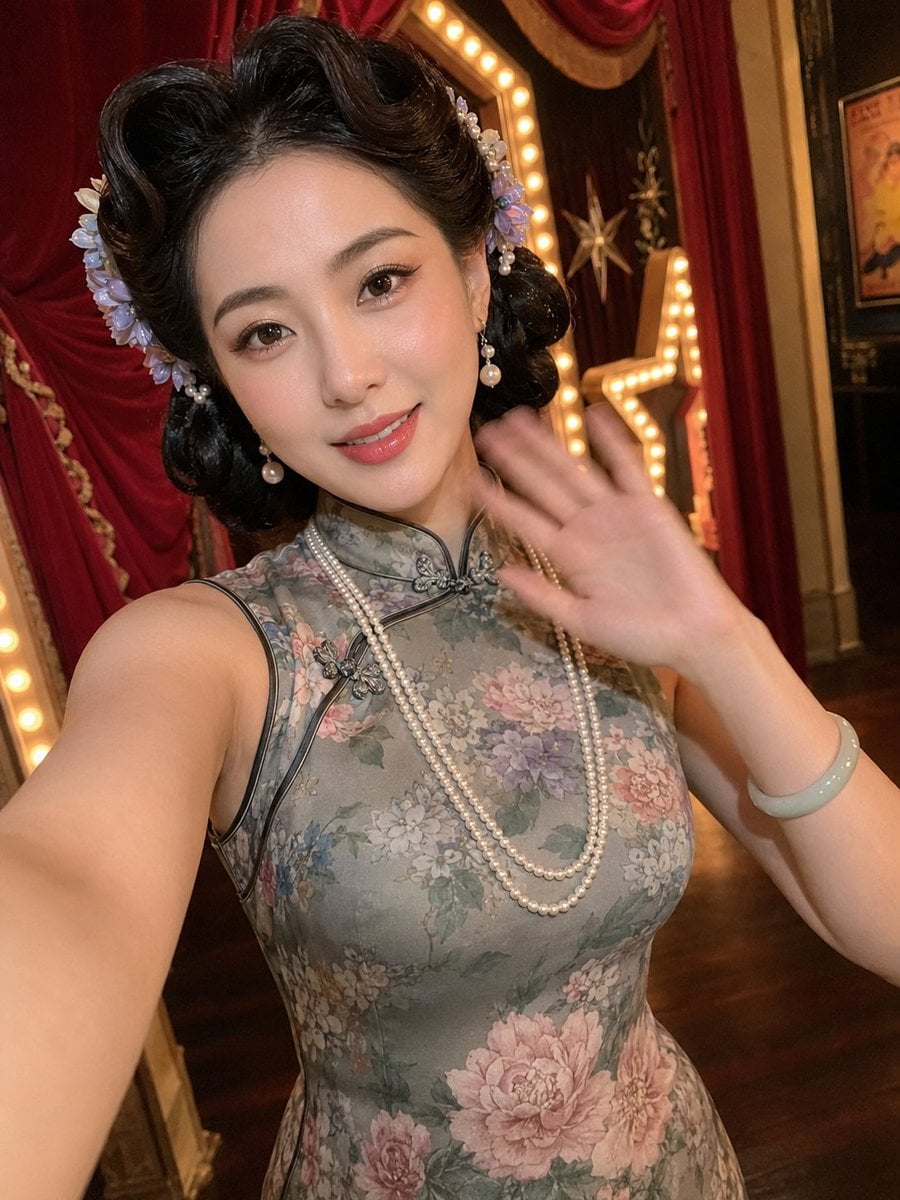
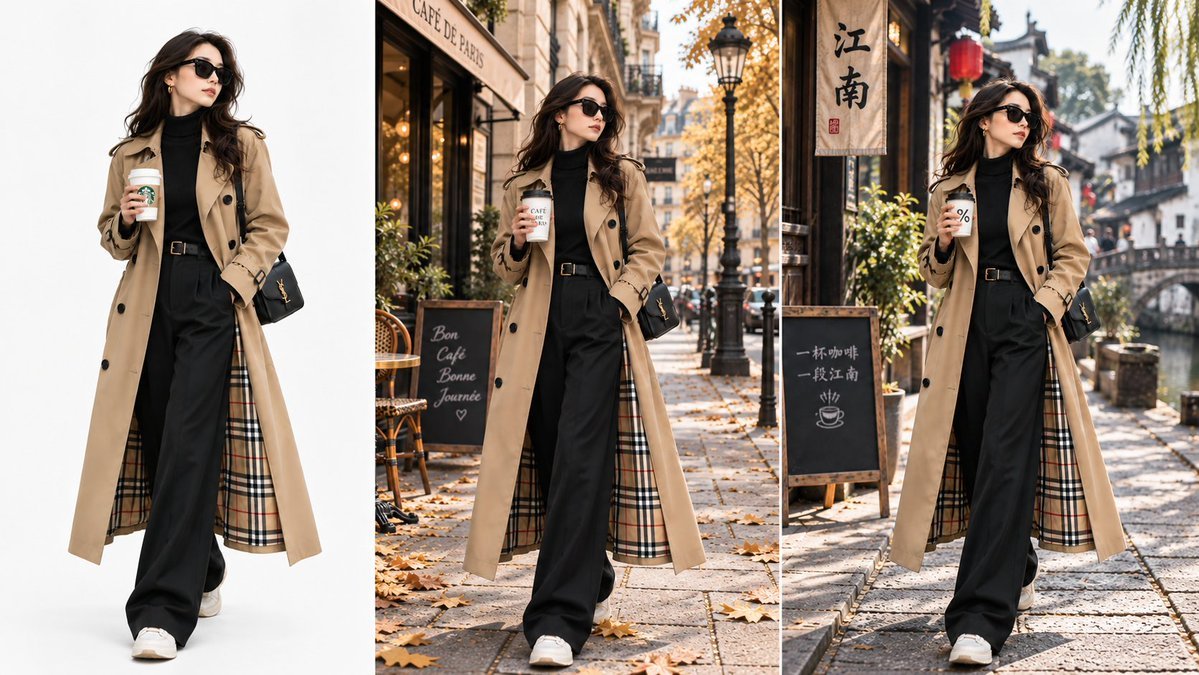
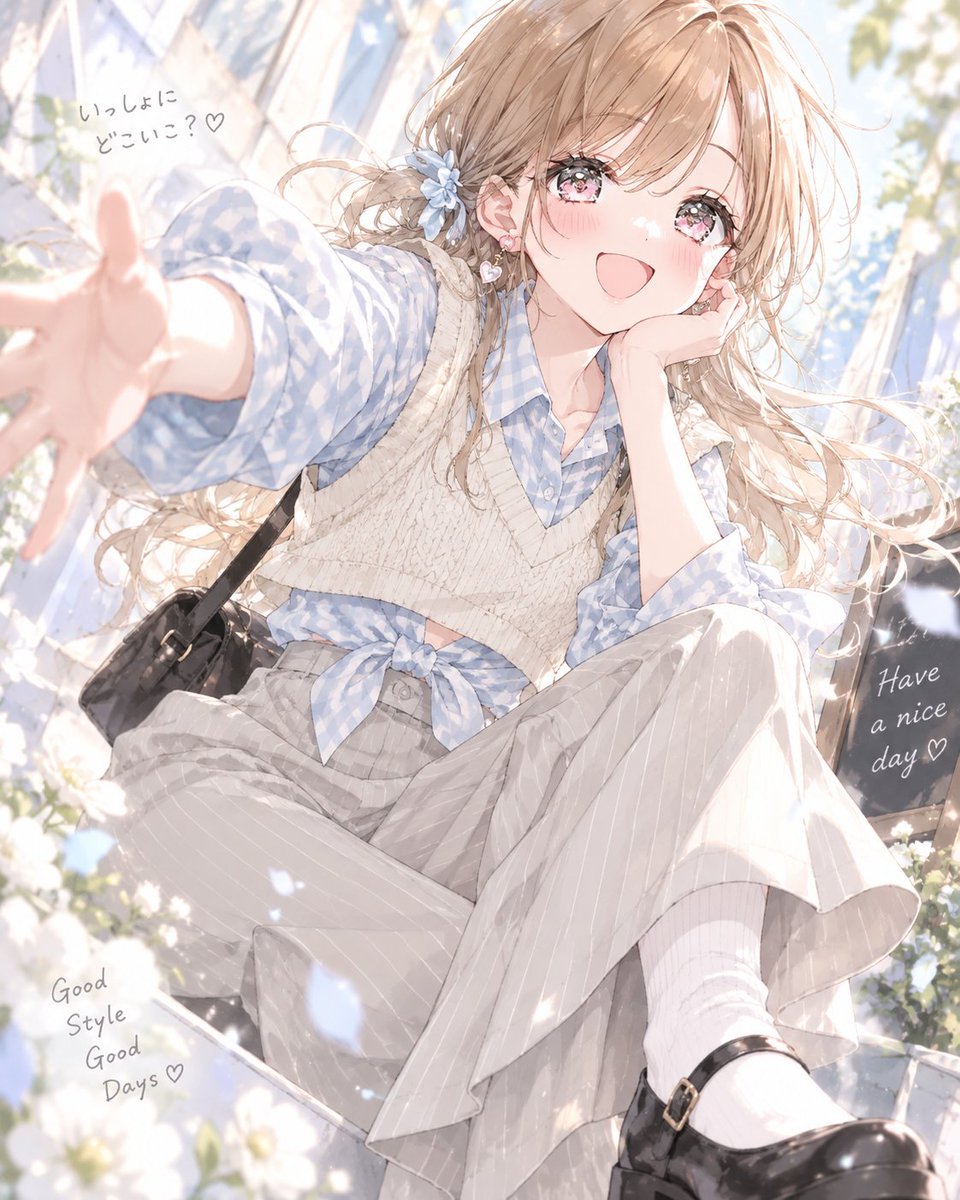
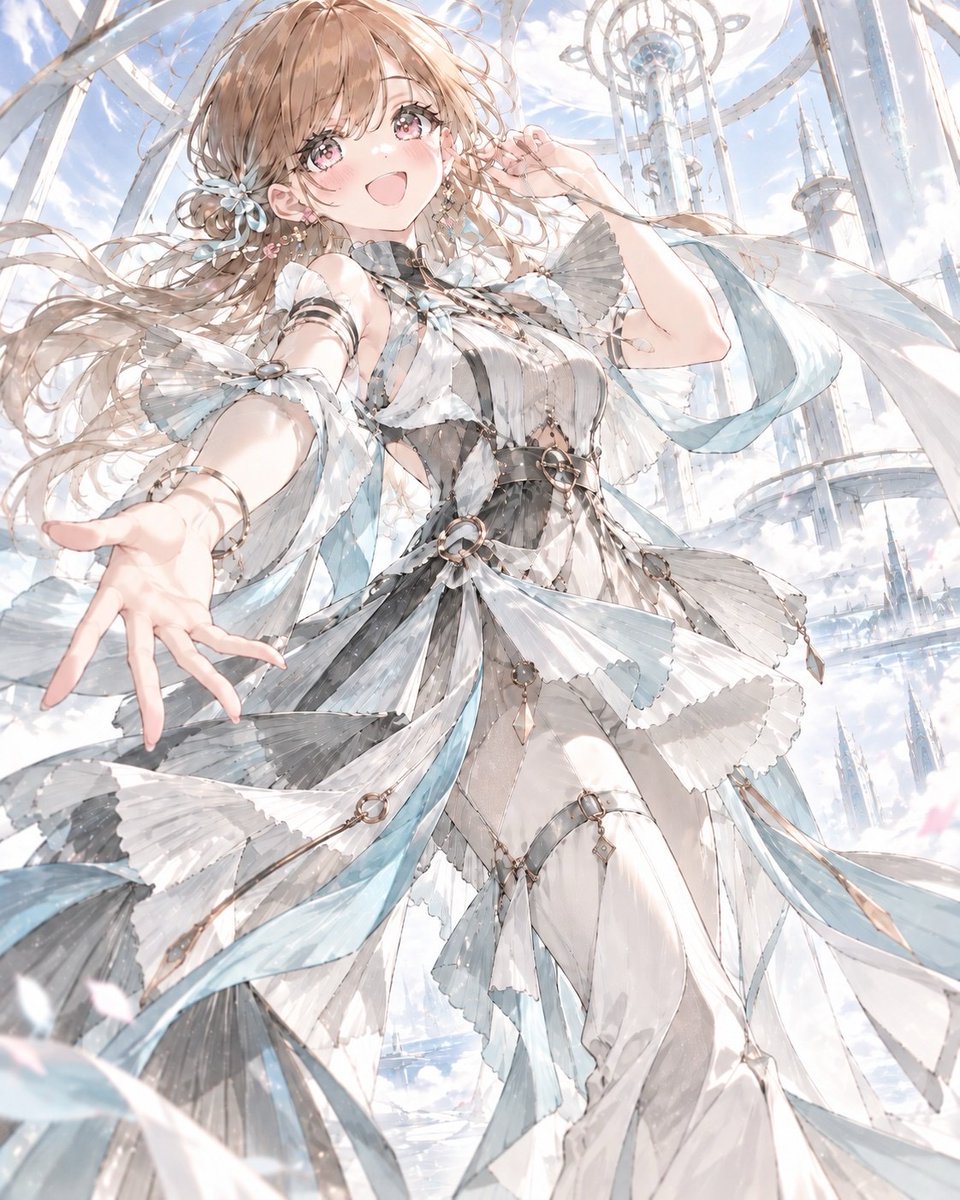
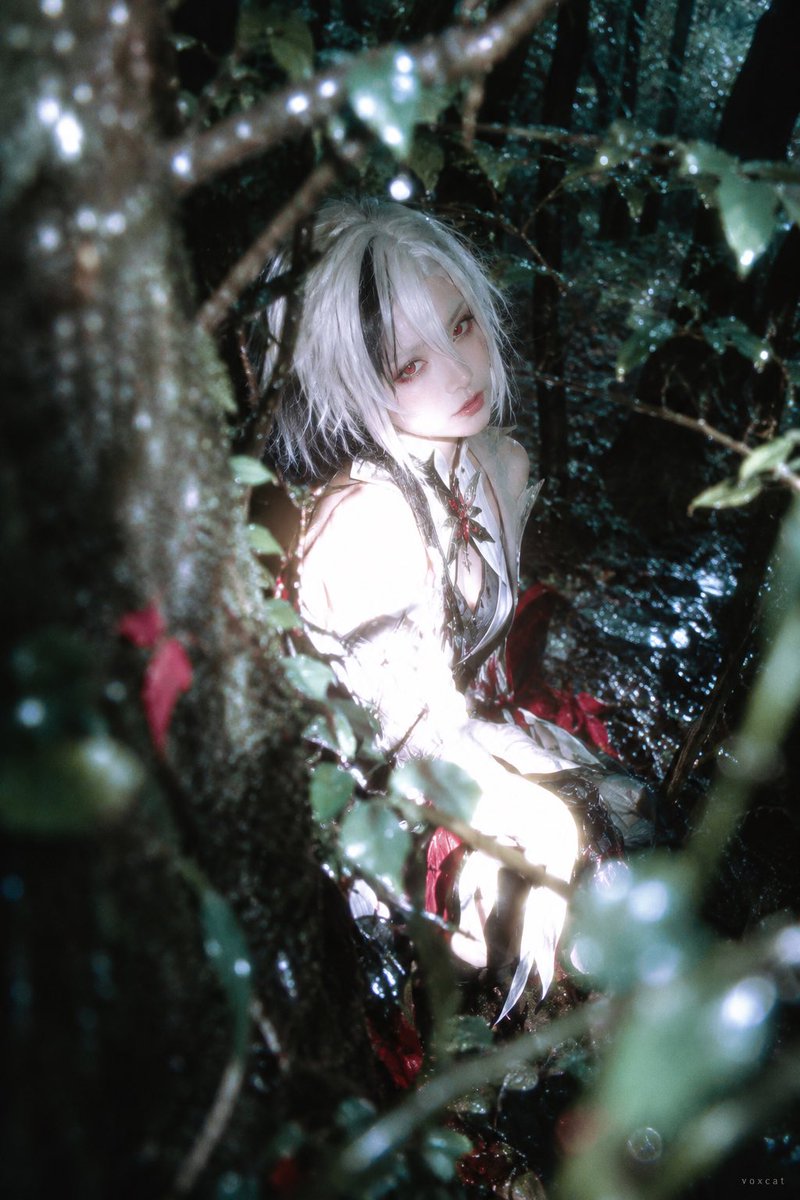
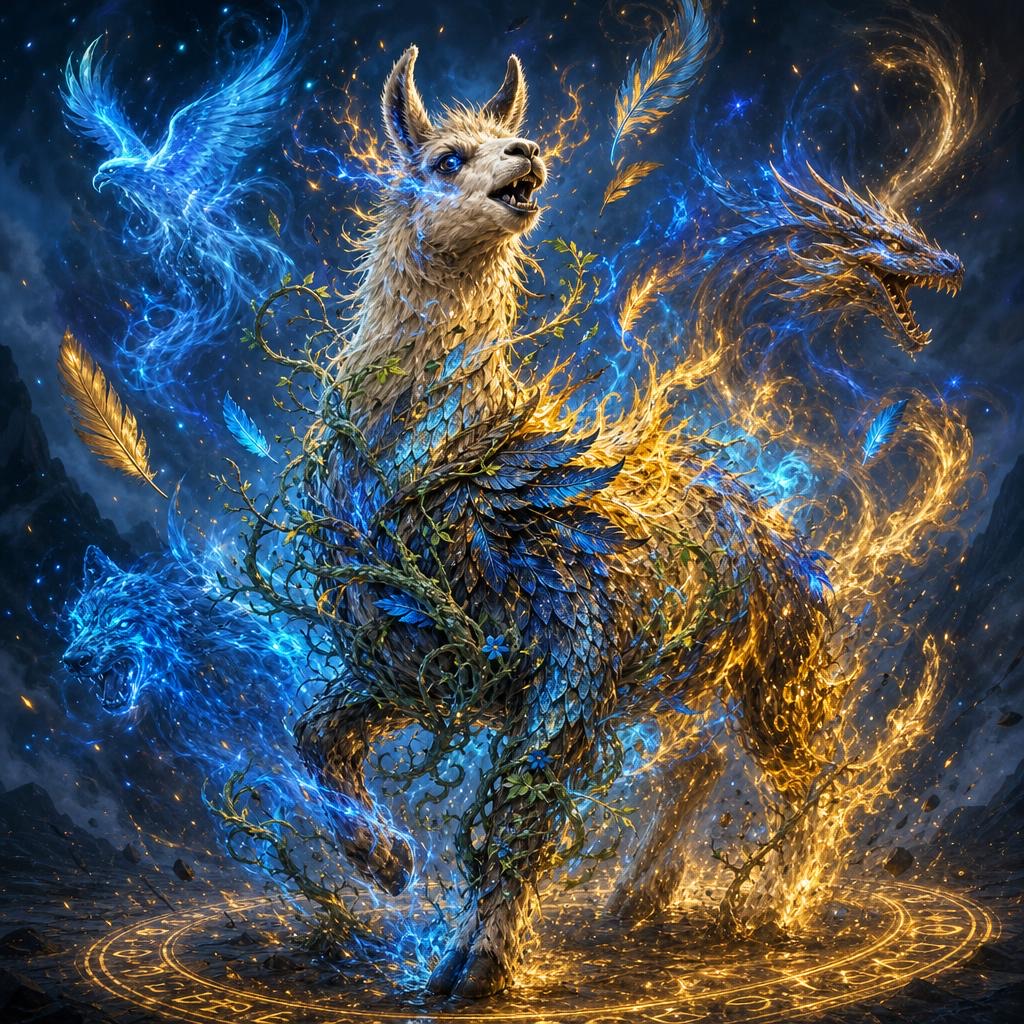
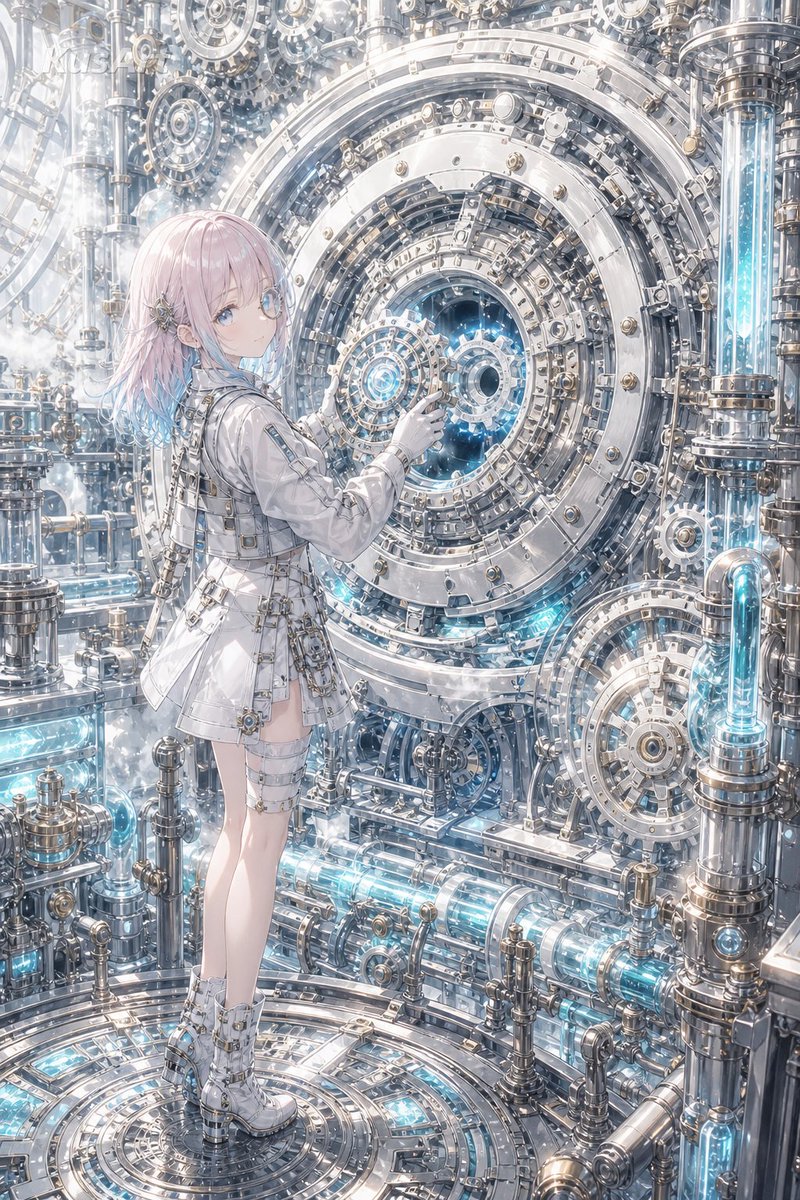
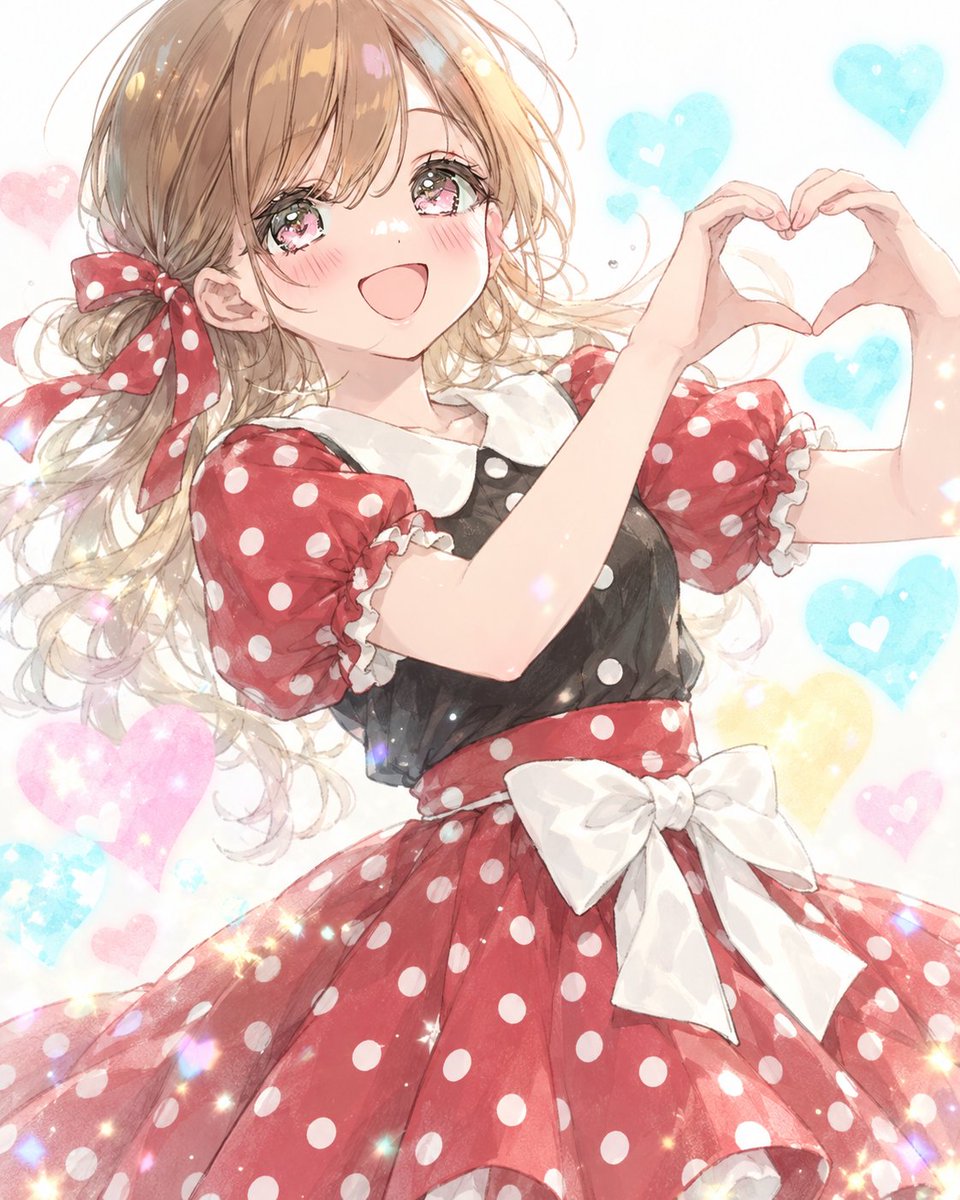
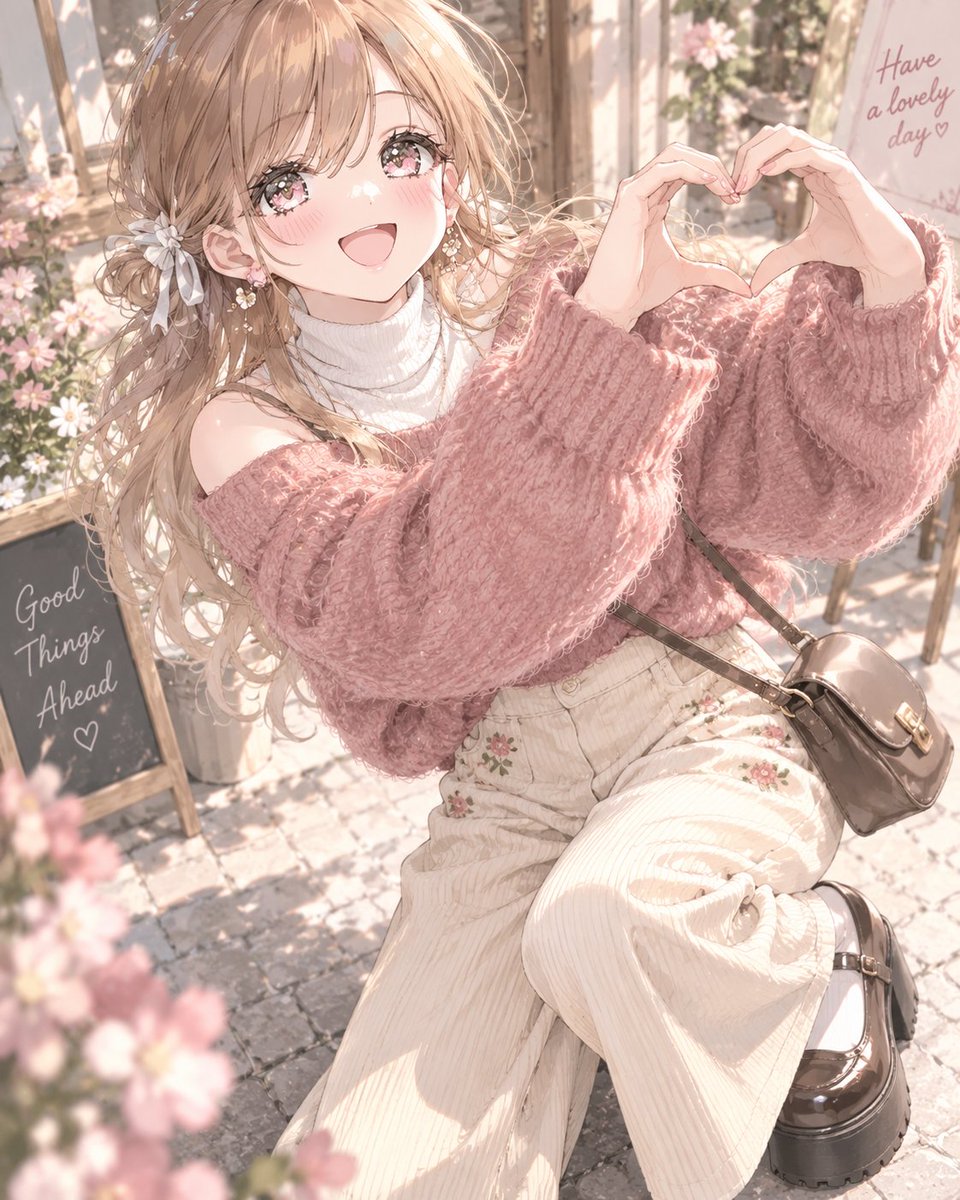





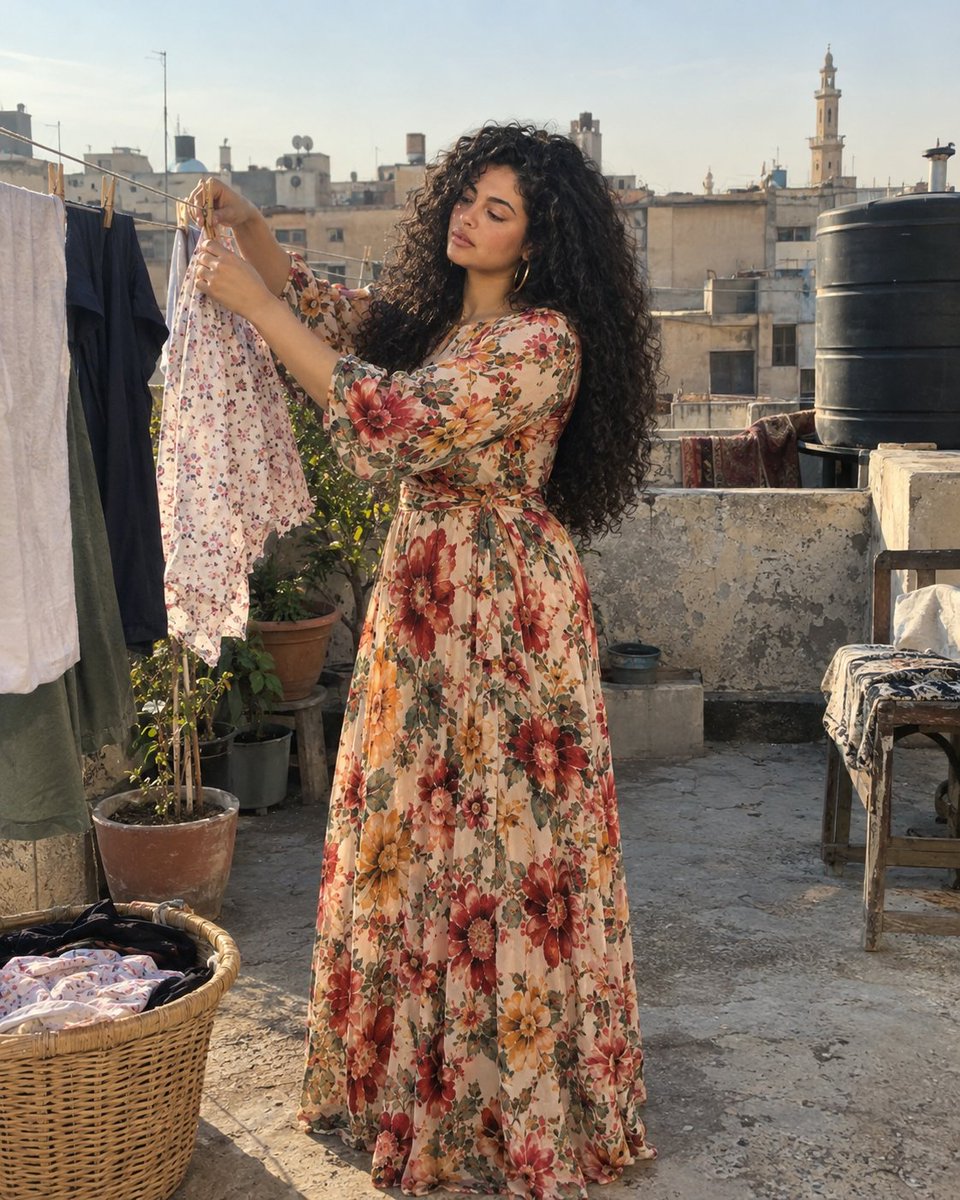
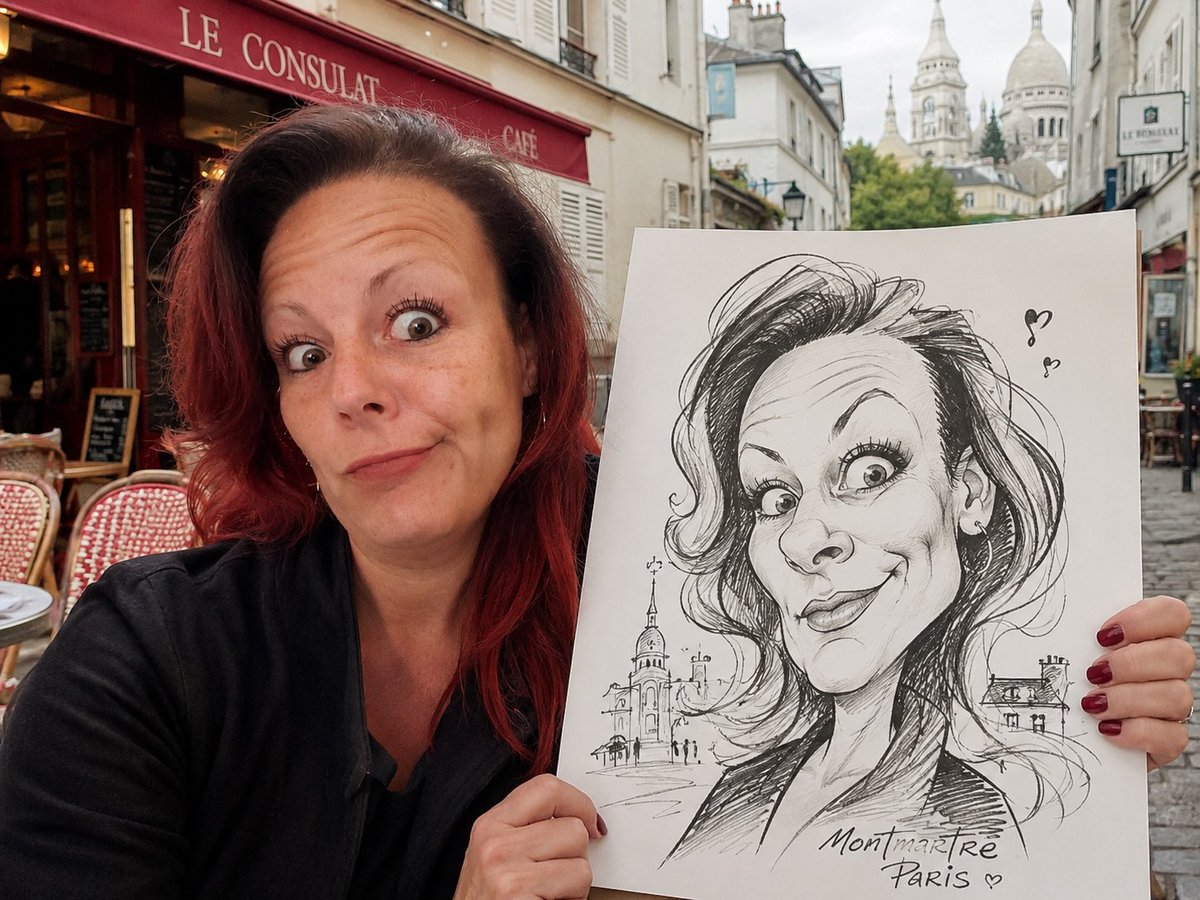


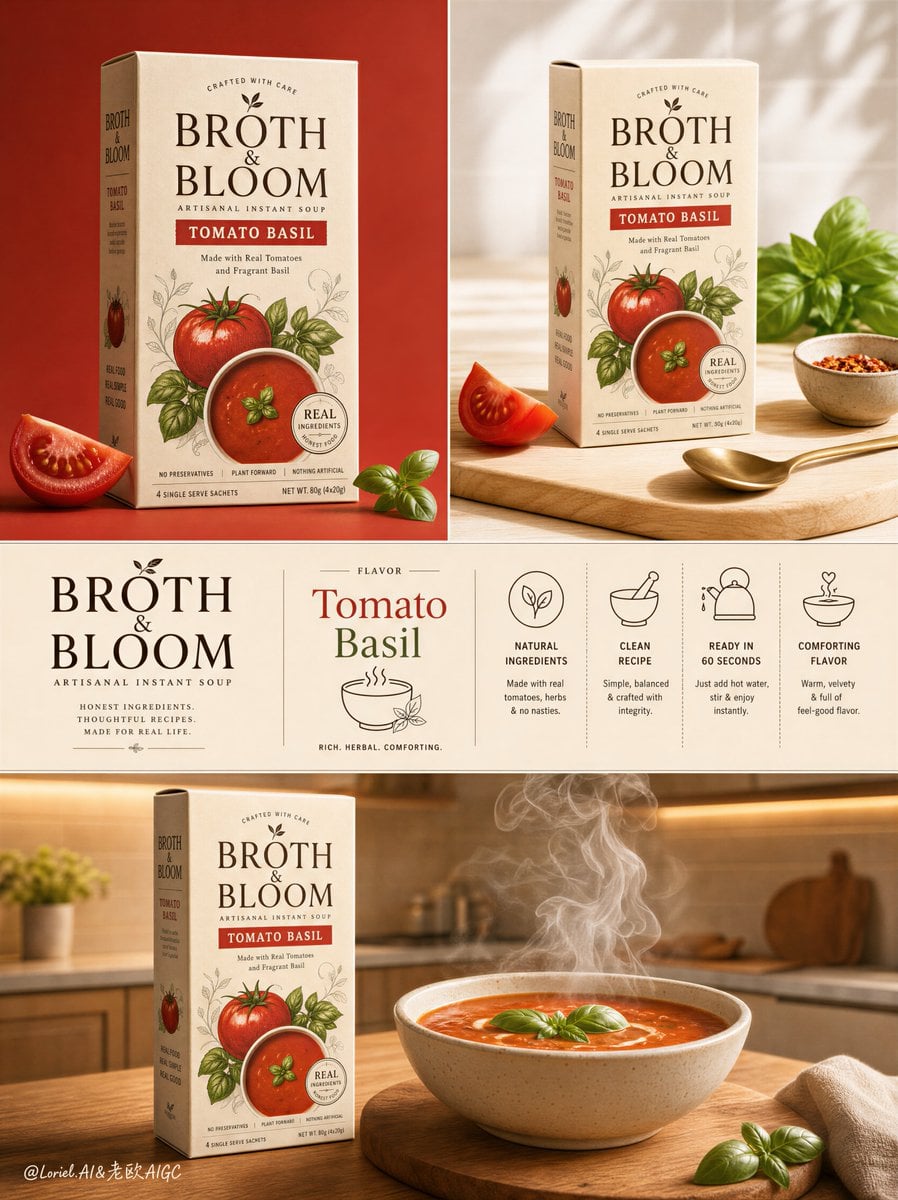
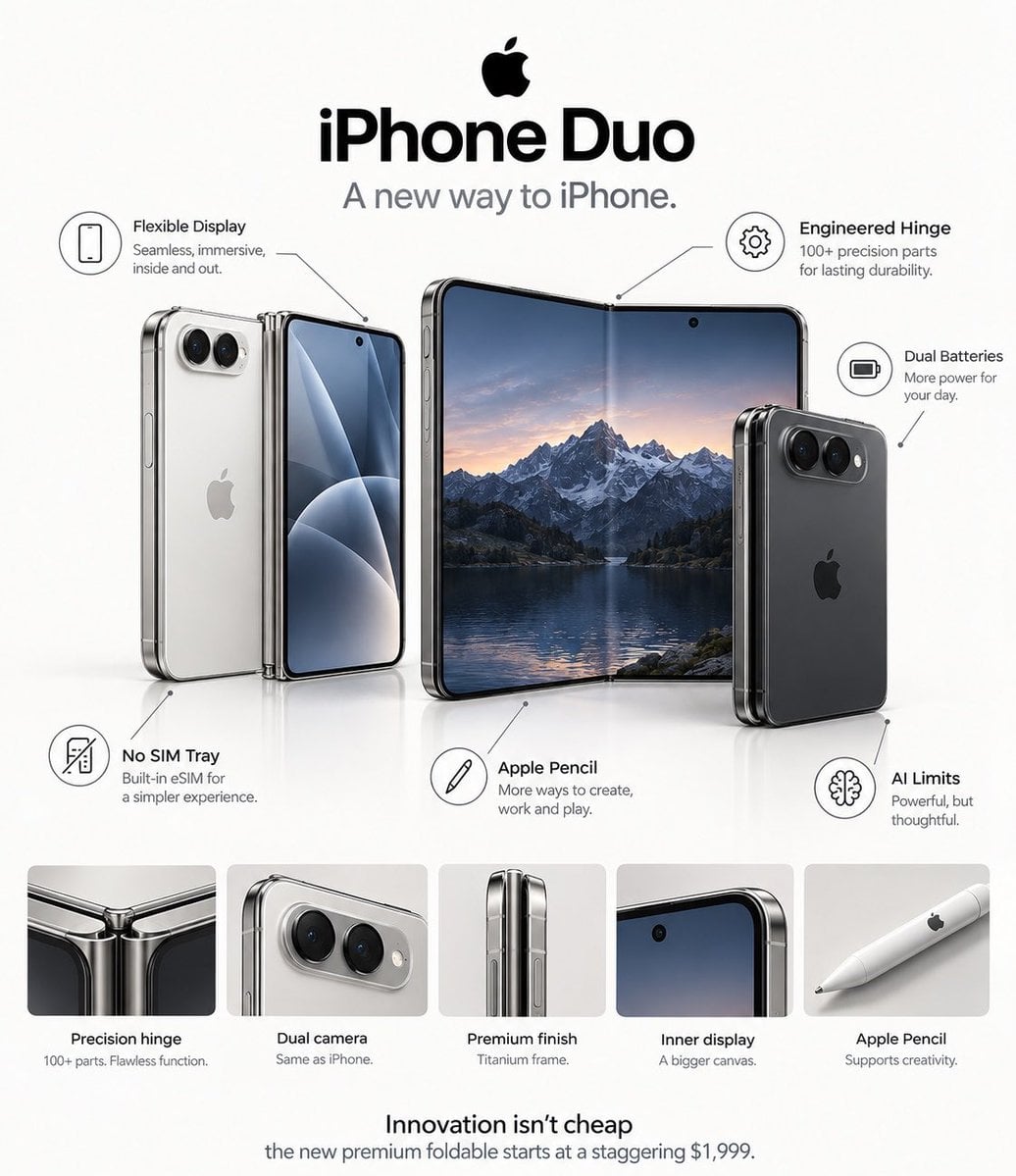
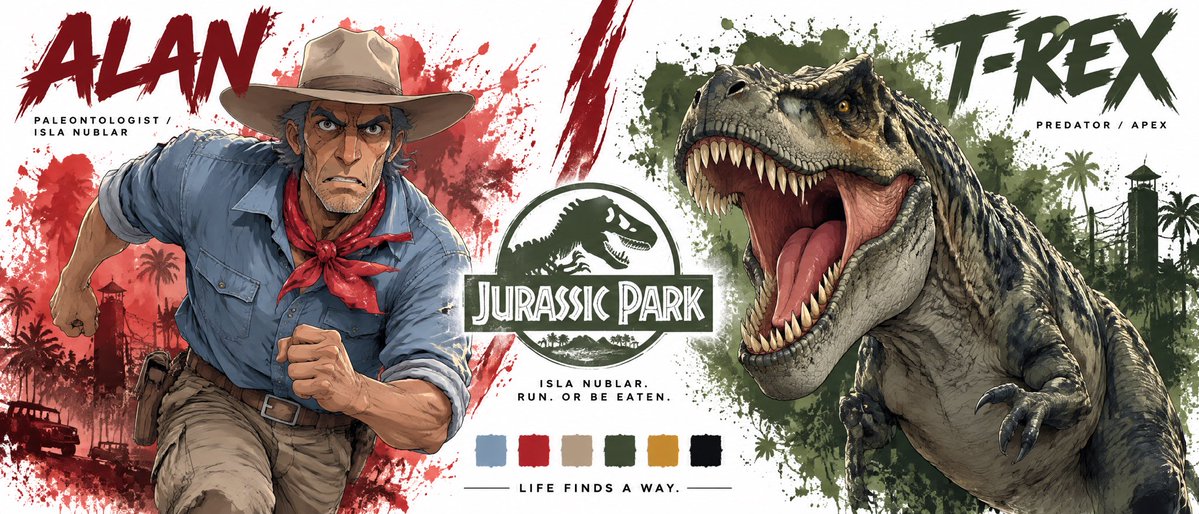
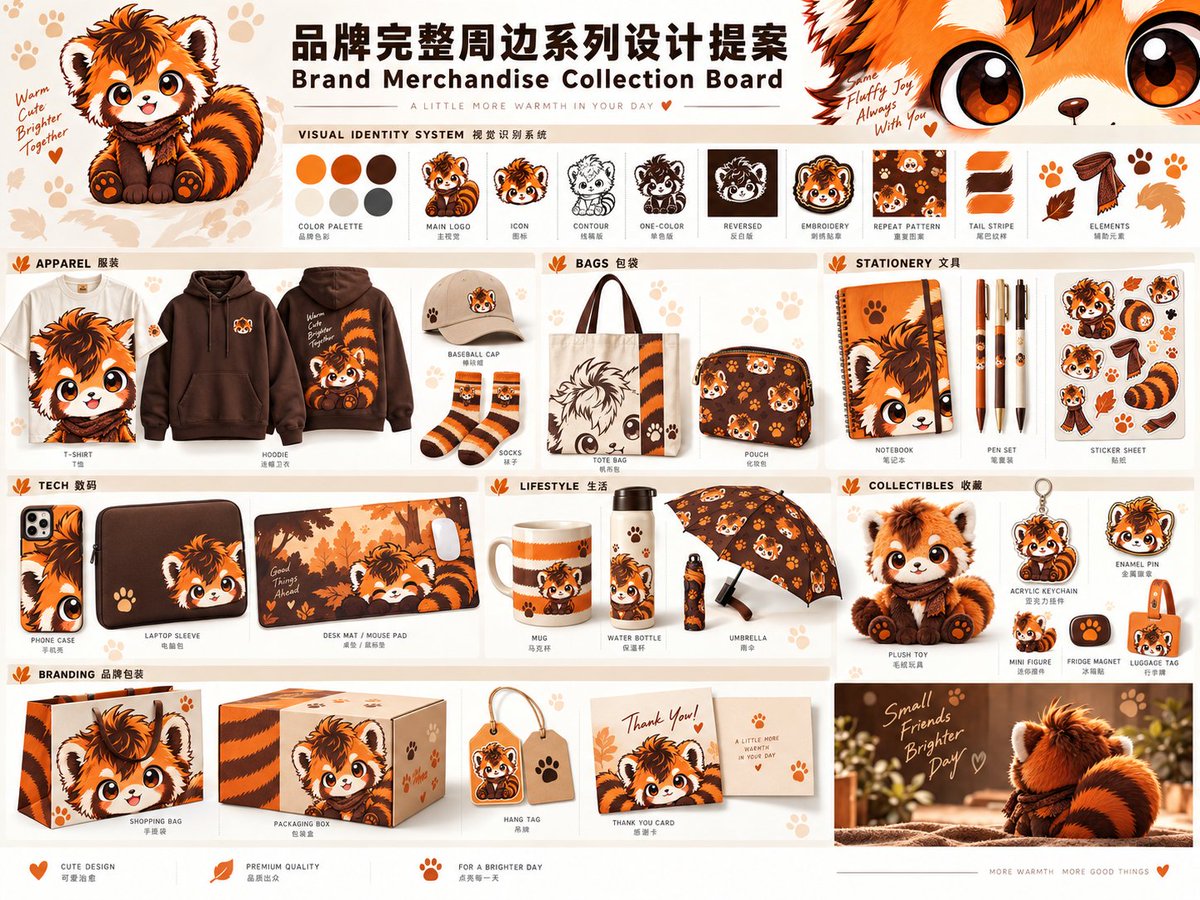
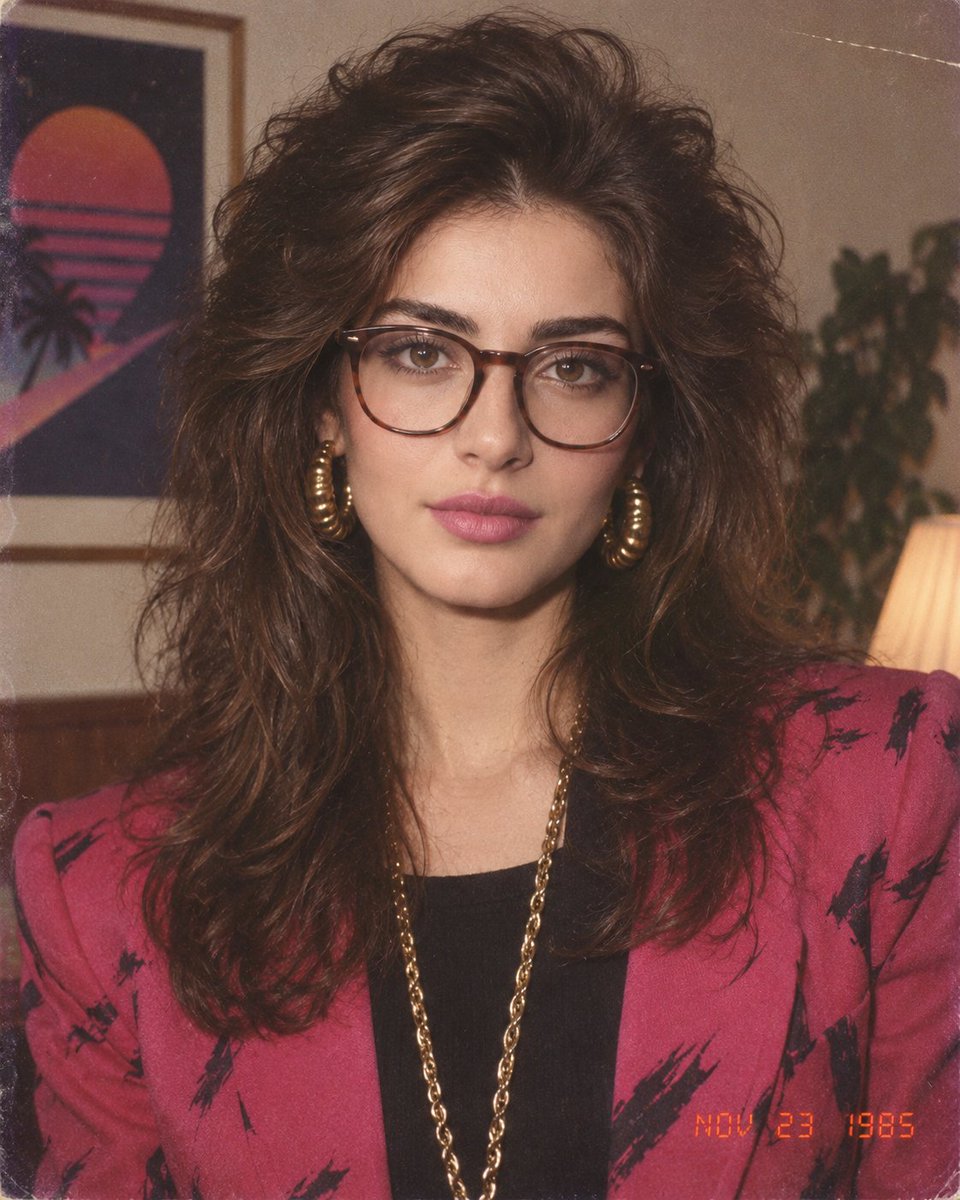
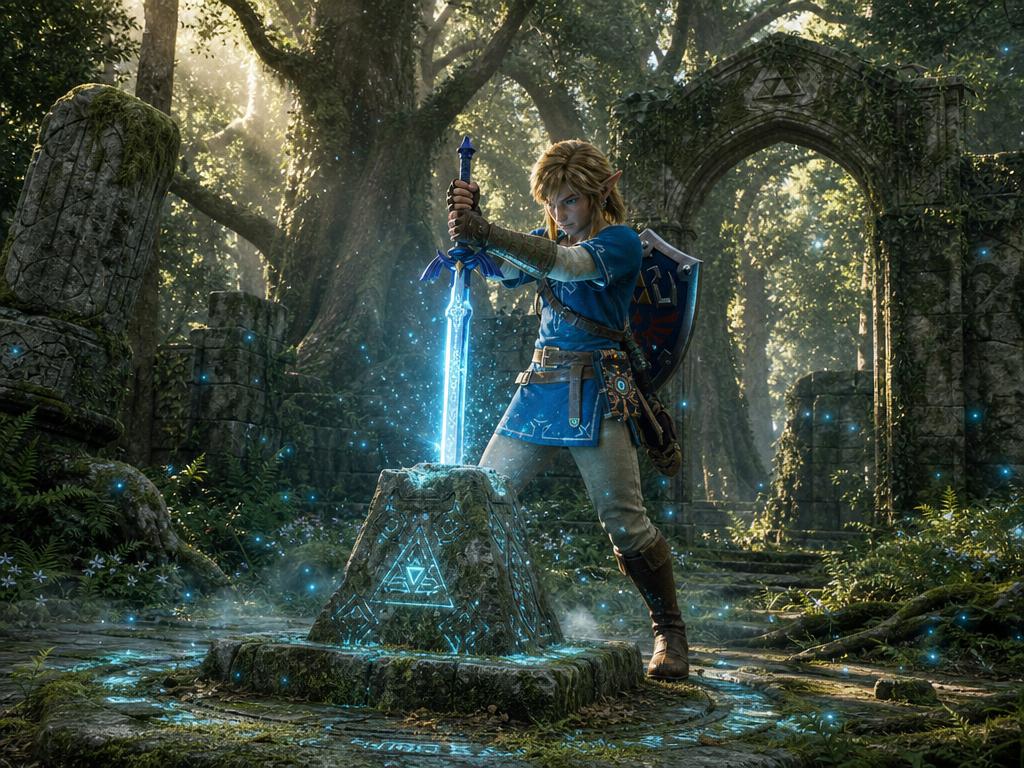
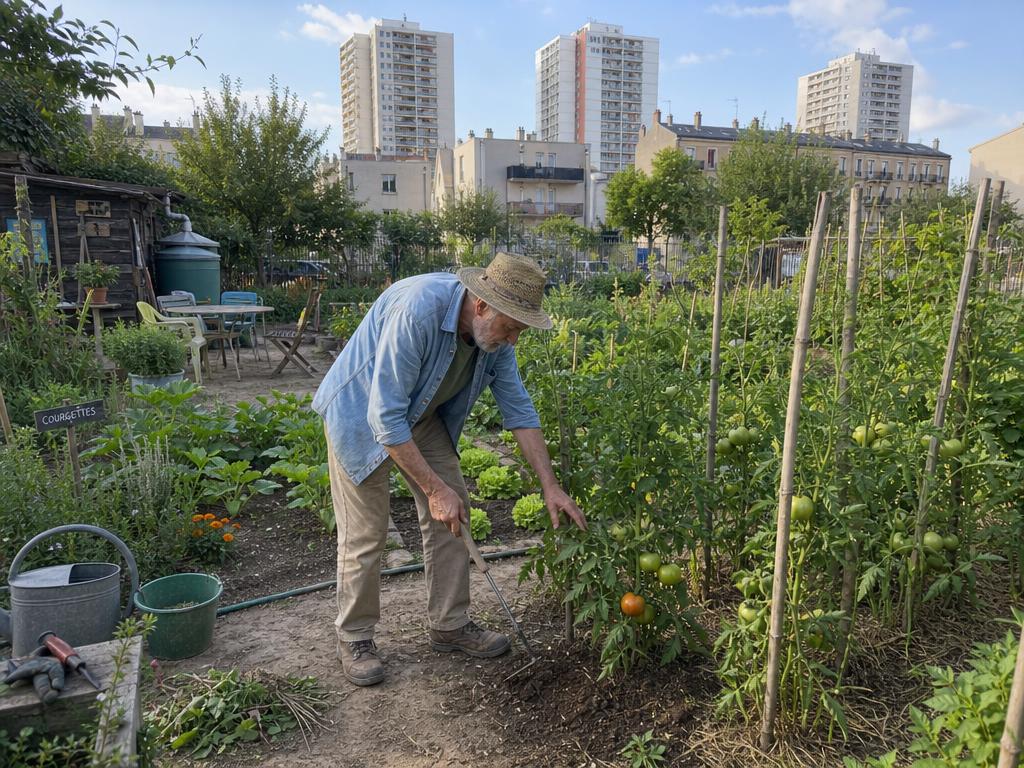
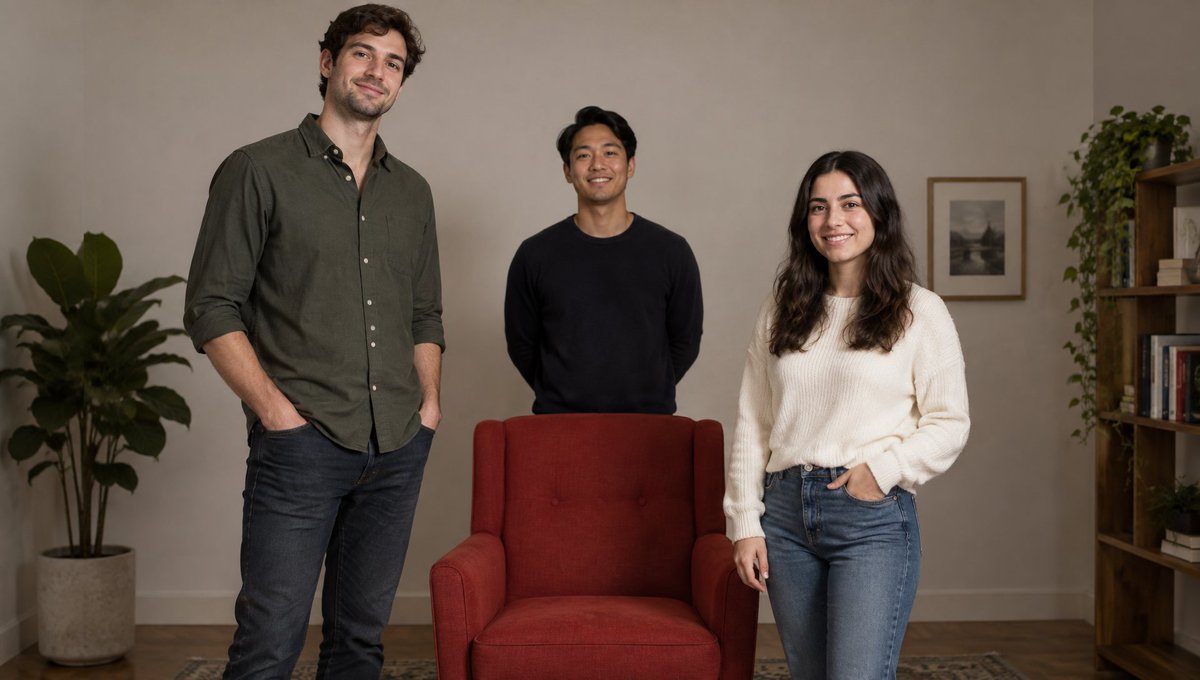
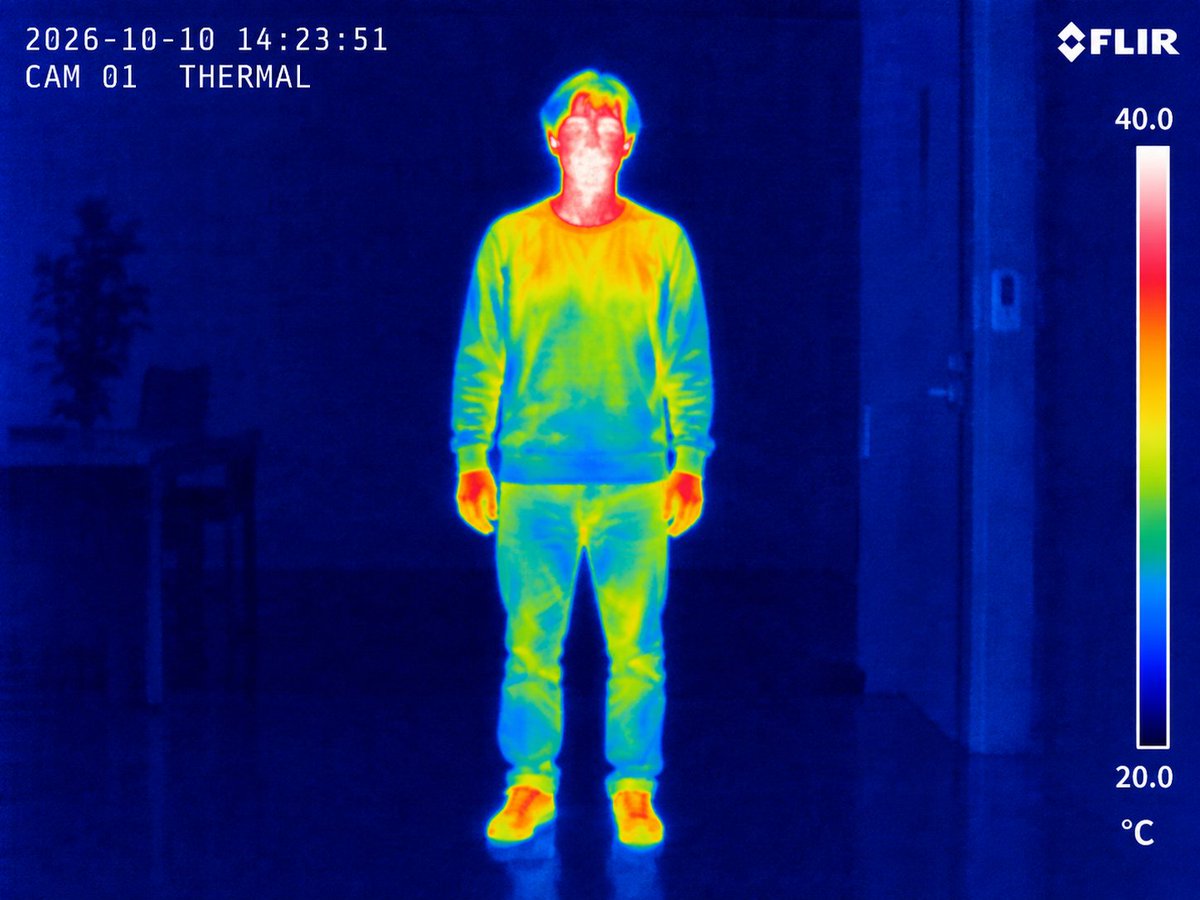
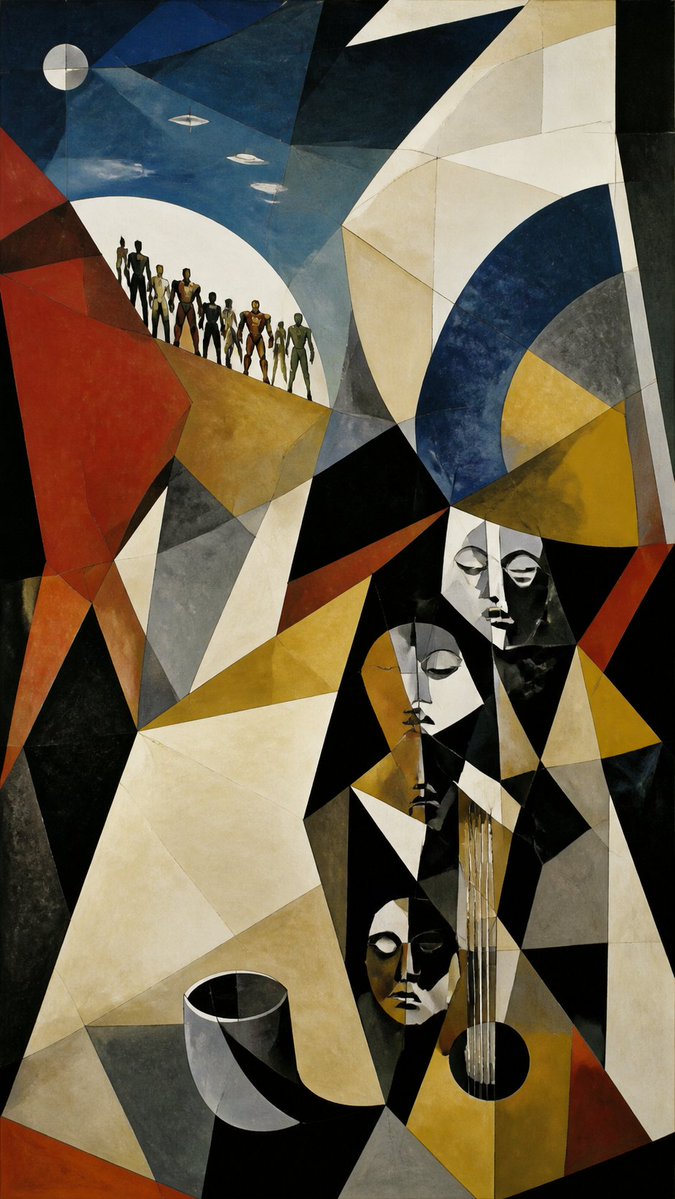
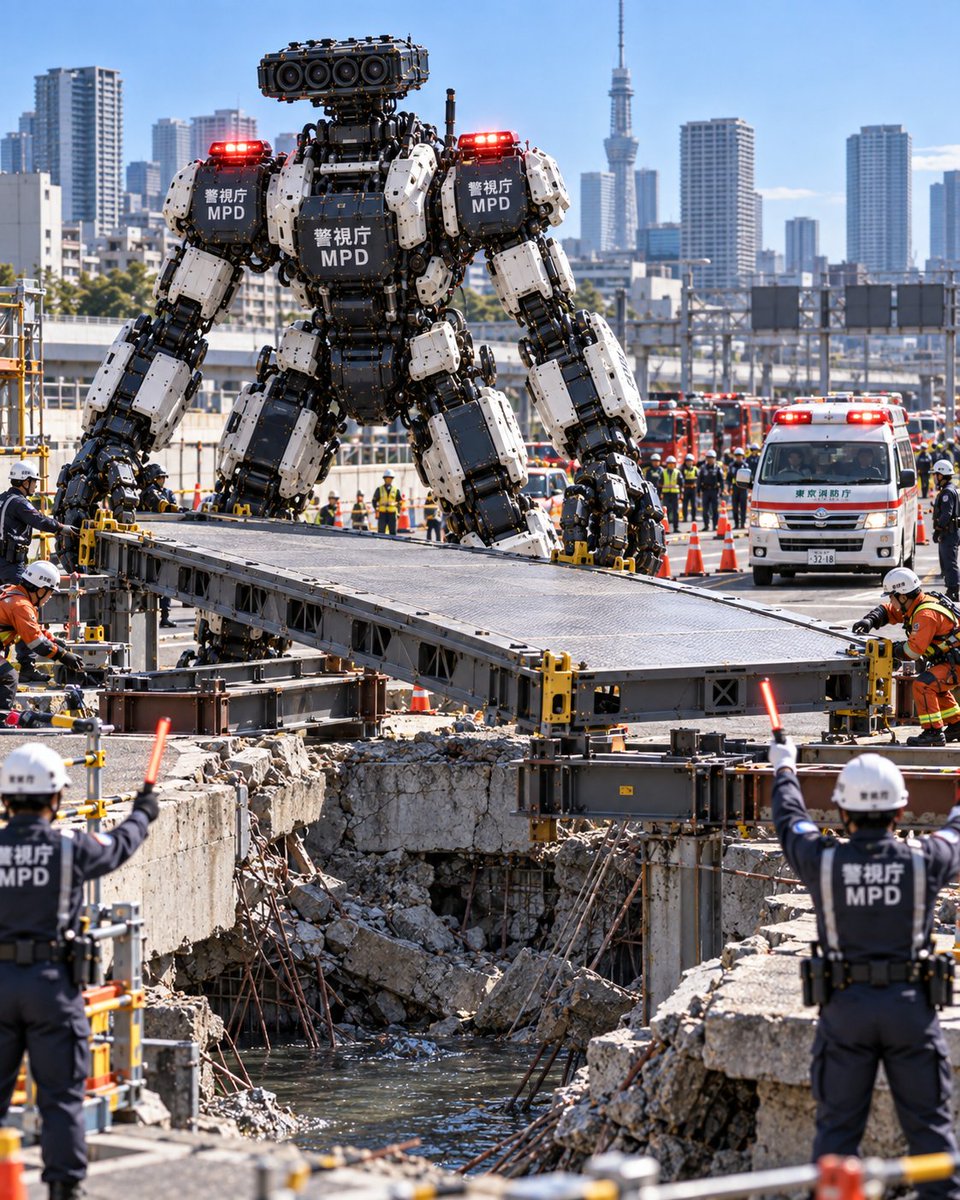
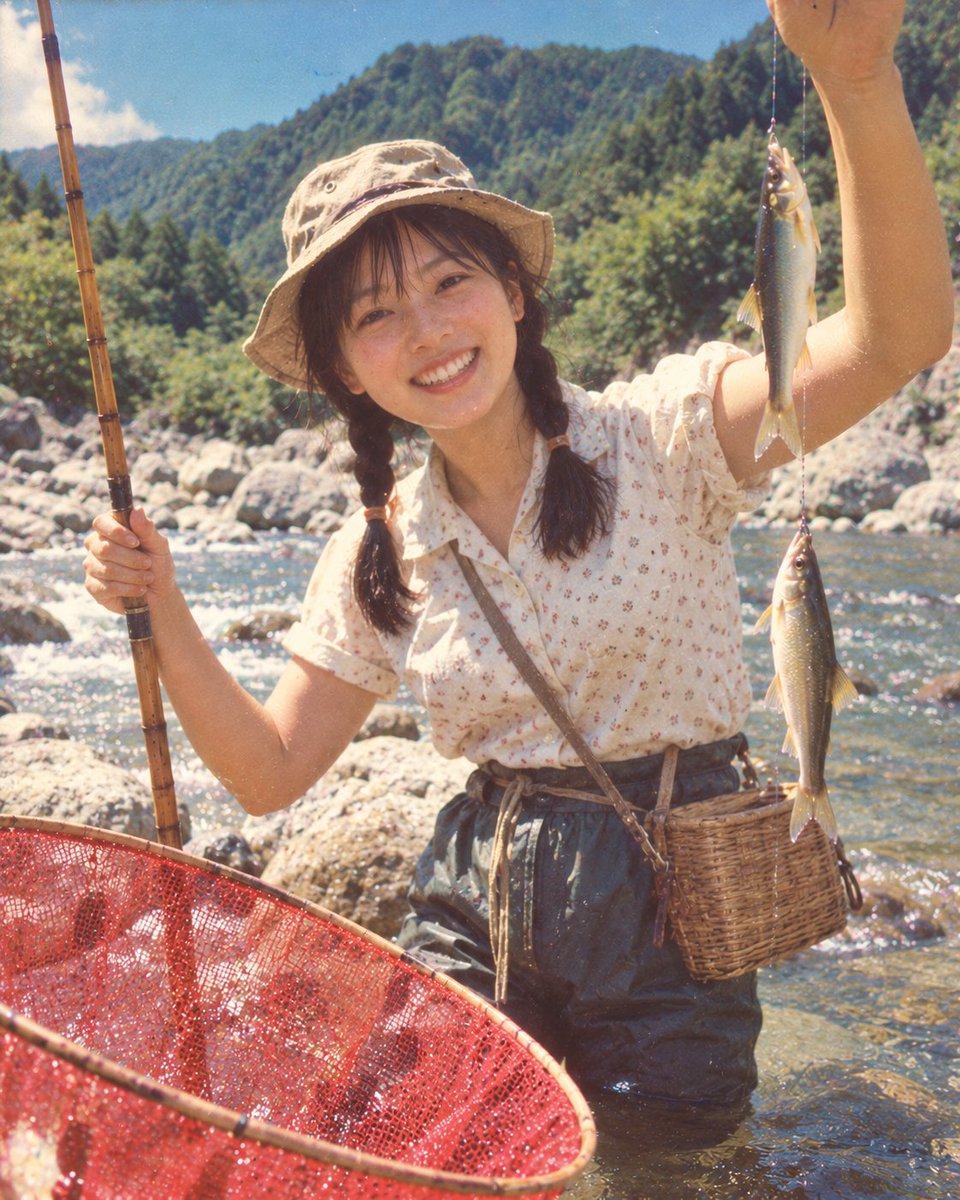
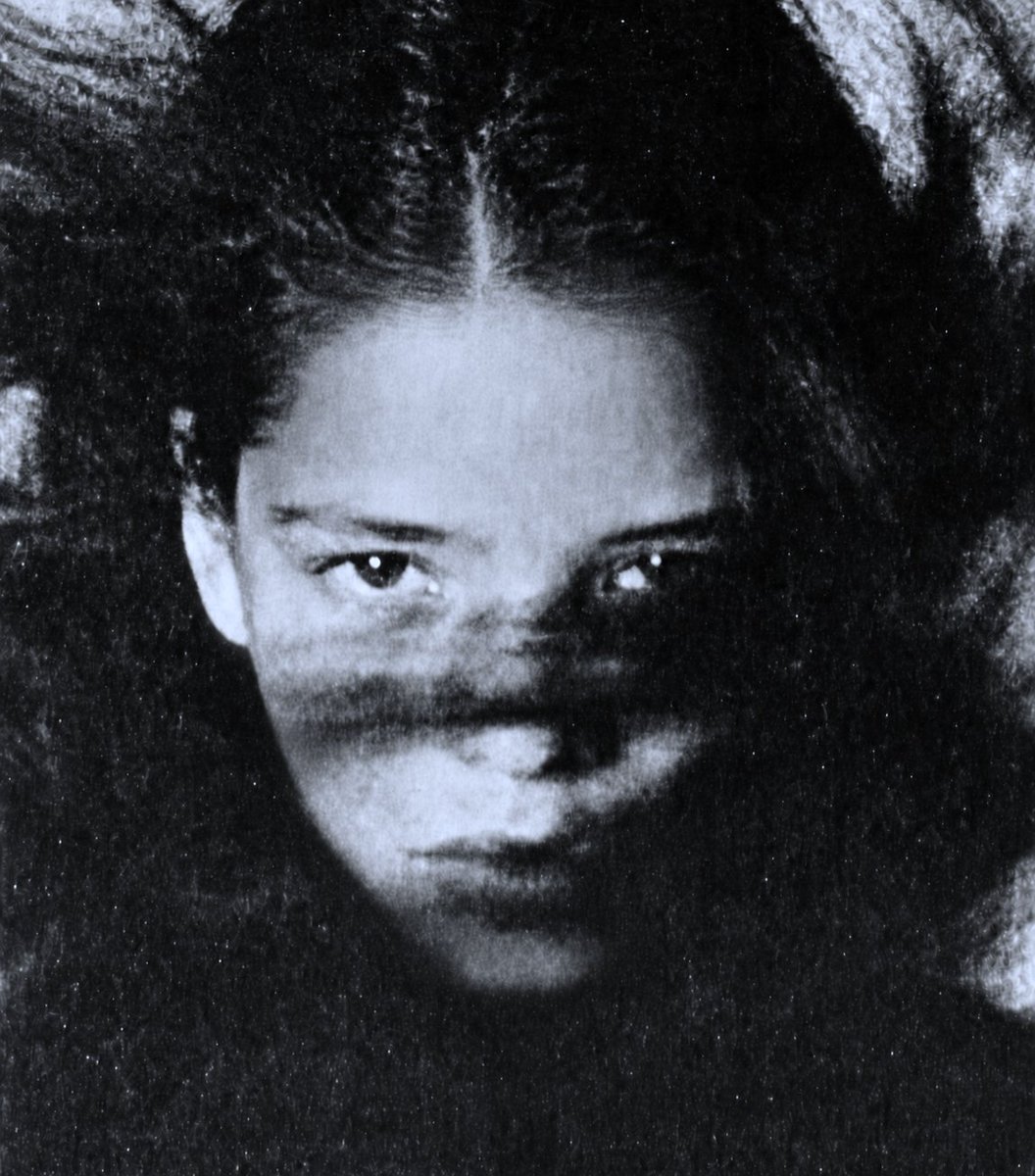



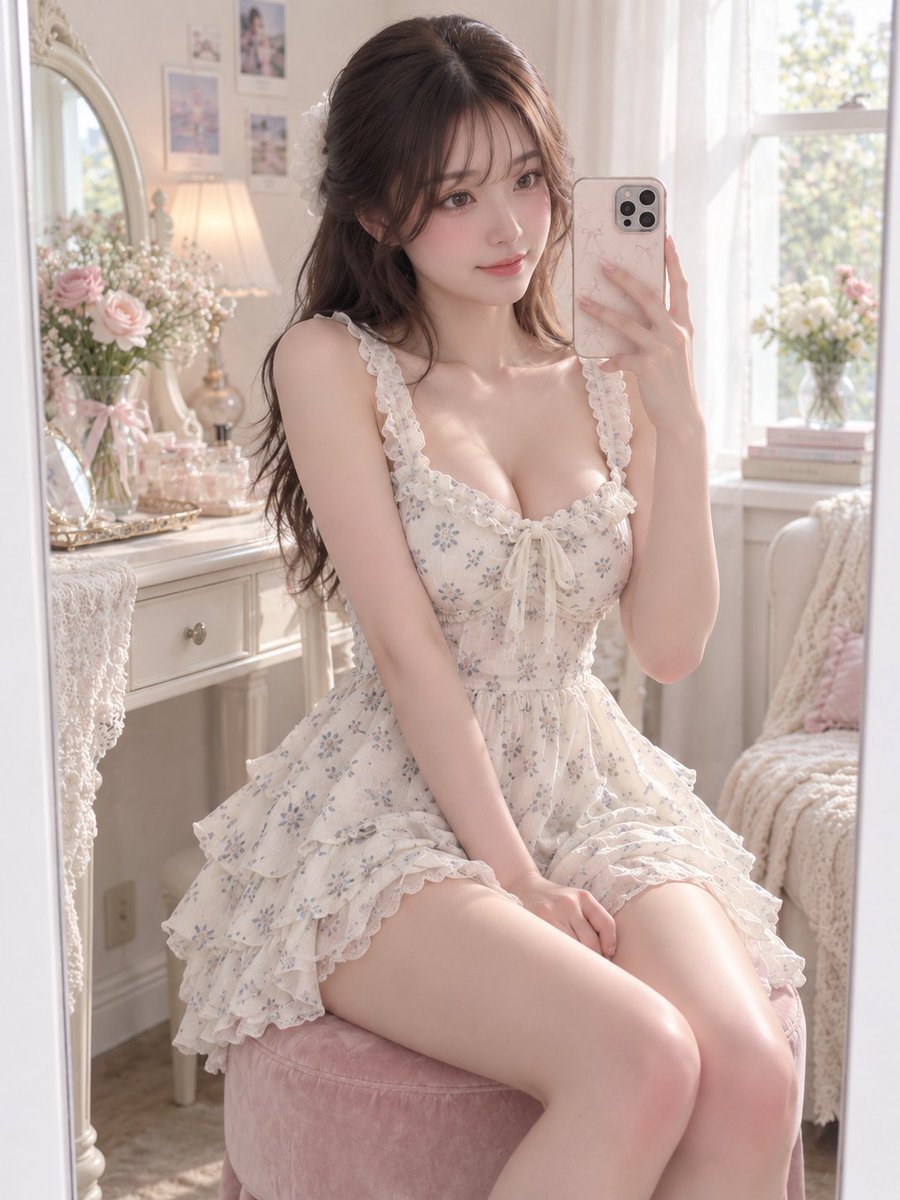






Load more (18607 left)
Source FAQ
What is this GPT Image 2 source page?
It is the public attribution page for GPT Image 2 prompt examples in Image Prompt Gallery.
Does Image Prompt Gallery own every prompt or media asset?
No. The page keeps source attribution visible and treats commercial reuse as restricted until rights are reviewed.
How should I reuse these examples?
Reuse the prompt structure, then adapt the subject, brand, visual style, and constraints for your own brief.