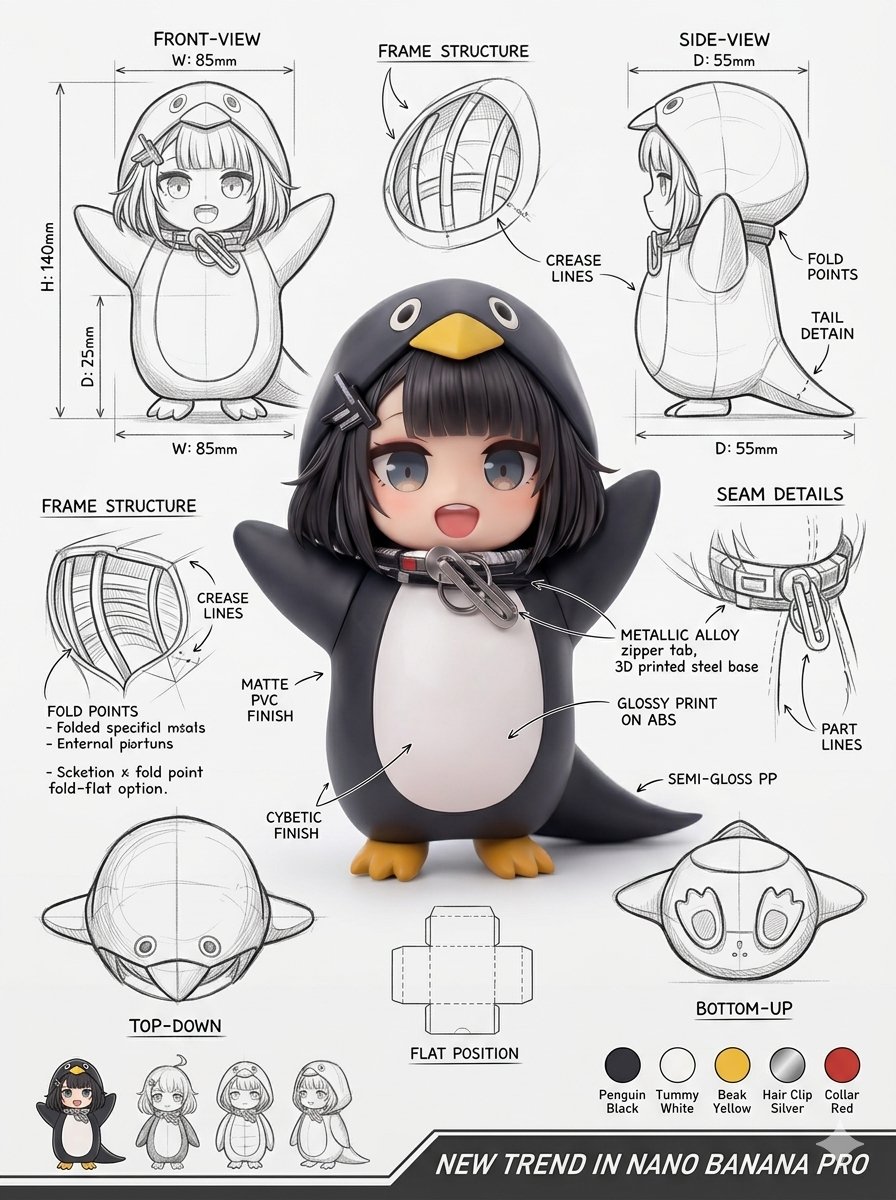
Curated Prompt Pack
Product Photography Prompts
Curated product photography prompts for ecommerce, campaign hero images, packaging shots, and source-attributed AI product visuals.
Product photography prompts work when the prompt explains the item, buyer context, material detail, lighting, surface, and channel before asking for style. This pack keeps the examples narrow enough for ecommerce teams, designers, and growth marketers to compare reusable prompt structures instead of browsing isolated case pages.
Use the selected cases as starting briefs: keep the shot logic, replace the product and audience, then check source attribution, brand claims, packaging rights, and client restrictions before paid publication.
Begin with the commercial job rather than a visual adjective. A marketplace thumbnail needs legible shape, honest scale, and clean separation at a small size; a campaign hero can use more atmosphere, props, depth, and directional light. Describe the product geometry, finish, transparency, moving parts, and any label area that must remain untouched. Then state the viewing angle, lens character, crop, surface, background distance, shadow behavior, and reserved copy space. This ordering gives the model a concrete scene to solve before it interprets mood words such as premium, playful, clinical, or sustainable.
Adapt an example in controlled passes. First replace only the object and customer context while preserving camera and lighting instructions. Next test one variable at a time: hard versus soft light, eye-level versus overhead view, glossy versus textured surface, or square versus vertical composition. Keep a short record of which change produced each result so the prompt remains reproducible for a series. When a product has important dimensions, functional details, or regulated packaging, compare the generated image with approved reference material and plan a manual retouching stage instead of expecting exact product truth from the model.
Treat every output as a draft asset. Generated labels, certification marks, ingredient claims, prices, and small typography can be wrong even when the image looks convincing. Do not ask the model to imitate a competitor campaign or reproduce protected packaging without permission. Verify the linked source and reuse note for each selected case, replace third-party logos, and obtain any required client or product approvals. The strongest workflow combines AI exploration with a design file that contains final copy, licensed brand assets, accessibility checks, and channel-specific exports.
Best use cases
- - Ecommerce hero images
- - Packaging and label mockups
- - Campaign landing visuals
- - Marketplace listing variants
How to adapt these prompts
- - Replace the product, material, and customer segment.
- - Tune lens, lighting, crop, shadow, and background for the channel.
- - Review labels, trademarks, source media, and commercial-use status.
Common mistakes
- - Asking for exact brand labels without rights.
- - Generating final ad copy inside the image.
- - Ignoring scale, shadows, and packaging claims.
Selected prompt examples
Product Photography Prompts examples
Each case keeps real media, model routing, source attribution, and reuse cautions visible.
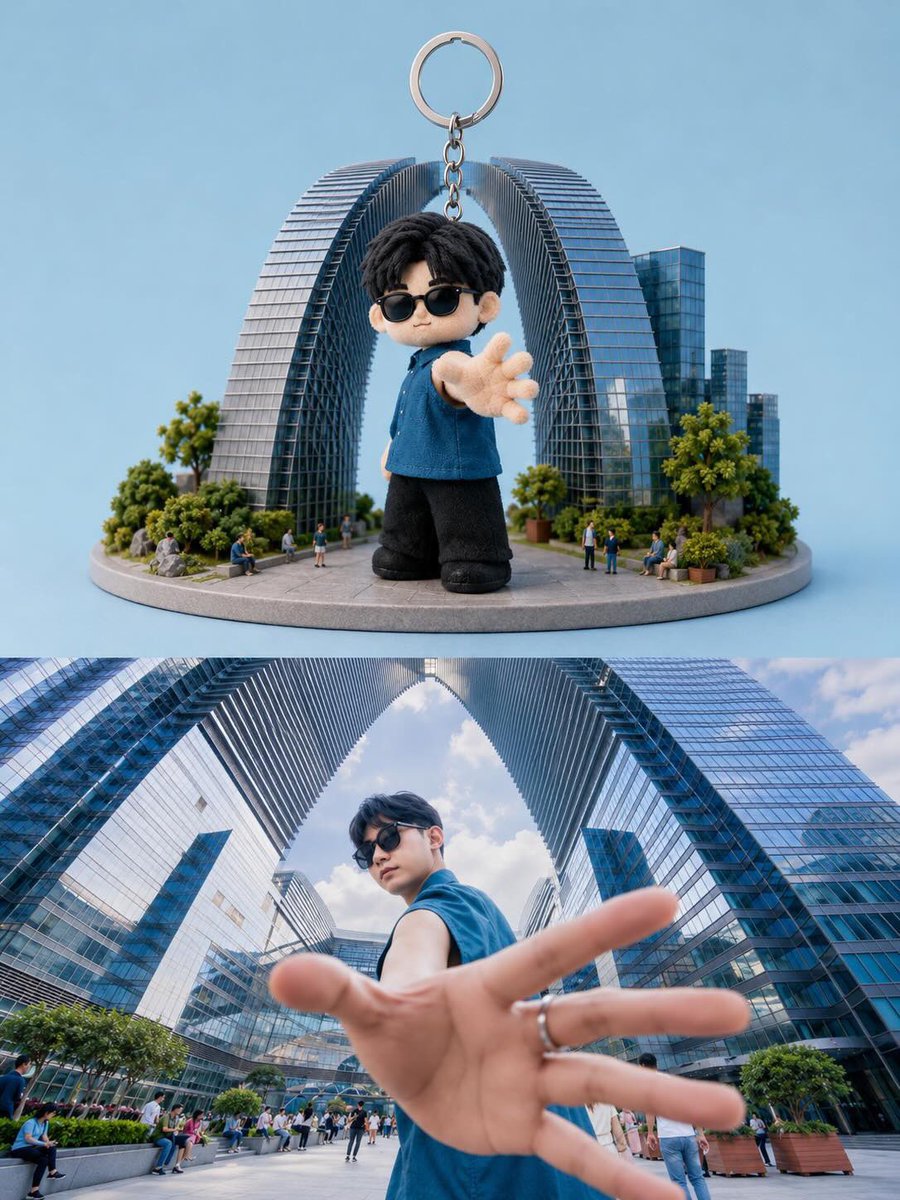
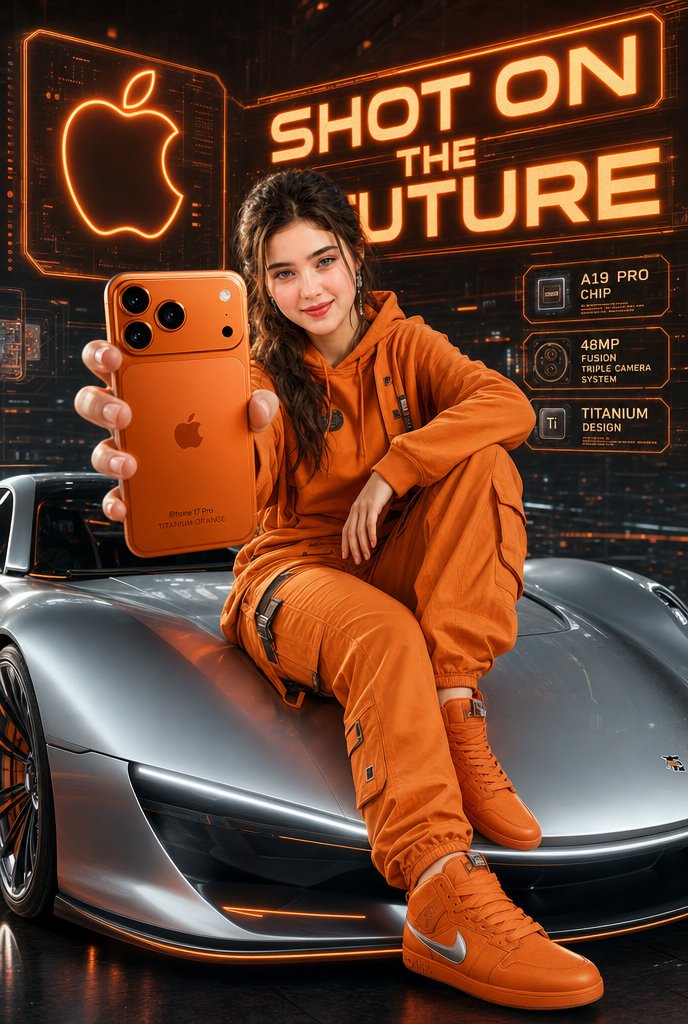
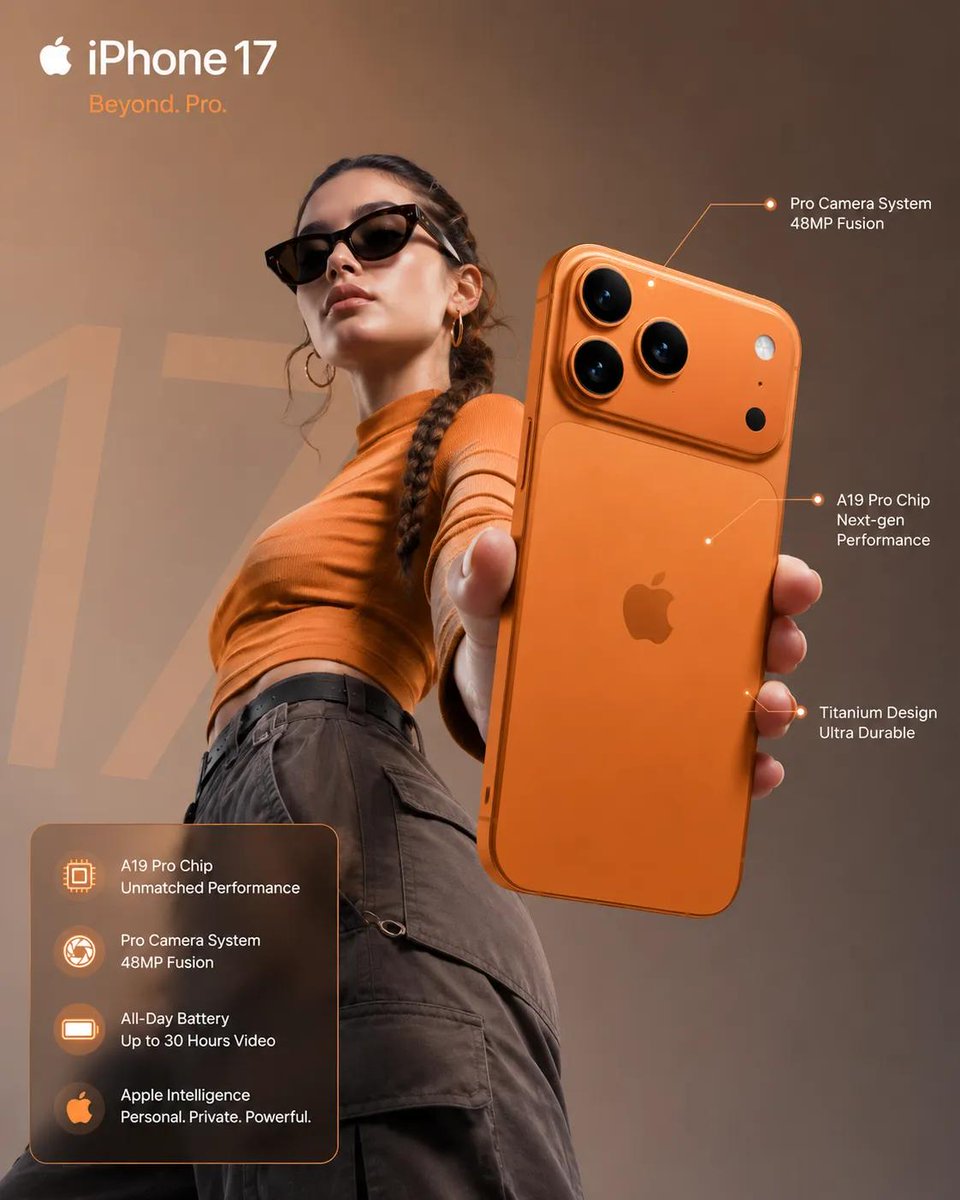
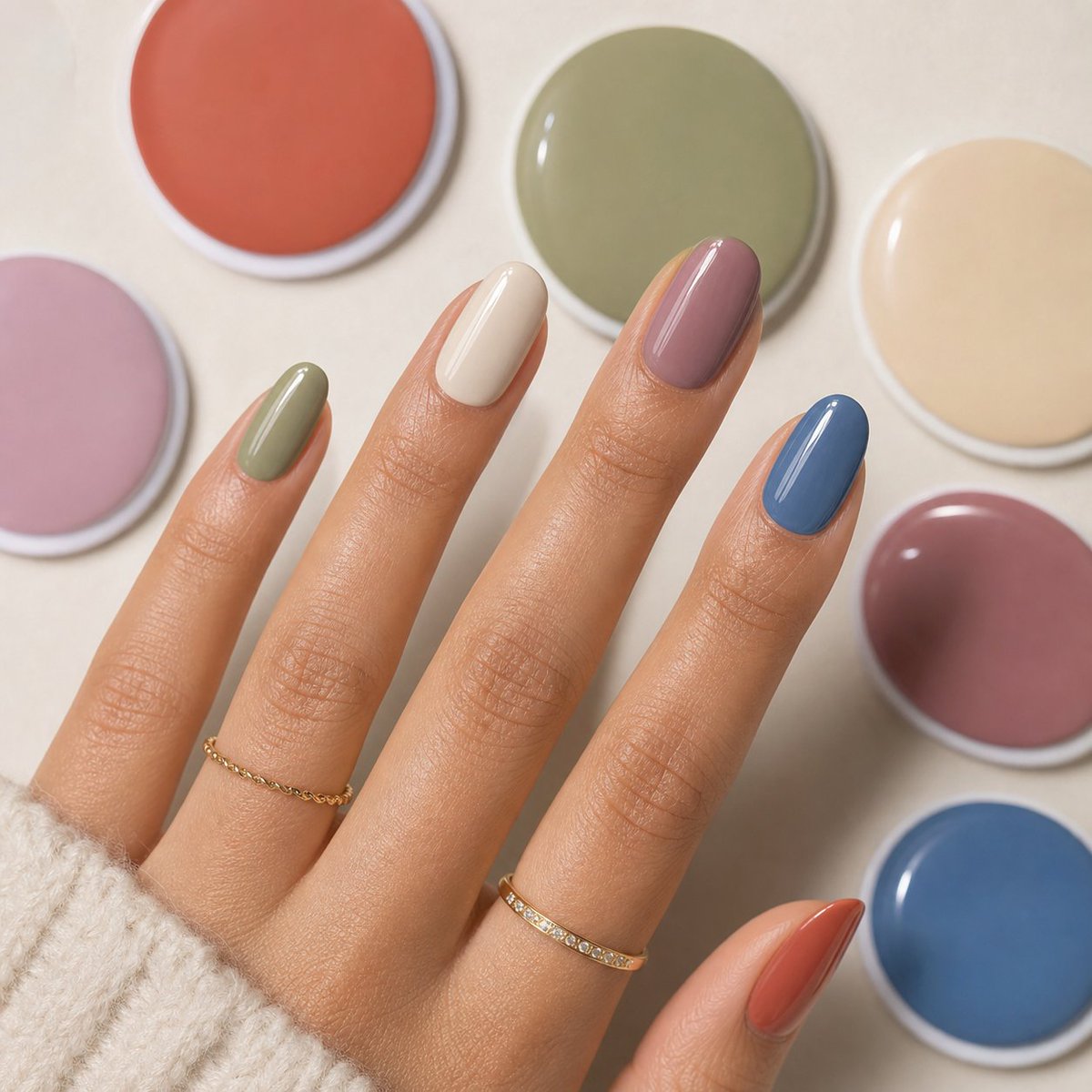
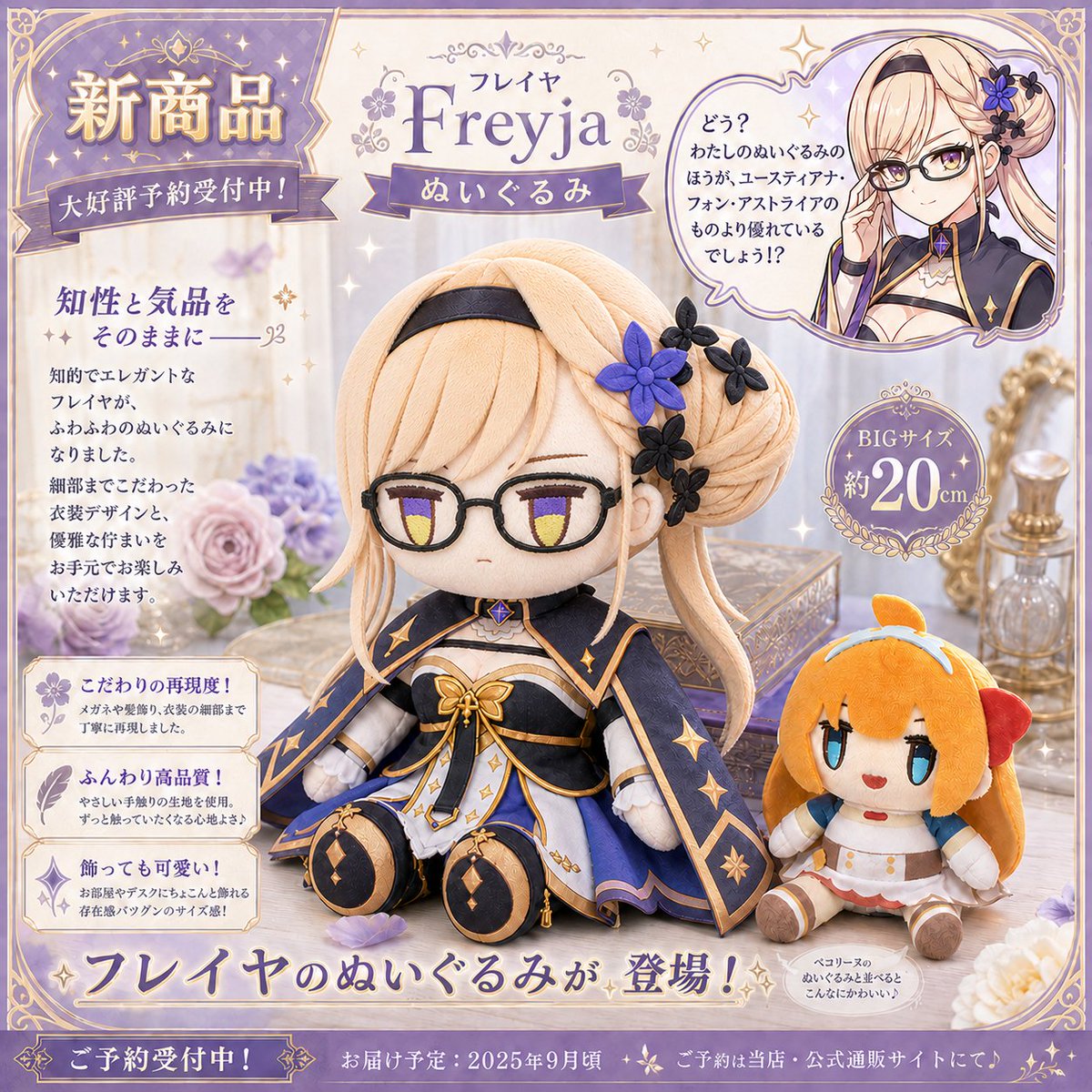
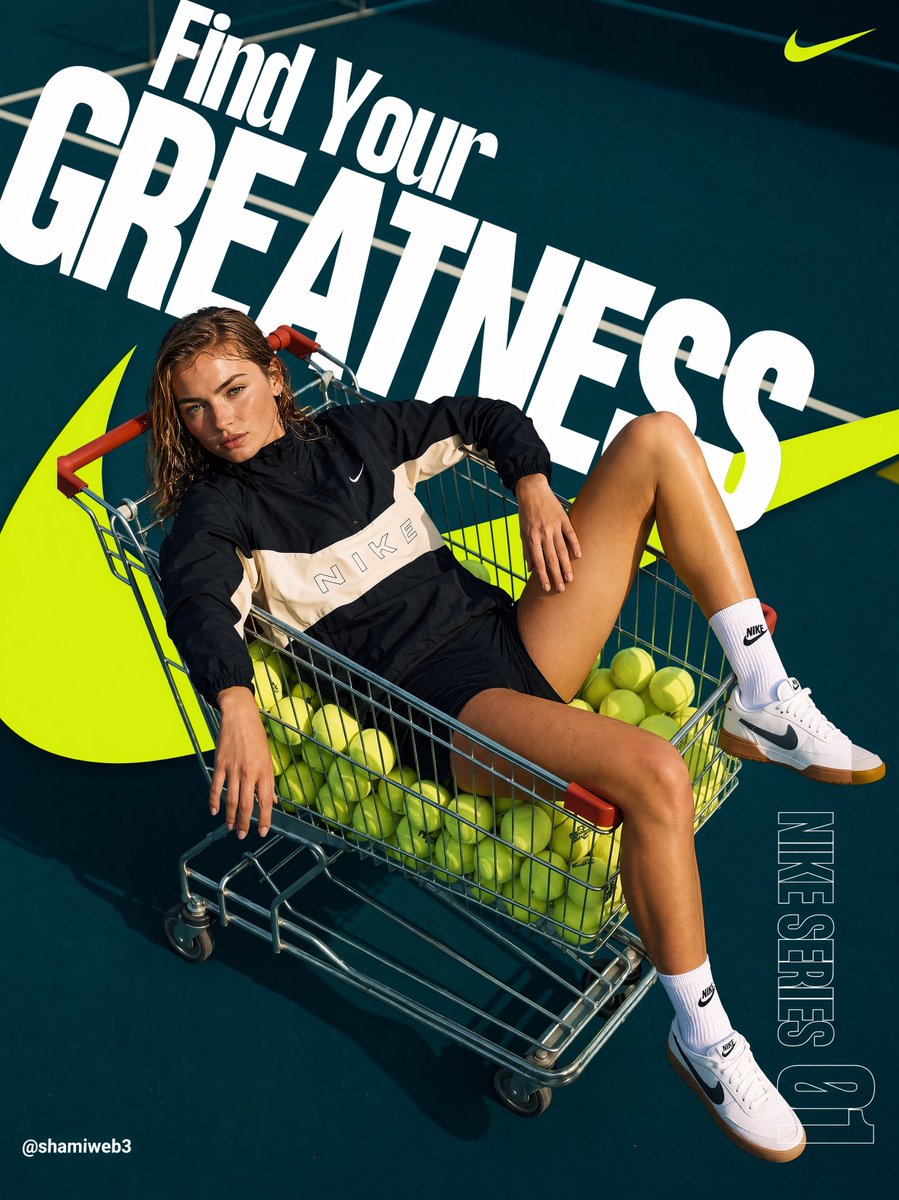
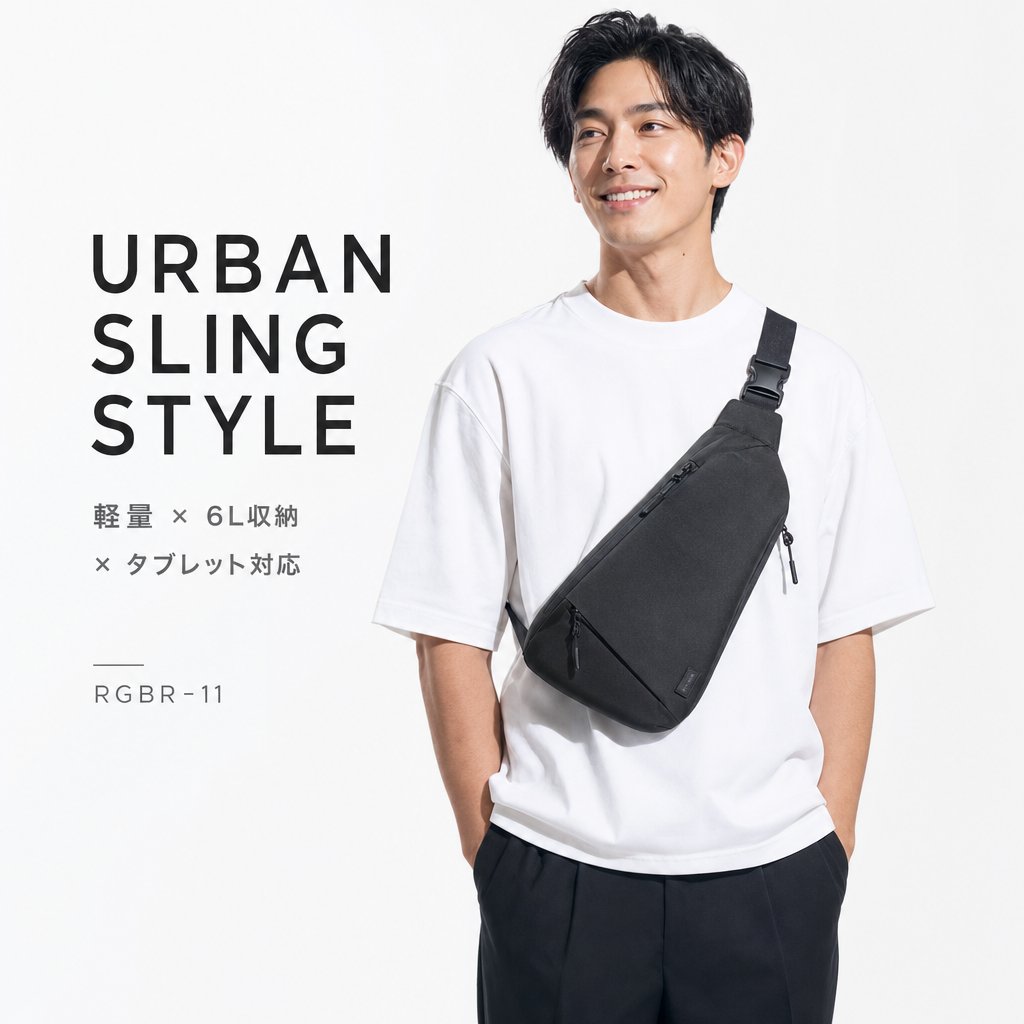
All prompts loaded
Prompt pack FAQ
Can I use product photography prompts commercially?
The page keeps source attribution and reuse cautions visible. Review the original source, brands, likenesses, logos, and third-party media before client or paid use.
How do I adapt product photography prompts?
Keep the prompt structure, then replace the subject, scene, aspect ratio, camera, style, and constraints. Re-check source and commercial risk after editing.
Why is this pack curated instead of exhaustive?
The pack only highlights selected cases, so IPG does not create large batches of thin indexed URLs after the spam update.