Curated Prompt Pack
Poster Design Prompts
AI poster prompts for event flyers, campaign key visuals, movie-style layouts, and print-inspired graphics.
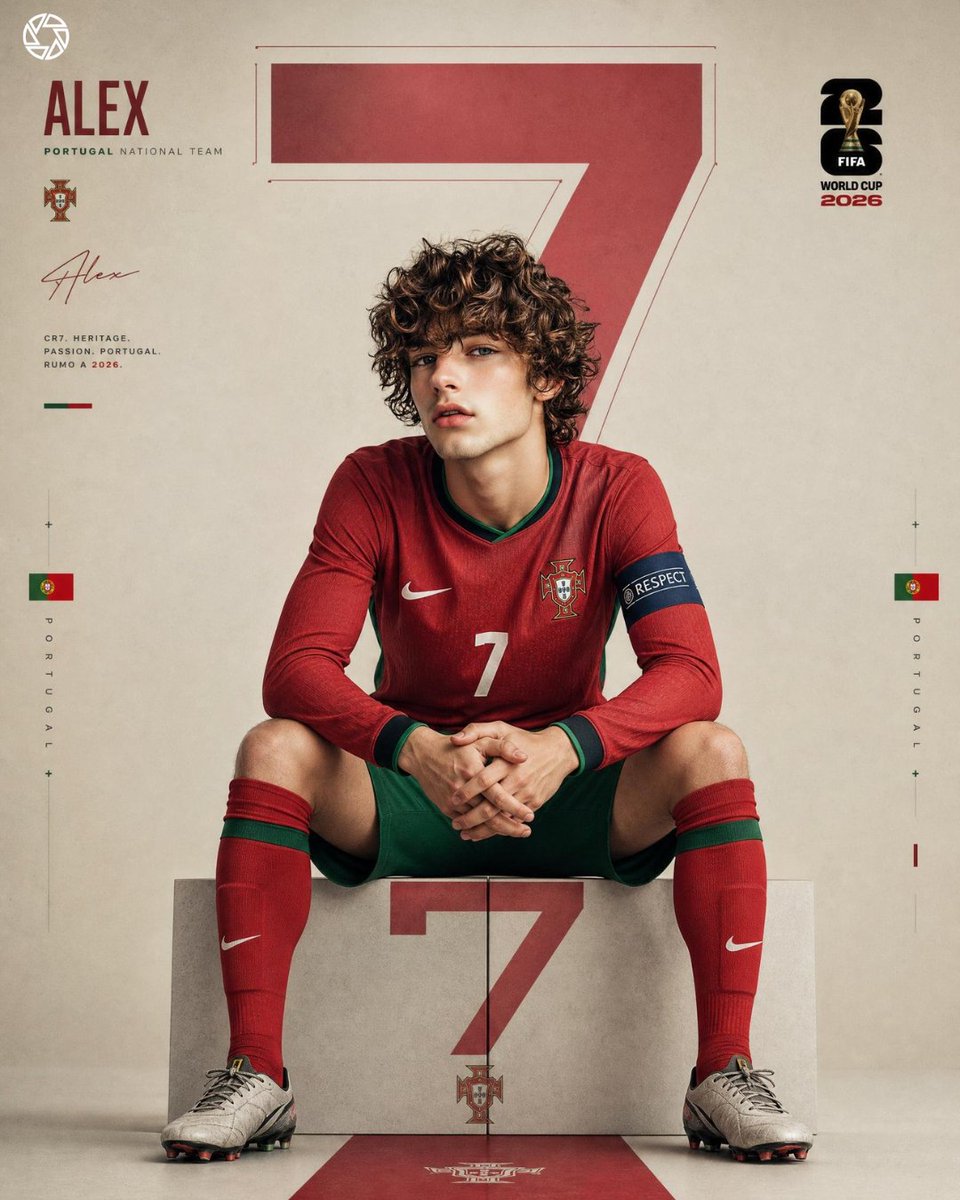
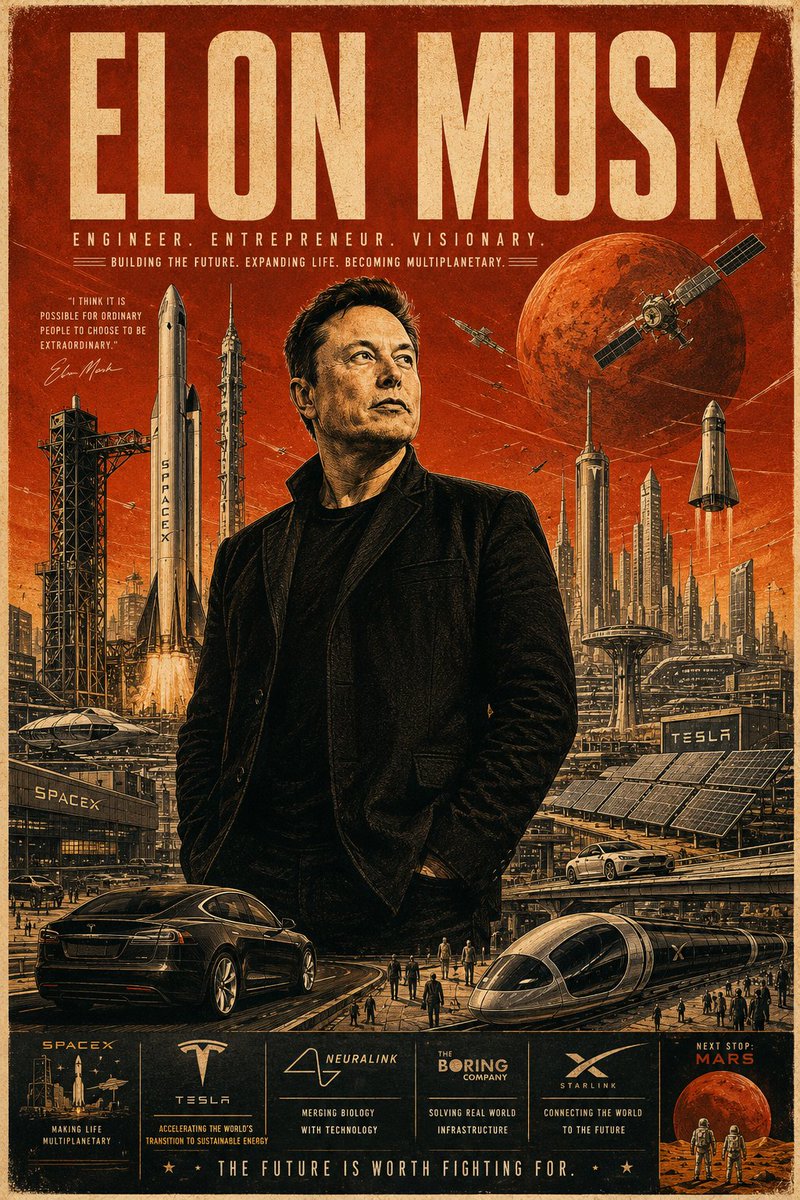
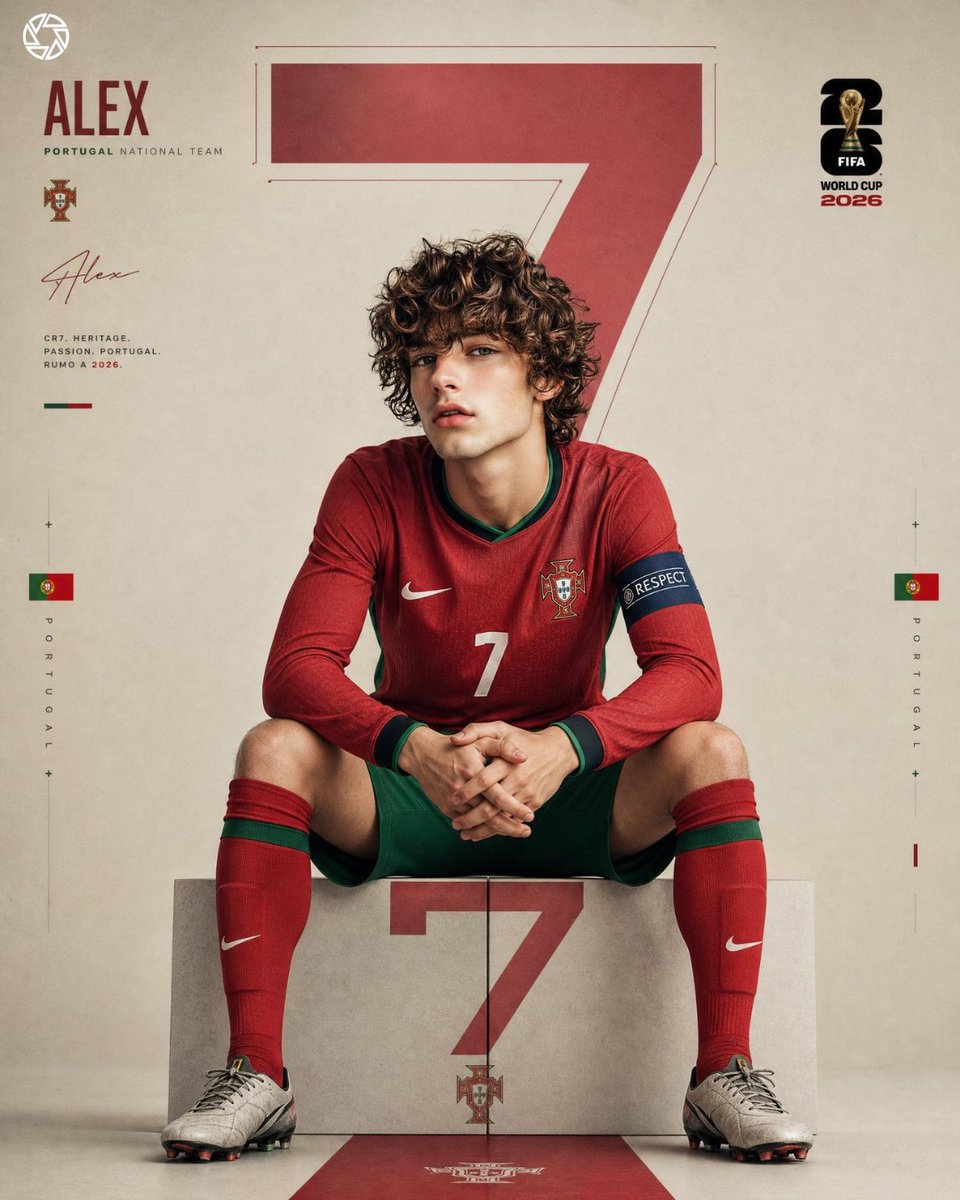
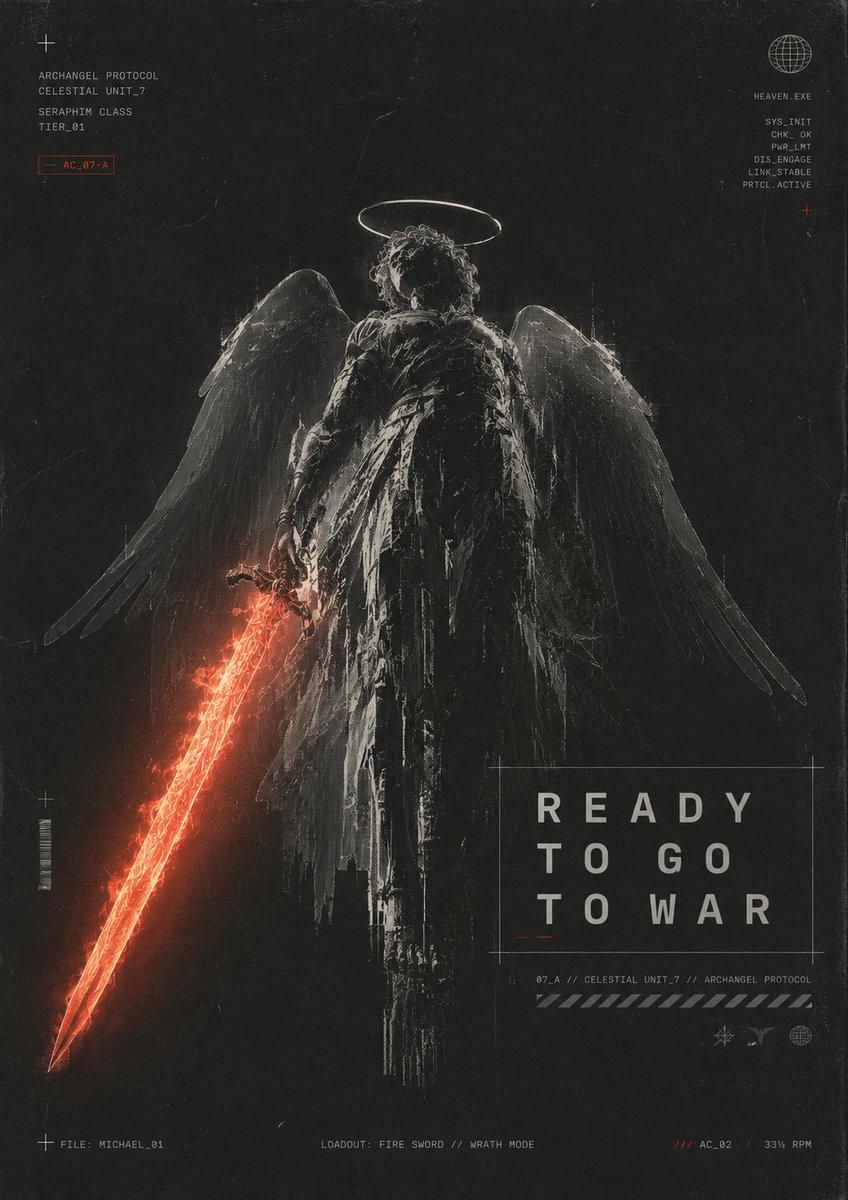
Poster prompts need a visible message, a single visual hook, layout hierarchy, copy-safe areas, color direction, and print or campaign context. This pack groups cases that can become poster briefs without encouraging thin doorway pages.
Use these examples to explore hierarchy and art direction, then typeset final text, sponsor marks, dates, and legal details outside the image model.
Start by writing the communication hierarchy in plain language: what the audience should notice first, what information belongs second, and which details can wait for the final layout. Name one central image idea, the intended emotional register, and the physical or digital placement. Then specify portrait, square, landscape, or print dimensions; the location of headline and body-copy zones; contrast requirements; and whether the composition should feel symmetrical, modular, dense, or spacious. A clear hierarchy is more useful than stacking references to several unrelated design movements in one prompt.
Use the selected cases to study structure, not to copy a finished campaign. Preserve the relative scale of focal image, negative space, and supporting texture while changing the event, genre, palette, and audience. Generate several visual systems before choosing one direction, then test whether the idea still reads as a thumbnail and in grayscale. If a concept depends on exact names, dates, prices, schedules, or sponsor lists, reserve clean areas and add those elements in a layout application. Image models can suggest letterforms, but they are not a reliable typesetting or proofreading tool.
Before publication, compare the result with known movie posters, album covers, sports identities, and artist work to avoid an overly close imitation. Replace generated logos and protected characters, confirm licenses for any reference image, and verify that people or brands are not shown endorsing an event without permission. For print, inspect bleed, safe area, resolution, color conversion, and small-text legibility. For social distribution, create deliberate crops rather than allowing a platform to cut the key message. Keep source attribution and reuse notes attached to the chosen case throughout review.
Best use cases
- - Event posters
- - Movie-style key art
- - Campaign announcements
- - Editorial covers
How to adapt these prompts
- - Swap the event, genre, or campaign message.
- - Preserve hierarchy while changing palette and visual era.
- - Inspect generated text, logos, and dates before publishing.
Common mistakes
- - Letting the model create all typography.
- - Overloading the prompt with multiple messages.
- - Copying protected poster styles too closely.
Selected prompt examples
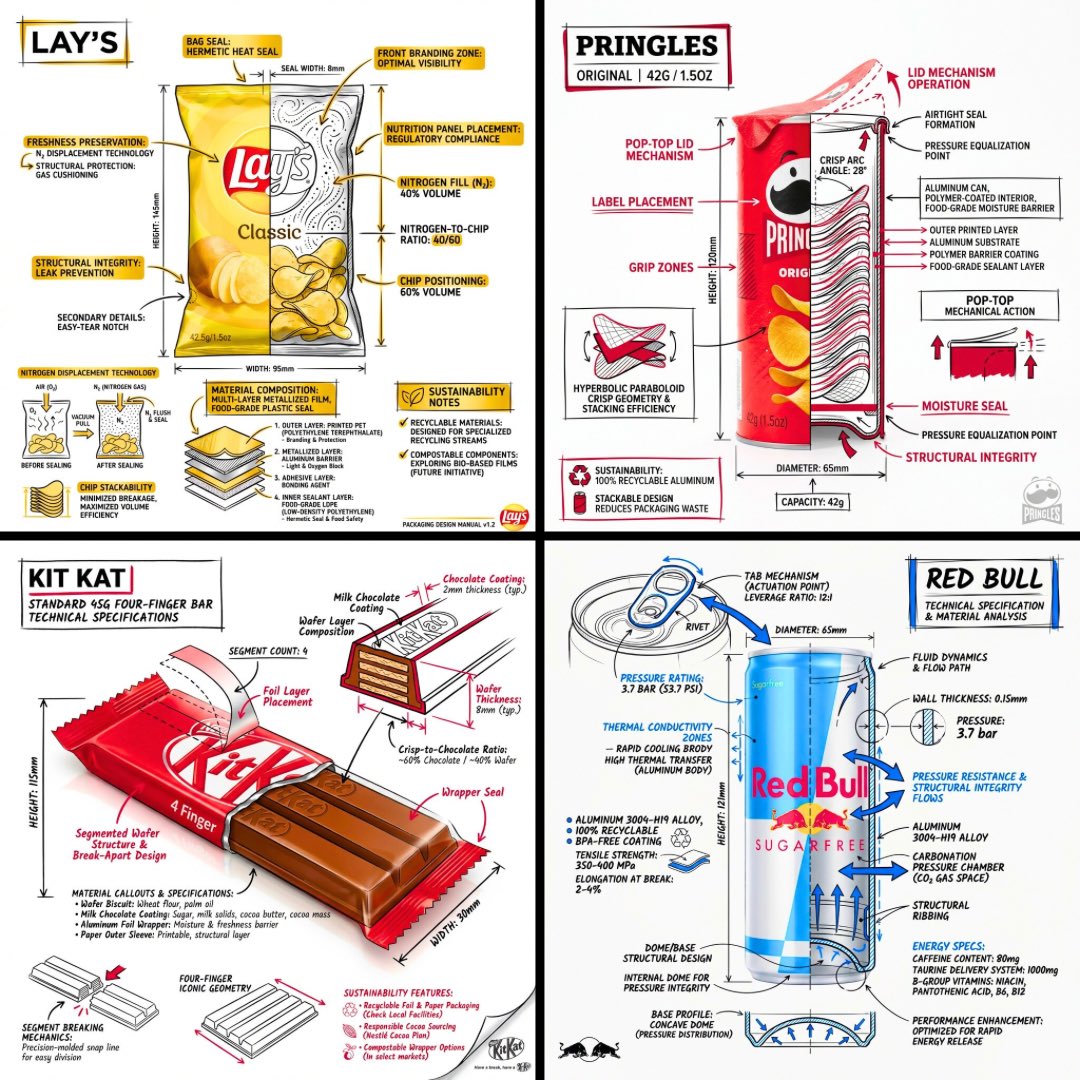
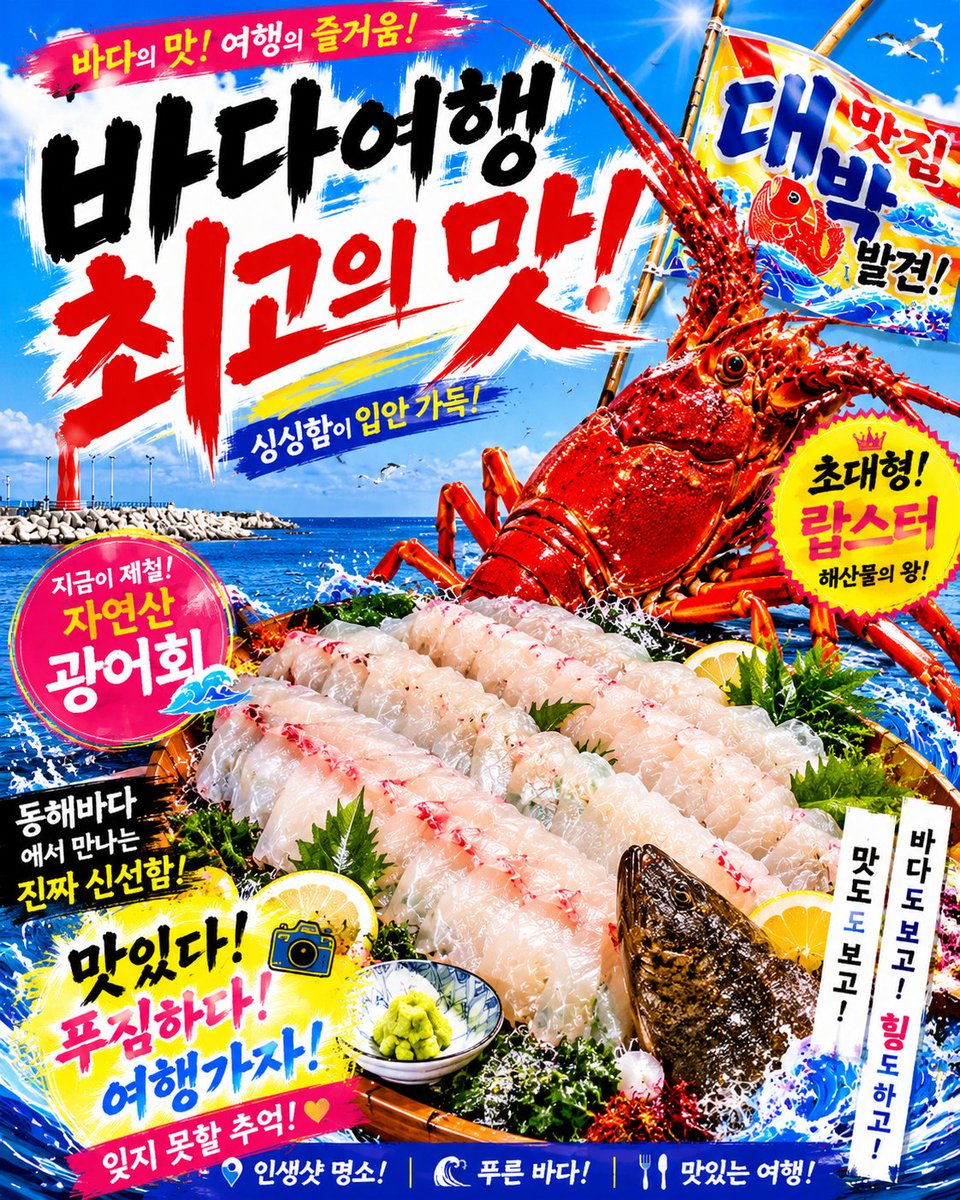
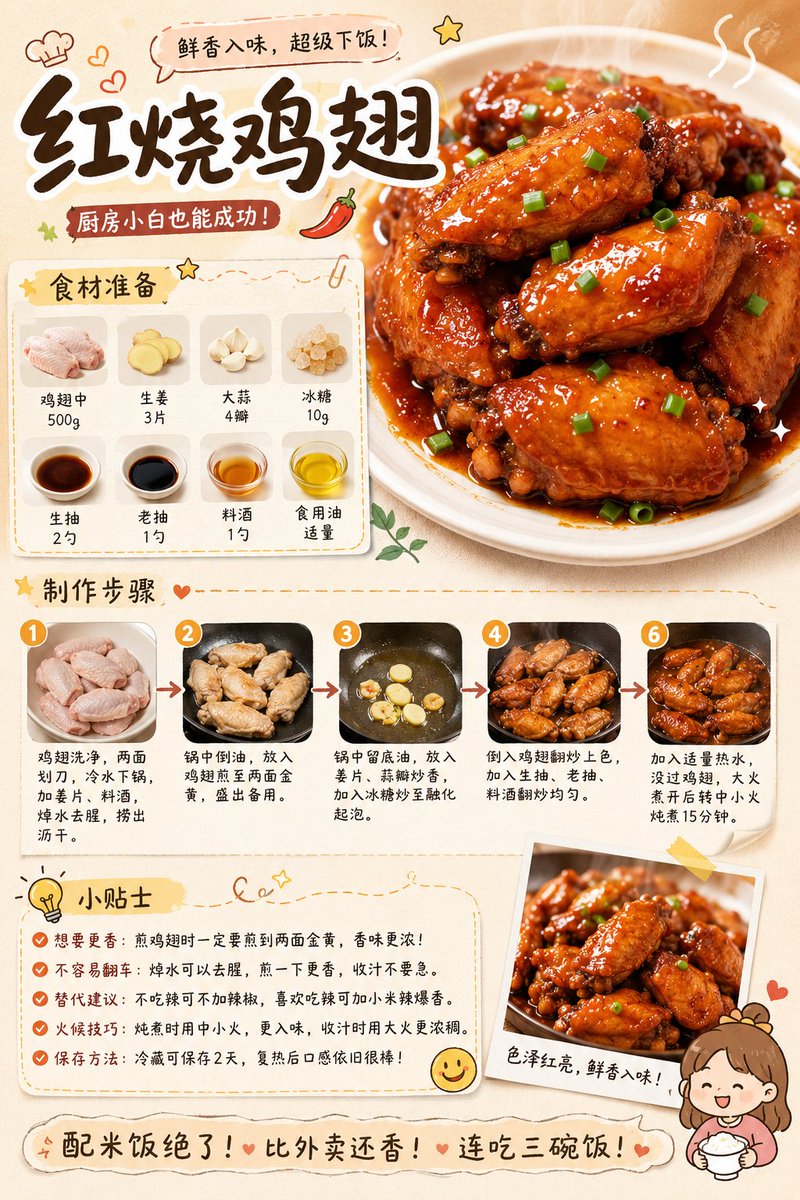
Poster Design Prompts examples
Each case keeps real media, model routing, source attribution, and reuse cautions visible.

All prompts loaded
Prompt pack FAQ
Can I use poster design prompts commercially?
The page keeps source attribution and reuse cautions visible. Review the original source, brands, likenesses, logos, and third-party media before client or paid use.
How do I adapt poster design prompts?
Keep the prompt structure, then replace the subject, scene, aspect ratio, camera, style, and constraints. Re-check source and commercial risk after editing.
Why is this pack curated instead of exhaustive?
The pack only highlights selected cases, so IPG does not create large batches of thin indexed URLs after the spam update.