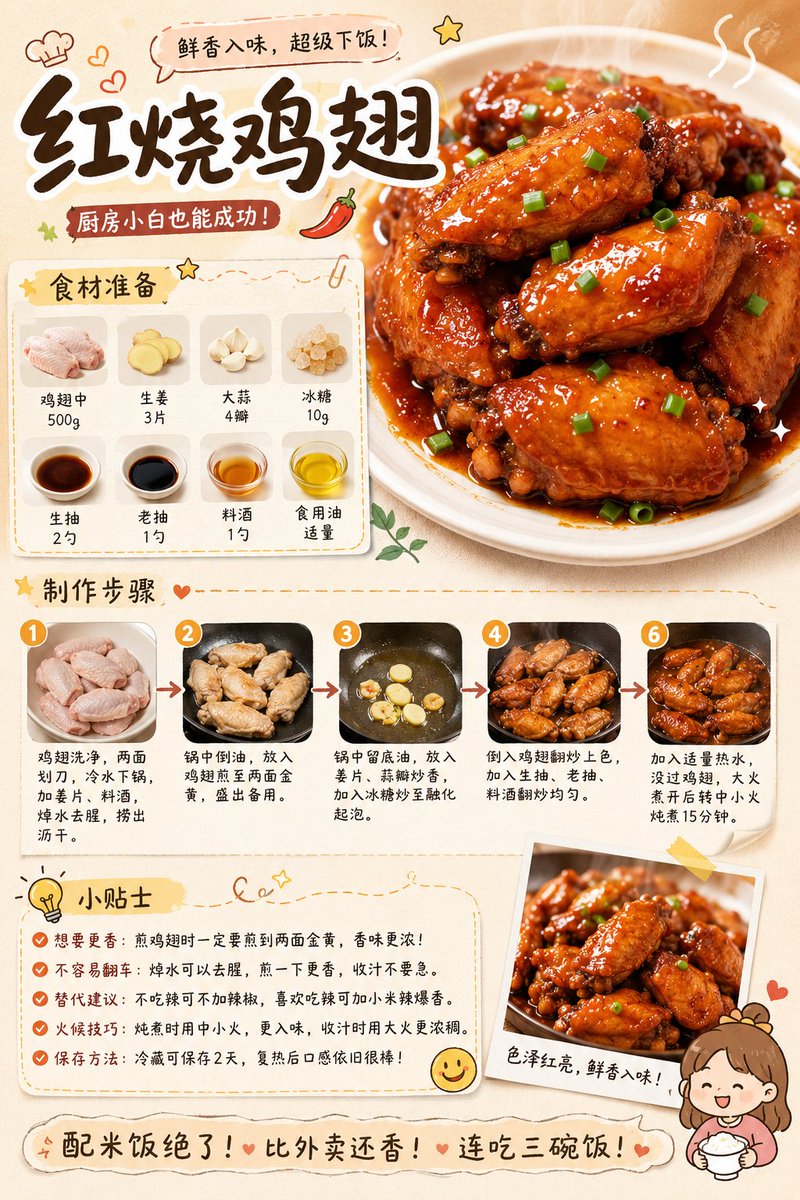
Gourmet Recipe Visual Note Poster
A detailed layout prompt for creating high-quality, aesthetic food recipe infographics with a hand-drawn, lifestyle blog feel.
This is a GPT Image 2 prompt case for Graphic & Poster. Use the copy-ready prompt below to generate similar visuals, and review Awesome GPT Image 2 Prompts attribution plus commercial-use rights before reuse.
Free 1K preview
Generate one preview image instantly, no sign-up required.
Prompt
Copy-ready prompt
Generate a high-aesthetic gourmet recipe graphic note poster, with the theme "{argument name="菜名" default="[Dish Name]"}". [Overall Style] Fresh and healing gourmet infographic style, integrating: popular social media recipe layout, Japanese notebook feel, light hand-painted UI elements, and food magazine style. Overall visual: Warm cream background (off-white / light milk coffee), bright but not dazzling colors, vivid and tempting food colors, clean and tidy layout, suitable for vertical mobile reading. [Core Visual Structure] 1. Top Title Area - oversized font for dish name - paired with hand-drawn small icons (chili / heart / star / steam etc.) - add an appetizing slogan. 2. Main Visual Food Image - a super tempting close-up of the finished product - food is the visual center - obvious glossiness and heat - emphasize the "just out of the pot" feeling - lens has food photography quality. 3. Ingredient Preparation Module - uses card layout - shows main ingredients - each ingredient with small icon/photo - labeled quantities - neat and clear layout. 4. Preparation Steps Module - uses step numbering (1, 2, 3...) - each step includes: small step photo, short text description - arrows connecting the process - easy to understand at a glance - photos have a real cooking feel. 5. Tips Module - uses: hand-drawn note style, dashed borders, small light bulb icons. 6. Bottom Atmosphere Copy. [Visual Details] Abundant hand-drawn element embellishments, cute arrows, graffiti lines, rounded corner cards, slight paper texture, soft shadows, high information density but not cluttered. [Image Quality Requirements] High definition, high detail, extremely tempting food, suitable for social media covers, suitable for graphic notes, 4K food photography quality. [Emphasis] No AI painting feel, no low-quality illustration feel, no over-cartoonishness; should look more like: "High-quality graphic notes produced by a professional food blogger."Prompt variables
Editable argument placeholders found in the prompt, with their default values.
Best for
- - Graphic & Poster visual exploration
- - Image generation and reference-image edits
- - Reusable briefs that keep source attribution visible
Change these parts
- - Subject, product, character, or scene
- - Aspect ratio, camera, lighting, and background
- - Brand, text, color, and output constraints
Recommended model and settings
- - Model: gpt-image-2
- - Input mode: Text to Image
- - Aspect ratio: source
- - Commercial status: review original source
How to use this prompt
- 1. Copy the prompt and preserve its structure for the first test.
- 2. Replace the subject, context, and publishing channel.
- 3. Change one camera, lighting, or style variable per iteration.
- 4. Inspect the output, source, text, and rights before reuse.
Limitations, source, and reuse cautions
- - Generated output is an editable draft, not factual, legal, or rights evidence.
- - Review the linked source, people, brands, logos, text, and third-party media before commercial use.
Related prompt packs
More cases in this category
Prioritized by category, input mode compatibility, quality, and lower risk.


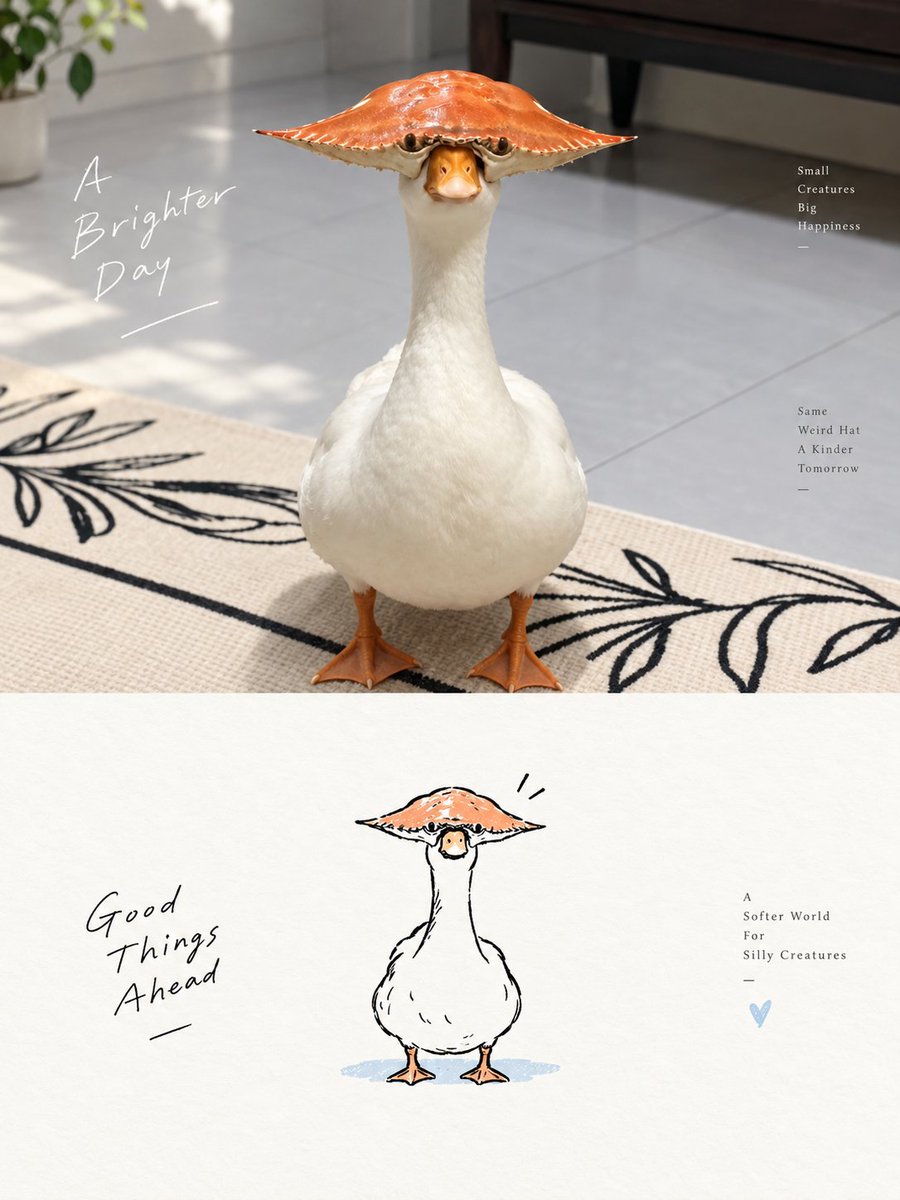
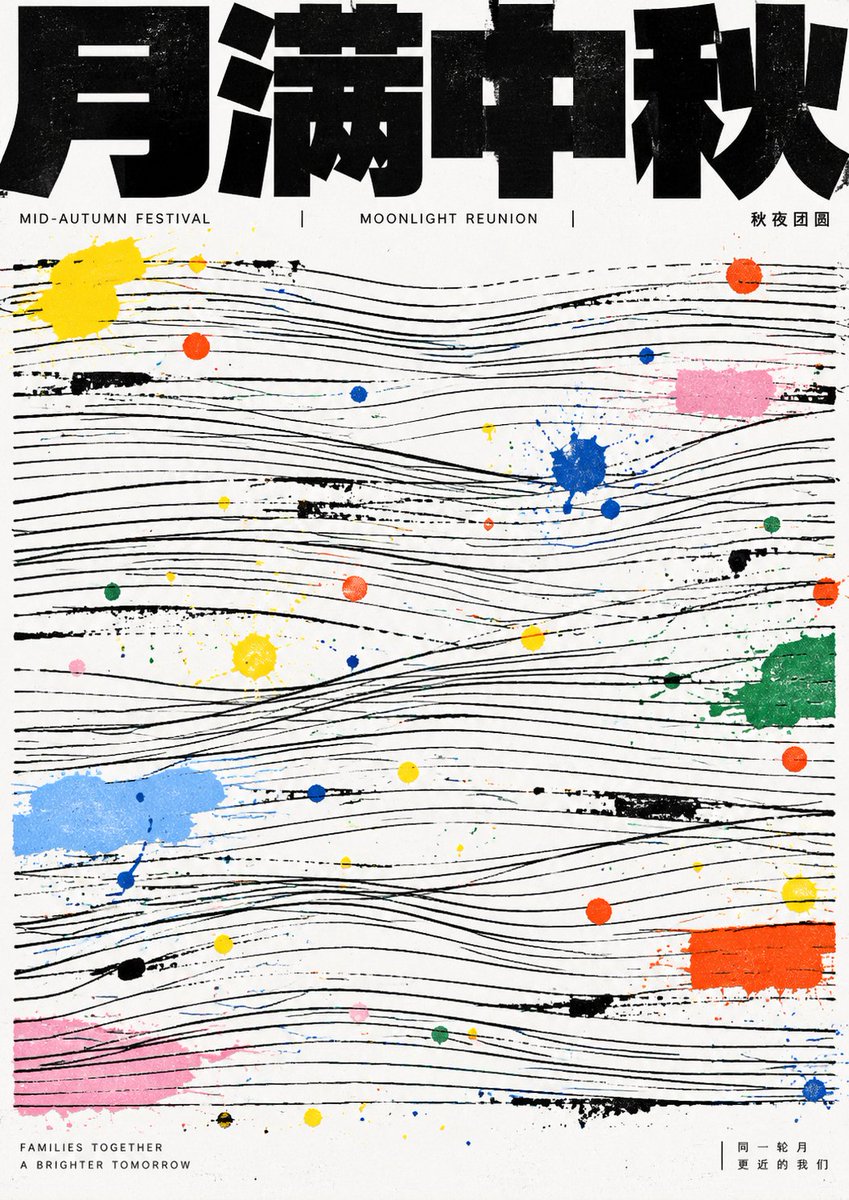
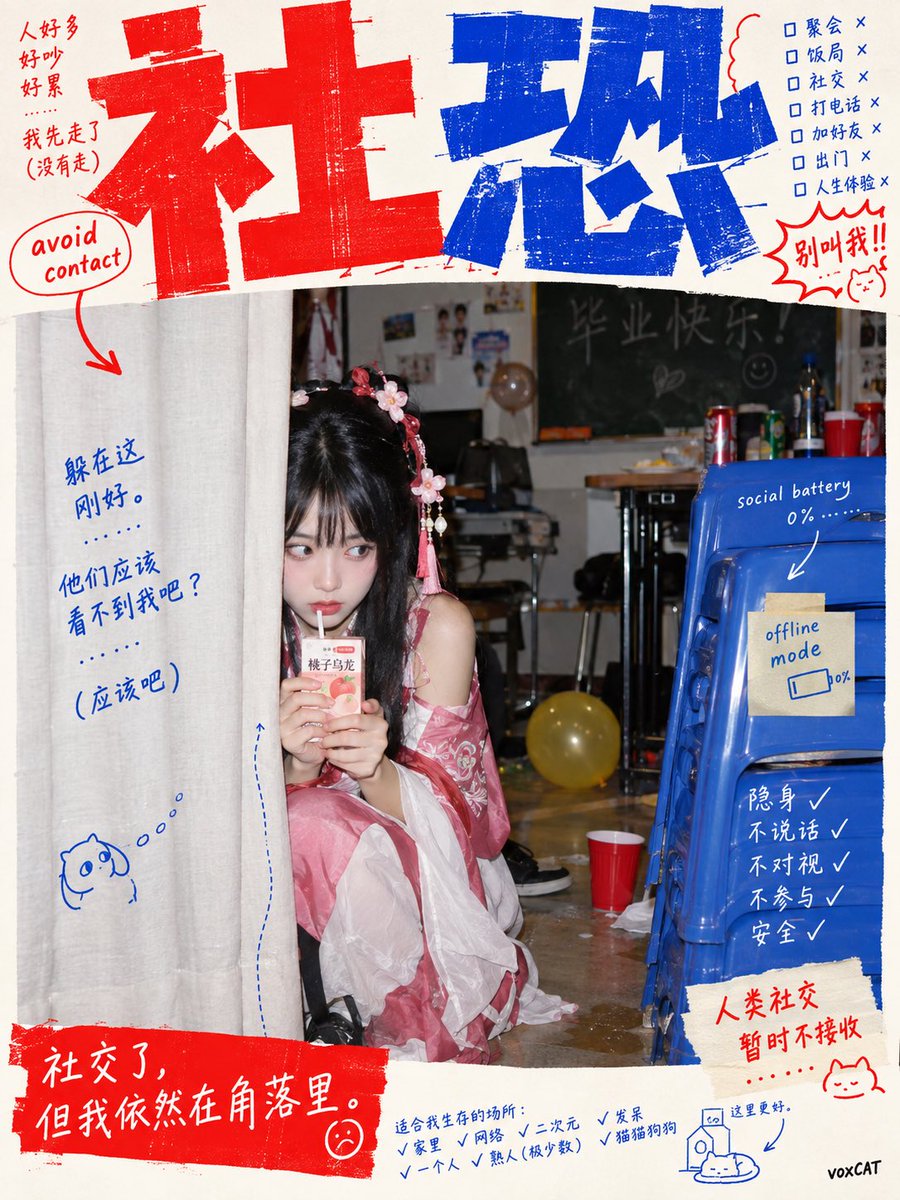
Reuse and source notes
Use this prompt safely after previewing the case.
- 1.Copy the prompt or open it directly in Dovoo with the generation button.
- 2.Adjust variables, aspect ratio, and reference images for your own use case.
- 3.Before publishing or paid usage, verify source rights, attribution requirements, and brand or likeness risks.
Can I use this prompt commercially?
Commercial-use status is allowed. Review the original source, license, brand constraints, and legal requirements before paid usage.
Where does this case come from?
This case is imported from Awesome GPT Image 2 Prompts; keep attribution visible and check the source URL before reuse.