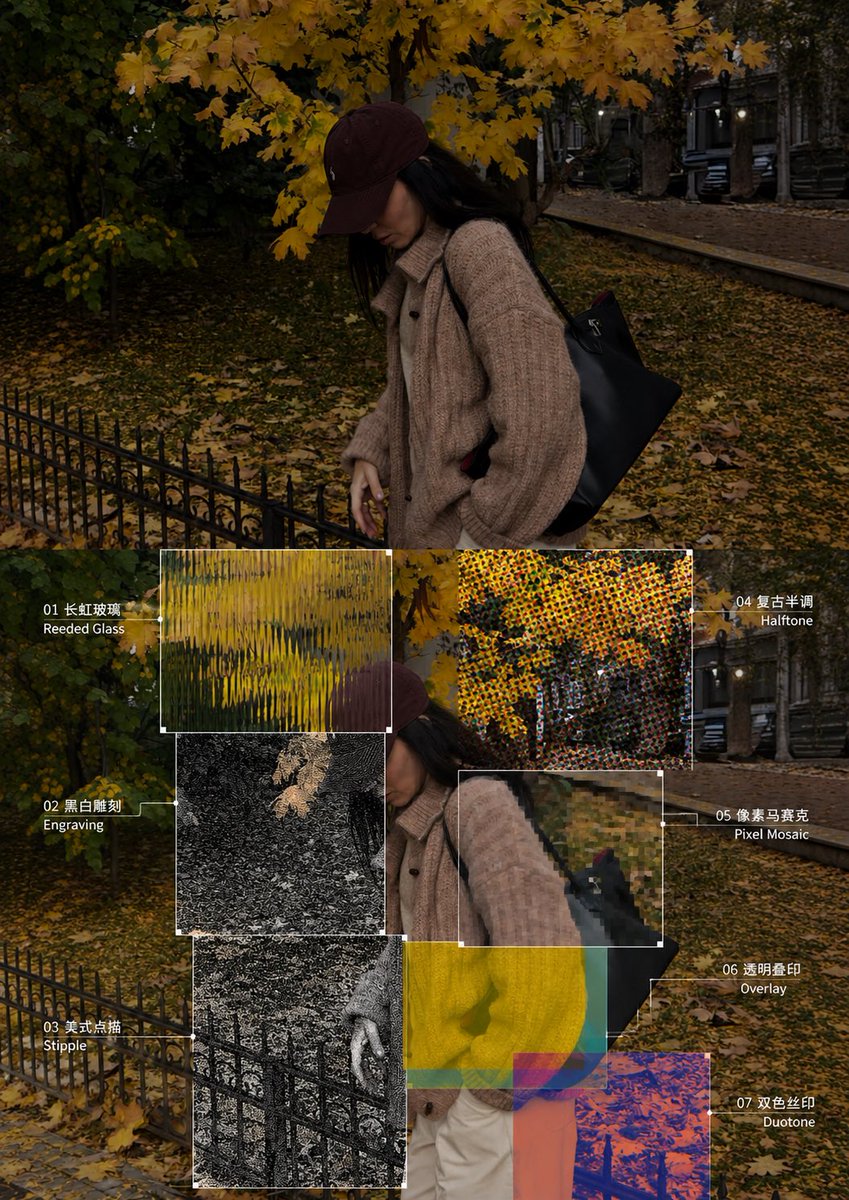
GPT Image 2 Prompt: Experimental Texture Diptych
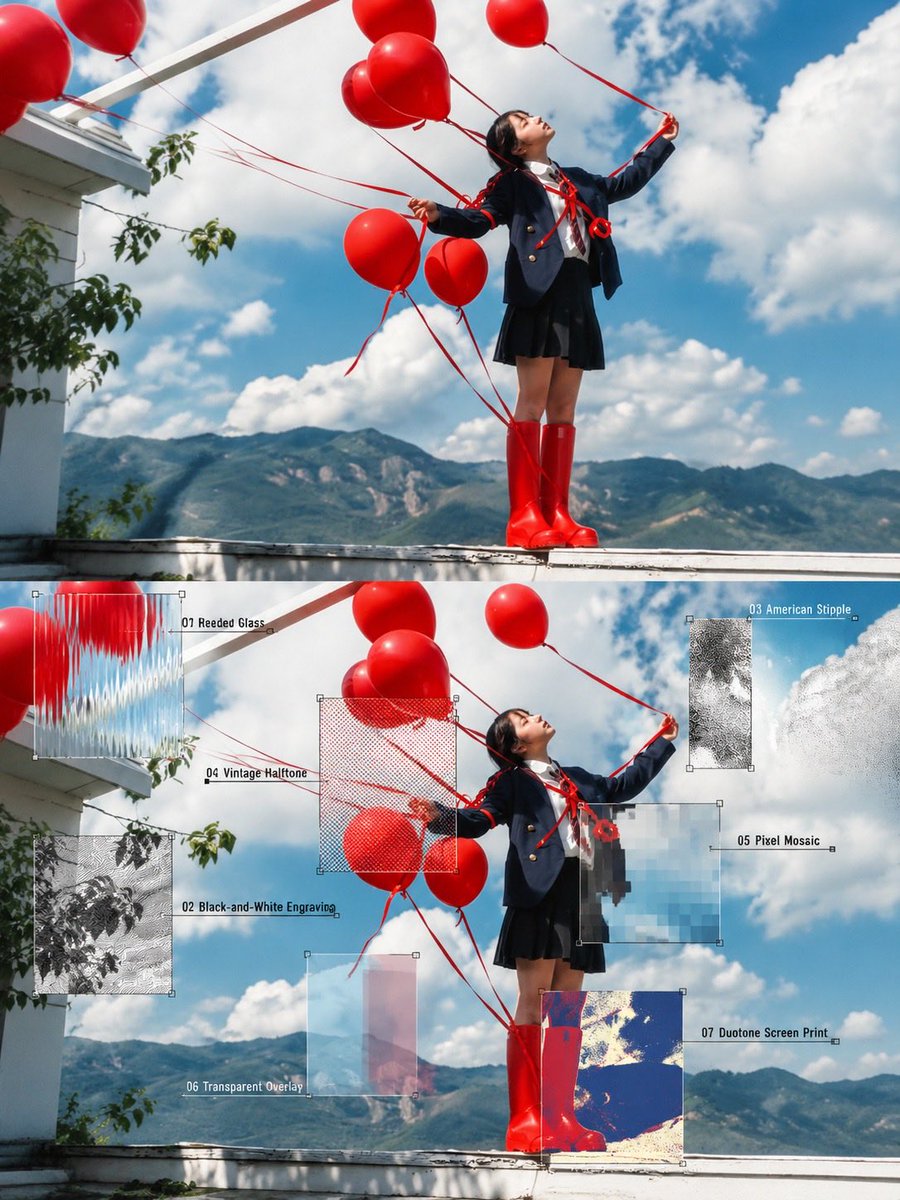
A sophisticated prompt for GPT Image 2 to create a vertical diptych comparing an original photo with seven experimental texture overlays like reeded glass, engraving, and halftone.
This is a GPT Image 2 prompt case for Graphic & Poster. Use the copy-ready prompt below to generate similar visuals, and review Awesome GPT Image 2 Prompts attribution plus commercial-use rights before reuse.
Free 1K preview
Generate one preview image instantly, no sign-up required.
Free text preview doesn’t preserve reference-image consistency.
Prompt
Copy-ready prompt
Create one vertical 3:4 diptych for each uploaded photo, divided into equal top and bottom halves with a seamless join. No divider, frame, or collage. Swiss editorial design, experimental photography, and vintage print aesthetics.

TOP HALF — ORIGINAL PHOTOGRAPH
Preserve the original identity, pose, scene, composition, perspective, lighting, and colors. Allow only subtle color grading and background extension. No text.

BOTTOM HALF — SEVEN EXPERIMENTAL TEXTURE ZONES
Repeat the entire original photo. Overlay seven asymmetrical rectangular zones of different sizes directly onto the image pixels, crossing non-critical details. Maintain visual continuity inside and outside every zone. Never crop, zoom, shift, duplicate, or redraw the image. Keep all important focal features visible.

SEVEN NUMBERED TECHNIQUES

01. Reeded Glass: Vertical optical refraction.

02. Black-and-White Engraving: Fine etched lines and crosshatching.

03. American Stipple: Black-and-white microdot texture.

04. Vintage Halftone: CMYK printing dots.

05. Pixel Mosaic: Square pixel blocks.

06. Transparent Overlay: 2–4 translucent overlapping layers.

07. Duotone Screen Print: Two-color screen-printing effect.

DESIGN DETAILS
Add hairline borders, tiny corner squares, and fine leader lines to identify each rectangular zone. Label every technique with its corresponding number and English name. Keep all areas outside the seven zones photographic and realistic.

STRICT REQUIREMENTS
No logos, watermarks, extra images, or unnecessary decorative elements. Preserve the original photograph's integrity and maintain a clean, sophisticated editorial layout.

OUTPUT: One high-definition 3:4 vertical poster with equal top and bottom halves.
Best for
- - Graphic & Poster visual exploration
- - Image generation and reference-image edits
- - Reusable briefs that keep source attribution visible
Change these parts
- - Subject, product, character, or scene
- - Aspect ratio, camera, lighting, and background
- - Brand, text, color, and output constraints
Recommended model and settings
- - Model: gpt-image-2
- - Input mode: Image to Image
- - Aspect ratio: source
- - Commercial status: review original source
How to use this prompt
- 1. Copy the prompt and preserve its structure for the first test.
- 2. Replace the subject, context, and publishing channel.
- 3. Change one camera, lighting, or style variable per iteration.
- 4. Inspect the output, source, text, and rights before reuse.
Limitations, source, and reuse cautions
- - Generated output is an editable draft, not factual, legal, or rights evidence.
- - Review the linked source, people, brands, logos, text, and third-party media before commercial use.
More cases in this category
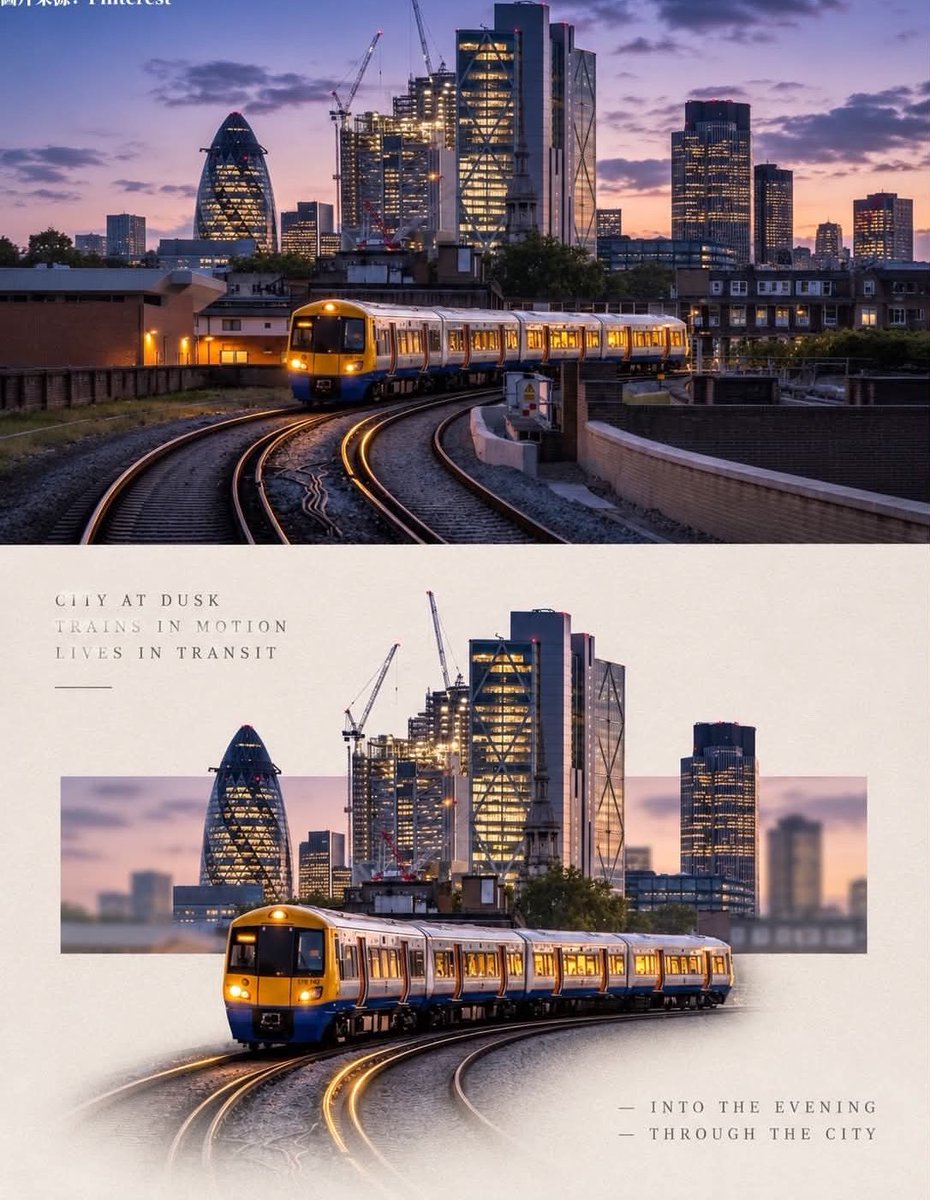
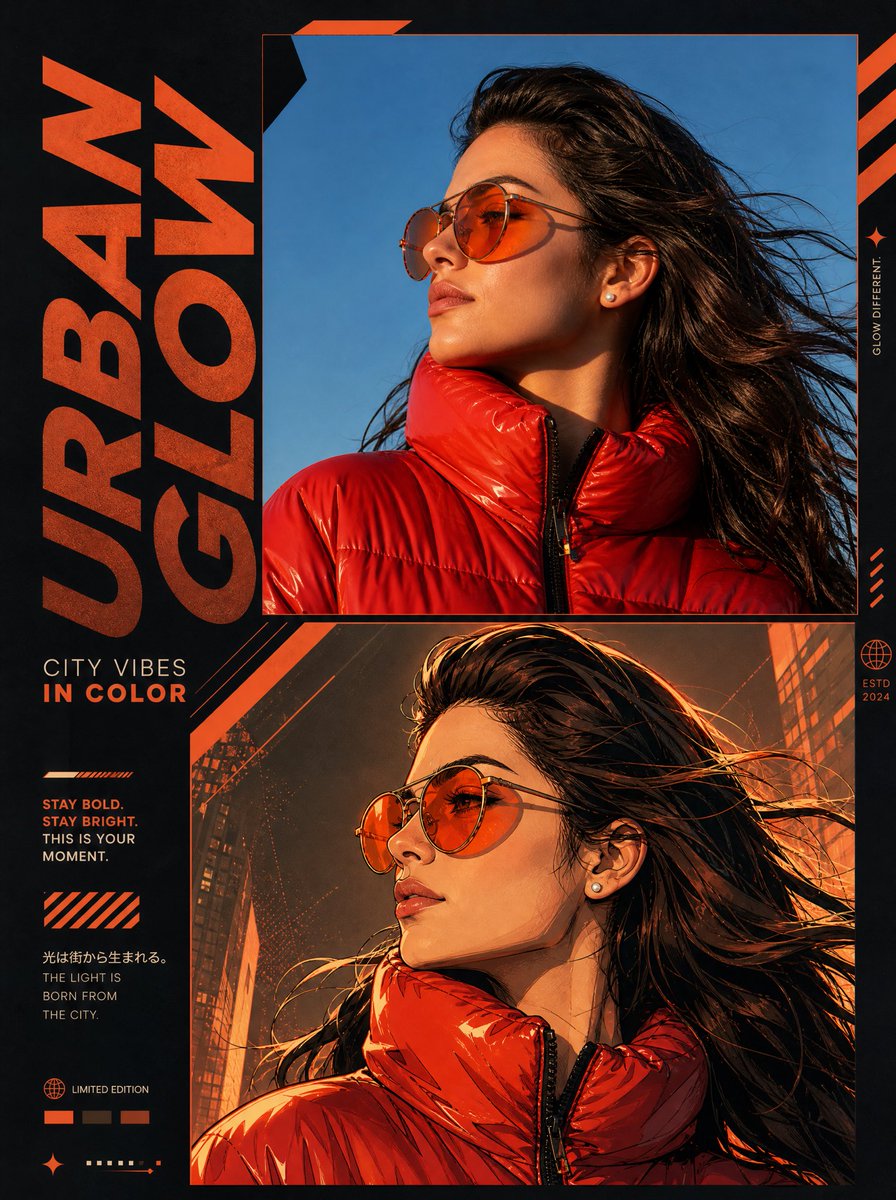
Prioritized by category, input mode compatibility, quality, and lower risk.

Reuse and source notes
Use this prompt safely after previewing the case.
- 1.Copy the prompt or open it directly in Dovoo with the generation button.
- 2.Adjust variables, aspect ratio, and reference images for your own use case.
- 3.Before publishing or paid usage, verify source rights, attribution requirements, and brand or likeness risks.
Can I use this prompt commercially?
Commercial-use status is allowed. Review the original source, license, brand constraints, and legal requirements before paid usage.
Where does this case come from?
This case is imported from Awesome GPT Image 2 Prompts; keep attribution visible and check the source URL before reuse.