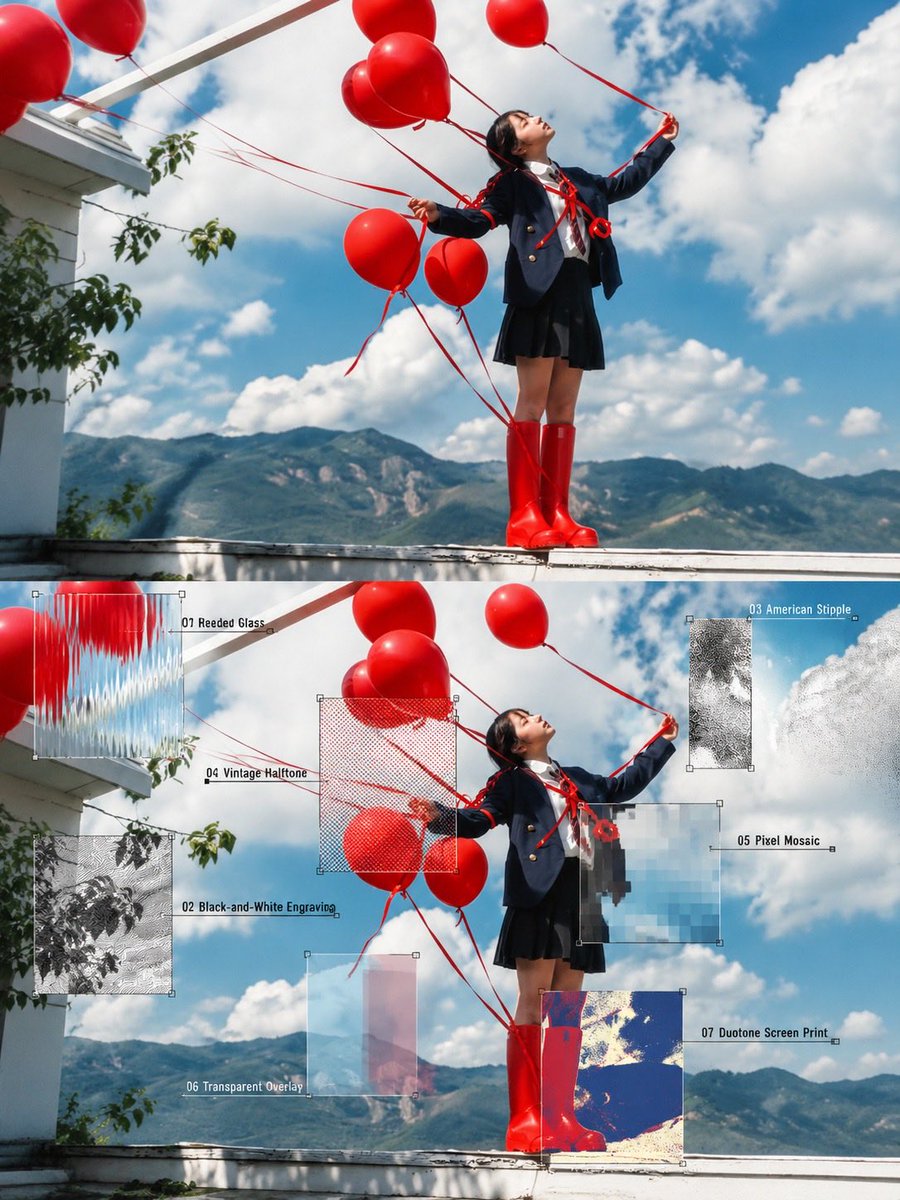
Editorial Photography with Texture Samples
A prompt for GPT Image 2 that creates a split-composition editorial photo featuring a stylish woman with oversized props, overlaying the bottom half with seven distinct visual texture samples like halftone and pixel mosaic.
This is a GPT Image 2 prompt case for Graphic & Poster. Use the copy-ready prompt below to generate similar visuals, and review Awesome GPT Image 2 Prompts attribution plus commercial-use rights before reuse.
Free 1K preview
Generate one preview image instantly, no sign-up required.
Free text preview doesn’t preserve reference-image consistency.
Prompt
Copy-ready prompt
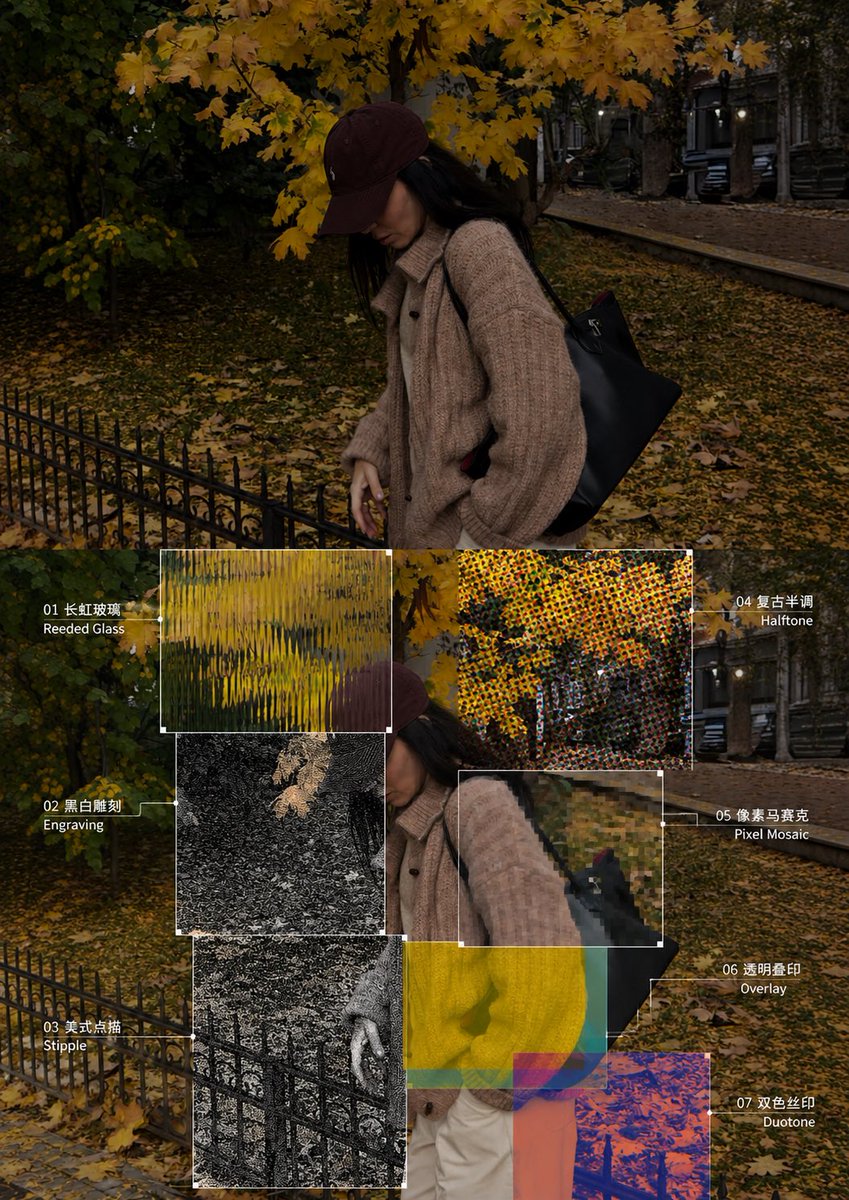
Create a high-quality editorial photography and graphic design composition using the reference image. Feature a stylish young woman in a dynamic, playful pose, holding oversized props—bright red balloons against a vivid blue sky with mountains in the background, or an oversized orange megaphone against a textured green urban wall. Present the original photorealistic scene in the upper half and a creative experimental art direction version in the lower half. Overlay the lower image with seven clearly defined visual texture samples: reeded glass, black-and-white engraving, American stipple, vintage halftone, pixel mosaic, transparent overlays, and duotone screen printing. Add fine white annotation lines, small numbered labels, and rectangular sample frames to explain each effect. Preserve the subject’s pose, clothing, lighting, and composition. Use vibrant colors, cinematic natural lighting, detailed textures, contemporary Japanese editorial aesthetics, and a sophisticated art-school design layout. Ultra-realistic photography combined with experimental mixed-media graphics, crisp details, balanced composition, high resolution, vertical 4:5 aspect ratio.
Best for
- - Graphic & Poster visual exploration
- - Image generation and reference-image edits
- - Reusable briefs that keep source attribution visible
Change these parts
- - Subject, product, character, or scene
- - Aspect ratio, camera, lighting, and background
- - Brand, text, color, and output constraints
Recommended model and settings
- - Model: gpt-image-2
- - Input mode: Image to Image
- - Aspect ratio: source
- - Commercial status: review original source
How to use this prompt
- 1. Copy the prompt and preserve its structure for the first test.
- 2. Replace the subject, context, and publishing channel.
- 3. Change one camera, lighting, or style variable per iteration.
- 4. Inspect the output, source, text, and rights before reuse.
Limitations, source, and reuse cautions
- - Generated output is an editable draft, not factual, legal, or rights evidence.
- - Review the linked source, people, brands, logos, text, and third-party media before commercial use.
More cases in this category
Prioritized by category, input mode compatibility, quality, and lower risk.

Reuse and source notes
Use this prompt safely after previewing the case.
- 1.Copy the prompt or open it directly in Dovoo with the generation button.
- 2.Adjust variables, aspect ratio, and reference images for your own use case.
- 3.Before publishing or paid usage, verify source rights, attribution requirements, and brand or likeness risks.
Can I use this prompt commercially?
Commercial-use status is allowed. Review the original source, license, brand constraints, and legal requirements before paid usage.
Where does this case come from?
This case is imported from Awesome GPT Image 2 Prompts; keep attribution visible and check the source URL before reuse.