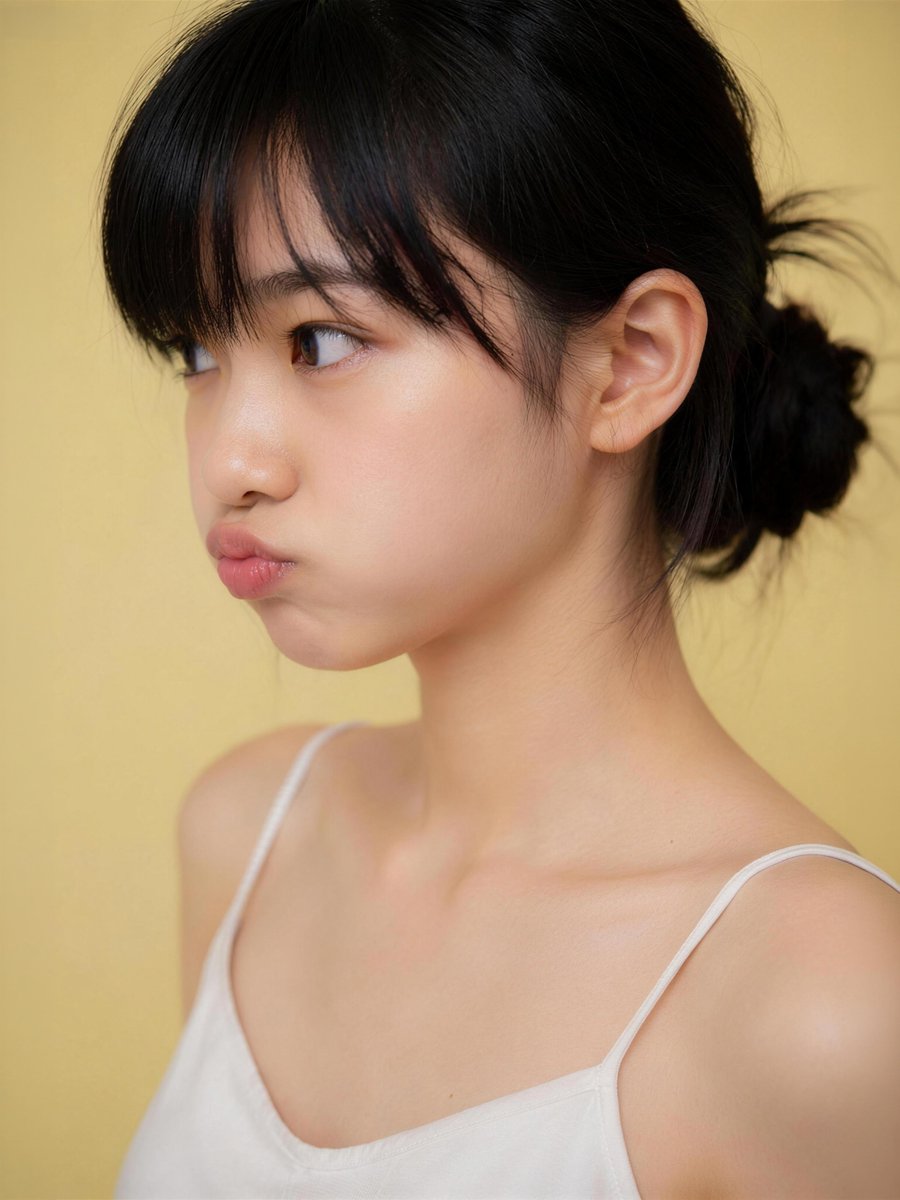
Censored Studio Portrait
Generates a warm minimalist studio portrait of a young woman with a square privacy block over the face for anonymized profile or concept imagery.
This is a GPT Image 2 prompt case for Portrait & Character. Use the copy-ready prompt below to generate similar visuals, and review Awesome GPT Image 2 Prompts attribution plus commercial-use rights before reuse.
Free 1K preview
Generate one preview image instantly, no sign-up required.
Prompt
Copy-ready prompt
Create a realistic studio portrait photograph of a young East Asian woman from the upper chest up, framed vertically in a 3:4 crop. She is turned slightly to the viewer’s left in a three-quarter pose, showing one visible ear and the side of her neck, with her face centered but intentionally covered by a large opaque square privacy block. She has {argument name="hair color" default="natural black"} hair styled in a loose low bun at the back, with soft bangs across the forehead area and a few wispy flyaway strands. She wears a simple {argument name="top color" default="white"} camisole with thin spaghetti straps, bare shoulders, natural skin texture, and soft collarbone highlights. Use a warm matte {argument name="background color" default="pale yellow"} seamless studio background. Lighting should be soft, flattering, and diffused, with gentle shadows, shallow depth of field, and a high-end AI photography look. Add exactly 1 censoring element: a large square block over the face, aligned vertically and horizontally over the central face area, filled with a smooth muted skin-tone vertical gradient from dark brown at the top to peach-beige at the bottom, with sharp edges and no text. Keep the composition clean and minimal, no jewelry, no props, no watermark, no extra text.Prompt variables
Editable argument placeholders found in the prompt, with their default values.
Best for
- - Portrait & Character visual exploration
- - Image generation and reference-image edits
- - Reusable briefs that keep source attribution visible
Change these parts
- - Subject, product, character, or scene
- - Aspect ratio, camera, lighting, and background
- - Brand, text, color, and output constraints
Recommended model and settings
- - Model: gpt-image-2
- - Input mode: Text to Image
- - Aspect ratio: source
- - Commercial status: review original source
How to use this prompt
- 1. Copy the prompt and preserve its structure for the first test.
- 2. Replace the subject, context, and publishing channel.
- 3. Change one camera, lighting, or style variable per iteration.
- 4. Inspect the output, source, text, and rights before reuse.
Limitations, source, and reuse cautions
- - Generated output is an editable draft, not factual, legal, or rights evidence.
- - Review the linked source, people, brands, logos, text, and third-party media before commercial use.
Related prompt packs
More cases in this category
Prioritized by category, input mode compatibility, quality, and lower risk.

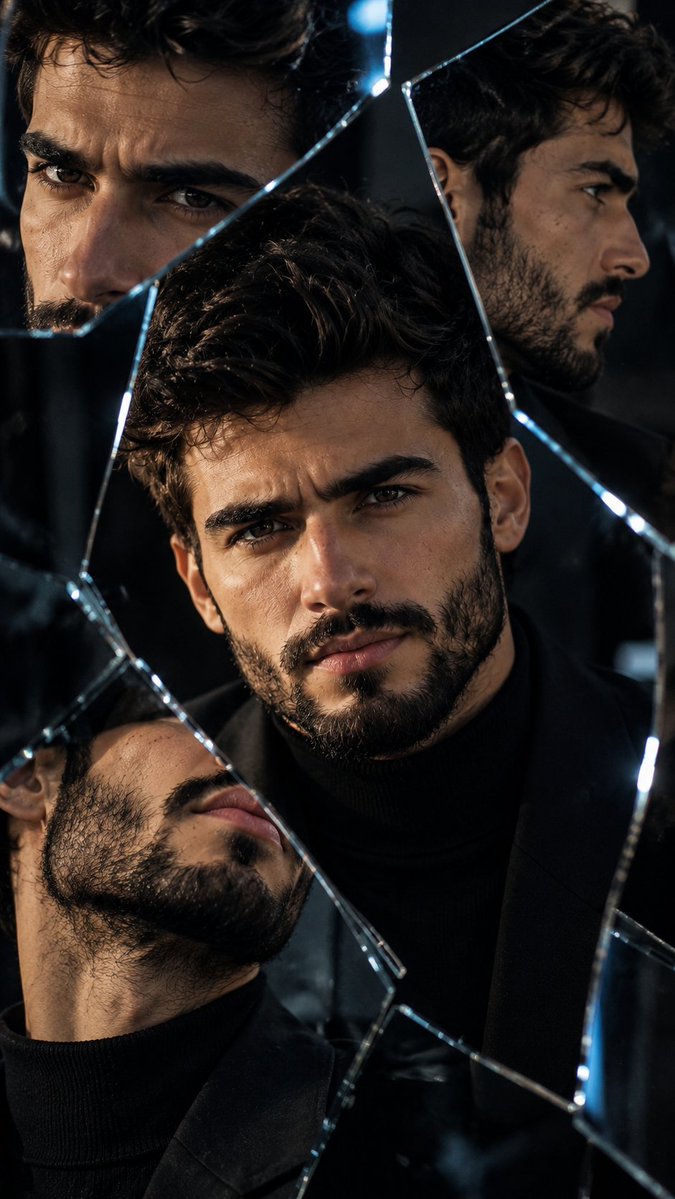
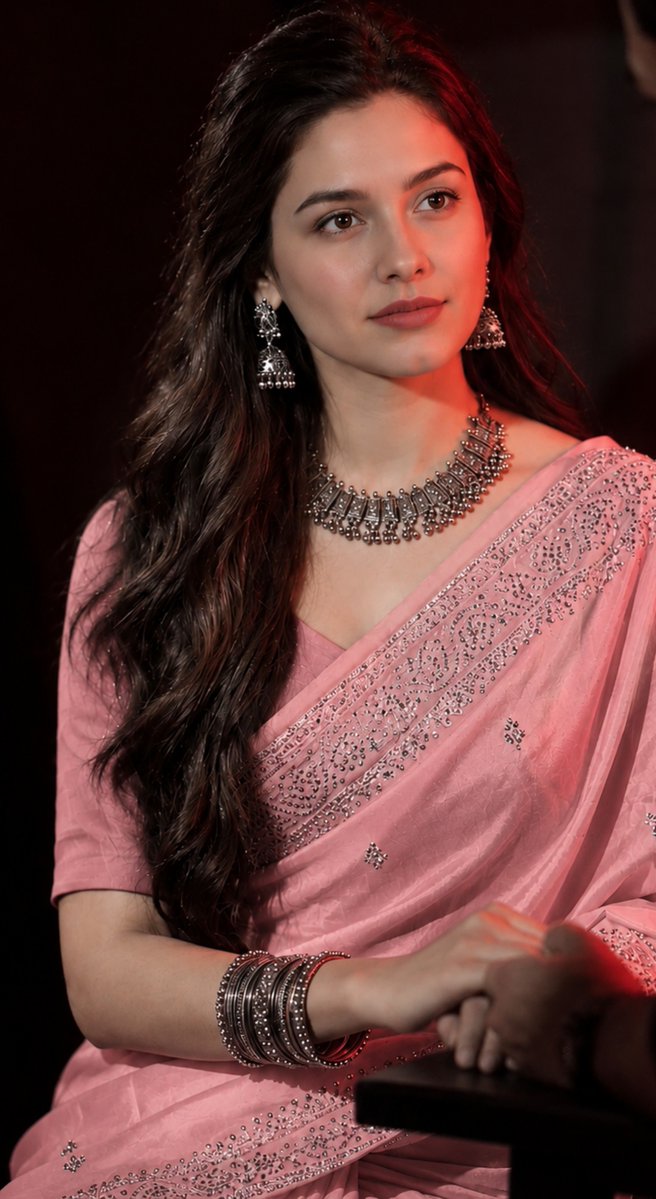
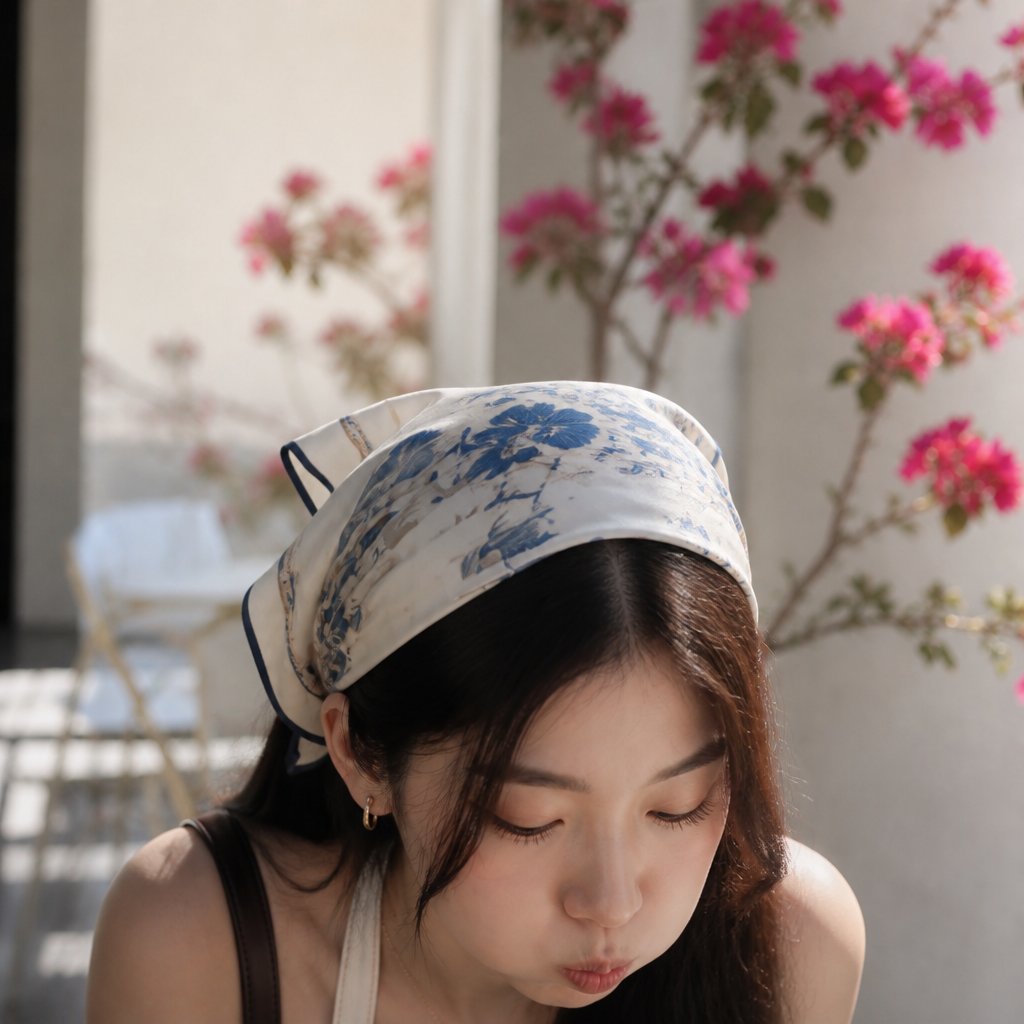


Reuse and source notes
Use this prompt safely after previewing the case.
- 1.Copy the prompt or open it directly in Dovoo with the generation button.
- 2.Adjust variables, aspect ratio, and reference images for your own use case.
- 3.Before publishing or paid usage, verify source rights, attribution requirements, and brand or likeness risks.
Can I use this prompt commercially?
Commercial-use status is allowed. Review the original source, license, brand constraints, and legal requirements before paid usage.
Where does this case come from?
This case is imported from Awesome GPT Image 2 Prompts; keep attribution visible and check the source URL before reuse.