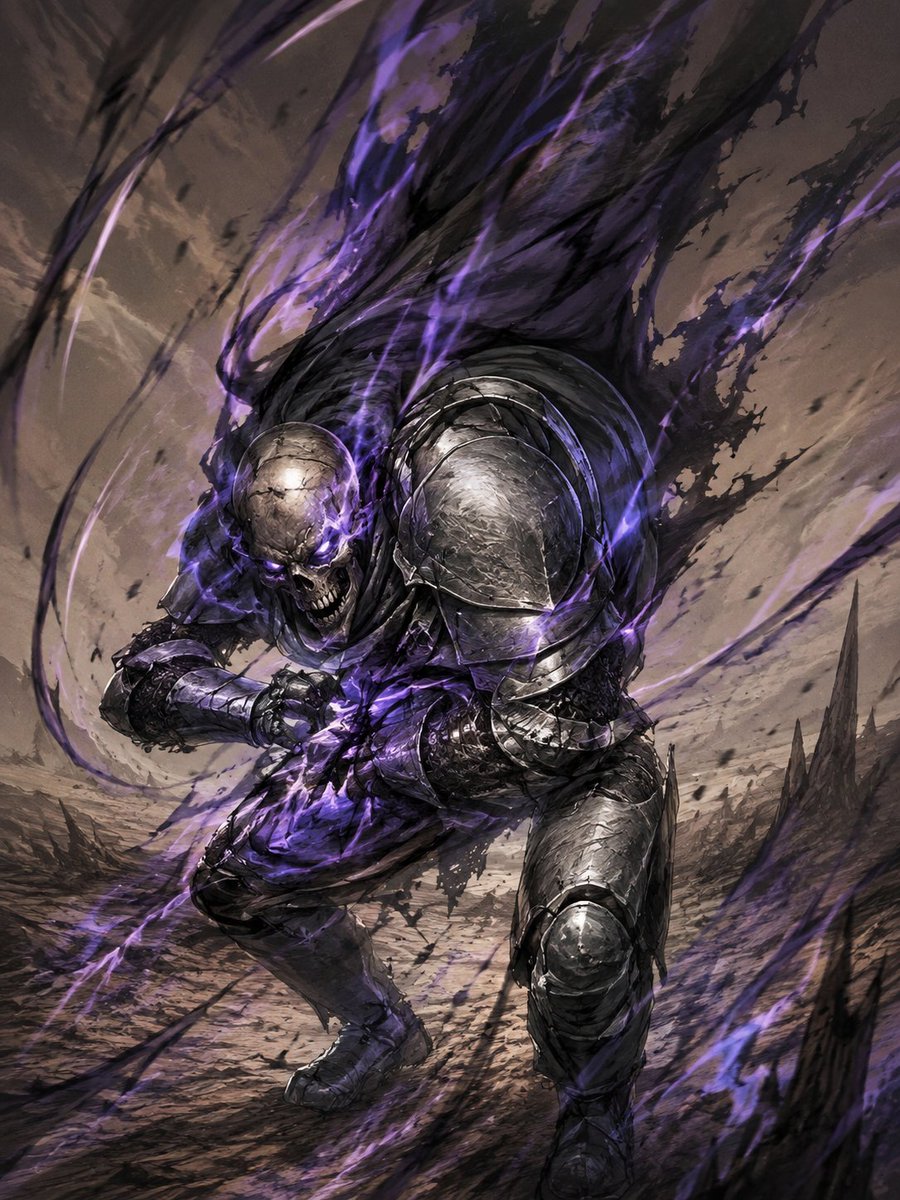
Dark Fantasy Sketch Refinement
Transforms a rough action doodle into a polished dark fantasy undead knight illustration with armor, magic energy, and a wasteland setting.
This is a GPT Image 2 prompt case for Portrait & Character. Use the copy-ready prompt below to generate similar visuals, and review Awesome GPT Image 2 Prompts attribution plus commercial-use rights before reuse.
Free 1K preview
Generate one preview image instantly, no sign-up required.
Free text preview doesn’t preserve reference-image consistency.
Prompt
Copy-ready prompt
Using the provided reference sketch as the exact pose and composition guide, turn the rough doodle into a highly finished dark fantasy action illustration. Preserve the low, lunging forward stance, the clenched arms in front of the torso, the large rounded right shoulder mass, the skull-like head placement, and the sweeping upward motion lines from the sketch.

Transform the figure into {argument name="character type" default="an undead armored knight"}: exactly 1 central warrior with a cracked skull face, glowing purple eyes, a snarling open jaw, battered black-steel plate armor, heavy rounded shoulder armor, gauntlets, greaves, and tattered dark cloth. Replace the sketch motion lines with violent supernatural energy: black smoke and purple flame ribbons erupting upward behind the figure, wrapping around the body and sweeping diagonally through the frame.

Add a new environment not present in the sketch: a desolate battlefield or wasteland with cracked ground, dust, debris, and jagged dark rock spires in the background. Use a dramatic low-angle perspective, intense motion blur, gritty brush texture, high-detail fantasy concept art rendering, cinematic lighting, and a limited palette of gunmetal gray, black, dusty brown, and {argument name="energy color" default="purple"}. Make the final image vertical, dynamic, ominous, and polished, while still clearly following the original sketch’s silhouette and action flow.
Prompt variables
Editable argument placeholders found in the prompt, with their default values.
Best for
- - Portrait & Character visual exploration
- - Image generation and reference-image edits
- - Reusable briefs that keep source attribution visible
Change these parts
- - Subject, product, character, or scene
- - Aspect ratio, camera, lighting, and background
- - Brand, text, color, and output constraints
Recommended model and settings
- - Model: gpt-image-2
- - Input mode: Image to Image
- - Aspect ratio: source
- - Commercial status: review original source
How to use this prompt
- 1. Copy the prompt and preserve its structure for the first test.
- 2. Replace the subject, context, and publishing channel.
- 3. Change one camera, lighting, or style variable per iteration.
- 4. Inspect the output, source, text, and rights before reuse.
Limitations, source, and reuse cautions
- - Generated output is an editable draft, not factual, legal, or rights evidence.
- - Review the linked source, people, brands, logos, text, and third-party media before commercial use.
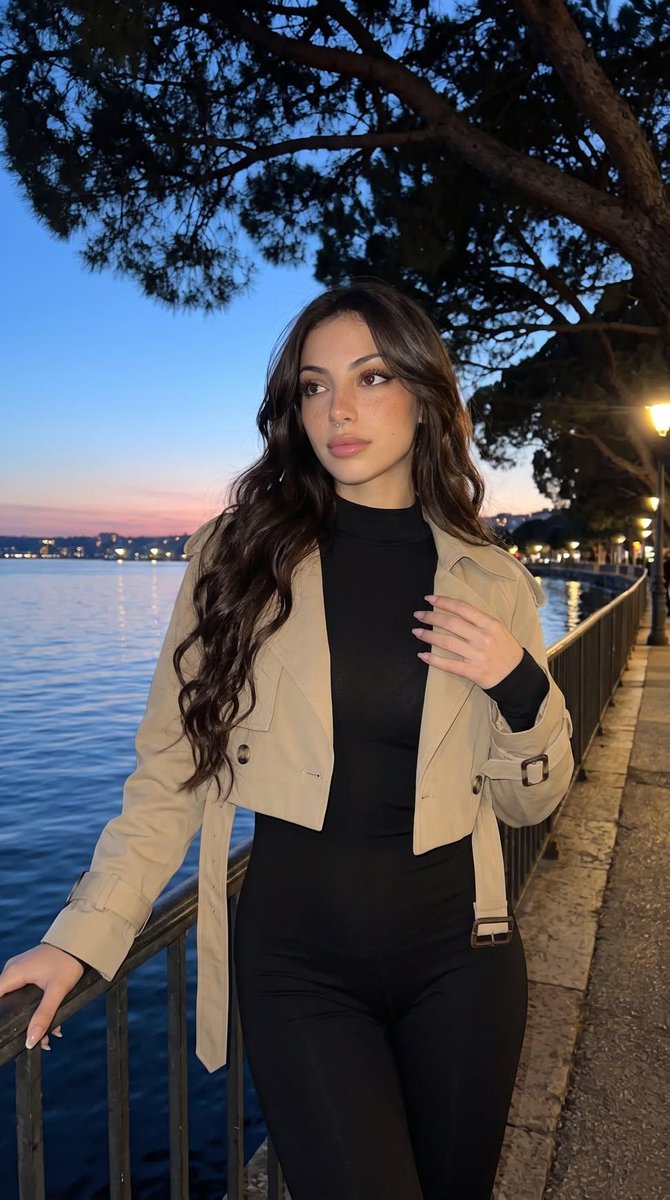
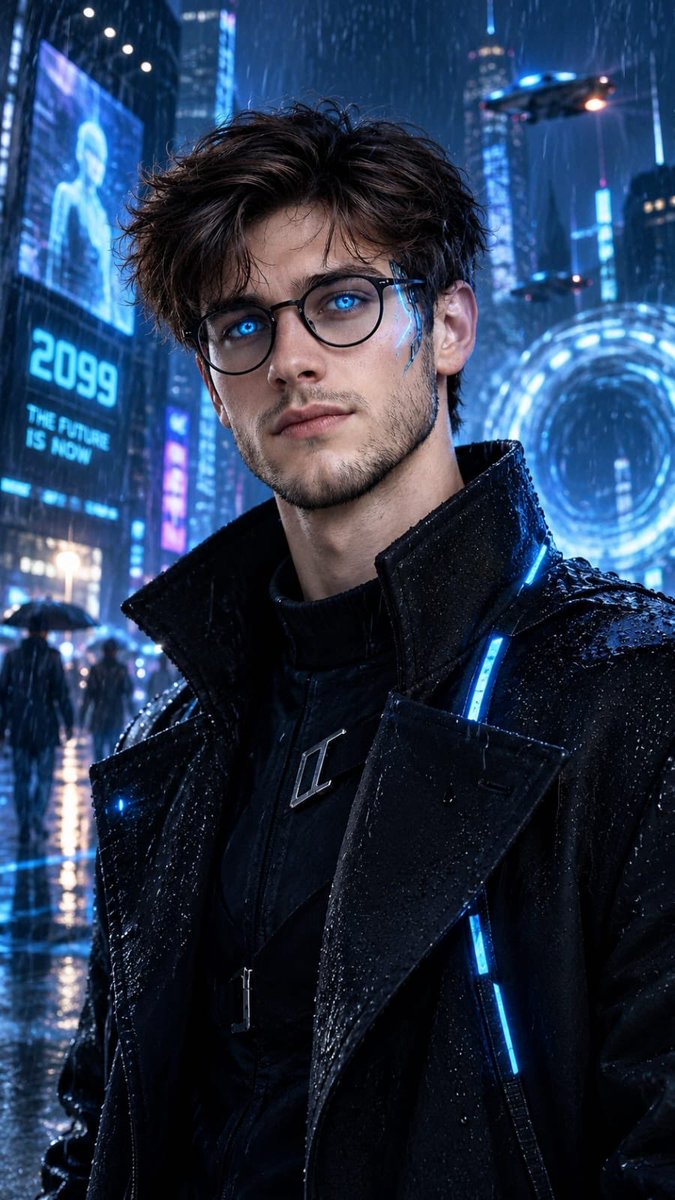
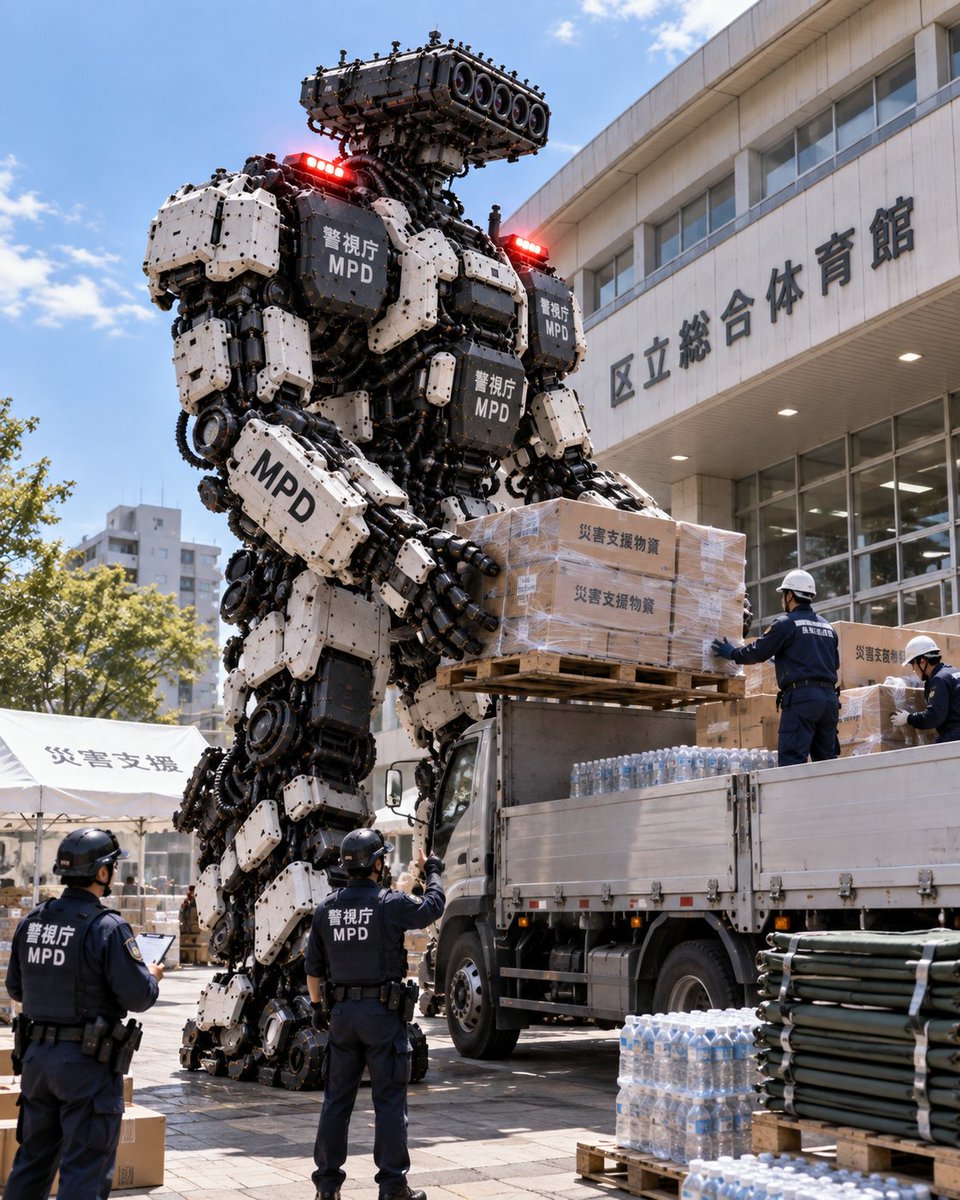
More cases in this category
Prioritized by category, input mode compatibility, quality, and lower risk.

Reuse and source notes
Use this prompt safely after previewing the case.
- 1.Copy the prompt or open it directly in Dovoo with the generation button.
- 2.Adjust variables, aspect ratio, and reference images for your own use case.
- 3.Before publishing or paid usage, verify source rights, attribution requirements, and brand or likeness risks.
Can I use this prompt commercially?
Commercial-use status is allowed. Review the original source, license, brand constraints, and legal requirements before paid usage.
Where does this case come from?
This case is imported from Awesome GPT Image 2 Prompts; keep attribution visible and check the source URL before reuse.