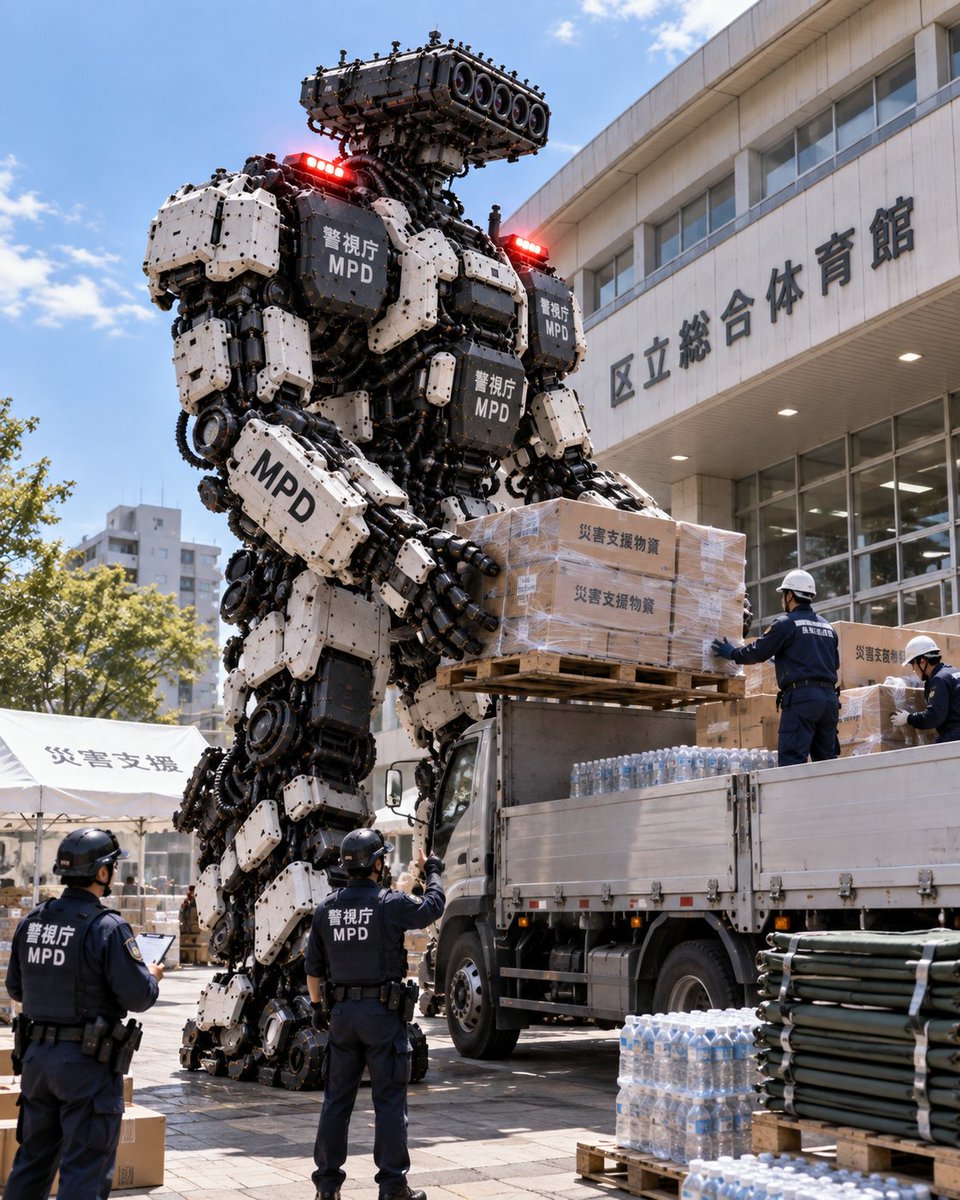
Giant Robot Delivering Disaster Relief
A giant industrial robot unloading supplies for disaster relief alongside police officers.
This is a GPT Image 2 prompt case for Portrait & Character. Use the copy-ready prompt below to generate similar visuals, and review Awesome GPT Image 2 Prompts attribution plus commercial-use rights before reuse.
Need the full prompt set? Use the Portrait & Character topic hub for more related examples, or open the GPT Image 2 prompt library for the full example index, reusable structures, and source attribution.
Free 1K preview
Generate one preview image instantly, no sign-up required.
1136/4000
Prompt
Copy-ready prompt
A photorealistic, vertical shot of a massive, bipedal heavy-duty robot standing in an outdoor urban plaza. The robot is constructed from complex industrial machinery, featuring exposed gears, hydraulic pistons, and segmented armor plating in white and dark grey. It has a head unit with multiple camera lenses and red warning lights on its shoulders. The text "警視庁 MPD" (Metropolitan Police Department) is printed on the chest plates and arm segments. The robot's large mechanical hands are holding a wooden pallet stacked with cardboard boxes labeled "災害支援物資" (Disaster Relief Supplies). Beside the robot is a flatbed truck loaded with cases of bottled water. Three police officers wearing dark blue uniforms with "警視庁 MPD" on their backs and helmets are present: one officer stands near the truck bed directing operations, while two others stand on the ground in the foreground. In the background, there is a large concrete building with Japanese signage reading "区立総合体育館" (Ward General Gymnasium), along with white tents also marked "災害支援" (Disaster Support). Stacks of green pipes or barriers are visible in the bottom right corner.
Best for
- - Portrait & Character visual exploration
- - Image generation and reference-image edits
- - Reusable briefs that keep source attribution visible
Change these parts
- - Subject, product, character, or scene
- - Aspect ratio, camera, lighting, and background
- - Brand, text, color, and output constraints
Recommended model and settings
- - Model: gpt-image-2
- - Input mode: Text to Image
- - Aspect ratio: source
- - Commercial status: review original source
How to use this prompt
- 1. Copy the prompt and preserve its structure for the first test.
- 2. Replace the subject, context, and publishing channel.
- 3. Change one camera, lighting, or style variable per iteration.
- 4. Inspect the output, source, text, and rights before reuse.
Limitations, source, and reuse cautions
- - Generated output is an editable draft, not factual, legal, or rights evidence.
- - Review the linked source, people, brands, logos, text, and third-party media before commercial use.
Imported from Awesome GPT Image 2 Prompts. Attribution is required. Commercial-use status is allowed; review source rights before paid usage.
More cases in this category
Prioritized by category, input mode compatibility, quality, and lower risk.
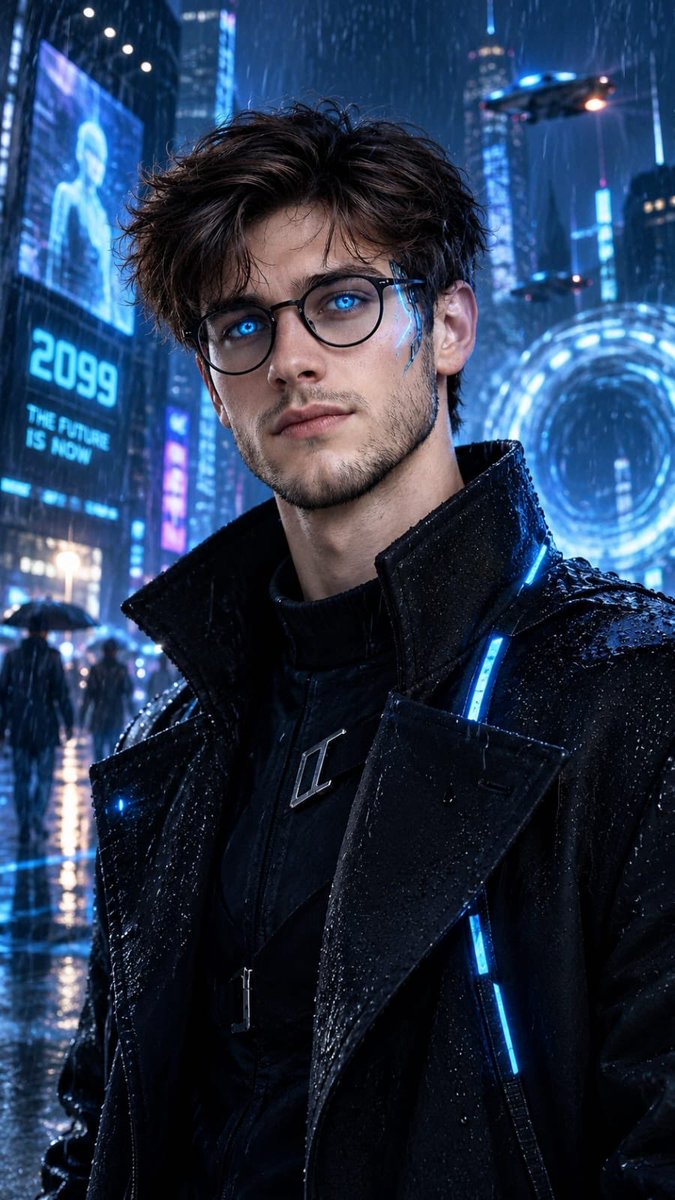
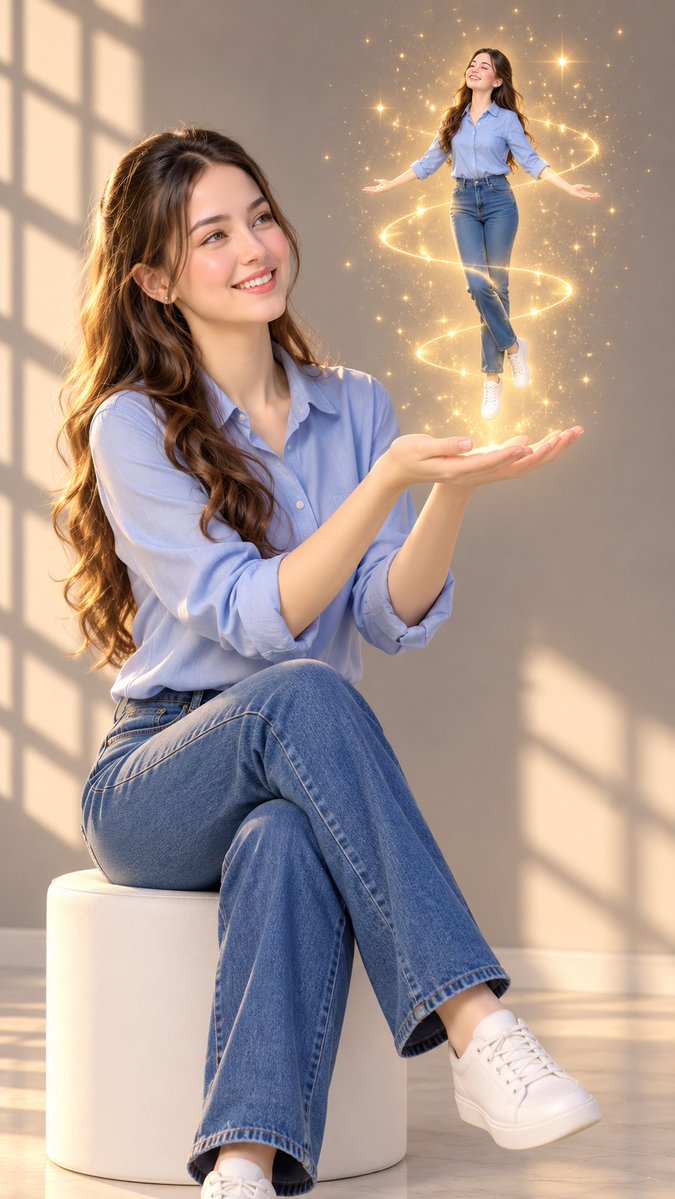

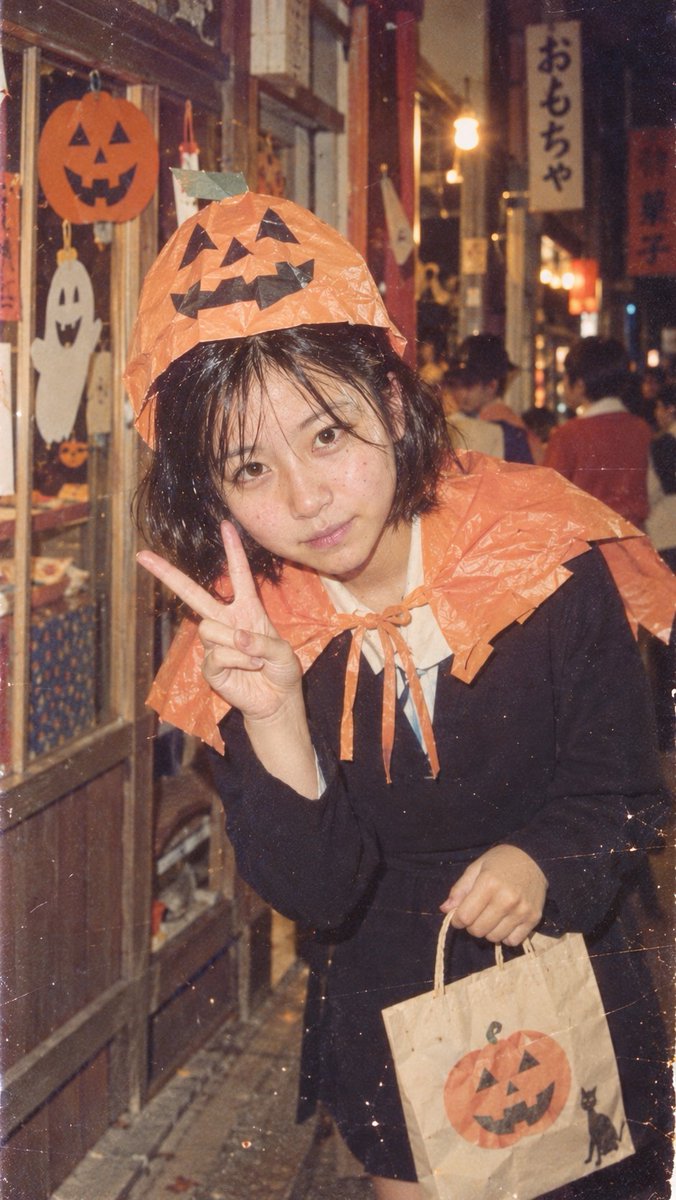
Reuse and source notes
Use this prompt safely after previewing the case.
- 1.Copy the prompt or open it directly in Dovoo with the generation button.
- 2.Adjust variables, aspect ratio, and reference images for your own use case.
- 3.Before publishing or paid usage, verify source rights, attribution requirements, and brand or likeness risks.
Can I use this prompt commercially?
Commercial-use status is allowed. Review the original source, license, brand constraints, and legal requirements before paid usage.
Where does this case come from?
This case is imported from Awesome GPT Image 2 Prompts; keep attribution visible and check the source URL before reuse.