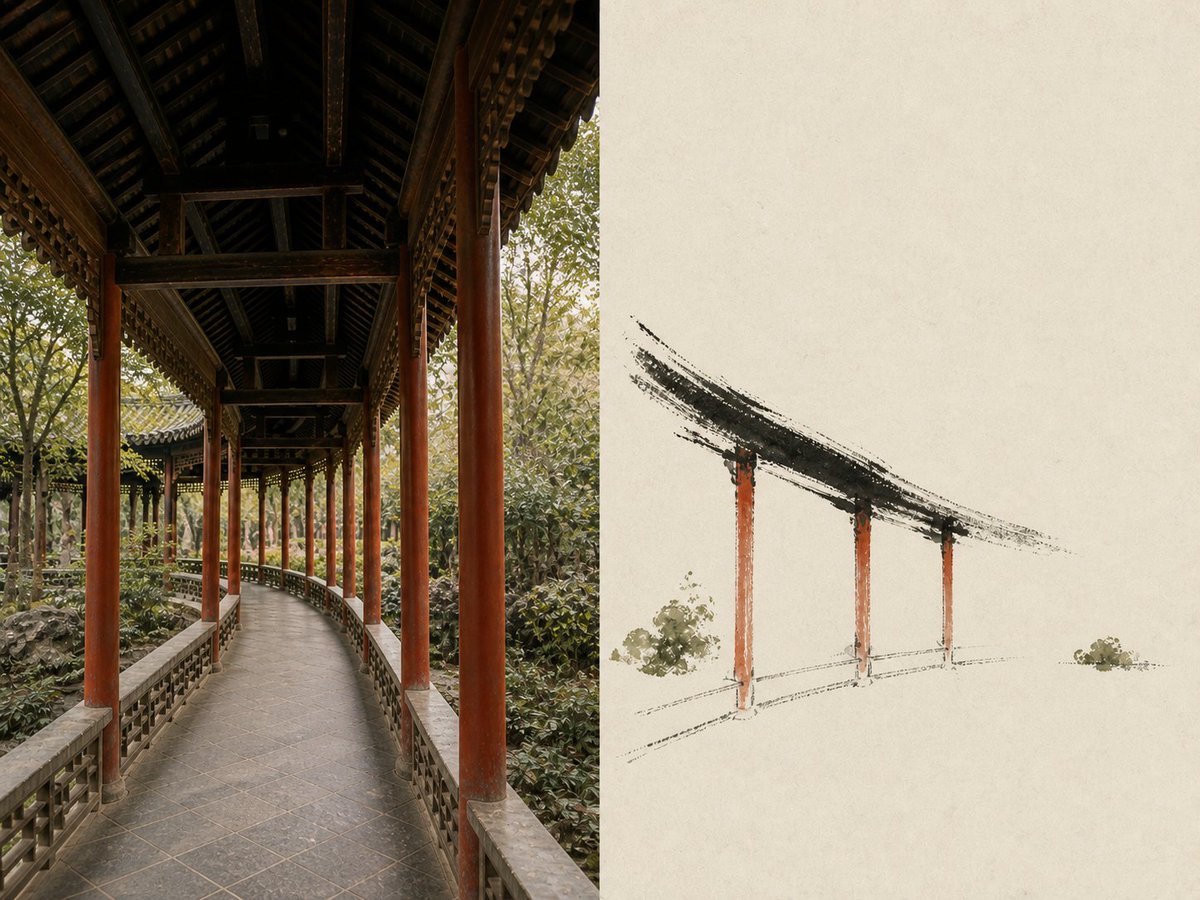
Travel Observation Archive Poster
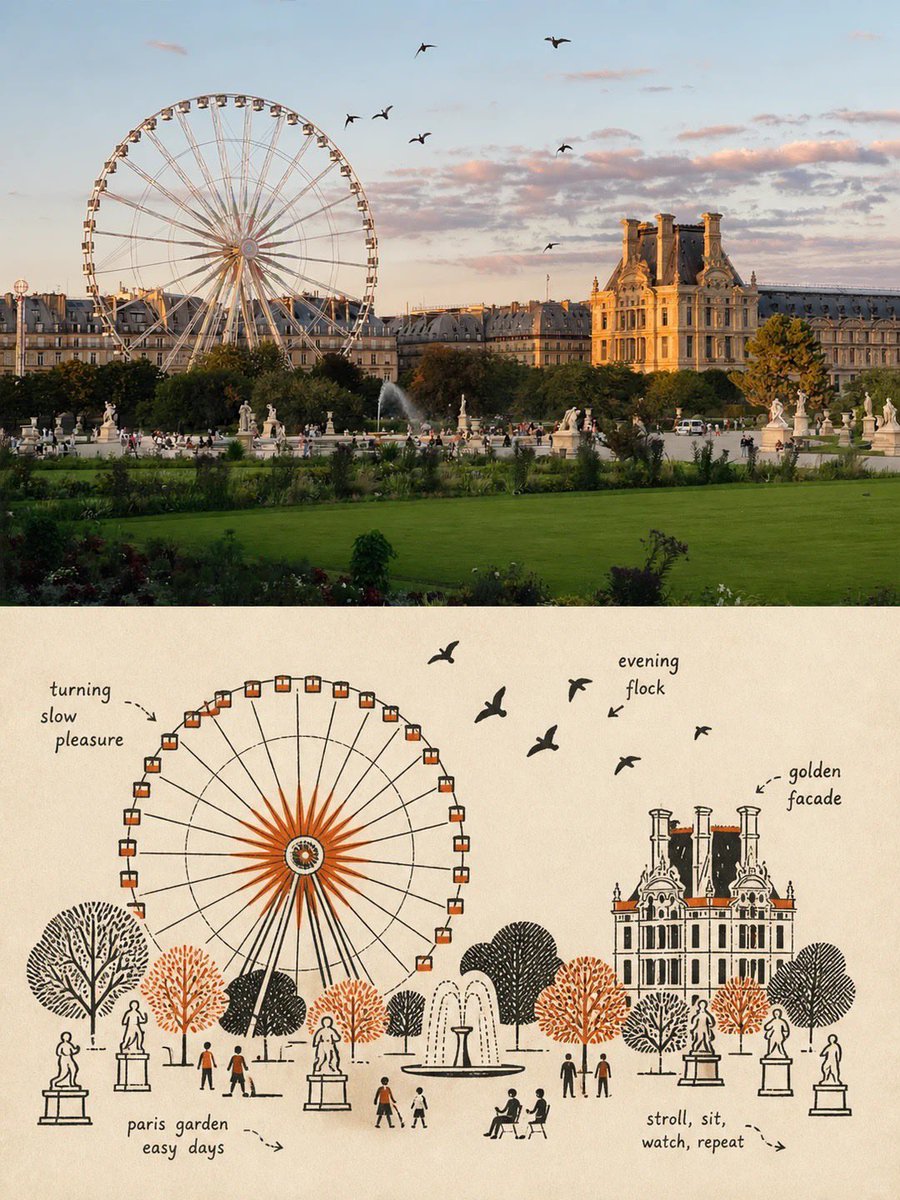
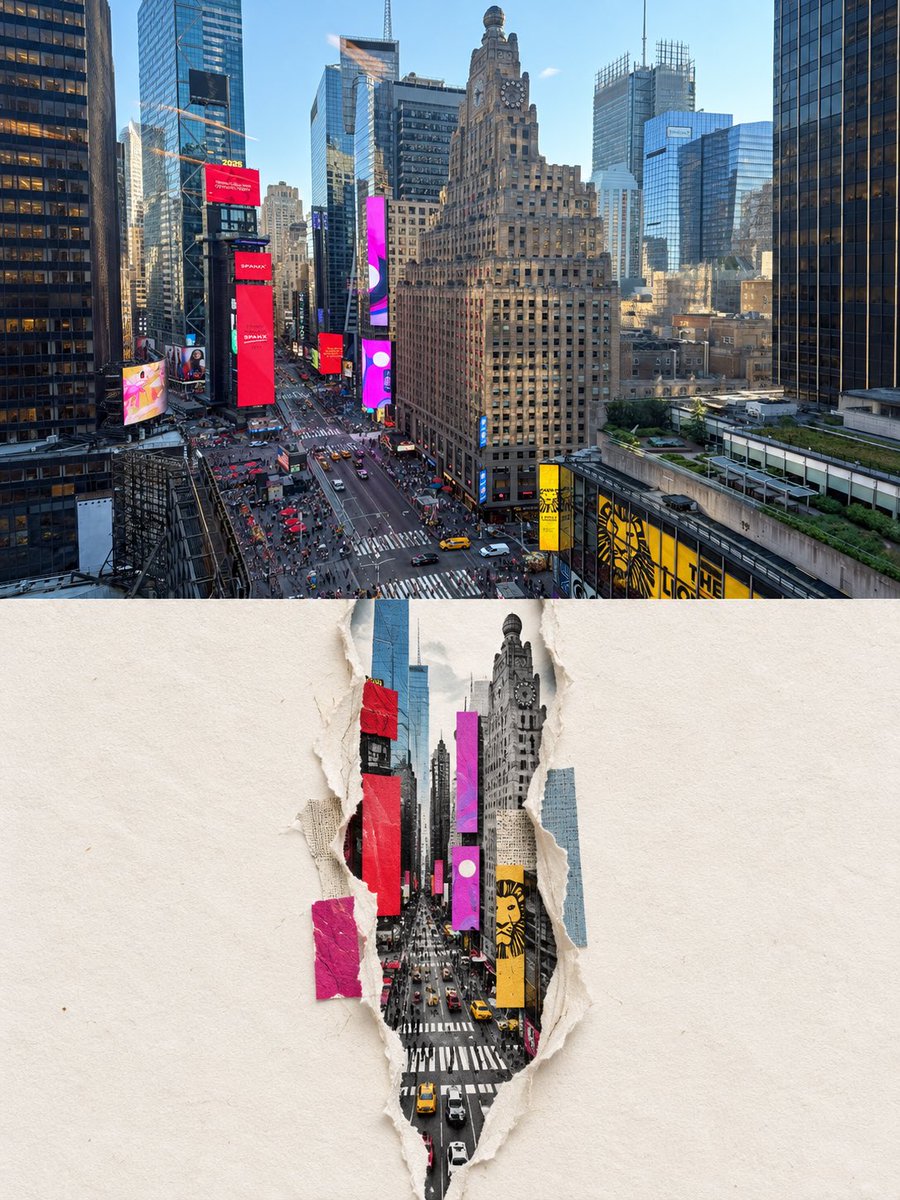
A complex instructional prompt for creating a two-part travel poster: the top featuring enhanced original photography and the bottom showcasing a pencil sketch observation archive of the same scene.
This is a GPT Image 2 prompt case for Graphic & Poster. Use the copy-ready prompt below to generate similar visuals, and review Awesome GPT Image 2 Prompts attribution plus commercial-use rights before reuse.
Free 1K preview
Generate one preview image instantly, no sign-up required.
Free text preview doesn’t preserve reference-image consistency.
Prompt
Copy-ready prompt
Please turn each photo I upload into an independent 'Travel Observation Archive' design poster, without any multi-image collage, outputting each photo separately. The overall layout uses a 2:3 vertical composition, consisting of two corresponding areas. The upper real-life photography takes up about 43% of the frame, and the lower travel observation archive takes up about 57%. The boundary is clear and straight, without using torn paper, gradient blending, or decorative borders. ## Top: Real-life Photography Faithfully preserve the original photo, accurately maintaining the subject's identity, quantity, appearance, structure, posture, direction, terrain, buildings, roads, waters, spatial relationships, authentic materials, natural lighting, and original color atmosphere. Apply only restrained, exhibition-grade photographic color grading, moderately improving exposure, layering, clarity, and color unity to give it the quality of travel magazines, independent publications, and photography exhibitions. To fit the vertical format, natural cropping or reasonable extension of the sky, ground, water surface, and surrounding environment is allowed, but the subject must not be stretched, distorted, moved, replaced, or redesigned. If the original image contains fog, clouds, snow, or low light, preserve realistic weather characteristics, but do not let thick fog, milky airiness, or low contrast obscure the subject. The edges of the subject, key materials, and spatial layers must be clearly distinguishable. ## Bottom: Travel Observation Archive On warm off-white natural archival paper, redraw the same scene from the photo. First, identify the most travel-narrative visual anchor in the photo, such as: Boats, lighthouses, isolated houses, RVs, bridges, stations, pavilions, gatehouses, towers, roads, piers, or other subjects that represent the location and journey. Use this subject as the core of the lower observation drawing, maintaining its shape, proportion, direction, structural features, and its relationship with the environment so that it is instantly recognizable from the original photo. Use the following drawing language: - Pencil structural sketch - Dry ink lines - Fine but restrained cross-hatching - A small amount of low-saturation color extracted from the photo - Local paper transparency - Slight old archival grain - Fine leader lines and observation annotations - Dimension references, direction lines, and environmental records - Loose but accurate travel manuscript texture Do not make the bottom part a precise architectural CAD, engineering drawing, or dense scientific infographic. It should look like a page of private observation archives left by a traveler, architectural observer, or nature researcher, having a sense of knowledge but remaining quiet, poetic, and retaining plenty of white space. The main drawing of the lower subject should occupy the primary visual area. A few fine-line annotations can appear around it, pointing out important structures, natural features, and spatial relationships that actually exist in the photo. Set up 5 small observation panels of uniform size at the bottom, automatically selected based on the photo content: - Geographical location sketch - Terrain or skyline outline - Front or side view of the subject - Local structural cross-section - Observations of weather, water surface, clouds, vegetation, or roads All panels should be derived from the original photo content; do not add irrelevant structures out of thin air. ## Chinese Typography Based on the location, subject, and travel imagery in the photo, automatically generate: - A 2 to 6 character Chinese main title - Serial number, e.g., 'Number 01' - Four-digit year - A short, restrained, and evocative Chinese description - 3 to 4 items of scene information - 4 to 6 structural observation annotations - 5 bottom panel titles...
Best for
- - Graphic & Poster visual exploration
- - Image generation and reference-image edits
- - Reusable briefs that keep source attribution visible
Change these parts
- - Subject, product, character, or scene
- - Aspect ratio, camera, lighting, and background
- - Brand, text, color, and output constraints
Recommended model and settings
- - Model: gpt-image-2
- - Input mode: Image to Image
- - Aspect ratio: source
- - Commercial status: review original source
How to use this prompt
- 1. Copy the prompt and preserve its structure for the first test.
- 2. Replace the subject, context, and publishing channel.
- 3. Change one camera, lighting, or style variable per iteration.
- 4. Inspect the output, source, text, and rights before reuse.
Limitations, source, and reuse cautions
- - Generated output is an editable draft, not factual, legal, or rights evidence.
- - Review the linked source, people, brands, logos, text, and third-party media before commercial use.
More cases in this category
Prioritized by category, input mode compatibility, quality, and lower risk.
Reuse and source notes
Use this prompt safely after previewing the case.
- 1.Copy the prompt or open it directly in Dovoo with the generation button.
- 2.Adjust variables, aspect ratio, and reference images for your own use case.
- 3.Before publishing or paid usage, verify source rights, attribution requirements, and brand or likeness risks.
Can I use this prompt commercially?
Commercial-use status is allowed. Review the original source, license, brand constraints, and legal requirements before paid usage.
Where does this case come from?
This case is imported from Awesome GPT Image 2 Prompts; keep attribution visible and check the source URL before reuse.