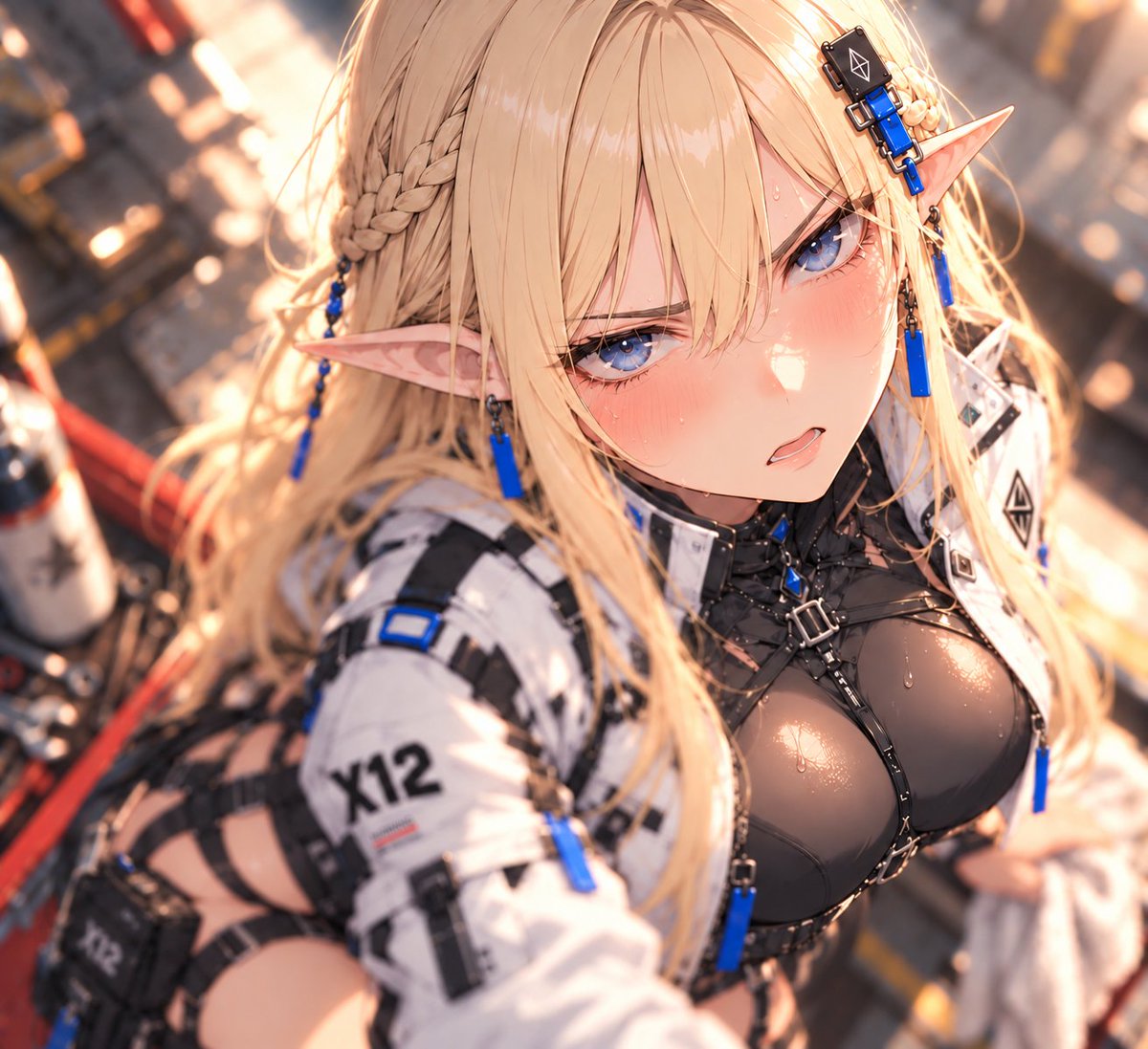
Shallow Depth of Field I2I
An image-to-image prompt for adding shallow depth of field effects to illustrations using GPT.
This is a GPT Image 2 prompt case for Illustration & Art. Use the copy-ready prompt below to generate similar visuals, and review Awesome GPT Image 2 Prompts attribution plus commercial-use rights before reuse.
Free 1K preview
Generate one preview image instantly, no sign-up required.
Free text preview doesn’t preserve reference-image consistency.
Prompt
Copy-ready prompt
Maintain the person, costume, composition, and art style of the original image, and apply a three-dimensional focus expression with shallow depth of field.

Focus center on eyes and face. Keep pupils, eyelashes, and main facial lines clear. As you move away from the focal plane of the face, smoothly blur hair, shoulders, costume, and background according to distance. Create natural focus differences within the person as well.

Add soft foreground bokeh to hair and shoulders close to the camera, and large melting background bokeh for the background. Describe point light sources in the background as soft circular bokeh.

Illuminate hair and skin contours thinly with warm diagonal backlighting, adding subtle bloom and light bleed only to strong highlights. Maintain calm darkness in shadows to create cinematic depth that draws the eye to the face.

Uniform blurring across the entire screen is prohibited. Do not erase facial details; maintain the original line art and drawing texture.
Best for
- - Illustration & Art visual exploration
- - Image generation and reference-image edits
- - Reusable briefs that keep source attribution visible
Change these parts
- - Subject, product, character, or scene
- - Aspect ratio, camera, lighting, and background
- - Brand, text, color, and output constraints
Recommended model and settings
- - Model: gpt-image-2
- - Input mode: Image to Image
- - Aspect ratio: source
- - Commercial status: review original source
How to use this prompt
- 1. Copy the prompt and preserve its structure for the first test.
- 2. Replace the subject, context, and publishing channel.
- 3. Change one camera, lighting, or style variable per iteration.
- 4. Inspect the output, source, text, and rights before reuse.
Limitations, source, and reuse cautions
- - Generated output is an editable draft, not factual, legal, or rights evidence.
- - Review the linked source, people, brands, logos, text, and third-party media before commercial use.
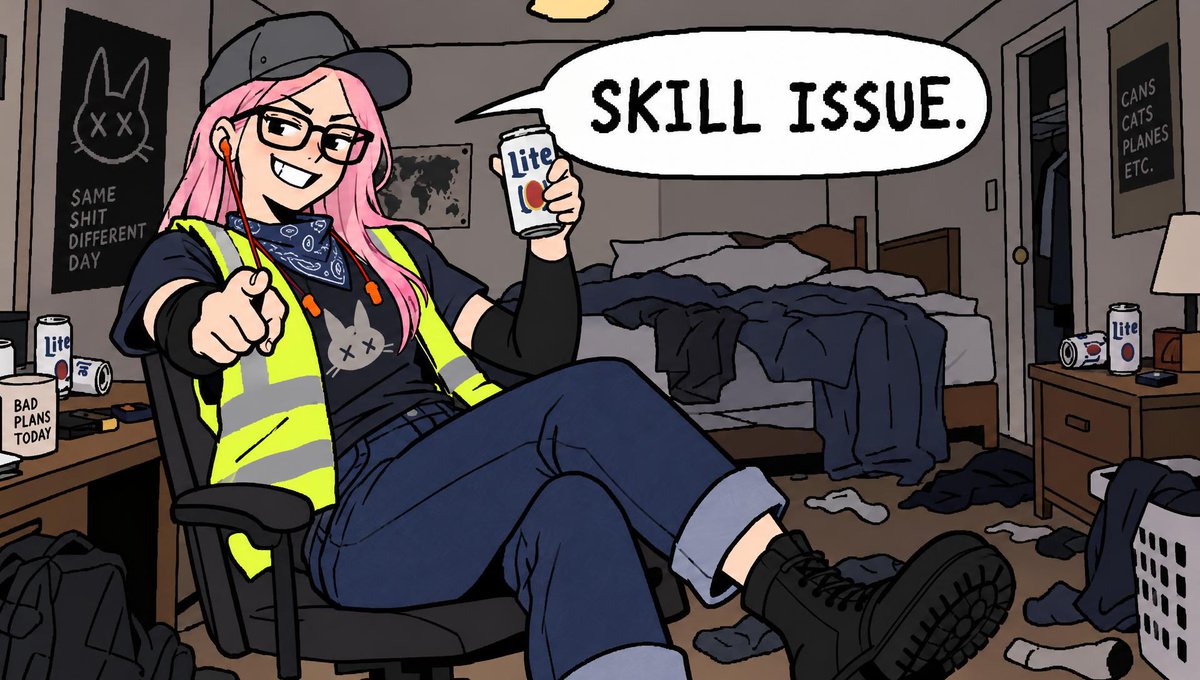
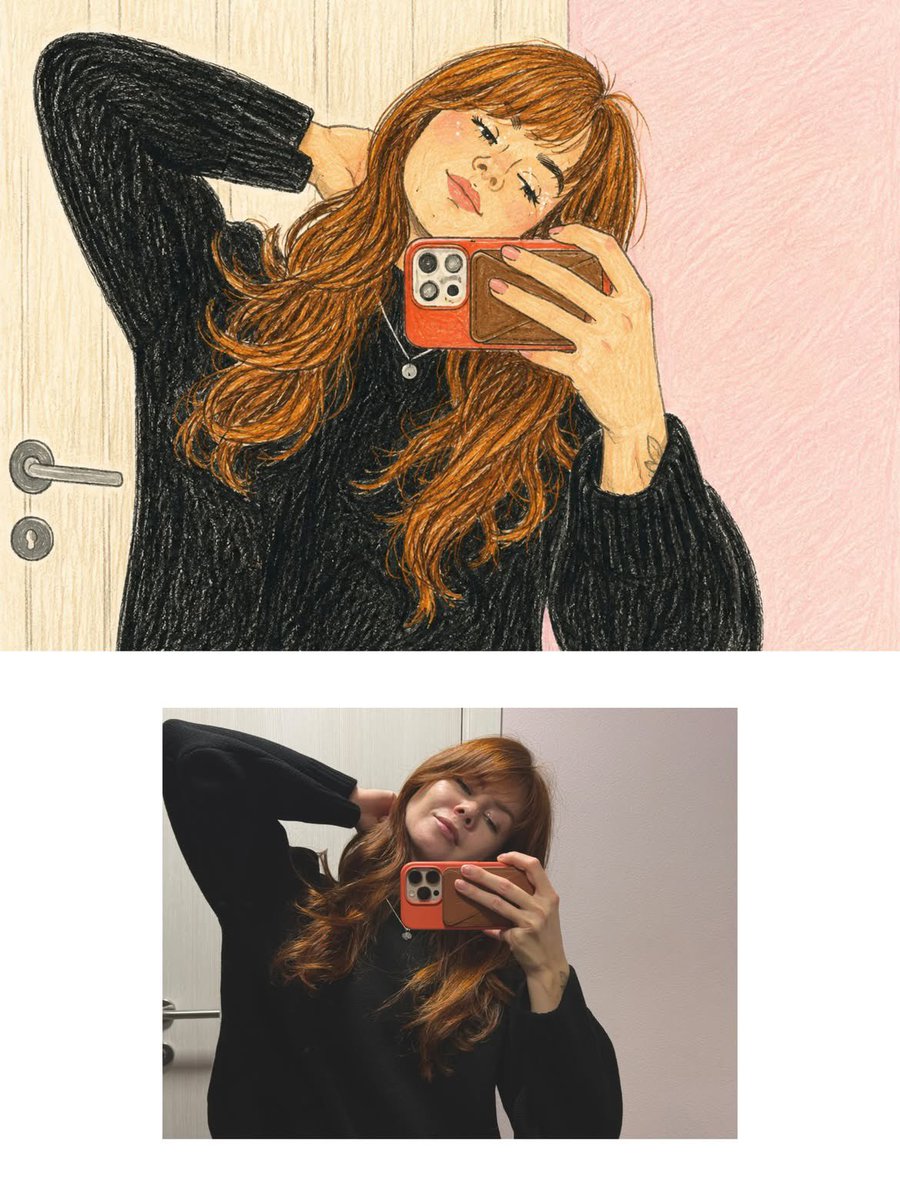
More cases in this category
Prioritized by category, input mode compatibility, quality, and lower risk.


Reuse and source notes
Use this prompt safely after previewing the case.
- 1.Copy the prompt or open it directly in Dovoo with the generation button.
- 2.Adjust variables, aspect ratio, and reference images for your own use case.
- 3.Before publishing or paid usage, verify source rights, attribution requirements, and brand or likeness risks.
Can I use this prompt commercially?
Commercial-use status is allowed. Review the original source, license, brand constraints, and legal requirements before paid usage.
Where does this case come from?
This case is imported from Awesome GPT Image 2 Prompts; keep attribution visible and check the source URL before reuse.