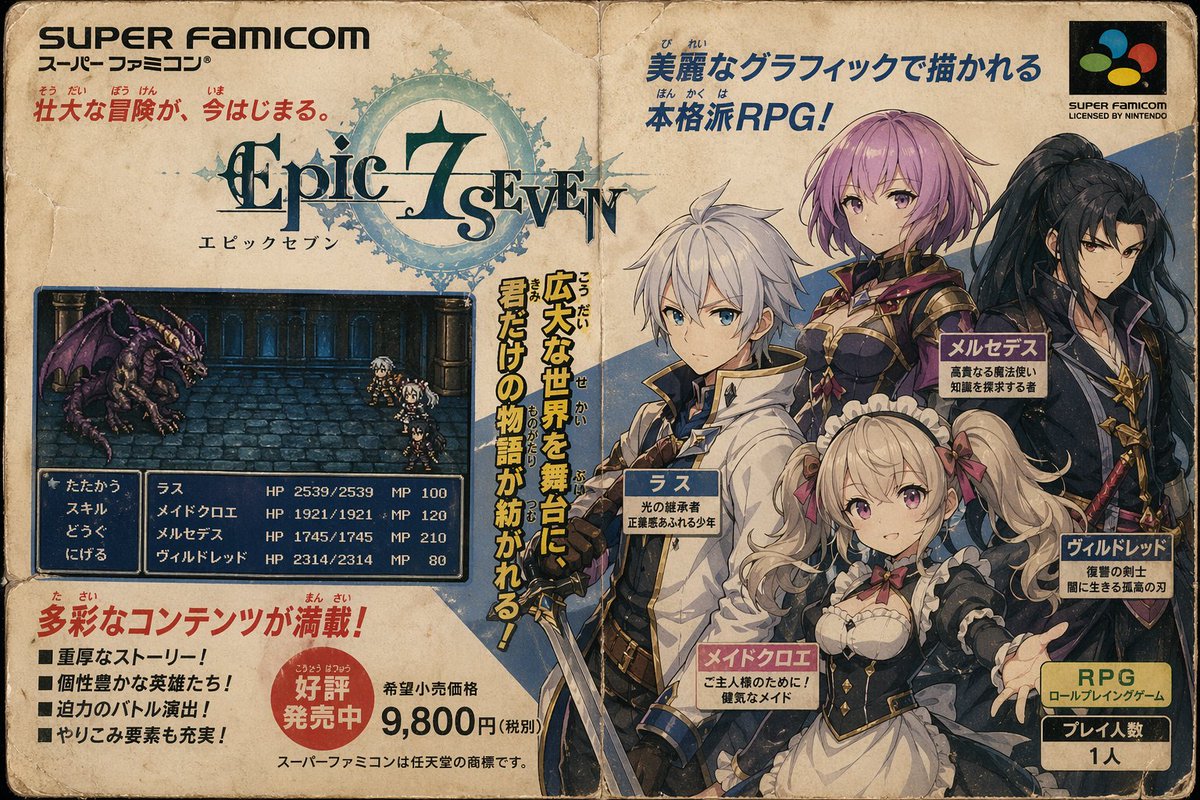
Retro Super Famicom RPG Ad
A faux 1990s Japanese Super Famicom advertisement for a fantasy RPG, useful for recreating nostalgic game box art or magazine promo layouts.
This is a GPT Image 2 prompt case for Anime & Game. Use the copy-ready prompt below to generate similar visuals, and review Awesome GPT Image 2 Prompts attribution plus commercial-use rights before reuse.
Free 1K preview
Generate one preview image instantly, no sign-up required.
Prompt
Copy-ready prompt
Create a full-page retro Japanese Super Famicom game box advertisement, designed in the style of a worn 1990s magazine insert or game packaging front, presented on a yellowish, aged paper with creases, stains, worn edges, fold marks, and slight printing fading. The layout should have a genuine retro feel and be tightly packed, including prominent Japanese promotional text, a fictional fantasy RPG logo, a character lineup on the right, game screenshots on the left, and price and feature labels at the bottom. Place a large black “SUPER FAMICOM” title in the upper left corner, followed by a smaller Japanese subtitle, and a line of red Japanese text nearby. The upper right corner should contain a Super Famicom-style logo badge within a black rectangle, with the English text “SUPER FAMICOM LICENSED BY NINTENDO” below it. The top center showcases the game title logo “Epic 7 Seven,” using an ornate fantasy font in teal and black, overlaid on a light blue circular magical emblem or insignia. Add a small Japanese katakana subtitle below the logo. The right side features 4 anime-style fantasy team members, in the refined JRPG promotional illustration style: 1 white-haired young male hero in a white cape and blue-black clothing, wielding a longsword; 1 pink-haired female knight or mage in dark armor with gold trim; 1 tall, black-haired swordswoman in dark, layered robes; and 1 blonde twin-tailed maid in a black and white ruffled skirt, extending one hand forward. Their faces should have generalized and soft features, in front or three-quarter views, composed in heroic poses. Add 4 deep blue nameplates near each character, labeling their Japanese name and a short job description. Place a vertical yellow Japanese slogan with a black outline between the screenshots and the character group. The lower-middle left contains 1 in-game battle screenshot within a deep blue rounded rectangle: a pixelated dungeon battle scene showing 1 purple dragon monster facing a 4-person party, with a stone corridor background. At the bottom of the battle scene, display a classic RPG interface, including 4 Japanese command options and a party status list with character names, HP, and MP values. Add a red Japanese title in the lower left corner, followed by 4 black square bullet points of Japanese feature text. Place a red circular promotional sticker with white Japanese text in the bottom center, indicating hot sales, next to a prominent “9,800円” price, surrounded by smaller Japanese retail text. The lower right corner contains 1 yellow information box labeled “RPG” with additional Japanese text, below a separate dark box indicating the number of players “1人”. Use retro printing colors such as cream, deep blue, teal, red, gold, black, and faded soft character colors. The entire image should look like a highly convincing fictional Super Famicom advertisement, promoting a classic fantasy RPG called {argument name="game title" default="Epic 7 Seven"}, including visible Japanese text, nostalgic printing flaws, and authentic 1990s console game marketing design.Prompt variables
Editable argument placeholders found in the prompt, with their default values.
Best for
- - Anime & Game visual exploration
- - Image generation and reference-image edits
- - Reusable briefs that keep source attribution visible
Change these parts
- - Subject, product, character, or scene
- - Aspect ratio, camera, lighting, and background
- - Brand, text, color, and output constraints
Recommended model and settings
- - Model: gpt-image-2
- - Input mode: Text to Image
- - Aspect ratio: source
- - Commercial status: review original source
How to use this prompt
- 1. Copy the prompt and preserve its structure for the first test.
- 2. Replace the subject, context, and publishing channel.
- 3. Change one camera, lighting, or style variable per iteration.
- 4. Inspect the output, source, text, and rights before reuse.
Limitations, source, and reuse cautions
- - Generated output is an editable draft, not factual, legal, or rights evidence.
- - Review the linked source, people, brands, logos, text, and third-party media before commercial use.
More cases in this category
Prioritized by category, input mode compatibility, quality, and lower risk.

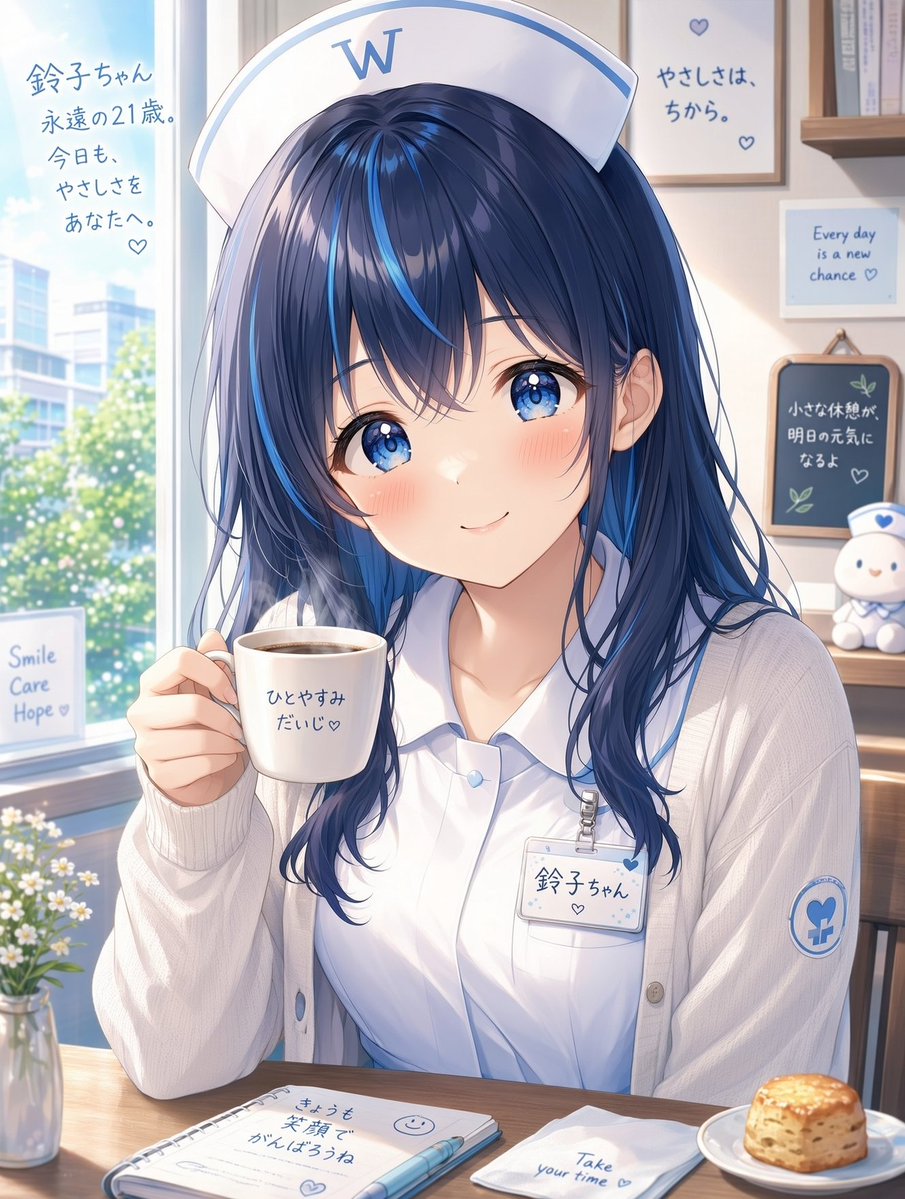

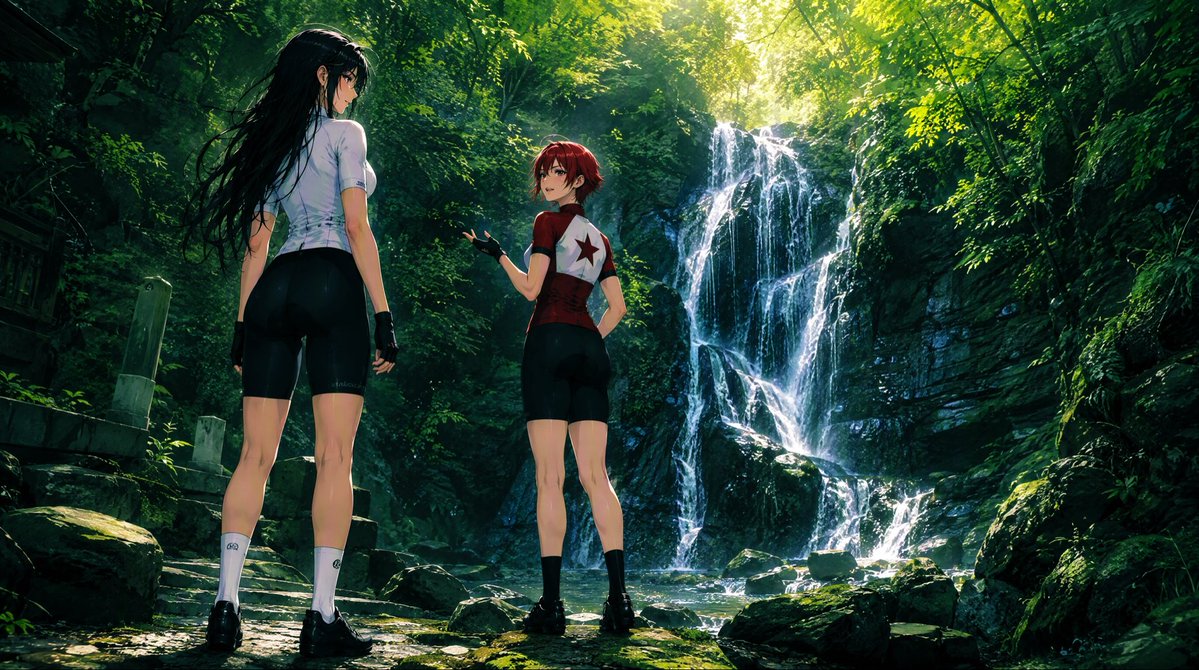
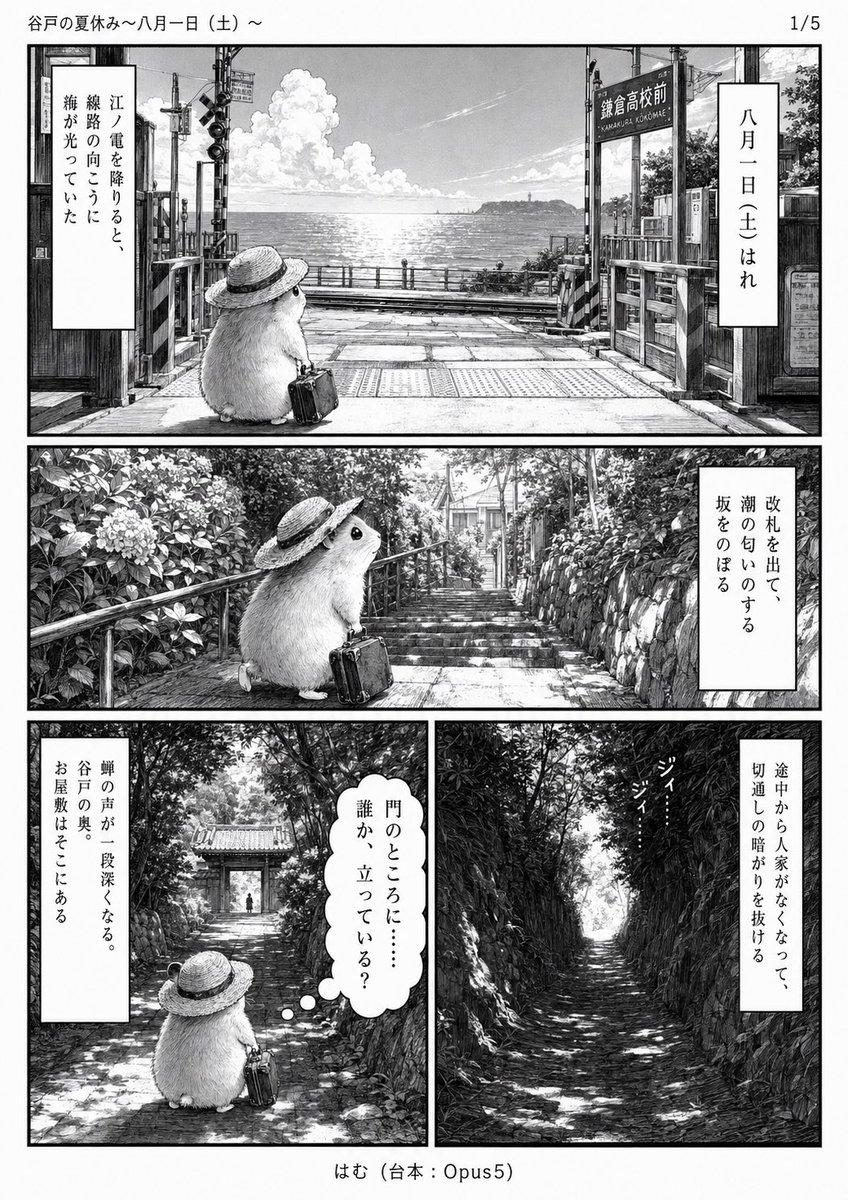
Reuse and source notes
Use this prompt safely after previewing the case.
- 1.Copy the prompt or open it directly in Dovoo with the generation button.
- 2.Adjust variables, aspect ratio, and reference images for your own use case.
- 3.Before publishing or paid usage, verify source rights, attribution requirements, and brand or likeness risks.
Can I use this prompt commercially?
Commercial-use status is allowed. Review the original source, license, brand constraints, and legal requirements before paid usage.
Where does this case come from?
This case is imported from Awesome GPT Image 2 Prompts; keep attribution visible and check the source URL before reuse.