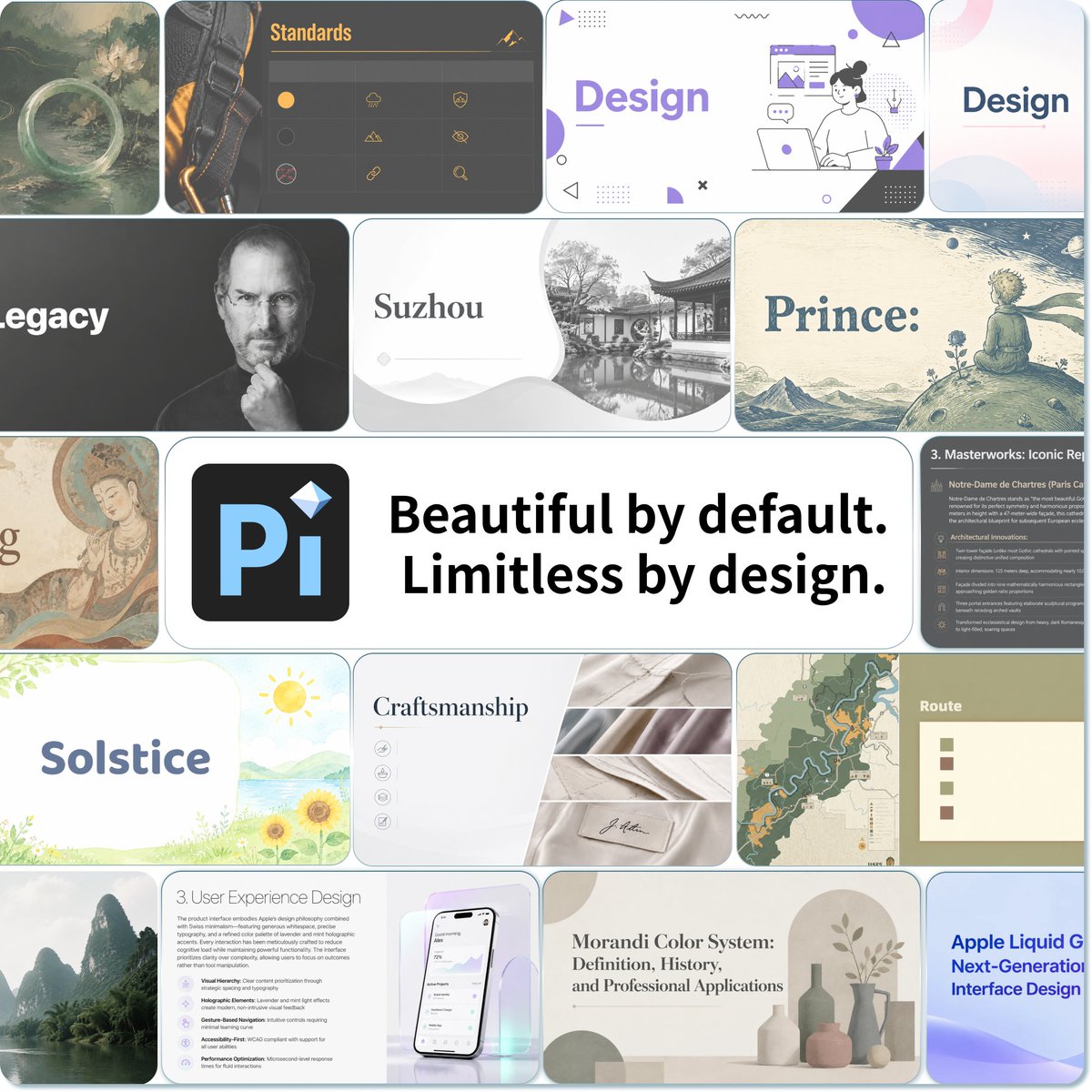
Pi Presentation Template Collage
A square promotional mosaic showcasing diverse AI-generated presentation slide designs around a central Pi logo and slogan.
This is a GPT Image 2 prompt case for 平面海报. Use the copy-ready prompt below to generate similar visuals, and review Awesome GPT Image 2 Prompts attribution plus commercial-use rights before reuse.
Prompt
Copy-ready prompt
目标:为 {argument name="product name" default="Pi"} 创建一张精致的宣传拼贴画,展示演示文稿的视觉效果在默认情况下也能既美观又多样。

画布:方形 1:1 图像,约 768×768 像素,白色背景,由圆角矩形演示文稿 Slides 缩略图组成的紧凑马赛克,中间由细白线隔开。采用柔和阴影、微妙的斜面效果以及现代 SaaS 发布广告的美学风格。

布局:在中心主横幅周围的不规则网格中精确排列 17 个可见的幻灯片磁贴。中心横幅占据大部分宽度,左侧包含一个深色圆角方形应用图标,带有醒目的浅蓝色“Pi”标志和一个小钻石装饰,右侧为加粗的黑色标语 {argument name="main slogan" default="Beautiful by default. Limitless by design."}。周围环绕着各种演示文稿模板,融合了编辑、历史、抽象、摄影和产品设计风格。

可见磁贴数量及内容:包含 17 个独立的磁贴:1) 左上角绘画风格的奇幻景观,水面和山脉上方有一个发光的圆环;2) 上方中央深色“Standards”幻灯片,左侧有皮带照片,芥末色标题文本,以及小图标行;3) 右上角宽幅紫色和白色“Design”幻灯片,带有坐着的笔记本电脑插图和几何 UI 装饰;4) 最右上角柔和渐变色的“Design”标题幻灯片;5) 左侧中间黑白“Legacy”幻灯片,单词部分被裁剪,灰度肖像中人物手持物体,面部被灰色模糊遮挡;6) 中央中间“Suzhou”幻灯片,带有衬线标题、浅色山脉以及黑白古典中国园林照片;7) 右侧中间复古故事书风格“Prince:”幻灯片,一个小王子形象坐在星空下的星球上;8) 最左侧中间部分被裁剪的古董壁画/湿壁画幻灯片,仅可见单词的结尾;9) 中央主导的 {argument name="product name" default="Pi"} 标志和标语横幅;10) 最右侧深色讲座幻灯片,标题为“3. Masterworks: Iconic Re…”,带有密集的项目符号文本和小图标;11) 左下角“Solstice”幻灯片,带有柔和的水彩绿植、太阳、湖泊和向日葵;12) 下方中央“Craftsmanship”幻灯片,带有衬线标题、小圆形图标、折叠织物照片和签名标签;13) 右下角地图幻灯片,带有风格化的地形图和橙色路线线;14) 最右侧小型“Route”卡片,带有四个彩色方形图例标记;15) 左下角朦胧的喀斯特山河照片磁贴;16) 下方中央“3. User Experience Design”幻灯片,在浅色虹彩背景上包含段落、项目符号卡片和智能手机模型;17) 右下角米色“Morandi Color System: Definition, History, and Professional Applications”幻灯片,带有柔和的花瓶和植物装饰,以及一张部分可见的蓝紫色科技幻灯片,标题为“Apple Liquid G… Next-Generation Interface Design”。

视觉风格:拼贴画应呈现出 AI 演示文稿生成产品发布的高级主图质感:清晰的排版、高度的视觉多样性、12–18 像素的圆角、干净的白色分隔线、微妙的深度感,以及中性色调、柔和紫、鼠尾草绿、柔和蓝、炭灰、奶油色和水彩纹理的平衡组合。

文本限制:保持中心标语醒目且完全清晰可辨。其他幻灯片标题可以较小,但应看起来像真实的演示文稿文本。仅使用英文文本。不要在描述的幻灯片缩略图之外添加人物,不要添加浏览器边框,也不要包含任何水印。
Prompt variables
Editable argument placeholders found in the prompt, with their default values.
More cases in this category
Prioritized by category, input mode compatibility, quality, and lower risk.

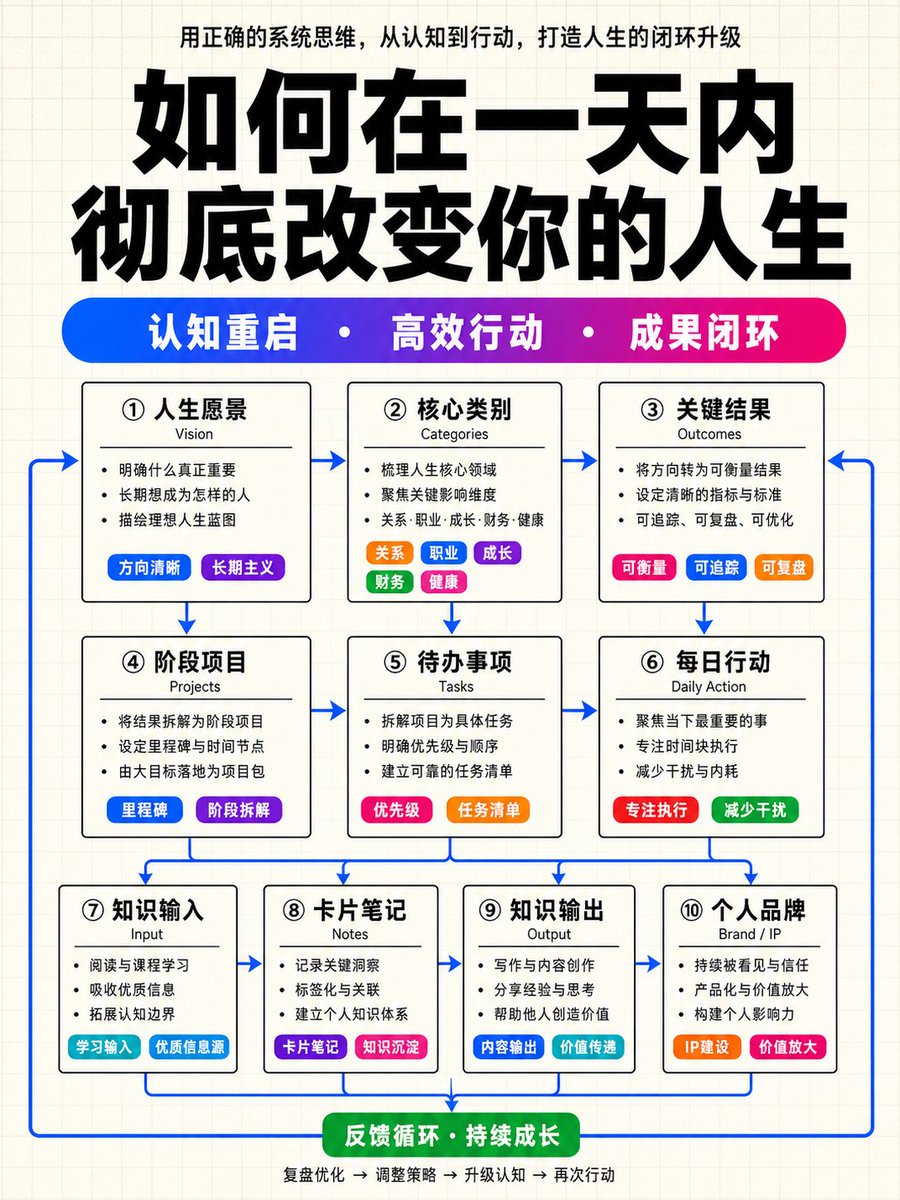

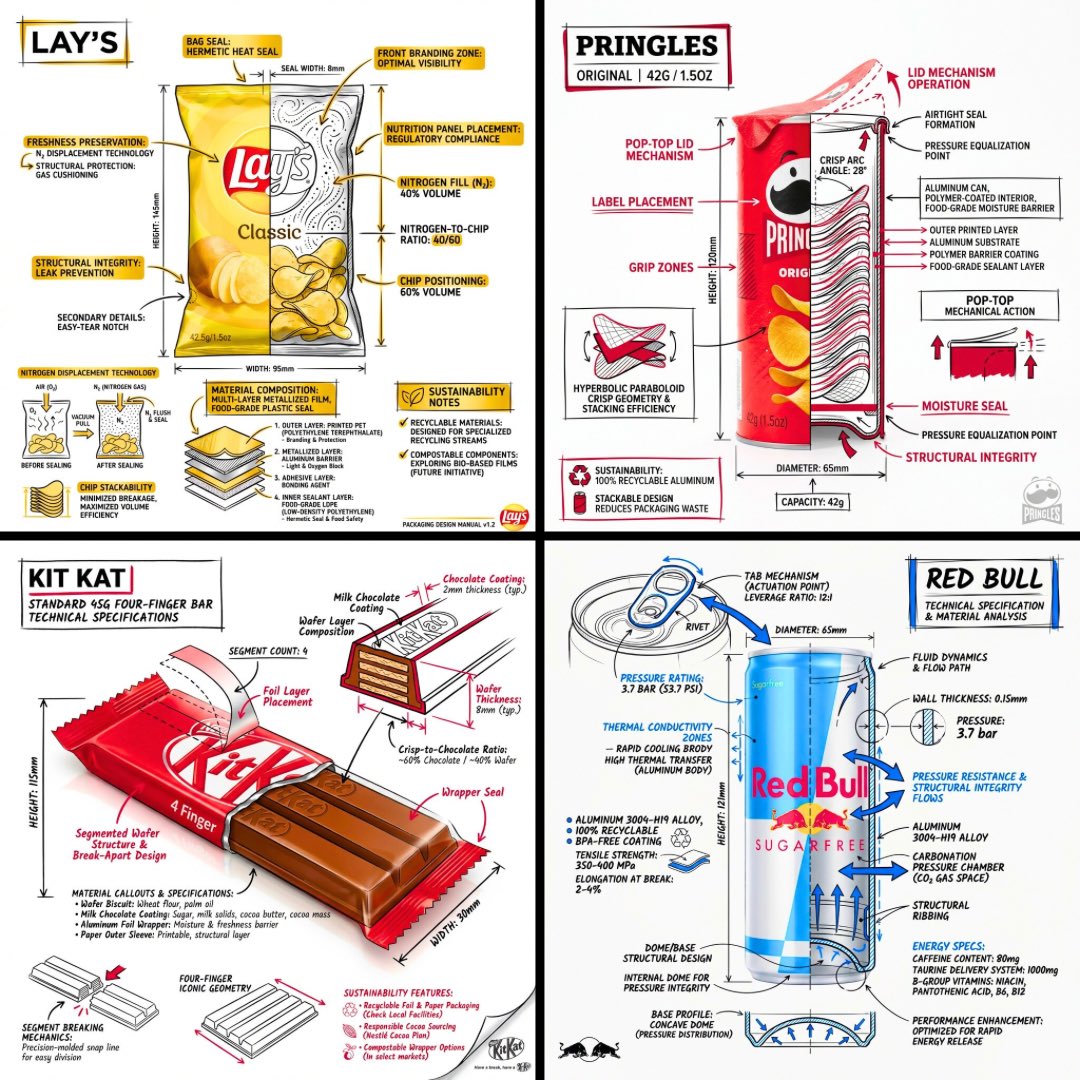
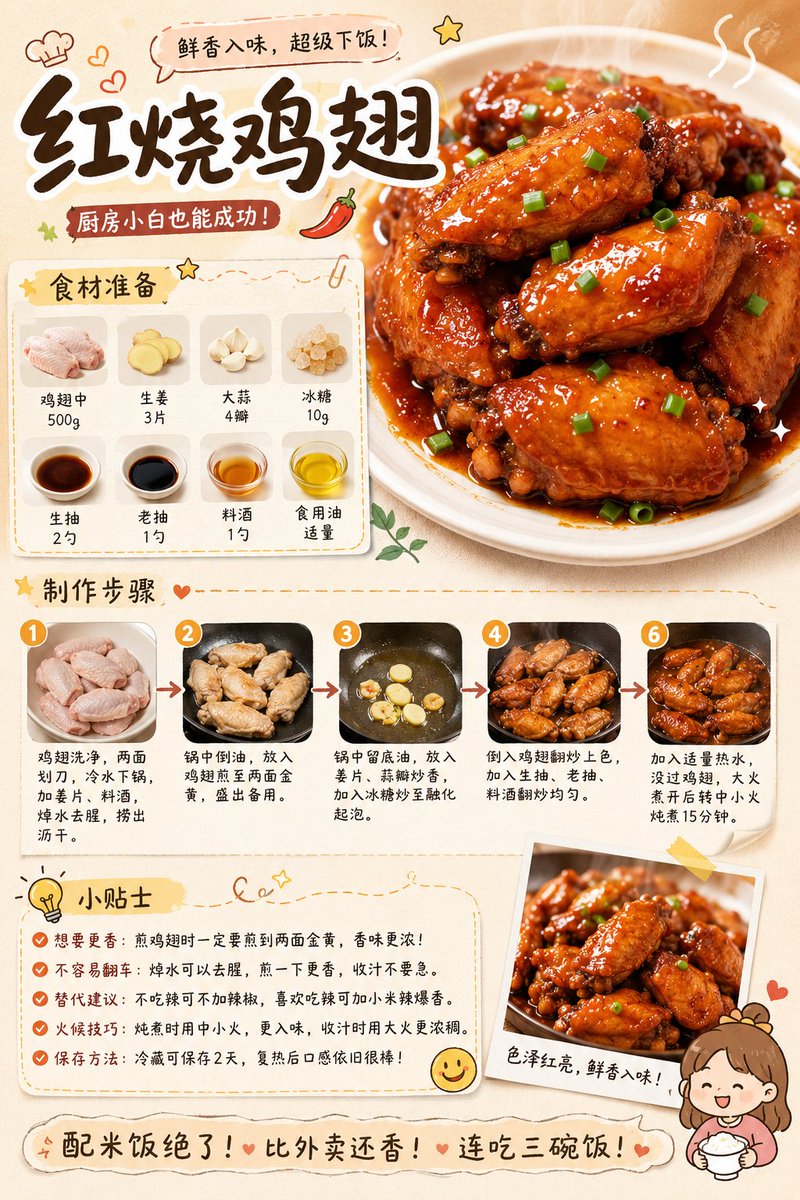

Reuse and source notes
Use this prompt safely after previewing the case.
- 1.Copy the prompt or open it directly in Dovoo with the generation button.
- 2.Adjust variables, aspect ratio, and reference images for your own use case.
- 3.Before publishing or paid usage, verify source rights, attribution requirements, and brand or likeness risks.
Can I use this prompt commercially?
Commercial-use status is allowed. Review the original source, license, brand constraints, and legal requirements before paid usage.
Where does this case come from?
This case is imported from Awesome GPT Image 2 Prompts; keep attribution visible and check the source URL before reuse.