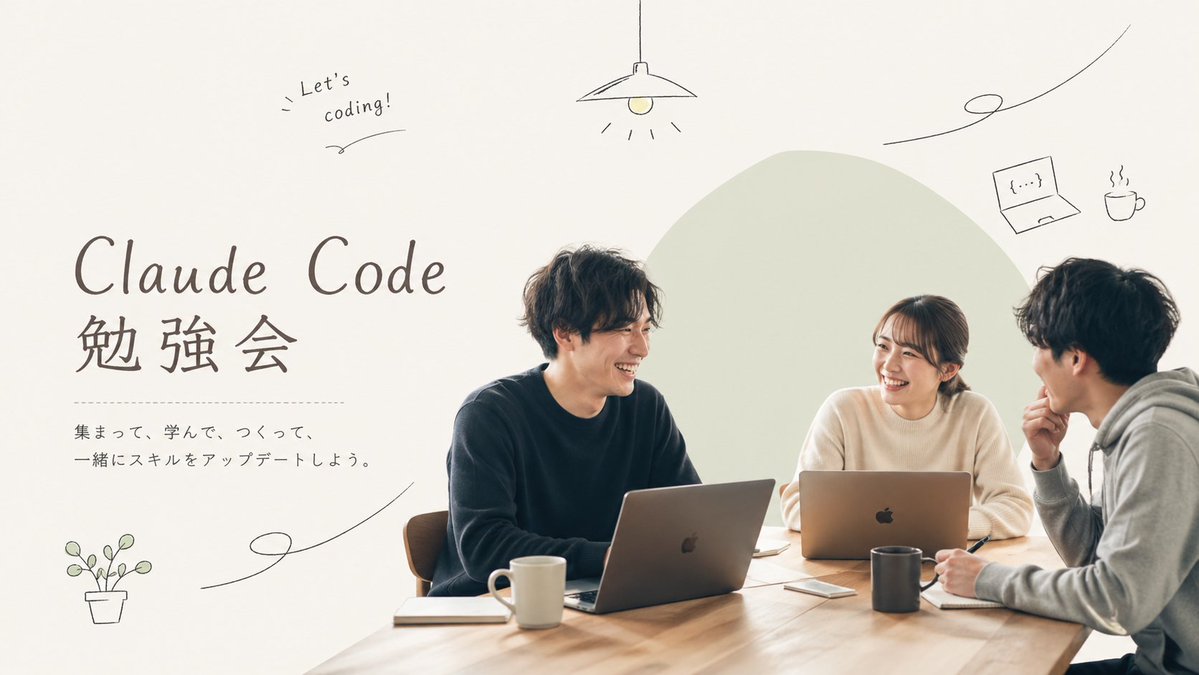
Minimal Coding Study Group Poster
A warm, modern event flyer showing three people studying with laptops, ideal for promoting a coding meetup or tech workshop on social media.
This is a GPT Image 2 prompt case for Graphic & Poster. Use the copy-ready prompt below to generate similar visuals, and review Awesome GPT Image 2 Prompts attribution plus commercial-use rights before reuse.
Free 1K preview
Generate one preview image instantly, no sign-up required.
Prompt
Copy-ready prompt
A clean, warm, minimalist promotional poster for a coding study meetup, in a soft lifestyle-photography plus editorial design style. Show 3 young adults seated around a light wooden table in a bright neutral room, collaborating with laptops and notebooks. The group consists of 2 men and 1 woman, all casually dressed in muted colors; the person on the left wears a dark navy sweater, the woman in the center-right wears an off-white knit top, and the person on the far right wears a light gray hoodie in side profile. Show every face clearly with natural, detailed facial features. Place 2 open silver laptops on the table, 2 ceramic mugs, 2 notebooks, 1 smartphone, and 1 pen visible near the right person’s hand. Compose the people on the right half of the image, with a large pale sage-green organic blob shape behind them as a graphic backdrop. Keep the lighting soft, natural, airy, and slightly warm, with lots of negative space on the left. On the left side, add large elegant headline typography reading {argument name="headline text" default="Claude Code"} on one line and {argument name="subheadline text" default="Study group"} below it in large Japanese characters. Under the headline, add a thin dotted horizontal divider line, then 2 lines of smaller Japanese body text reading {argument name="body text" default="集まって、学んで、つくって、\n一緒にスキルをアップデートしよう。"}. Add playful hand-drawn doodles in thin dark lines around the layout: 1 hanging lamp centered near the top, 1 handwritten note in the upper left saying {argument name="note text" default="Let’s coding!"}, 1 small laptop icon in the upper right, 1 steaming coffee cup icon beside it, 1 potted plant icon in the lower left, and 3 long curving decorative squiggle lines distributed across the page. Use an off-white background, restrained Japanese cafe-meets-tech branding, balanced whitespace, and a polished social-media event flyer aesthetic with a 16:9 horizontal composition.Prompt variables
Editable argument placeholders found in the prompt, with their default values.
Best for
- - Graphic & Poster visual exploration
- - Image generation and reference-image edits
- - Reusable briefs that keep source attribution visible
Change these parts
- - Subject, product, character, or scene
- - Aspect ratio, camera, lighting, and background
- - Brand, text, color, and output constraints
Recommended model and settings
- - Model: gpt-image-2
- - Input mode: Text to Image
- - Aspect ratio: source
- - Commercial status: review original source
How to use this prompt
- 1. Copy the prompt and preserve its structure for the first test.
- 2. Replace the subject, context, and publishing channel.
- 3. Change one camera, lighting, or style variable per iteration.
- 4. Inspect the output, source, text, and rights before reuse.
Limitations, source, and reuse cautions
- - Generated output is an editable draft, not factual, legal, or rights evidence.
- - Review the linked source, people, brands, logos, text, and third-party media before commercial use.
More cases in this category
Prioritized by category, input mode compatibility, quality, and lower risk.



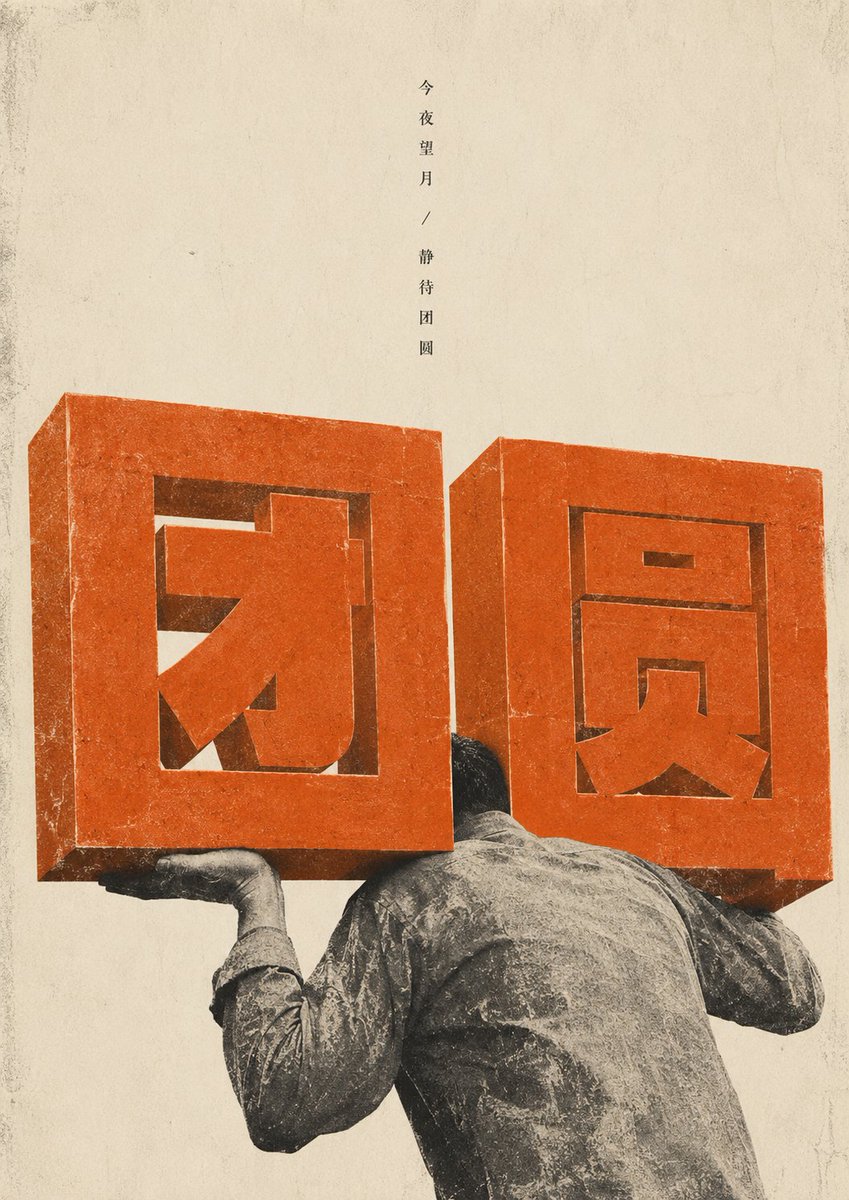


Reuse and source notes
Use this prompt safely after previewing the case.
- 1.Copy the prompt or open it directly in Dovoo with the generation button.
- 2.Adjust variables, aspect ratio, and reference images for your own use case.
- 3.Before publishing or paid usage, verify source rights, attribution requirements, and brand or likeness risks.
Can I use this prompt commercially?
Commercial-use status is allowed. Review the original source, license, brand constraints, and legal requirements before paid usage.
Where does this case come from?
This case is imported from Awesome GPT Image 2 Prompts; keep attribution visible and check the source URL before reuse.