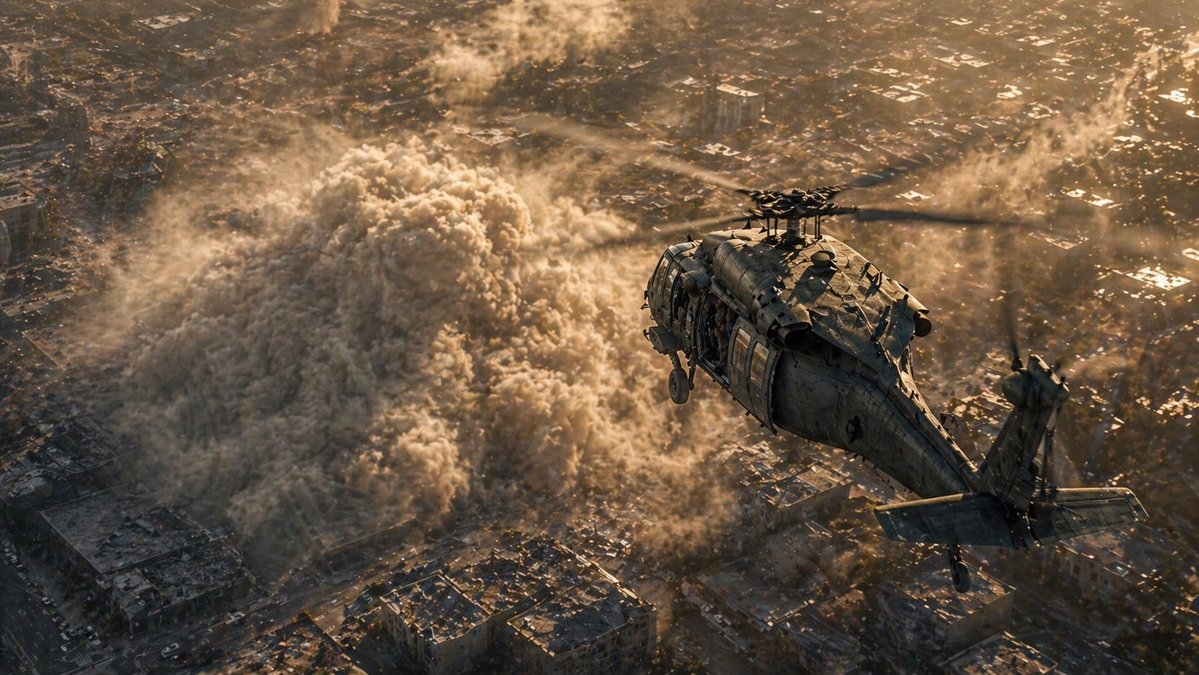
Helicopter Over Urban Dust Cloud
A photorealistic cinematic prompt for generating a dramatic aerial helicopter scene above a city engulfed by a massive collapse or explosion dust plume.
This is a GPT Image 2 prompt case for Landscape & Nature. Use the copy-ready prompt below to generate similar visuals, and review Awesome GPT Image 2 Prompts attribution plus commercial-use rights before reuse.
Free 1K preview
Generate one preview image instantly, no sign-up required.
Prompt
Copy-ready prompt
A cinematic ultra-realistic aerial disaster scene viewed from slightly above and behind a single military transport helicopter flying over a dense urban neighborhood at golden hour. The helicopter is a dark weathered matte-gray utility helicopter with 1 main rotor and 1 tail rotor, seen from the rear-right side, angled toward the upper right of the frame, with visible panel lines, antennas, landing gear, tail stabilizers, and an open side door. Below it, a massive rolling dust cloud from a building collapse or explosion surges through tightly packed city blocks, forming 1 huge mushrooming wall of beige-gray debris with turbulent texture, smaller plumes, and swirling particulate noise spreading between rooftops. The city beneath is sprawling, crowded, and sunlit in warm amber tones, with low-rise buildings, narrow streets, scattered highlights on roofs, and haze in the distance. Emphasize rotor motion blur, volumetric dust, dramatic scale, harsh backlit sunset lighting, long shadows, atmospheric perspective, intense contrast between the dark helicopter and glowing dust, and a tense war-zone or rescue-operation mood. Photorealistic, blockbuster cinematography, high detail, realistic materials, dynamic composition, wide aerial shot, no text, no interface, no extra aircraft.
Best for
- - Landscape & Nature visual exploration
- - Image generation and reference-image edits
- - Reusable briefs that keep source attribution visible
Change these parts
- - Subject, product, character, or scene
- - Aspect ratio, camera, lighting, and background
- - Brand, text, color, and output constraints
Recommended model and settings
- - Model: gpt-image-2
- - Input mode: Text to Image
- - Aspect ratio: source
- - Commercial status: review original source
How to use this prompt
- 1. Copy the prompt and preserve its structure for the first test.
- 2. Replace the subject, context, and publishing channel.
- 3. Change one camera, lighting, or style variable per iteration.
- 4. Inspect the output, source, text, and rights before reuse.
Limitations, source, and reuse cautions
- - Generated output is an editable draft, not factual, legal, or rights evidence.
- - Review the linked source, people, brands, logos, text, and third-party media before commercial use.
More cases in this category
Prioritized by category, input mode compatibility, quality, and lower risk.
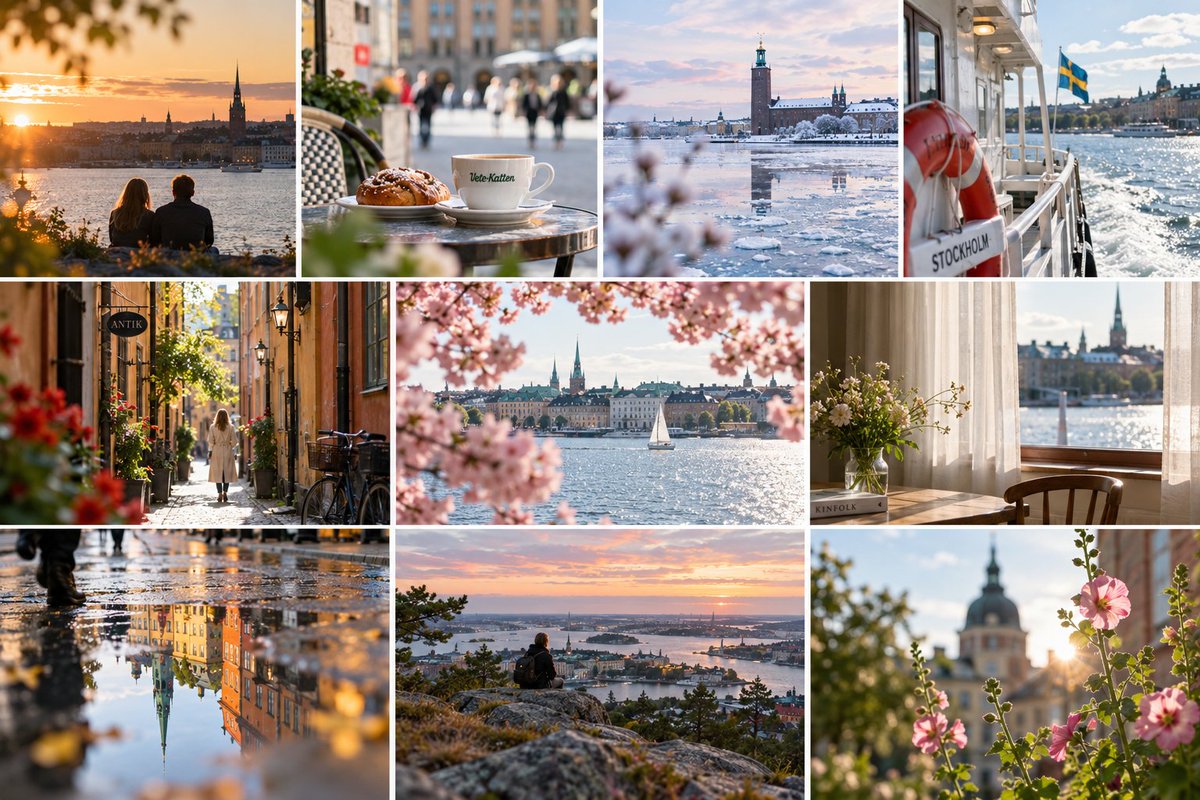
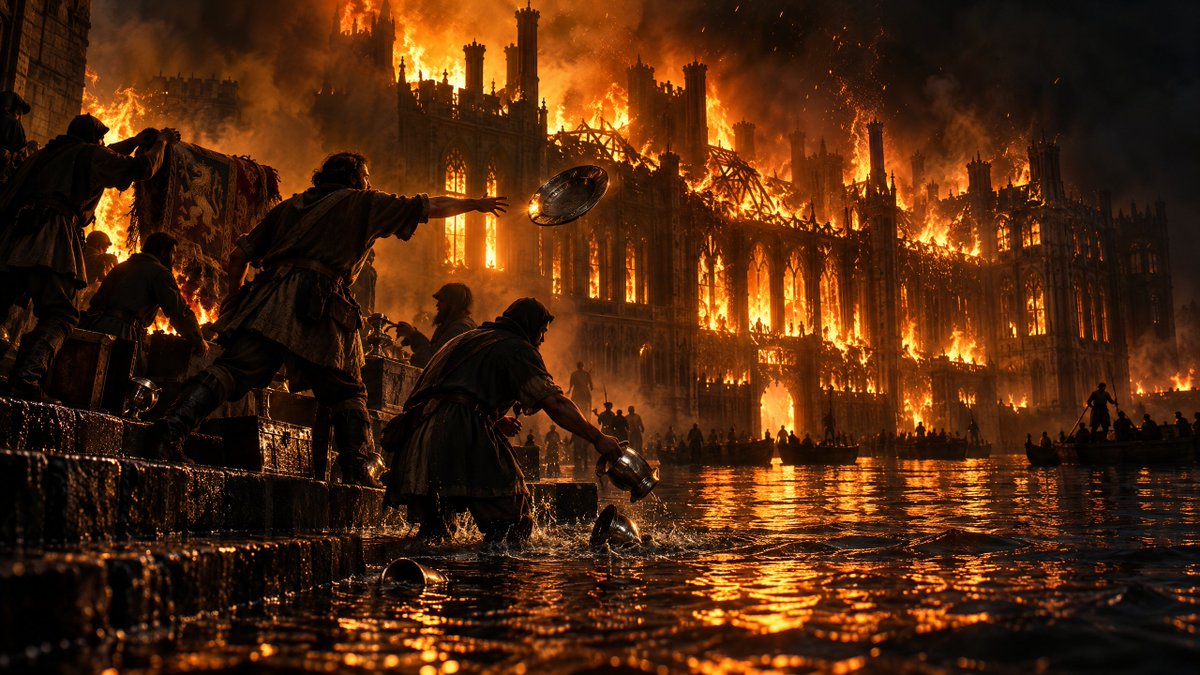
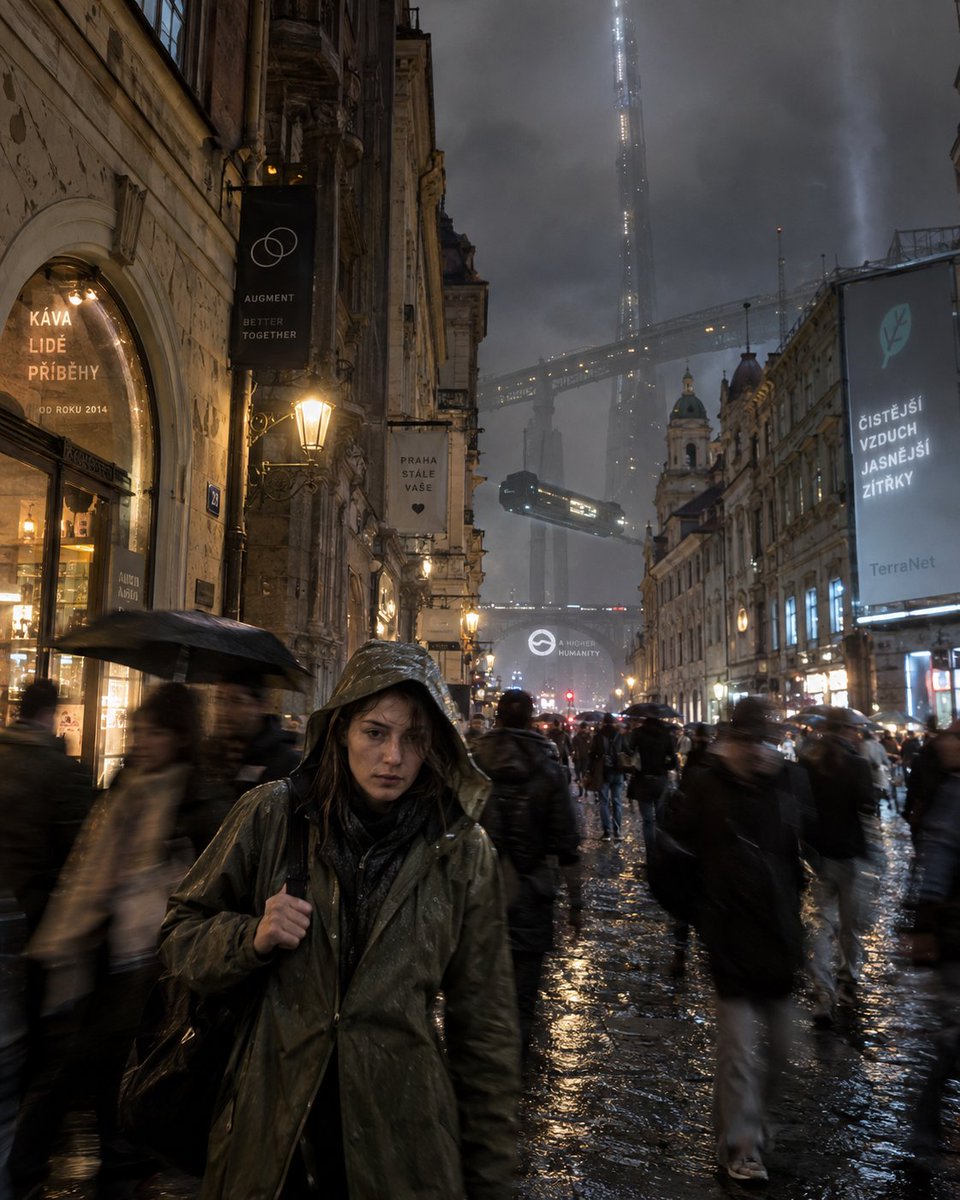
Reuse and source notes
Use this prompt safely after previewing the case.
- 1.Copy the prompt or open it directly in Dovoo with the generation button.
- 2.Adjust variables, aspect ratio, and reference images for your own use case.
- 3.Before publishing or paid usage, verify source rights, attribution requirements, and brand or likeness risks.
Can I use this prompt commercially?
Commercial-use status is allowed. Review the original source, license, brand constraints, and legal requirements before paid usage.
Where does this case come from?
This case is imported from Awesome GPT Image 2 Prompts; keep attribution visible and check the source URL before reuse.