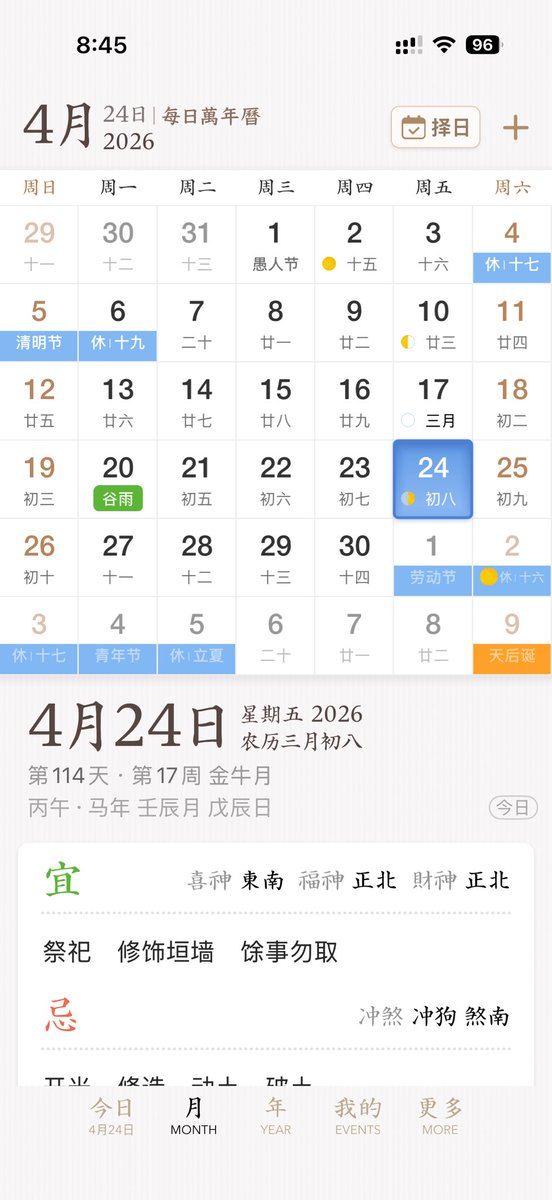
Elegant Chinese Calendar App UI
This prompt generates a polished mobile UI concept for a Chinese perpetual calendar and almanac app, suitable for app design showcases or product mockups.
This is a GPT Image 2 prompt case for Graphic & Poster. Use the copy-ready prompt below to generate similar visuals, and review Awesome GPT Image 2 Prompts attribution plus commercial-use rights before reuse.
Free 1K preview
Generate one preview image instantly, no sign-up required.
Prompt
Copy-ready prompt
A sleek and elegant iPhone App UI prototype showcasing a Chinese perpetual calendar and almanac application. The image is a full-screen mobile screenshot with a soft, warm white background featuring a delicate paper texture, embodying refined East Asian editorial aesthetics. The interface combines minimalist serif and sans-serif typography, with a color palette of soft browns, grays, blacks, light blues, greens, and golden accents, and a spacious layout with delicate dividers. The top displays the iOS status bar, showing 8:45 with cellular signal, Wi-Fi icon, and 96% battery. Below is the title of {argument name="month" default="April"}, accompanied by the subtitle “24th | Daily Perpetual Calendar,” with a rounded rectangle date selection button labeled “Choose Date” on the right, featuring a calendar icon and a plus icon. The main section presents the monthly calendar grid for {argument name="year" default="2026"}, with 7 columns for the days of the week, labeled in Chinese as: Sunday, Monday, Tuesday, Wednesday, Thursday, Friday, Saturday. It renders 6 rows of monthly views, totaling 42 date cells, including dates from adjacent months. Visible dates should be: first row 29, 30, 31, 1, 2, 3, 4; second row 5, 6, 7, 8, 9, 10, 11; third row 12, 13, 14, 15, 16, 17, 18; fourth row 19, 20, 21, 22, 23, 24, 25; fifth row 26, 27, 28, 29, 30, 1, 2; sixth row 3, 4, 5, 6, 7, 8, 9. Each date cell contains a larger Gregorian date with a smaller lunar date or note below. Colored holiday and solar term labels are added to specific cells, displaying 10 highlighted labels: “Rest 17th” on the 4th, “Qingming Festival” on the 5th, “Rest 19th” on the 6th, green “Grain Rain” on the 20th, “Labor Day” on the 1st of next month, “Rest 16th” on the 2nd of next month, “Rest 17th” on the 3rd of the last row, “Youth Day” on the 4th of the last row, “Rest Lichia” on the 5th of the last row, and orange “Tianhou Birthday” on the 9th of the last row. Small lunar phase markings are added to certain dates, including yellow crescent moons or dots around the 2nd, 10th, 17th, 24th, and the 2nd of next month. The cell for {argument name="selected date" default="24"} in the Friday column is highlighted with a rounded blue gradient tile and soft shadow, displaying the smaller text “8th.” A detailed daily information panel is separated from the calendar below with whitespace. On the left is a prominent date title “April 24th”; on the right, “Friday 2026” and “Lunar March 8th” are stacked. Below is a smaller gray metadata row, such as “114th Day · 17th Week Golden Moon,” and the traditional sexagenary cycle/date string, such as “Prophet Horse Year Ren Chen Month Wu Chen Day.” A rounded outline capsule button labeled “Today” is placed at the far right of this metadata area. Below is a white rounded large card with almanac guidance. The card contains two main sections with 2 titles: a green “Favorable” section and a red “Unfavorable” section, separated by a fine dotted line. The “Favorable” section includes the directional fortune row “Lucky God Southeast, Wealth God Northeast, Fortune God Northeast” and three activities: “Worship,” “Repair Walls,” and “Avoid Other Activities.” The “Unfavorable” section includes the conflict row “Clash Dog, Direction South.” At the bottom, there is a 5-item iOS-style tab bar with the labels “Today,” “MONTH,” “YEAR,” “EVENTS,” and “MORE”; the first tab is active and includes a small sub-label “April 24th.” Overall style: high-end App design concept, stable Chinese traditional calendar aesthetics, high-fidelity mobile product screenshot, a realistic yet idealized interface, perfect alignment, delicate shadows, soft contrast, and the sophistication of an early-stage product.Prompt variables
Editable argument placeholders found in the prompt, with their default values.
Best for
- - Graphic & Poster visual exploration
- - Image generation and reference-image edits
- - Reusable briefs that keep source attribution visible
Change these parts
- - Subject, product, character, or scene
- - Aspect ratio, camera, lighting, and background
- - Brand, text, color, and output constraints
Recommended model and settings
- - Model: gpt-image-2
- - Input mode: Text to Image
- - Aspect ratio: source
- - Commercial status: review original source
How to use this prompt
- 1. Copy the prompt and preserve its structure for the first test.
- 2. Replace the subject, context, and publishing channel.
- 3. Change one camera, lighting, or style variable per iteration.
- 4. Inspect the output, source, text, and rights before reuse.
Limitations, source, and reuse cautions
- - Generated output is an editable draft, not factual, legal, or rights evidence.
- - Review the linked source, people, brands, logos, text, and third-party media before commercial use.
More cases in this category
Prioritized by category, input mode compatibility, quality, and lower risk.
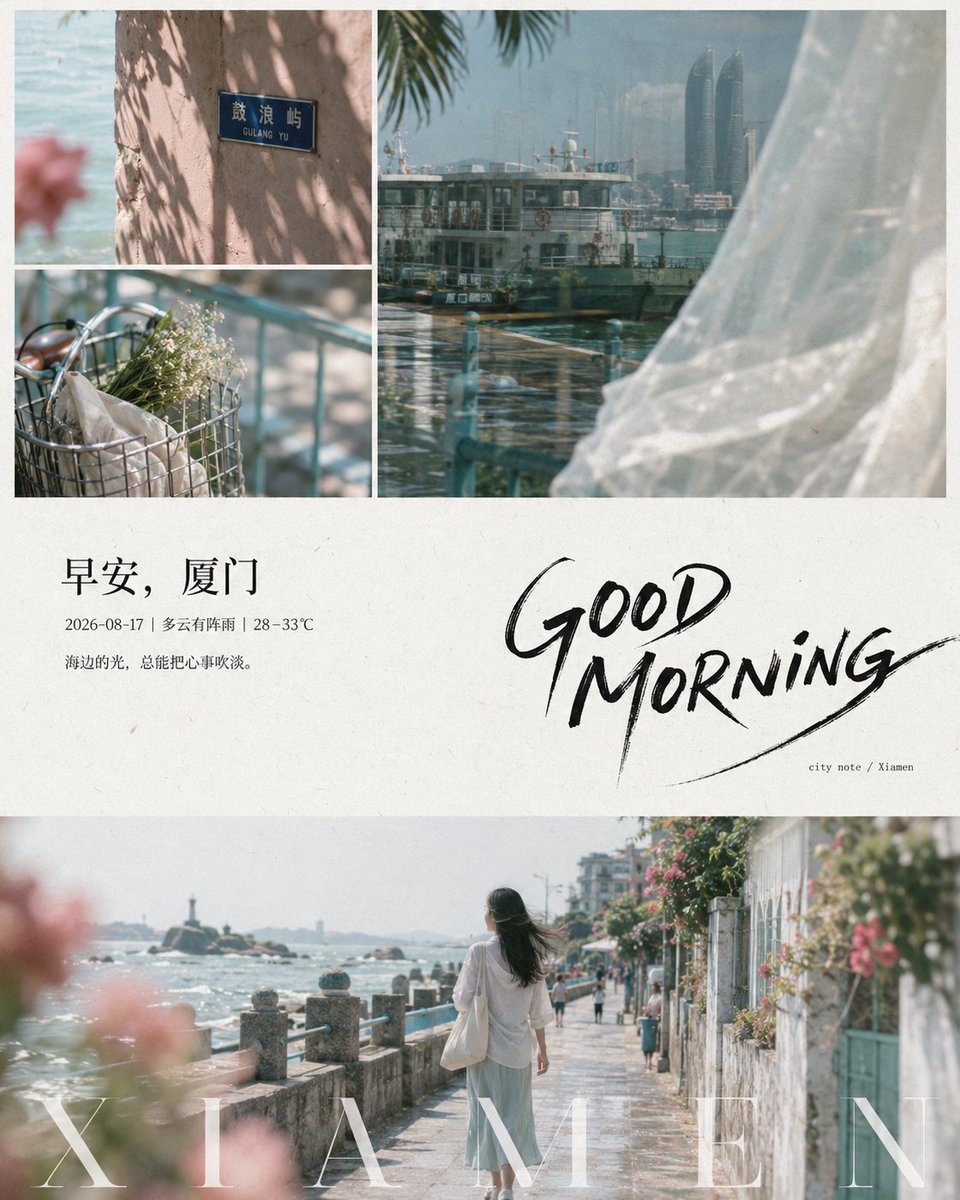
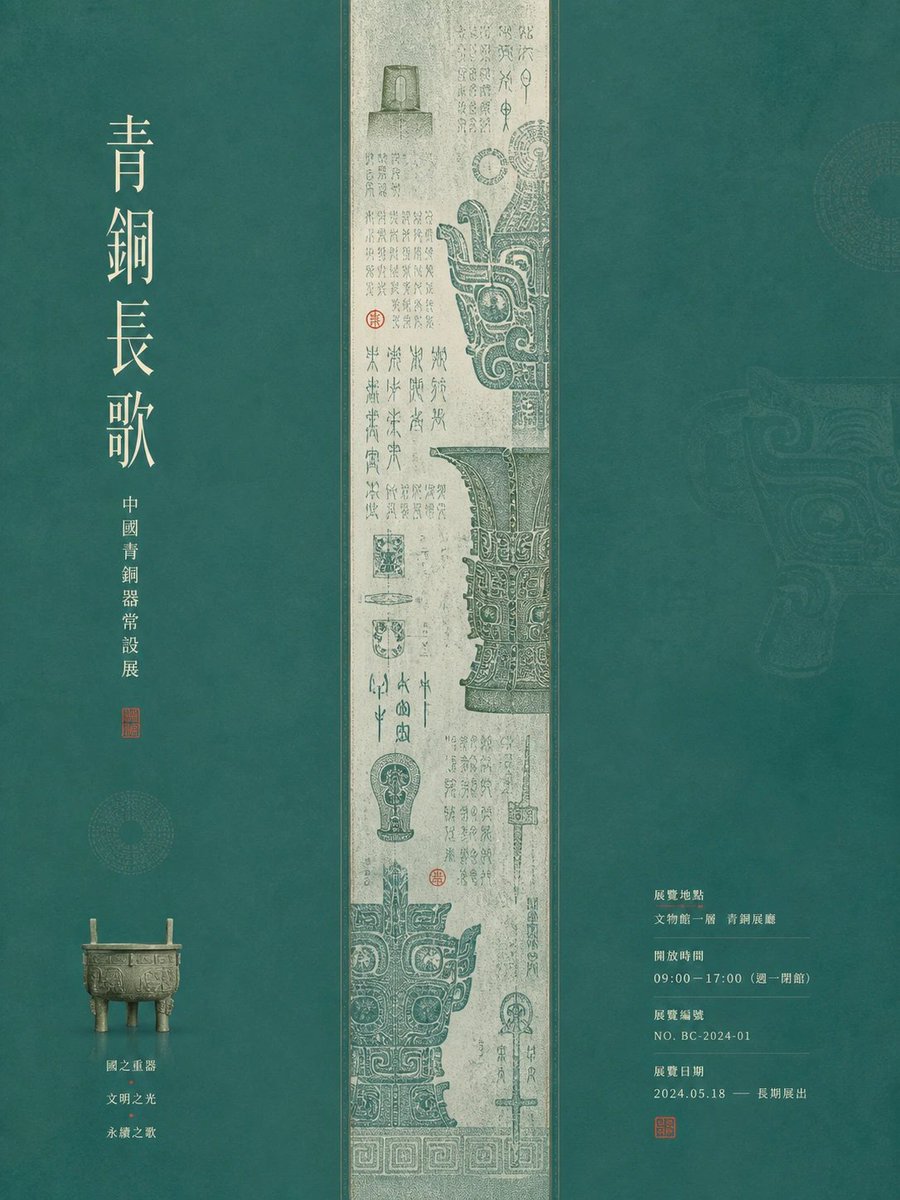

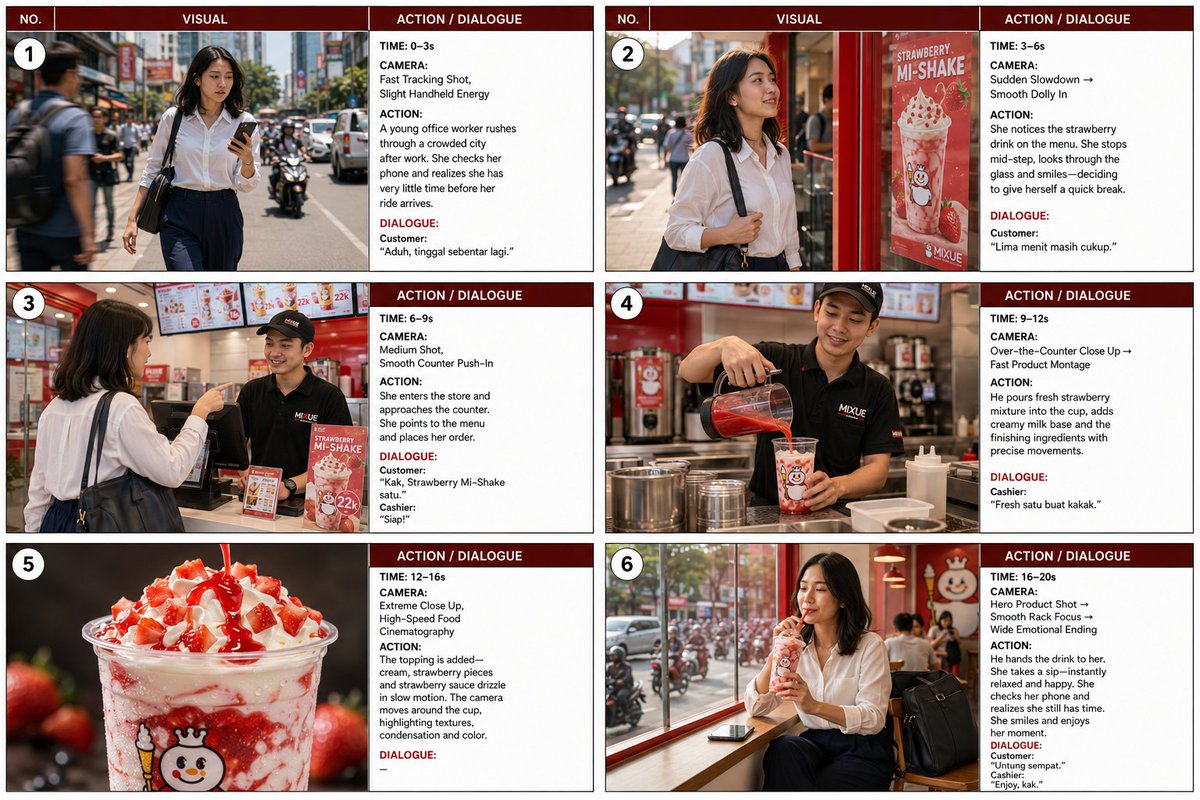

Reuse and source notes
Use this prompt safely after previewing the case.
- 1.Copy the prompt or open it directly in Dovoo with the generation button.
- 2.Adjust variables, aspect ratio, and reference images for your own use case.
- 3.Before publishing or paid usage, verify source rights, attribution requirements, and brand or likeness risks.
Can I use this prompt commercially?
Commercial-use status is allowed. Review the original source, license, brand constraints, and legal requirements before paid usage.
Where does this case come from?
This case is imported from Awesome GPT Image 2 Prompts; keep attribution visible and check the source URL before reuse.