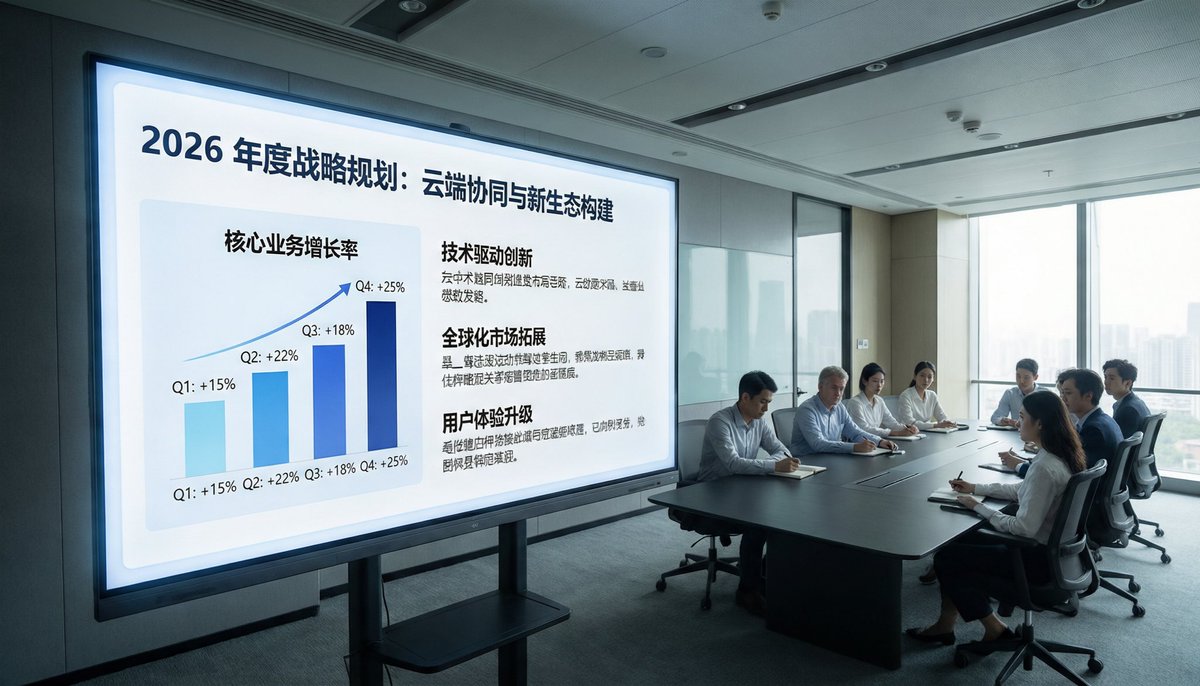
Corporate Meeting Photo Upgrade
This prompt turns a surveillance-style conference room reference into a bright, premium corporate presentation photo suitable for business decks, reports, or marketing visuals.
This is a GPT Image 2 prompt case for Interior & Architecture. Use the copy-ready prompt below to generate similar visuals, and review Awesome GPT Image 2 Prompts attribution plus commercial-use rights before reuse.
Free 1K preview
Generate one preview image instantly, no sign-up required.
Free text preview doesn’t preserve reference-image consistency.
Prompt
Copy-ready prompt
Using the provided reference image, recreate the same business meeting from a fresh perspective, transforming it into a sophisticated, high-end corporate promotional photo. Shift the viewpoint closer to the presentation screen and switch to a wide-angle view from the left front, positioning the display on the left side and the conference table and attendees on the right side near the floor-to-ceiling windows. Replace the dim surveillance camera style with bright natural light, clean modern office lighting, and professional architectural interior textures. Remove all CCTV overlays, timestamps, recording indicators, floor/equipment text, and other surveillance camera artifacts. Upgrade the displayed content to exquisite Keynote-style strategic slides, titled “2026 Annual Strategic Plan: Cloud Collaboration and New Ecosystem Construction.” On the left side of the slides, display a quarterly growth trend bar chart, labeling four quarters: Q1 +15%, Q2 +22%, Q3 +18%, Q4 +25%. On the right side, display three text blocks with bold headings: “Technology-Driven Innovation,” “Global Market Expansion,” and “User Experience Upgrade,” each accompanied by a brief Chinese text. Maintain the realism of the scene, presenting a high-end corporate brand aesthetic, with neat seating arrangements and subtle anonymization or soft focus applied to the people.
Best for
- - Interior & Architecture visual exploration
- - Image generation and reference-image edits
- - Reusable briefs that keep source attribution visible
Change these parts
- - Subject, product, character, or scene
- - Aspect ratio, camera, lighting, and background
- - Brand, text, color, and output constraints
Recommended model and settings
- - Model: gpt-image-2
- - Input mode: Image to Image
- - Aspect ratio: source
- - Commercial status: review original source
How to use this prompt
- 1. Copy the prompt and preserve its structure for the first test.
- 2. Replace the subject, context, and publishing channel.
- 3. Change one camera, lighting, or style variable per iteration.
- 4. Inspect the output, source, text, and rights before reuse.
Limitations, source, and reuse cautions
- - Generated output is an editable draft, not factual, legal, or rights evidence.
- - Review the linked source, people, brands, logos, text, and third-party media before commercial use.
More cases in this category
Prioritized by category, input mode compatibility, quality, and lower risk.
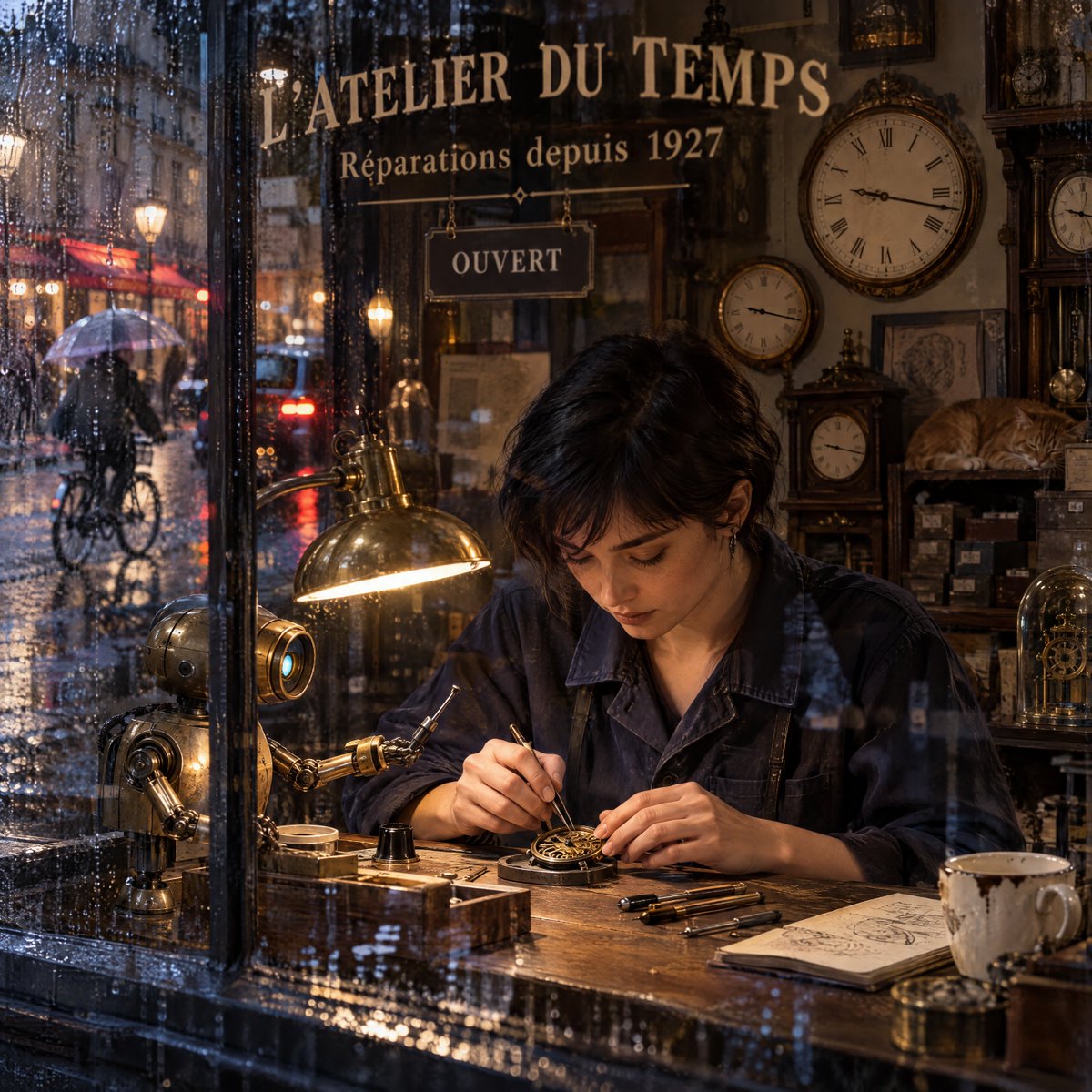
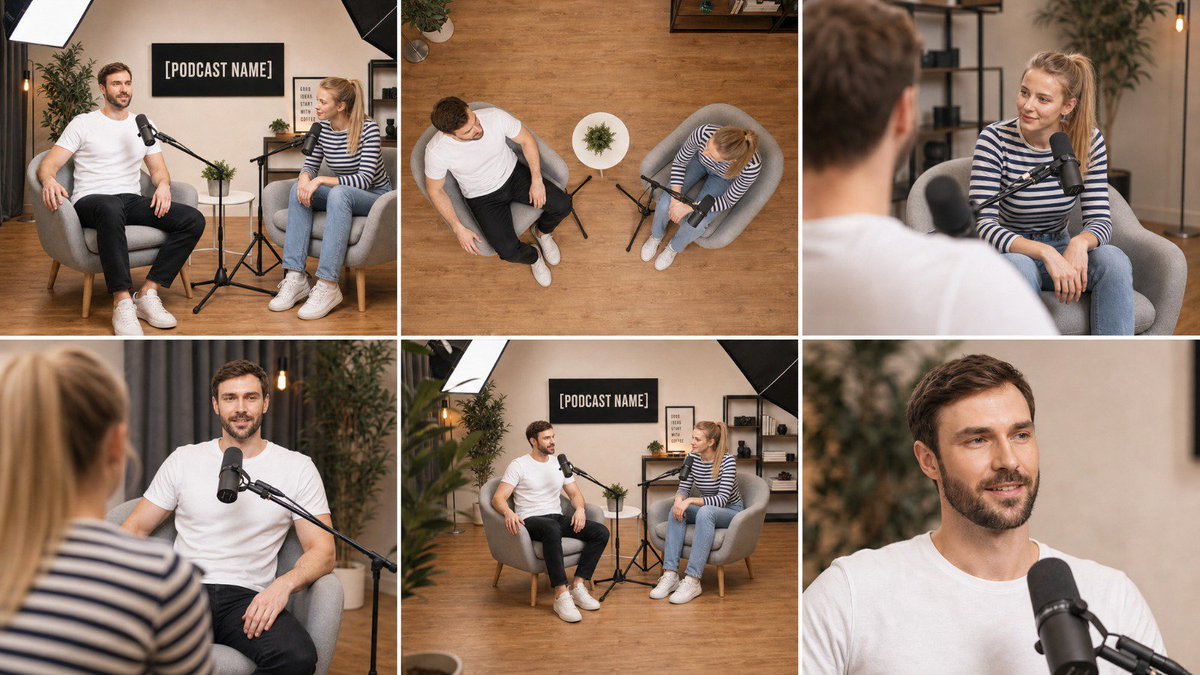
Reuse and source notes
Use this prompt safely after previewing the case.
- 1.Copy the prompt or open it directly in Dovoo with the generation button.
- 2.Adjust variables, aspect ratio, and reference images for your own use case.
- 3.Before publishing or paid usage, verify source rights, attribution requirements, and brand or likeness risks.
Can I use this prompt commercially?
Commercial-use status is allowed. Review the original source, license, brand constraints, and legal requirements before paid usage.
Where does this case come from?
This case is imported from Awesome GPT Image 2 Prompts; keep attribution visible and check the source URL before reuse.