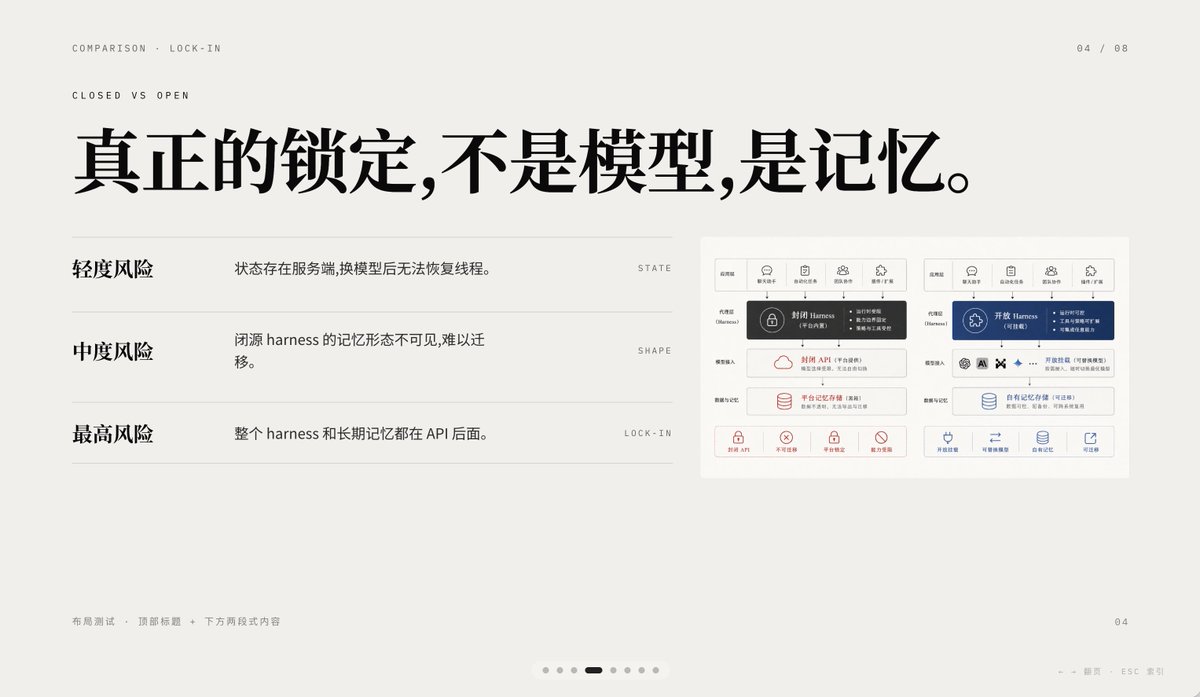
Minimal AI Lock-In Comparison Slide
This prompt generates a polished Chinese presentation slide comparing closed versus open AI memory lock-in, suitable for keynote decks, product strategy talks, and premium infographic PPTs.
This is a GPT Image 2 prompt case for Graphic & Poster. Use the copy-ready prompt below to generate similar visuals, and review Awesome GPT Image 2 Prompts attribution plus commercial-use rights before reuse.
Free 1K preview
Generate one preview image instantly, no sign-up required.
Prompt
Copy-ready prompt
A 16:9 minimalist editing style presentation Slides with a warm, light gray paper background, ample whitespace, and a layout following a refined Swiss style grid, possessing a high-end PPT/Keynote design aesthetic. This Slides is a comparison page about “Lock-in”, using elegant Chinese typography and mixing in tiny English navigation text. Place two lines of small, uppercase English breadcrumb navigation in the upper left corner: “COMPARISON · LOCK-IN” and below it “CLOSED VS OPEN”, using a narrow, light-weight sans-serif font with wide letter spacing. Place a page number indicator “04 / 08” in the upper right corner. In the upper half, centered slightly to the left, add a large, bold, black Chinese font title: “True lock-in is not the model, it’s the memory.” Below the title, in the left area, create three lines of a comparison list, separated by thin horizontal lines. The first line has a bold Chinese label “Light Risk” on the left, and an explanation on the right: “State exists on the server, and threads cannot be restored after changing the model.”, aligned with a small, uppercase English keyword on the far right: “STATE”. The second line has a bold label “Medium Risk”, with the explanation “The memory form of a closed-source harness is invisible and difficult to migrate.”, and the keyword “SHAPE” on the far right. The third line has a bold label “Highest Risk”, with the explanation “The entire harness and long-term memory are behind the API.”, and the keyword “LOCK-IN” on the far right. Place a small embedded comparison chart card on the right side of the Slides, with a white background and a subtle border, containing two side-by-side system architecture panels. The left panel represents a closed system, decorated with dark gray and soft red accents; the right panel represents an open system, decorated with dark blue accents. Each panel should have 5 small icon labels at the top, with a highlighted harness module in the center, and multiple rounded rectangle modules stacked below, with a row of 4 small capability icons with short Chinese labels at the bottom. Keep the embedded chart details rich but the size small, so it serves as a supporting visual element rather than the visual focus. Add small, light gray Chinese footer text in the lower left corner: “Layout Test · Top Title + Two-Section Content”. Place a small page number “04” in the lower right corner. Add a carousel indicator centered along the bottom edge, containing 7 small dots, with the 4th dot as a short, dark rounded capsule representing the current page, and the other 6 as light gray dots. Add a faint navigation prompt in the lower right edge: “← → Page ESC Close”. Use clear vector text rendering, understated contrast, elegant spacing, and a calm, high-end infographic style suitable for AI platform comparison and API memory lock-in business presentations.
Best for
- - Graphic & Poster visual exploration
- - Image generation and reference-image edits
- - Reusable briefs that keep source attribution visible
Change these parts
- - Subject, product, character, or scene
- - Aspect ratio, camera, lighting, and background
- - Brand, text, color, and output constraints
Recommended model and settings
- - Model: gpt-image-2
- - Input mode: Text to Image
- - Aspect ratio: source
- - Commercial status: review original source
How to use this prompt
- 1. Copy the prompt and preserve its structure for the first test.
- 2. Replace the subject, context, and publishing channel.
- 3. Change one camera, lighting, or style variable per iteration.
- 4. Inspect the output, source, text, and rights before reuse.
Limitations, source, and reuse cautions
- - Generated output is an editable draft, not factual, legal, or rights evidence.
- - Review the linked source, people, brands, logos, text, and third-party media before commercial use.
More cases in this category
Prioritized by category, input mode compatibility, quality, and lower risk.
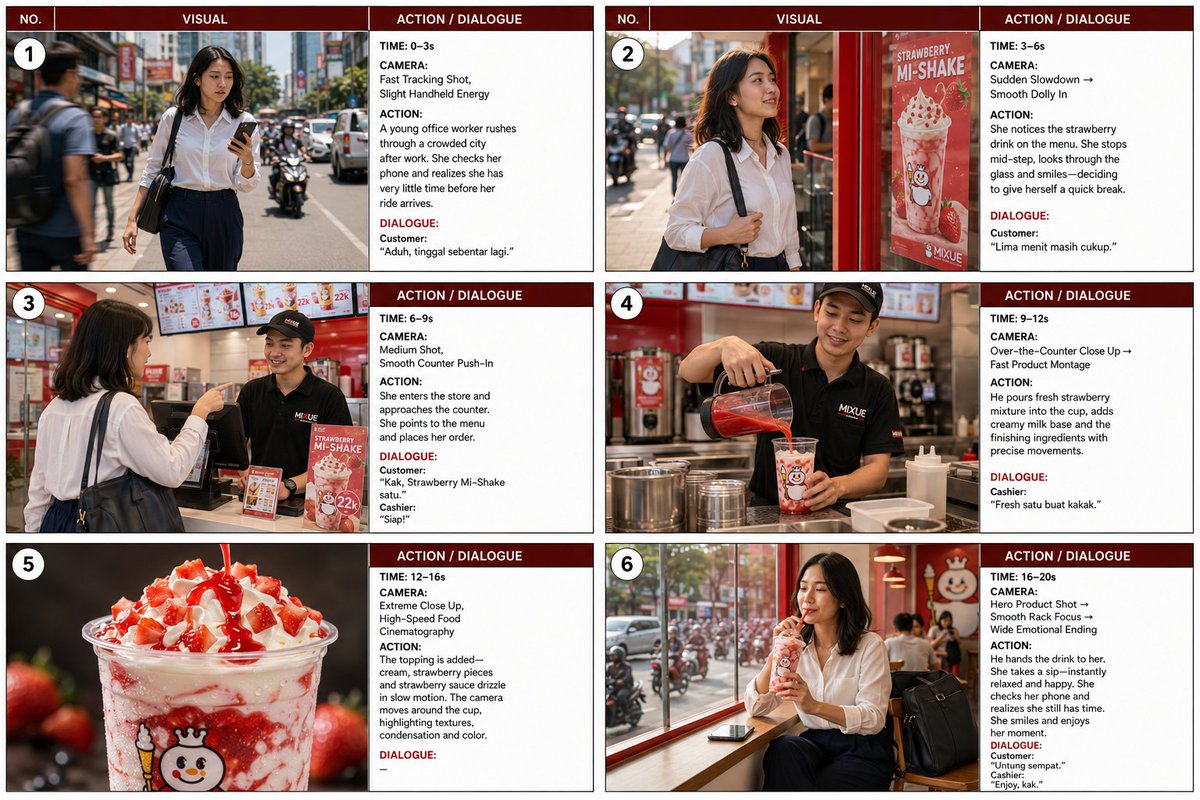
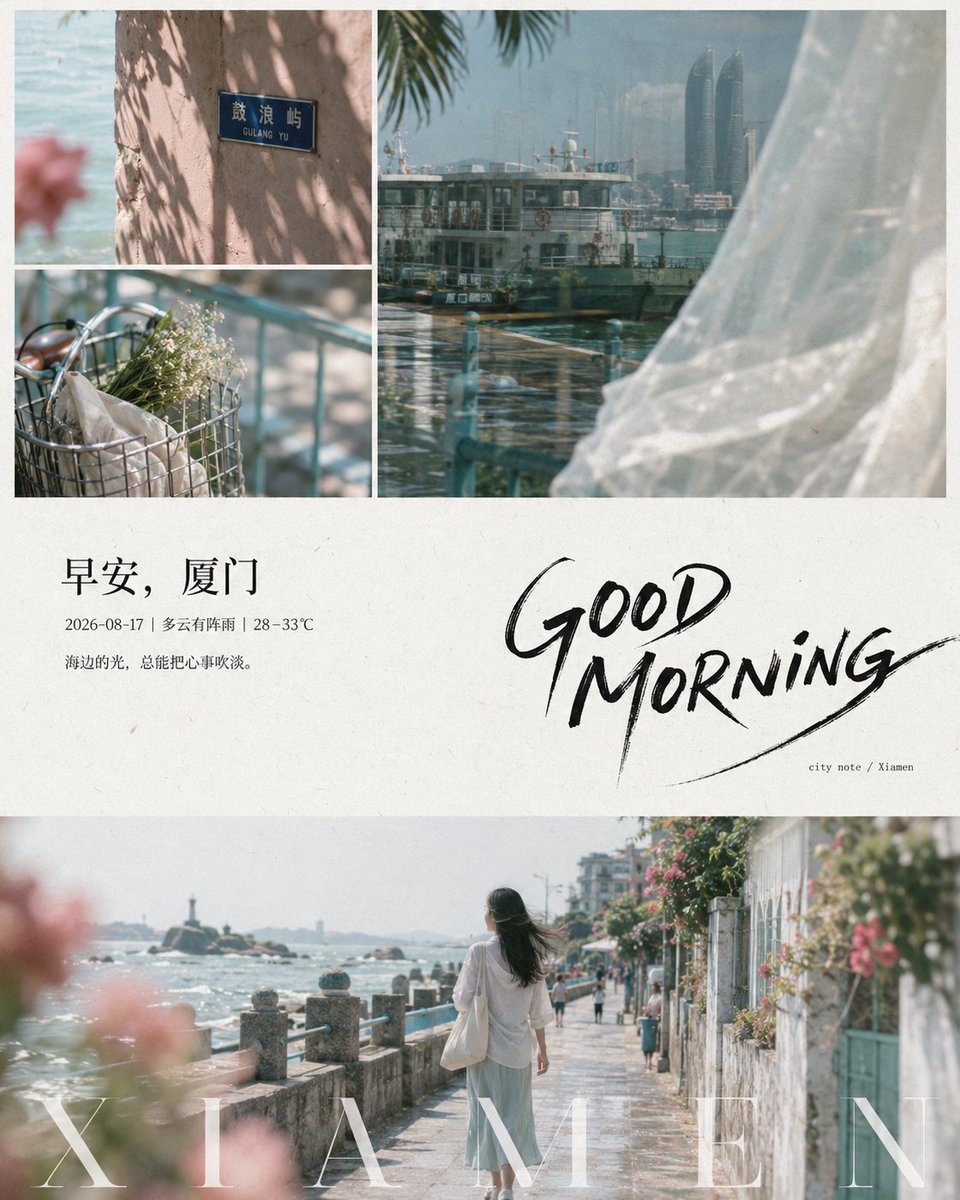
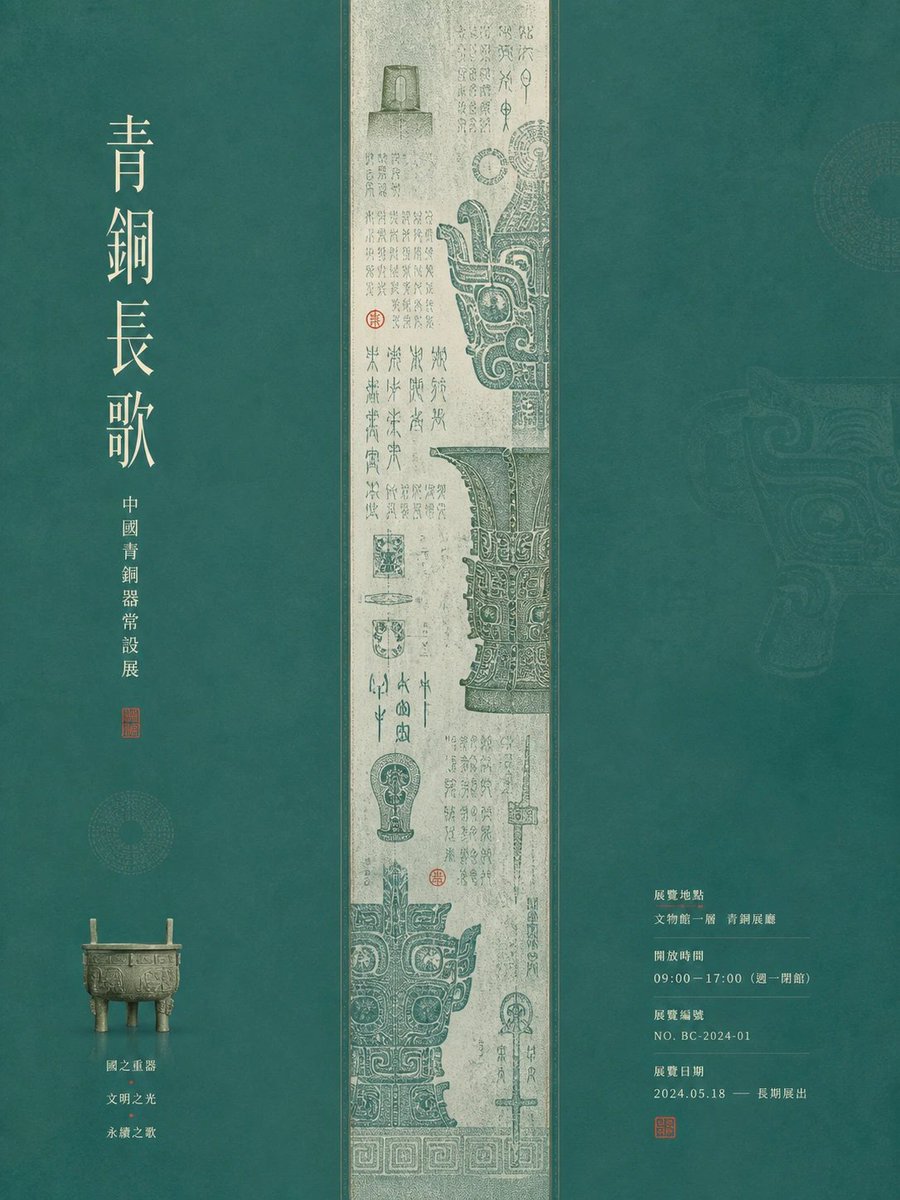

Reuse and source notes
Use this prompt safely after previewing the case.
- 1.Copy the prompt or open it directly in Dovoo with the generation button.
- 2.Adjust variables, aspect ratio, and reference images for your own use case.
- 3.Before publishing or paid usage, verify source rights, attribution requirements, and brand or likeness risks.
Can I use this prompt commercially?
Commercial-use status is allowed. Review the original source, license, brand constraints, and legal requirements before paid usage.
Where does this case come from?
This case is imported from Awesome GPT Image 2 Prompts; keep attribution visible and check the source URL before reuse.