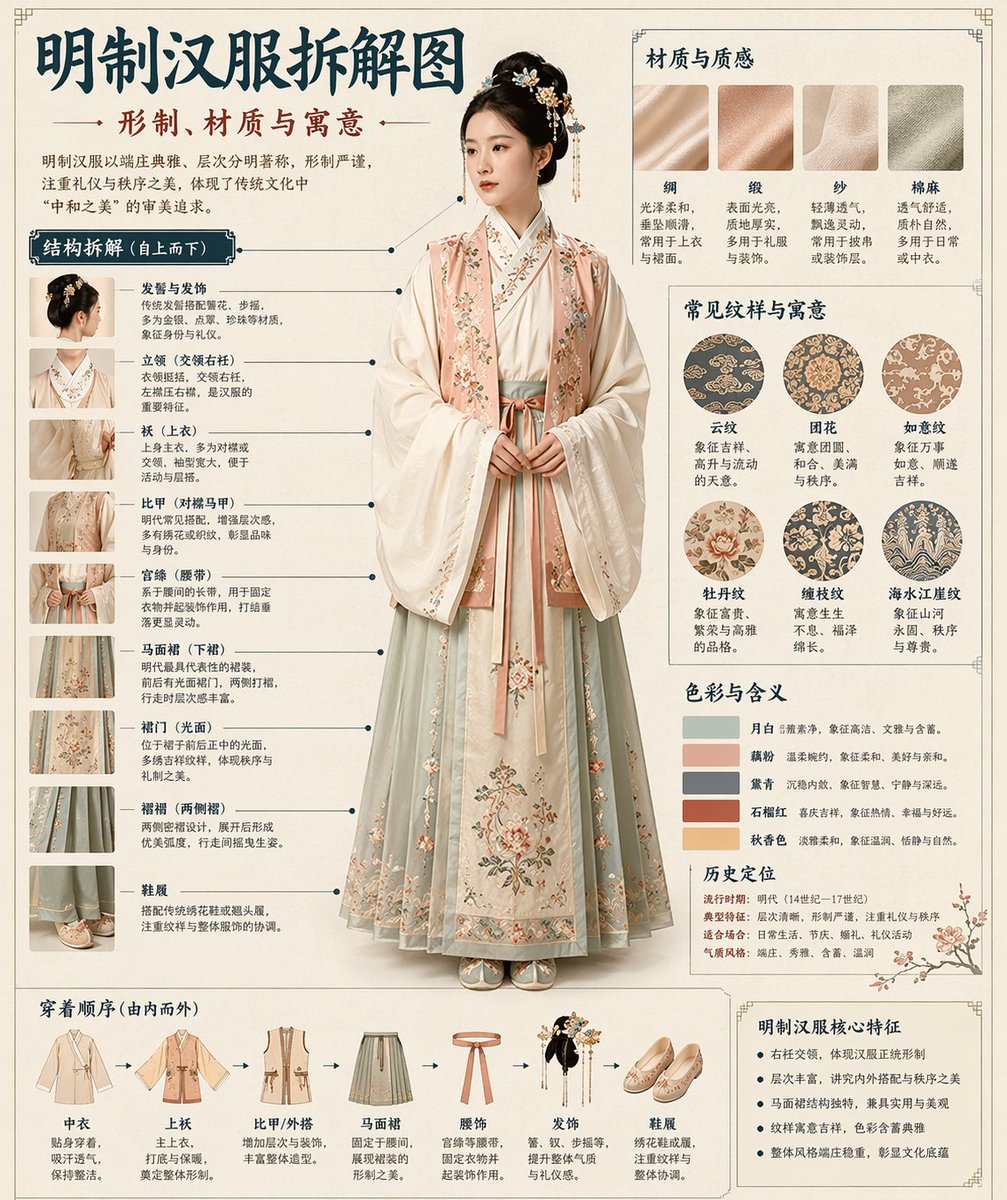
Chinese Museum Deconstruction Infographic
Automatically generates a museum-encyclopedia-style deconstruction infographic in Chinese for any given historical or cultural theme.
This is a GPT Image 2 prompt case for 平面海报. Use the copy-ready prompt below to generate similar visuals, and review Awesome GPT Image 2 Prompts attribution plus commercial-use rights before reuse.
Prompt
Copy-ready prompt
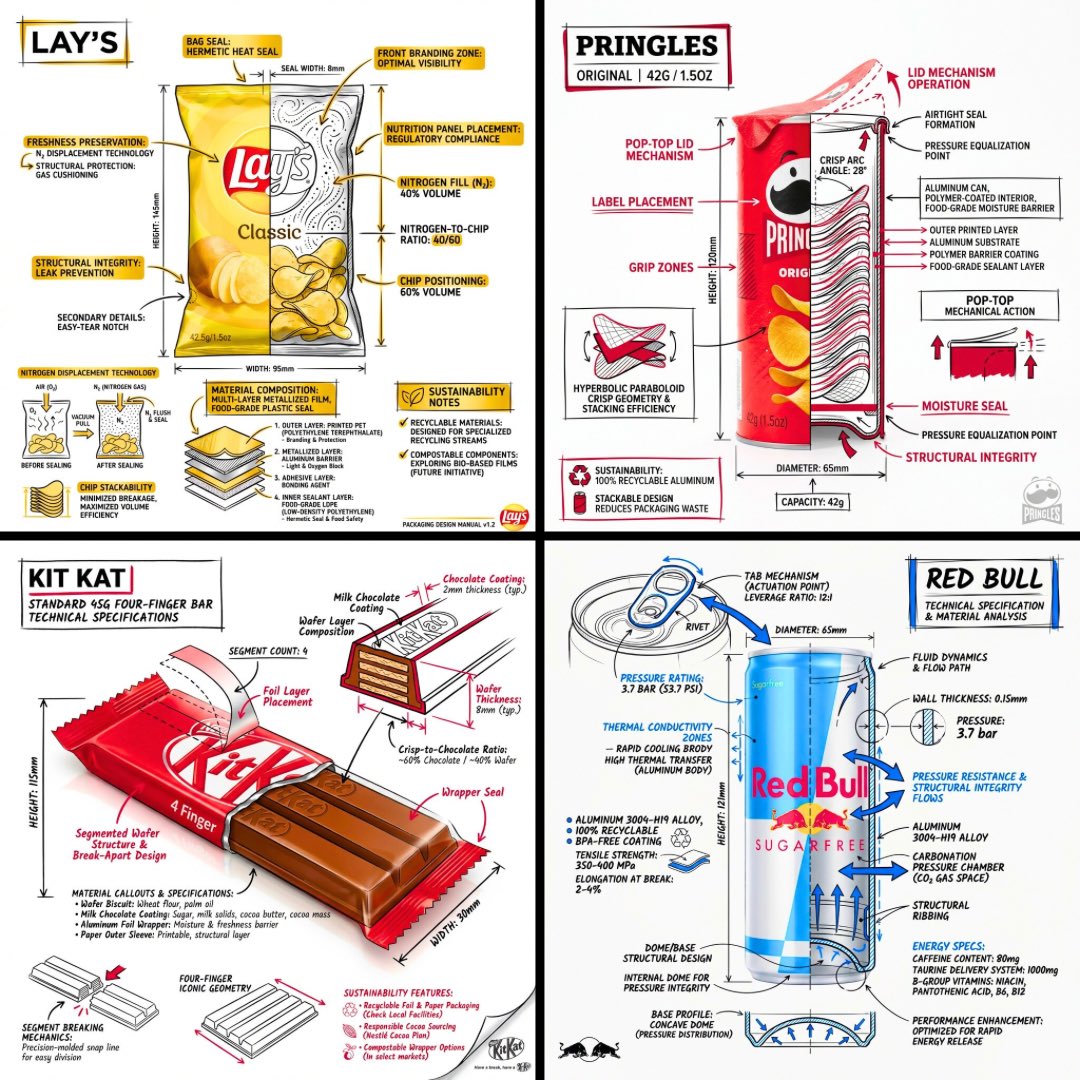
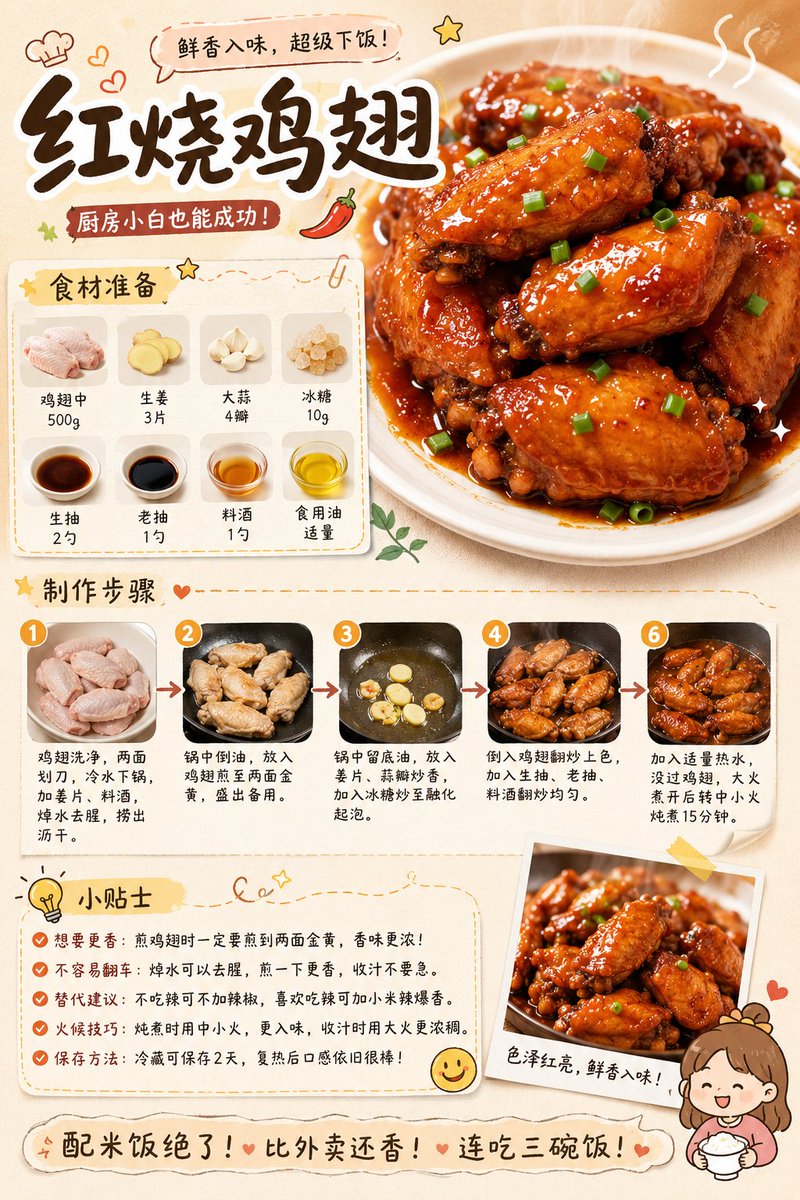
根据我提供的 {argument name="theme" default="[theme]"},自动生成博物馆百科全书风格的Chinese解构信息图。

将写实的中心视觉图与结构拆解、Chinese引线标注、材质说明、纹样象征、色彩含义及核心功能总结相结合。仅凭主题,推断最契合的主体、服饰体系、物体结构、历史时期、关键组件、材质工艺、配色方案及整体布局。无需我提供额外输入。

整体美学:国家博物馆展板、历史服饰百科、学术性专题信息图。非海报、古风肖像、电商详情页或动漫插画。背景采用纸张纹理、米白色、丝绢白或浅茶色,呈现高级、克制、具有收藏感的质感。

固定布局:
- 顶部:Chinese主标题 + 副标题 + 简短介绍
- 左侧:结构解构区,关键组件的Chinese引线标注,附带局部特写
- 右上:材质 / 工艺 / 纹理区,真实的纹理色块及说明
- 右中:纹样 / 色彩 / 象征意义区,主色调色板、纹样样本、文化注释
- 底部:穿着顺序 / 组装流程图 + 核心功能总结

若主题适合人物,则以写实全身立绘为中心。若适合物体或单一结构,则切换为中心解构图,但保持整体信息图格式不变。所有文字均为Simplified Chinese,清晰、整洁、易读,无乱码、错别字、英文或拼音。强调写实结构、材质对比、文化解读及百科全书感。

避免:海报感、影棚照感、电商感、动漫感、Cosplay 感、杂乱的标注、错误的结构、模糊的文字、虚假的材质、过度的装饰。
Prompt variables
Editable argument placeholders found in the prompt, with their default values.
More cases in this category
Prioritized by category, input mode compatibility, quality, and lower risk.

Reuse and source notes
Use this prompt safely after previewing the case.
- 1.Copy the prompt or open it directly in Dovoo with the generation button.
- 2.Adjust variables, aspect ratio, and reference images for your own use case.
- 3.Before publishing or paid usage, verify source rights, attribution requirements, and brand or likeness risks.
Can I use this prompt commercially?
Commercial-use status is allowed. Review the original source, license, brand constraints, and legal requirements before paid usage.
Where does this case come from?
This case is imported from Awesome GPT Image 2 Prompts; keep attribution visible and check the source URL before reuse.