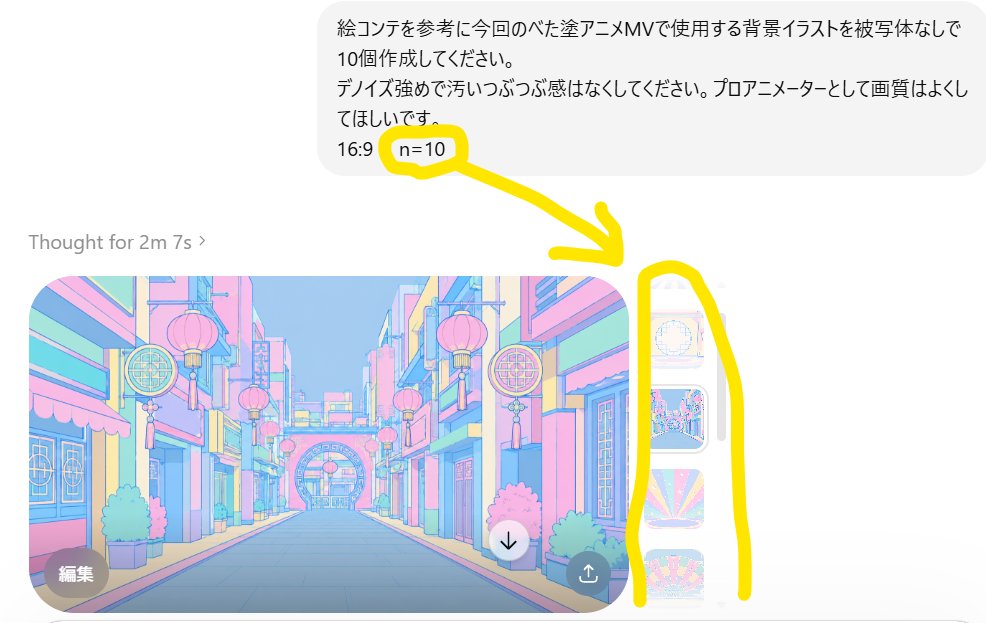
Annotated ChatGPT Multiple Image Outputs
A screenshot-style composition showing a Japanese ChatGPT image generation request with n=10 highlighted and multiple generated anime background thumbnails.
This is a GPT Image 2 prompt case for 其他灵感. Use the copy-ready prompt below to generate similar visuals, and review Awesome GPT Image 2 Prompts attribution plus commercial-use rights before reuse.
This prompt is designed for multiple reference images. We will open Dovoo with the prompt and the available preview image; add the remaining references in Dovoo before generating.
Prompt
Copy-ready prompt
目标:创建一张逼真的 ChatGPT 图像生成界面截图,演示单次请求生成多张图像的效果。

画布:16:9 横向截图裁剪,白色背景,类似移动端或窄版桌面聊天界面。构图需稍微放大,以便露出图像轮廓的右边缘。

布局:右上角放置一个圆角浅灰色用户消息气泡,内含日语文本。其下方左侧显示浅灰色状态行“Thought for 2m 7s ›”。再下方显示一张带有圆角的大型生成图像预览,右侧显示一排窄条状的额外生成缩略图。

文本内容:用户气泡应显示:“絵コンテを参考に今回のベた塗アニメMVで使用する背景イラストを被写体なしで10個作成してください。
テイスト強めで汚らしっぷつぷ感はなくしてください。プロアニメーターとして画質はよくしてほしいです。
16:9 n=10”。将“n=10”部分作为关键细节进行高亮显示。

生成图像预览:主预览图为一张柔和的动漫风格背景插画,描绘了一条空旷且风格化的街道,无人物,灵感来自色彩丰富的东亚商业街。使用柔和的赛璐珞动漫线条,采用明亮的淡蓝色、粉色、黄色和薄荷色调,建筑物上悬挂着灯笼,装饰有圆形招牌,两侧为店面,中心为消失点,远处有一个装饰性拱门。图像应呈现出专业动漫 MV 背景的质感,16:9 比例,干净且精致。

需包含的独立可见元素:1 个用户消息气泡;1 行状态栏;1 张大型主生成图像;右侧部分可见 3 个窄垂直缩略图,每个缩略图展示不同的淡彩动漫背景;主预览图上有 2 个圆形叠加按钮,左下角为深色“编辑”按钮,右下角附近为白色向下箭头下载按钮;主预览图右下角有 1 个小型深色分享/上传图标按钮。

标注:在截图上添加粗体手绘黄色标记:在“n=10”周围画 1 个黄色圆圈,从圈出的“n=10”指向右侧缩略图条画 1 个粗黄色箭头,并在垂直缩略图条周围画 1 个高大的黄色括号状轮廓。黄色标记应看起来随意且为手绘风格。

风格:简洁的 UI 截图美学,带有细微的抗锯齿效果,浅灰色界面元素,日语文本清晰易读,并带有明亮的黄色标注。使用 {argument name="main annotation text" default="n=10"} 作为聊天消息中的高亮参数。保持截图的真实感,而非海报或信息图表。
Prompt variables
Editable argument placeholders found in the prompt, with their default values.
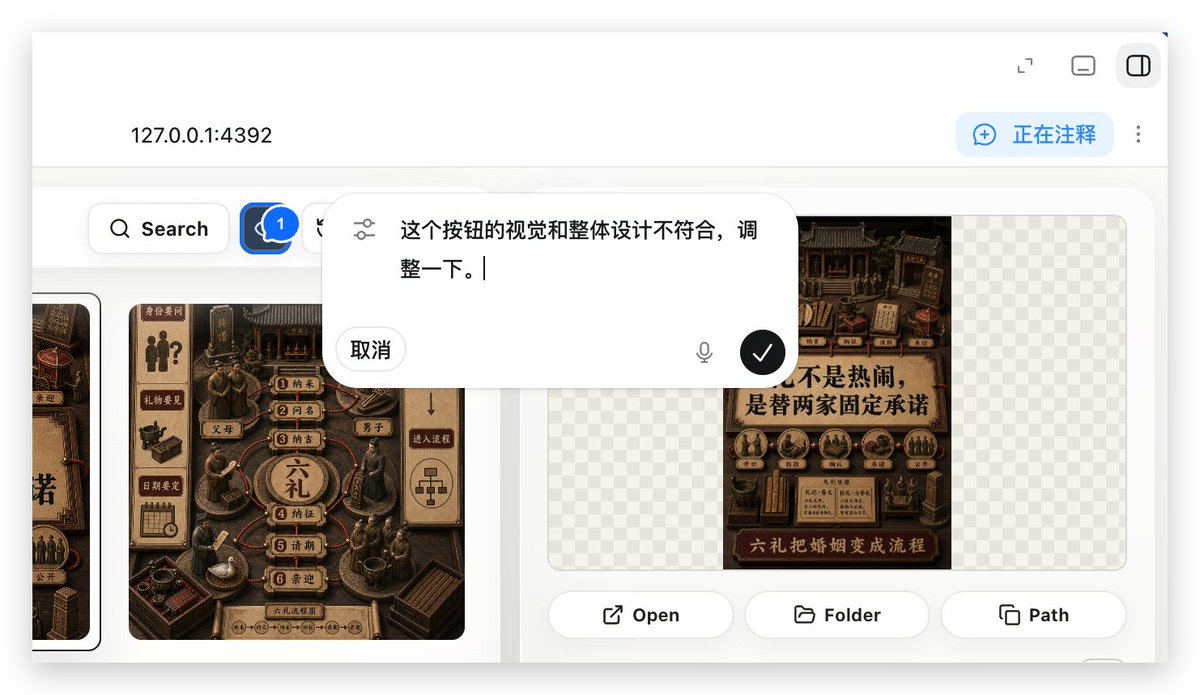
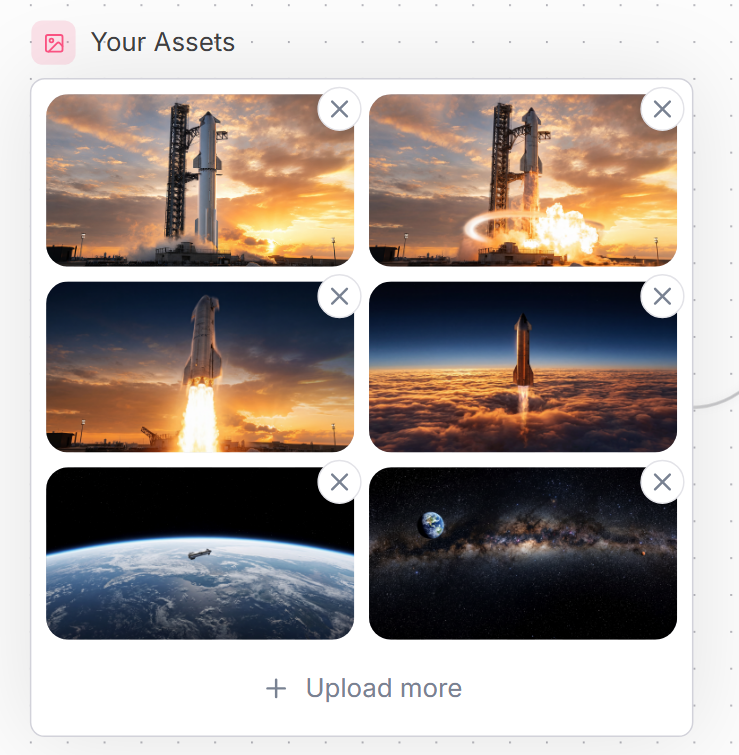
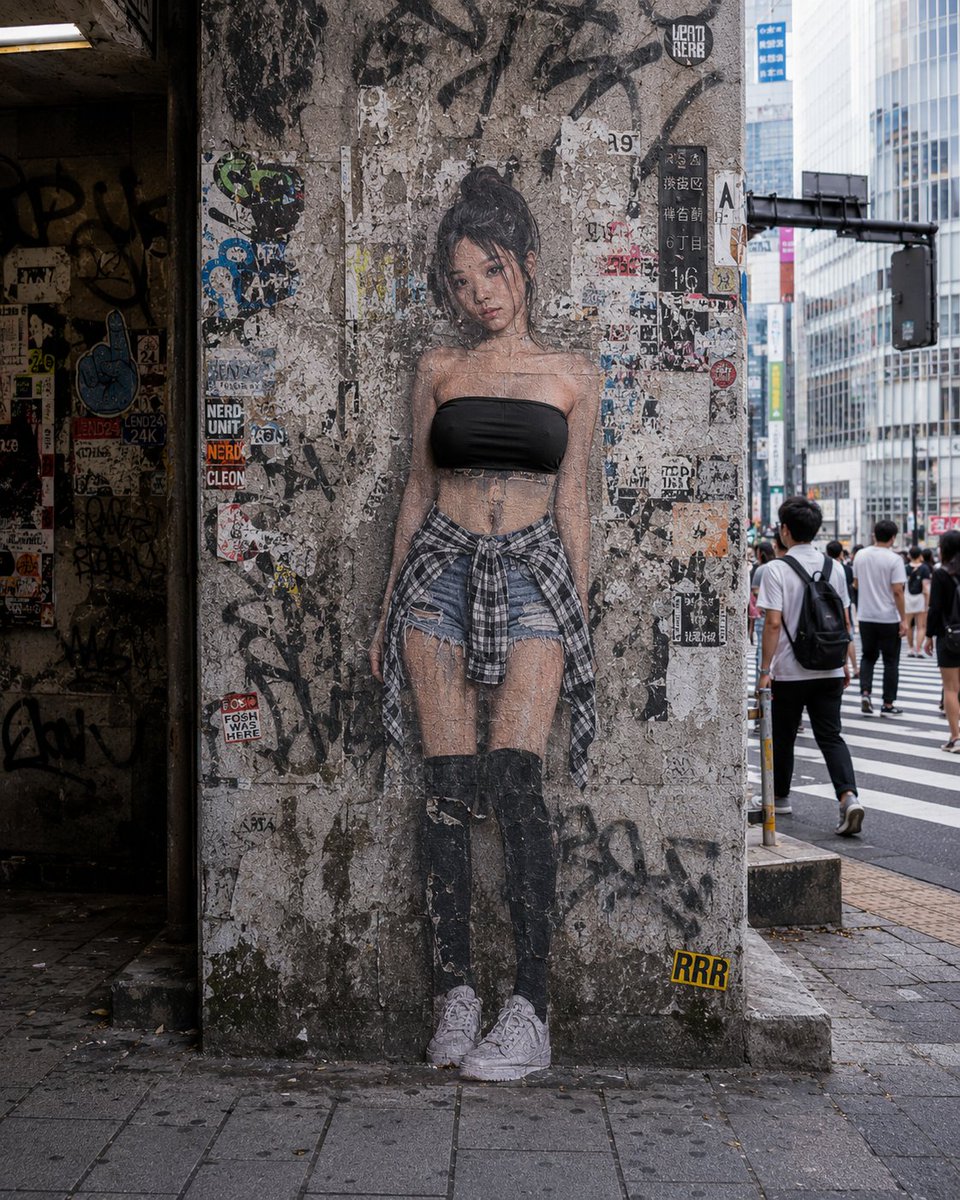
More cases in this category
Prioritized by category, input mode compatibility, quality, and lower risk.

Reuse and source notes
Use this prompt safely after previewing the case.
- 1.Copy the prompt or open it directly in Dovoo with the generation button.
- 2.Adjust variables, aspect ratio, and reference images for your own use case.
- 3.Before publishing or paid usage, verify source rights, attribution requirements, and brand or likeness risks.
Can I use this prompt commercially?
Commercial-use status is allowed. Review the original source, license, brand constraints, and legal requirements before paid usage.
Where does this case come from?
This case is imported from Awesome GPT Image 2 Prompts; keep attribution visible and check the source URL before reuse.