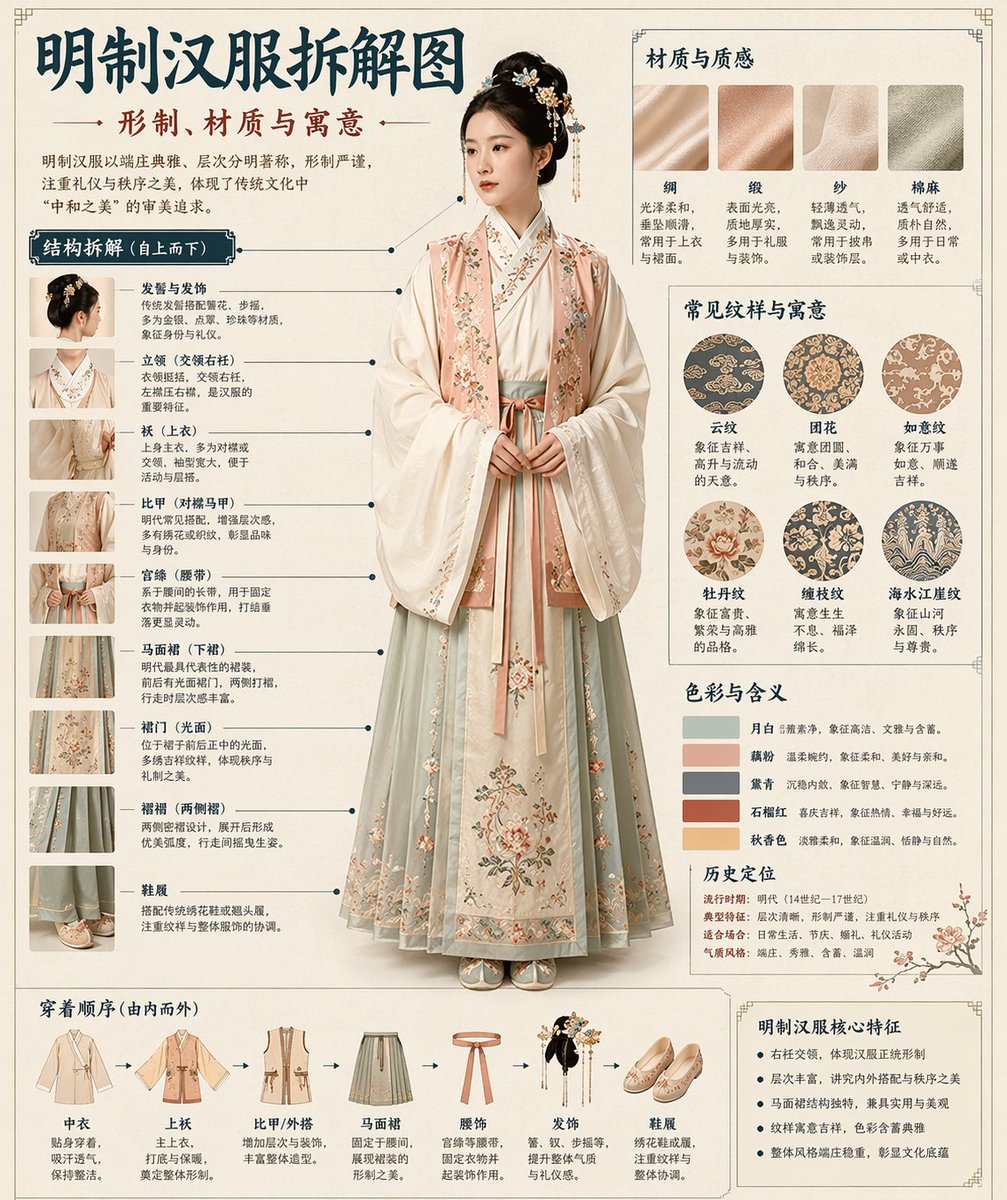
Chinese Museum Deconstruction Infographic
Automatically generates a museum-encyclopedia-style deconstruction infographic in Chinese for any given historical or cultural theme.
这是一个用于 平面海报 的 GPT Image 2 提示词案例。你可以复制下方 prompt 生成相似图片;商用前请复核 Awesome GPT Image 2 Prompts 来源归因和原始权利。
需要完整提示词集合?请使用 平面海报 主题页获取更多同类示例,或打开 GPT Image 2 提示词库 查看完整示例索引、可复用结构和来源归因。
提示词
可复制提示词
根据我提供的 {argument name="theme" default="[theme]"},自动生成博物馆百科全书风格的中文解构信息图。

将写实的中心视觉图与结构拆解、中文引线标注、材质说明、纹样象征、色彩含义及核心功能总结相结合。仅凭主题,推断最契合的主体、服饰体系、物体结构、历史时期、关键组件、材质工艺、配色方案及整体布局。无需我提供额外输入。

整体美学:国家博物馆展板、历史服饰百科、学术性专题信息图。非海报、古风肖像、电商详情页或动漫插画。背景采用纸张纹理、米白色、丝绢白或浅茶色,呈现高级、克制、具有收藏感的质感。

固定布局:
- 顶部:中文主标题 + 副标题 + 简短介绍
- 左侧:结构解构区,关键组件的中文引线标注,附带局部特写
- 右上:材质 / 工艺 / 纹理区,真实的纹理色块及说明
- 右中:纹样 / 色彩 / 象征意义区,主色调色板、纹样样本、文化注释
- 底部:穿着顺序 / 组装流程图 + 核心功能总结

若主题适合人物,则以写实全身立绘为中心。若适合物体或单一结构,则切换为中心解构图,但保持整体信息图格式不变。所有文字均为简体中文,清晰、整洁、易读,无乱码、错别字、英文或拼音。强调写实结构、材质对比、文化解读及百科全书感。

避免:海报感、影棚照感、电商感、动漫感、Cosplay 感、杂乱的标注、错误的结构、模糊的文字、虚假的材质、过度的装饰。
提示词变量
从提示词中识别到的可编辑 argument 占位符及默认值。
变量
theme
默认值
[theme]
同分类案例
优先推荐同分类、同输入模式且风险更低的案例。
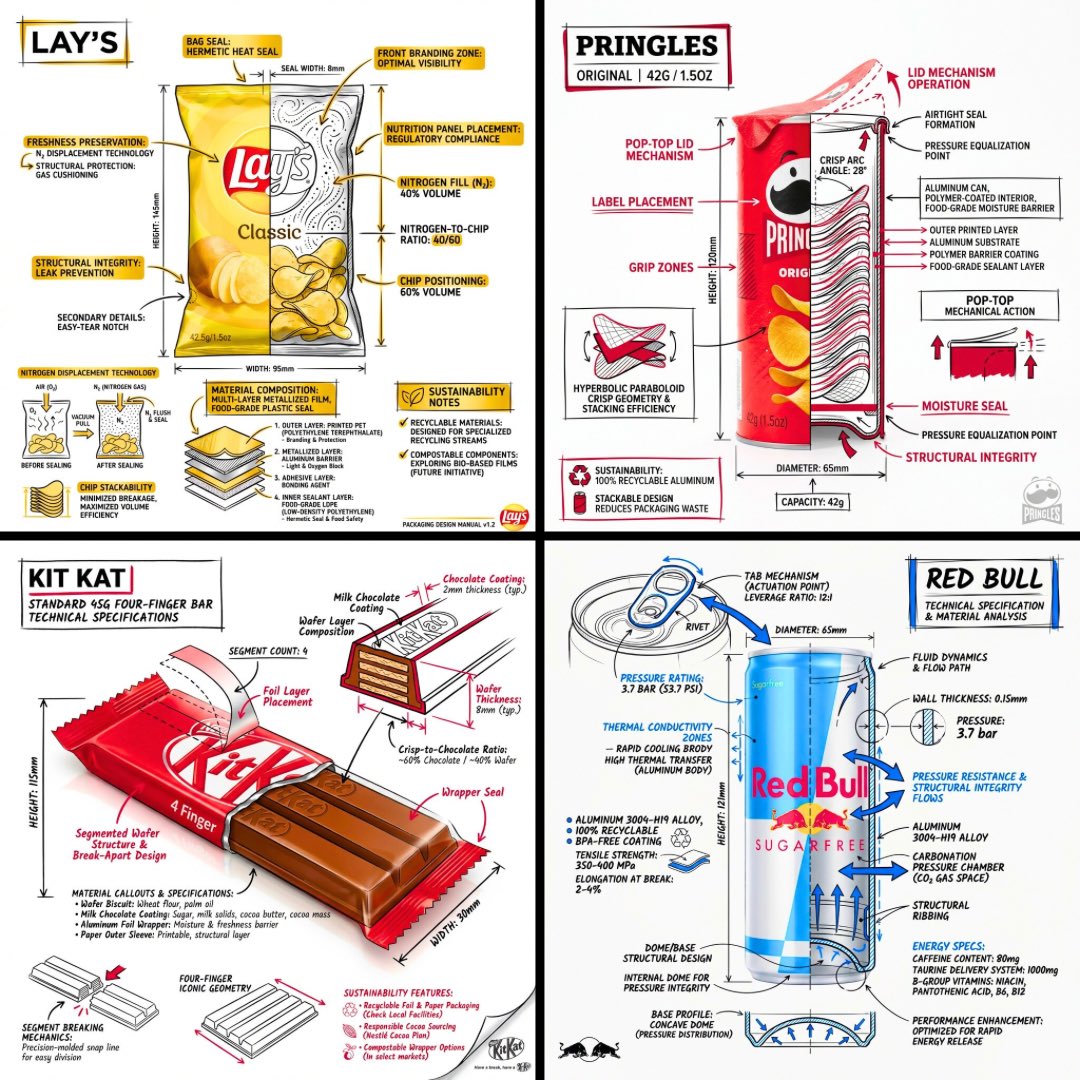
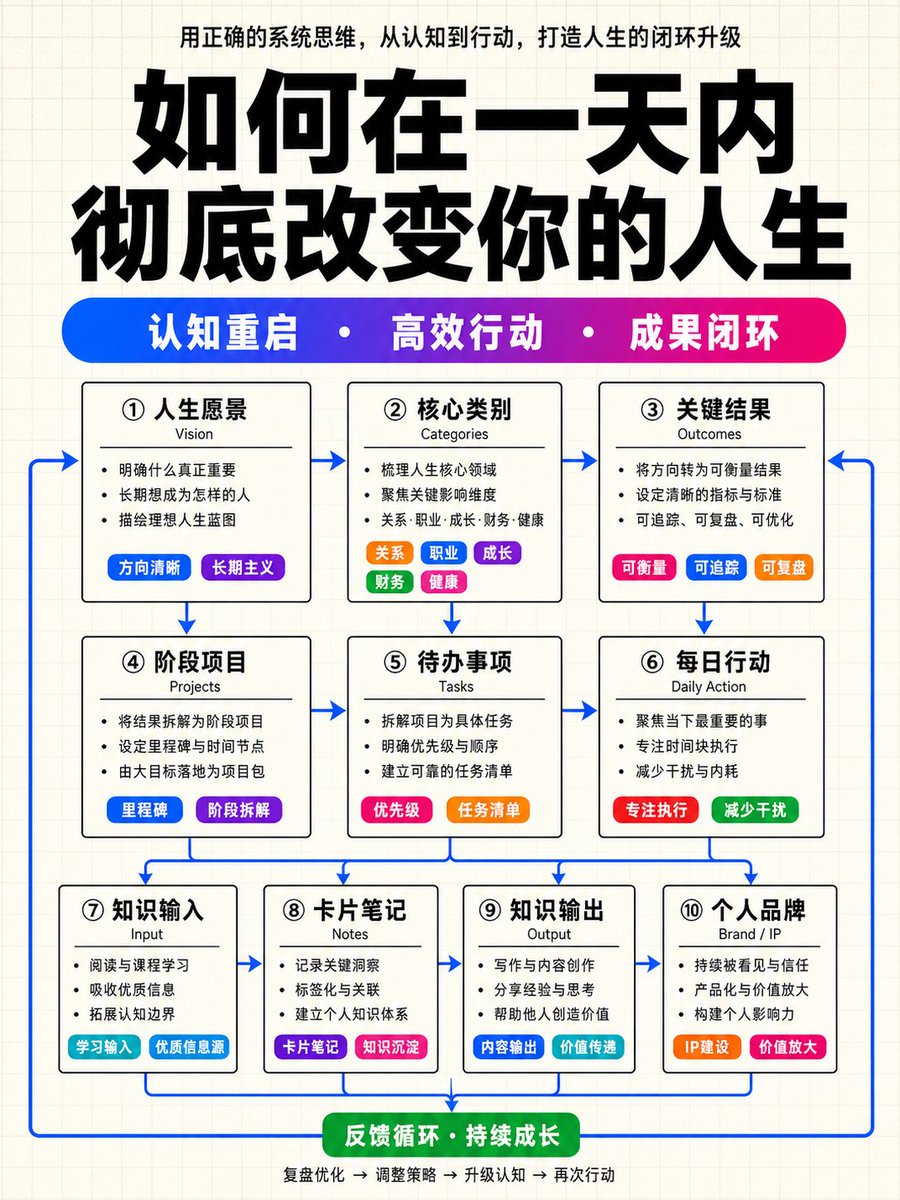
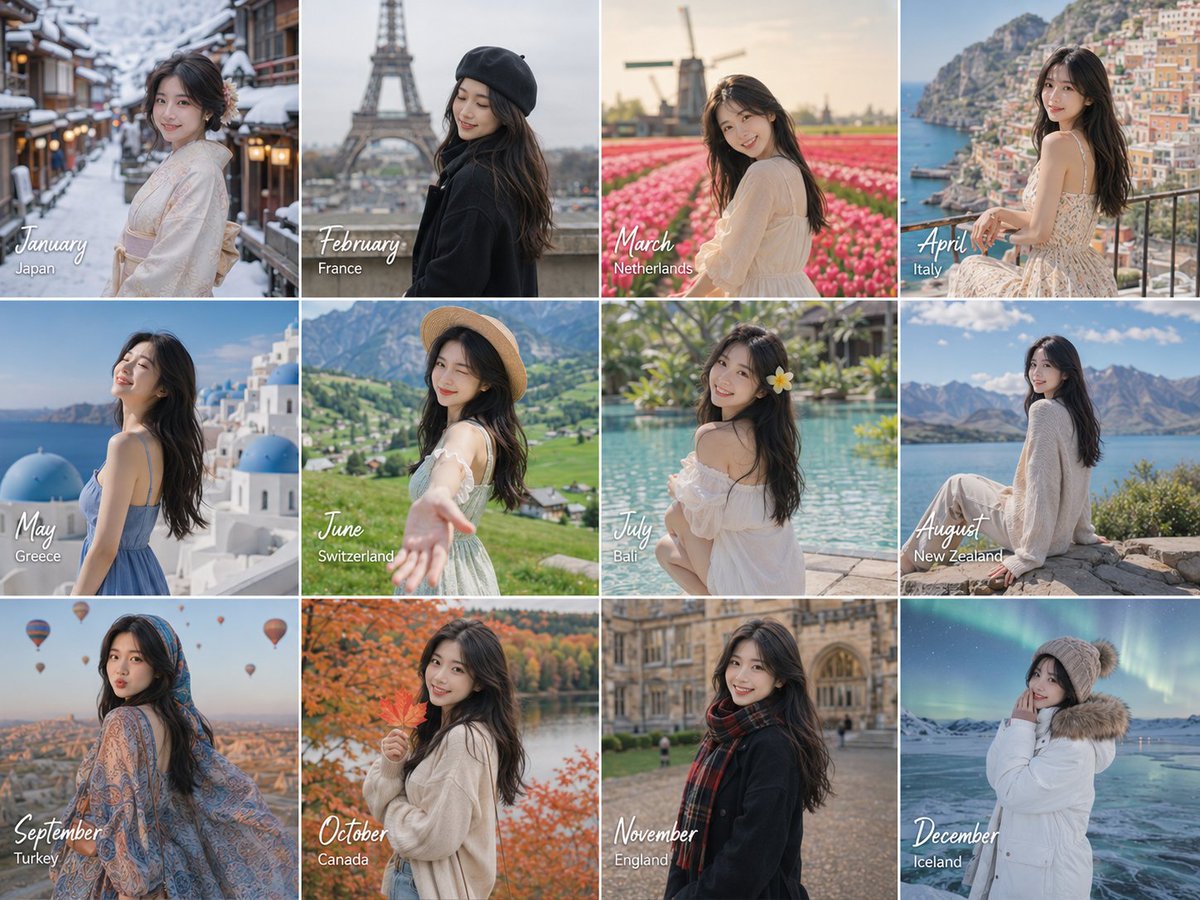

复用与来源说明
看完案例后,再安全复用这个提示词。
- 1.复制 prompt,或点击生成入口在 Dovoo 中直接打开。
- 2.按你的用途调整变量、画面比例和参考图。
- 3.发布或商用前,复核来源权利、归因要求以及品牌、肖像或版权风险。
这个提示词可以商用吗?
当前商业使用状态为 allowed。付费或公开使用前,请复核原始来源、许可、品牌限制和法务要求。
这个案例来自哪里?
该案例导入自 Awesome GPT Image 2 Prompts;复用时请保留来源归因,并打开来源 URL 检查最新授权信息。