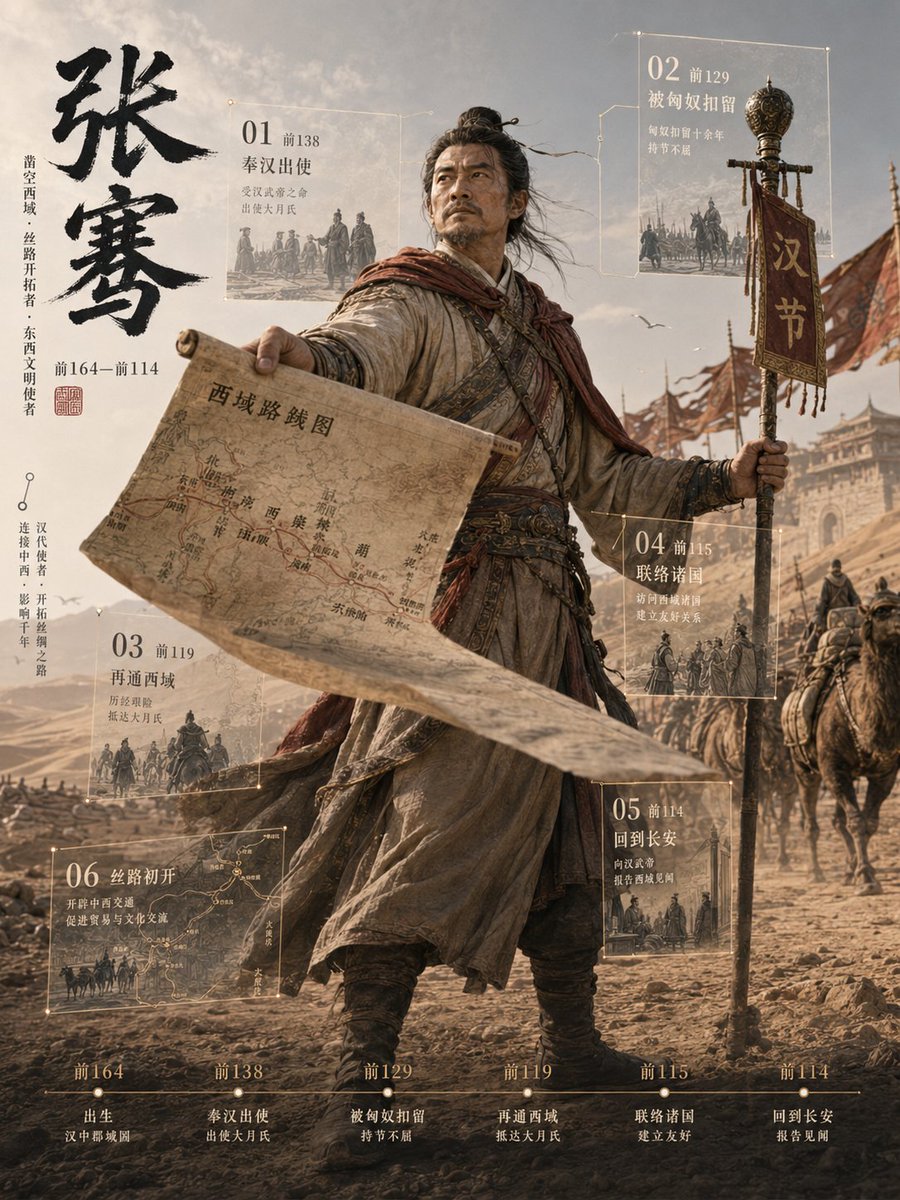
Zhang Qian 3D Historical Archive Poster
Creates a cinematic Chinese historical figure archive poster with a central 3D Zhang Qian, Silk Road map, expedition banner, six event panels, and a bottom timeline.
This is a GPT Image 2 prompt case for Graphic & Poster. Use the copy-ready prompt below to generate similar visuals, and review Awesome GPT Image 2 Prompts attribution plus commercial-use rights before reuse.
Free 1K preview
Generate one preview image instantly, no sign-up required.
Prompt
Copy-ready prompt
Objective: Create a vertically composed, cinematic-quality 3D historical figure profile poster, with {argument name="character name" default="Zhang Qian"} as the main character, showcasing this ancient Chinese explorer breaking through the layout of a documentary-style timeline, possessing a strong sense of depth and dynamism.

Canvas: Vertical 3:4 poster, using a deep brown desert color scheme, combining high-detail realistic 3D rendering with an old parchment infographic design. Employ dramatic backlighting, a dusty atmosphere, wind-blown fabrics, shallow depth of field, and a grand Silk Road exploration mood.

Subject: A full-body portrait of a Han Dynasty envoy standing on a rocky desert road in the foreground. Show every face clearly with natural, detailed facial features, square pixelated blur. He is dressed in layered old robes, belts, leggings, and boots, with a reddish-brown scarf fluttering in the wind. His left arm is extended forward, holding a large unfolded parchment map projected towards the viewer using forced perspective; the map is labeled in Chinese as {argument name="map title" default="Map of the Western Regions"} and depicts routes and place names. His right hand holds a tall ceremonial staff with exquisite metal decorations and a vertical red flag bearing {argument name="banner text" default="Han customs"}. Behind him, depict a camel caravan, cavalry, soldiers, flags, and the distant Western Regions city gates under a hazy sky with birds flying overhead.

Left-side Title Bar: Place a large black calligraphy brushstroke vertically, writing {argument name="main title" default="Zhang Qian"}. Add a smaller vertical Chinese description next to it, calling him a pioneer of the Western Regions and a precursor to the Silk Road, and mark the dates “164–114 BC” along with a small red seal. The layout should maintain elegance, a sense of history, and a museum style.

Floating Archive Panels: Place 6 semi-transparent glass panels with golden lines around the figure, each card with a thin border, tiny glowing corner nodes, miniature monochrome historical scene illustrations, and Chinese titles. The layout is as follows: 1) Top-left card, “01 138 BC Sent by the Han Dynasty,” accompanied by a scene of the envoy’s departure; 2) Top-right card, “02 129 BC Detained by the Xiongnu,” accompanied by a scene of capture or cavalry; 3) Bottom-left card, “03 119 BC Re-opened the Western Regions,” accompanied by a caravan scene; 4) Bottom-middle card, “04 115 BC Contacted Various Kingdoms,” accompanied by a scene of diplomats and allies; 5) Bottom-right card, “05 114 BC Returned to Chang’an,” accompanied by a scene of returning to the capital; 6) Large bottom-left card, “06 The Beginning of the Silk Road,” showing a route map and camel caravan.

Bottom Timeline: Add a thin horizontal timeline at the bottom, containing 6 evenly distributed milestone nodes: “164 BC Born in Chenggu County, Hanzhong,” “138 BC Sent by the Han Dynasty to Daxia,” “129 BC Detained by the Xiongnu, Unyielding,” “119 BC Re-opened the Western Regions, Arrived in Daxia,” “115 BC Contacted Various Kingdoms, Established Friendship,” “114 BC Returned to Chang’an, Reported Findings.” Use a serif-style small Chinese font, warm off-white ink, and exquisite golden scales.

Visual Style: Epic historical realism, photographic-level fabric and leather textures, parchment infographic overlay, museum exhibition poster, ancient Chinese frontier exploration, desert dust, wind effect, warm bronze and beige tones, clear foreground map, cinematic perspective, volumetric lighting, ultra-fine 3D statue archive aesthetics.

Constraints: Strictly maintain one central figure, one large parchment map, one ceremonial staff with a flag, six floating archive cards, and six bottom timeline milestones. Avoid modern items, avoid unnecessary panels, avoid neon colors, and do not add watermarks.
Prompt variables
Editable argument placeholders found in the prompt, with their default values.
Best for
- - Graphic & Poster visual exploration
- - Image generation and reference-image edits
- - Reusable briefs that keep source attribution visible
Change these parts
- - Subject, product, character, or scene
- - Aspect ratio, camera, lighting, and background
- - Brand, text, color, and output constraints
Recommended model and settings
- - Model: gpt-image-2
- - Input mode: Text to Image
- - Aspect ratio: source
- - Commercial status: review original source
How to use this prompt
- 1. Copy the prompt and preserve its structure for the first test.
- 2. Replace the subject, context, and publishing channel.
- 3. Change one camera, lighting, or style variable per iteration.
- 4. Inspect the output, source, text, and rights before reuse.
Limitations, source, and reuse cautions
- - Generated output is an editable draft, not factual, legal, or rights evidence.
- - Review the linked source, people, brands, logos, text, and third-party media before commercial use.
More cases in this category
Prioritized by category, input mode compatibility, quality, and lower risk.
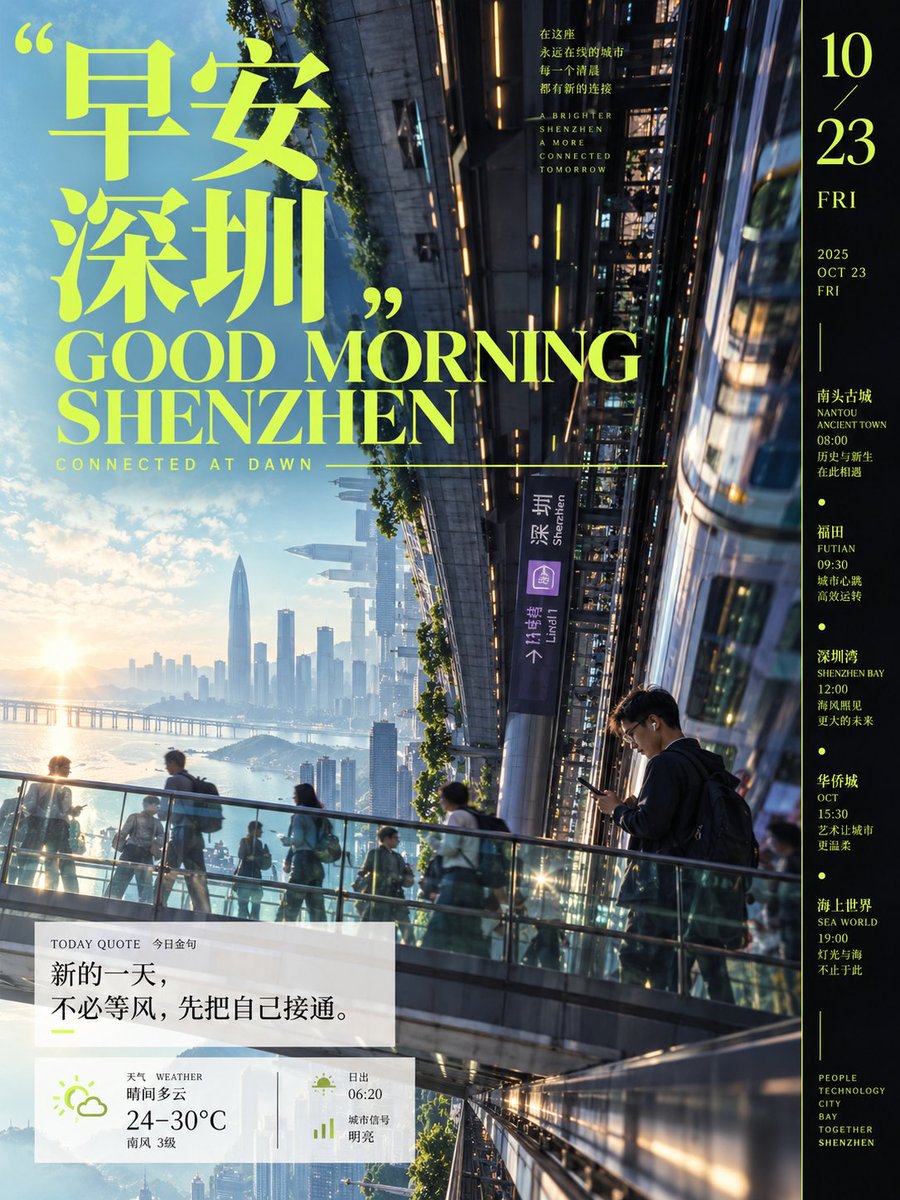
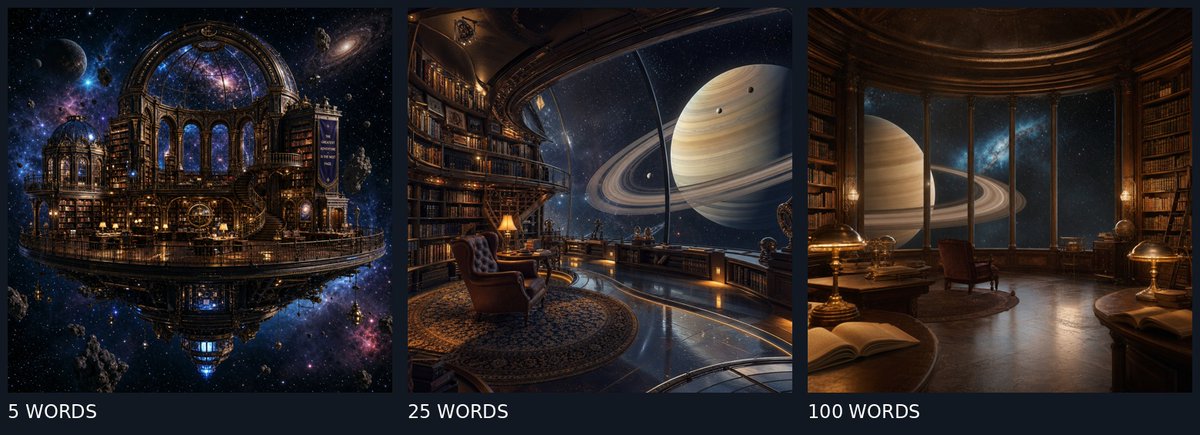
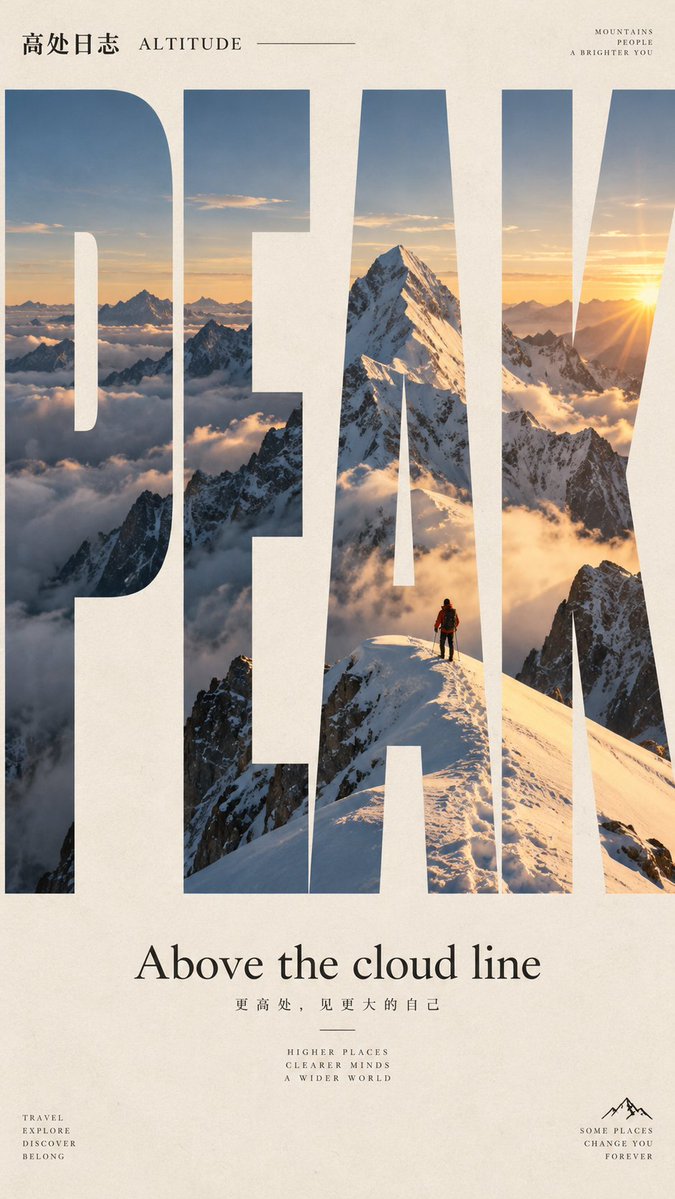
Reuse and source notes
Use this prompt safely after previewing the case.
- 1.Copy the prompt or open it directly in Dovoo with the generation button.
- 2.Adjust variables, aspect ratio, and reference images for your own use case.
- 3.Before publishing or paid usage, verify source rights, attribution requirements, and brand or likeness risks.
Can I use this prompt commercially?
Commercial-use status is allowed. Review the original source, license, brand constraints, and legal requirements before paid usage.
Where does this case come from?
This case is imported from Awesome GPT Image 2 Prompts; keep attribution visible and check the source URL before reuse.