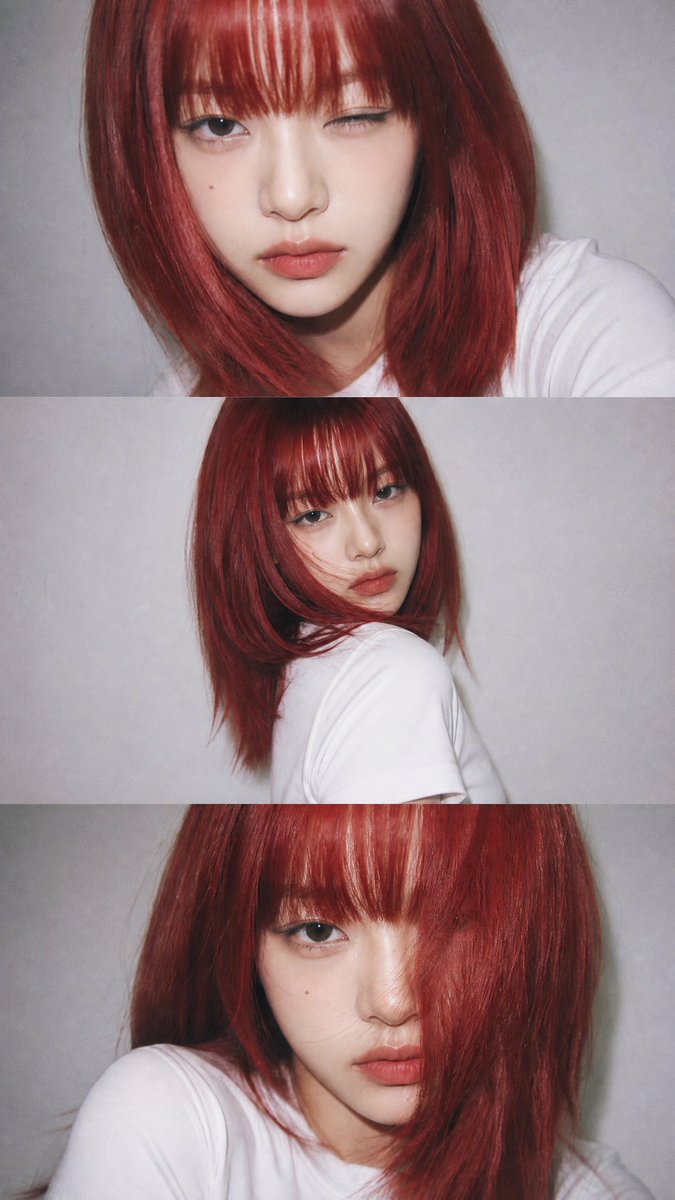
YZK Styled Portrait Collage
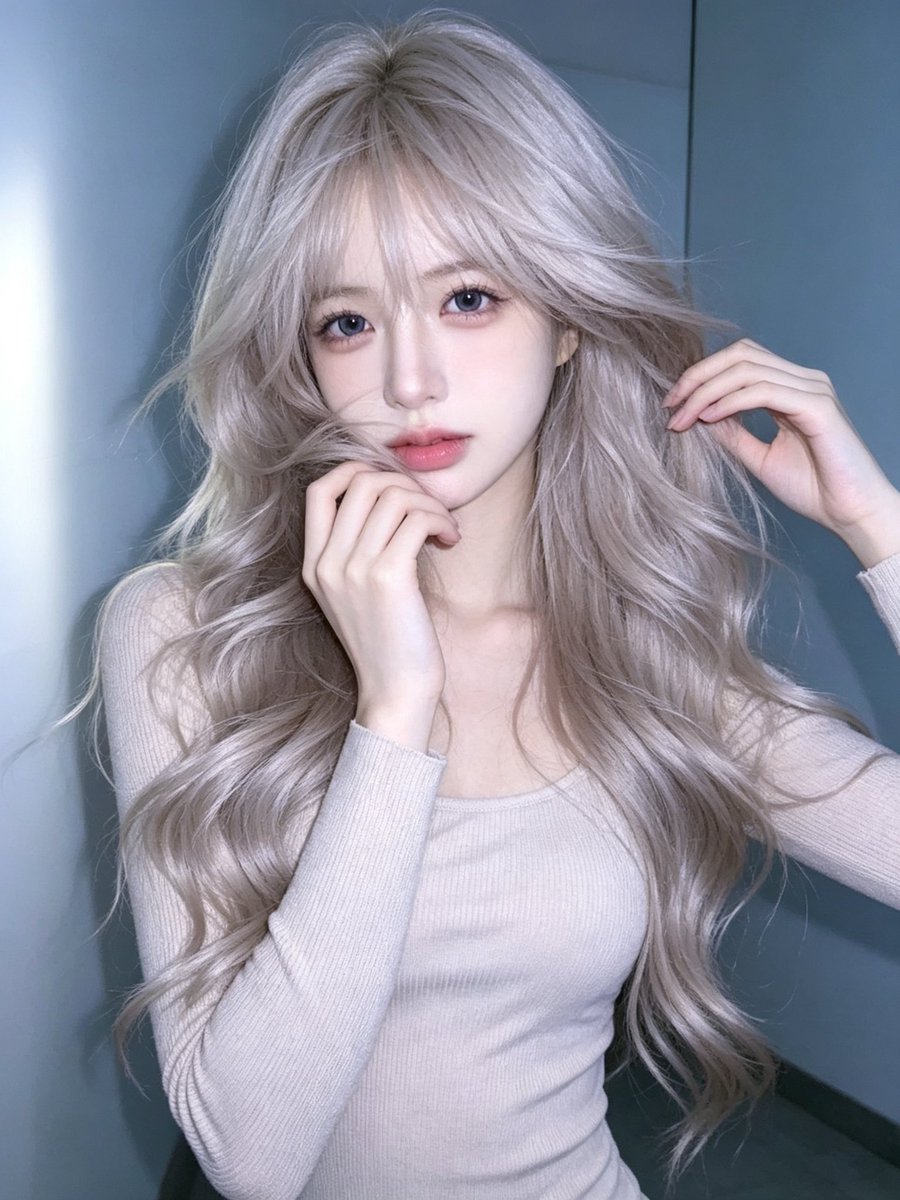
A specialized prompt for creating a vertical collage of portraits based on a single face reference, maintaining strict facial consistency across different poses and close-ups.
This is a GPT Image 2 prompt case for Portrait & Character. Use the copy-ready prompt below to generate similar visuals, and review Awesome GPT Image 2 Prompts attribution plus commercial-use rights before reuse.
Free 1K preview
Generate one preview image instantly, no sign-up required.
Free text preview doesn’t preserve reference-image consistency.
Prompt
Copy-ready prompt
A vertical collage of three YZK photos. Using the uploaded selfie as the ONLY and exclusive face reference, keep the facial features, and facial structure exactly the same as the reference image. The character poses against a neutral light background. A girl with a {argument name="hairstyle" default="beautiful, voluminous hairstyle, seemingly styled with a brush"}, wearing {argument name="makeup style" default="foxy makeup and pronounced, angled lashes"}. In the first photo, she's very close to the camera, looking at it with one eye and winking. In the second photo, she's turned away, her head coquettishly turned toward the lens, her hairstyle slightly covering her face, but not too much. In the third photo, she's looking very close to the lens, her hair to the side, thus covering her left eye, pouting and looking forward. Close-up and medium shot, minimalist composition, vintage digital texture, slight blur, glamorous atmosphere. Photo taken on {argument name="camera" default="iPhone 17 Pro Max"} with flash.Prompt variables
Editable argument placeholders found in the prompt, with their default values.
Best for
- - Portrait & Character visual exploration
- - Image generation and reference-image edits
- - Reusable briefs that keep source attribution visible
Change these parts
- - Subject, product, character, or scene
- - Aspect ratio, camera, lighting, and background
- - Brand, text, color, and output constraints
Recommended model and settings
- - Model: gpt-image-2
- - Input mode: Image to Image
- - Aspect ratio: source
- - Commercial status: review original source
How to use this prompt
- 1. Copy the prompt and preserve its structure for the first test.
- 2. Replace the subject, context, and publishing channel.
- 3. Change one camera, lighting, or style variable per iteration.
- 4. Inspect the output, source, text, and rights before reuse.
Limitations, source, and reuse cautions
- - Generated output is an editable draft, not factual, legal, or rights evidence.
- - Review the linked source, people, brands, logos, text, and third-party media before commercial use.
More cases in this category
Prioritized by category, input mode compatibility, quality, and lower risk.

Reuse and source notes
Use this prompt safely after previewing the case.
- 1.Copy the prompt or open it directly in Dovoo with the generation button.
- 2.Adjust variables, aspect ratio, and reference images for your own use case.
- 3.Before publishing or paid usage, verify source rights, attribution requirements, and brand or likeness risks.
Can I use this prompt commercially?
Commercial-use status is allowed. Review the original source, license, brand constraints, and legal requirements before paid usage.
Where does this case come from?
This case is imported from Awesome GPT Image 2 Prompts; keep attribution visible and check the source URL before reuse.