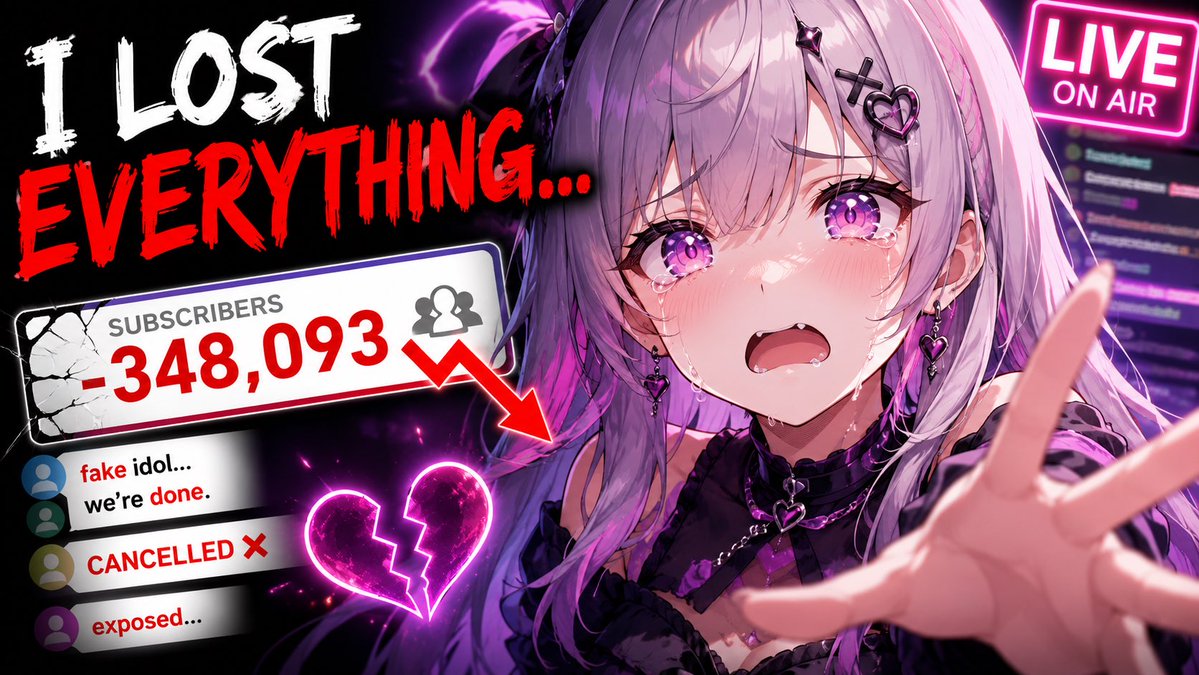
Viral YouTube Thumbnail Template
A comprehensive structure for generating high-click-through-rate YouTube thumbnails with customized subjects, expressions, and lighting.
This is a GPT Image 2 prompt case for 平面海报. Use the copy-ready prompt below to generate similar visuals, and review Awesome GPT Image 2 Prompts attribution plus commercial-use rights before reuse.
Prompt
Copy-ready prompt
创建一个高点击率的 YouTube 缩略图。主体:{argument name="subject" default="主要人物/物体/角色"} 表情 / 动作:[强烈情绪、反应、动作、姿势] 构图:[特写 / 中景 / 远景] [主体位置] [摄像机角度] [前景/背景分离] 视觉层级:主要焦点应立即吸引对 [重要主体] 的关注,次要细节应在不造成杂乱的前提下辅助叙事。光影:{argument name="lighting" default="电影级光影风格"} [轮廓光 / 发光效果 / 戏剧性对比 / 柔光] 色彩分布:主色调:[ ] 点缀色:[ ] 主体与背景之间的高对比度。背景:[简洁易读的环境] 避免杂乱,仅用于辅助叙事。风格:[写实 / 动漫 / 电影感 / 水彩 / 风格化 / 等] 缩略图优化:在小尺寸下极具可读性、高对比度剪影、夸张的面部表情、干净的留白、极简的物体、强烈的视觉情感表达、高饱和度、焦点突出、专业的 YouTube 缩略图构图。长宽比:{argument name="aspect ratio" default="16:9"}Prompt variables
Editable argument placeholders found in the prompt, with their default values.
More cases in this category
Prioritized by category, input mode compatibility, quality, and lower risk.


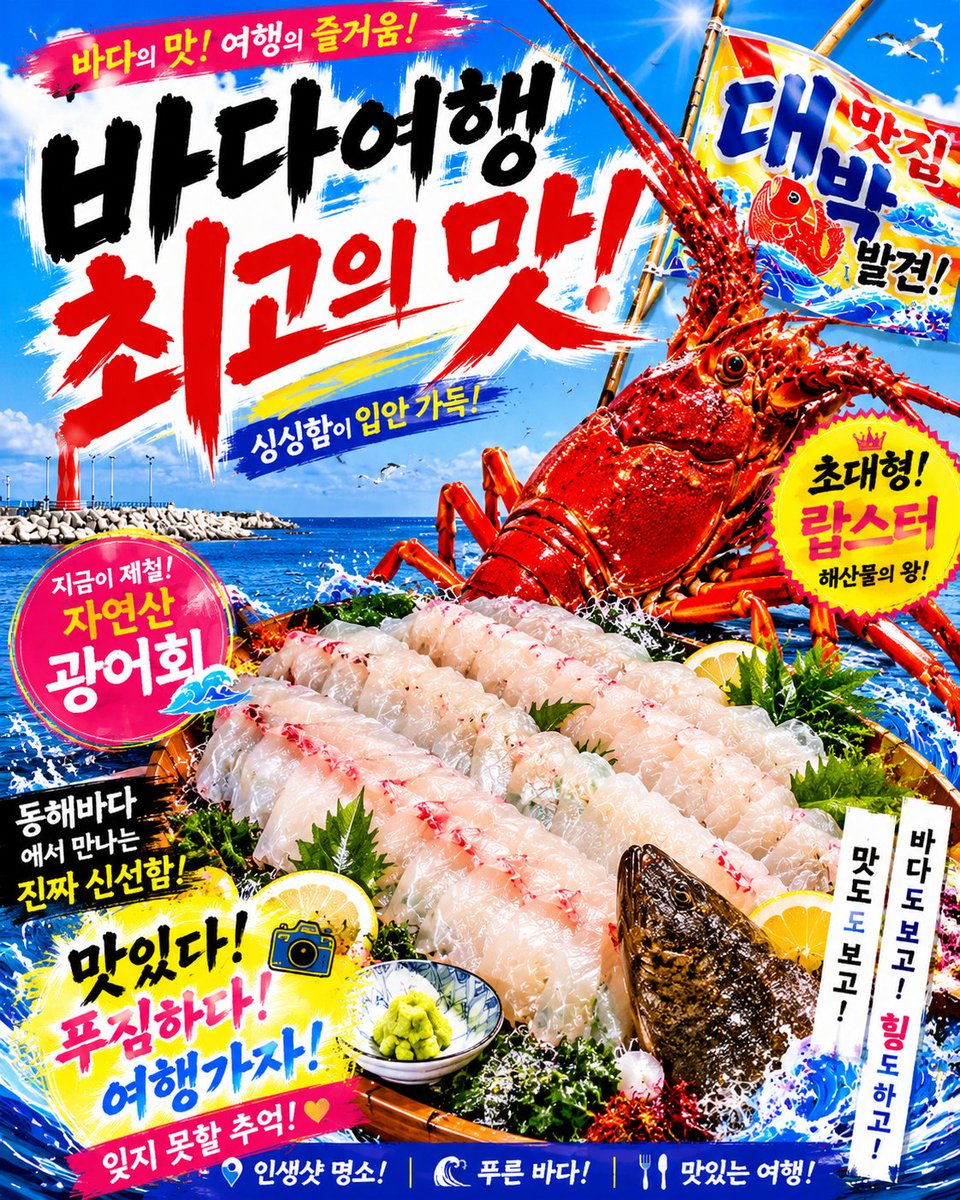
Reuse and source notes
Use this prompt safely after previewing the case.
- 1.Copy the prompt or open it directly in Dovoo with the generation button.
- 2.Adjust variables, aspect ratio, and reference images for your own use case.
- 3.Before publishing or paid usage, verify source rights, attribution requirements, and brand or likeness risks.
Can I use this prompt commercially?
Commercial-use status is allowed. Review the original source, license, brand constraints, and legal requirements before paid usage.
Where does this case come from?
This case is imported from Awesome GPT Image 2 Prompts; keep attribution visible and check the source URL before reuse.