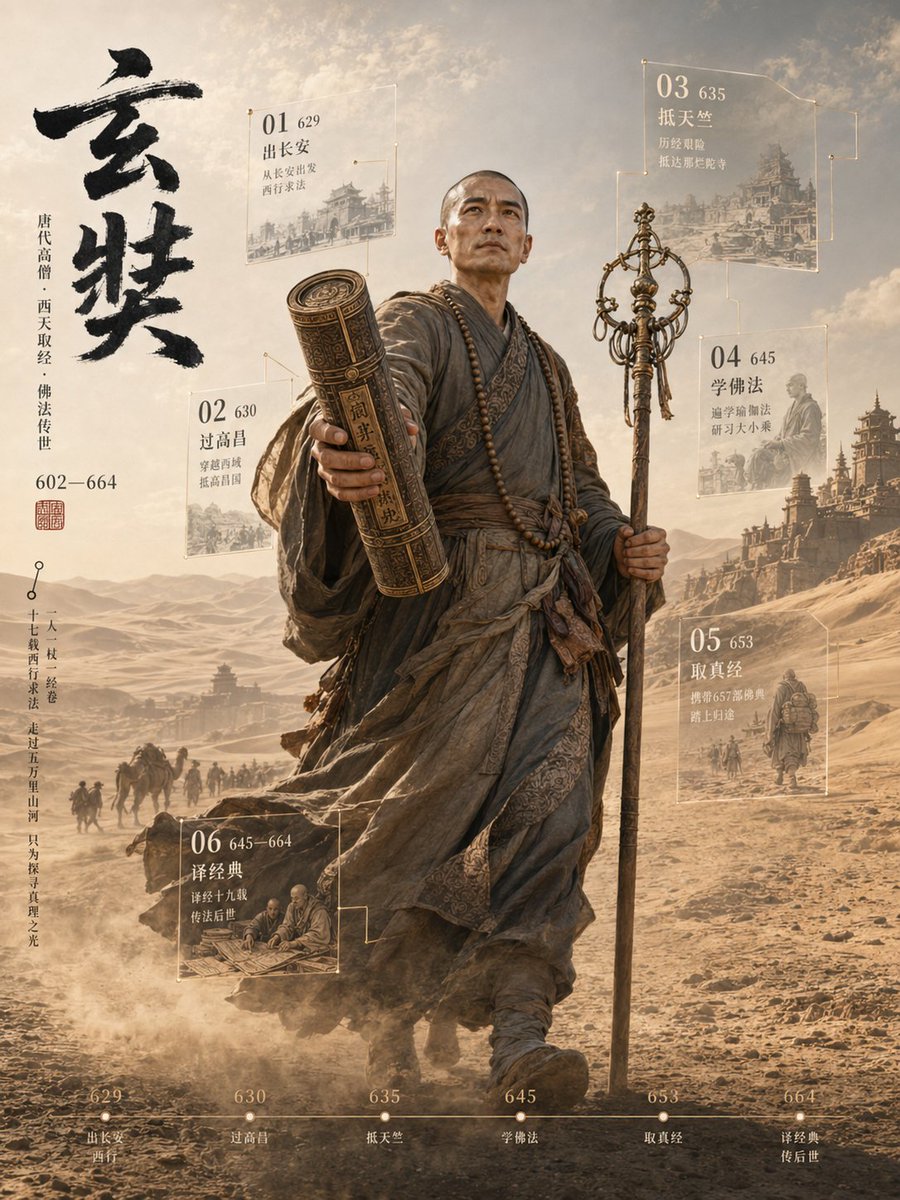
3D Xuanzang Historical Archive Poster
Generates a cinematic 3D historical figure poster with Xuanzang, Silk Road scenery, Chinese calligraphy, six archive panels, and a bottom timeline.
This is a GPT Image 2 prompt case for Graphic & Poster. Use the copy-ready prompt below to generate similar visuals, and review Awesome GPT Image 2 Prompts attribution plus commercial-use rights before reuse.
Free 1K preview
Generate one preview image instantly, no sign-up required.
Prompt
Copy-ready prompt
Goal: Create a cinematic vertical 3D historical figure archive poster about {argument name="character name" default="Xuanzang"}, showing a Tang dynasty monk as a monumental full-body statue-like traveler walking toward the viewer through a desert Silk Road landscape. Use an epic museum-exhibition style with realistic 3D rendering, documentary historical atmosphere, and floating translucent data panels.

Canvas: Vertical 3:4 poster, warm sepia and dusty gold color palette, high detail, dramatic backlight, hazy sky, windblown sand, ancient city silhouettes and pagodas in the distance. The central figure occupies most of the height, slightly right of center, walking forward with strong depth and scale.

Main subject: A bald Tang dynasty Buddhist monk in layered weathered gray-brown robes, wrapped sashes, prayer beads around the neck, worn cloth textures, dust and wind movement. He holds a tall ornate monk staff in his right hand and extends an ancient rolled scripture tube or sutra scroll case toward the viewer in his left hand, creating a strong foreground perspective. The face area should be softly obscured or neutral rather than a recognizable modern face. The pose should feel determined, solemn, and pioneering.

Left title column: Large expressive black ink-brush Chinese calligraphy reading {argument name="main calligraphy title" default="Xuanzang"} at the upper left. Beside it, add thin vertical Chinese-style biographical text indicating Tang dynasty monk, westward scripture journey, Buddhist transmission, and lifespan 602—664. Add a small red seal stamp under the biographical text. Add an additional slim vertical annotation line near the lower left like an archival quote or route note.

Floating archive panels: Include exactly 6 semi-transparent glass panels with thin gold outlines, small node connectors, white/gold text, faint historical illustration backgrounds, and a numbered sequence. The six panels are: 01, year 629, departure from Chang'an; 02, year 630, crossing Gaochang; 03, year 635, reaching Tianzhu/India; 04, year 645, studying Buddhism and returning east; 05, year 653, collecting and bringing back scriptures; 06, years 645—664, translating classics and transmitting them to later generations. Place panels around the figure: 01 upper left, 02 mid-left, 03 upper right, 04 right middle, 05 lower right, 06 lower left. Keep the panels legible but ethereal, as if holographic museum labels.

Bottom timeline: Add one thin horizontal timeline across the bottom with exactly 6 marked dots labeled 629, 630, 635, 645, 653, and 664. Under the dots, add short Chinese-style event captions matching the six archive panels. Use small refined serif or Song-style typography in off-white/gold.

Background details: A vast desert road with caravan silhouettes, camels, monks, travelers, dust clouds, distant mountains, and ancient frontier architecture. Include faint ruined city walls and pagoda-like structures to support the historical westward journey atmosphere. Make the scroll case and monk staff break the flat poster plane visually, as if protruding from the archival layout.

Visual style: {argument name="visual style" default="ultra-realistic 3D historical poster, cinematic lighting, museum archive infographic, sepia desert palette, volumetric dust, high-detail cloth and metal textures"}. Elegant, solemn, heroic, not cartoonish. Combine realistic historical portraiture with infographic overlays and Chinese ink-calligraphy aesthetics.

Constraints: Use exactly 1 central character, exactly 6 floating archive panels, and exactly 6 bottom timeline markers. No modern objects, no English text on the poster unless requested, no watermark, no logo, no extra characters in the foreground.
Prompt variables
Editable argument placeholders found in the prompt, with their default values.
Best for
- - Graphic & Poster visual exploration
- - Image generation and reference-image edits
- - Reusable briefs that keep source attribution visible
Change these parts
- - Subject, product, character, or scene
- - Aspect ratio, camera, lighting, and background
- - Brand, text, color, and output constraints
Recommended model and settings
- - Model: gpt-image-2
- - Input mode: Text to Image
- - Aspect ratio: source
- - Commercial status: review original source
How to use this prompt
- 1. Copy the prompt and preserve its structure for the first test.
- 2. Replace the subject, context, and publishing channel.
- 3. Change one camera, lighting, or style variable per iteration.
- 4. Inspect the output, source, text, and rights before reuse.
Limitations, source, and reuse cautions
- - Generated output is an editable draft, not factual, legal, or rights evidence.
- - Review the linked source, people, brands, logos, text, and third-party media before commercial use.
More cases in this category
Prioritized by category, input mode compatibility, quality, and lower risk.
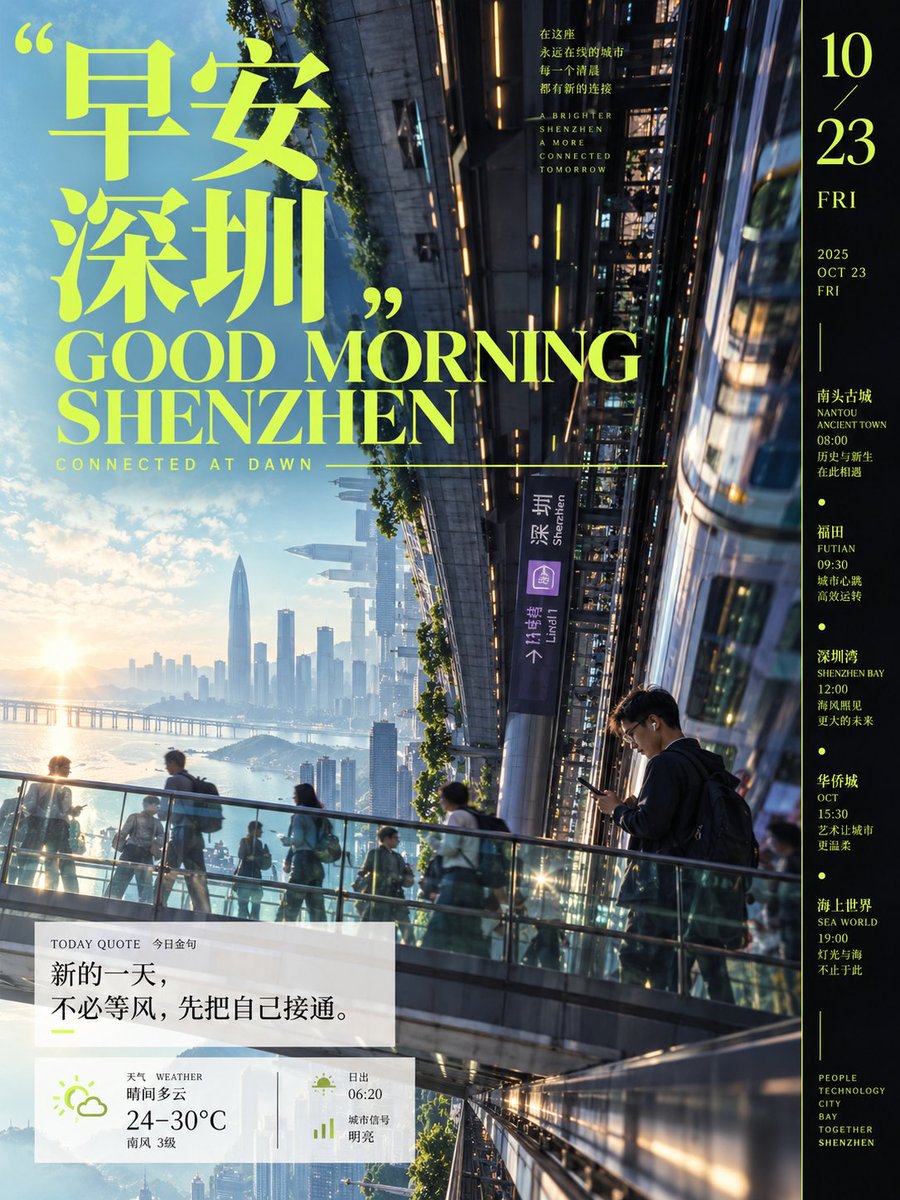
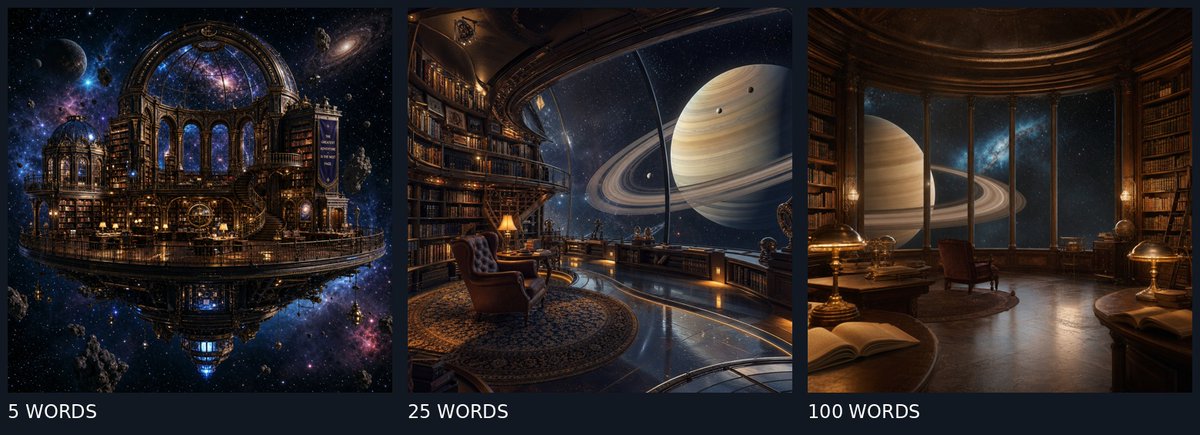
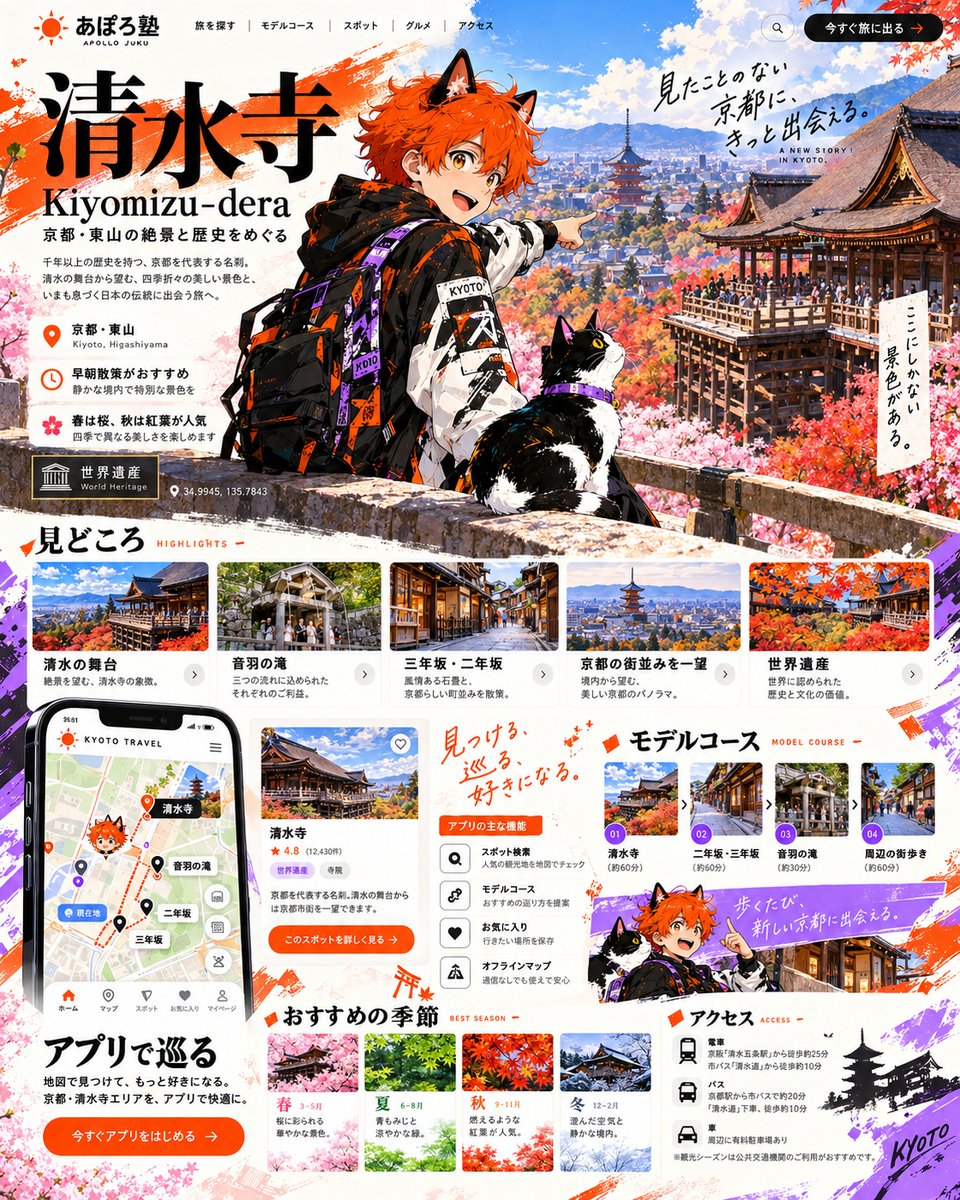
Reuse and source notes
Use this prompt safely after previewing the case.
- 1.Copy the prompt or open it directly in Dovoo with the generation button.
- 2.Adjust variables, aspect ratio, and reference images for your own use case.
- 3.Before publishing or paid usage, verify source rights, attribution requirements, and brand or likeness risks.
Can I use this prompt commercially?
Commercial-use status is allowed. Review the original source, license, brand constraints, and legal requirements before paid usage.
Where does this case come from?
This case is imported from Awesome GPT Image 2 Prompts; keep attribution visible and check the source URL before reuse.