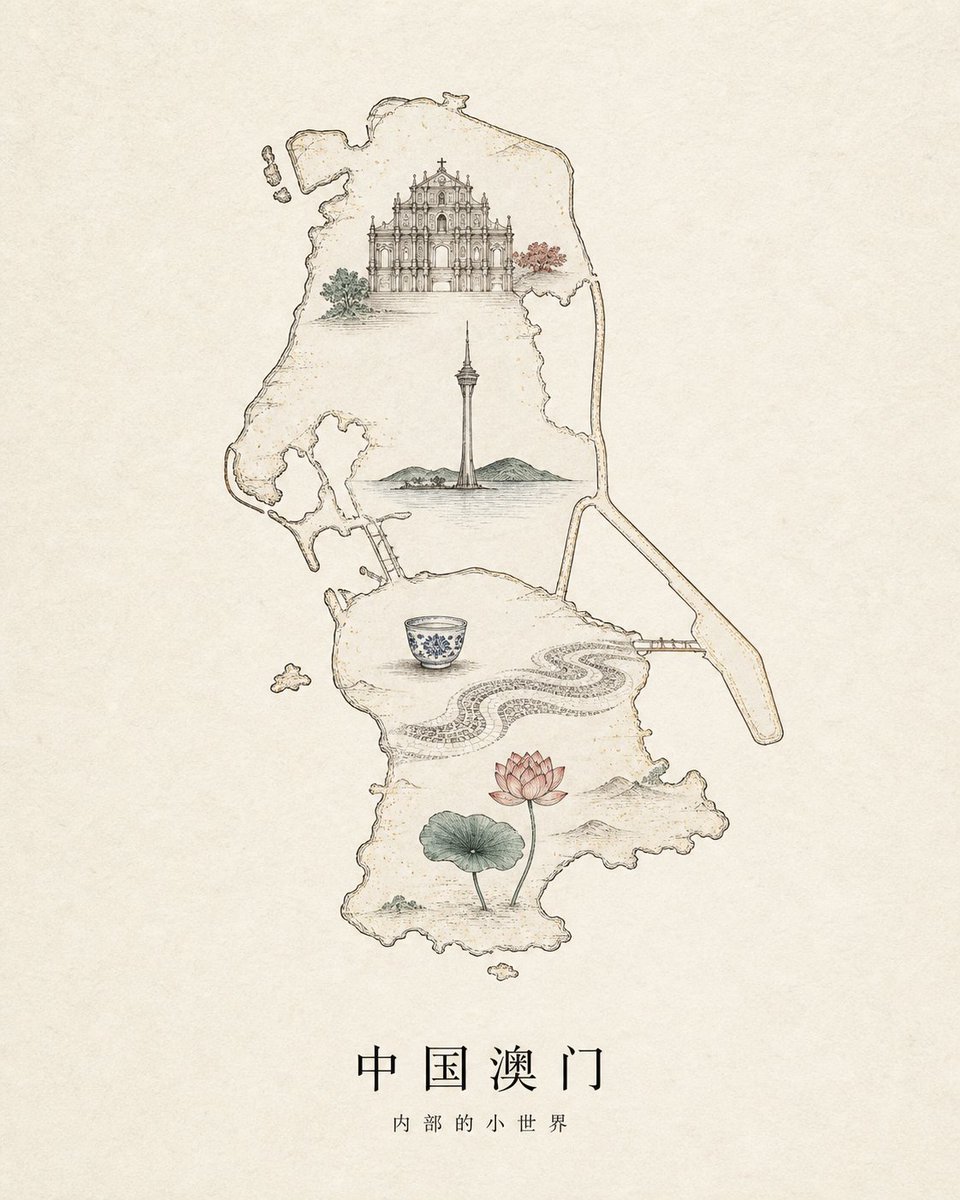
Vintage Macau Map Poster
A delicate parchment-style line-art poster showing a Macau map filled with iconic landmarks and Chinese title text, ideal for travel or cultural illustration use.
This is a GPT Image 2 prompt case for Graphic & Poster. Use the copy-ready prompt below to generate similar visuals, and review Awesome GPT Image 2 Prompts attribution plus commercial-use rights before reuse.
Free 1K preview
Generate one preview image instantly, no sign-up required.
Prompt
Copy-ready prompt
Create a refined vintage line-art travel poster on warm aged parchment paper, centered on a delicate hand-drawn outline map of {argument name="region" default="Macau, China"}. Use thin sepia ink lines with subtle watercolor washes and lots of empty beige space. Inside the map, place exactly 6 illustrated landmark elements: 1 ornate Baroque church facade near the top with small green and red trees beside it, 1 tall Macau Tower in the middle rising from calm water with low green hills behind it, 1 blue-and-white porcelain teacup in the lower middle-left, 1 flowing black-and-white Portuguese wave mosaic pavement pattern curving across the lower middle-right, 1 pink lotus flower with a green lotus leaf near the bottom, and 1 long narrow bridge extending from the right side of the map. Add a few tiny detached island shapes around the main map outline. Keep the composition elegant, minimal, museum-poster-like, with fine architectural detail, faint speckles, and soft muted colors only inside the illustrations. At the bottom center, add the Chinese title {argument name="main title" default="Macau, China"} in widely spaced black serif-style characters, and beneath it the smaller subtitle {argument name="subtitle" default="Inner little world"}. No people, no modern graphic effects, no border, no watermark.Prompt variables
Editable argument placeholders found in the prompt, with their default values.
Best for
- - Graphic & Poster visual exploration
- - Image generation and reference-image edits
- - Reusable briefs that keep source attribution visible
Change these parts
- - Subject, product, character, or scene
- - Aspect ratio, camera, lighting, and background
- - Brand, text, color, and output constraints
Recommended model and settings
- - Model: gpt-image-2
- - Input mode: Text to Image
- - Aspect ratio: source
- - Commercial status: review original source
How to use this prompt
- 1. Copy the prompt and preserve its structure for the first test.
- 2. Replace the subject, context, and publishing channel.
- 3. Change one camera, lighting, or style variable per iteration.
- 4. Inspect the output, source, text, and rights before reuse.
Limitations, source, and reuse cautions
- - Generated output is an editable draft, not factual, legal, or rights evidence.
- - Review the linked source, people, brands, logos, text, and third-party media before commercial use.
More cases in this category
Prioritized by category, input mode compatibility, quality, and lower risk.

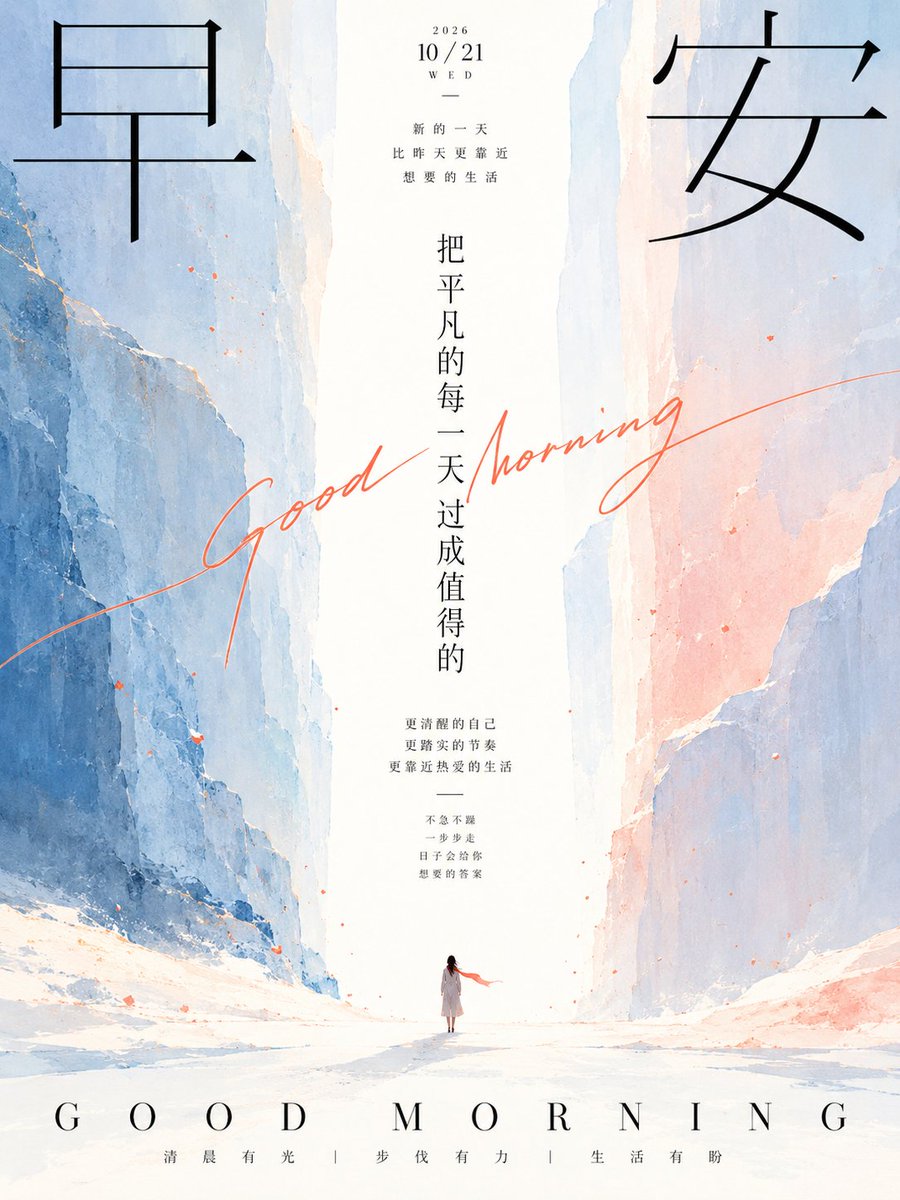

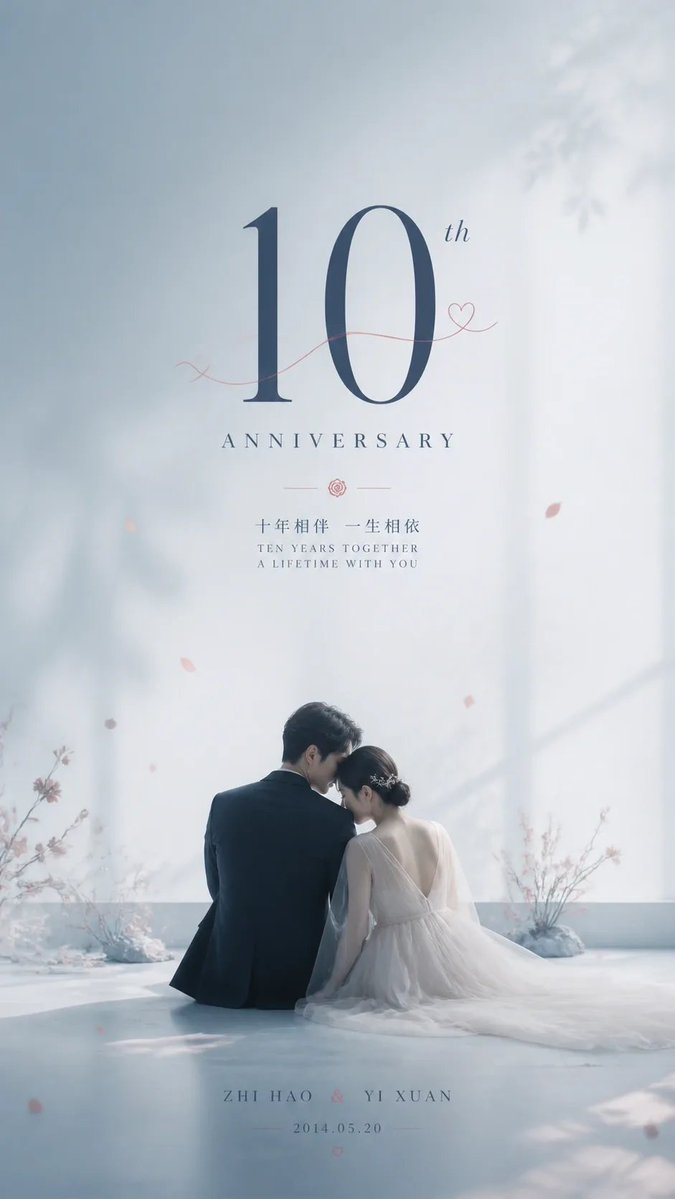

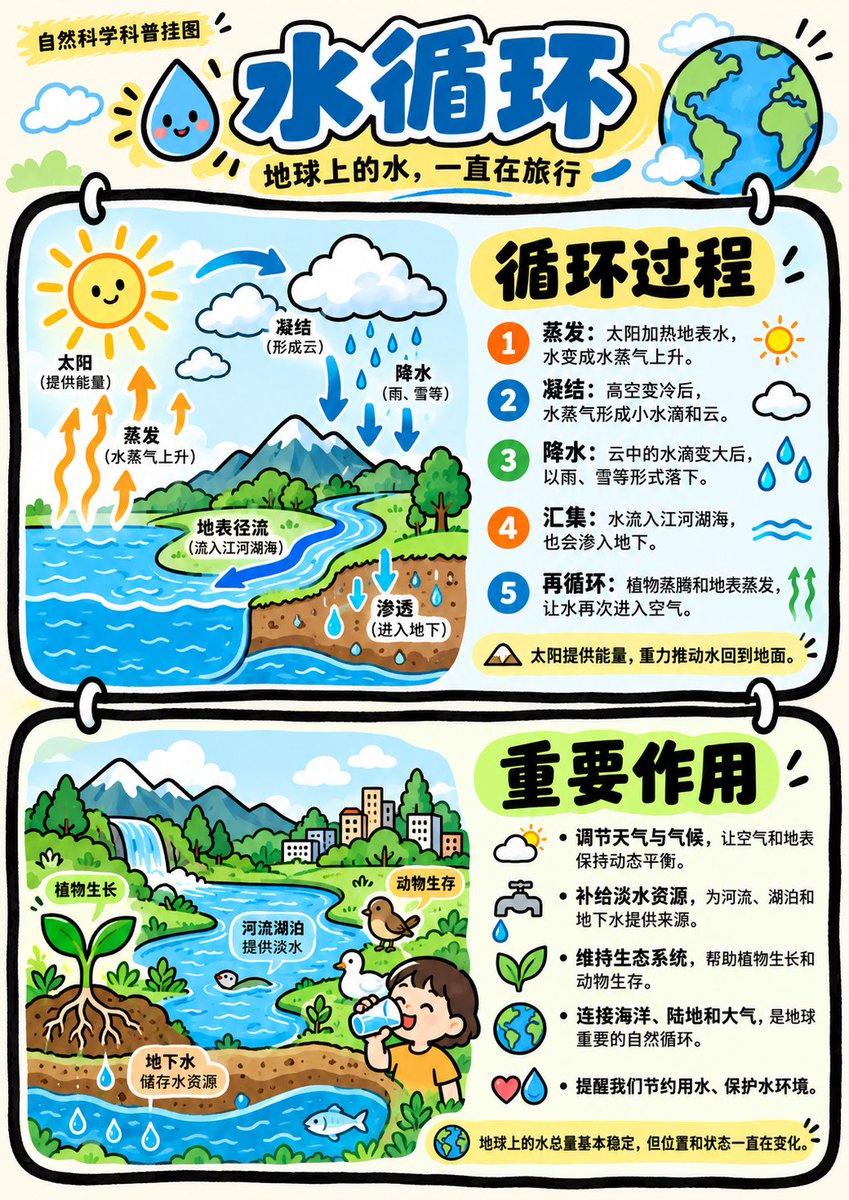
Reuse and source notes
Use this prompt safely after previewing the case.
- 1.Copy the prompt or open it directly in Dovoo with the generation button.
- 2.Adjust variables, aspect ratio, and reference images for your own use case.
- 3.Before publishing or paid usage, verify source rights, attribution requirements, and brand or likeness risks.
Can I use this prompt commercially?
Commercial-use status is allowed. Review the original source, license, brand constraints, and legal requirements before paid usage.
Where does this case come from?
This case is imported from Awesome GPT Image 2 Prompts; keep attribution visible and check the source URL before reuse.