
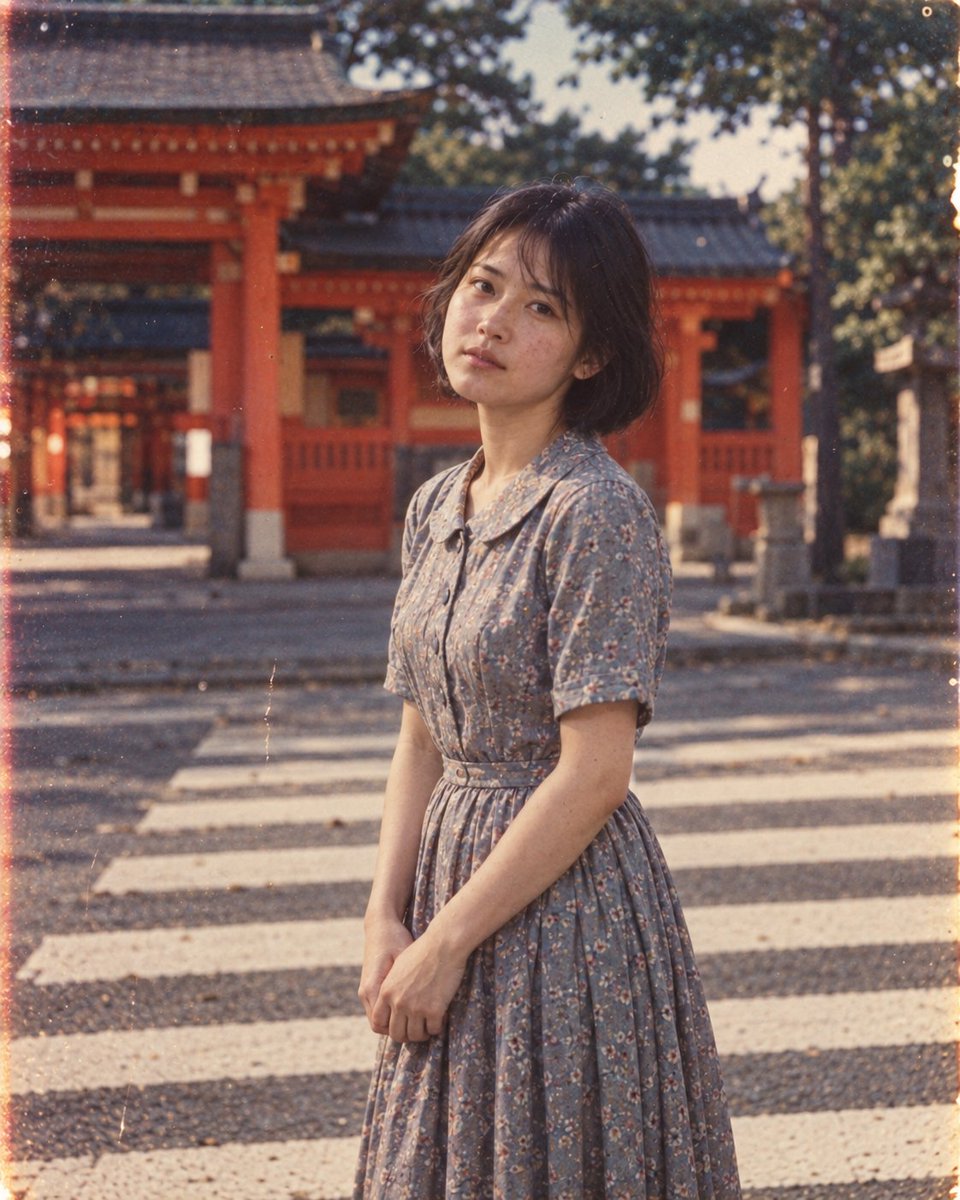
Vintage Golden Hour Face Identity Portrait
A prompt focusing on preserving facial identity from a reference while generating a cinematic vintage portrait in golden hour light.
This is a GPT Image 2 prompt case for Portrait & Character. Use the copy-ready prompt below to generate similar visuals, and review Awesome GPT Image 2 Prompts attribution plus commercial-use rights before reuse.
Free 1K preview
Generate one preview image instantly, no sign-up required.
Free text preview doesn’t preserve reference-image consistency.
Prompt
Copy-ready prompt
Use the uploaded reference image as the strict identity and face reference. Preserve the woman’s facial identity with 100% face accuracy. Her face must remain exactly recognizable as in the reference, including the same facial structure, proportions, eyes, eyebrows, nose, lips, cheeks, jawline, skin tone, natural skin texture, and distinctive facial details. Do not modify, beautify, reshape, age, de-age, or reinterpret her face.Create an ultra-realistic cinematic vintage golden-hour portrait of the same woman sitting indoors beside an {argument name="background" default="old, weathered wooden door"}. Her dark brown hair is {argument name="hair style" default="loosely tied into a messy high bun"}, with a few natural strands falling softly around her face and neck. She is shown in a graceful three-quarter side-profile view, looking gently toward the left with a calm, thoughtful expression. She wears a {argument name="clothing" default="simple oversized ribbed brown/beige knit sweater"} with highly realistic woven fabric texture.Warm late-afternoon sunlight enters from the side, illuminating her face, hair, and sweater in rich golden tones while casting a clearly defined natural silhouette of her head and messy bun onto the old wooden door behind her. The environment features a rustic aged interior with cracked and peeling plaster walls, distressed wooden panels, subtle imperfections, and a small vintage framed picture on the wall.Moody nostalgic atmosphere, authentic natural skin texture, realistic pores, subtle film grain, warm earthy color palette, deep shadows, cinematic contrast, volumetric golden sunlight, shallow depth of field, soft natural bokeh, editorial portrait photography, 50mm lens, f/1.8, HDR, highly detailed, photorealistic, cinematic composition, 8K face replacement, no facial redesign, no beauty filter, no skin smoothing, no altered facial proportions, no changed eyes, nose, lips, eyebrows, jawline, or cheek structure. Negative prompt:cartoon, anime, CGI, 3D render, plastic skin, beauty filter, over-smoothed face, altered identity, different person, face swap, facial reconstruction, changed facial proportions, excessive makeup, distorted face, asymmetrical eyes, deformed hands, extra fingers, unrealistic hair, oversaturated colors, harsh artificial lighting, blurry image, low resolution, watermark, text, logoPrompt variables
Editable argument placeholders found in the prompt, with their default values.
Best for
- - Portrait & Character visual exploration
- - Image generation and reference-image edits
- - Reusable briefs that keep source attribution visible
Change these parts
- - Subject, product, character, or scene
- - Aspect ratio, camera, lighting, and background
- - Brand, text, color, and output constraints
Recommended model and settings
- - Model: gpt-image-2
- - Input mode: Image to Image
- - Aspect ratio: source
- - Commercial status: review original source
How to use this prompt
- 1. Copy the prompt and preserve its structure for the first test.
- 2. Replace the subject, context, and publishing channel.
- 3. Change one camera, lighting, or style variable per iteration.
- 4. Inspect the output, source, text, and rights before reuse.
Limitations, source, and reuse cautions
- - Generated output is an editable draft, not factual, legal, or rights evidence.
- - Review the linked source, people, brands, logos, text, and third-party media before commercial use.
More cases in this category
Prioritized by category, input mode compatibility, quality, and lower risk.

Reuse and source notes
Use this prompt safely after previewing the case.
- 1.Copy the prompt or open it directly in Dovoo with the generation button.
- 2.Adjust variables, aspect ratio, and reference images for your own use case.
- 3.Before publishing or paid usage, verify source rights, attribution requirements, and brand or likeness risks.
Can I use this prompt commercially?
Commercial-use status is allowed. Review the original source, license, brand constraints, and legal requirements before paid usage.
Where does this case come from?
This case is imported from Awesome GPT Image 2 Prompts; keep attribution visible and check the source URL before reuse.