
Vintage Editorial Identity Transformation
A complex prompt for transforming a real person's photo into a vintage editorial illustration with engraved textures while preserving their exact facial identity.
This is a GPT Image 2 prompt case for Portrait & Character. Use the copy-ready prompt below to generate similar visuals, and review Awesome GPT Image 2 Prompts attribution plus commercial-use rights before reuse.
Free 1K preview
Generate one preview image instantly, no sign-up required.
Free text preview doesn’t preserve reference-image consistency.
Prompt
Copy-ready prompt
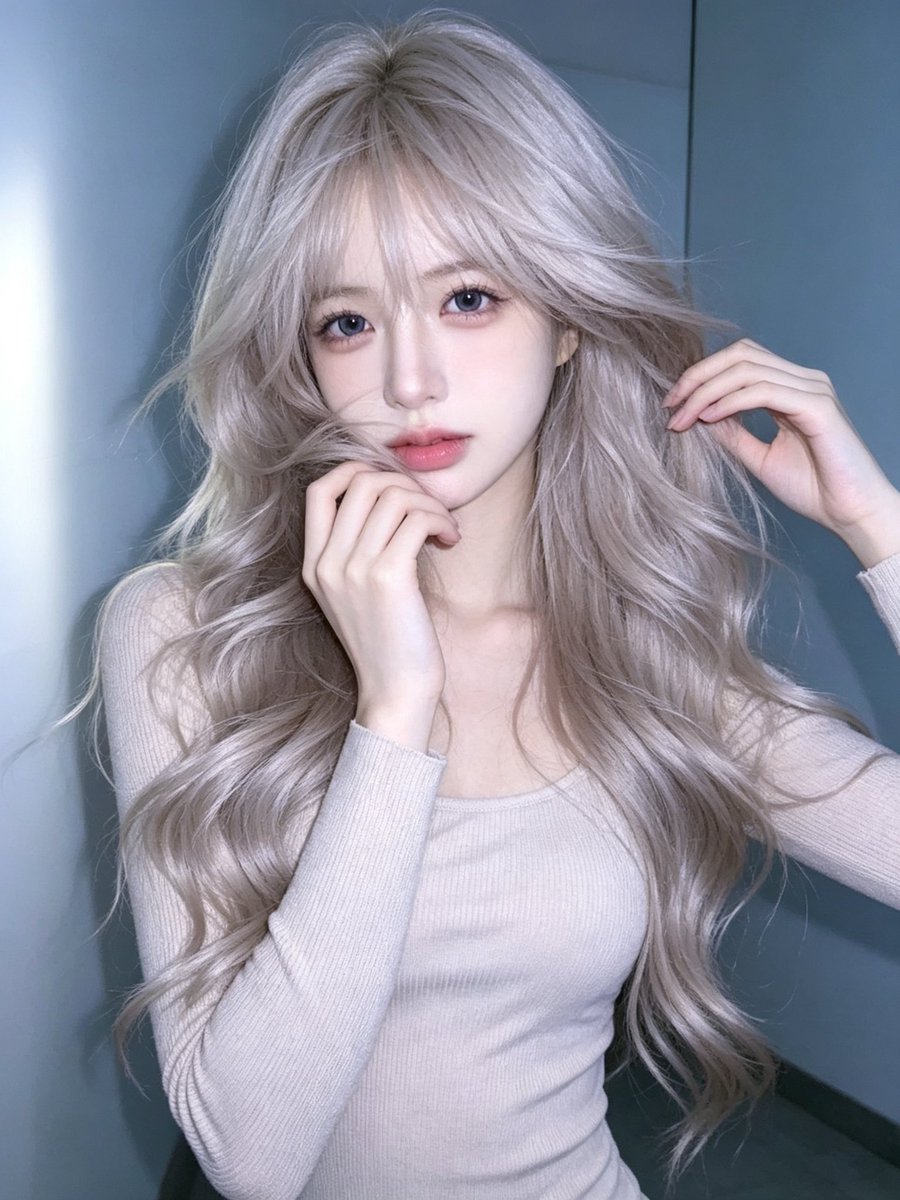
Use the uploaded photo as the ONLY identity reference for the person.

Transform the person in the reference photo into a highly detailed, premium stylized illustrated portrait matching the visual style of the target artwork.

IMPORTANT — IDENTITY:
Preserve the person’s recognizable facial identity from the uploaded reference photo:
face shape, eyes, eyebrows, nose, lips, skin tone, facial proportions, and overall likeness.
The result must clearly resemble the person in the uploaded reference.

ART STYLE:
Create a sophisticated vintage editorial illustration with an intricate hand-drawn engraved / comic-book / etching aesthetic.

Use:
- extremely detailed black ink linework
- fine cross-hatching and stippling
- engraved illustration textures
- carefully layered colored-ink shading
- {argument name="hair color" default="rich copper/red"} tones in the hair
- ornate decorative details
- elegant vintage poster artwork
- highly detailed facial rendering
- artistic but recognizable facial features

PORTRAIT:
Create a centered close-up portrait of the person from approximately the chest/shoulders upward.

Give the character a confident, calm, sophisticated expression.

Add {argument name="eyewear" default="oversized round sunglasses"} with ornate gold frames and vivid magenta/pink lenses, matching the reference artwork’s distinctive look.

Hair should be beautifully illustrated with detailed flowing strands and decorative engraved curves, while still being based on the hairstyle and appearance of the uploaded reference person.

CLOTHING:
Dress the character in an {argument name="clothing style" default="elaborate ornate vintage garment"} with rich teal, deep magenta, blue and gold decorative embroidery, intricate floral motifs, filigree patterns, and jewel-like ornamental details.

BACKGROUND:
Use a dark black/dark charcoal decorative damask background filled with intricate swirling floral and ornamental patterns in subtle black, gray and muted gold tones.

COMPOSITION:
Symmetrical centered portrait.
Head and shoulders dominate the frame.
Strong graphic poster composition.
Highly detailed artwork extending throughout the entire image.
No small reference-photo inset.

TEXT:
Add the person’s full name in very large bold uppercase typography across the upper background, partially positioned behind the head.

The name must be automatically based on the person/reference provided.
If the person’s name cannot be determined, leave the name area clean rather than inventing a name.

Do NOT add unrelated words, logos, watermarks, or random text.

FINAL LOOK:
The final image should look like a professionally designed luxury vintage illustrated poster — NOT a photograph and NOT a simple cartoon.

It should combine recognizable facial identity from the uploaded reference photo with the exact overall visual language of the provided example:
ornate vintage engraving, colorful ink illustration, dramatic oversized sunglasses, elaborate clothing, d
Prompt variables
Editable argument placeholders found in the prompt, with their default values.
Best for
- - Portrait & Character visual exploration
- - Image generation and reference-image edits
- - Reusable briefs that keep source attribution visible
Change these parts
- - Subject, product, character, or scene
- - Aspect ratio, camera, lighting, and background
- - Brand, text, color, and output constraints
Recommended model and settings
- - Model: gpt-image-2
- - Input mode: Image to Image
- - Aspect ratio: source
- - Commercial status: review original source
How to use this prompt
- 1. Copy the prompt and preserve its structure for the first test.
- 2. Replace the subject, context, and publishing channel.
- 3. Change one camera, lighting, or style variable per iteration.
- 4. Inspect the output, source, text, and rights before reuse.
Limitations, source, and reuse cautions
- - Generated output is an editable draft, not factual, legal, or rights evidence.
- - Review the linked source, people, brands, logos, text, and third-party media before commercial use.
More cases in this category
Prioritized by category, input mode compatibility, quality, and lower risk.

Reuse and source notes
Use this prompt safely after previewing the case.
- 1.Copy the prompt or open it directly in Dovoo with the generation button.
- 2.Adjust variables, aspect ratio, and reference images for your own use case.
- 3.Before publishing or paid usage, verify source rights, attribution requirements, and brand or likeness risks.
Can I use this prompt commercially?
Commercial-use status is allowed. Review the original source, license, brand constraints, and legal requirements before paid usage.
Where does this case come from?
This case is imported from Awesome GPT Image 2 Prompts; keep attribution visible and check the source URL before reuse.