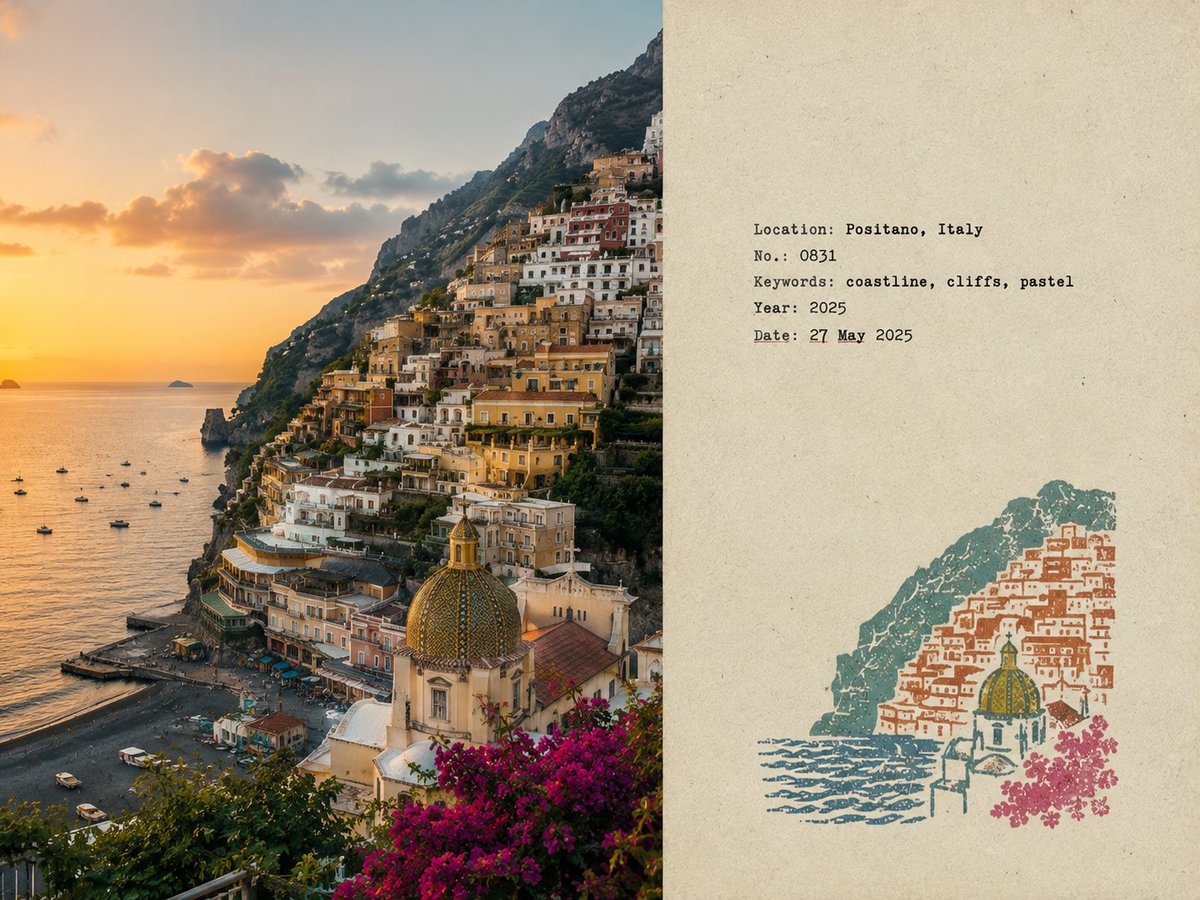
Travel Field Notes Collector Poster
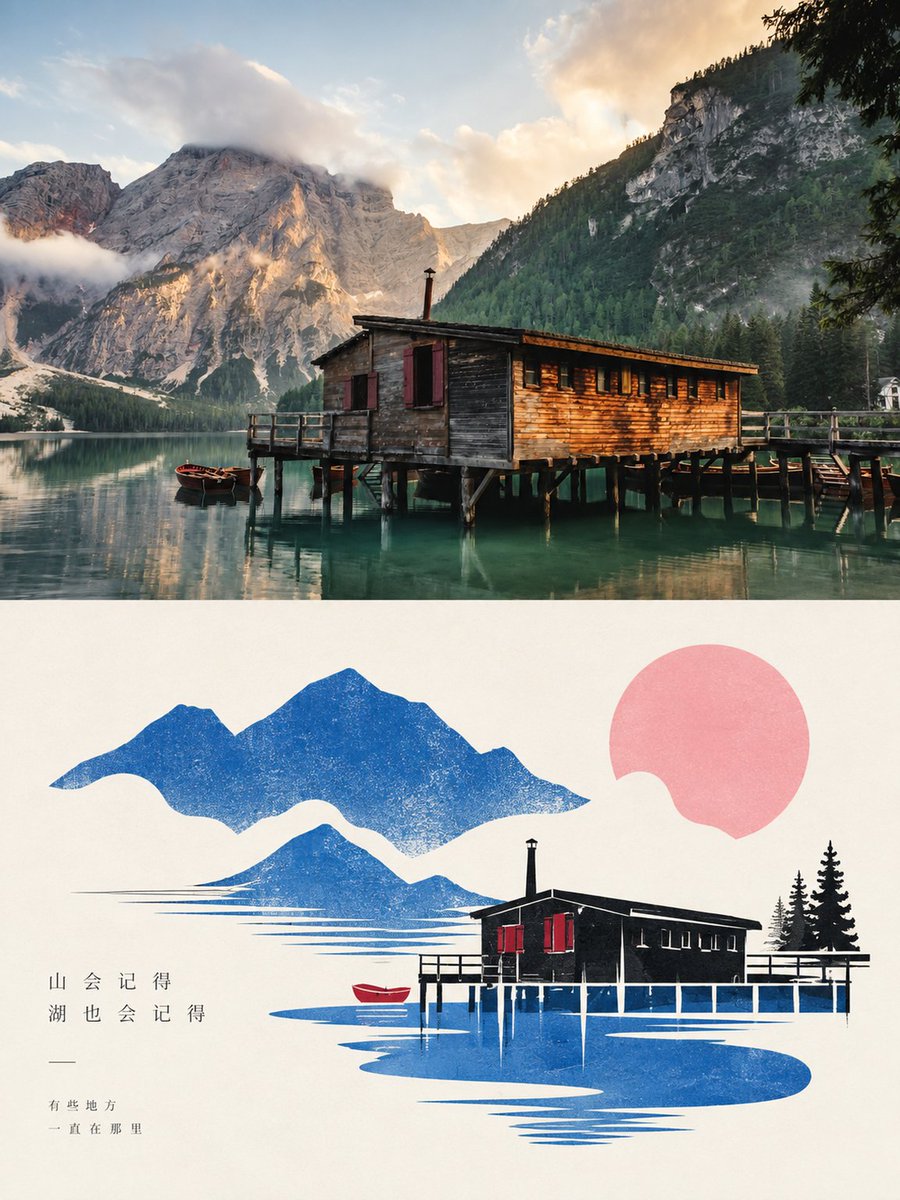
Creates minimalist collectible travel posters featuring original travel photos alongside hand-stamped location graphics and typewriter-style field notes on aged paper.
This is a GPT Image 2 prompt case for Graphic & Poster. Use the copy-ready prompt below to generate similar visuals, and review Awesome GPT Image 2 Prompts attribution plus commercial-use rights before reuse.
Free 1K preview
Generate one preview image instantly, no sign-up required.
Free text preview doesn’t preserve reference-image consistency.
Prompt
Copy-ready prompt
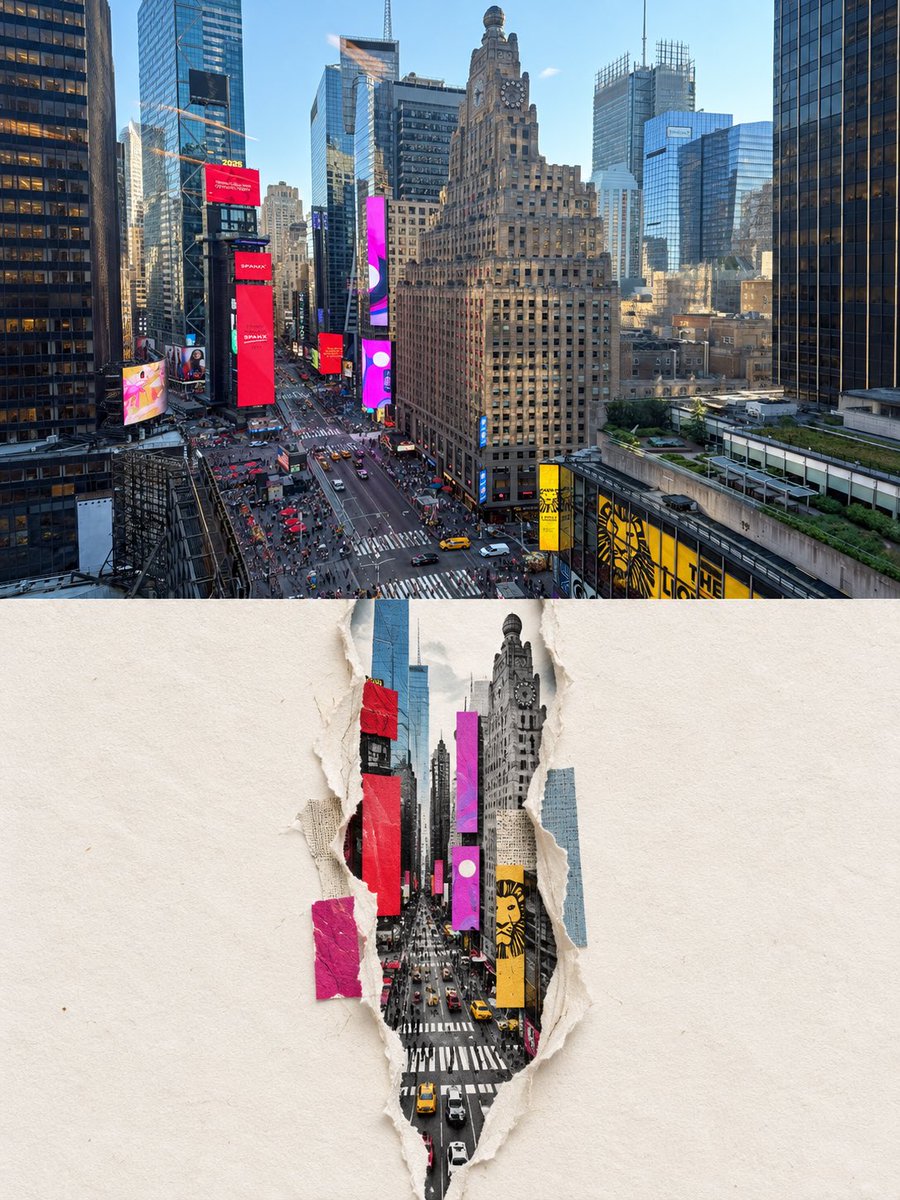
Create a separate {argument name="aspect ratio" default="4:3 landscape"} poster for each uploaded photo, one photo per output, no collage. {argument name="layout" default="Left 58%"}: Preserve the original photo faithfully,subject identity, architecture, terrain, people, plants, composition, lighting, shadows, textures, and natural colors. Only subtle editorial color grading and fine film grain. No distortion, redrawing, replacement, or shifting. Right 42%: Warm off-white aged paper with subtle fibers, grain, matte texture, light wear, and generous blank whitespace. No visible dividing line. Analyze the photo and create a small multi-color rubber stamp using only the most recognizable location elements—architecture, mountains, roads, shoreline, trees, skyline, etc. Remove crowds, vehicles, repetitive details, and clutter. Place the stamp in the lower-middle of the right side, using only 30–38% of its height. Use 2–4 muted spot inks inspired by the photo. Make each layer look genuinely hand-stamped with carved texture, uneven pressure, dry ink, paper show-through, fractured edges, granular ink, and subtle 1–2 mm misregistration. Avoid smooth vector graphics or full landscape illustrations. Add small typewriter-style field-note text: Location {argument name="name language" default="English"} name. No. Number. 3 short English keywords. Gregorian year. Date: [여기에 날짜를 입력해주세요]. Keep typography restrained, accurate, and slightly imperfect. Style: quiet, tactile, realistic, collectible travel field notes by an architect/travel writer. Avoid: obvious divider lines, circular seals, postage perforations, wax seals, sticker collages, tourist templates, logos, cartoon/3D styles, glossy gradients, oversaturation, excessive text, clutter, or altering the original photo.Prompt variables
Editable argument placeholders found in the prompt, with their default values.
Best for
- - Graphic & Poster visual exploration
- - Image generation and reference-image edits
- - Reusable briefs that keep source attribution visible
Change these parts
- - Subject, product, character, or scene
- - Aspect ratio, camera, lighting, and background
- - Brand, text, color, and output constraints
Recommended model and settings
- - Model: gpt-image-2
- - Input mode: Image to Image
- - Aspect ratio: source
- - Commercial status: review original source
How to use this prompt
- 1. Copy the prompt and preserve its structure for the first test.
- 2. Replace the subject, context, and publishing channel.
- 3. Change one camera, lighting, or style variable per iteration.
- 4. Inspect the output, source, text, and rights before reuse.
Limitations, source, and reuse cautions
- - Generated output is an editable draft, not factual, legal, or rights evidence.
- - Review the linked source, people, brands, logos, text, and third-party media before commercial use.
More cases in this category
Prioritized by category, input mode compatibility, quality, and lower risk.
Reuse and source notes
Use this prompt safely after previewing the case.
- 1.Copy the prompt or open it directly in Dovoo with the generation button.
- 2.Adjust variables, aspect ratio, and reference images for your own use case.
- 3.Before publishing or paid usage, verify source rights, attribution requirements, and brand or likeness risks.
Can I use this prompt commercially?
Commercial-use status is allowed. Review the original source, license, brand constraints, and legal requirements before paid usage.
Where does this case come from?
This case is imported from Awesome GPT Image 2 Prompts; keep attribution visible and check the source URL before reuse.