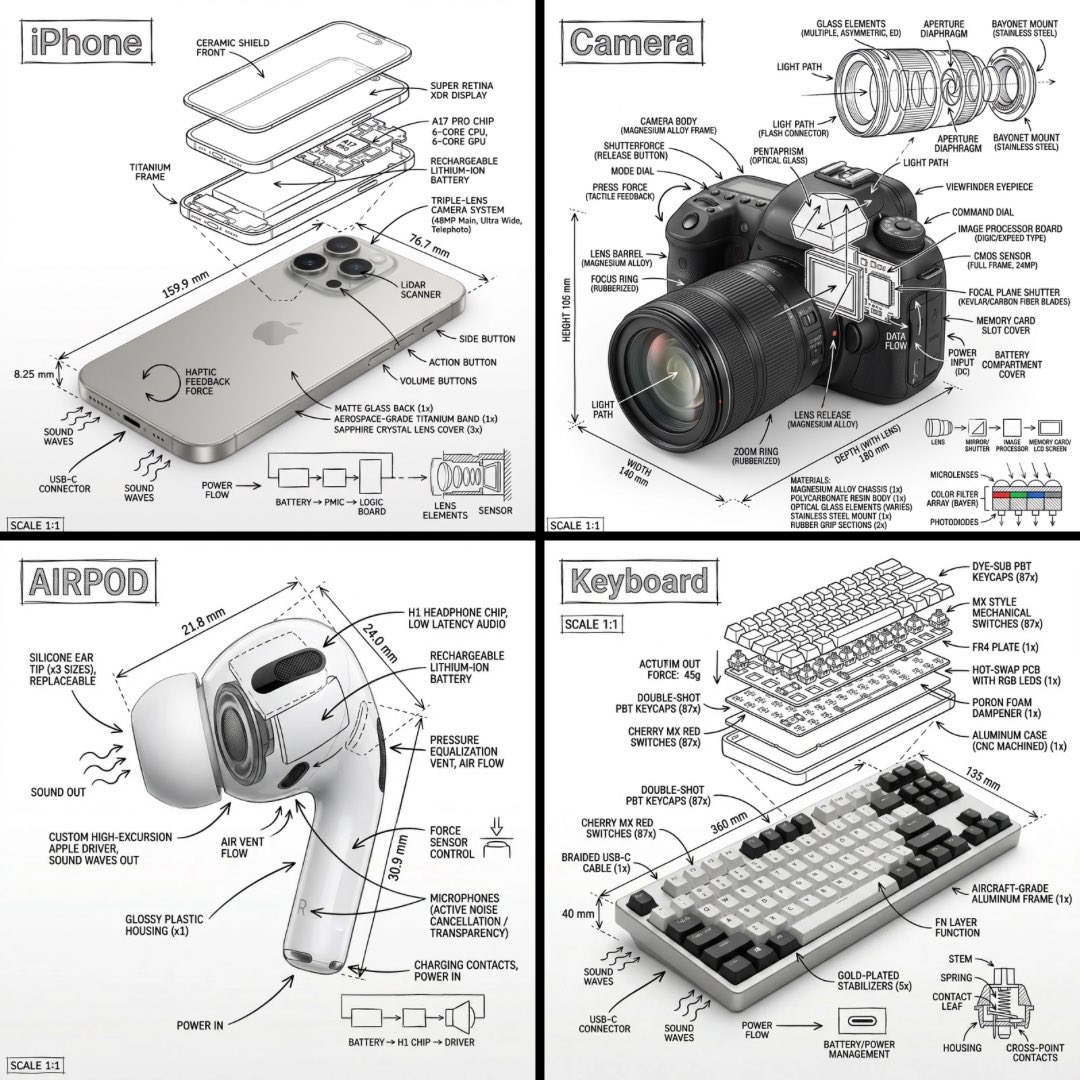
Technical Manual Infographic Style
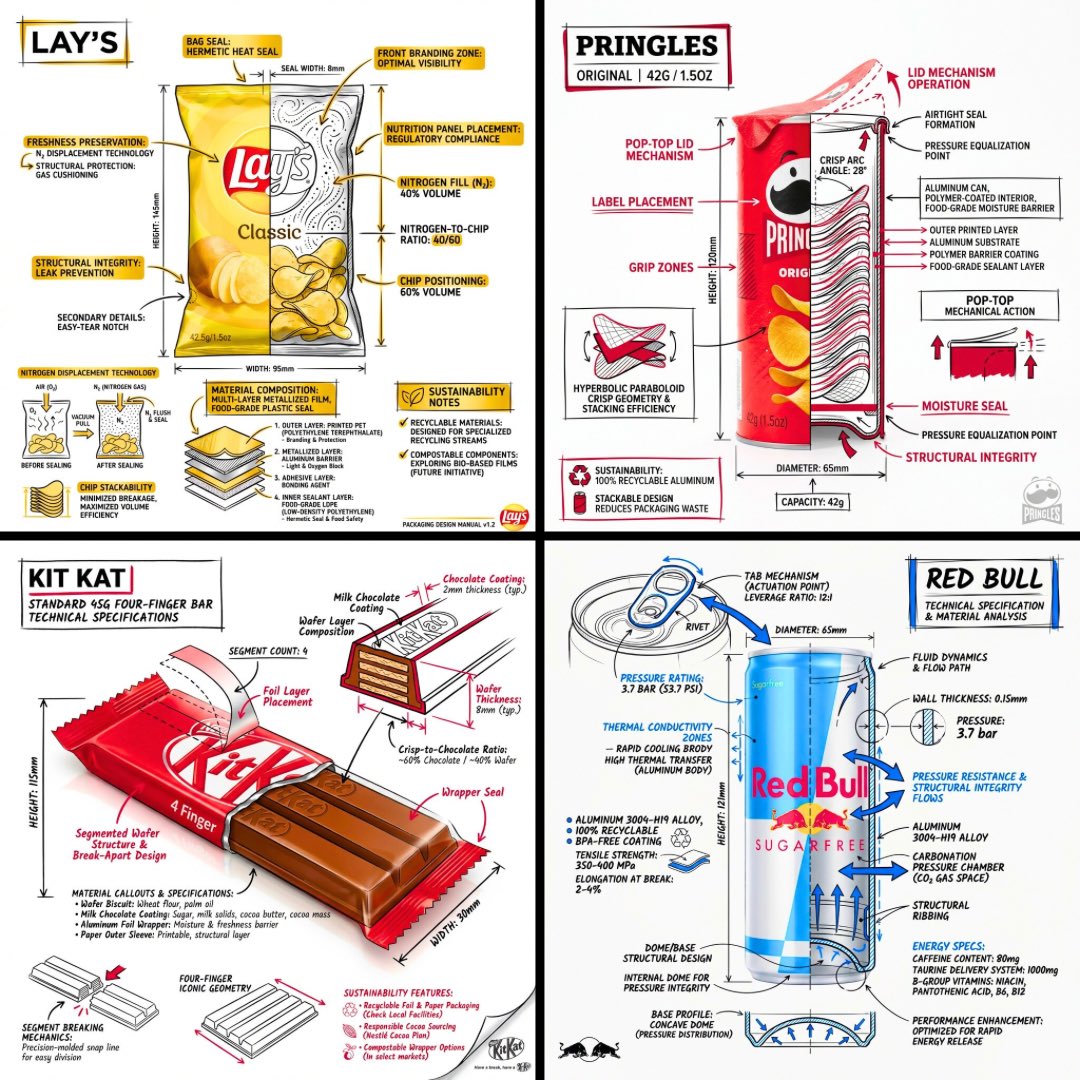
Fuses photorealistic objects with hand-drawn technical annotations and schematics on a clean white background, mimicking an engineering manual.
This is a GPT Image 2 prompt case for 平面海报. Use the copy-ready prompt below to generate similar visuals, and review Awesome GPT Image 2 Prompts attribution plus commercial-use rights before reuse.
Prompt
Copy-ready prompt
设计一张 {argument name="subject" default="[OBJECT]"} 的信息图风格图像,将该物体的照片级渲染图与直接叠加在其上的手绘技术注释相结合。注释应采用黑色墨水线条和配套文字(呈现建筑笔触 / 技术手册外观),并置于 {argument name="background" default="Pure white studio background"} 之上。注释应包含:• 每个关键组件的标签 • 展示内部结构的爆炸视图或剖面轮廓 • 尺寸、测量数据和比例指示器 • 带有数量的材料标注 • 展示功能、力或流向(气流、声音、电流、压力)的指向箭头 • 有助于理解的小型示意图或横截面图。将标题 [OBJECT] 放入角落处的手绘注释框内。风格与布局:• 真实物体在注释层下方清晰可见 • 注释呈现出手绘、精确、建筑绘图的质感 • 构图整洁,留白考究 • 氛围:工程手册与博物馆展品的结合。视觉风格:极简技术插图美学,照片级图像上覆盖清晰的黑色线条,严谨且带有手绘感。调色板:纯白色背景,仅限黑色线条和文字。不使用其他颜色。输出:1080x1080,画质锐利,针对社交媒体流进行优化,无水印。Prompt variables
Editable argument placeholders found in the prompt, with their default values.
More cases in this category
Prioritized by category, input mode compatibility, quality, and lower risk.



Reuse and source notes
Use this prompt safely after previewing the case.
- 1.Copy the prompt or open it directly in Dovoo with the generation button.
- 2.Adjust variables, aspect ratio, and reference images for your own use case.
- 3.Before publishing or paid usage, verify source rights, attribution requirements, and brand or likeness risks.
Can I use this prompt commercially?
Commercial-use status is allowed. Review the original source, license, brand constraints, and legal requirements before paid usage.
Where does this case come from?
This case is imported from Awesome GPT Image 2 Prompts; keep attribution visible and check the source URL before reuse.