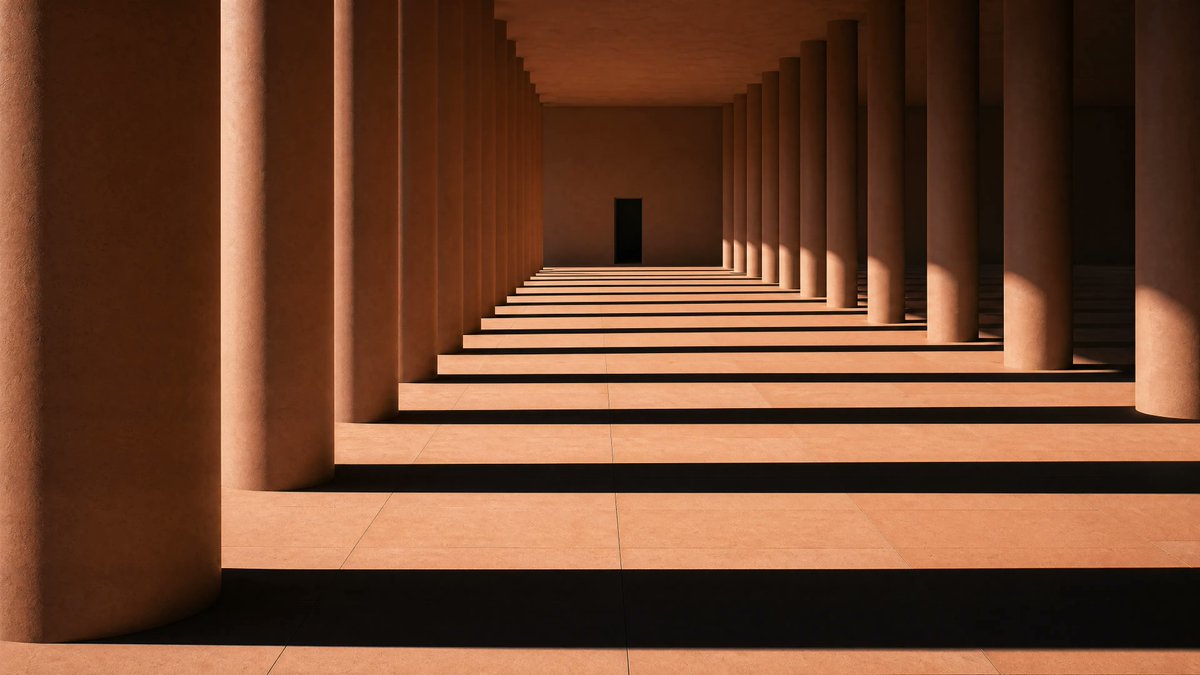
Sunlit Terracotta Colonnade
This prompt generates a photorealistic minimalist architectural scene of a warm-toned columned corridor with dramatic striped shadows, ideal for editorial, design, or mood imagery.
This is a GPT Image 2 prompt case for Interior & Architecture. Use the copy-ready prompt below to generate similar visuals, and review Awesome GPT Image 2 Prompts attribution plus commercial-use rights before reuse.
Free 1K preview
Generate one preview image instantly, no sign-up required.
Prompt
Copy-ready prompt
A minimalist architectural photograph of a long terracotta-colored colonnade with exactly 2 parallel rows of massive cylindrical columns receding into the distance, creating a strong one-point perspective toward a small dark rectangular doorway centered at the far end. Warm late-afternoon sunlight enters from the right side, casting dramatic long horizontal shadow bands across the pale stone floor, with alternating stripes of light and shadow stretching across the entire corridor. The walls, ceiling, and columns are all rendered in warm earthy clay and sandstone tones, with smooth matte surfaces and subtle texture. Compose the scene symmetrically but slightly offset so a single oversized foreground column dominates the left edge, while the repeating columns on the right form a rhythmic pattern. No people, no furniture, no decoration, no plants. Quiet monumental modernist architecture, serene and austere, high contrast, cinematic natural light, ultra-clean lines, photorealistic, sharp detail, wide horizontal framing.
Best for
- - Interior & Architecture visual exploration
- - Image generation and reference-image edits
- - Reusable briefs that keep source attribution visible
Change these parts
- - Subject, product, character, or scene
- - Aspect ratio, camera, lighting, and background
- - Brand, text, color, and output constraints
Recommended model and settings
- - Model: gpt-image-2
- - Input mode: Text to Image
- - Aspect ratio: source
- - Commercial status: review original source
How to use this prompt
- 1. Copy the prompt and preserve its structure for the first test.
- 2. Replace the subject, context, and publishing channel.
- 3. Change one camera, lighting, or style variable per iteration.
- 4. Inspect the output, source, text, and rights before reuse.
Limitations, source, and reuse cautions
- - Generated output is an editable draft, not factual, legal, or rights evidence.
- - Review the linked source, people, brands, logos, text, and third-party media before commercial use.
More cases in this category
Prioritized by category, input mode compatibility, quality, and lower risk.
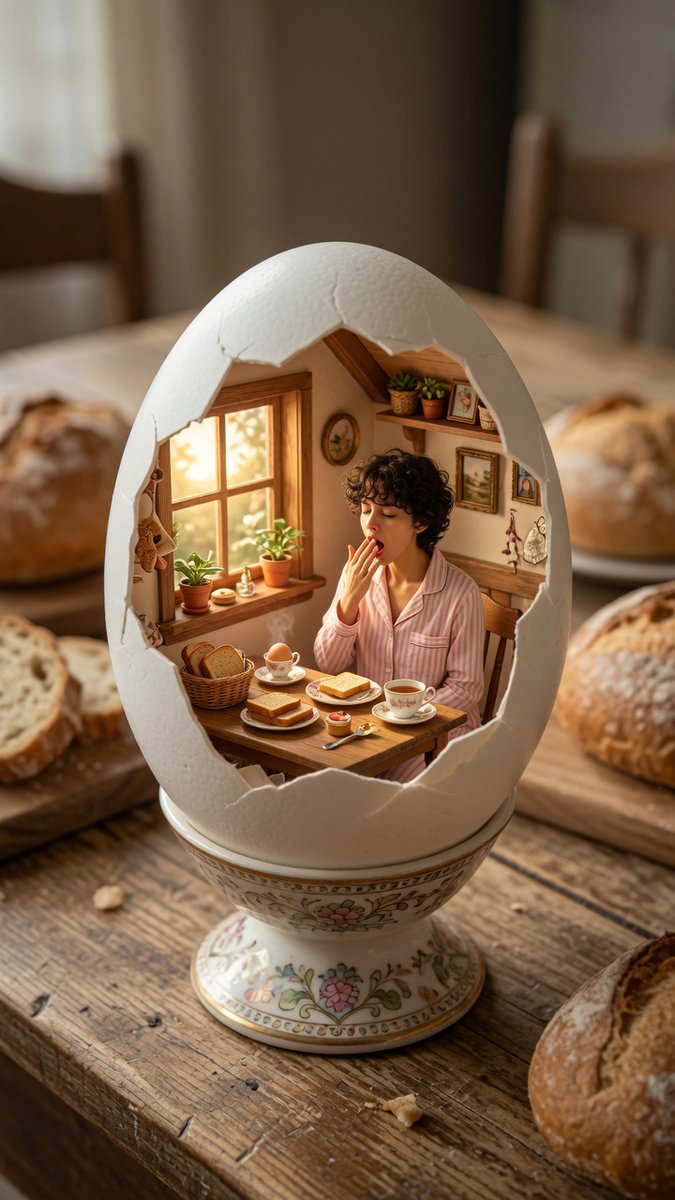
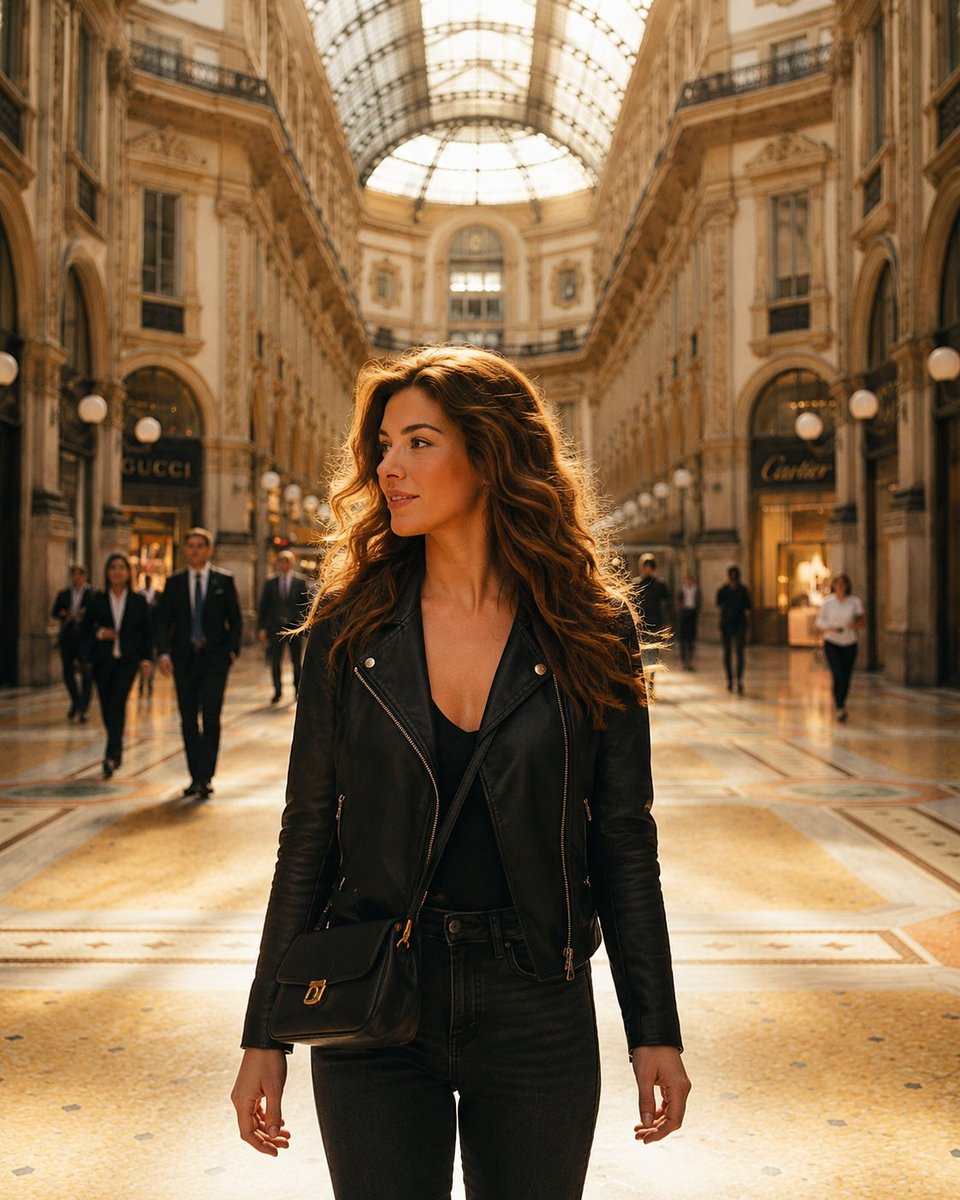
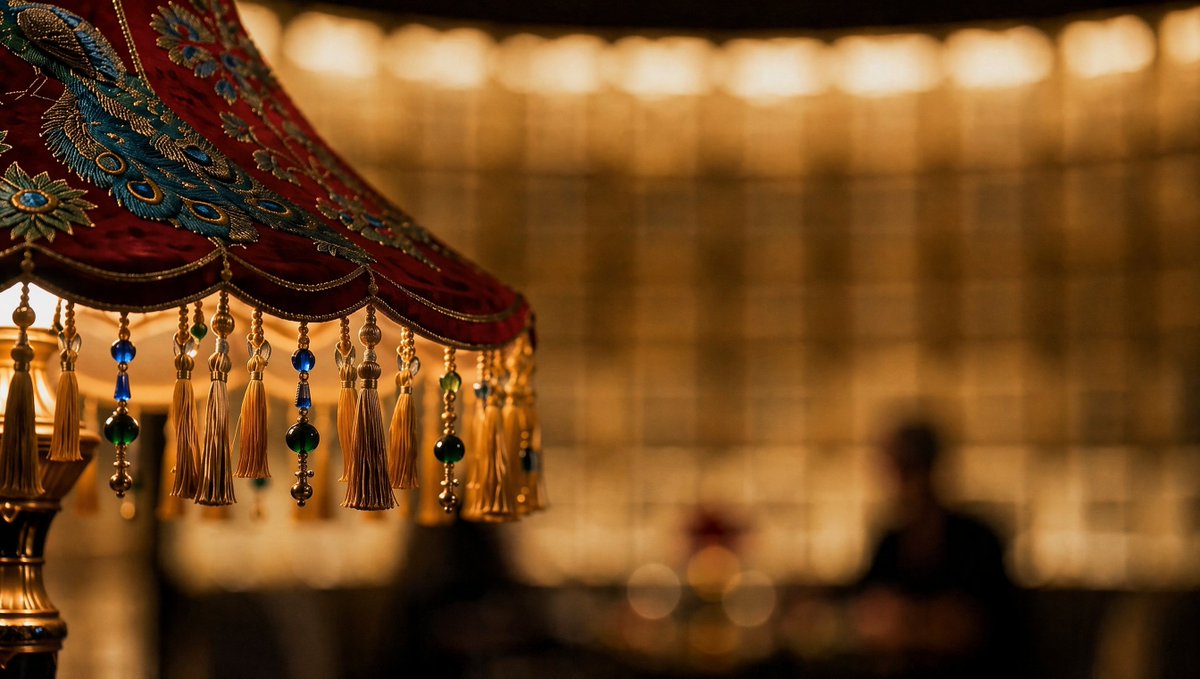
Reuse and source notes
Use this prompt safely after previewing the case.
- 1.Copy the prompt or open it directly in Dovoo with the generation button.
- 2.Adjust variables, aspect ratio, and reference images for your own use case.
- 3.Before publishing or paid usage, verify source rights, attribution requirements, and brand or likeness risks.
Can I use this prompt commercially?
Commercial-use status is allowed. Review the original source, license, brand constraints, and legal requirements before paid usage.
Where does this case come from?
This case is imported from Awesome GPT Image 2 Prompts; keep attribution visible and check the source URL before reuse.