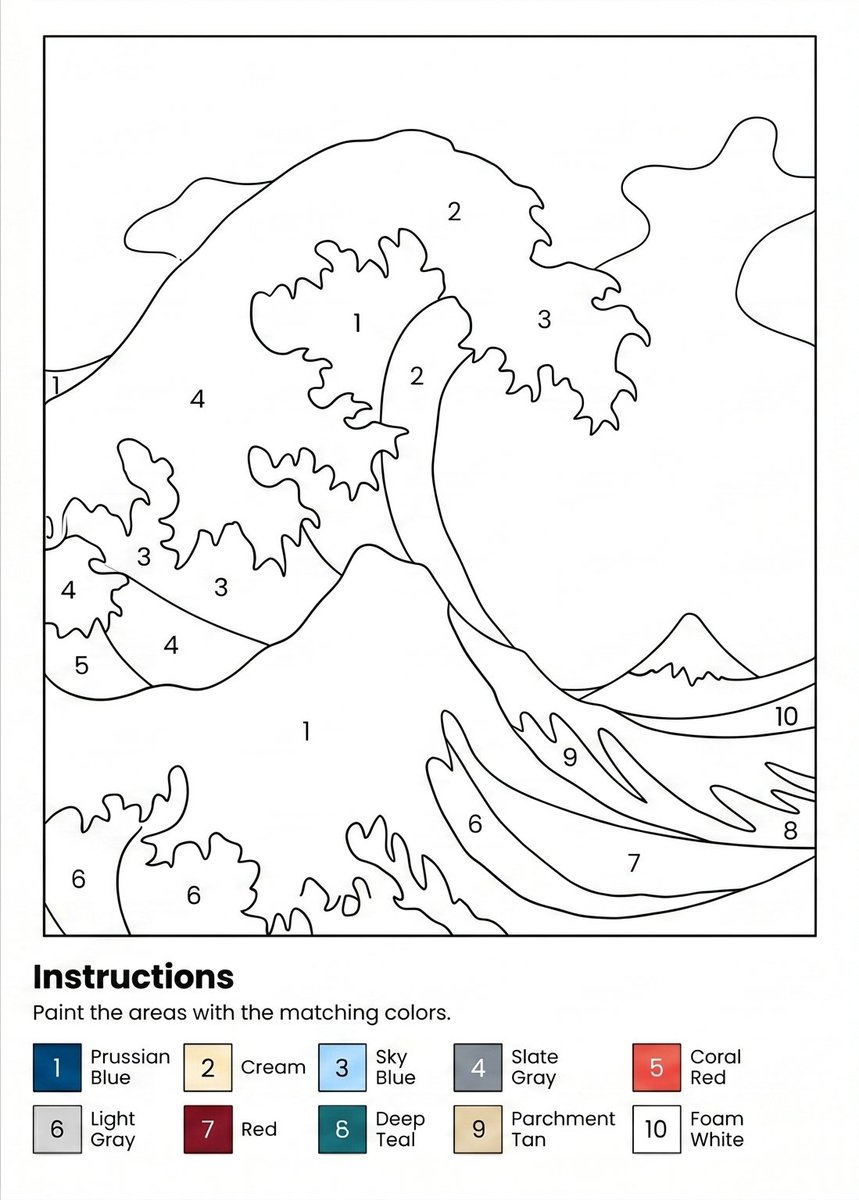
Paint-by-Numbers Wave Worksheet
Generates a printable A4 paint-by-numbers worksheet with a numbered ocean wave illustration and a 10-color legend.
This is a GPT Image 2 prompt case for 平面海报. Use the copy-ready prompt below to generate similar visuals, and review Awesome GPT Image 2 Prompts attribution plus commercial-use rights before reuse.
Need the full prompt set? Use the 平面海报 topic hub for more related examples, or open the GPT Image 2 prompt library for the full example index, reusable structures, and source attribution.
Prompt
Copy-ready prompt
创建一张 300 DPI 的 A4 纵向可打印数字油画练习页。使用简洁的黑白线条插图,灵感源自日本浮世绘风格的震撼海浪,包含巨大的卷浪、泡沫状的不规则边缘、右侧地平线上的一座小山,以及背景中抽象的云朵或天空形状。将绘图保持在细矩形边框内,并留出宽阔的白色页边距。将插图划分为界限清晰的涂色区域,使用平滑的黑色轮廓线,并在每个区域内居中放置数字标签。整幅作品使用 10 个涂色数字,并在适当位置重复使用区域标签:1 代表大浪泡沫/白色区域,2 代表奶油色浪尖部分,3 代表天蓝色浪花区域,4 代表板岩灰海浪/背景区域,5 代表珊瑚红小浪区域,6 代表浅灰色下部泡沫区域,7 代表红色下部浪带,8 代表深青色右下浪带,9 代表羊皮纸棕色浪带,10 代表泡沫白地平线/天空带。在边框艺术作品下方的底部,添加一个粗体标题 {argument name="headline text" default="说明"},后跟句子 {argument name="instruction text" default="请用对应的颜色涂满区域。"}。在说明下方,包含一个两行的颜色图例,其中有 10 个带编号的方形色块和标签:1 普鲁士蓝,2 奶油色,3 天蓝色,4 板岩灰,5 珊瑚红,6 浅灰色,7 红色,8 深青色,9 羊皮纸棕色,10 泡沫白。使图例色块较小,在页面上水平对齐,每个彩色方块内标有黑色数字,旁边附有颜色名称。整体风格应简洁、清晰、适合打印,插图内无阴影,无额外装饰,无水印,所有文字均使用简单的无衬线字体。Prompt variables
Editable argument placeholders found in the prompt, with their default values.
Variable
headline text
Default
illustrate
Variable
instruction text
Default
Please fill in the area with the corresponding color.
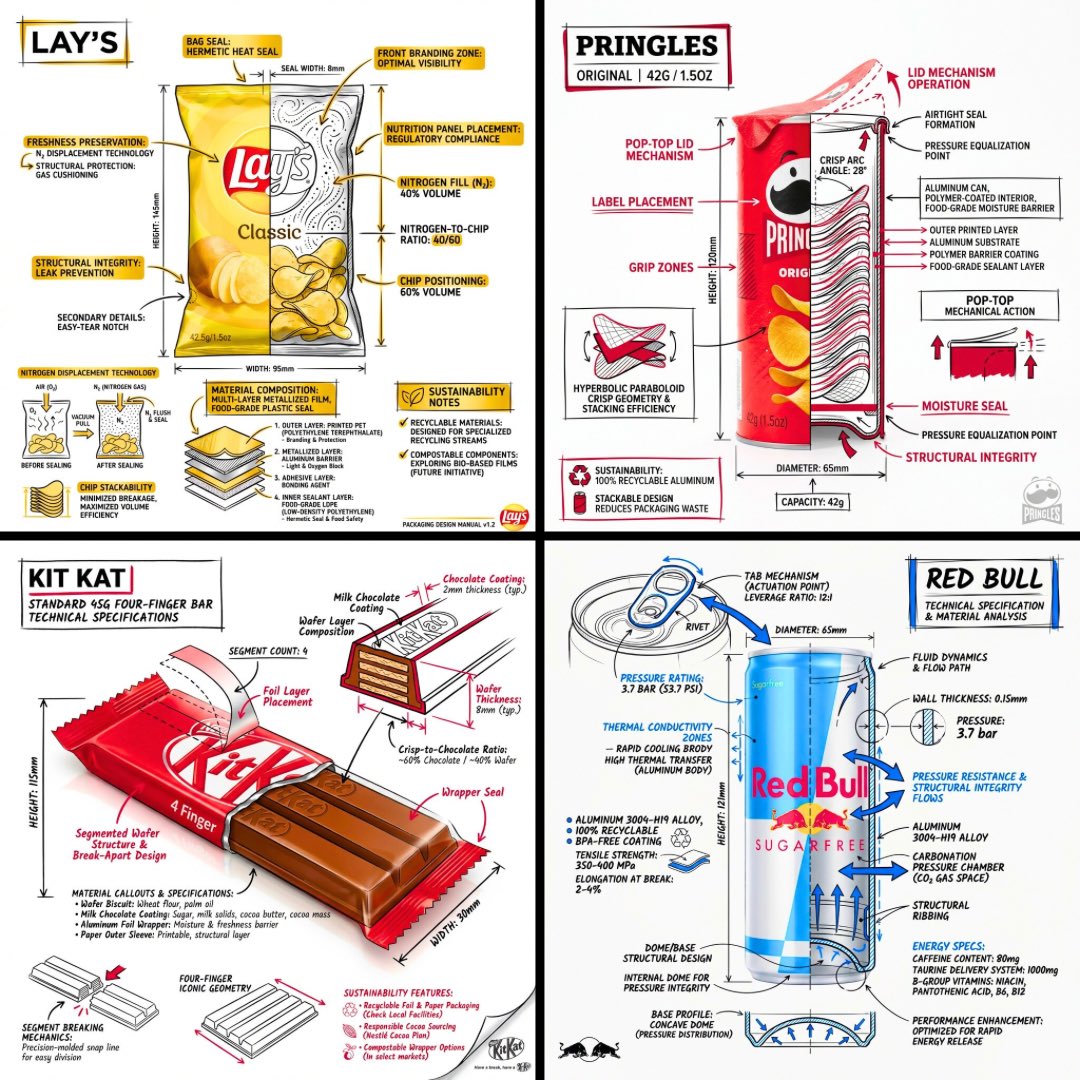
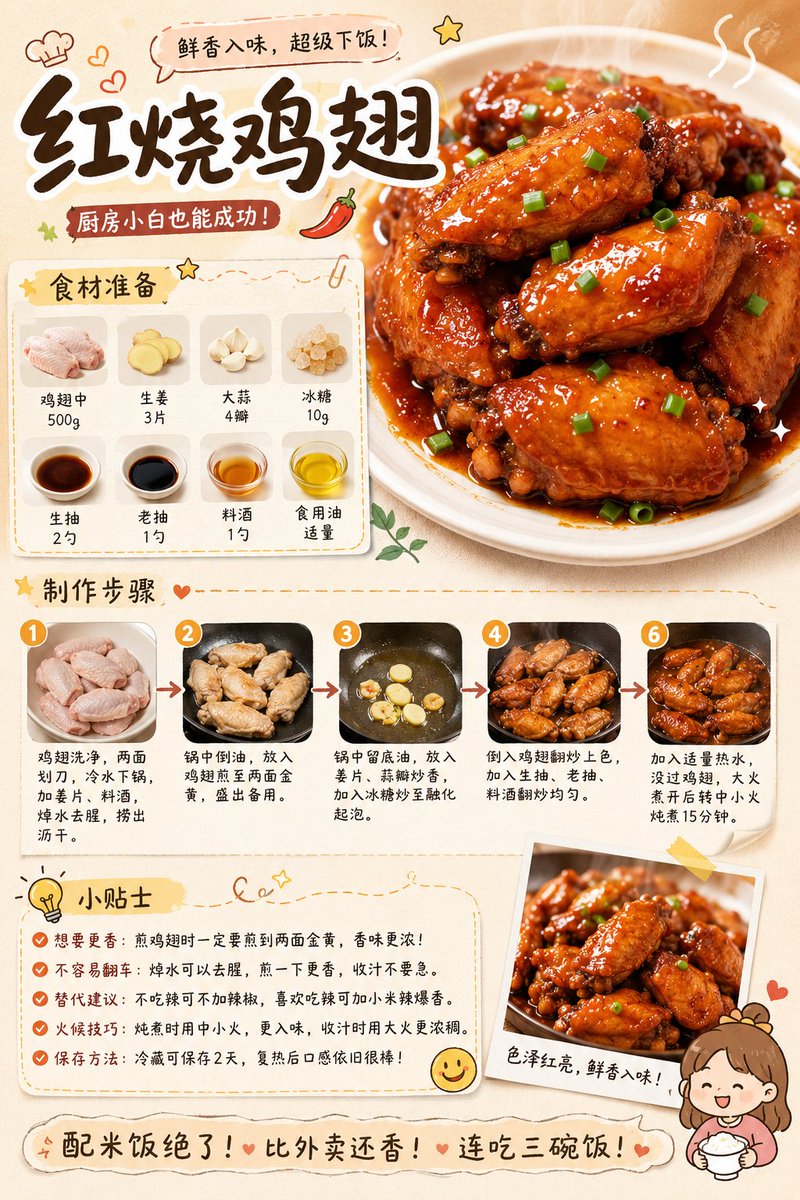
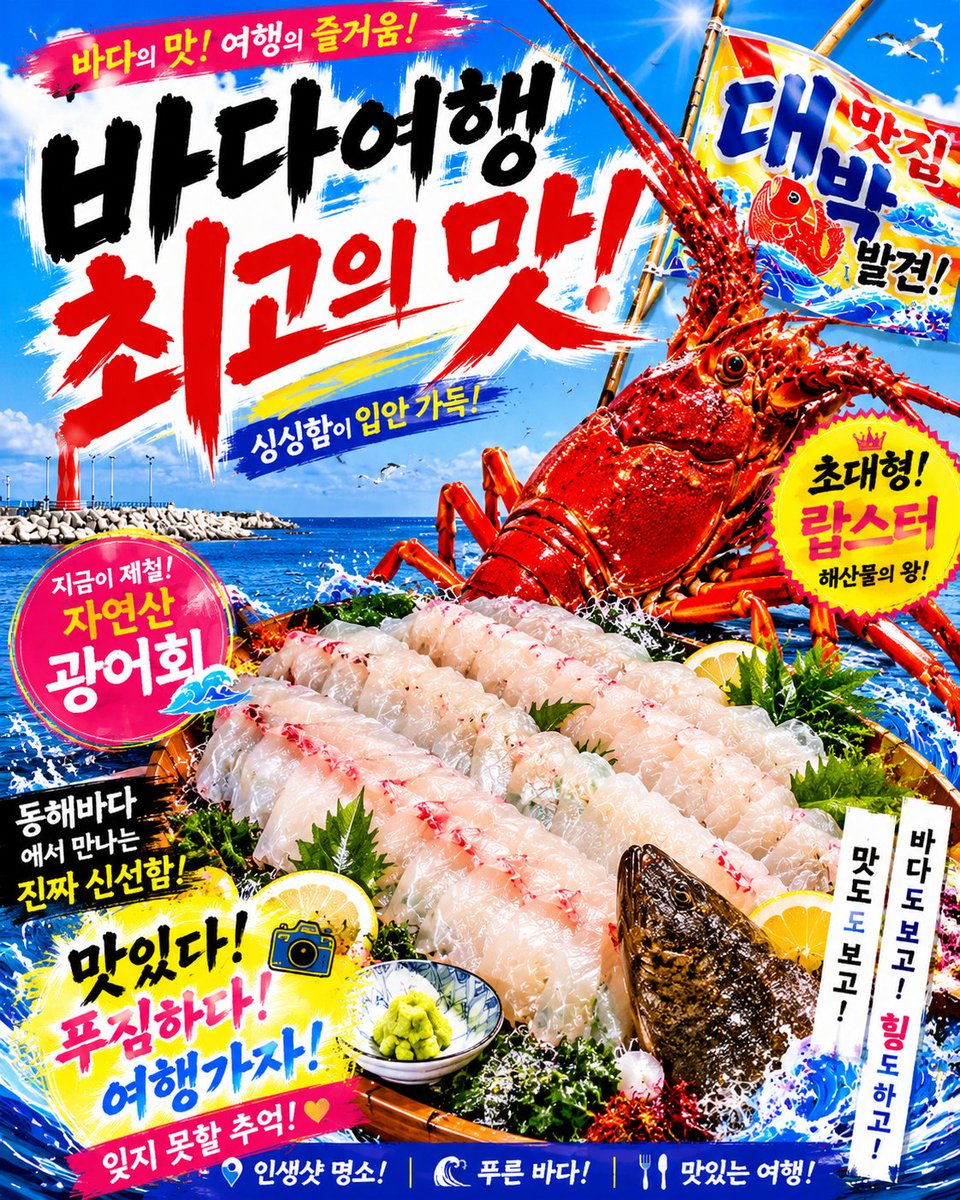
More cases in this category
Prioritized by category, input mode compatibility, quality, and lower risk.



Reuse and source notes
Use this prompt safely after previewing the case.
- 1.Copy the prompt or open it directly in Dovoo with the generation button.
- 2.Adjust variables, aspect ratio, and reference images for your own use case.
- 3.Before publishing or paid usage, verify source rights, attribution requirements, and brand or likeness risks.
Can I use this prompt commercially?
Commercial-use status is allowed. Review the original source, license, brand constraints, and legal requirements before paid usage.
Where does this case come from?
This case is imported from Awesome GPT Image 2 Prompts; keep attribution visible and check the source URL before reuse.