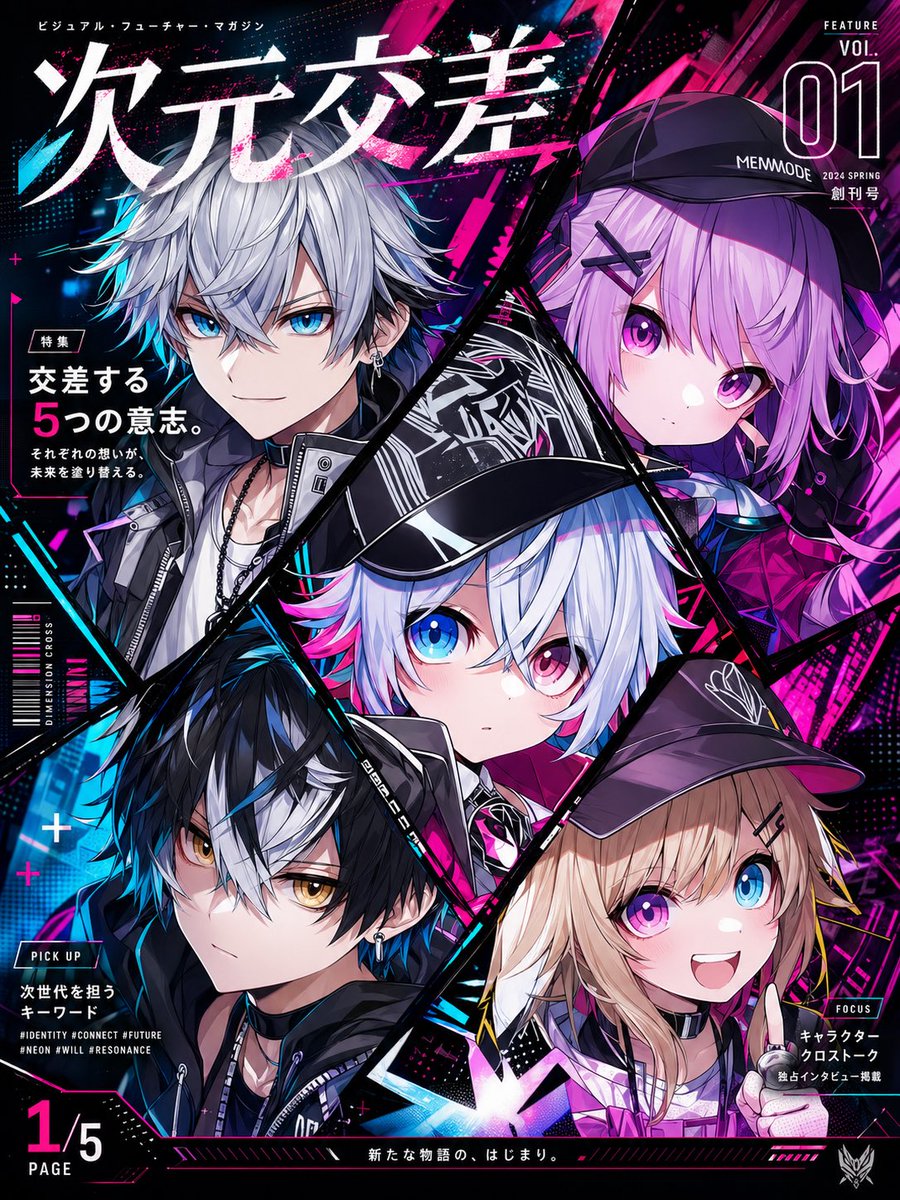
Neon Anime Magazine Cover
This prompt generates a bold cyberpunk-style Japanese anime magazine cover with five diagonal character panels and dense editorial typography, ideal for mock magazine art or promotional key visuals.
This is a GPT Image 2 prompt case for Anime & Game. Use the copy-ready prompt below to generate similar visuals, and review Awesome GPT Image 2 Prompts attribution plus commercial-use rights before reuse.
Free 1K preview
Generate one preview image instantly, no sign-up required.
Prompt
Copy-ready prompt
Create a high-energy Japanese futuristic anime magazine cover in portrait orientation, designed like a glossy feature issue packed edge to edge with neon cyberpunk graphics. The composition is split into 5 sharp diagonal polygon panels outlined in black, each panel containing a different anime character portrait. At the top, place an oversized bold Japanese masthead reading {argument name="masthead text" default="Dimensional Intersection"} in huge distressed white lettering with pink paint splatter and motion-streak accents, spanning almost the full width. Above it, add a small Japanese subtitle line in white. In the top right corner, design a magazine issue block with the words "FEATURE", a very large outlined "01", "VOL.", "MEMMODE", "2024 SPRING", and small Japanese text "創刊号" stacked in a clean editorial layout. The background should be dense with electric magenta, hot pink, cyan, blue, and black abstract streaks, halftone dots, glitch textures, floating plus signs, diagonal slashes, and light flares, giving a loud next-generation visual-culture feel. Show exactly 5 characters: 1) upper left panel, a handsome androgynous anime boy with messy layered silver hair, pale skin, black clothing with straps, zippers, layered necklaces, and a cool dark streetwear look; 2) upper right panel, a cute anime girl with light lavender-pink hair in twin braids, large magenta-violet eyes, a black cap labeled {argument name="cap text" default="MEMMODE"}, black X-shaped hairpins, and a black-purple outfit; 3) center panel, the main featured chibi-faced character with short white hair tipped with cyan and pink, one bright blue eye and one pink eye, wearing a glossy black cap and futuristic black outfit, looking directly at the viewer; 4) lower left panel, a serious anime boy with black hair and a bold white forelock, golden amber eyes, earrings, black hoodie and jacket layers, and blue neon rim lighting; 5) lower right panel, a softer feminine character with wavy blond hair under a dark cap, wearing a choker and holding a silver microphone near the chest, styled in pink-purple lighting. Make all characters highly polished, crisp, and vibrant, with large expressive eyes, sharp cel-shaded rendering, glossy highlights, and layered urban-tech fashion details. Add multiple editorial text blocks around the cover: on the left side a feature callout with Japanese text including "特集", a large stacked headline reading "交差する 5つの意志。", and two smaller Japanese lines below; a vertical side label reading "DIMENSION CROSS" and "MAIN"; a lower-left pickup box with "PICK UP", several Japanese lines, and 3 English hashtag lines such as "#IDENTITY #CONNECT #FUTURE", "#NEON #WILL #RESONANCE"; a bold page fraction "1/5 PAGE" at the bottom left; a bottom right focus box with "FOCUS" and small Japanese text; and a bottom-center Japanese tagline {argument name="bottom tagline" default="新たな物語の、はじまり。"}. The overall style should feel like a premium anime feature magazine cover, chaotic but balanced, with aggressive diagonal framing, strong contrast, glossy print design, and a black base flooded with neon pink and cyan energy.Prompt variables
Editable argument placeholders found in the prompt, with their default values.
Best for
- - Anime & Game visual exploration
- - Image generation and reference-image edits
- - Reusable briefs that keep source attribution visible
Change these parts
- - Subject, product, character, or scene
- - Aspect ratio, camera, lighting, and background
- - Brand, text, color, and output constraints
Recommended model and settings
- - Model: gpt-image-2
- - Input mode: Text to Image
- - Aspect ratio: source
- - Commercial status: review original source
How to use this prompt
- 1. Copy the prompt and preserve its structure for the first test.
- 2. Replace the subject, context, and publishing channel.
- 3. Change one camera, lighting, or style variable per iteration.
- 4. Inspect the output, source, text, and rights before reuse.
Limitations, source, and reuse cautions
- - Generated output is an editable draft, not factual, legal, or rights evidence.
- - Review the linked source, people, brands, logos, text, and third-party media before commercial use.
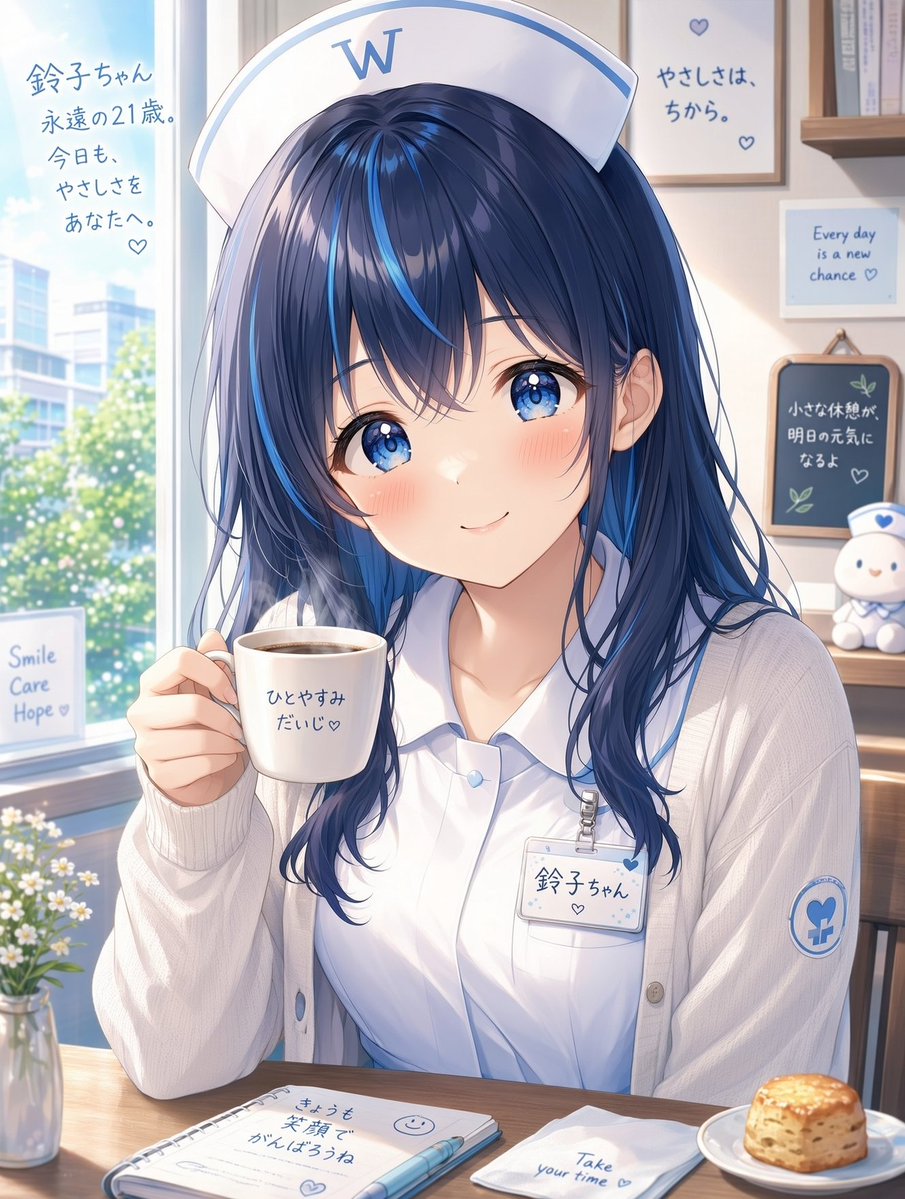
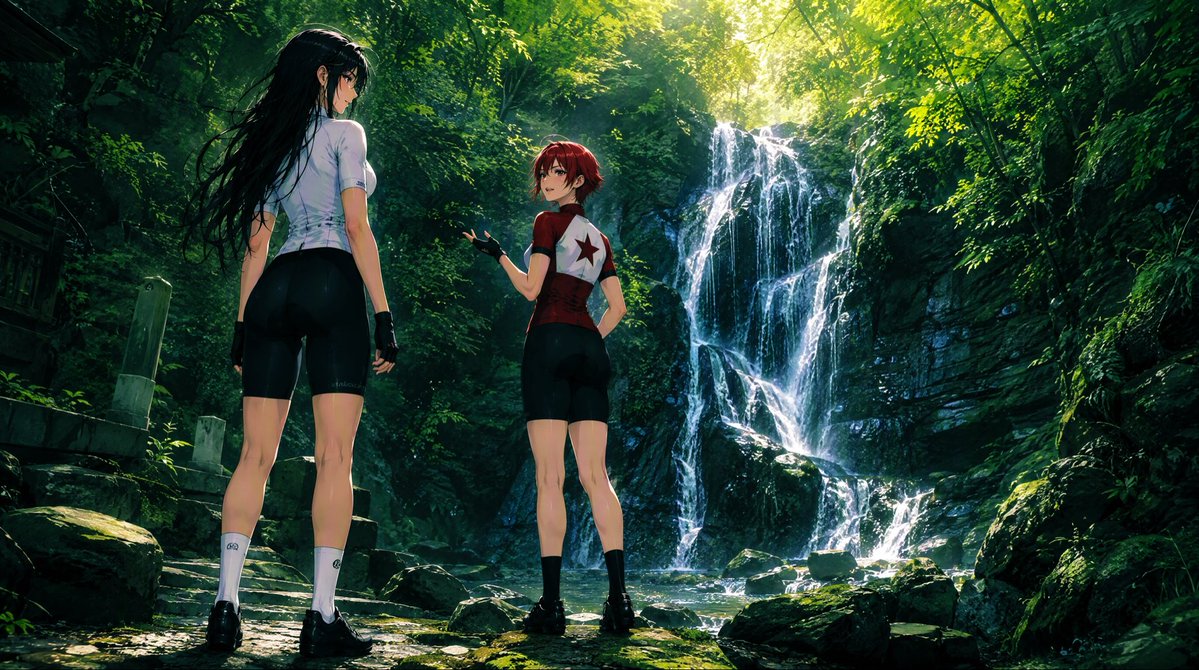
More cases in this category
Prioritized by category, input mode compatibility, quality, and lower risk.


Reuse and source notes
Use this prompt safely after previewing the case.
- 1.Copy the prompt or open it directly in Dovoo with the generation button.
- 2.Adjust variables, aspect ratio, and reference images for your own use case.
- 3.Before publishing or paid usage, verify source rights, attribution requirements, and brand or likeness risks.
Can I use this prompt commercially?
Commercial-use status is allowed. Review the original source, license, brand constraints, and legal requirements before paid usage.
Where does this case come from?
This case is imported from Awesome GPT Image 2 Prompts; keep attribution visible and check the source URL before reuse.