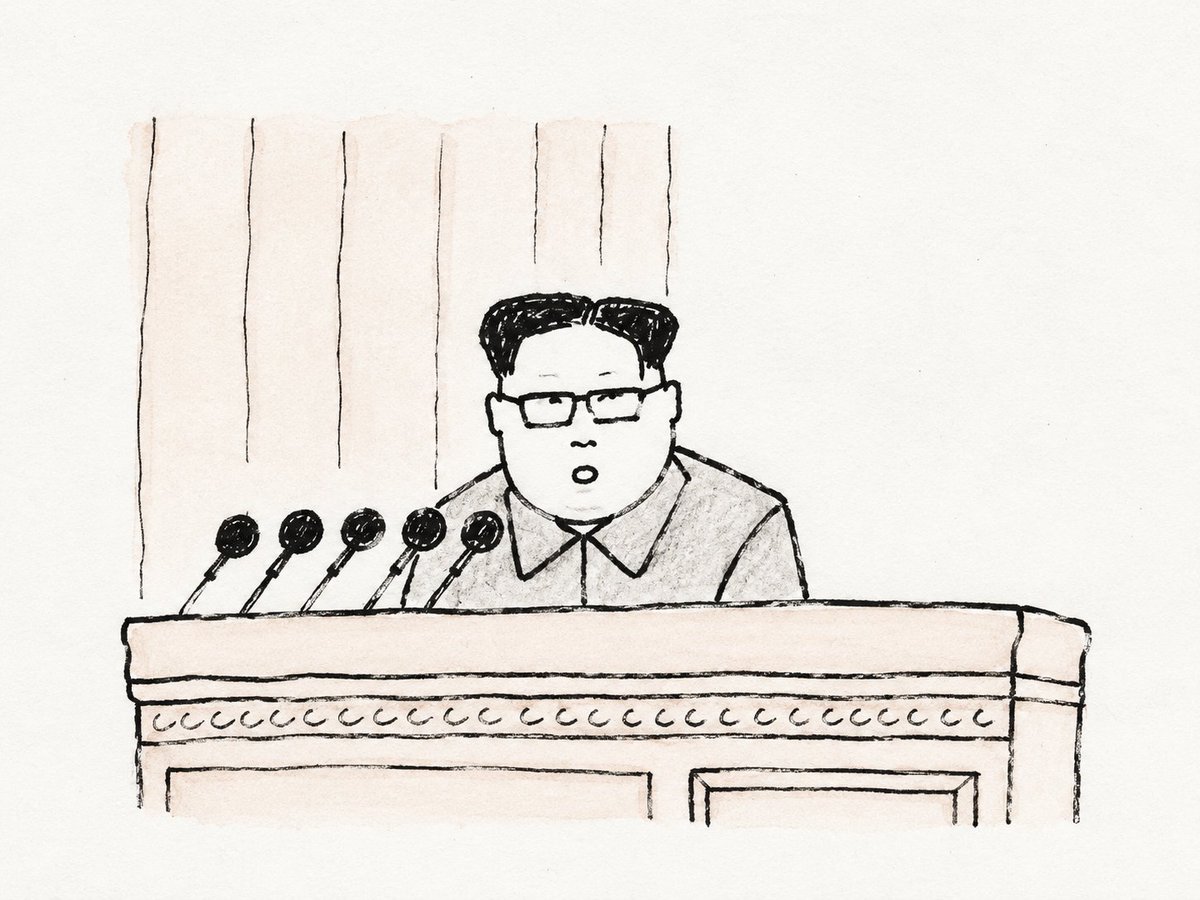
Minimalist Naive Hand-Drawn Sketch
An aesthetic prompt for creating minimalist, hand-drawn sketches that capture subjects with simple lines and artistic imperfections.
This is a GPT Image 2 prompt case for Illustration & Art. Use the copy-ready prompt below to generate similar visuals, and review Awesome GPT Image 2 Prompts attribution plus commercial-use rights before reuse.
Free 1K preview
Generate one preview image instantly, no sign-up required.
Free text preview doesn’t preserve reference-image consistency.
Prompt
Copy-ready prompt
Generate a minimalist and naive hand-drawn image on paper based on a specific theme. First, extract the subject from complete photographic information, compressing it into a few recognizable shaky black lines, minimal identifying contours, and key symbols, supported by a vast expanse of clean white space. The subject is understood through its outer silhouette, posture, voids, edges, object relationships, and one or two handwritten marks. Lines resemble black ink pen or thick pencil on paper, uneven in thickness with slight ink buildup at turns, hand-drawn circles with jitters, and long lines that slightly drift; internal details are reduced to essential short strokes. Object complexity is lowered to the threshold of recognition—one stroke less and it's unrecognizable, one stroke more and it's too refined. Clothing, tools, plants, buildings, food, machines, or abstract symbols are turned into white blocks with black edges and loose connection lines. If figures appear, faces remain paper-white with only dotted eyes and minimal expression; hair and features are compressed into black blocks or loose outlines. The background is a paper-like or light-colored flat field providing scale and silence, with significant margins. Color follows the black lines and white space, with low-saturation tints used only for temperature; text, if any, appears as low-precision labels written with the same pen. The overall feel is low-completion but high-recognition, like a carefully kept quick sketch—empty, light, clumsy, and legible.
Best for
- - Illustration & Art visual exploration
- - Image generation and reference-image edits
- - Reusable briefs that keep source attribution visible
Change these parts
- - Subject, product, character, or scene
- - Aspect ratio, camera, lighting, and background
- - Brand, text, color, and output constraints
Recommended model and settings
- - Model: gpt-image-2
- - Input mode: Image to Image
- - Aspect ratio: source
- - Commercial status: review original source
How to use this prompt
- 1. Copy the prompt and preserve its structure for the first test.
- 2. Replace the subject, context, and publishing channel.
- 3. Change one camera, lighting, or style variable per iteration.
- 4. Inspect the output, source, text, and rights before reuse.
Limitations, source, and reuse cautions
- - Generated output is an editable draft, not factual, legal, or rights evidence.
- - Review the linked source, people, brands, logos, text, and third-party media before commercial use.
More cases in this category
Prioritized by category, input mode compatibility, quality, and lower risk.
Reuse and source notes
Use this prompt safely after previewing the case.
- 1.Copy the prompt or open it directly in Dovoo with the generation button.
- 2.Adjust variables, aspect ratio, and reference images for your own use case.
- 3.Before publishing or paid usage, verify source rights, attribution requirements, and brand or likeness risks.
Can I use this prompt commercially?
Commercial-use status is allowed. Review the original source, license, brand constraints, and legal requirements before paid usage.
Where does this case come from?
This case is imported from Awesome GPT Image 2 Prompts; keep attribution visible and check the source URL before reuse.