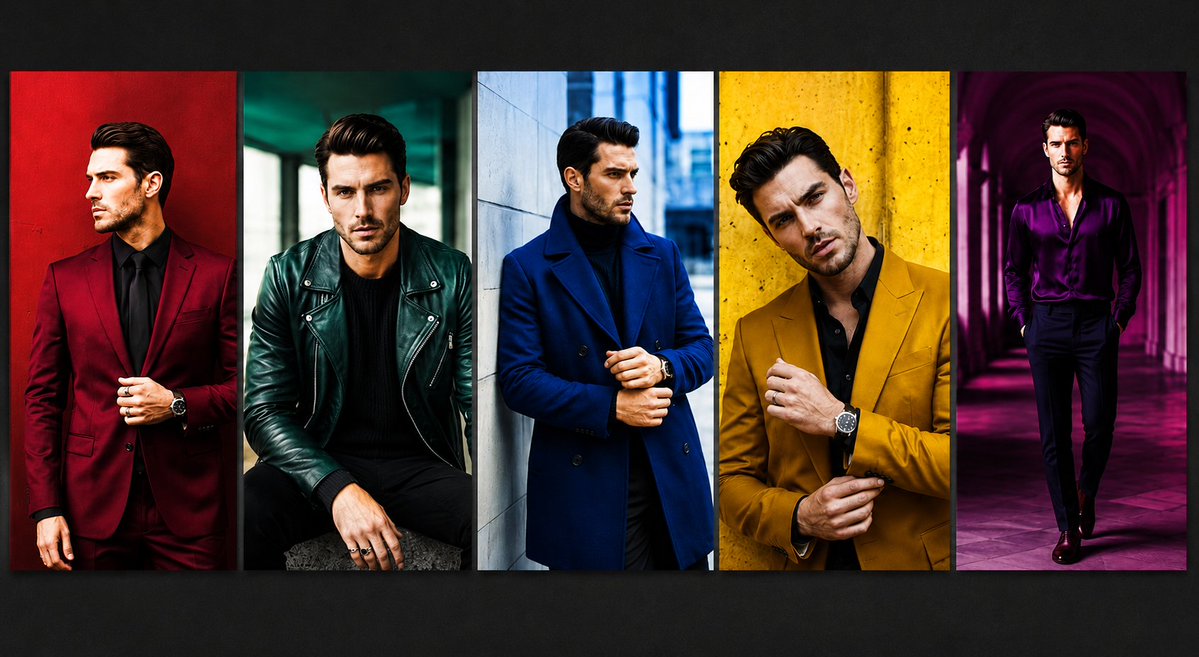
Five-Panel Luxury Menswear Collage
A photorealistic fashion editorial collage featuring five color-blocked menswear portraits with anonymized blurred faces.
This is a GPT Image 2 prompt case for Fashion & Beauty. Use the copy-ready prompt below to generate similar visuals, and review Awesome GPT Image 2 Prompts attribution plus commercial-use rights before reuse.
Free 1K preview
Generate one preview image instantly, no sign-up required.
Prompt
Copy-ready prompt
Goal: Create a high-fashion editorial collage showing exactly 5 vertical portrait panels of the same stylish adult male model, Show every face clearly with natural, detailed facial features.

Canvas: Wide horizontal 16:9 image, approximately 1200x675, dark charcoal background with a subtle vignette. Place five tall rectangular photo strips side by side across the center, separated by thin dark dividers, each with cinematic contrast, saturated colors, and a glossy magazine look.

Layout: Use exactly 5 panels, left to right:
1. A man in a deep burgundy suit with a black shirt and black tie, standing against a rich red wall, one hand adjusting the jacket, visible wristwatch.
2. A seated man in a dark emerald green leather biker jacket over a black sweater, black pants, rings on hand, moody teal urban background.
3. A man in a royal blue double-breasted overcoat over a black turtleneck, standing near a pale stone wall in a cool city street, hands clasped near the coat front.
4. A close cropped man in a mustard yellow blazer over a black shirt, standing against a textured yellow wall, adjusting his cuff, visible wristwatch.
5. A full-body man in a shiny purple satin shirt with black trousers, walking through a magenta-lit arched corridor, dramatic purple shadows.

Subject details: The model should appear as a fashionable adult man with dark styled hair, slim-to-athletic build, confident posture, luxury menswear styling, watches and rings as accessories. In every panel, cover the facial features with a centered soft-edged rectangular blur in beige/brown tones, matching the original anonymized look.

Visual style: Photorealistic fashion photography, editorial lighting, bold color blocking, sharp clothing texture, high saturation, dramatic shadows, cinematic urban locations, luxury magazine campaign aesthetic.

Customizable details: Use {argument name="model description" default="a stylish adult man with dark styled hair and a slim athletic build"}, {argument name="panel count" default="5"}, {argument name="fashion theme" default="bold luxury menswear color-block editorial"}, {argument name="face treatment" default="soft rectangular blur covering the face in every panel"}, and {argument name="background mood" default="dark charcoal gallery backdrop with cinematic vignette"}.

Constraints: Keep exactly 5 vertical panels, keep the panels aligned in a single row, do not add text, logos, watermarks, captions, extra people, or additional panels.
Prompt variables
Editable argument placeholders found in the prompt, with their default values.
Best for
- - Fashion & Beauty visual exploration
- - Image generation and reference-image edits
- - Reusable briefs that keep source attribution visible
Change these parts
- - Subject, product, character, or scene
- - Aspect ratio, camera, lighting, and background
- - Brand, text, color, and output constraints
Recommended model and settings
- - Model: gpt-image-2
- - Input mode: Text to Image
- - Aspect ratio: source
- - Commercial status: review original source
How to use this prompt
- 1. Copy the prompt and preserve its structure for the first test.
- 2. Replace the subject, context, and publishing channel.
- 3. Change one camera, lighting, or style variable per iteration.
- 4. Inspect the output, source, text, and rights before reuse.
Limitations, source, and reuse cautions
- - Generated output is an editable draft, not factual, legal, or rights evidence.
- - Review the linked source, people, brands, logos, text, and third-party media before commercial use.
More cases in this category
Prioritized by category, input mode compatibility, quality, and lower risk.
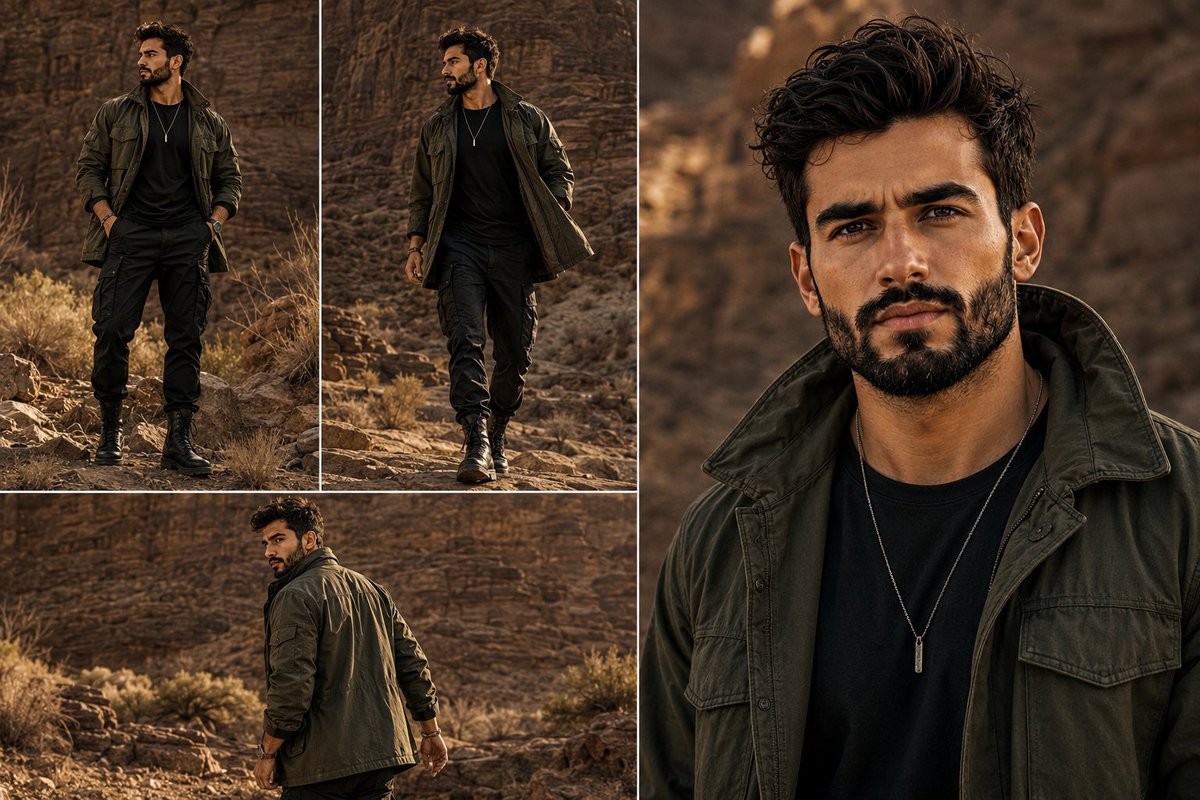
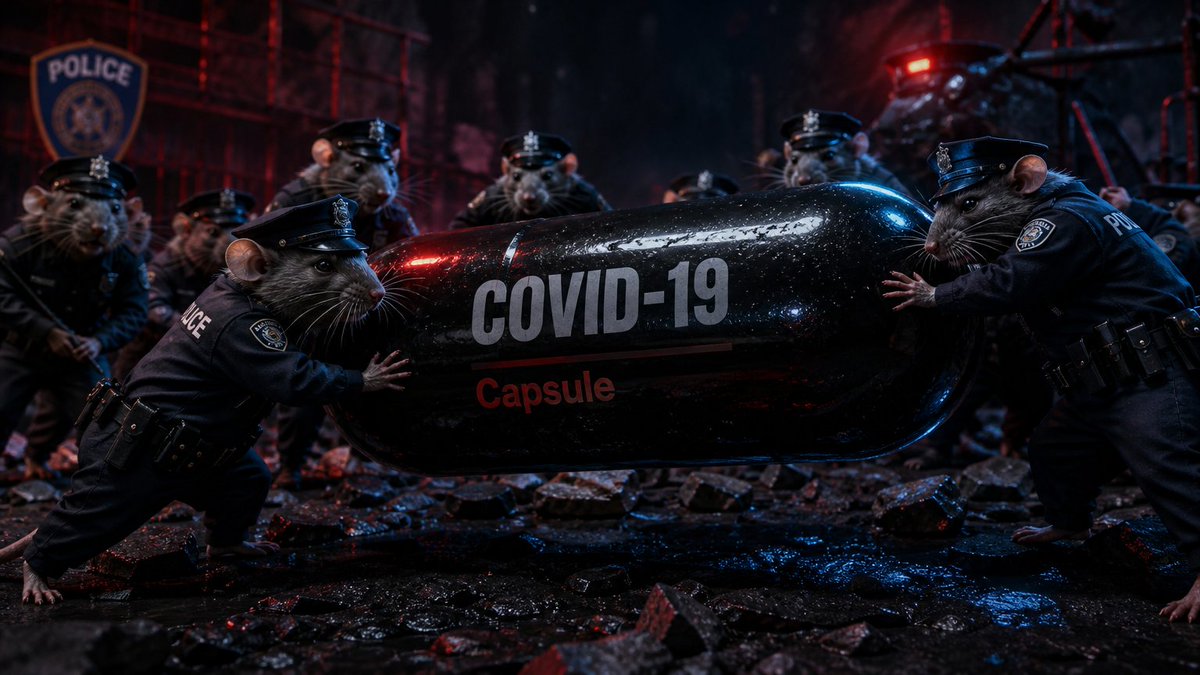
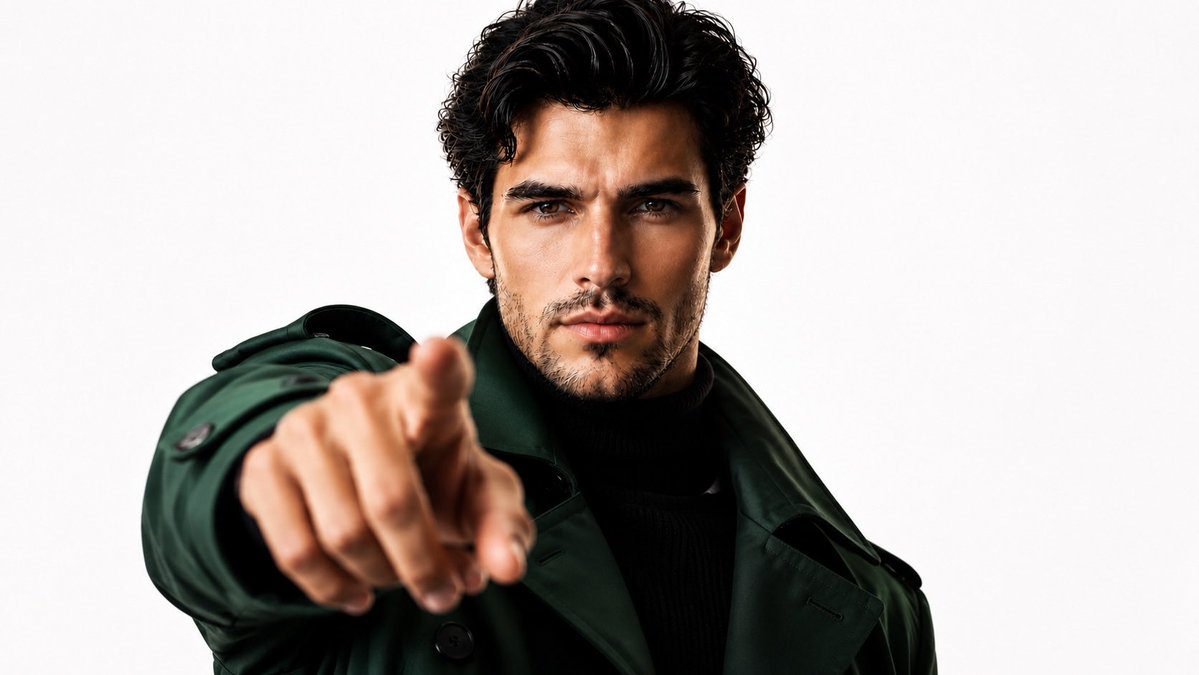
Reuse and source notes
Use this prompt safely after previewing the case.
- 1.Copy the prompt or open it directly in Dovoo with the generation button.
- 2.Adjust variables, aspect ratio, and reference images for your own use case.
- 3.Before publishing or paid usage, verify source rights, attribution requirements, and brand or likeness risks.
Can I use this prompt commercially?
Commercial-use status is allowed. Review the original source, license, brand constraints, and legal requirements before paid usage.
Where does this case come from?
This case is imported from Awesome GPT Image 2 Prompts; keep attribution visible and check the source URL before reuse.