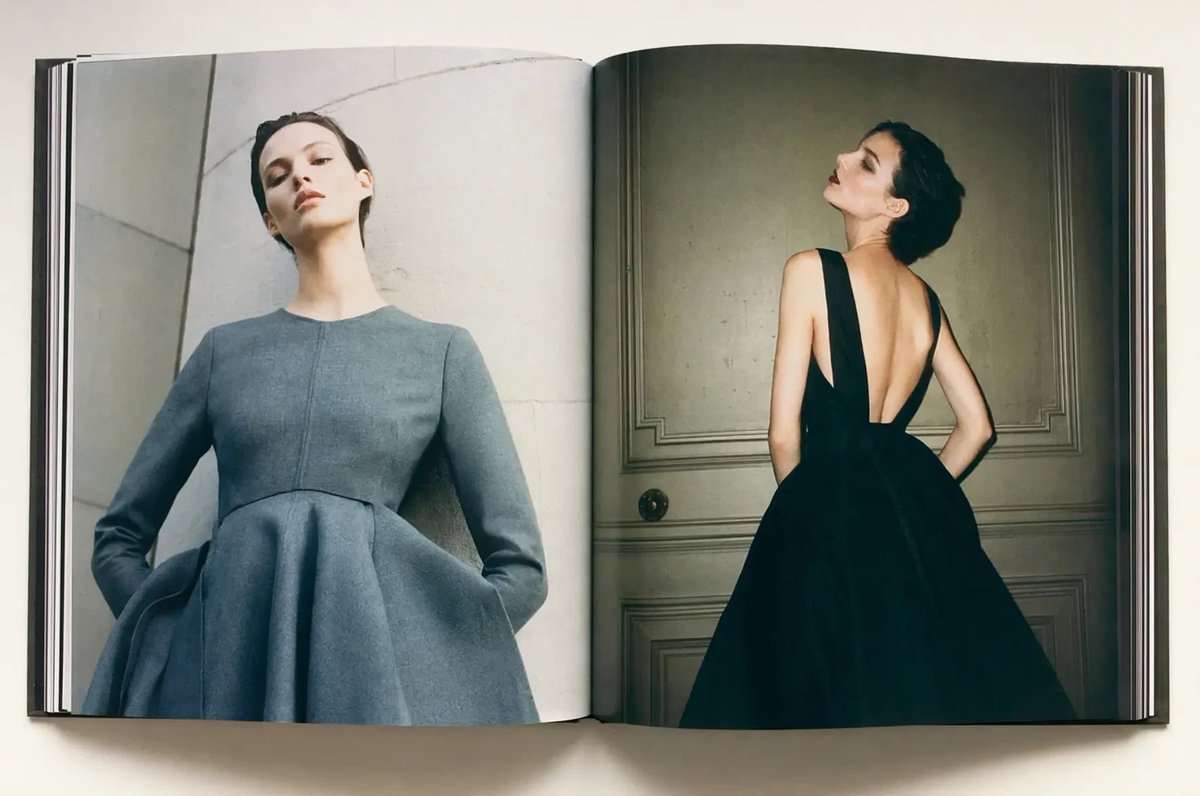
Luxury Fashion Book Spread
This prompt generates a realistic overhead photo of an open fashion book featuring a two-page couture editorial spread, ideal for luxury branding, magazine mockups, or style campaign visuals.
This is a GPT Image 2 prompt case for Fashion & Beauty. Use the copy-ready prompt below to generate similar visuals, and review Awesome GPT Image 2 Prompts attribution plus commercial-use rights before reuse.
Free 1K preview
Generate one preview image instantly, no sign-up required.
Prompt
Copy-ready prompt
A high-end editorial fashion photograph shown as an open large-format hardcover magazine or art book lying flat on a clean off-white surface, viewed from directly above. Show every face clearly with natural, detailed facial features, creating a privacy-censored look. On the left page, she stands against a pale stone or concrete architectural wall wearing a structured long-sleeve dress in {argument name="dress color" default="soft slate gray"}, with a fitted bodice, round neckline, sharply tailored seams, and an exaggerated sculptural bell-shaped skirt; the camera angle is slightly low, making her neck appear long and her posture statuesque. On the right page, she is photographed from the back in a dramatic {argument name="second dress color" default="black"} evening gown with a very deep open back, wide shoulder straps, and a voluminous full skirt, standing in front of a classic paneled wall or door in a dim, moody interior. Use luxury fashion magazine styling, minimal composition, muted tones, soft natural-looking light, refined shadows, realistic paper texture, visible book gutter, slightly curved pages, and crisp print detail. The overall mood is sophisticated, couture, cinematic, and understated, like a premium fashion editorial spread.Prompt variables
Editable argument placeholders found in the prompt, with their default values.
Best for
- - Fashion & Beauty visual exploration
- - Image generation and reference-image edits
- - Reusable briefs that keep source attribution visible
Change these parts
- - Subject, product, character, or scene
- - Aspect ratio, camera, lighting, and background
- - Brand, text, color, and output constraints
Recommended model and settings
- - Model: gpt-image-2
- - Input mode: Text to Image
- - Aspect ratio: source
- - Commercial status: review original source
How to use this prompt
- 1. Copy the prompt and preserve its structure for the first test.
- 2. Replace the subject, context, and publishing channel.
- 3. Change one camera, lighting, or style variable per iteration.
- 4. Inspect the output, source, text, and rights before reuse.
Limitations, source, and reuse cautions
- - Generated output is an editable draft, not factual, legal, or rights evidence.
- - Review the linked source, people, brands, logos, text, and third-party media before commercial use.
More cases in this category
Prioritized by category, input mode compatibility, quality, and lower risk.
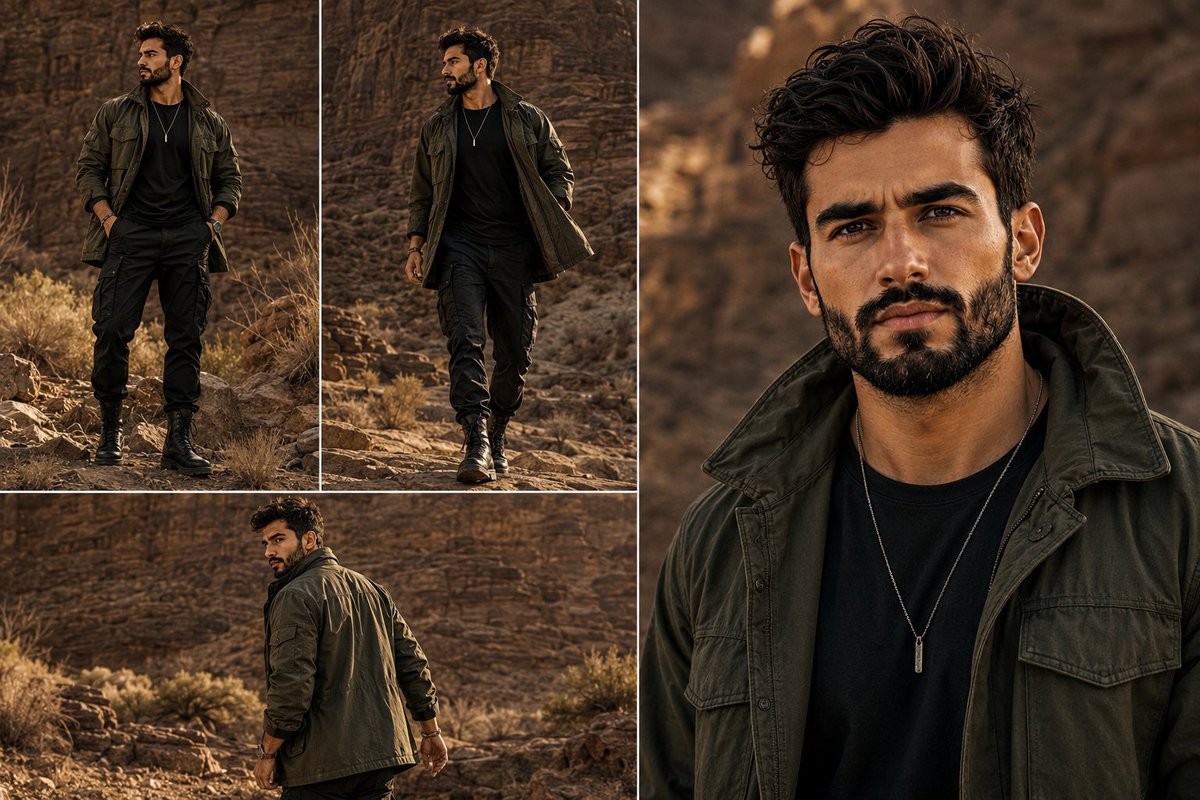
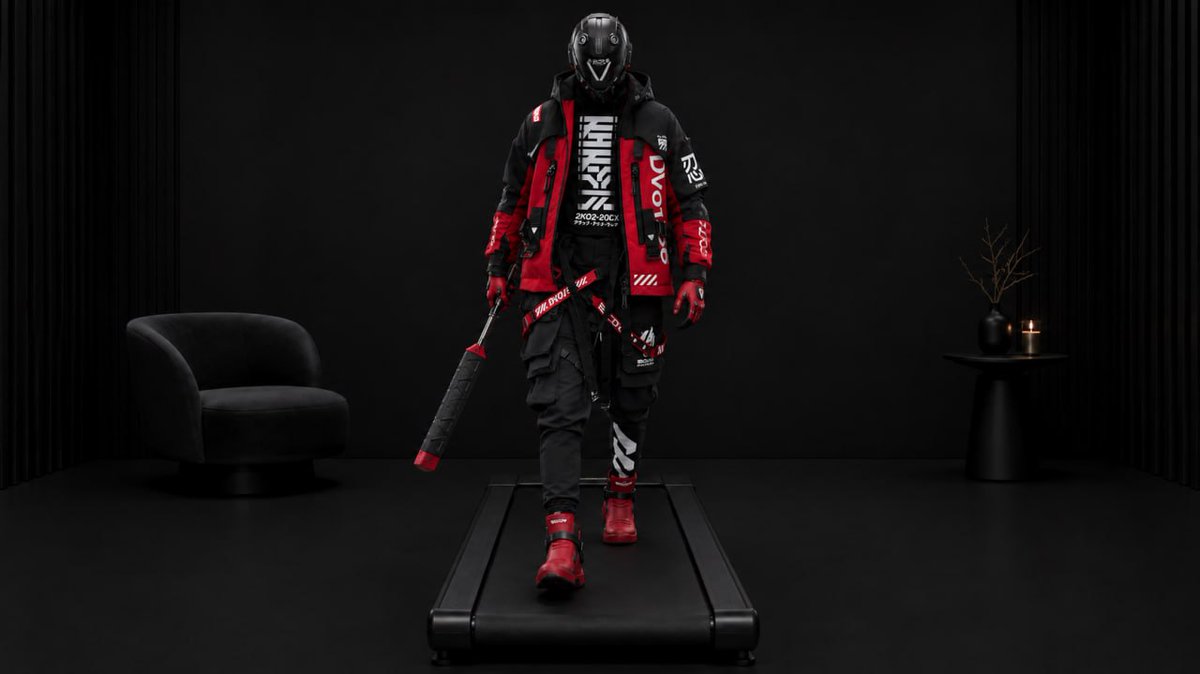
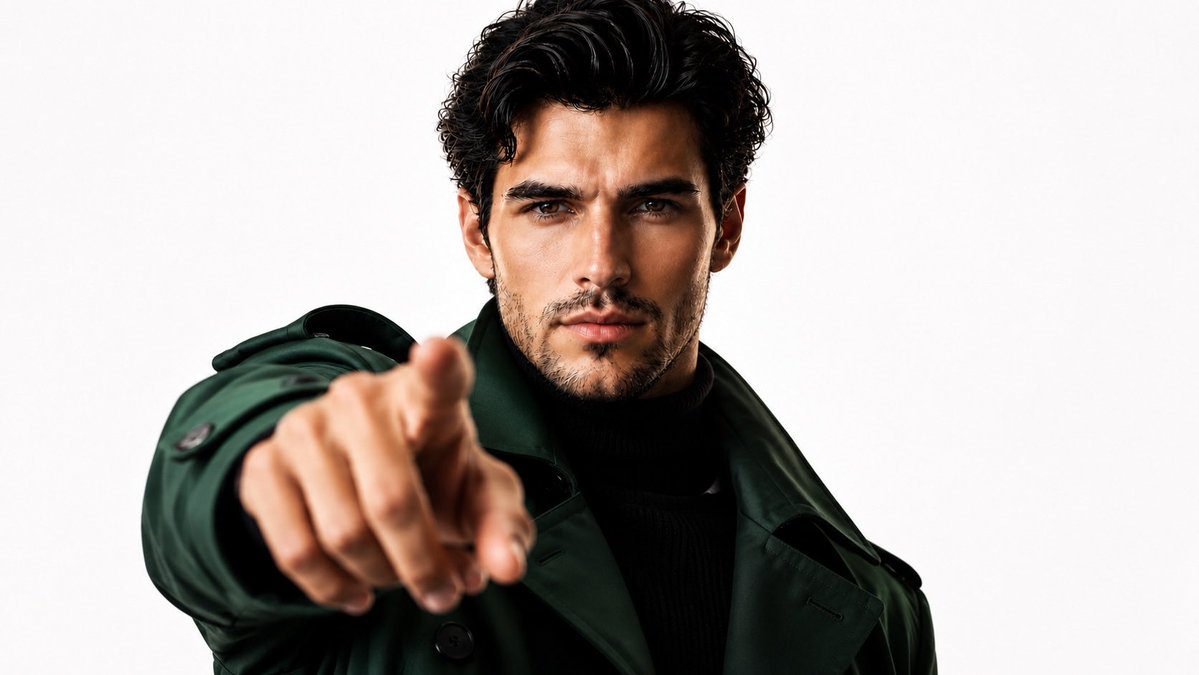

Reuse and source notes
Use this prompt safely after previewing the case.
- 1.Copy the prompt or open it directly in Dovoo with the generation button.
- 2.Adjust variables, aspect ratio, and reference images for your own use case.
- 3.Before publishing or paid usage, verify source rights, attribution requirements, and brand or likeness risks.
Can I use this prompt commercially?
Commercial-use status is allowed. Review the original source, license, brand constraints, and legal requirements before paid usage.
Where does this case come from?
This case is imported from Awesome GPT Image 2 Prompts; keep attribution visible and check the source URL before reuse.