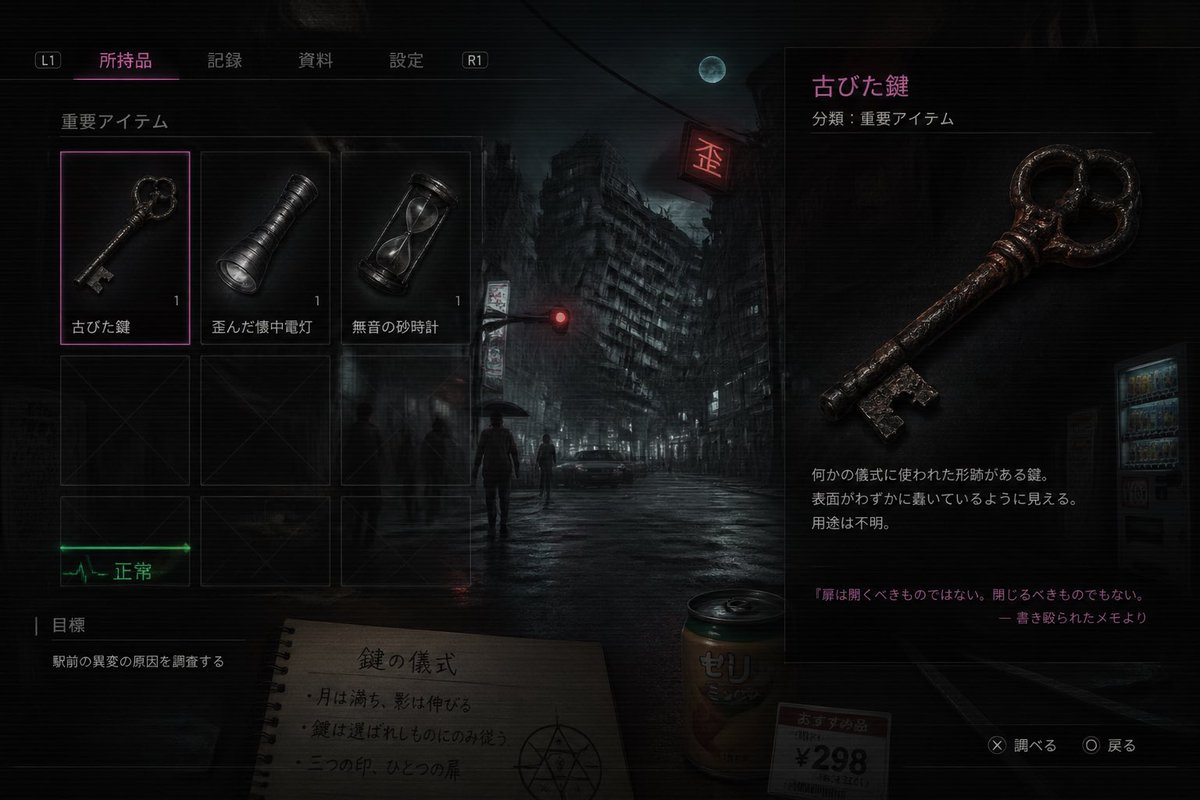
Japanese Horror Game Inventory Screen
This prompt generates a realistic Japanese survival-horror inventory UI screenshot, useful for fake game screens, atmospheric concept art, or occult-themed interface mockups.
This is a GPT Image 2 prompt case for Anime & Game. Use the copy-ready prompt below to generate similar visuals, and review Awesome GPT Image 2 Prompts attribution plus commercial-use rights before reuse.
Free 1K preview
Generate one preview image instantly, no sign-up required.
Prompt
Copy-ready prompt
A dark, cinematic survival-horror game inventory screen in Japanese, styled like a realistic modern console UI over a moody nighttime city background. The scene shows a rain-soaked urban intersection with 1 leaning high-rise building in the center background, 1 full moon in a cloudy sky, 1 glowing red traffic light, 1 red neon sign, 1 parked car, 1 vending machine on the far right, and 4 distant human silhouettes including 1 person holding an umbrella. The entire image has a gritty, low-key, bluish-black palette with subtle scanlines, soft bloom, wet reflections, and a tense occult atmosphere. The interface has a top navigation bar with 4 Japanese tabs labeled "所持品", "記録", "資料", "設定", plus 2 shoulder button hints labeled "L1" and "R1". On the left is an inventory grid under the label "重要アイテム" containing 6 visible slots arranged as 3 columns by 2 rows; the top row contains exactly 3 items, each with a small quantity number "1": an old key labeled "古びた鍵", a dented flashlight labeled "歪んだ懐中電灯", and an hourglass labeled "無音の砂時計". The selected slot is the old key, highlighted with a thin neon-magenta border. The bottom row shows 3 empty dark placeholder slots with faint X marks. Beneath the grid is 1 green ECG-like status indicator labeled "正常". In the lower left is an objectives panel labeled "目標" with 1 objective line: "駅前の異変の原因を調査する". In the center-bottom foreground, partially under the UI, place 1 spiral notebook opened to a page with the handwritten Japanese title "鍵の儀式" and 3 short ritual note lines, plus a hand-drawn occult circle symbol. Next to it place 1 beverage can labeled "ゼリ" and 1 small price tag card reading "おすすめ品 ¥298". On the right side, create a large item detail panel for the selected object, with the item name in magenta "古びた鍵" and a category line "分類:重要アイテム". Show a large detailed render of the rusty antique key, iron-like, worn, reddish-brown corrosion, ornate round bow with clover-like openings, and a jagged bit. Below it include 3 short Japanese description lines about it being a ritual-shaped key of unknown purpose, and at the bottom add a quoted note in magenta: "扉は開くべきものではない。閉じるべきものでもない。" followed by "― 書き殴られたメモより". In the lower right corner add 2 control prompts: "✕ 調べる" and "◯ 戻る". Make the composition feel like a polished AAA horror game screenshot, realistic UI, eerie lore-heavy item design, high contrast, subtle neon magenta accents, and a mysterious meaningless-but-plausible occult game logic.
Best for
- - Anime & Game visual exploration
- - Image generation and reference-image edits
- - Reusable briefs that keep source attribution visible
Change these parts
- - Subject, product, character, or scene
- - Aspect ratio, camera, lighting, and background
- - Brand, text, color, and output constraints
Recommended model and settings
- - Model: gpt-image-2
- - Input mode: Text to Image
- - Aspect ratio: source
- - Commercial status: review original source
How to use this prompt
- 1. Copy the prompt and preserve its structure for the first test.
- 2. Replace the subject, context, and publishing channel.
- 3. Change one camera, lighting, or style variable per iteration.
- 4. Inspect the output, source, text, and rights before reuse.
Limitations, source, and reuse cautions
- - Generated output is an editable draft, not factual, legal, or rights evidence.
- - Review the linked source, people, brands, logos, text, and third-party media before commercial use.
More cases in this category
Prioritized by category, input mode compatibility, quality, and lower risk.
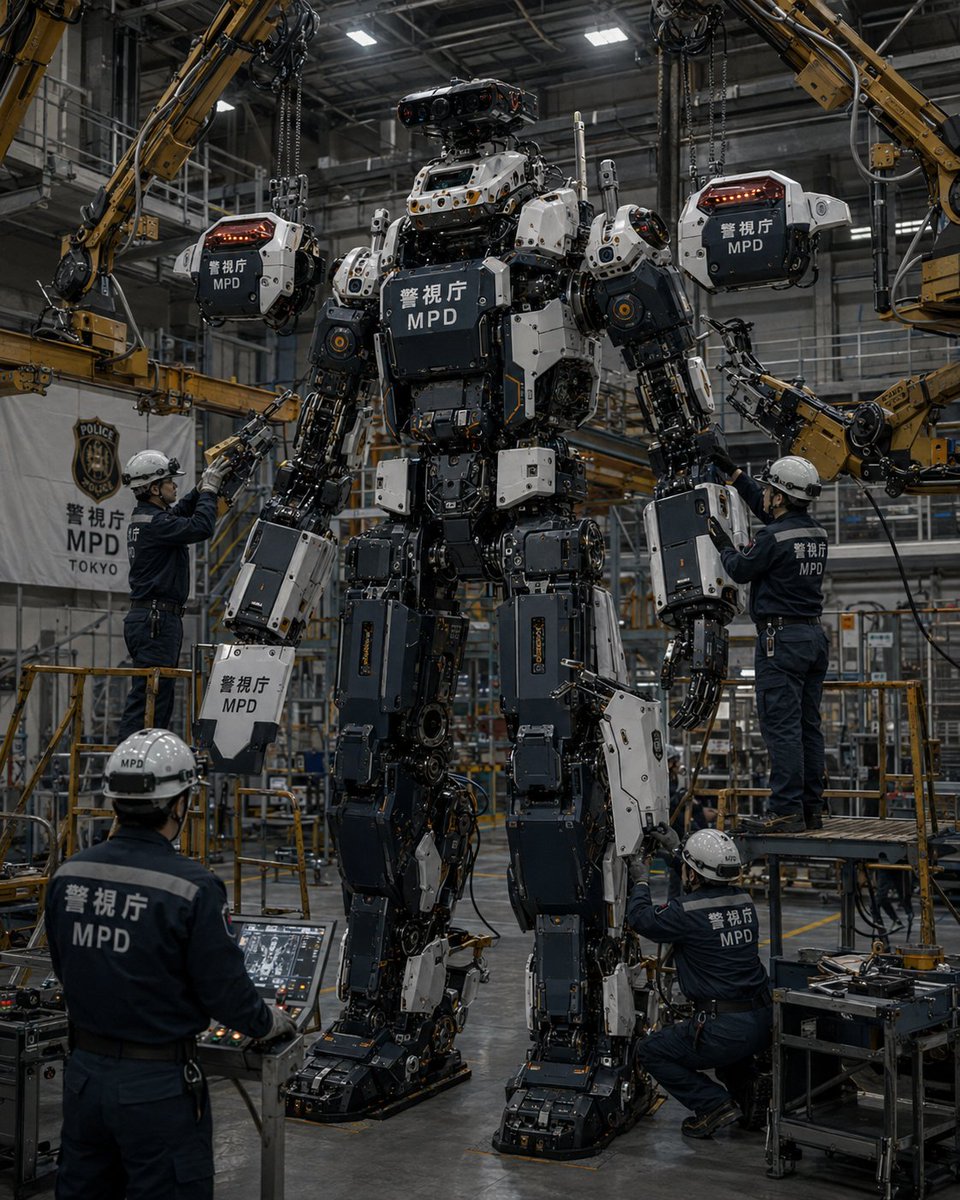


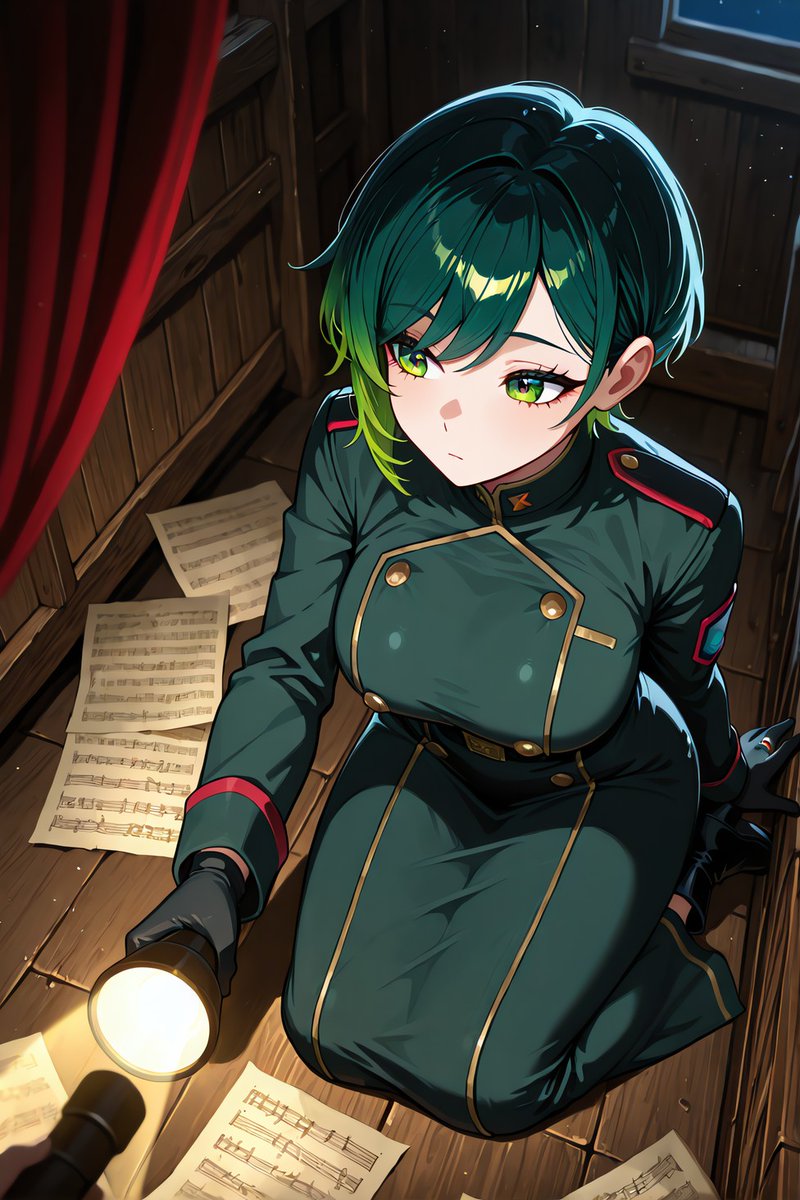
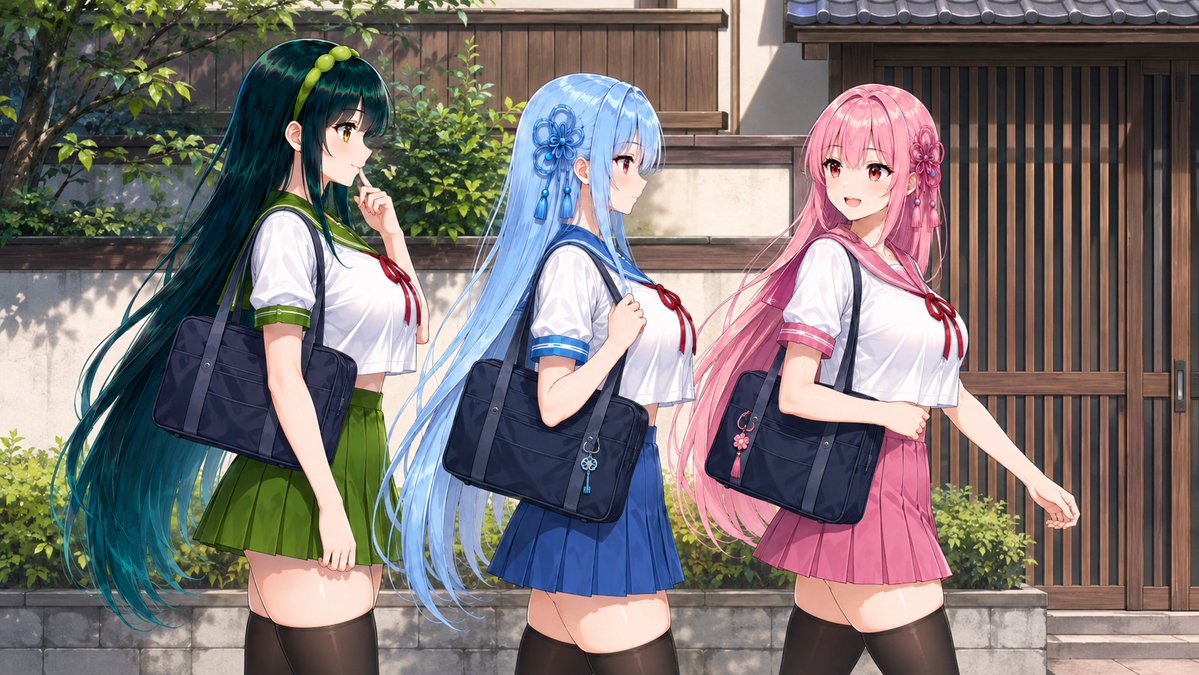
Reuse and source notes
Use this prompt safely after previewing the case.
- 1.Copy the prompt or open it directly in Dovoo with the generation button.
- 2.Adjust variables, aspect ratio, and reference images for your own use case.
- 3.Before publishing or paid usage, verify source rights, attribution requirements, and brand or likeness risks.
Can I use this prompt commercially?
Commercial-use status is allowed. Review the original source, license, brand constraints, and legal requirements before paid usage.
Where does this case come from?
This case is imported from Awesome GPT Image 2 Prompts; keep attribution visible and check the source URL before reuse.