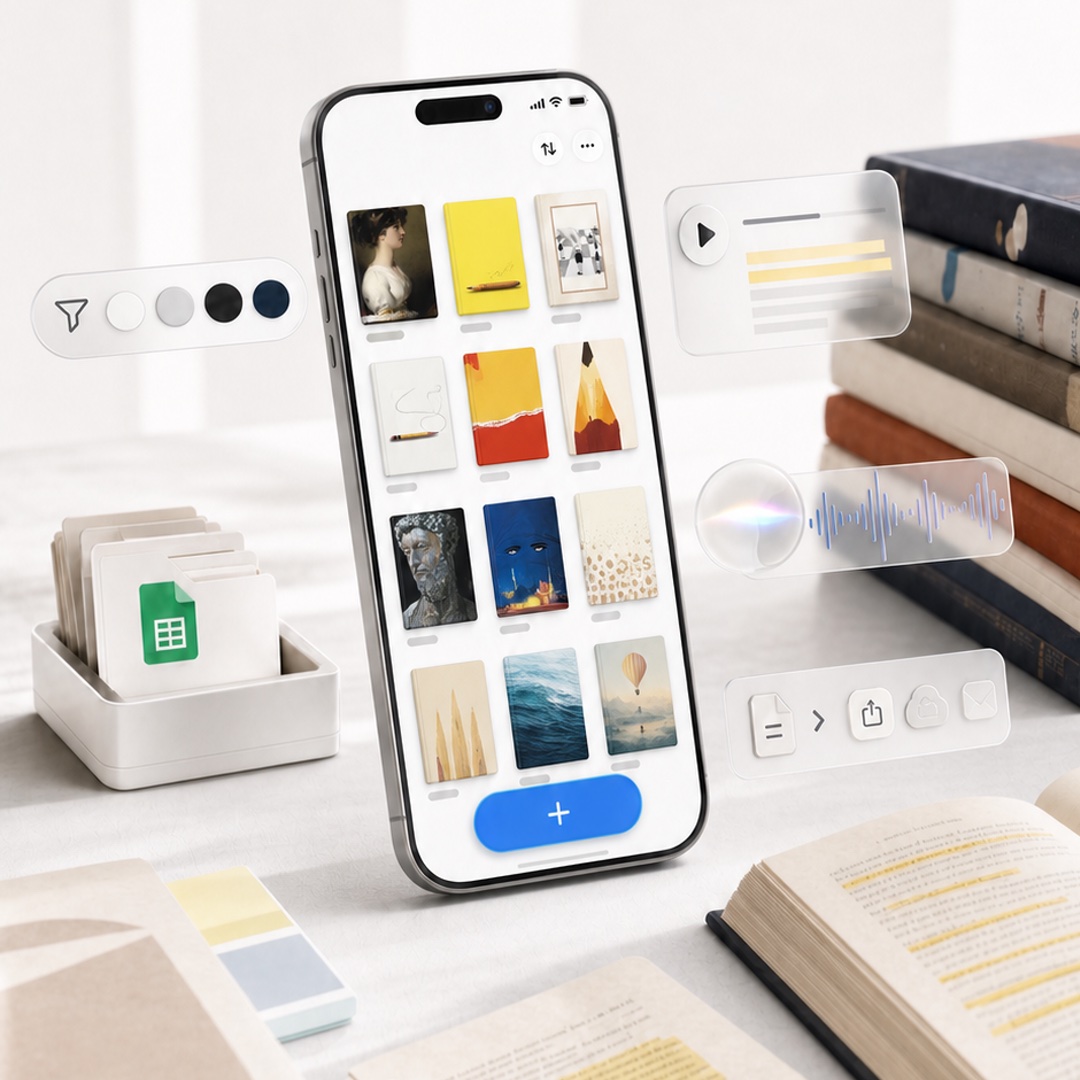
Highlighted App Promo Cover
A premium square product-style cover image featuring a phone-based reading highlights app with floating glassmorphism productivity widgets.
This is a GPT Image 2 prompt case for Product & Commercial. Use the copy-ready prompt below to generate similar visuals, and review Awesome GPT Image 2 Prompts attribution plus commercial-use rights before reuse.
Free 1K preview
Generate one preview image instantly, no sign-up required.
Prompt
Copy-ready prompt
Create a polished square promotional cover image for {argument name="app name" default="Highlighted"}, showing a modern iPhone standing upright at a slight angle on a bright white desk, with a clean productivity-and-reading aesthetic. On the phone screen, display a minimalist gallery grid of exactly 12 saved highlight cards arranged in 3 columns by 4 rows, each with a small gray label line beneath it; the cards show varied bookish visuals such as a classical portrait, yellow notebook, framed photo, white note with cord, red-and-yellow abstract cover, pencil illustration, dark statue face, blue night cover, beige dotted page, pale sails, ocean water, and a balloon landscape. At the bottom of the phone UI, include a large rounded blue add button with a white plus sign. Surround the phone with translucent floating feature widgets: on the left, one pill-shaped toolbar with exactly 5 elements—a paper-plane/filter icon and 4 circular color swatches in white, light gray, black, and navy; on the upper right, one glassmorphism audio card with a play button and 5 horizontal transcript lines including 2 yellow highlight lines; in the middle right, one frosted audio waveform card with a glowing circular orb and blue waveform; on the lower right, one frosted action toolbar with exactly 5 icons—a document, chevron arrow, share, cloud upload, and envelope. Desk props include a white tray of folders with a green spreadsheet document icon on the left, a small stack of pastel sticky notes in the foreground, an open book with yellow highlighted text at bottom right, loose papers with highlighted passages, and a stack of hardcover books on the right. Use soft natural window light, shallow depth of field, realistic high-end product photography, creamy whites and warm neutrals, subtle shadows, glassy translucent UI overlays, crisp phone details, no visible brand logos except the app-like interface, no watermark, no extra text beyond simple UI marks. Use a premium launch-promo composition suitable for an in-app event cover, {argument name="image aspect ratio" default="1:1 square"}.Prompt variables
Editable argument placeholders found in the prompt, with their default values.
Best for
- - Product & Commercial visual exploration
- - Image generation and reference-image edits
- - Reusable briefs that keep source attribution visible
Change these parts
- - Subject, product, character, or scene
- - Aspect ratio, camera, lighting, and background
- - Brand, text, color, and output constraints
Recommended model and settings
- - Model: gpt-image-2
- - Input mode: Text to Image
- - Aspect ratio: source
- - Commercial status: review original source
How to use this prompt
- 1. Copy the prompt and preserve its structure for the first test.
- 2. Replace the subject, context, and publishing channel.
- 3. Change one camera, lighting, or style variable per iteration.
- 4. Inspect the output, source, text, and rights before reuse.
Limitations, source, and reuse cautions
- - Generated output is an editable draft, not factual, legal, or rights evidence.
- - Review the linked source, people, brands, logos, text, and third-party media before commercial use.
More cases in this category
Prioritized by category, input mode compatibility, quality, and lower risk.
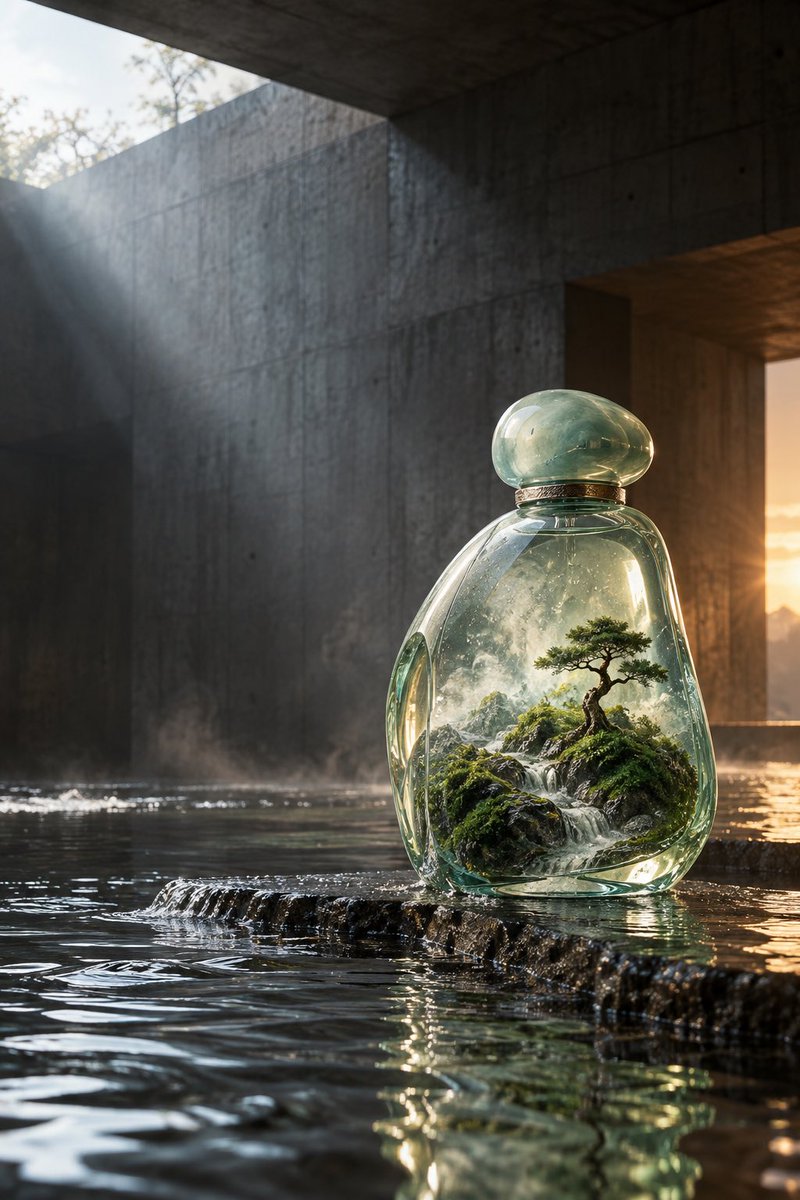

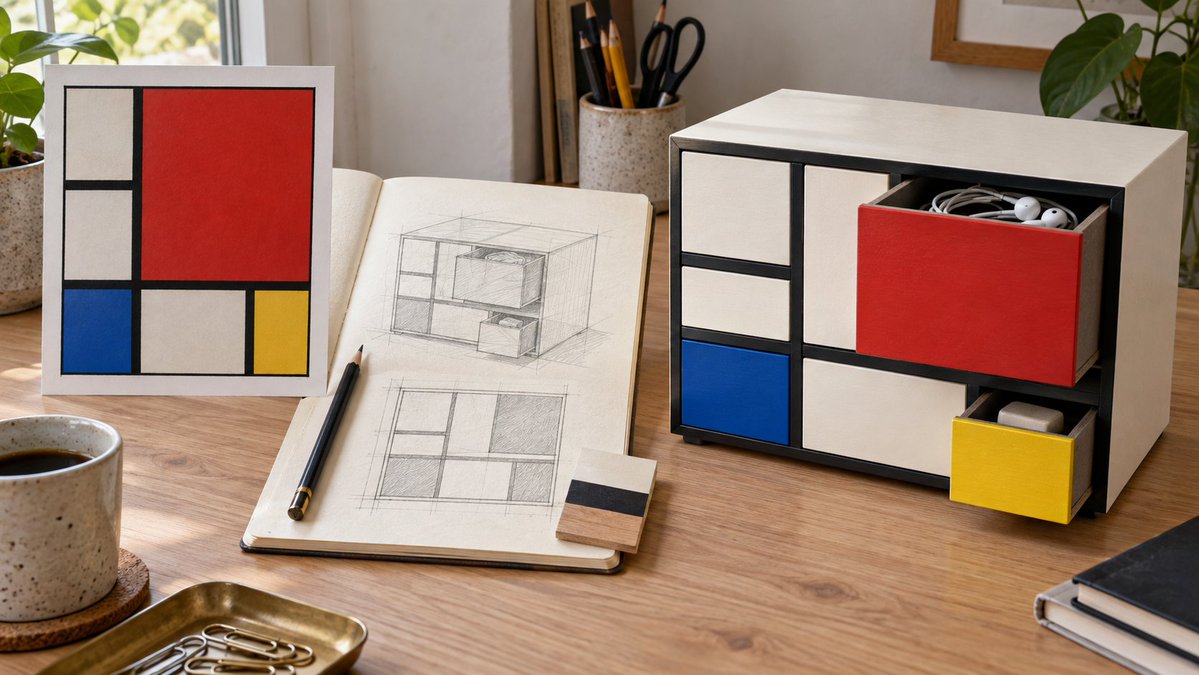
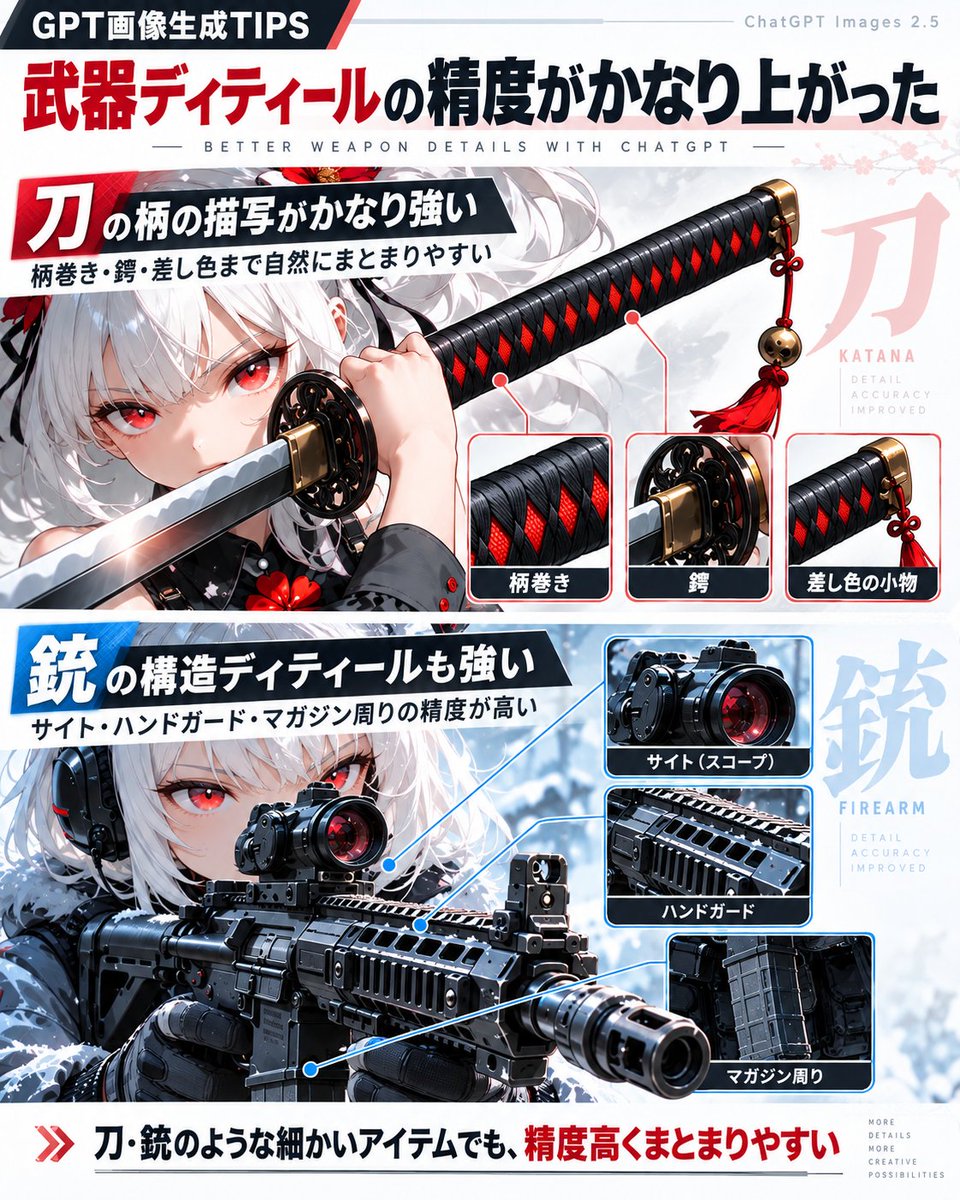
Reuse and source notes
Use this prompt safely after previewing the case.
- 1.Copy the prompt or open it directly in Dovoo with the generation button.
- 2.Adjust variables, aspect ratio, and reference images for your own use case.
- 3.Before publishing or paid usage, verify source rights, attribution requirements, and brand or likeness risks.
Can I use this prompt commercially?
Commercial-use status is allowed. Review the original source, license, brand constraints, and legal requirements before paid usage.
Where does this case come from?
This case is imported from Awesome GPT Image 2 Prompts; keep attribution visible and check the source URL before reuse.