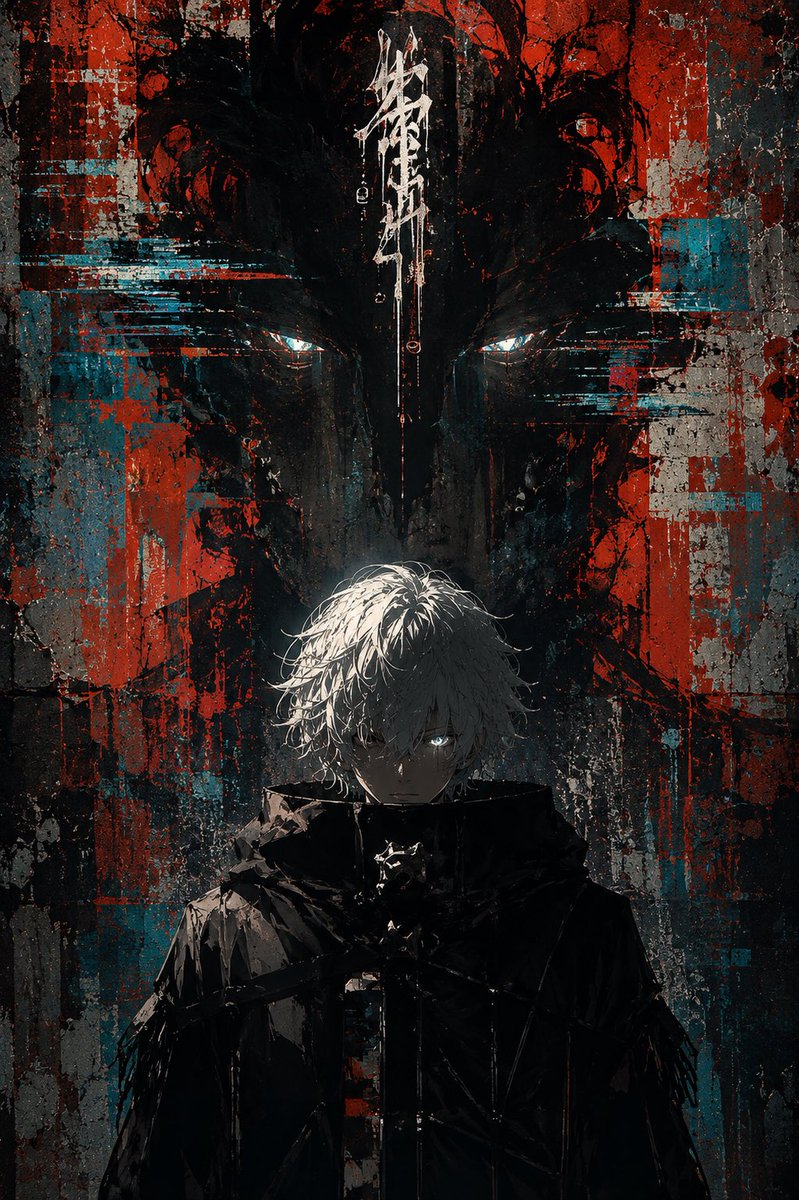
Glitch Street Sorcerer Poster
A dark anime-style vertical poster of a white-haired urban sorcerer beneath a looming shadow face, suited for edgy cyberpunk street-art character visuals.
This is a GPT Image 2 prompt case for Anime & Game. Use the copy-ready prompt below to generate similar visuals, and review Awesome GPT Image 2 Prompts attribution plus commercial-use rights before reuse.
Free 1K preview
Generate one preview image instantly, no sign-up required.
Prompt
Copy-ready prompt
Create a dark vertical anime street-art poster featuring {argument name="character name" default="Gojo-like white-haired sorcerer"} standing centered in the lower half, facing forward with a cold intense expression. He has messy {argument name="hair color" default="white-silver"} hair falling over his forehead, pale skin, one visible glowing icy-blue eye peering from shadow, and a high-collared black tactical coat or cloak with angular straps and glossy wet highlights. Behind him, fill the entire background with a huge ominous shadow face or demonic mask silhouette, only two narrow glowing cyan-white eyes visible near the upper middle, looming over him. Use a gritty urban grunge wall texture with cracked concrete, heavy black ink, distressed paint, red and teal/cyan glitch blocks, horizontal digital smear artifacts, scratches, splatters, drips, and torn poster-like layers. Add a single vertical white graffiti/calligraphy sigil at the top center above the character, abstract and illegible, like Japanese brush strokes. Composition should be symmetrical and cinematic, portrait orientation 2:3, high contrast, mostly black and charcoal with strong blood-red and turquoise accents, dramatic top/back lighting on the hair, deep shadows on the face and coat, cyberpunk glitch horror mood, painterly anime illustration mixed with street graffiti and digital distortion. No readable typography except the abstract sigil, no watermark, no extra characters.Prompt variables
Editable argument placeholders found in the prompt, with their default values.
Best for
- - Anime & Game visual exploration
- - Image generation and reference-image edits
- - Reusable briefs that keep source attribution visible
Change these parts
- - Subject, product, character, or scene
- - Aspect ratio, camera, lighting, and background
- - Brand, text, color, and output constraints
Recommended model and settings
- - Model: gpt-image-2
- - Input mode: Text to Image
- - Aspect ratio: source
- - Commercial status: review original source
How to use this prompt
- 1. Copy the prompt and preserve its structure for the first test.
- 2. Replace the subject, context, and publishing channel.
- 3. Change one camera, lighting, or style variable per iteration.
- 4. Inspect the output, source, text, and rights before reuse.
Limitations, source, and reuse cautions
- - Generated output is an editable draft, not factual, legal, or rights evidence.
- - Review the linked source, people, brands, logos, text, and third-party media before commercial use.
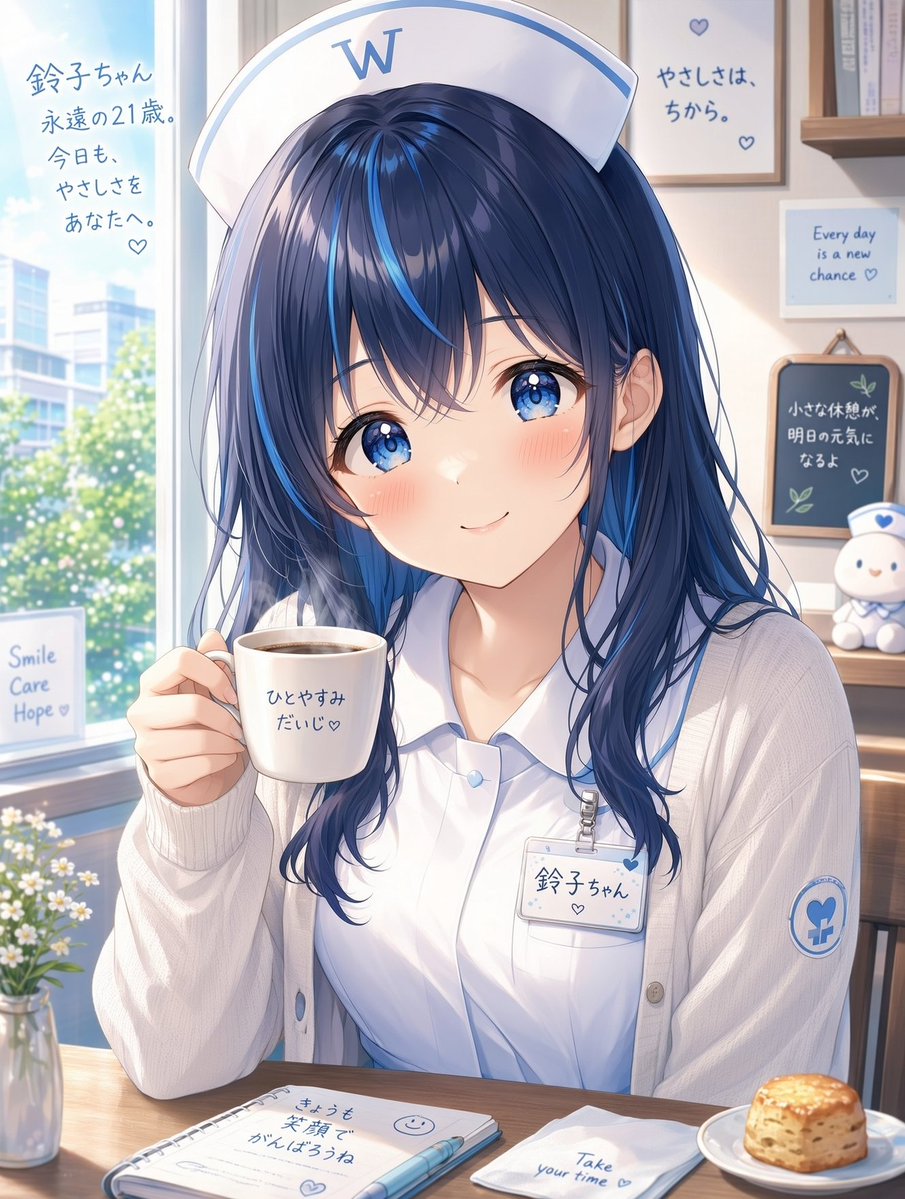
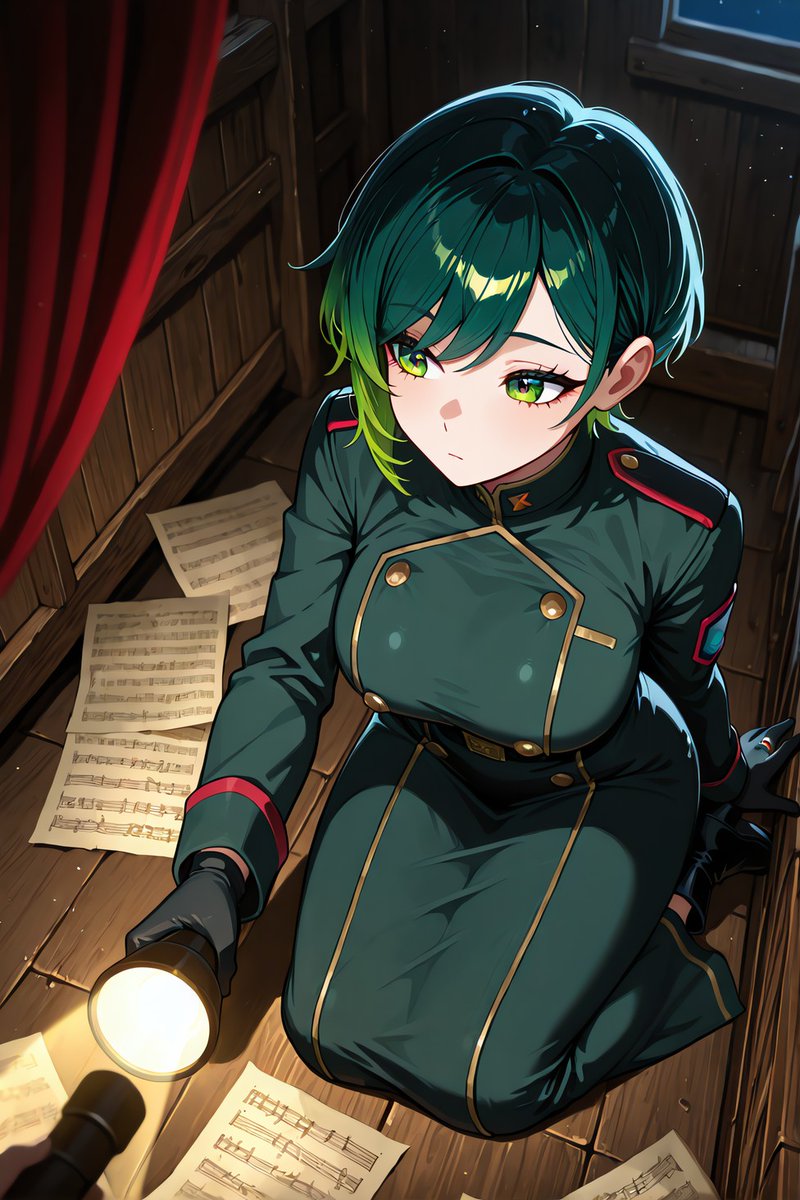
More cases in this category
Prioritized by category, input mode compatibility, quality, and lower risk.




Reuse and source notes
Use this prompt safely after previewing the case.
- 1.Copy the prompt or open it directly in Dovoo with the generation button.
- 2.Adjust variables, aspect ratio, and reference images for your own use case.
- 3.Before publishing or paid usage, verify source rights, attribution requirements, and brand or likeness risks.
Can I use this prompt commercially?
Commercial-use status is allowed. Review the original source, license, brand constraints, and legal requirements before paid usage.
Where does this case come from?
This case is imported from Awesome GPT Image 2 Prompts; keep attribution visible and check the source URL before reuse.