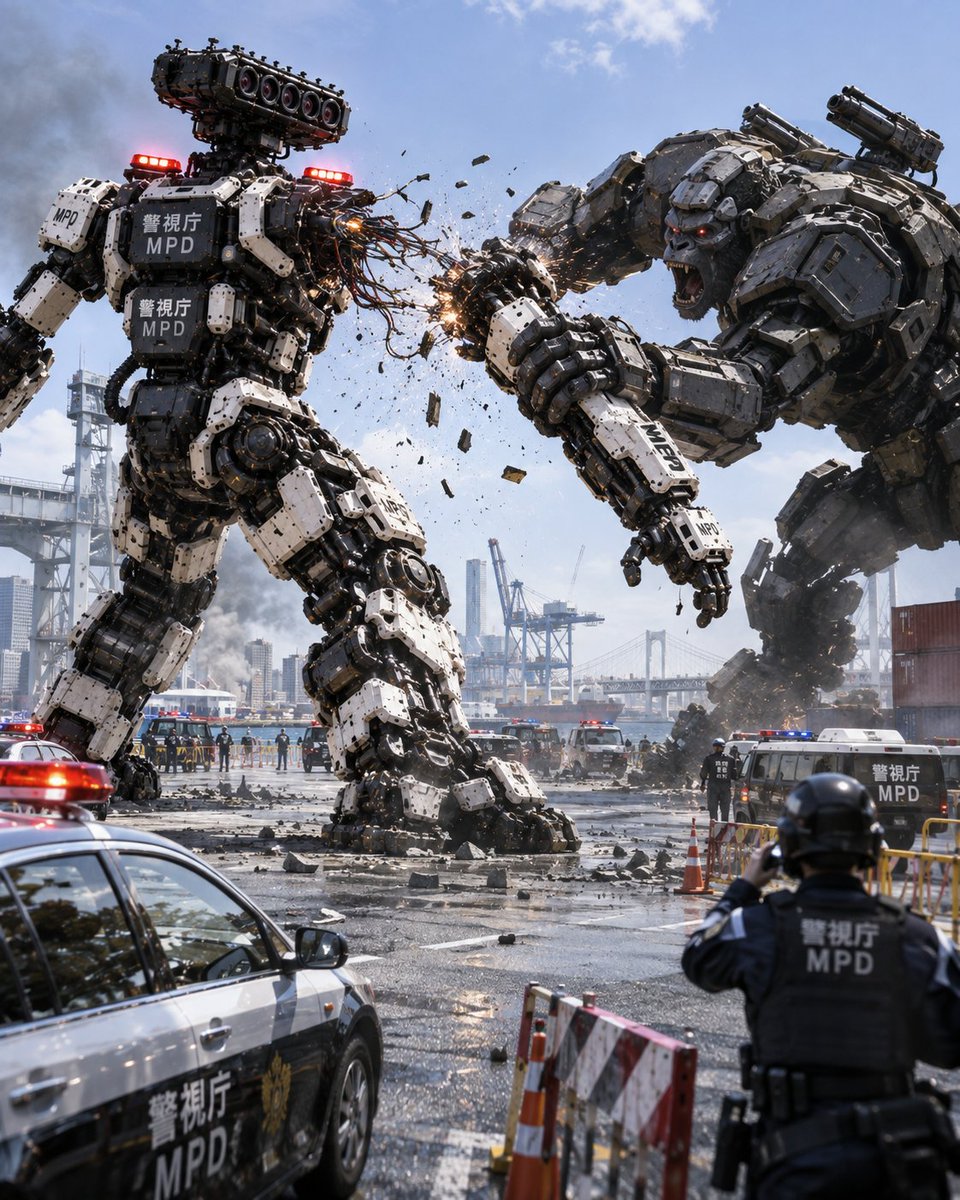
Giant Police Robot vs Mechanical Gorilla
A photorealistic image of a giant white police robot battling a massive mechanical gorilla in a Japanese harbor setting.
This is a GPT Image 2 prompt case for Anime & Game. Use the copy-ready prompt below to generate similar visuals, and review Awesome GPT Image 2 Prompts attribution plus commercial-use rights before reuse.
Need the full prompt set? Use the Anime & Game topic hub for more related examples, or open the GPT Image 2 prompt library for the full example index, reusable structures, and source attribution.
Free 1K preview
Generate one preview image instantly, no sign-up required.
1236/4000
Prompt
Copy-ready prompt
A cinematic, hyperrealistic action scene: a giant police robot is engaged in a fierce battle with a massive mechanical gorilla at a Japanese port. The police robot on the left features a black and white color scheme, with red warning lights on its shoulders and head. Its chest and arms are emblazoned with the characters “警視庁” and “MPD”. Its head is composed of a complex array of sensors. On the right, the enemy is a huge mechanical gorilla clad in heavy, dark gray armor, with red glowing eyes, roaring with its mouth wide open. The two robots are locked in intense combat; the gorilla’s heavy fist slams into the police robot’s shoulder, instantly sending sparks flying and fragments scattering. In the foreground on the lower left, a black and white Japanese police car is parked, with “警視庁 MPD” written on its side and its roof lights flashing. In the foreground on the lower right, a police officer wearing a helmet and tactical vest is shown from behind, with “警視庁 MPD” printed on the back of the vest, holding a walkie-talkie or camera. The background is a bustling industrial port, with containers and cranes scattered around, a large suspension bridge spanning across it, and a clear blue sky with fluffy white clouds above.
Best for
- - Anime & Game visual exploration
- - Image generation and reference-image edits
- - Reusable briefs that keep source attribution visible
Change these parts
- - Subject, product, character, or scene
- - Aspect ratio, camera, lighting, and background
- - Brand, text, color, and output constraints
Recommended model and settings
- - Model: gpt-image-2
- - Input mode: Text to Image
- - Aspect ratio: source
- - Commercial status: review original source
How to use this prompt
- 1. Copy the prompt and preserve its structure for the first test.
- 2. Replace the subject, context, and publishing channel.
- 3. Change one camera, lighting, or style variable per iteration.
- 4. Inspect the output, source, text, and rights before reuse.
Limitations, source, and reuse cautions
- - Generated output is an editable draft, not factual, legal, or rights evidence.
- - Review the linked source, people, brands, logos, text, and third-party media before commercial use.
Imported from Awesome GPT Image 2 Prompts. Attribution is required. Commercial-use status is allowed; review source rights before paid usage.
More cases in this category
Prioritized by category, input mode compatibility, quality, and lower risk.
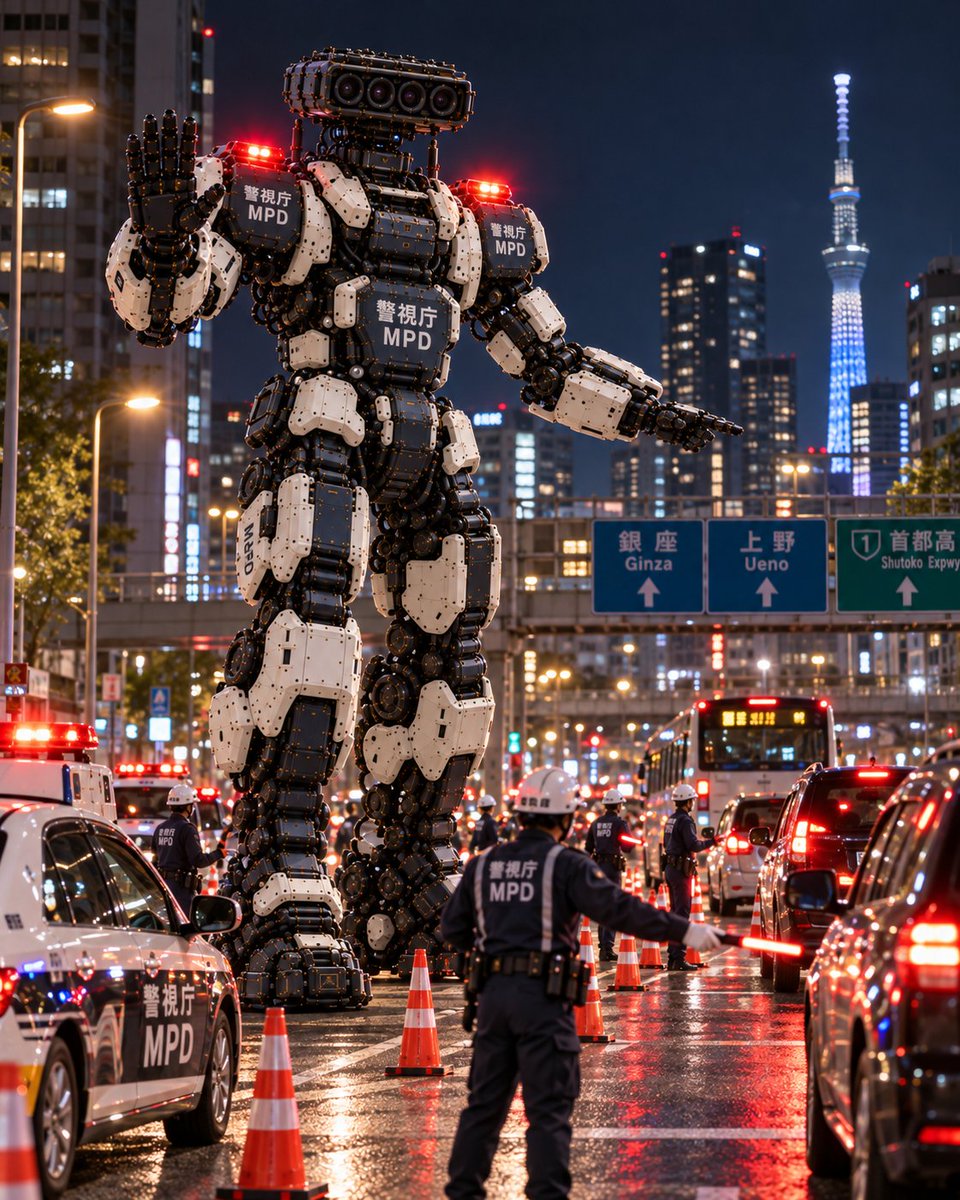
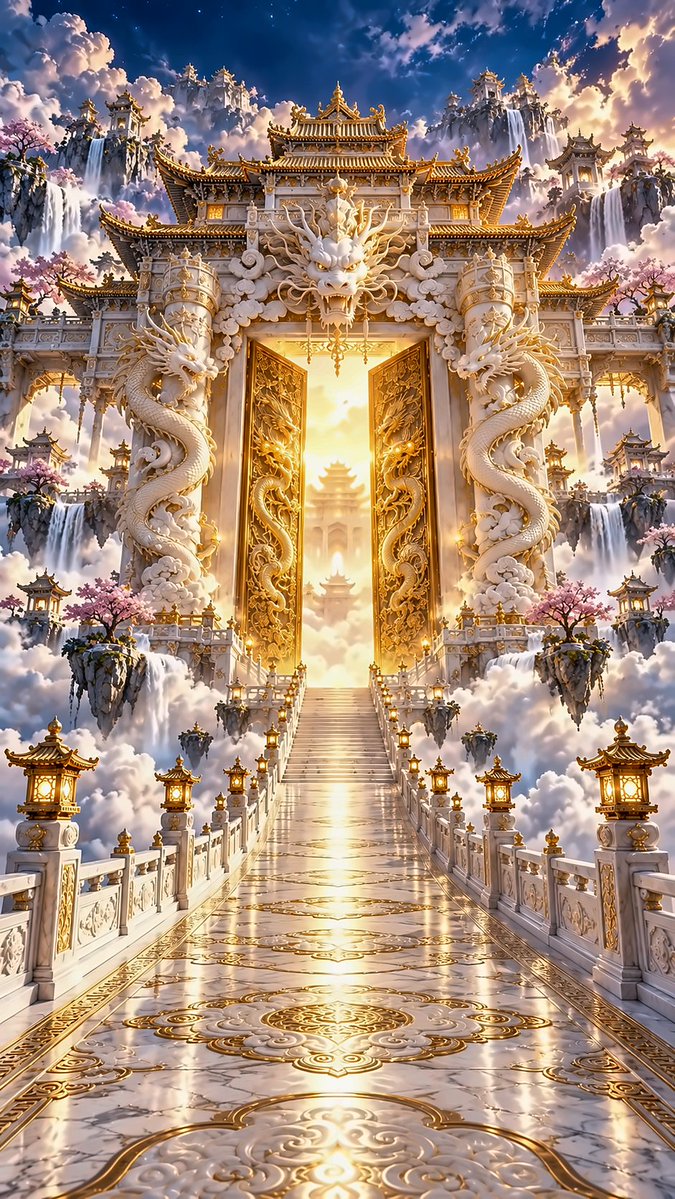
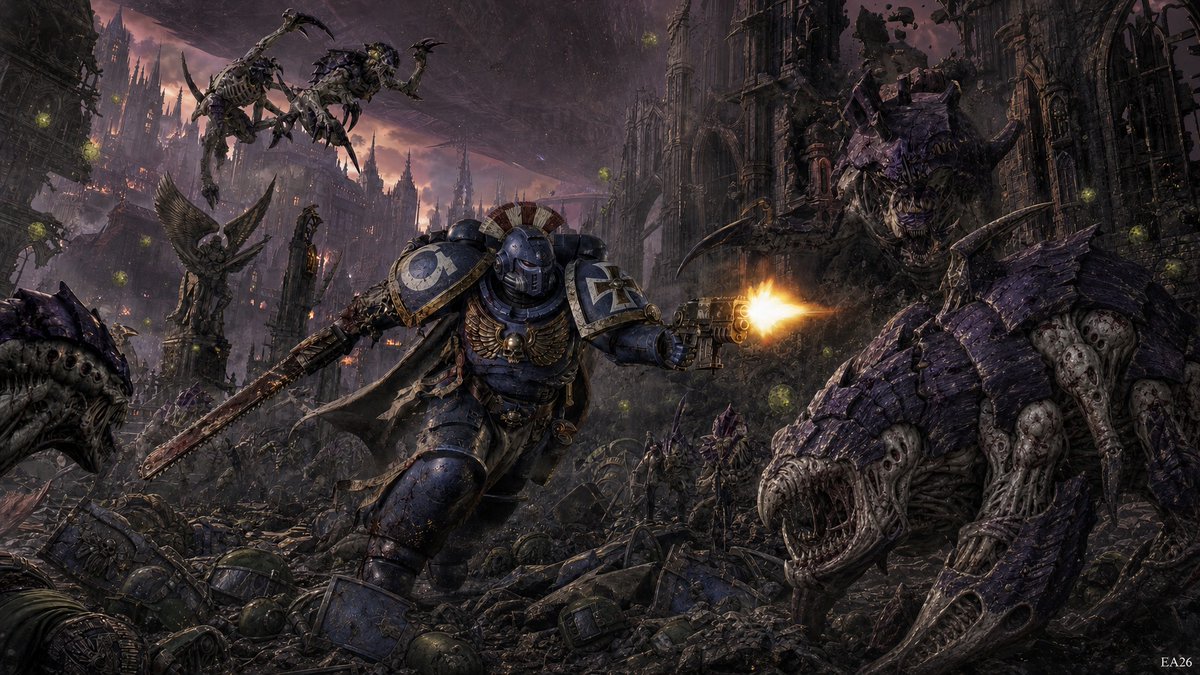
Reuse and source notes
Use this prompt safely after previewing the case.
- 1.Copy the prompt or open it directly in Dovoo with the generation button.
- 2.Adjust variables, aspect ratio, and reference images for your own use case.
- 3.Before publishing or paid usage, verify source rights, attribution requirements, and brand or likeness risks.
Can I use this prompt commercially?
Commercial-use status is allowed. Review the original source, license, brand constraints, and legal requirements before paid usage.
Where does this case come from?
This case is imported from Awesome GPT Image 2 Prompts; keep attribution visible and check the source URL before reuse.