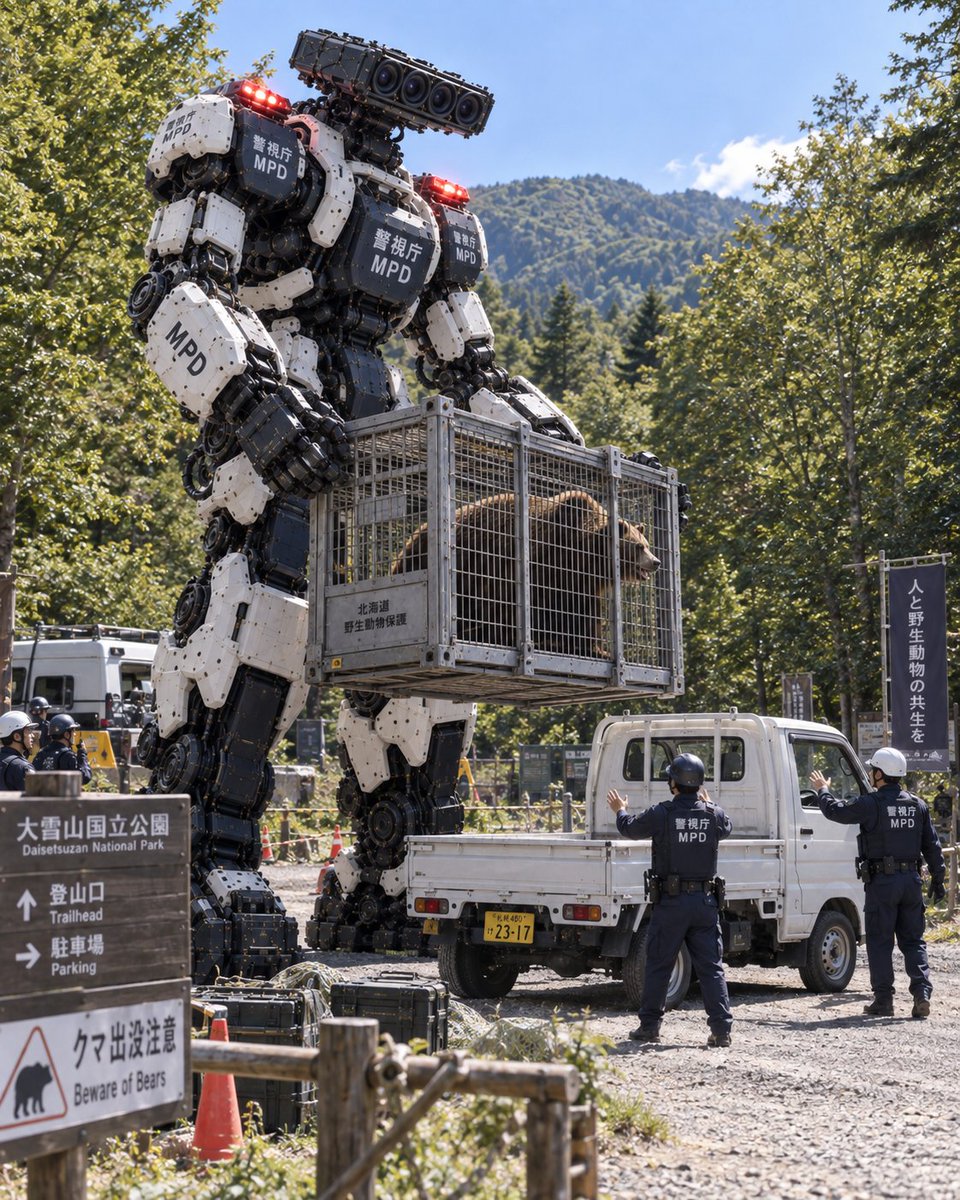
Giant Police Robot Capturing Bear
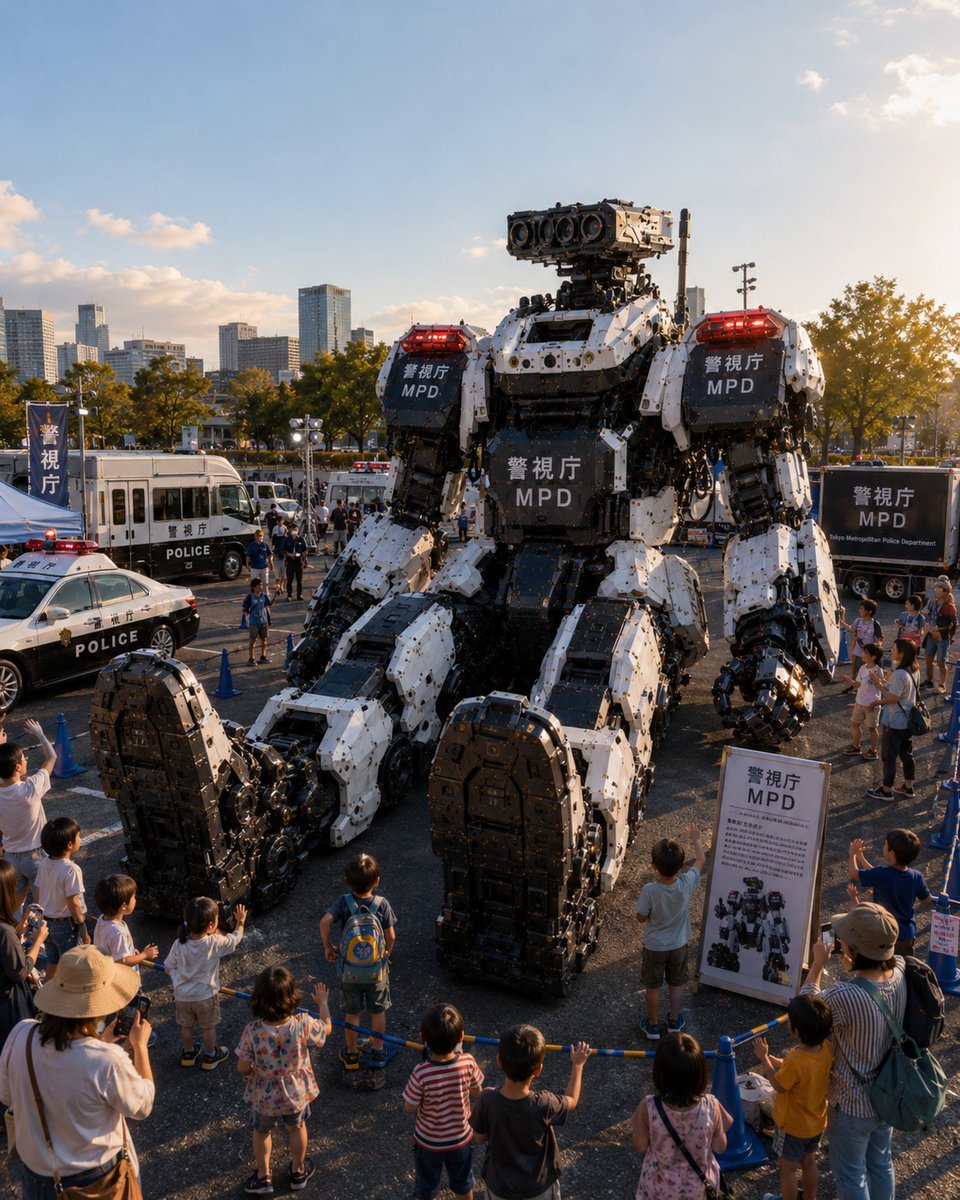
A photorealistic scene depicting a colossal white and black police robot holding a cage with a bear inside, surrounded by officers and signage at a national park trailhead.
This is a GPT Image 2 prompt case for Other Inspiration. Use the copy-ready prompt below to generate similar visuals, and review Awesome GPT Image 2 Prompts attribution plus commercial-use rights before reuse.
Free 1K preview
Generate one preview image instantly, no sign-up required.
Prompt
Copy-ready prompt
A photorealistic, high-resolution image of a giant bipedal police robot standing in a gravel clearing at the edge of a lush green forest. The robot is massive, towering over the surrounding vehicles and people, with a white and black armored chassis featuring Japanese text "警視庁" (Metropolitan Police Department) and English text "MPD" on its chest and shoulder plates. It has glowing red lights on its shoulders and head. The robot's hands are holding a large metal cage containing a live brown bear. To the right of the robot stands a small white flatbed truck, emphasizing the robot's immense scale. Two human police officers in dark blue uniforms and helmets stand near the truck, looking up at the robot; their backs are to the camera, showing "警視庁 MPD" on their jackets. In the foreground left, there is a wooden signpost with Japanese and English text: "大雪山国立公園 Daisetsuzan National Park", "登山口 Trailhead", "駐車場 Parking", and a warning sign with a bear icon reading "クマ出没注意 Beware of Bears". Another vertical banner on the far right reads "人と野生動物の共生を" (Coexistence between humans and wildlife). The background features dense trees and a mountain peak under a bright blue sky with scattered clouds. The lighting is natural daylight, casting realistic shadows.
Best for
- - Other Inspiration visual exploration
- - Image generation and reference-image edits
- - Reusable briefs that keep source attribution visible
Change these parts
- - Subject, product, character, or scene
- - Aspect ratio, camera, lighting, and background
- - Brand, text, color, and output constraints
Recommended model and settings
- - Model: gpt-image-2
- - Input mode: Text to Image
- - Aspect ratio: source
- - Commercial status: review original source
How to use this prompt
- 1. Copy the prompt and preserve its structure for the first test.
- 2. Replace the subject, context, and publishing channel.
- 3. Change one camera, lighting, or style variable per iteration.
- 4. Inspect the output, source, text, and rights before reuse.
Limitations, source, and reuse cautions
- - Generated output is an editable draft, not factual, legal, or rights evidence.
- - Review the linked source, people, brands, logos, text, and third-party media before commercial use.
More cases in this category
Prioritized by category, input mode compatibility, quality, and lower risk.


Reuse and source notes
Use this prompt safely after previewing the case.
- 1.Copy the prompt or open it directly in Dovoo with the generation button.
- 2.Adjust variables, aspect ratio, and reference images for your own use case.
- 3.Before publishing or paid usage, verify source rights, attribution requirements, and brand or likeness risks.
Can I use this prompt commercially?
Commercial-use status is allowed. Review the original source, license, brand constraints, and legal requirements before paid usage.
Where does this case come from?
This case is imported from Awesome GPT Image 2 Prompts; keep attribution visible and check the source URL before reuse.