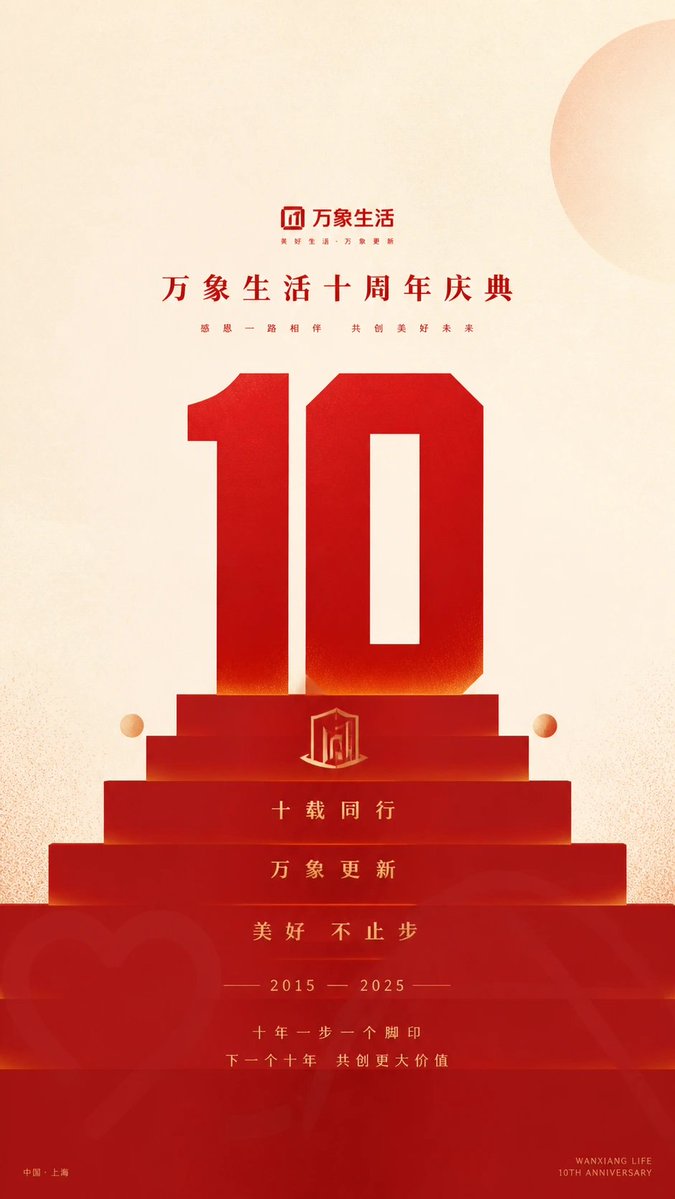
Geometric Milestone Celebration Poster
A sophisticated prompt for creating monumental geometric posters. It uses a strong central axis, flat design, and tiered perspective to create a sense of ritual and scale, perfect for anniversaries or countdowns.
This is a GPT Image 2 prompt case for Graphic & Poster. Use the copy-ready prompt below to generate similar visuals, and review Awesome GPT Image 2 Prompts attribution plus commercial-use rights before reuse.
Free 1K preview
Generate one preview image instantly, no sign-up required.
Free text preview doesn’t preserve reference-image consistency.
Prompt
Copy-ready prompt
Create a geometric poster with a sense of commemorative ritual around {argument name="subject" default="any specific content"}: use a strong central axis to organize the reading flow, keeping about half of the frame as bright, relaxed light-colored white space with the {argument name="title" default="subject title"} suspended within it. Enlarge the most recognizable {argument name="short symbol" default="symbol"} of the theme into an overwhelming geometric bold visual anchor, making it step down from the white space into a tiered perspective memorial platform made of multiple horizontal color blocks. The memorial platform expands step by step from a narrow top near the visual center downwards and extends beyond the boundaries, forming a looking-up scale, a stable center of gravity, and a top-down ritualistic reading path. The giant symbol and the platform body share color and a vertical axis, appearing as both text and architecture, inseparable; the platform body is layered with modules of adjacent light and dark wide strips, each layer with clear edges, and soft dark bands are partially pressed against the joints to maintain the simplicity of the planar vector while producing a restrained step depth. The title uses upright, low-stroke-contrast Chinese sans-serif characters, with medium-thick weight and relaxed spacing; the subtitle is thinner and smaller, with significantly widened spacing and centered in lines; the giant symbol uses a heavy geometric skeleton, square ends, and compact internal space, becoming the first read from a distance. A minimalist light-colored silhouette badge refined from the theme is embedded in the middle of the platform, with slender dates or numbers arranged below it, followed by two lines of spaced short sentences to form a rhythmic pause; only low-contrast small signature information is kept in the corners and bottom edges, making the peripheral information subordinate to the central memorial structure. All specific hues are determined by the semantic meaning of the theme, with no fixed color names preset: the brightest, lowest-saturation light color of the theme serves as a large area background, and the deeper, high-saturation core color of the theme serves as the giant symbol and memorial platform. The core color progresses in homochromatic levels between the dark top, stable mid-tones, and brighter foreground; the text uses a dark version of the core color or reverses white from the light background. Small areas of high-brightness similar-colored circles dot the edges of the platform, and another larger, paler circular spot is cut from the edge of the white space to balance the hard geometry with a soft warm difference of no more than a small area. The background has a high-brightness diffused light and a fine paper fiber texture, with uniform particles spread in light-colored areas, and thin spray clouds superimposed at the edges of the white space and color block boundaries; printed color blocks retain slight ink absorption and transparent overlapping colors, with outlines remaining flat and clear, not forming stains or strong damage. The foreground can allow simplified badges derived from the theme to sink into the platform in a low-transparency, large-scale, partially cropped manner, vaguely appearing through a colored thin layer, enhancing depth without competing with the giant symbol. Finally, maintain an area order of light white space, giant symbol, and perspective platform at approximately half, nearly half, and very little embellishment, with an overall bright, gentle, and solemn feel; if the giant symbol and the platform body are separated, the peripheral information becomes heavy, the texture covers the outline, or the decoration increases, it will destroy this monumental cohesion.Prompt variables
Editable argument placeholders found in the prompt, with their default values.
Best for
- - Graphic & Poster visual exploration
- - Image generation and reference-image edits
- - Reusable briefs that keep source attribution visible
Change these parts
- - Subject, product, character, or scene
- - Aspect ratio, camera, lighting, and background
- - Brand, text, color, and output constraints
Recommended model and settings
- - Model: gpt-image-2
- - Input mode: Image to Image
- - Aspect ratio: source
- - Commercial status: review original source
How to use this prompt
- 1. Copy the prompt and preserve its structure for the first test.
- 2. Replace the subject, context, and publishing channel.
- 3. Change one camera, lighting, or style variable per iteration.
- 4. Inspect the output, source, text, and rights before reuse.
Limitations, source, and reuse cautions
- - Generated output is an editable draft, not factual, legal, or rights evidence.
- - Review the linked source, people, brands, logos, text, and third-party media before commercial use.
More cases in this category
Prioritized by category, input mode compatibility, quality, and lower risk.
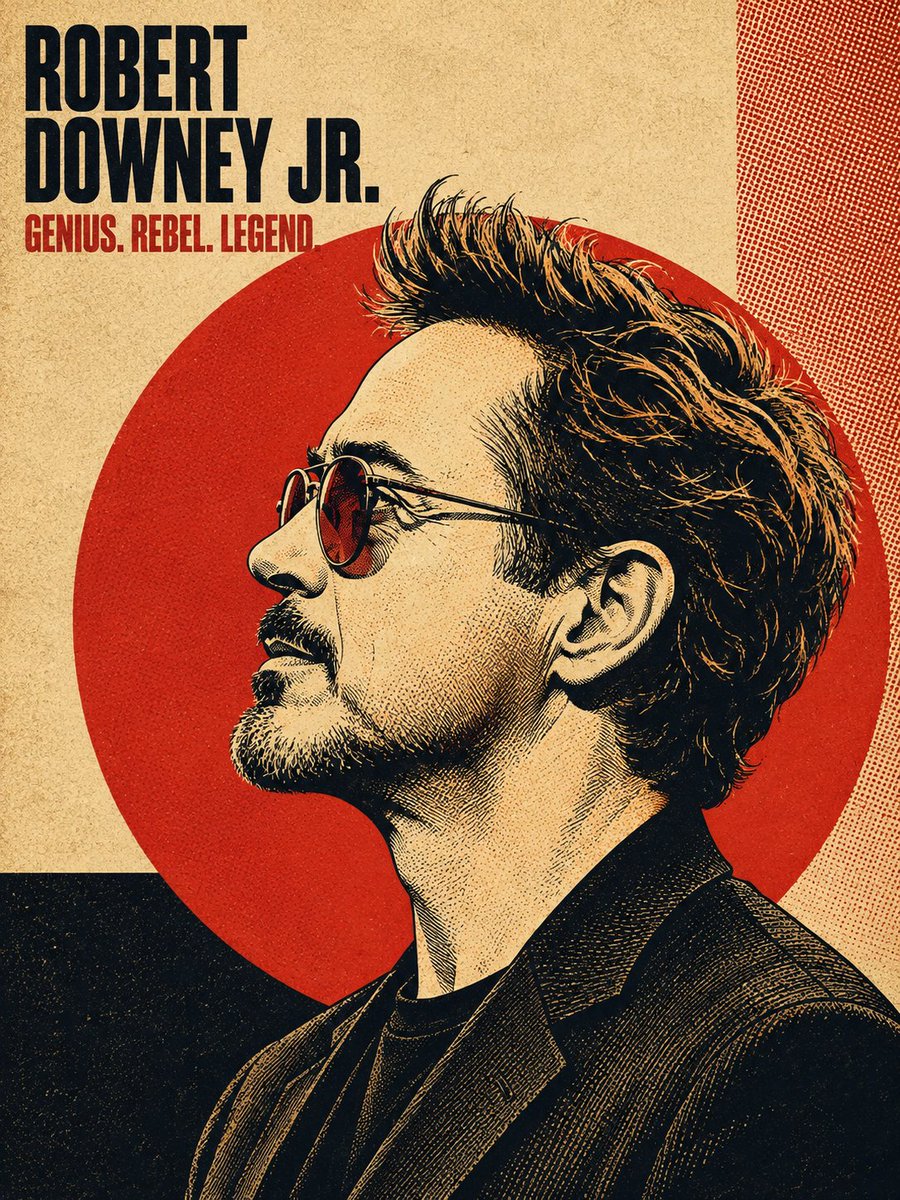
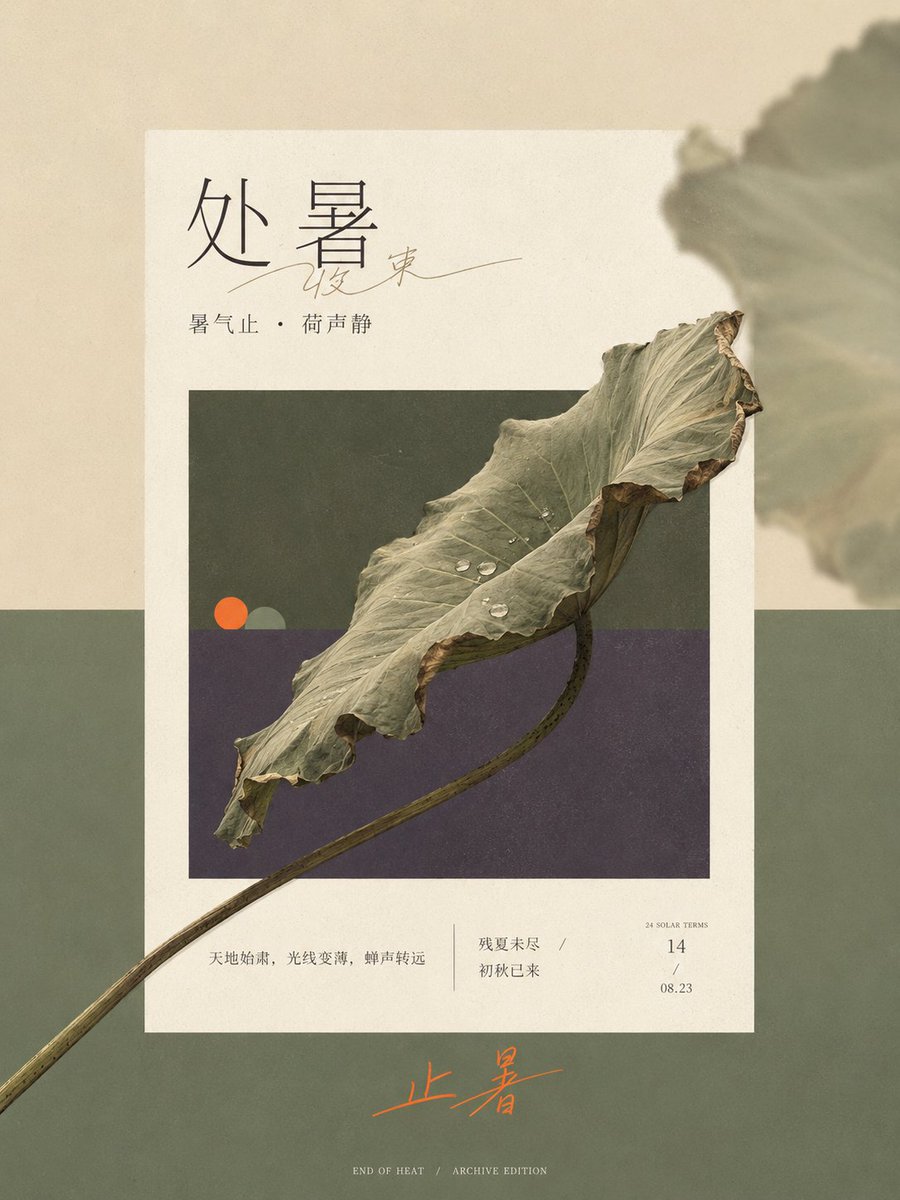

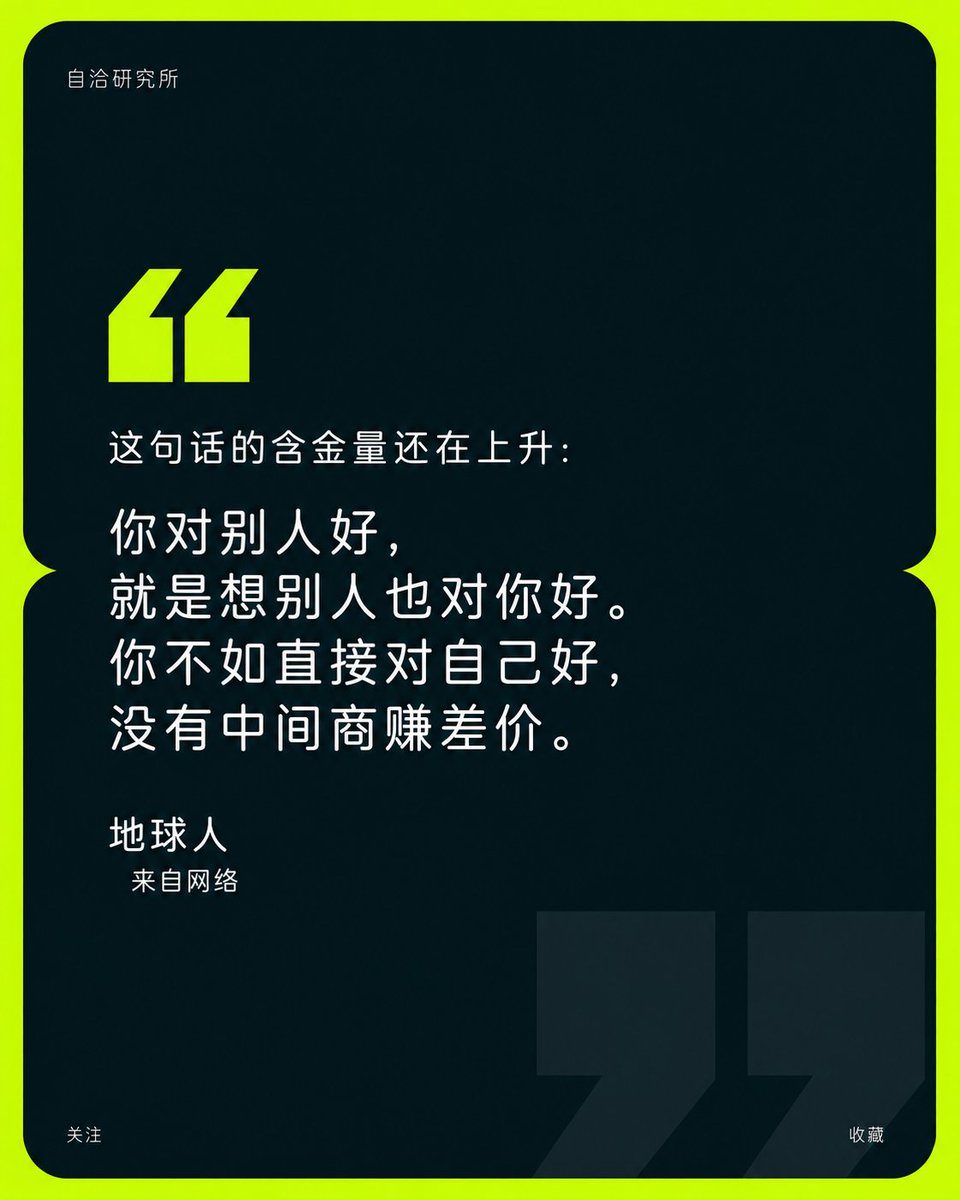
Reuse and source notes
Use this prompt safely after previewing the case.
- 1.Copy the prompt or open it directly in Dovoo with the generation button.
- 2.Adjust variables, aspect ratio, and reference images for your own use case.
- 3.Before publishing or paid usage, verify source rights, attribution requirements, and brand or likeness risks.
Can I use this prompt commercially?
Commercial-use status is allowed. Review the original source, license, brand constraints, and legal requirements before paid usage.
Where does this case come from?
This case is imported from Awesome GPT Image 2 Prompts; keep attribution visible and check the source URL before reuse.