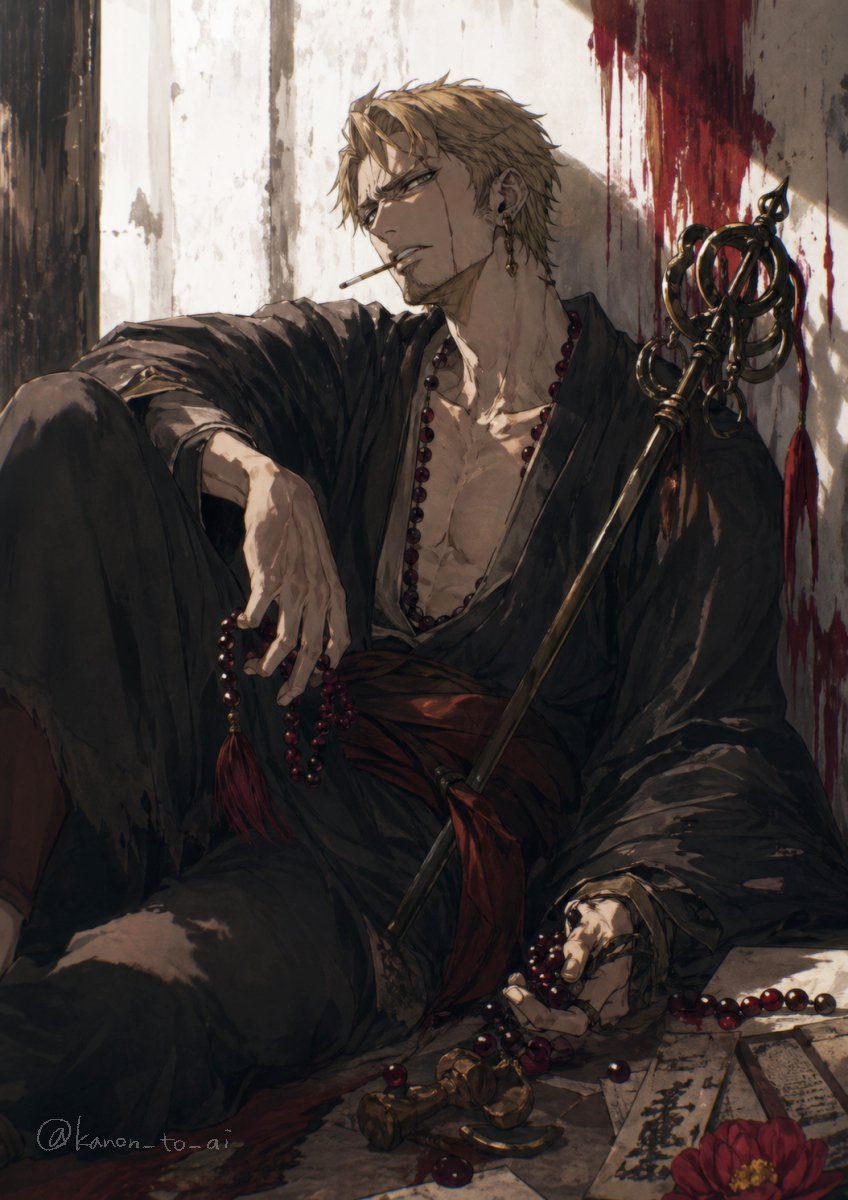
Dark Fantasy Wounded Monk Portrait
This prompt generates a dramatic vertical anime-style illustration of a wounded robed man with prayer beads and a ceremonial staff, ideal for dark fantasy character art or a key visual.
This is a GPT Image 2 prompt case for Anime & Game. Use the copy-ready prompt below to generate similar visuals, and review Awesome GPT Image 2 Prompts attribution plus commercial-use rights before reuse.
Free 1K preview
Generate one preview image instantly, no sign-up required.
Prompt
Copy-ready prompt
A moody dark fantasy anime illustration of a wounded young man with {argument name="hair color" default="ash blond"} short tousled hair, sitting slumped on the floor against a cracked white plaster wall. His face is mostly turned away and partially obscured in shadow, giving him a mysterious, exhausted presence. He wears a loose black kimono robe hanging open at the chest, exposing a lean muscular torso, with a deep red sash at the waist. A long strand of dark crimson prayer beads hangs around his neck, with more beads tangled in one hand and spilled across the floor. Beside him rests an ornate black ceremonial staff with circular rings and a spear-like finial, leaning diagonally against his shoulder. The wall behind him is streaked with dramatic dark red blood smears and drips near the upper right, suggesting a recent battle. On the floor in the foreground are scattered prayer beads, broken metallic ornaments, several paper talismans or ofuda slips with black calligraphy, and a single red flower. Warm late-afternoon light cuts across the scene from the left, creating strong highlights and deep shadows over the robe folds, hand, chest, and wall texture. Painterly brushwork, highly detailed fabric and skin rendering, melancholic atmosphere, elegant gothic composition, vertical portrait framing, cinematic anime key visual style.Prompt variables
Editable argument placeholders found in the prompt, with their default values.
Best for
- - Anime & Game visual exploration
- - Image generation and reference-image edits
- - Reusable briefs that keep source attribution visible
Change these parts
- - Subject, product, character, or scene
- - Aspect ratio, camera, lighting, and background
- - Brand, text, color, and output constraints
Recommended model and settings
- - Model: gpt-image-2
- - Input mode: Text to Image
- - Aspect ratio: source
- - Commercial status: review original source
How to use this prompt
- 1. Copy the prompt and preserve its structure for the first test.
- 2. Replace the subject, context, and publishing channel.
- 3. Change one camera, lighting, or style variable per iteration.
- 4. Inspect the output, source, text, and rights before reuse.
Limitations, source, and reuse cautions
- - Generated output is an editable draft, not factual, legal, or rights evidence.
- - Review the linked source, people, brands, logos, text, and third-party media before commercial use.
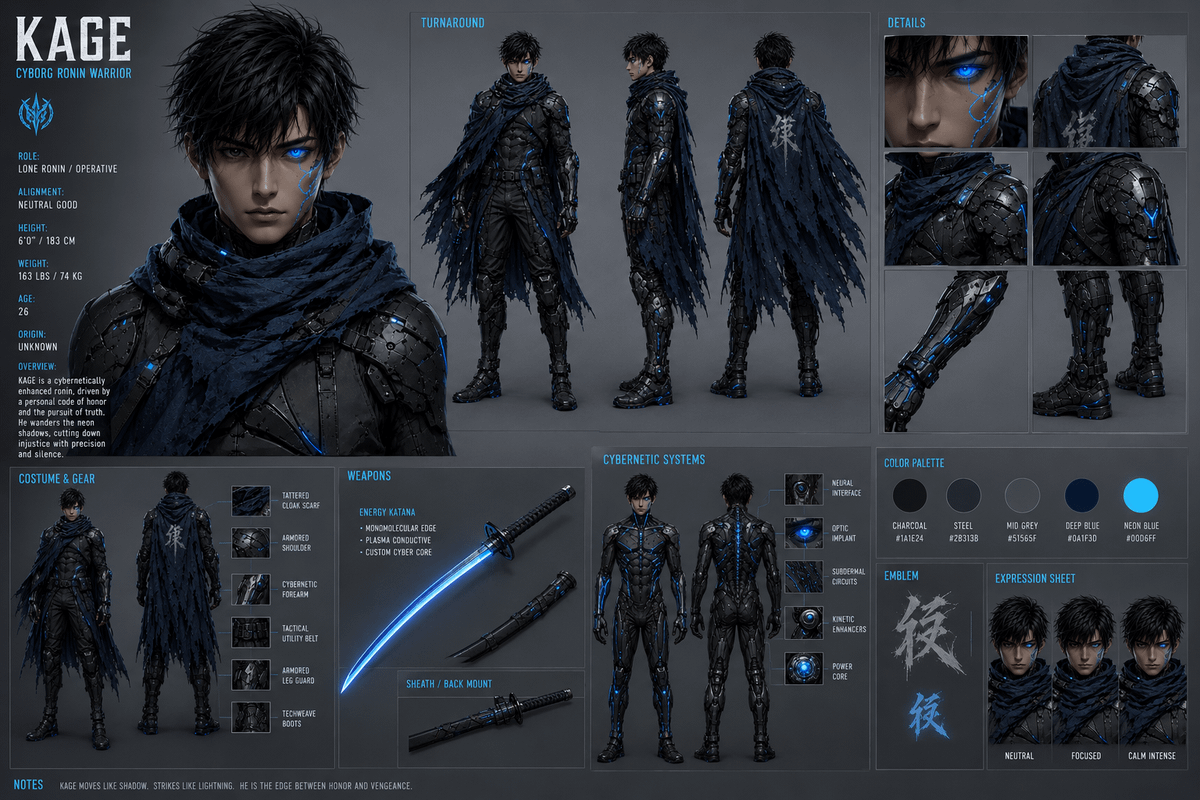
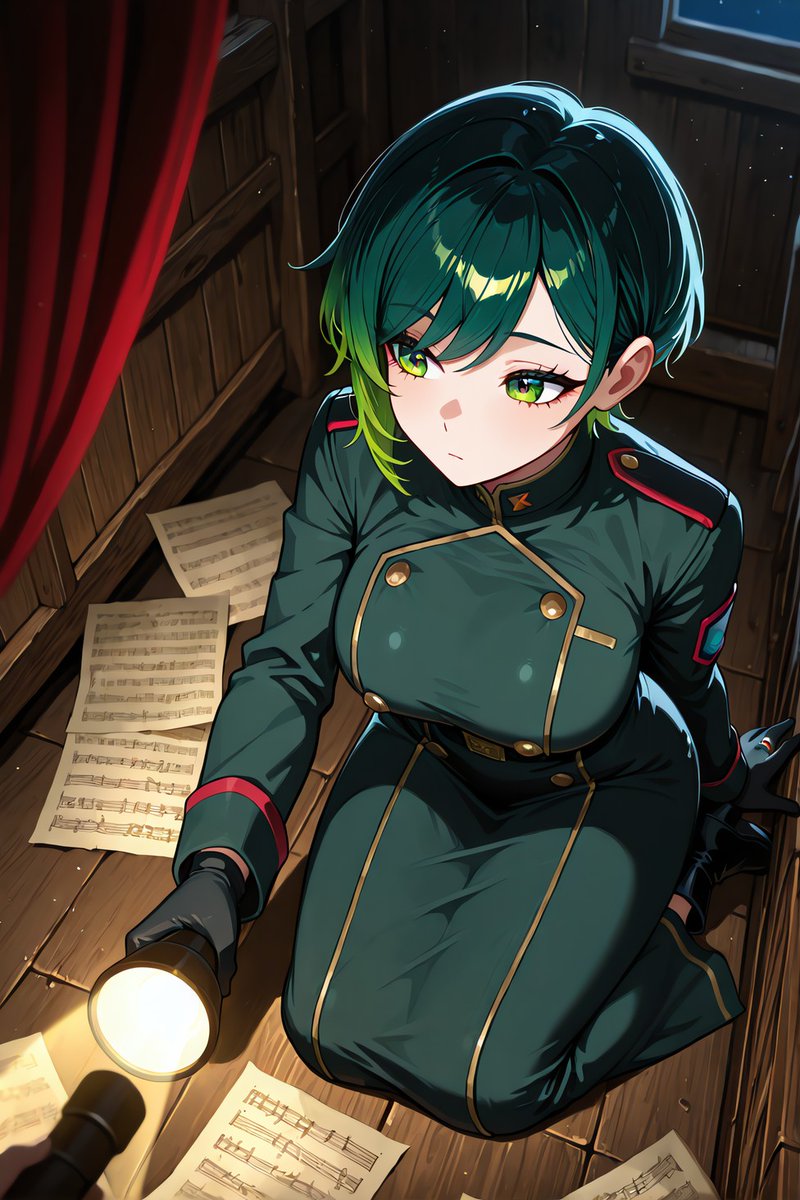
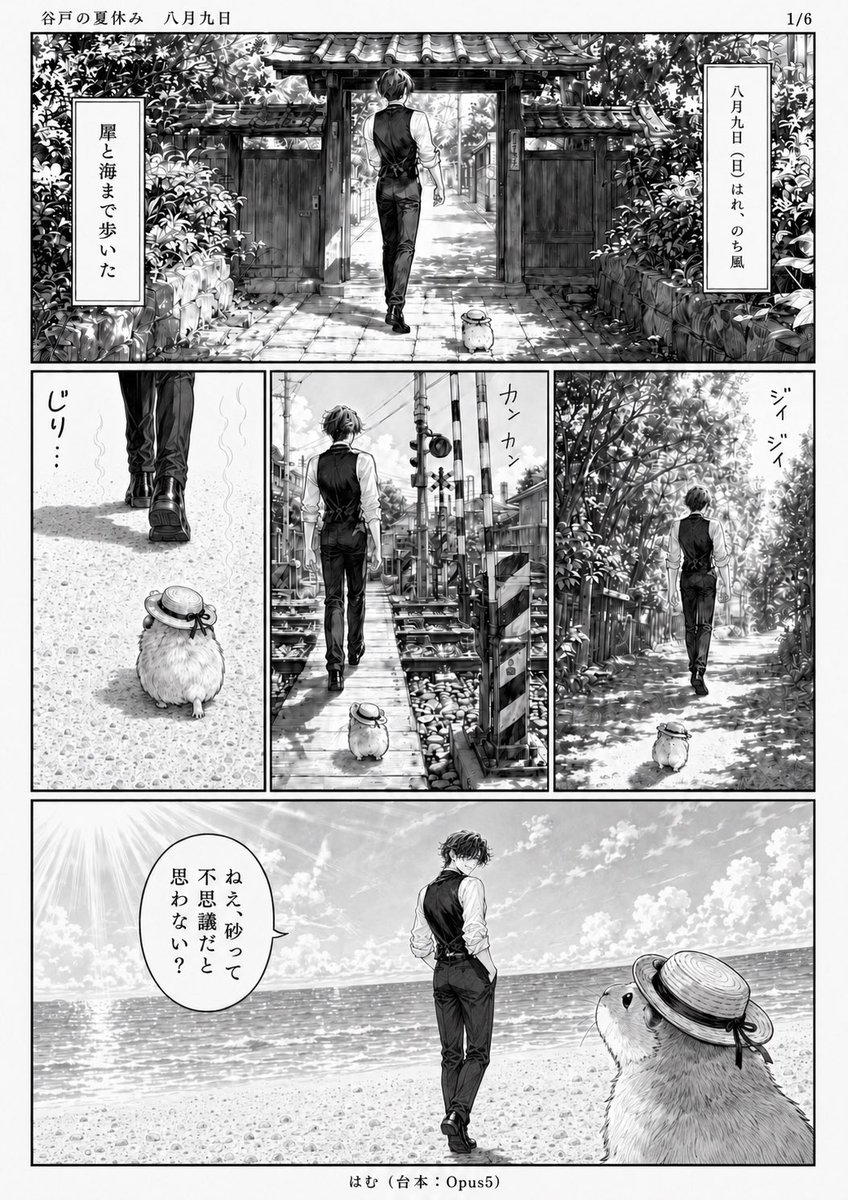
More cases in this category
Prioritized by category, input mode compatibility, quality, and lower risk.

Reuse and source notes
Use this prompt safely after previewing the case.
- 1.Copy the prompt or open it directly in Dovoo with the generation button.
- 2.Adjust variables, aspect ratio, and reference images for your own use case.
- 3.Before publishing or paid usage, verify source rights, attribution requirements, and brand or likeness risks.
Can I use this prompt commercially?
Commercial-use status is allowed. Review the original source, license, brand constraints, and legal requirements before paid usage.
Where does this case come from?
This case is imported from Awesome GPT Image 2 Prompts; keep attribution visible and check the source URL before reuse.