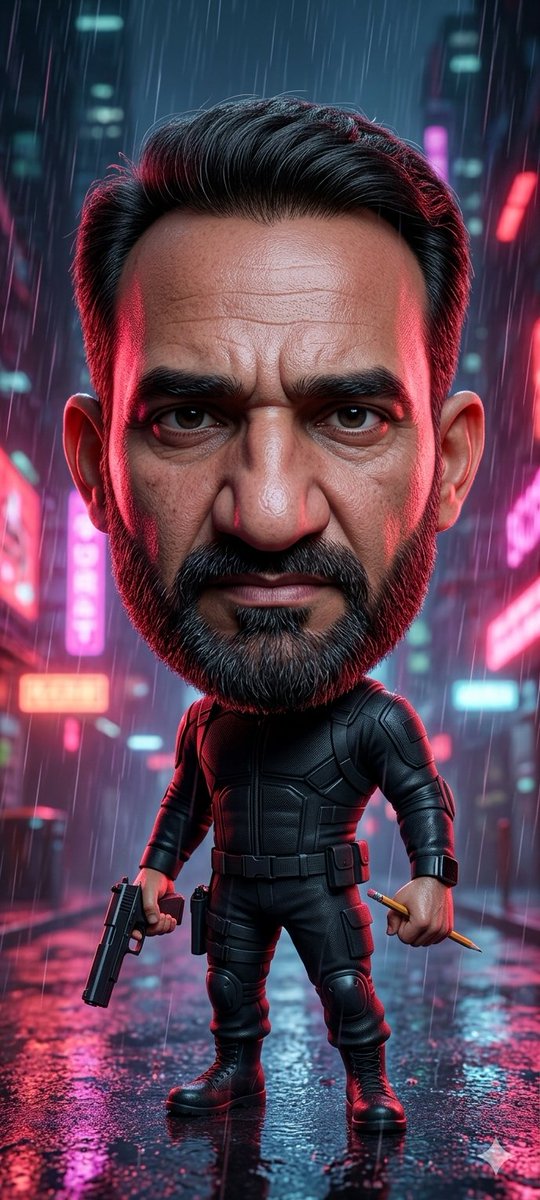
Cyberpunk Chibi Tactical Hero
A vertical cinematic prompt for generating a rain-soaked neon cyberpunk chibi action hero with tactical gear and a blank face placeholder.
This is a GPT Image 2 prompt case for Anime & Game. Use the copy-ready prompt below to generate similar visuals, and review Awesome GPT Image 2 Prompts attribution plus commercial-use rights before reuse.
Free 1K preview
Generate one preview image instantly, no sign-up required.
Prompt
Copy-ready prompt
Create a vertical cinematic cyberpunk character portrait of a stylized chibi action hero standing full-body in the middle of a rain-soaked neon city street at night. The character has an oversized head with neatly swept-back {argument name="hair color" default="black"} hair, visible ears, and a large smooth rectangular face placeholder covering the entire face area from forehead to chin, filled with a muted brown-to-purple gradient and no facial features. The small body wears a fitted black tactical armored suit with segmented chest plates, elbow and knee pads, utility belt, thigh pouches, gloves, and heavy black combat boots. The character stands confidently with legs apart, holding exactly 2 items: a black pistol pointed downward in the left hand and a short golden pencil or baton in the right hand. Set the scene in heavy rain with long visible raindrops, wet reflective pavement, puddles, and blurred skyscrapers in the background. Add glowing neon signs and bokeh lights in exactly 4 dominant accent colors: hot pink, cyan, red, and blue. Use dramatic rim lighting from both sides, red highlights on one side and cool cyan highlights on the other, with glossy reflections on the suit and ground. Make it highly detailed, cinematic, shallow depth of field, ultra-realistic toy-like proportions, vertical 9:16 composition, centered subject, no text, no watermark, no extra characters.Prompt variables
Editable argument placeholders found in the prompt, with their default values.
Best for
- - Anime & Game visual exploration
- - Image generation and reference-image edits
- - Reusable briefs that keep source attribution visible
Change these parts
- - Subject, product, character, or scene
- - Aspect ratio, camera, lighting, and background
- - Brand, text, color, and output constraints
Recommended model and settings
- - Model: gpt-image-2
- - Input mode: Text to Image
- - Aspect ratio: source
- - Commercial status: review original source
How to use this prompt
- 1. Copy the prompt and preserve its structure for the first test.
- 2. Replace the subject, context, and publishing channel.
- 3. Change one camera, lighting, or style variable per iteration.
- 4. Inspect the output, source, text, and rights before reuse.
Limitations, source, and reuse cautions
- - Generated output is an editable draft, not factual, legal, or rights evidence.
- - Review the linked source, people, brands, logos, text, and third-party media before commercial use.
More cases in this category
Prioritized by category, input mode compatibility, quality, and lower risk.
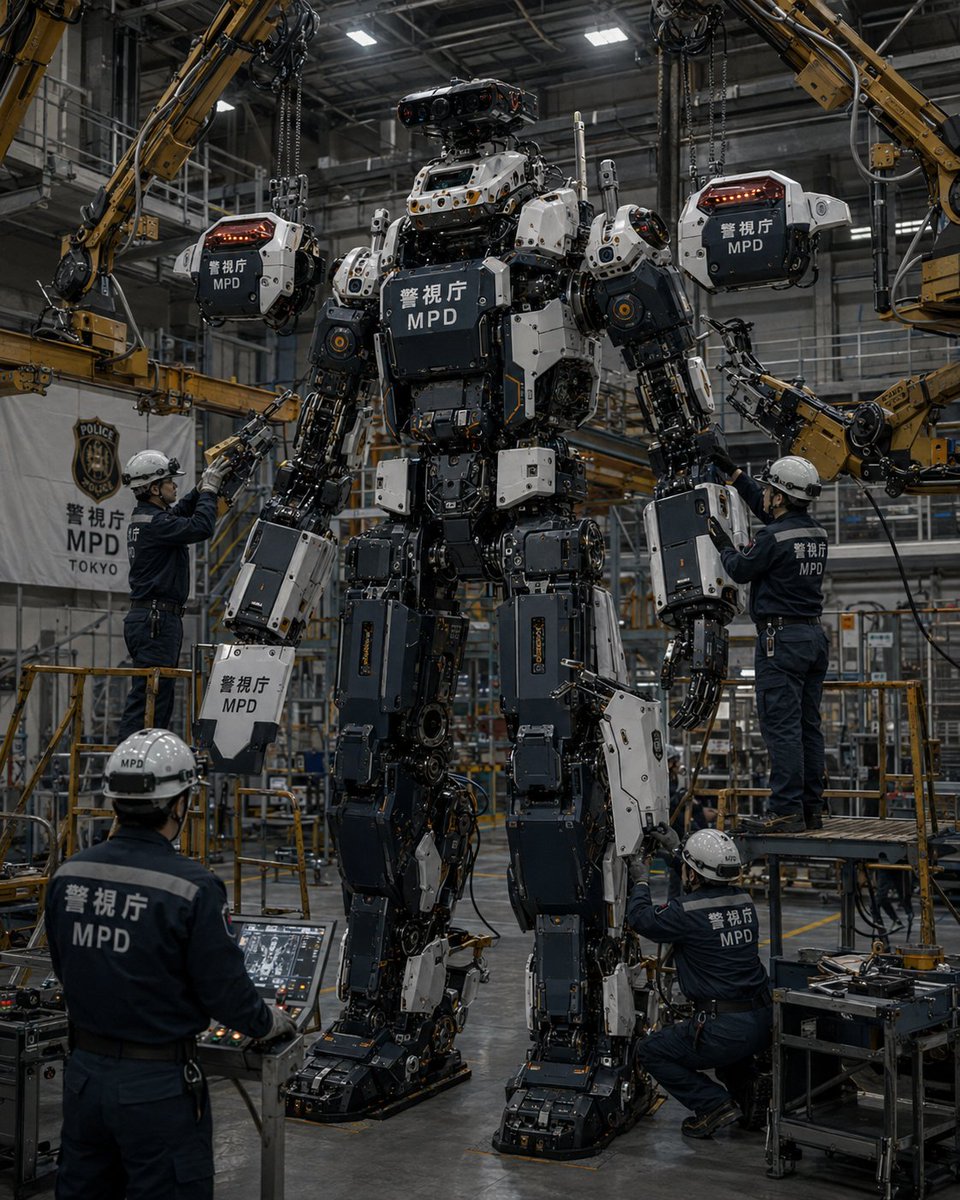


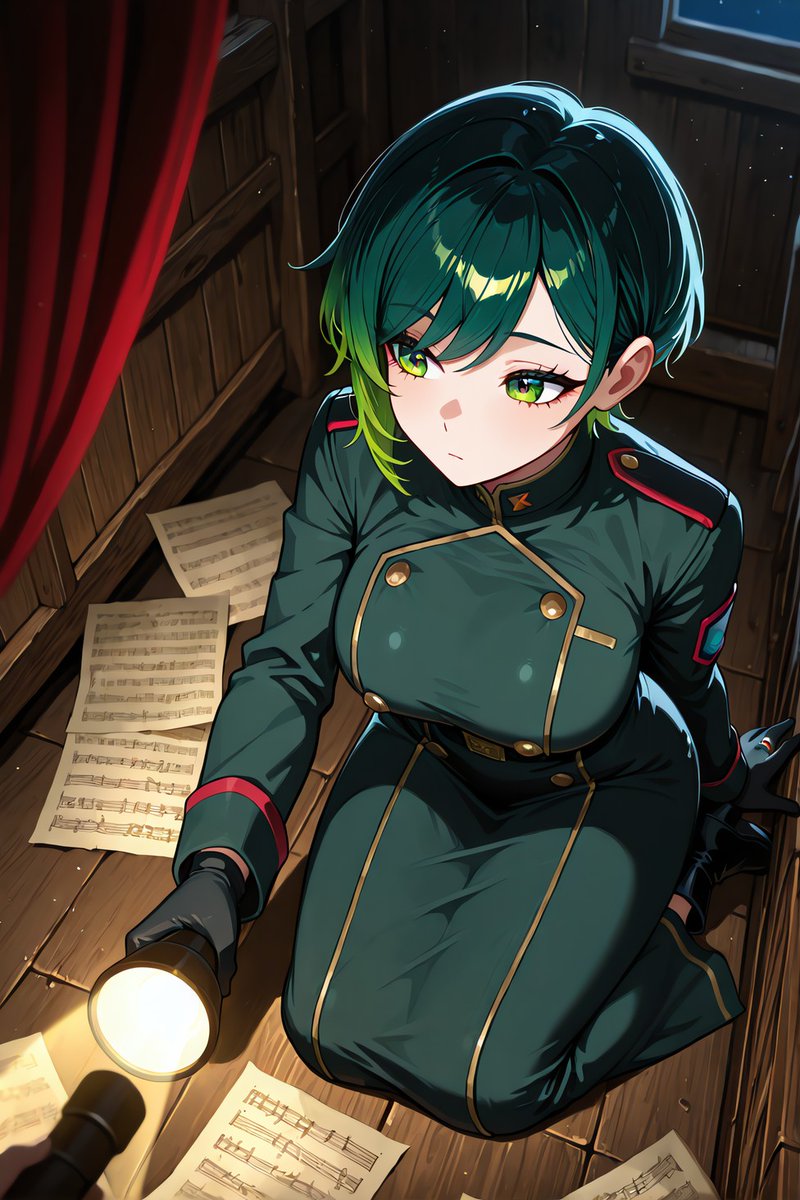
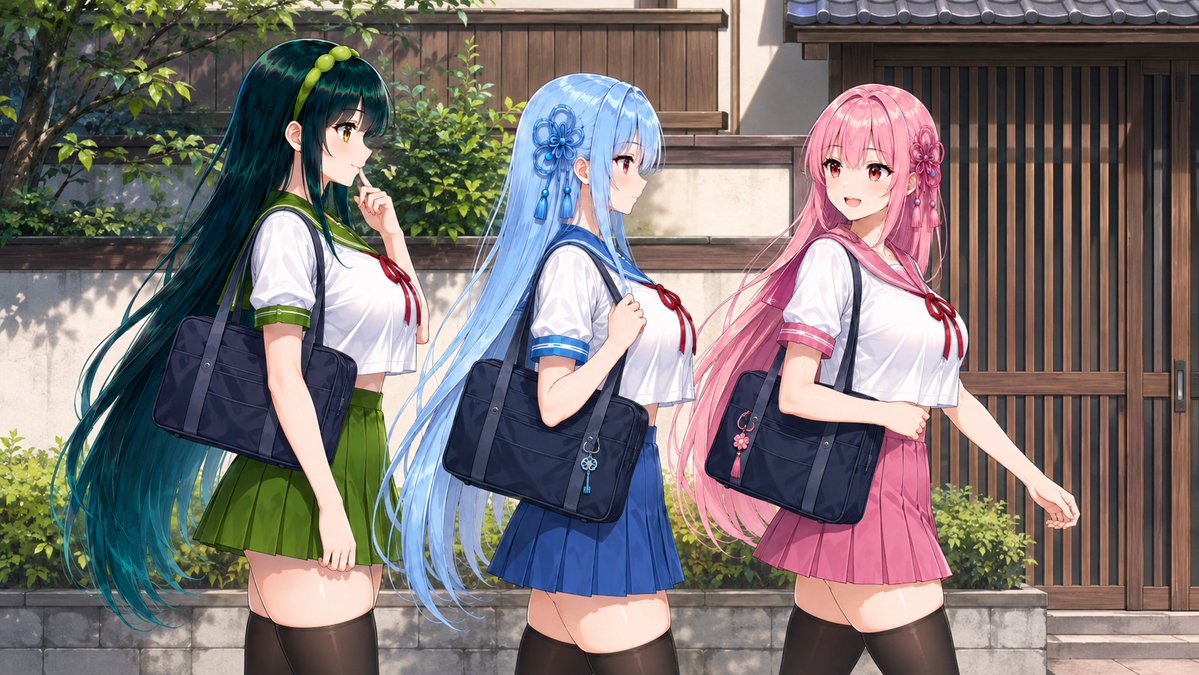
Reuse and source notes
Use this prompt safely after previewing the case.
- 1.Copy the prompt or open it directly in Dovoo with the generation button.
- 2.Adjust variables, aspect ratio, and reference images for your own use case.
- 3.Before publishing or paid usage, verify source rights, attribution requirements, and brand or likeness risks.
Can I use this prompt commercially?
Commercial-use status is allowed. Review the original source, license, brand constraints, and legal requirements before paid usage.
Where does this case come from?
This case is imported from Awesome GPT Image 2 Prompts; keep attribution visible and check the source URL before reuse.