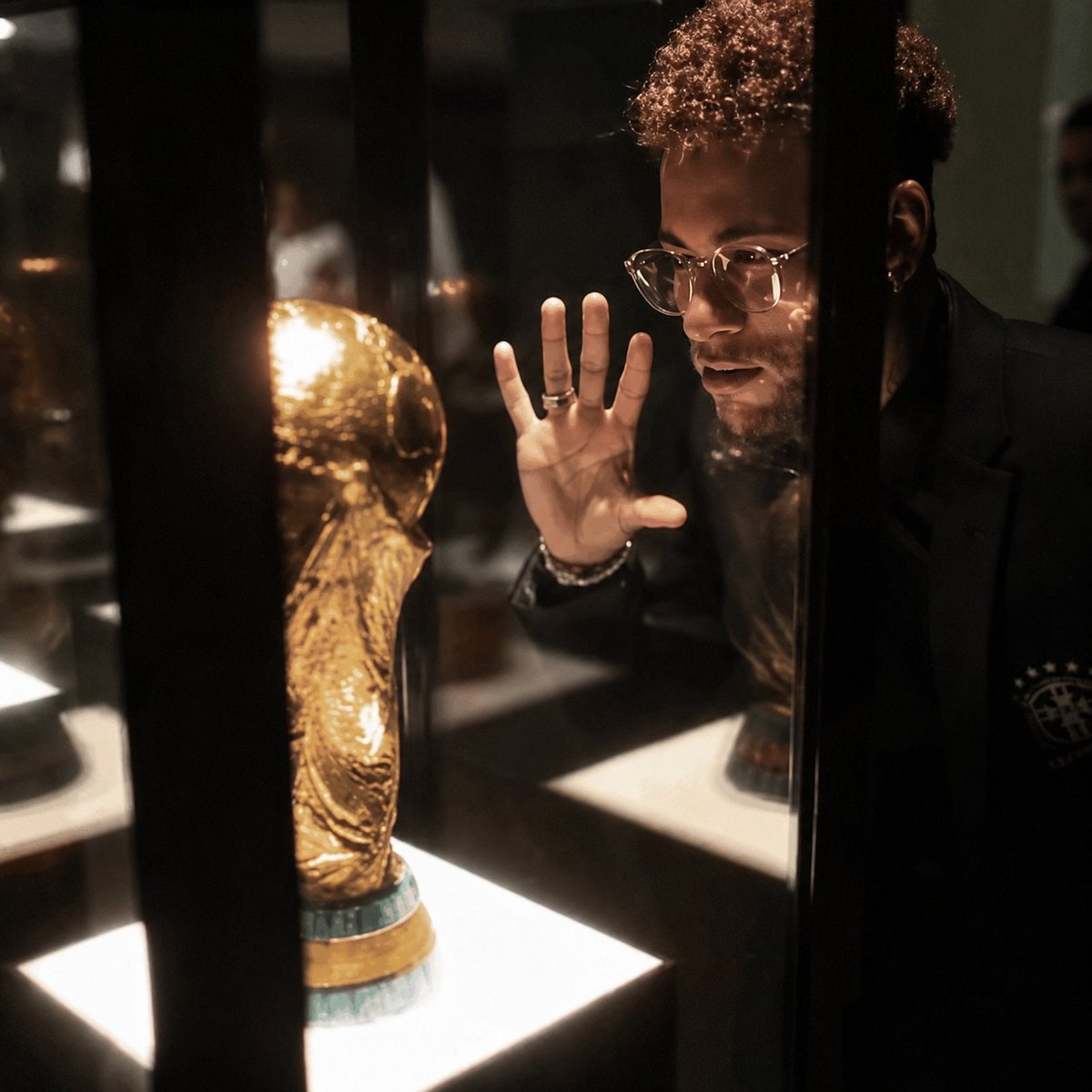
Cinematic 8K Photo Enhancer
Transforms a low-quality reference photo into a sharp, cinematic, photorealistic 8K version while preserving the original composition and key elements.
This is a GPT Image 2 prompt case for 产品商业. Use the copy-ready prompt below to generate similar visuals, and review Awesome GPT Image 2 Prompts attribution plus commercial-use rights before reuse.
Prompt
Copy-ready prompt
使用提供的参考图像,将其增强为超高品质的电影级 8K 照片,同时 100% 保留原始构图、姿势、物体、光照位置以及遮挡面部的马赛克块。大幅提升图像质量:恢复玻璃展示柜、金色奖杯、头发纹理、手部、戒指、服装、反射以及发光展示底座的清晰微小细节。使其呈现出摄影级的质感,具备影棚级对比度、更丰富的暖色调博物馆灯光、更干净的阴影、更少的模糊和像素化、锐利的边缘、逼真的玻璃反射以及高端编辑/电影级的最终效果。请勿更改主体位置、奖杯位置、黑色垂直展示条或整体框架。使用 {argument name="output quality" default="ultra-premium 8K"}、{argument name="visual style" default="cinematic photorealism"}、{argument name="detail emphasis" default="sharp microdetails, realistic pores, hair, glass, and metal reflections"} 以及 {argument name="lighting mood" default="warm high-contrast museum display lighting"}。Prompt variables
Editable argument placeholders found in the prompt, with their default values.
More cases in this category
Prioritized by category, input mode compatibility, quality, and lower risk.
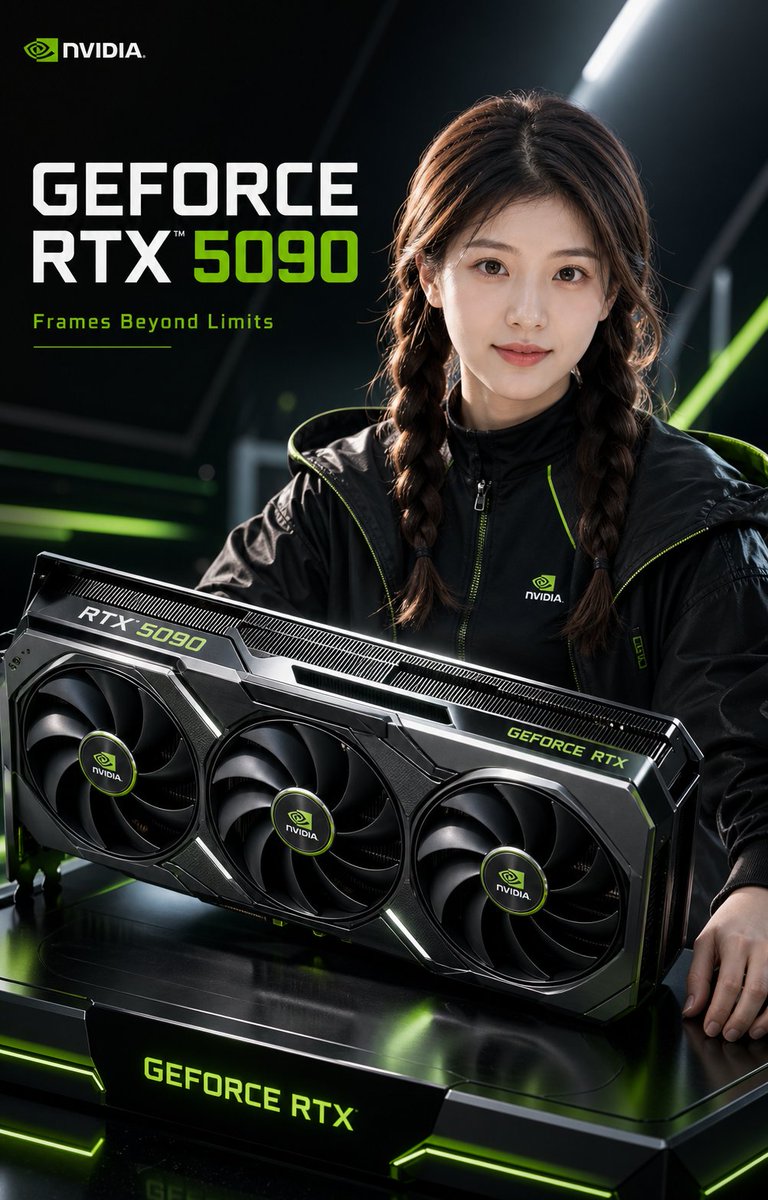
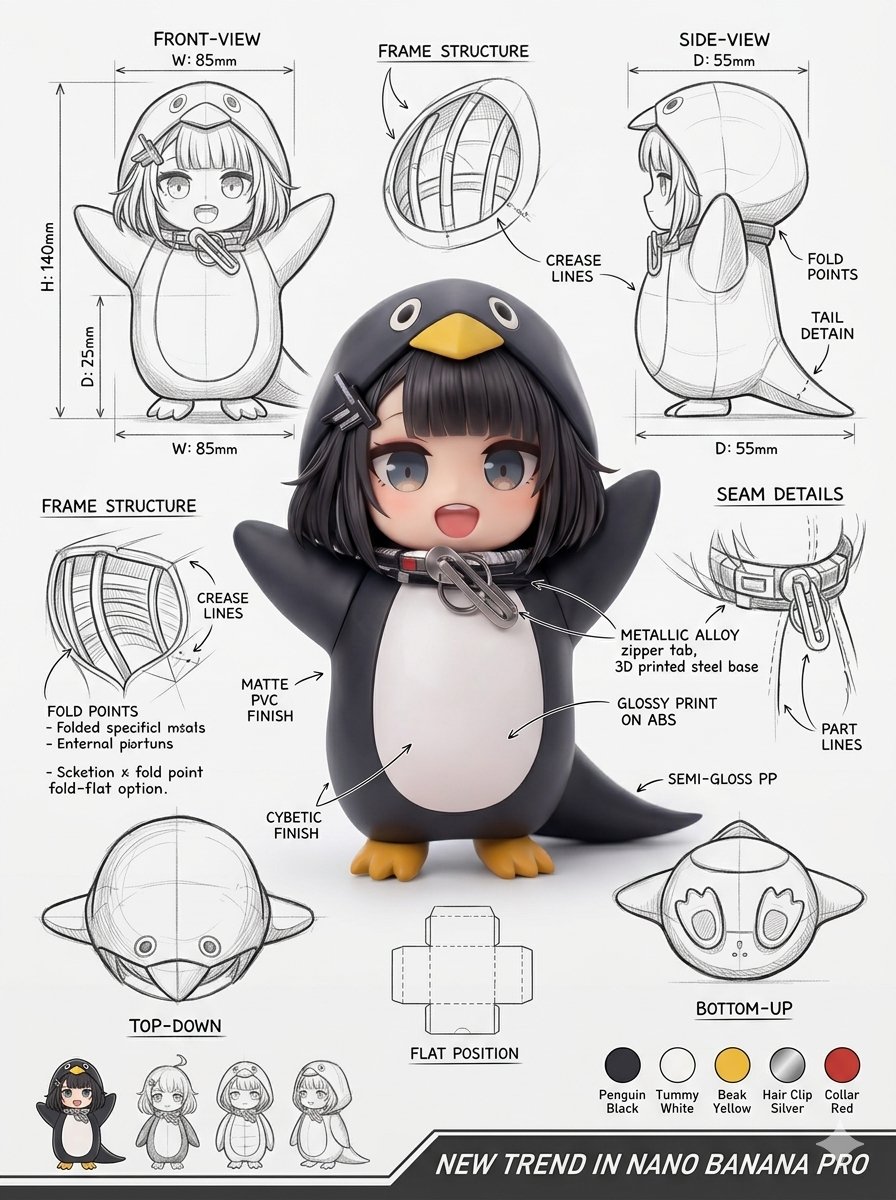

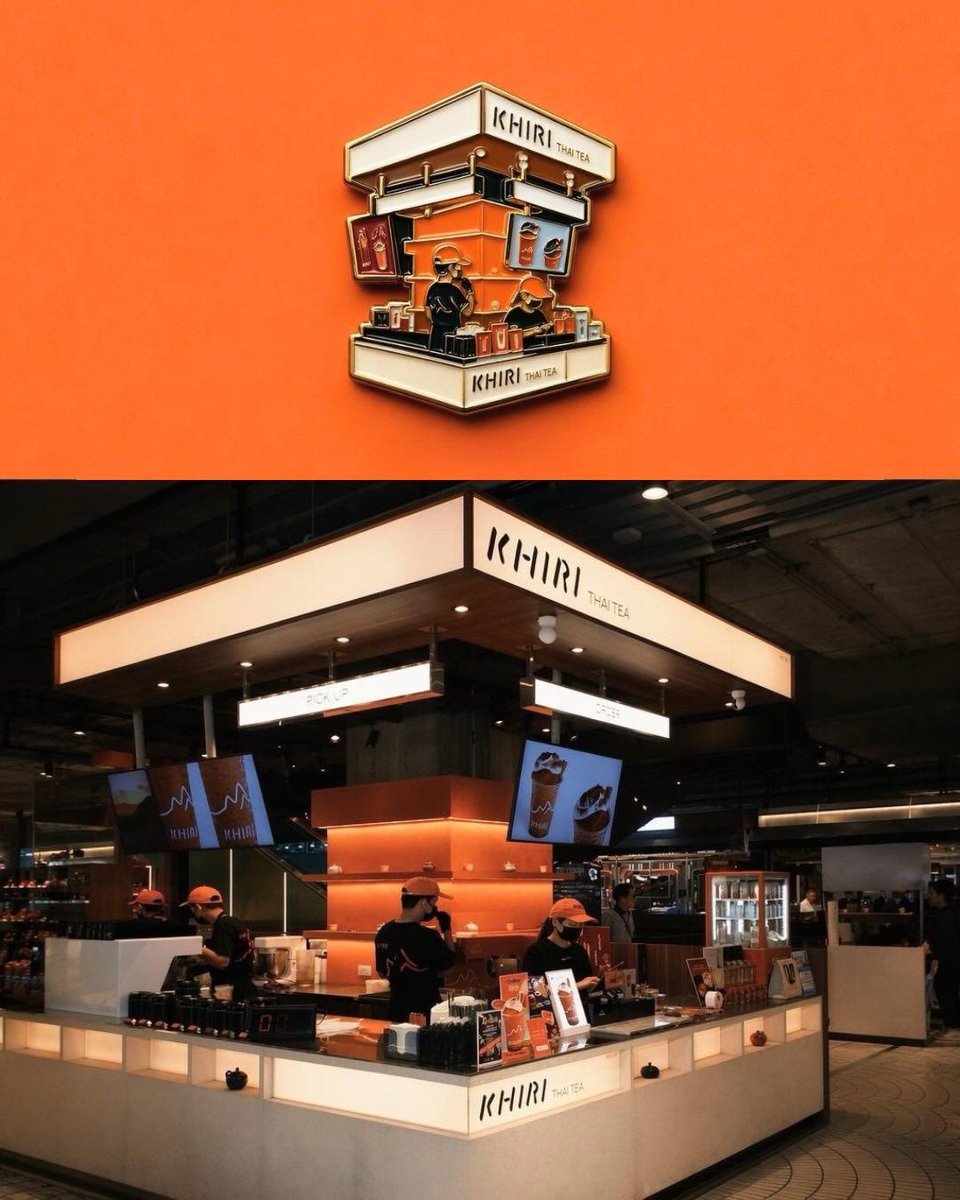

Reuse and source notes
Use this prompt safely after previewing the case.
- 1.Copy the prompt or open it directly in Dovoo with the generation button.
- 2.Adjust variables, aspect ratio, and reference images for your own use case.
- 3.Before publishing or paid usage, verify source rights, attribution requirements, and brand or likeness risks.
Can I use this prompt commercially?
Commercial-use status is allowed. Review the original source, license, brand constraints, and legal requirements before paid usage.
Where does this case come from?
This case is imported from Awesome GPT Image 2 Prompts; keep attribution visible and check the source URL before reuse.