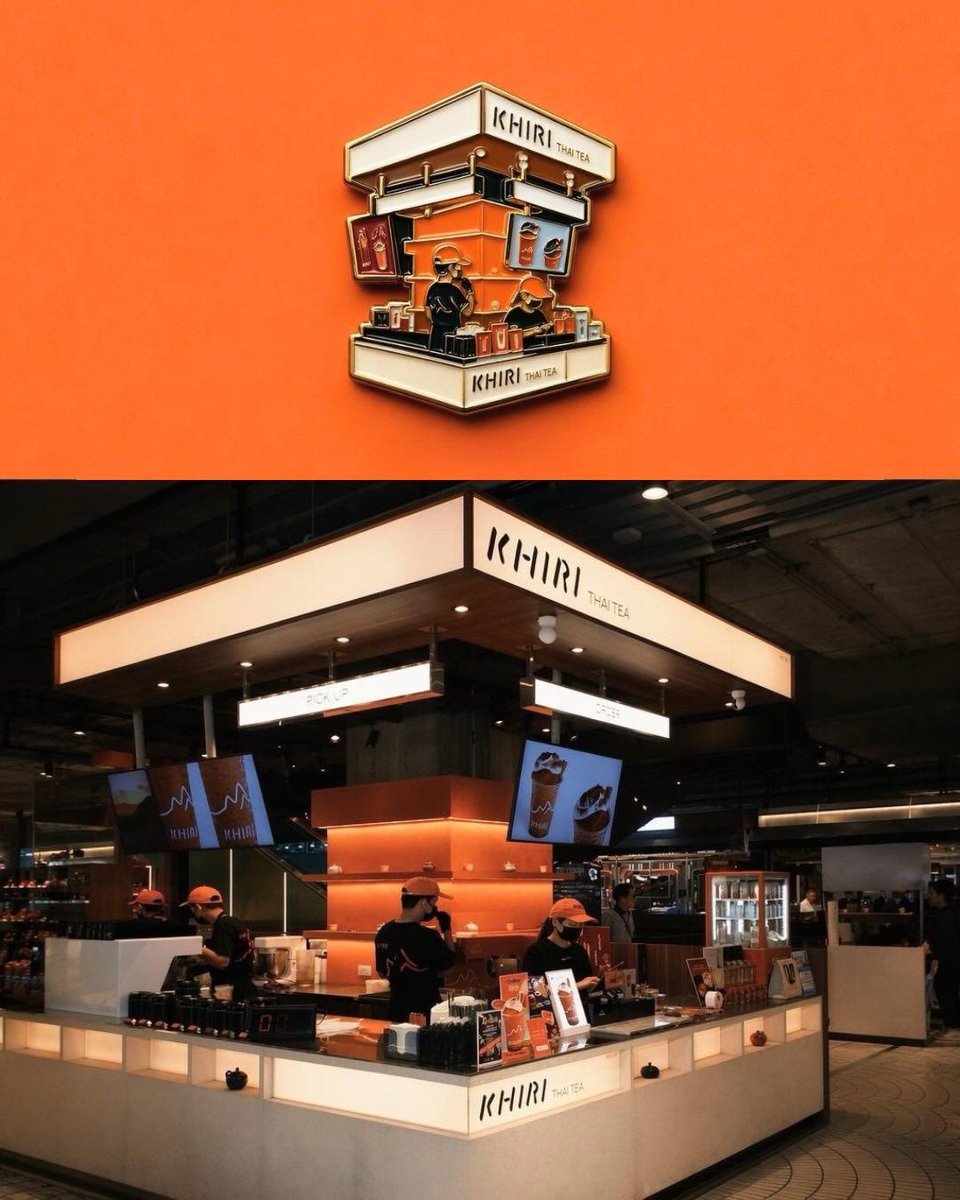
Premium Sticker Illustration Generator
A prompt for transforming any uploaded image into a professional die-cut vinyl sticker illustration with realistic borders and shadows.
This is a GPT Image 2 prompt case for 产品商业. Use the copy-ready prompt below to generate similar visuals, and review Awesome GPT Image 2 Prompts attribution plus commercial-use rights before reuse.
Prompt
Copy-ready prompt
将上传的图像转换为高级模切贴纸插画,同时确保主体完全可辨识。移除或简化原始背景,并清晰地提取出主要主体。在整个轮廓周围添加 {argument name="border style" default="厚实的柔和奶油色或米色"} 贴纸边框,并带有微妙的逼真投影,以营造悬浮贴纸的效果。保留重要的纹理和细节,同时使用 {argument name="visual style" default="增强色彩、电影感对比度和精致的编辑风格"} 对图像进行轻微风格化处理。优化边缘以创建平滑、清晰的贴纸轮廓,同时保持逼真的比例和透视感。将最终的贴纸构图放置在 {argument name="background" default="干净的柔和背景"} 的中心,并留出充足的负空间,使其看起来像一张高质量的收藏级乙烯基贴纸。最终图像应呈现出简约、现代、略带怀旧感且专业设计的质感,且不添加任何文字或额外物体。Prompt variables
Editable argument placeholders found in the prompt, with their default values.
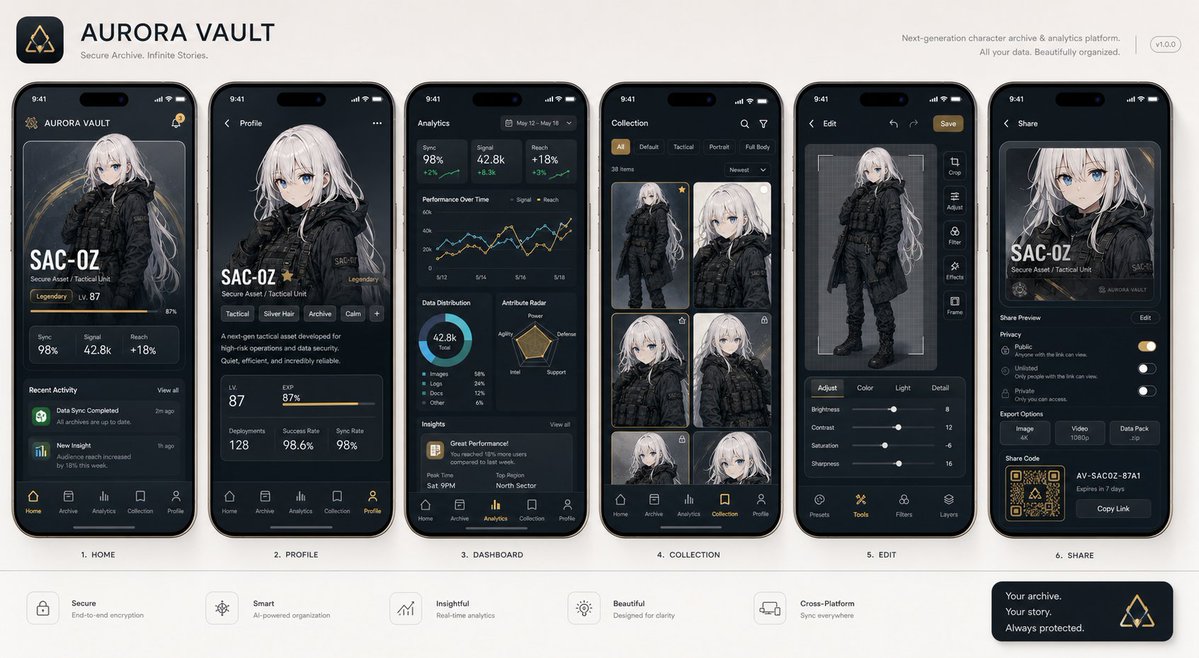
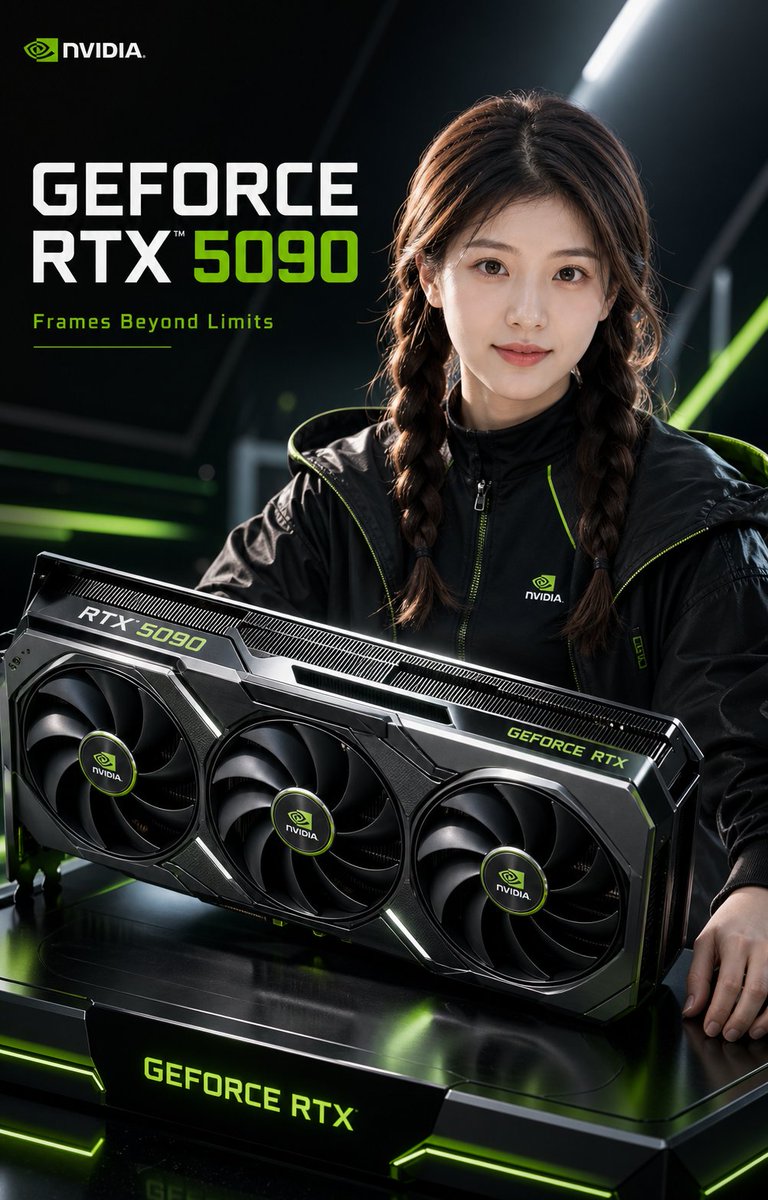
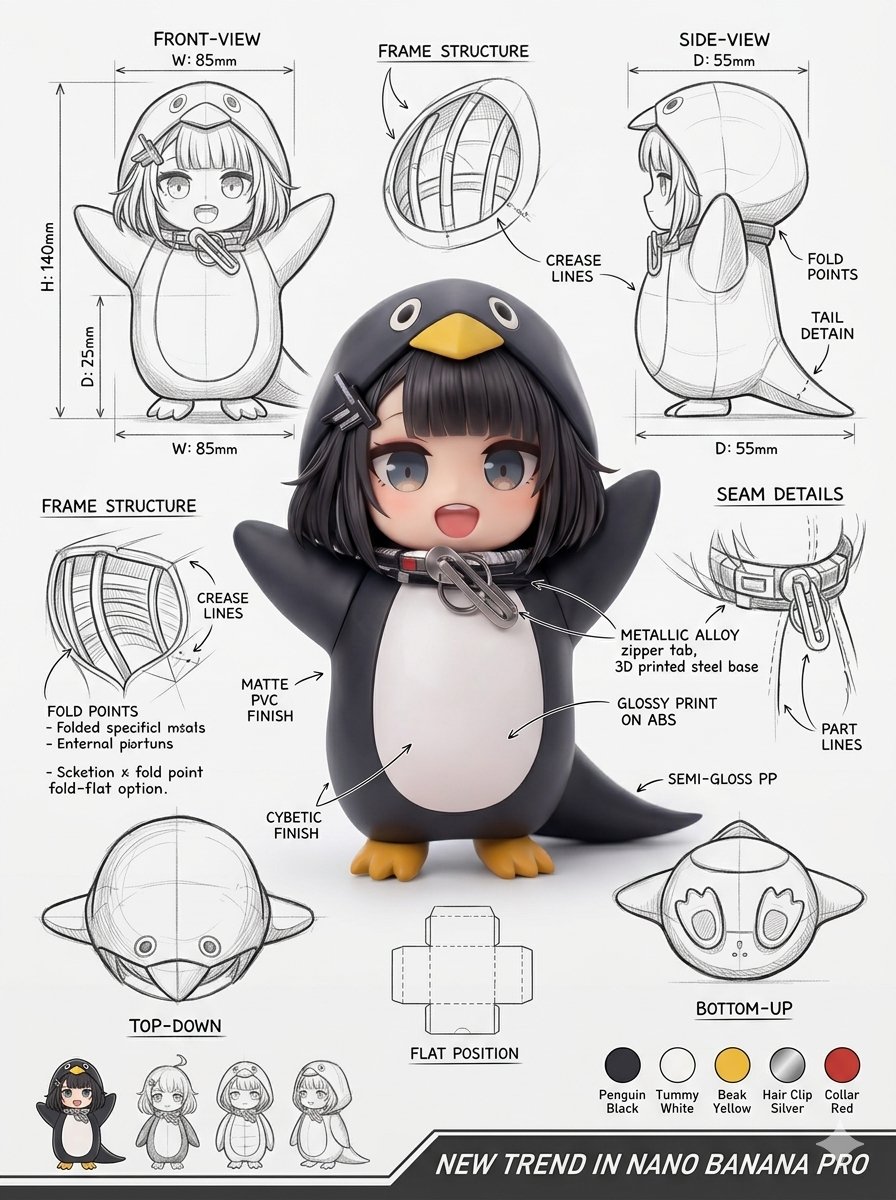
More cases in this category
Prioritized by category, input mode compatibility, quality, and lower risk.


Reuse and source notes
Use this prompt safely after previewing the case.
- 1.Copy the prompt or open it directly in Dovoo with the generation button.
- 2.Adjust variables, aspect ratio, and reference images for your own use case.
- 3.Before publishing or paid usage, verify source rights, attribution requirements, and brand or likeness risks.
Can I use this prompt commercially?
Commercial-use status is allowed. Review the original source, license, brand constraints, and legal requirements before paid usage.
Where does this case come from?
This case is imported from Awesome GPT Image 2 Prompts; keep attribution visible and check the source URL before reuse.