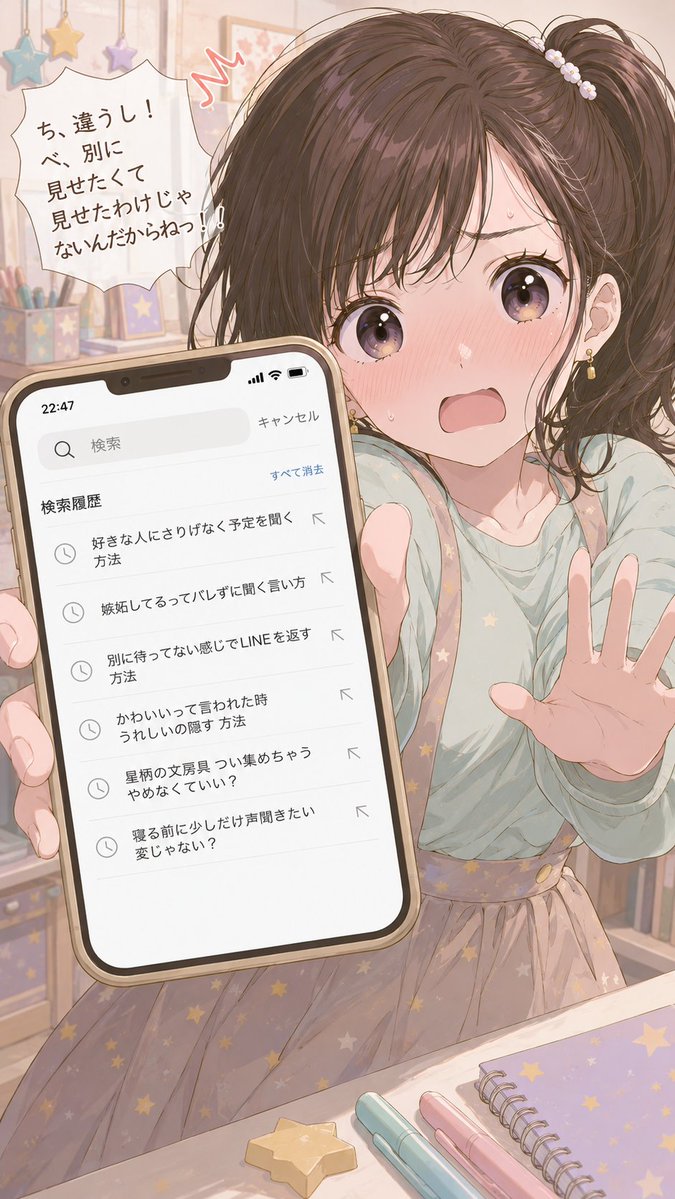
Character Search History UI
A creative prompt that analyzes a reference character and generates a smartphone UI showing their secret search history and their reaction.
This is a GPT Image 2 prompt case for 人像角色. Use the copy-ready prompt below to generate similar visuals, and review Awesome GPT Image 2 Prompts attribution plus commercial-use rights before reuse.
Prompt
Copy-ready prompt
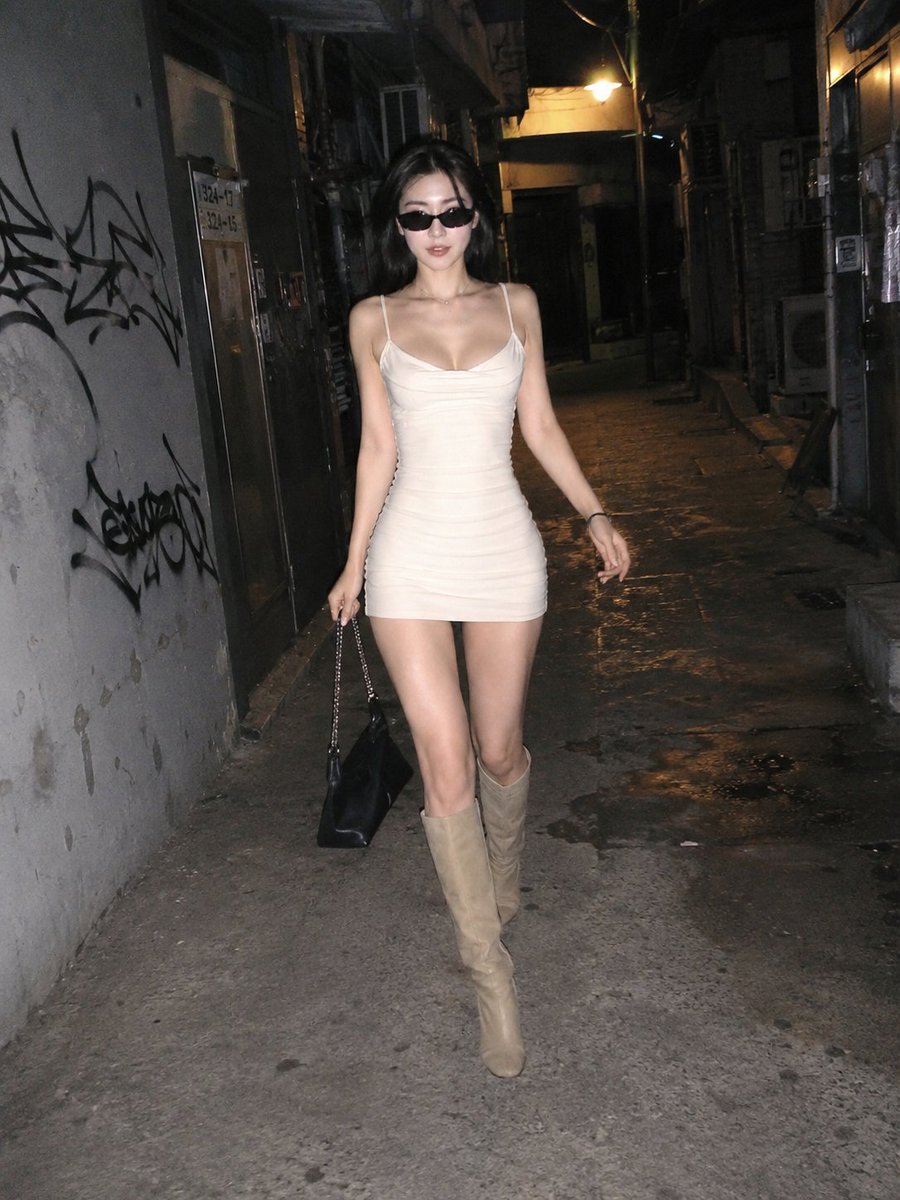
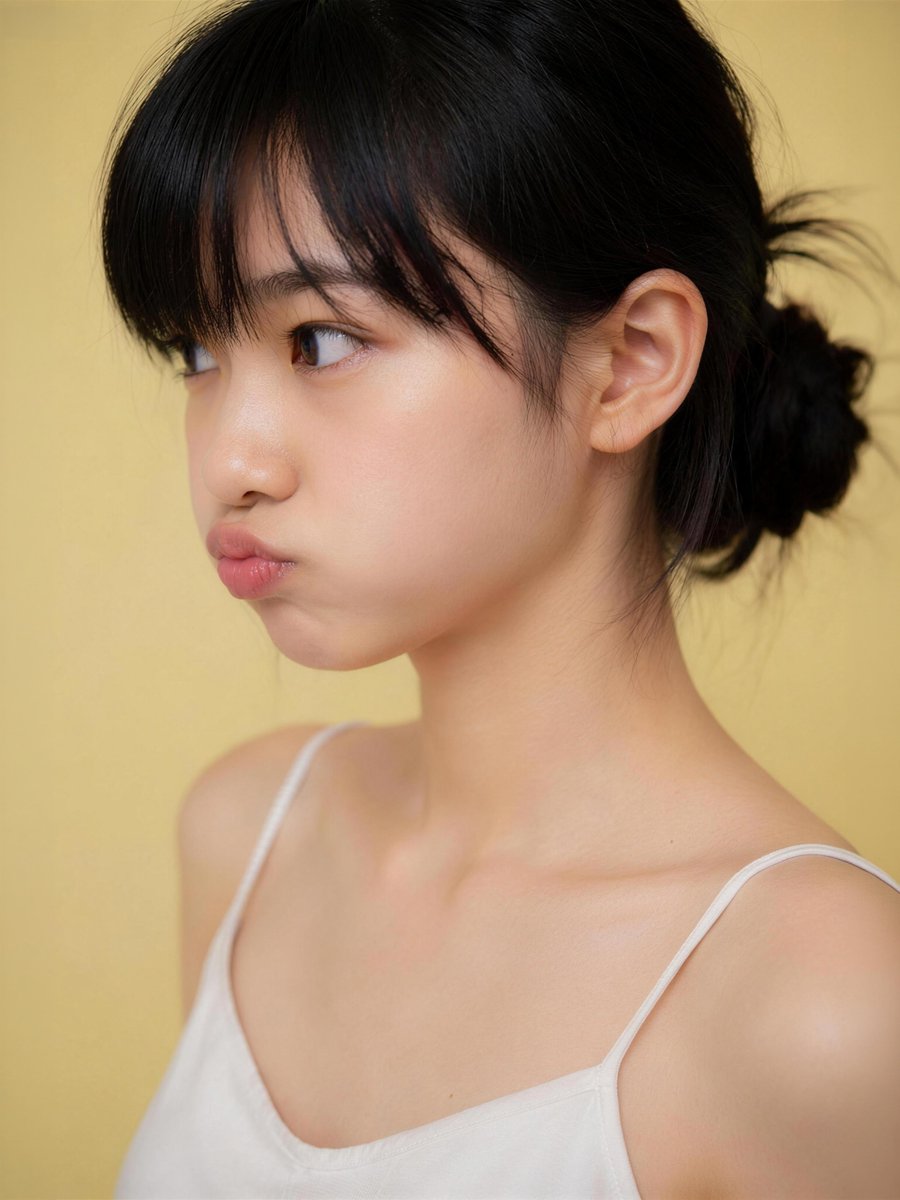
分析附图中的角色,并创作一张画面,捕捉某人意外瞥见其智能手机搜索记录的瞬间——那是他们绝对不想让任何人看到的秘密。
[搜索记录]
- {argument name="count" default="5 到 7 条"} 日语内容
- {argument name="theme" default="探究浪漫关系"}
- 内容需揭示其内心想法(如虚荣心、嫉妒、渴望认可、秘密爱好等),即使他们极力掩饰
- 每条记录需体现不同的情绪或侧面
- 使用该角色特定的语气和用词习惯
- 无需包含极端内容。

[UI] 智能手机搜索记录界面风格(包含搜索栏、时间及图标)。信息密度需清晰易读。

[角色反应]
描绘该角色在搜索记录被看到的瞬间所表现出的典型反应(例如:性格刚毅者会愤怒掩饰,冷静者会掩盖慌乱,精明者会试图一笑置之)。

[构图]
- 营造一种窥视般的距离感
- 搜索记录与角色的反应均为画面焦点
- 宽高比 {argument name="ratio" default="9:16"}
Prompt variables
Editable argument placeholders found in the prompt, with their default values.
More cases in this category
Prioritized by category, input mode compatibility, quality, and lower risk.

Reuse and source notes
Use this prompt safely after previewing the case.
- 1.Copy the prompt or open it directly in Dovoo with the generation button.
- 2.Adjust variables, aspect ratio, and reference images for your own use case.
- 3.Before publishing or paid usage, verify source rights, attribution requirements, and brand or likeness risks.
Can I use this prompt commercially?
Commercial-use status is allowed. Review the original source, license, brand constraints, and legal requirements before paid usage.
Where does this case come from?
This case is imported from Awesome GPT Image 2 Prompts; keep attribution visible and check the source URL before reuse.