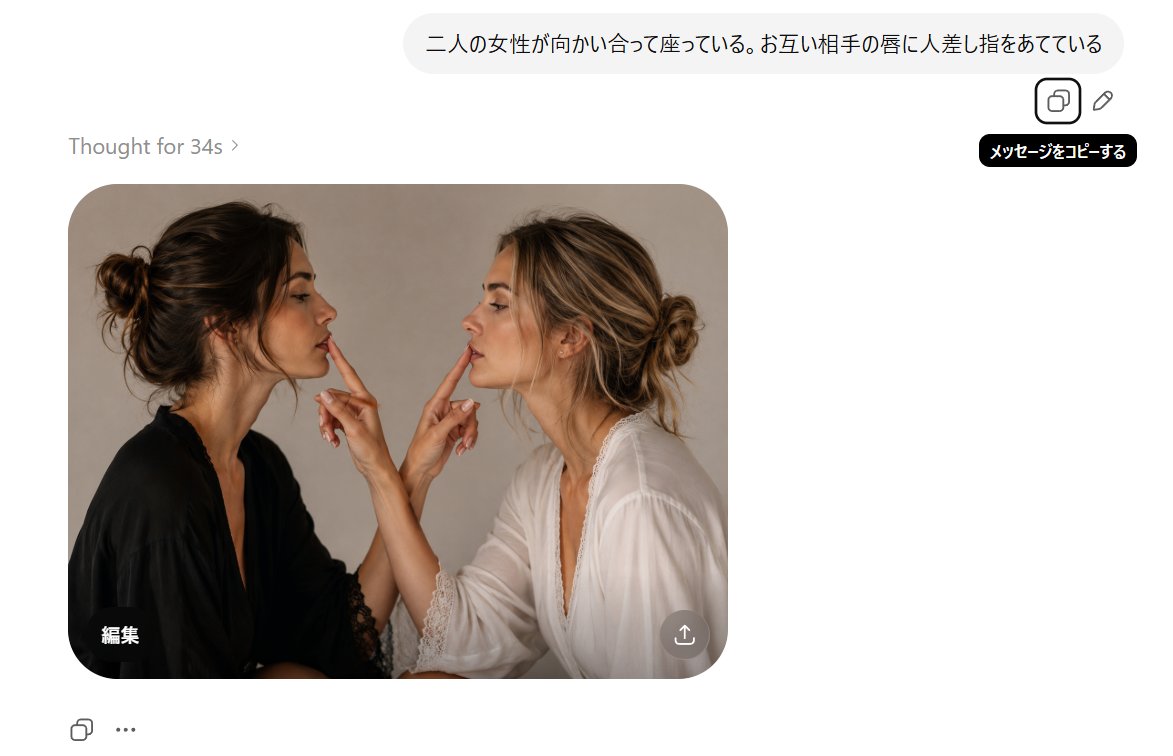
AI Chat Screenshot With Censored Women
Generates a realistic AI image-generation interface screenshot featuring two censored women facing each other and touching fingers to each other’s lips.
This is a GPT Image 2 prompt case for 平面海报. Use the copy-ready prompt below to generate similar visuals, and review Awesome GPT Image 2 Prompts attribution plus commercial-use rights before reuse.
Prompt
Copy-ready prompt
Objective: Create a realistic screenshot-style image showcasing a minimalist AI image generation dialog interface, including a generated photo result. Canvas: A white interface with a widescreen 16:9 aspect ratio, approximately 1200×690 pixels, with ample white space. A generated image card is centered on the left. Top Bubble: A rounded, light gray user message bubble containing Japanese text is placed near the top right corner.{argument name="prompt text" default="Two women are sitting facing each other, each with their index finger on the other's lips."} To the right or below the bubble, two small outline operation icons are displayed: a copy icon within a rounded square and a pencil/edit icon. Below the copy icon, a black tooltip box contains the white Japanese text: "メッセージをコピーする". Status text: "Thought for 34s ›" written in light gray in the upper left corner of the image card. Resulting image card: A large, rounded-corner photo card centered on the left. The card depicts two adult women sitting face-to-face in a warm studio portrait, cropped upwards from the mid-torso. The woman on the left has a messy, dark brown updo and wears a black lace-trimmed robe or blouse, turning to the right. The woman on the right has a loose, gold-streaked updo and wears a white lace-trimmed robe or blouse, turning to the left. They stood very close together, each raising one hand, with two index fingers visible in total: the index finger of the woman on the left touched or pointed to the lips of the woman on the right, and the index finger of the woman on the right touched or pointed to the lips of the woman on the left. Soft natural light and a beige-gray studio background were used to present realistic skin and fabric details. Each woman's face was covered with two vertical rectangular blur/mosaic blocks, the color of which matched her skin tone, obscuring facial features while preserving the visibility of hair and hands. Image card overlay: A white Japanese label "Collection" was added to the lower left corner of the photo card. A semi-transparent circular download/share button with a white upward arrow icon was added to the lower right corner of the photo card. Bottom interface controls: Two small controls were displayed in the lower left corner of the image card: an outline copy/repeat icon and a three-dot ellipsis icon. Visual style: Minimalist modern web UI, white background, rounded corners, subtle shadows, soft gray typography, and realistic generated images embedded within the interface. Constraints: Keep all visible text exactly the same as the specified content, preserve Japanese characters, do not add extra people, do not add extra fingers or UI buttons, and ensure that faces are occluded using rectangular blur blocks.Prompt variables
Editable argument placeholders found in the prompt, with their default values.
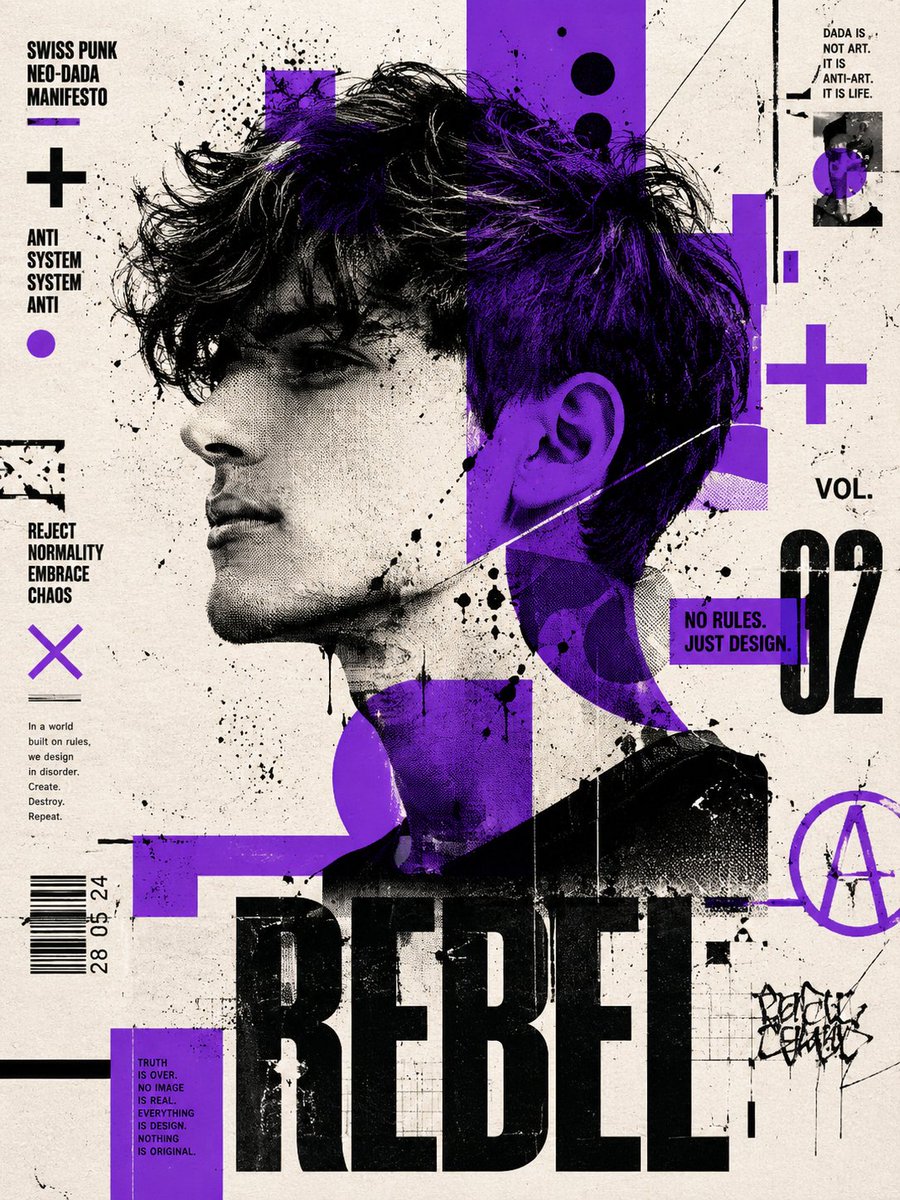
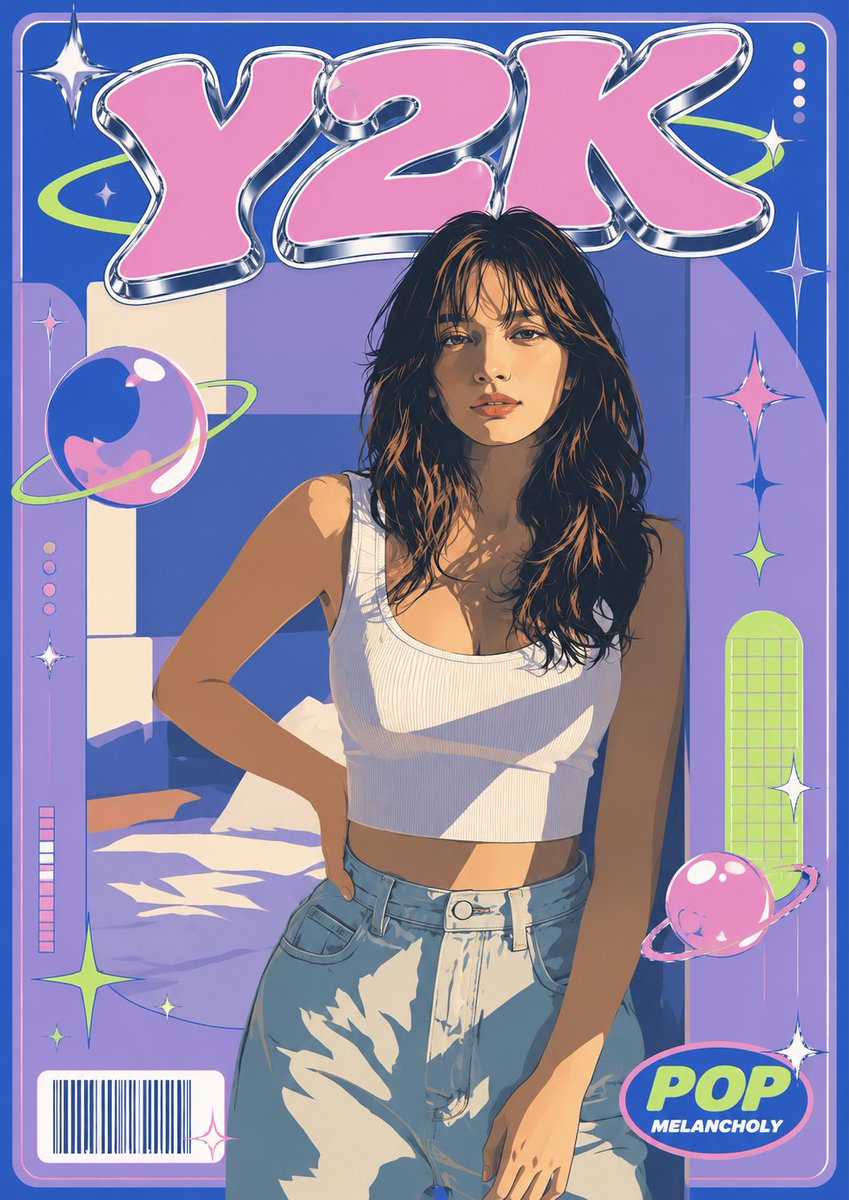
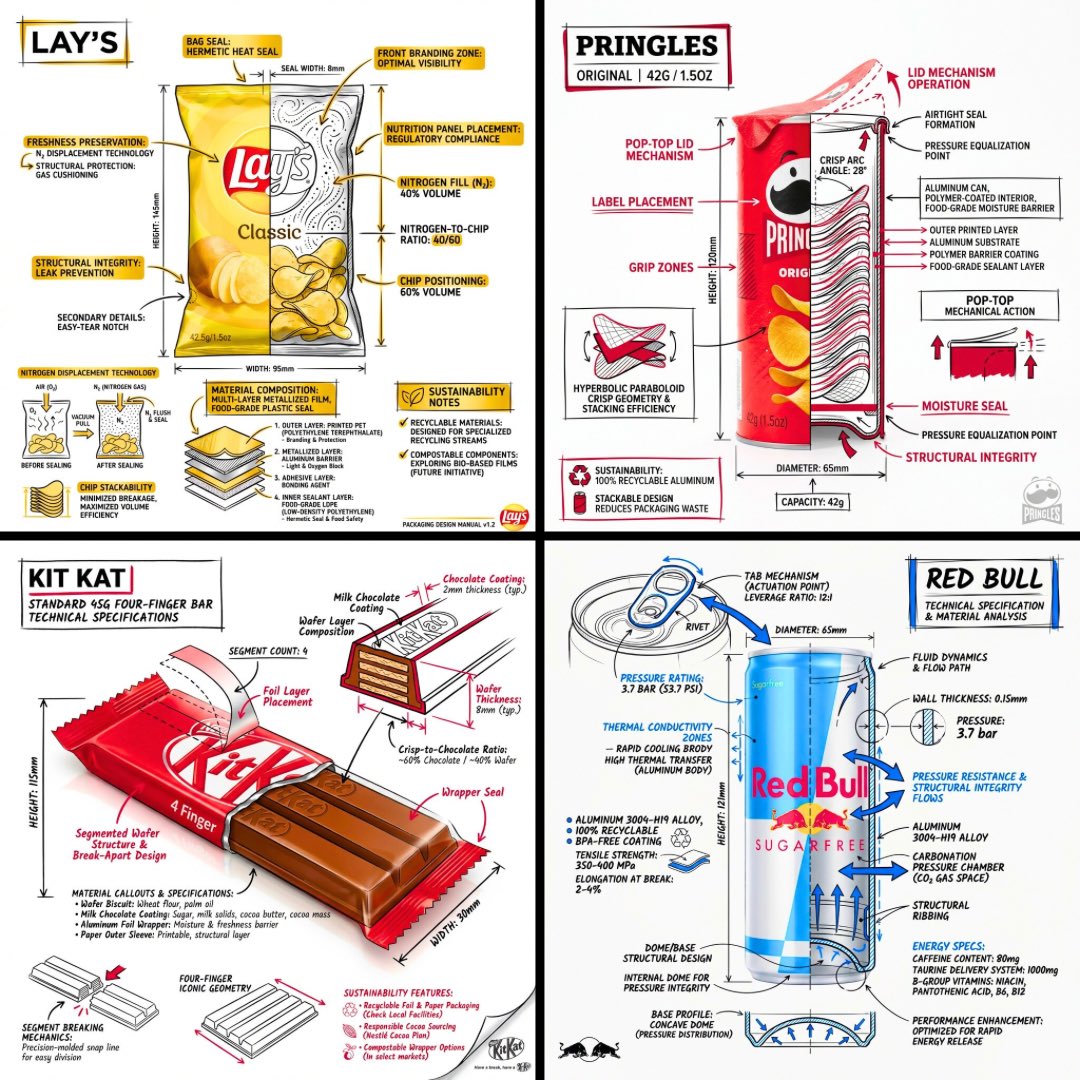
More cases in this category
Prioritized by category, input mode compatibility, quality, and lower risk.




Reuse and source notes
Use this prompt safely after previewing the case.
- 1.Copy the prompt or open it directly in Dovoo with the generation button.
- 2.Adjust variables, aspect ratio, and reference images for your own use case.
- 3.Before publishing or paid usage, verify source rights, attribution requirements, and brand or likeness risks.
Can I use this prompt commercially?
Commercial-use status is allowed. Review the original source, license, brand constraints, and legal requirements before paid usage.
Where does this case come from?
This case is imported from Awesome GPT Image 2 Prompts; keep attribution visible and check the source URL before reuse.